JacobSladder
FREEDOMLite
-
Joined
-
Last visited
Everything posted by JacobSladder
-
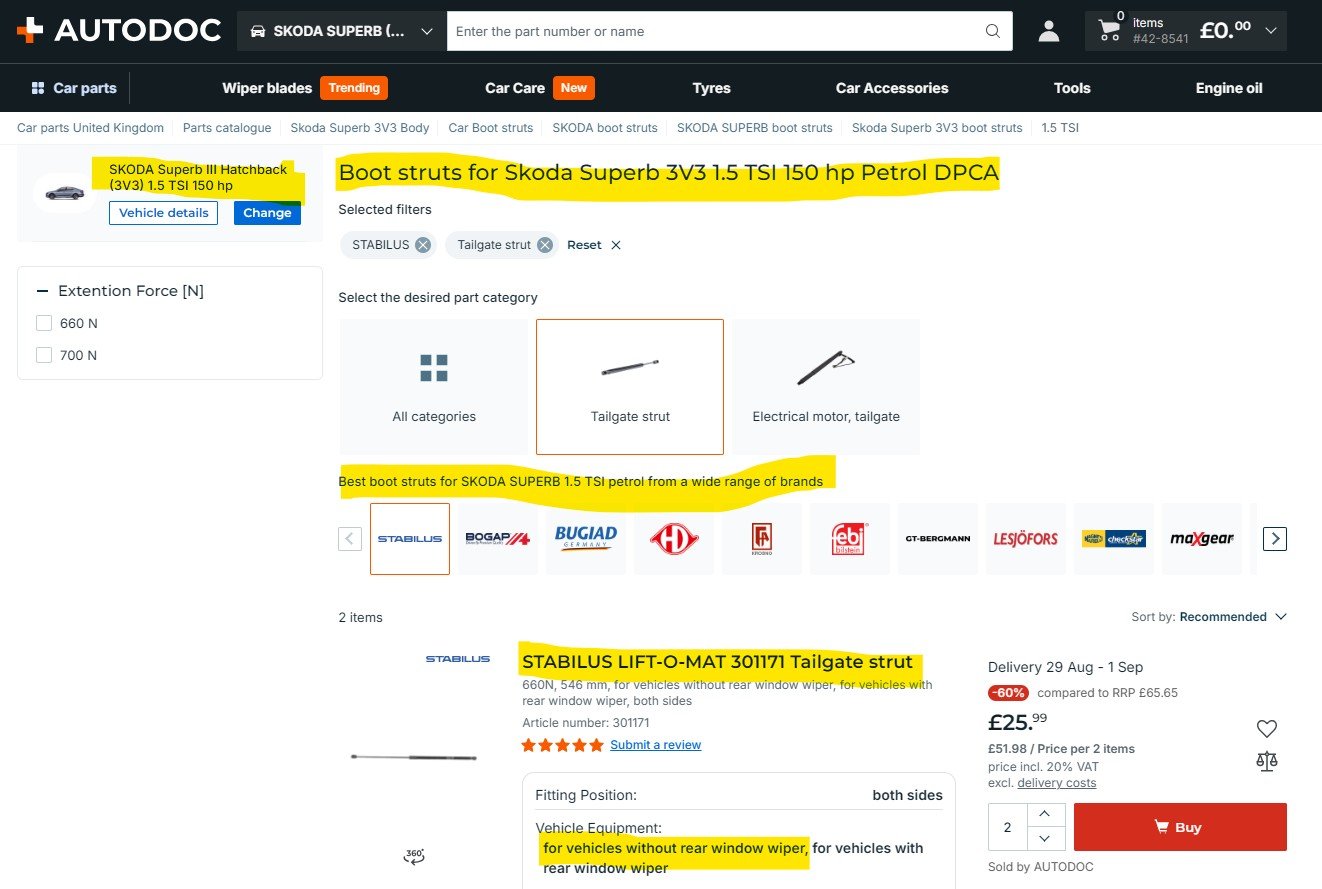
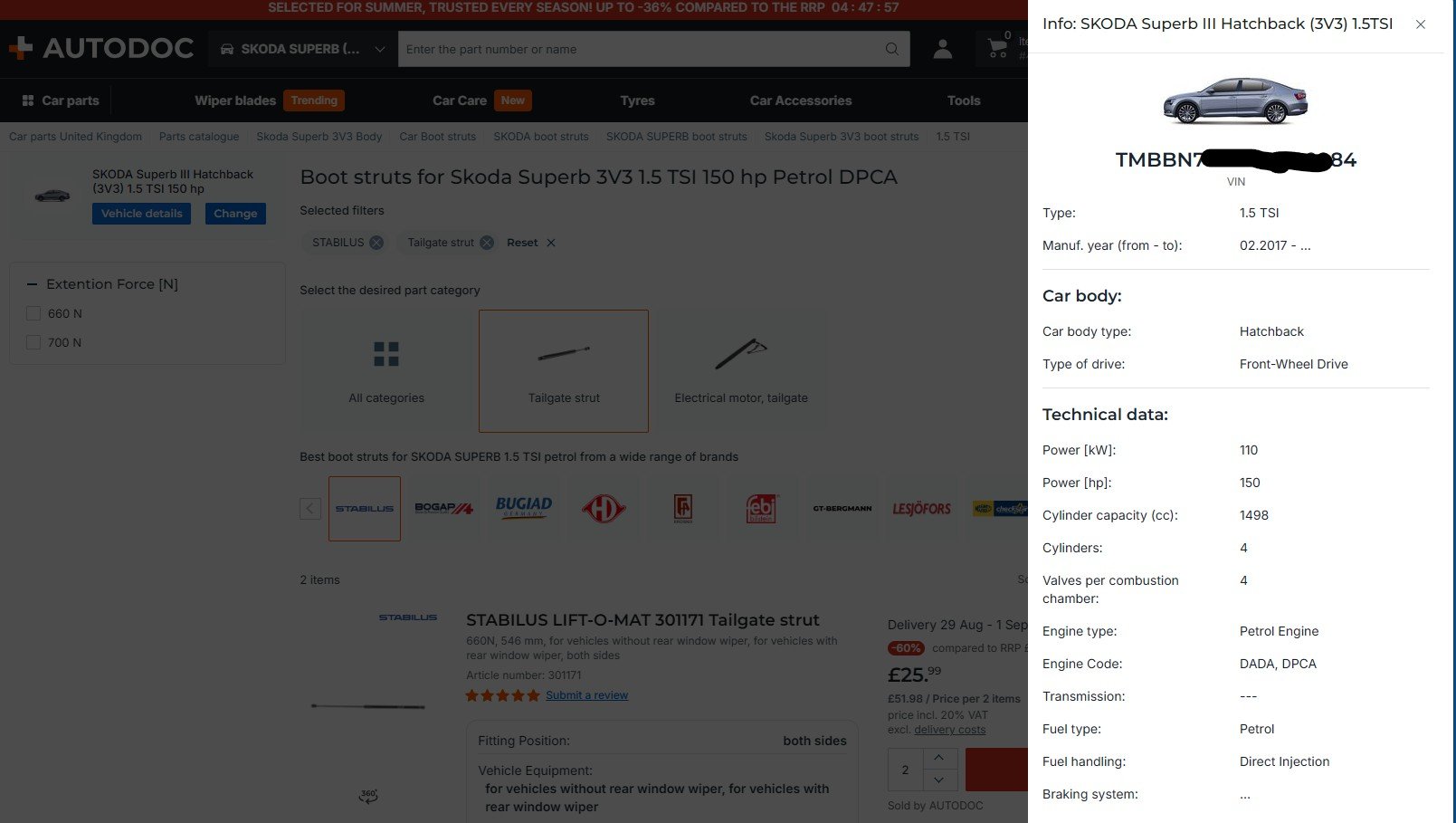
I'm a newbie Superb owner and felt my tailgate struts are not as efficient as they might be. Having entered Make, Model and Engine size as well as registration into both the AUTODOC site and app, I was presented with a long list of struts, all of which, I was informed, were suitable for the car. (You can see where this is going!). Ordered 2 x Stabilus 301171's which, on arrival, clearly did NOT fit. Challenged Autodoc who said I should have checked the VIN first with them by email - there is no guidance evident to do this and why would you, given the info they had and their site's confirmation of suitability. The upshot is that they reject any responsibility, offering to refund £44 cost but NOT my £9 postage. In addition I am required to spend £25 to return the items to Germany. When I gave them the VIN they advised they don't stock suitable struts as they are factory issue only - so why list umpteen struts as suitable? You'll see from the attached that my VIN details are actually held on the site in the second image and still the recommendations stand. My post is made purely as a warning if you are looking for Superb III struts on this site, do NOT take anything at face value. Highly UN-recommended. Apologies if this is in the wrong section or should not even be raised - I'll understand if Admin removes.
-
This might be an old thread but it still works a treat. Many thanks for helping me sort out a frustrating problem✋