yolewap
Finding my way
-
Joined
-
Last visited
-
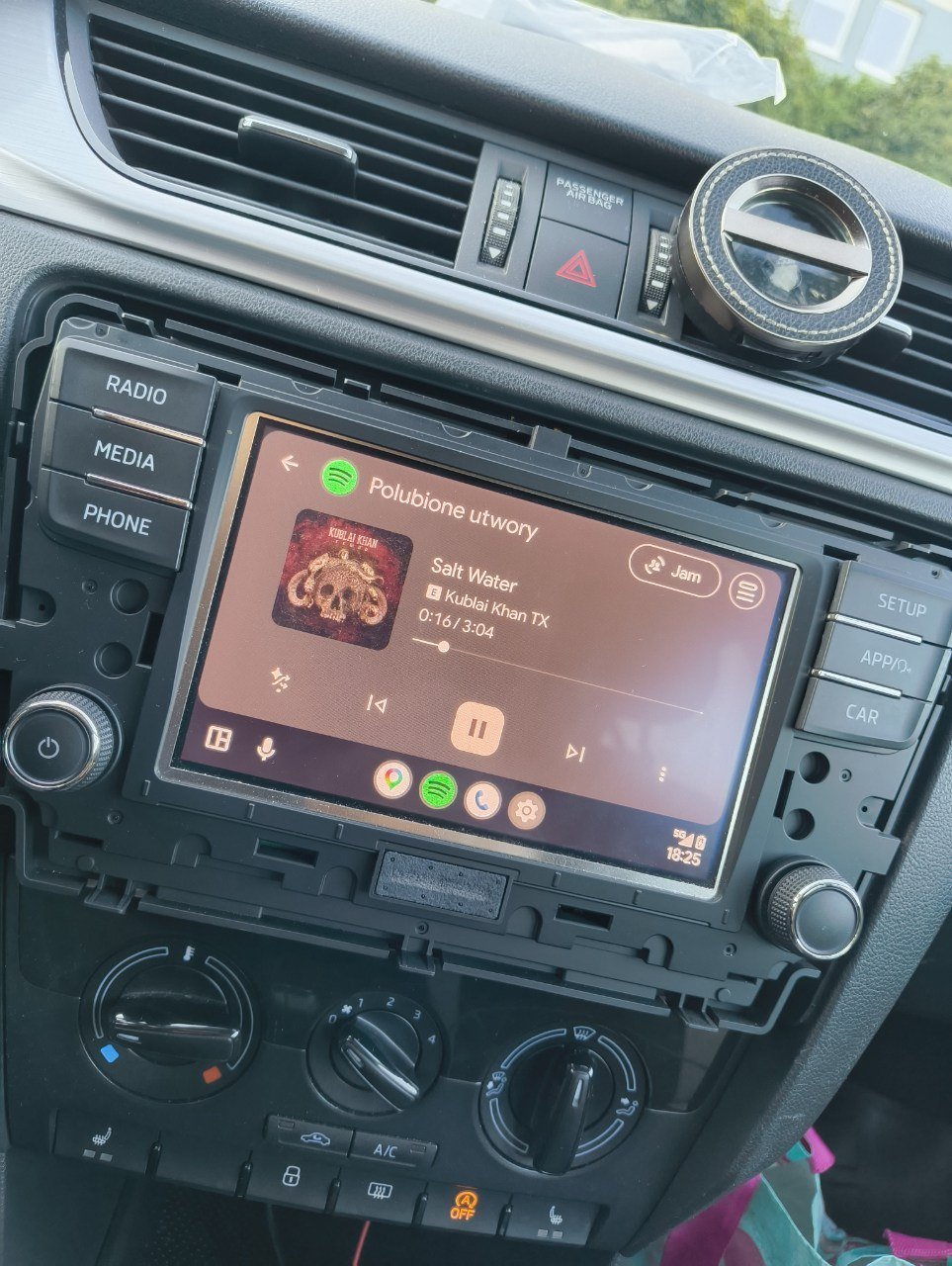
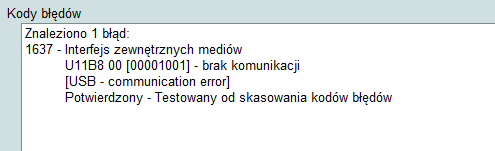
Victory! After replacing the USB port and wiring harness and ereasing the error. Huge thanks to @Zlatko580 for this guide and the additional help. Also thanks to @bigwhale42 for the Linux guide. I used WSL and had some pretty good fun... ...although playing with clamp was quite stressful for me :) Thanks again!
-
-
-
I've unplugged and reconnected the entire radio about five times already, so I should get it right at least once :D Today I tried uploading the original .bin file, and sure enough, the USB port is still not visible. I'm waiting for a new USB port and I'll start replacing it. Maybe it was damaged earlier, after I used it to change the station logo. I use it to power my dashcam every day.
-
Sure. Unfortunately, I don't have any of those. I'll try replacing the USB port with the 5Q0035726E, along with the cables. According to reviews, the M version didn't work with the iPhone. One of the phones also displayed a slow charging warning (Nothing Phone 2A). If I can't fix it myself, I'll have someone else diagnose it.
-
-
Hi Is it possible that I've disabled the USB read function? At first, I thought I was using the wrong USB cable after the activation process, and I tried about 10 of them and two phones - neither the radio recognized the phones nor the phone recognized the radio. I dug into the USB port and checked its number: 5Q0 035 726 M (black port) - it should support Android Auto. Then I decided to connect a USB flash drive - the radio doesn't recognize it :/ It worked before - I changed the station logos to color ones. Skoda Rapid 2017 Radio number: 5JA 035 871 C MIB: MEN2_EU_SKGPX_P7130L