lard-ajc
Members
-
Joined
-
Last visited
Everything posted by lard-ajc
-
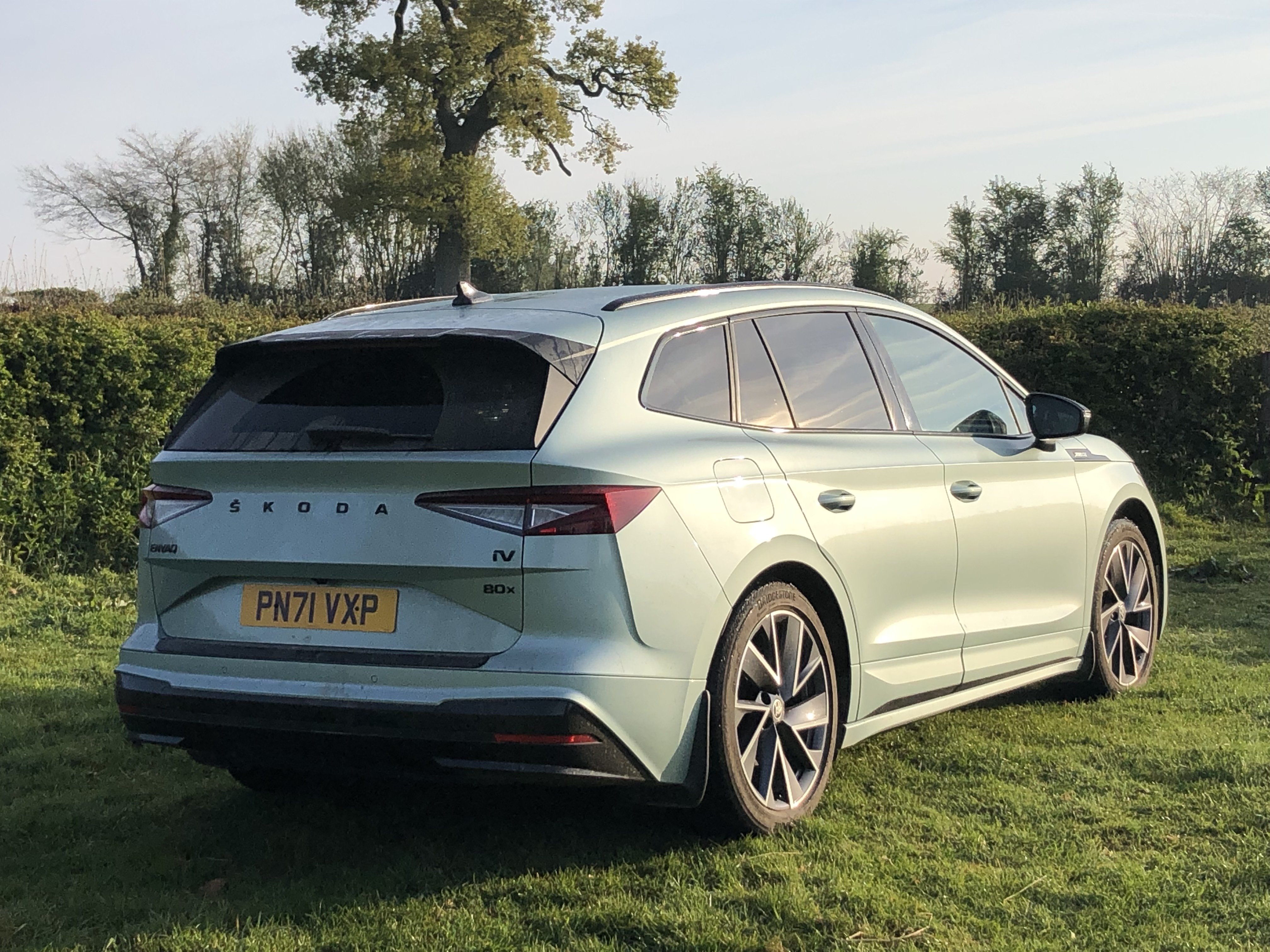
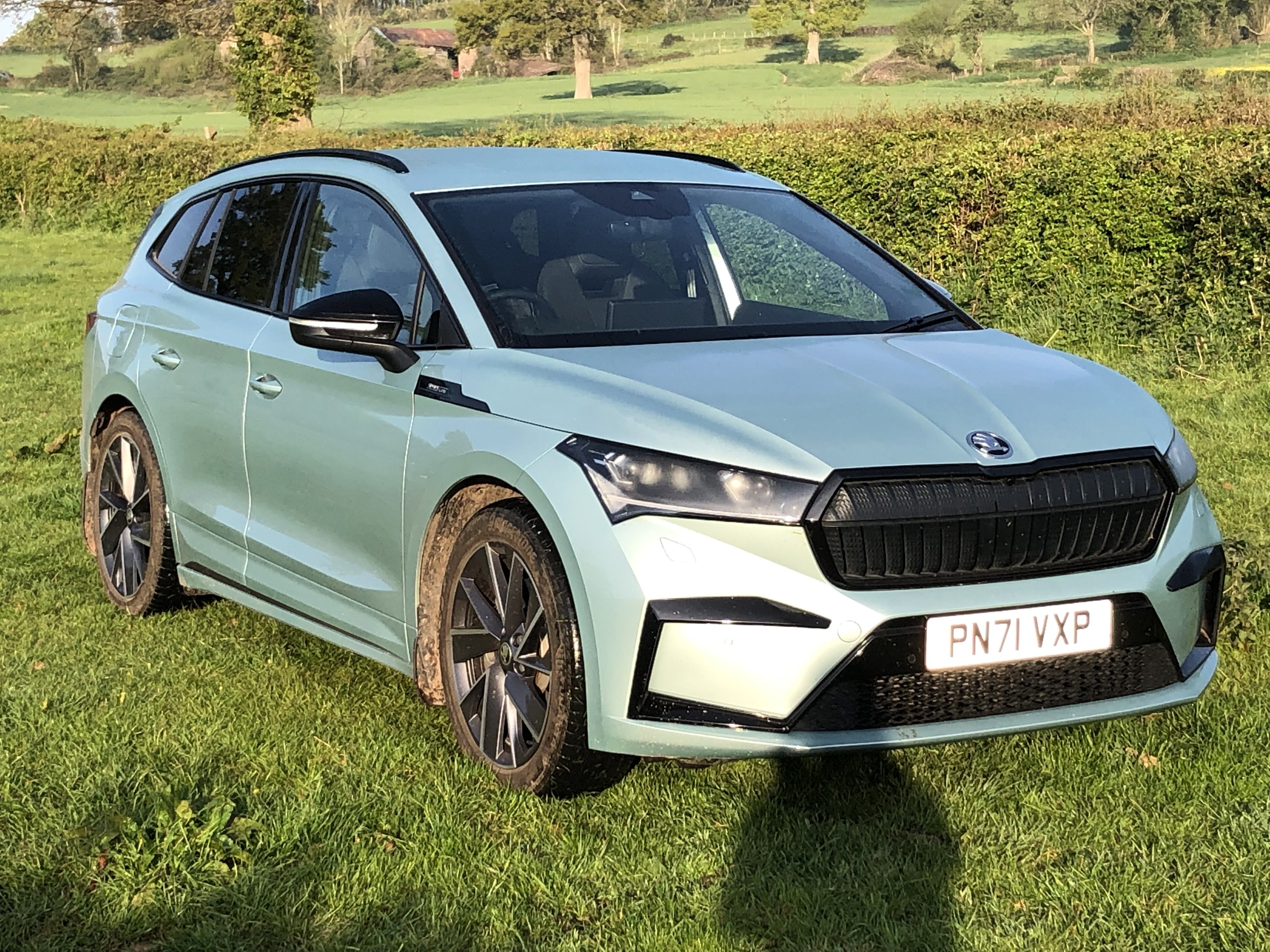
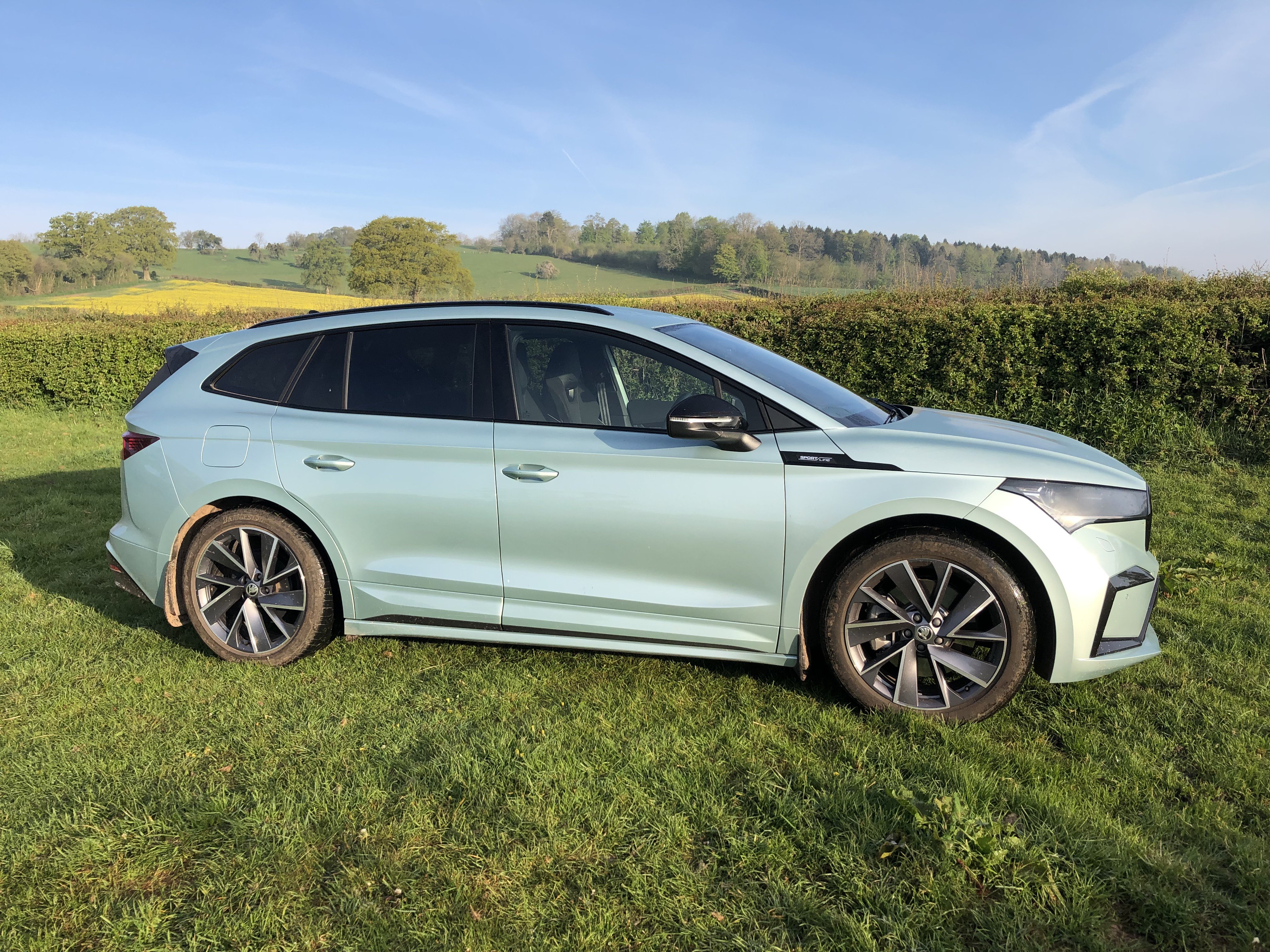
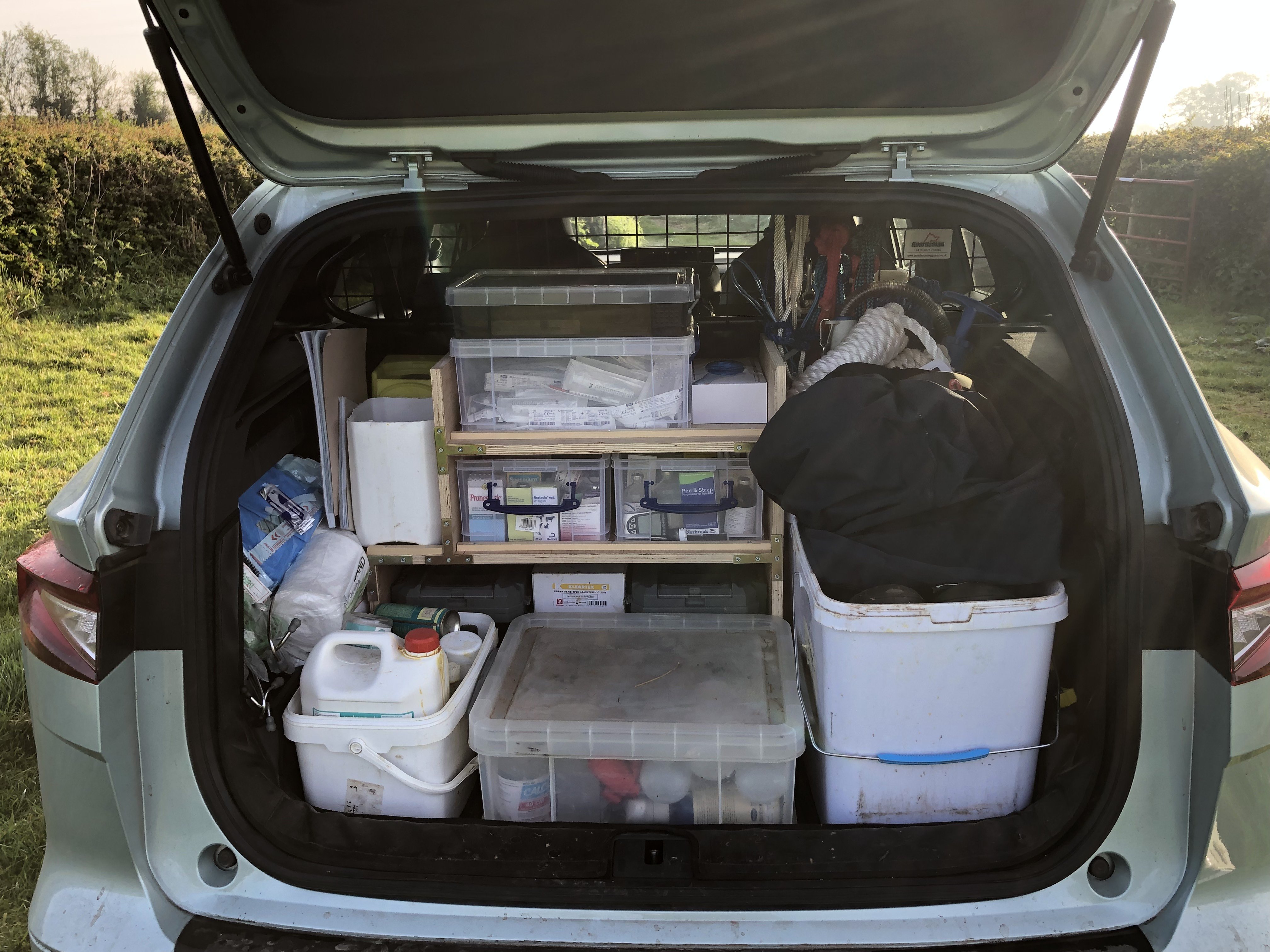
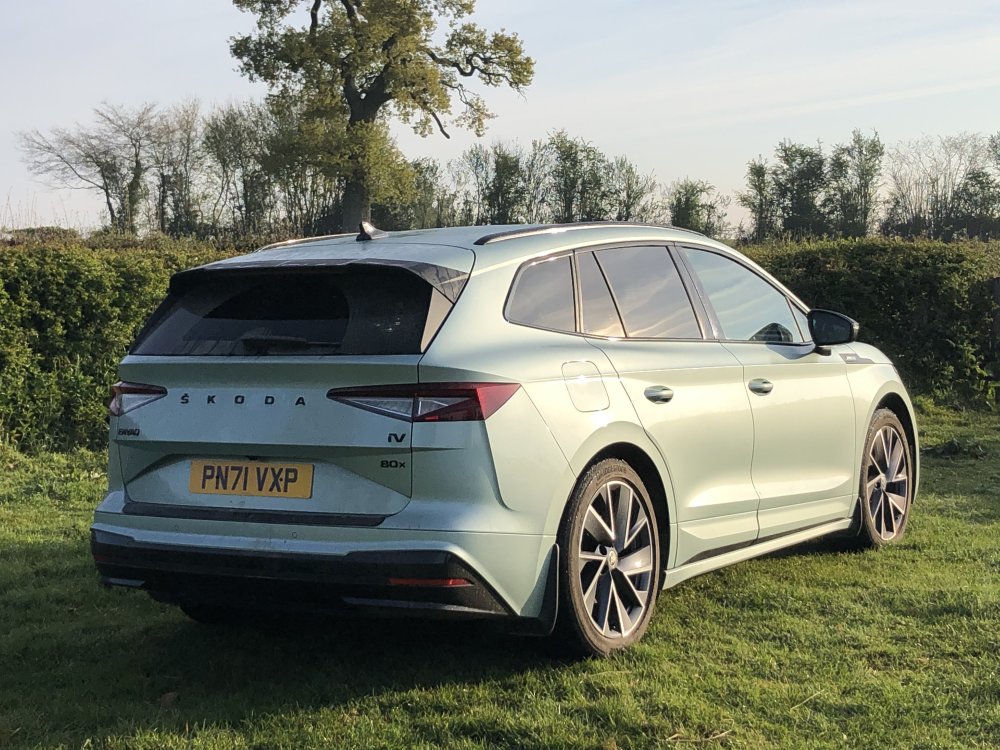
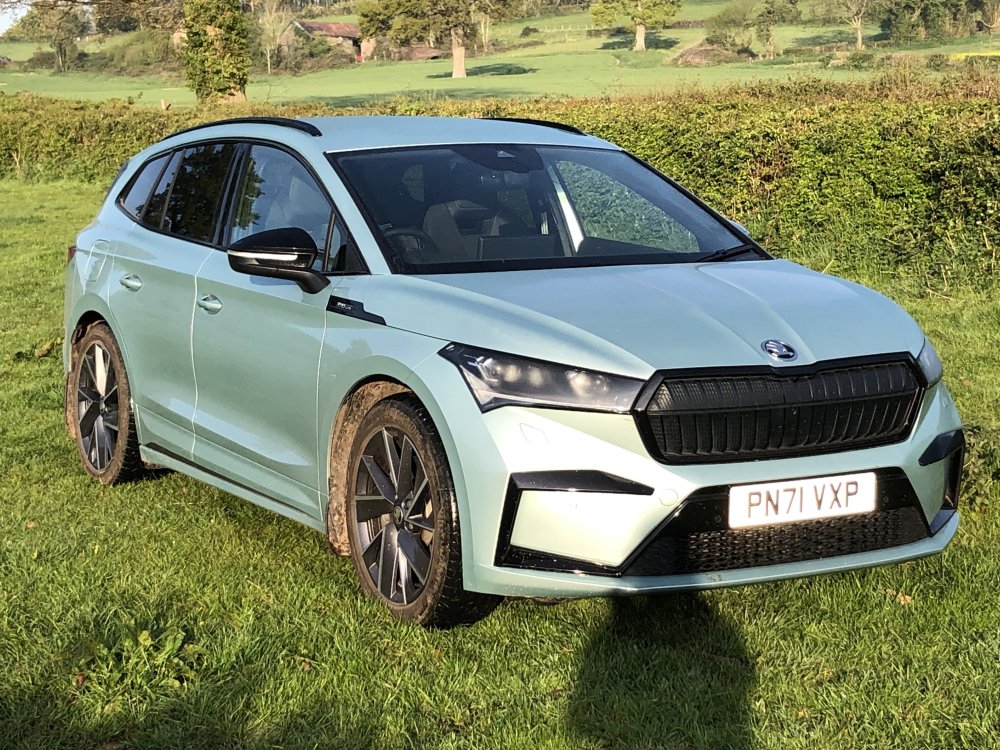
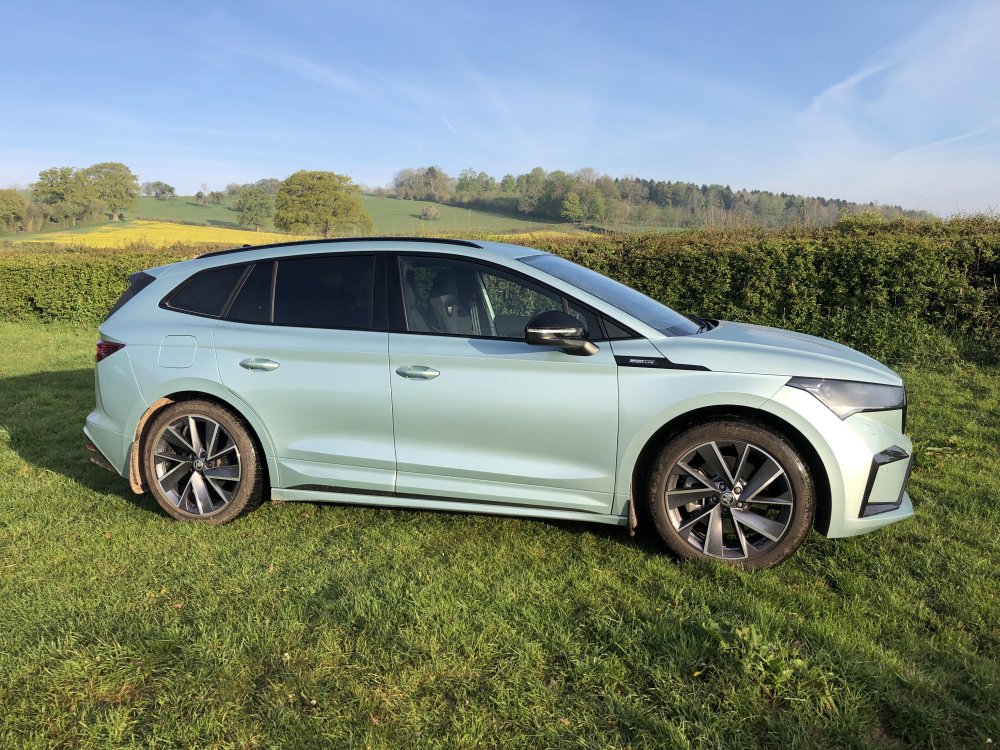
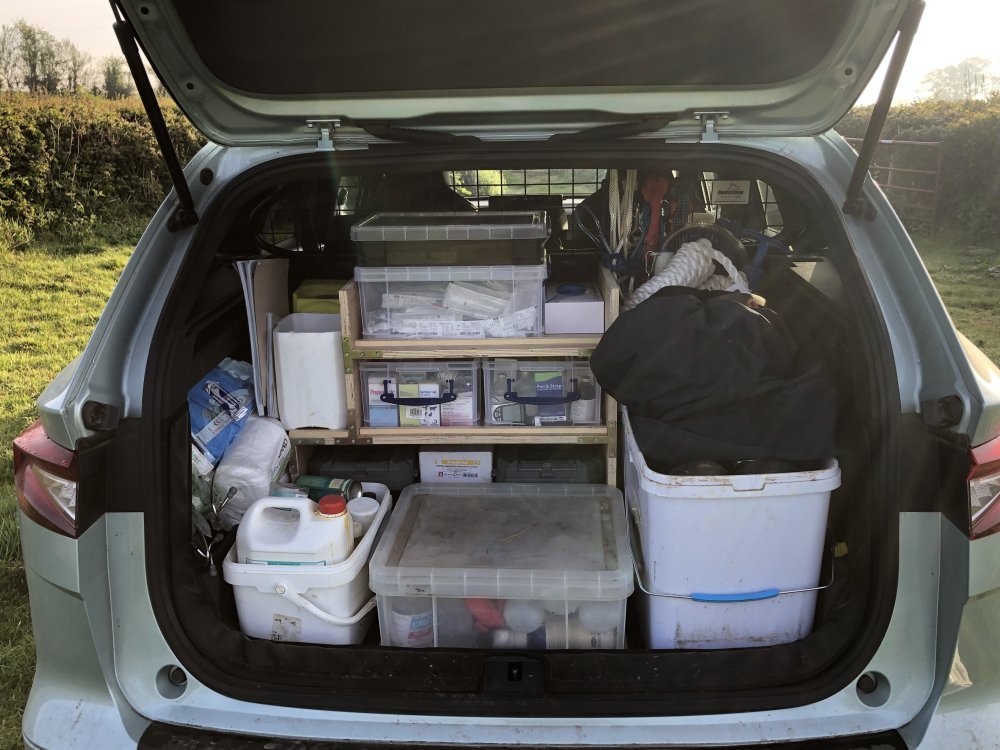
Hi all, Just wanted to share a few pics of my month-owned Enyaq 80x that I use for work. Being a farm vet's car, it's fully loaded in the boot with kit and has to navigate a lot of single-track roads and muddy/rocky farm tracks. It's been handling its duties very well and I've been very impressed with its off-road ability (at least equal to my previous Octavia Scout). Overnight charging gives me full range every morning and when on-call (and often driving / attending call all night) an hours break and a snooze at a 50kW charger (the fastest we have in Herefordshire) keeps plenty of range in the battery. I've also been relieved at how my farming clients have responded - the vast majority are fascinated and amazed that an EV can cope with the life of a vet's car!
-
I've used these on my last 3 Scouts - my boot is always full (farm vet) and the helper springs make a huge difference. When the car is unladen (rarely) the rear sits a little high but handling is fine. Simply sit inside the current springs. https://mad-suspension.co.uk/cars/
-
Small problem with the buttons on the drivers door. The rear two windows work fine from the drivers door, however the passenger window intermittantly works and the driver's side does not work at all. The passenger window works fine from the passenger door swith. Also the drivers window winds up and down when operated by the remote fob. I guess there's some problem with the swith mechanism - does anyone know what generally goes wrong with these and what part number I'll need to fix it? cheers andrew