Snowbaby
Finding my way
-
Joined
-
Last visited
Everything posted by Snowbaby
-
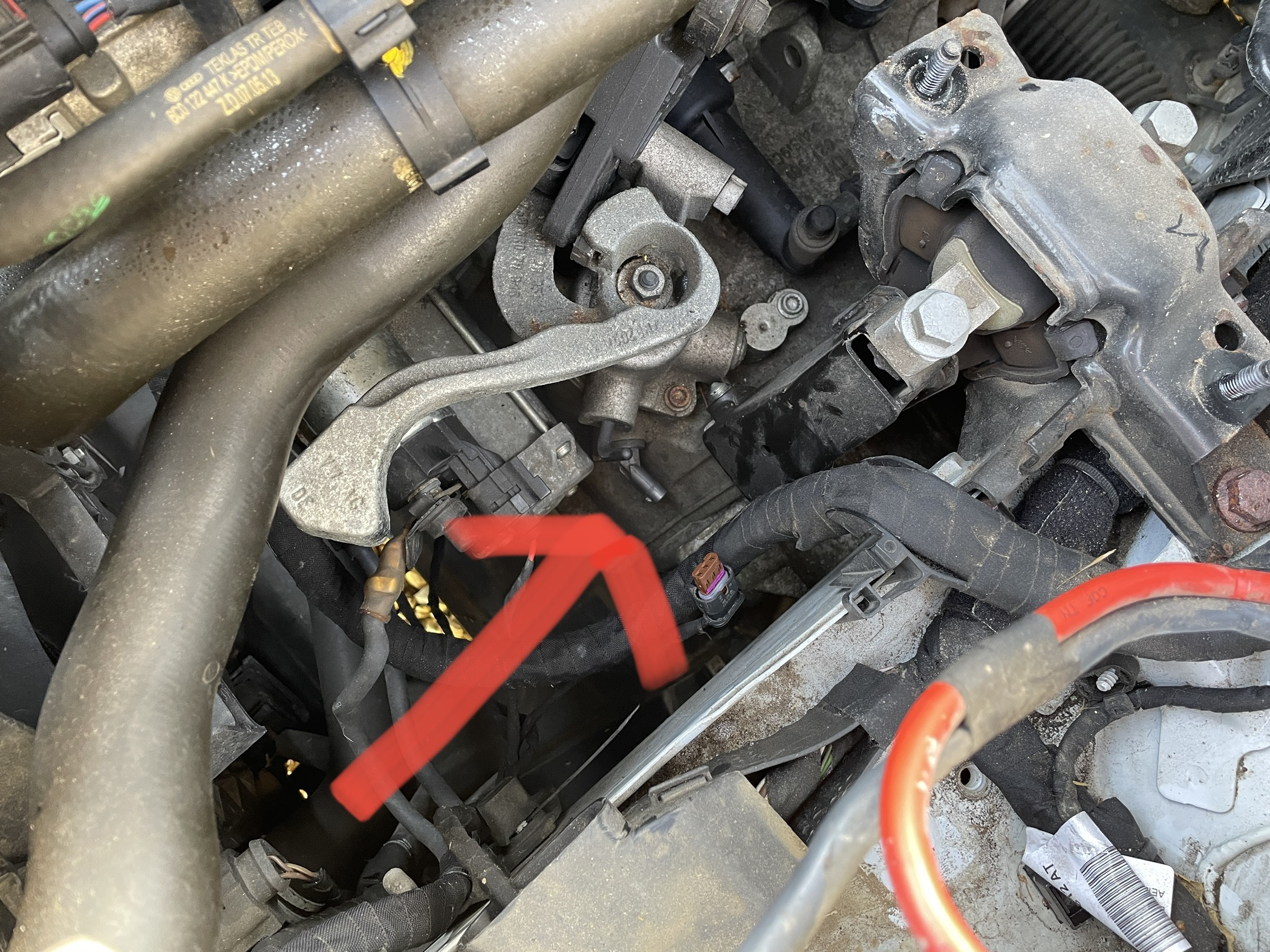
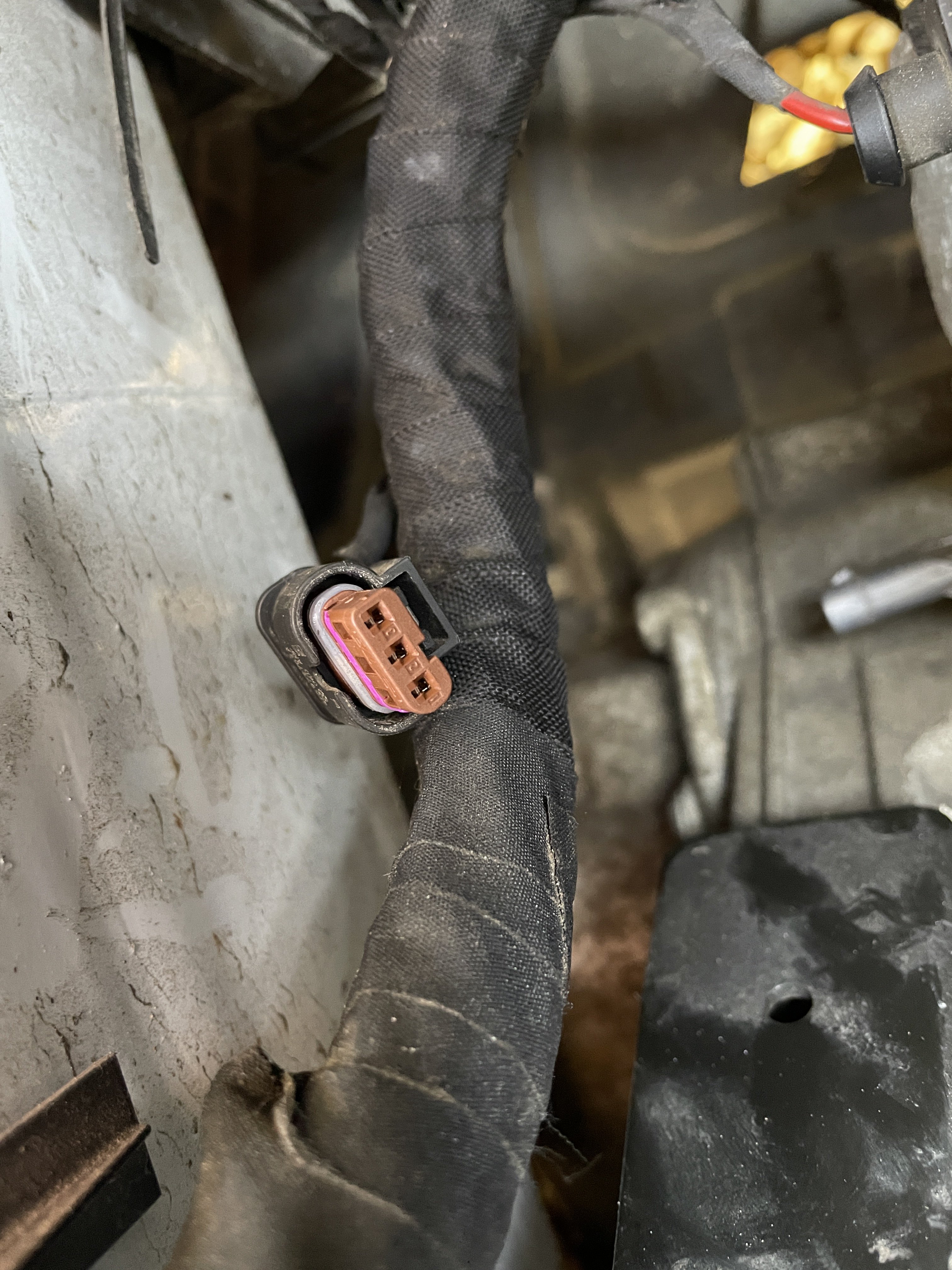
Hi, yes, it was the wire to the reversing sensor.
-
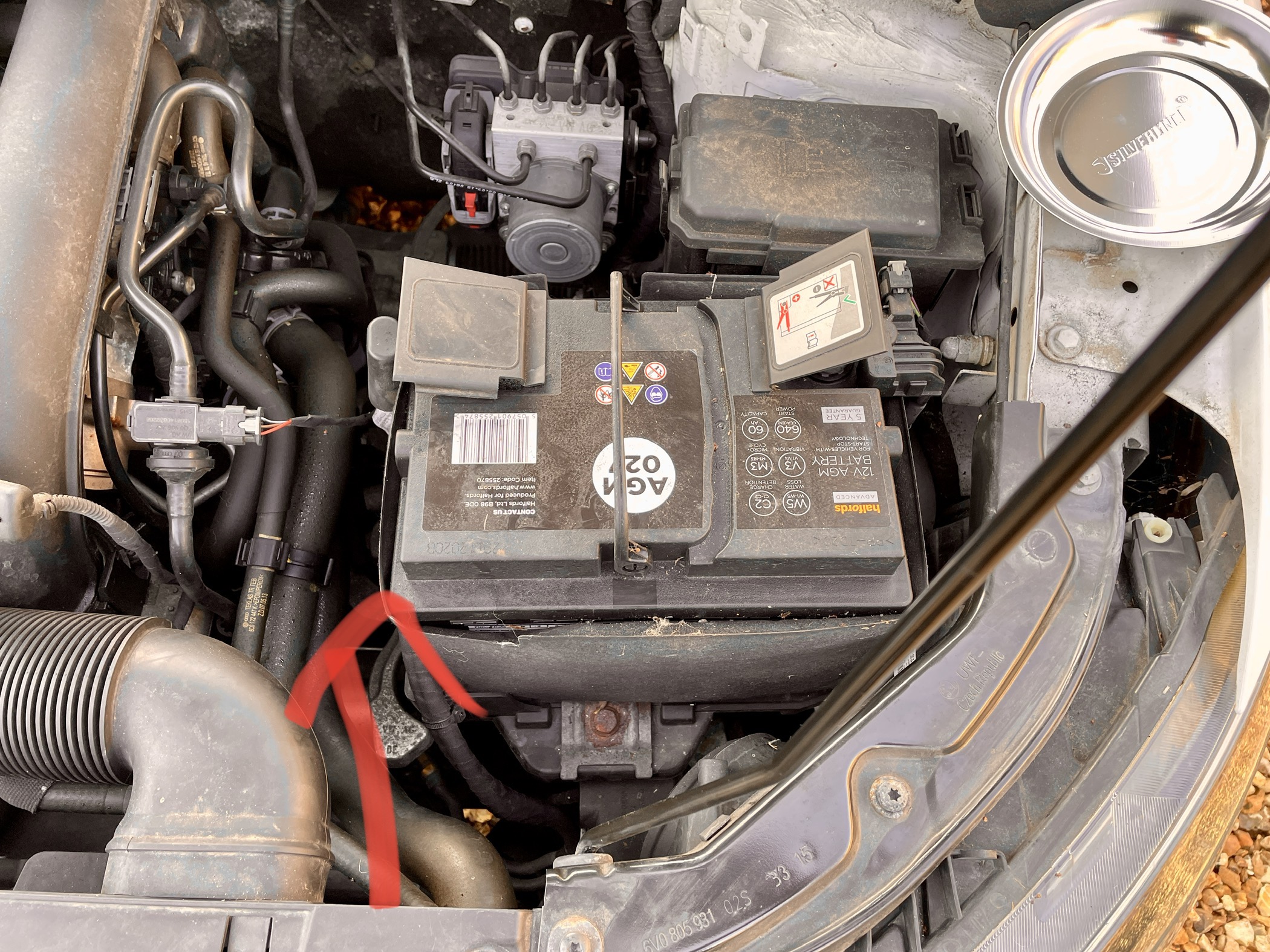
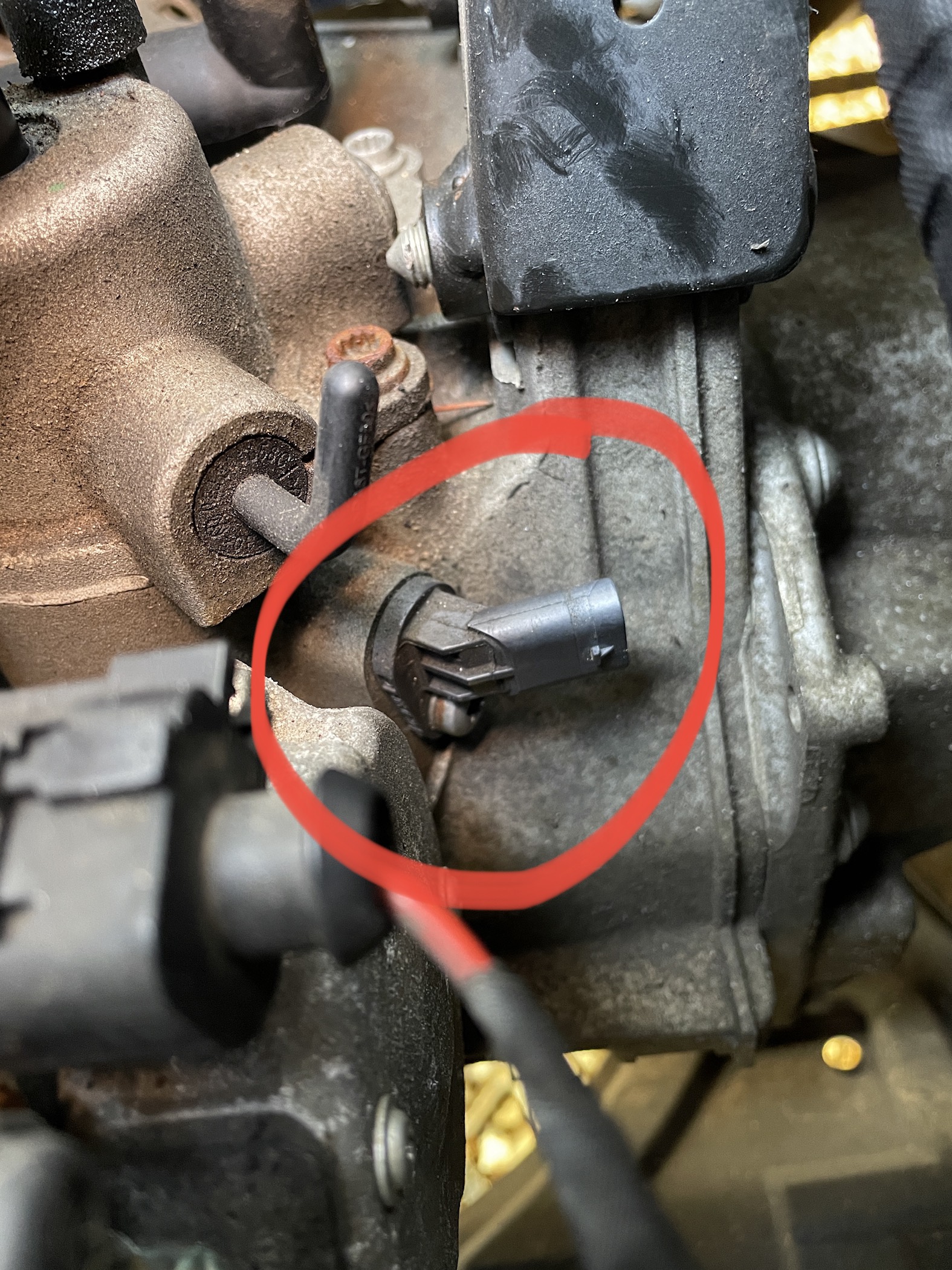
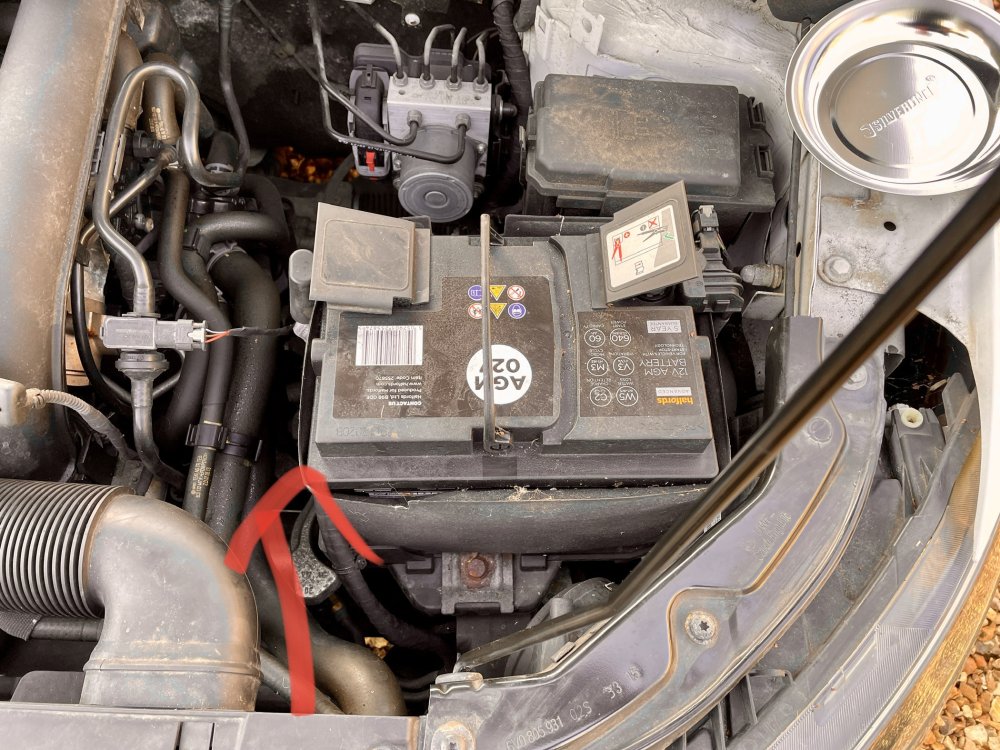
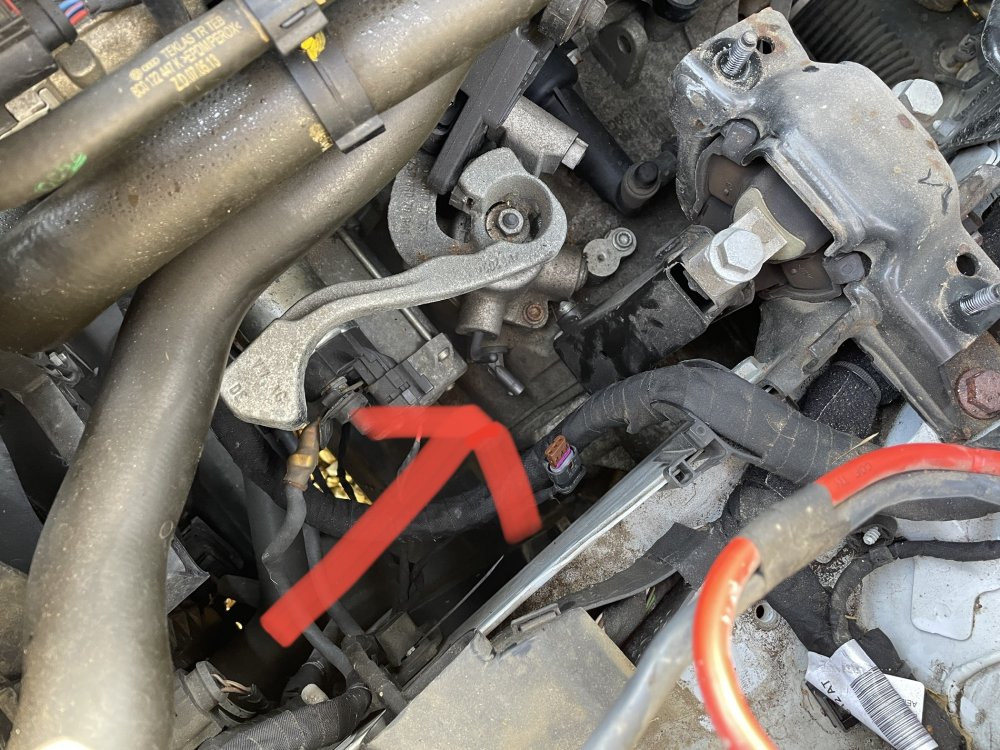
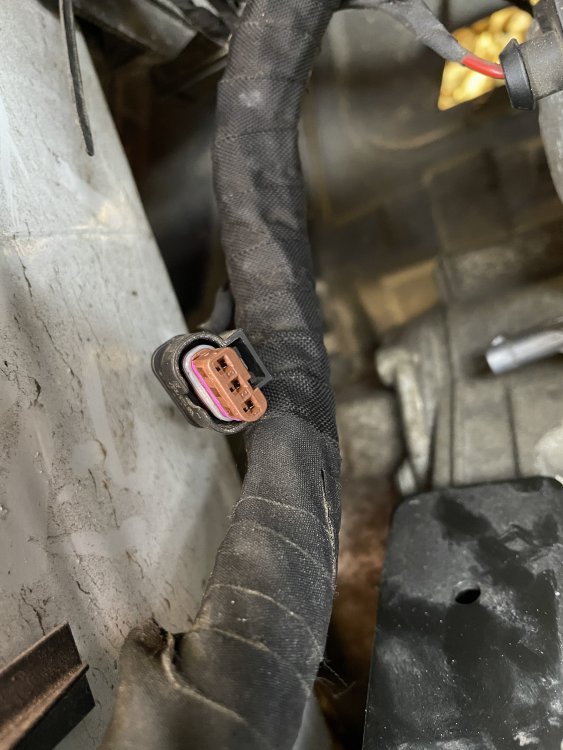
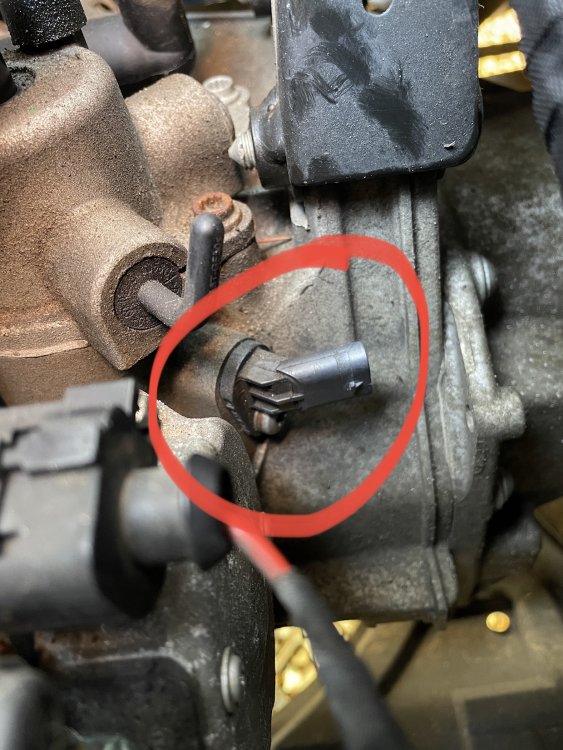
Had a look today, the battery and housing was in the way but after taking that out, it was easy enough to see. Unfortunately the torx bolt wasn't easy to see or access as it was under the sensor (from the top) so I couldn't get the sensor out, but the wires seemed ok and the connector had continuity. Its in for service in a couple of weeks so I'll get it checked by them I guess. 🤪
-
Thanks for the reply, its a manual gearbox, no, the reversing lights don't work either 🙂
-
I've done everything I can, reset the infotainment system, swapped the fuse, just in case, checked to see if it has any fault codes, nothing. I should correct what I said about the camera, it doesn't have a camera, just visual representation of the back of the car on the screen, with the coloured markers that change as you get closer. I am leaning towards the reversing light switch on the gearbox, as that 'must' have something to do with instigating the whole, reversing sensors etc. Normally, when reverse is engaged, you'll hear a beep, to show reverse is selected, that isn't happening either. Can anyone help, perhaps with pics, of where the switch is located on the gear box and how is best to access it from the engine bay (top) as I have no way to safely get underneath? 😁
-
Hi, @Stuart8 can you tell me where the switch is located please, can it be accessed with a ramp?
-
As title really, they have just stopped working. According to the manual the fuse is shared with several other systems, but these are working so it can't be that, right? Help 🤗