tuono01
Members
-
Joined
-
Last visited
-
Not sure. It's an Elegance model with a lcd display for the temperature and fan speed etc. It's a 2010 model if that helps.
-
Well after all this, bought the resistor, it's not the same. Any ideas?
-
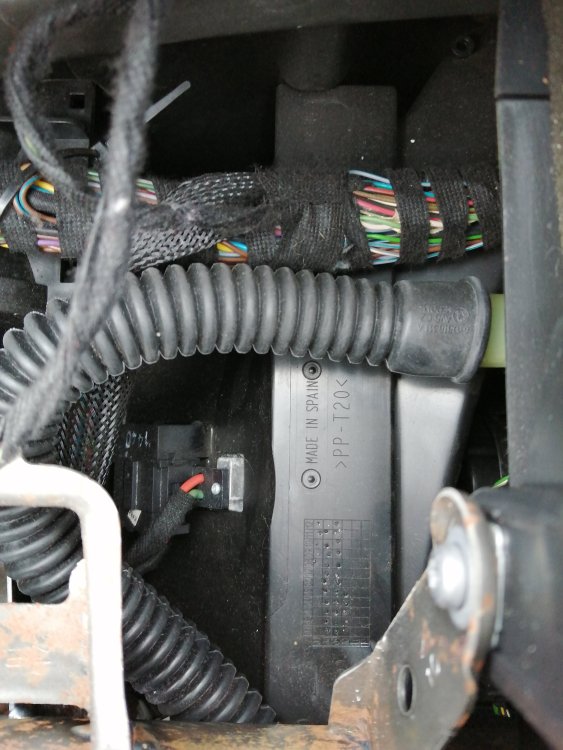
Mine does the same. Looked online, asked here and was told it's the resistor under the passenger dash air bag. Bought the part, got on with getting the airbag out, then found on my model (Elegance) it's totally different! Not had time to take it the garage to sort it out. Just check before you buy, though it was only £7. Sorry I can't help anymore.
-
Thanks Did try looking but obviously under the wrong title.
-
Not been on for a while but here goes My Fabia Elegance heater fan is playing up. It is working in that it is blowing air, slowly, but when you try to turn it up or down nothing happens. Then, at no given time, it will blow full blast for about 5/10 seconds then drop back to the way it was. This will happen throughout my drive, temperature settings make no difference as it will blow at the appropriate heat setting. Is this something I can fix or is it mechanic time?
-
Will check and try all of the above. Thanks
-
I recently had the Bridgestone Weather Control tyres fitted, to the front tyres, to our Galaxy and I'm very impressed with them. They grip very well where I would be spinning up on the old conti 5s. Also on our Fabia I fitted some Imperial all season tyres, on the back, so far so good but not had chance to throughly test them due to lock down.
-
In the last couple of weeks my gearbox has become hard to change gear, it feels like the oil in the box has turned to treacle. It goes into gears fine with no grinding, so I don't think it's the clutch, but moving left to right when in neutral it is very sluggish. Would an oil change help, but then why would the original oil thicken up? There's no leaks that I can see underneath the car. Any help appreciated before I take it to the garage. The car is a 2010 which has just covered 100000k