peagreenblade
Finding my way
-
Joined
-
Last visited
Everything posted by peagreenblade
-
That's the thing, the car seems to have been running fine. Yes there's a bit of rattle but then again it's done over 150k. Fuel economy seems to be ok, and I haven't noticed a huge drop in responsiveness. What else could cause such a huge increase in emissions from last year?
-
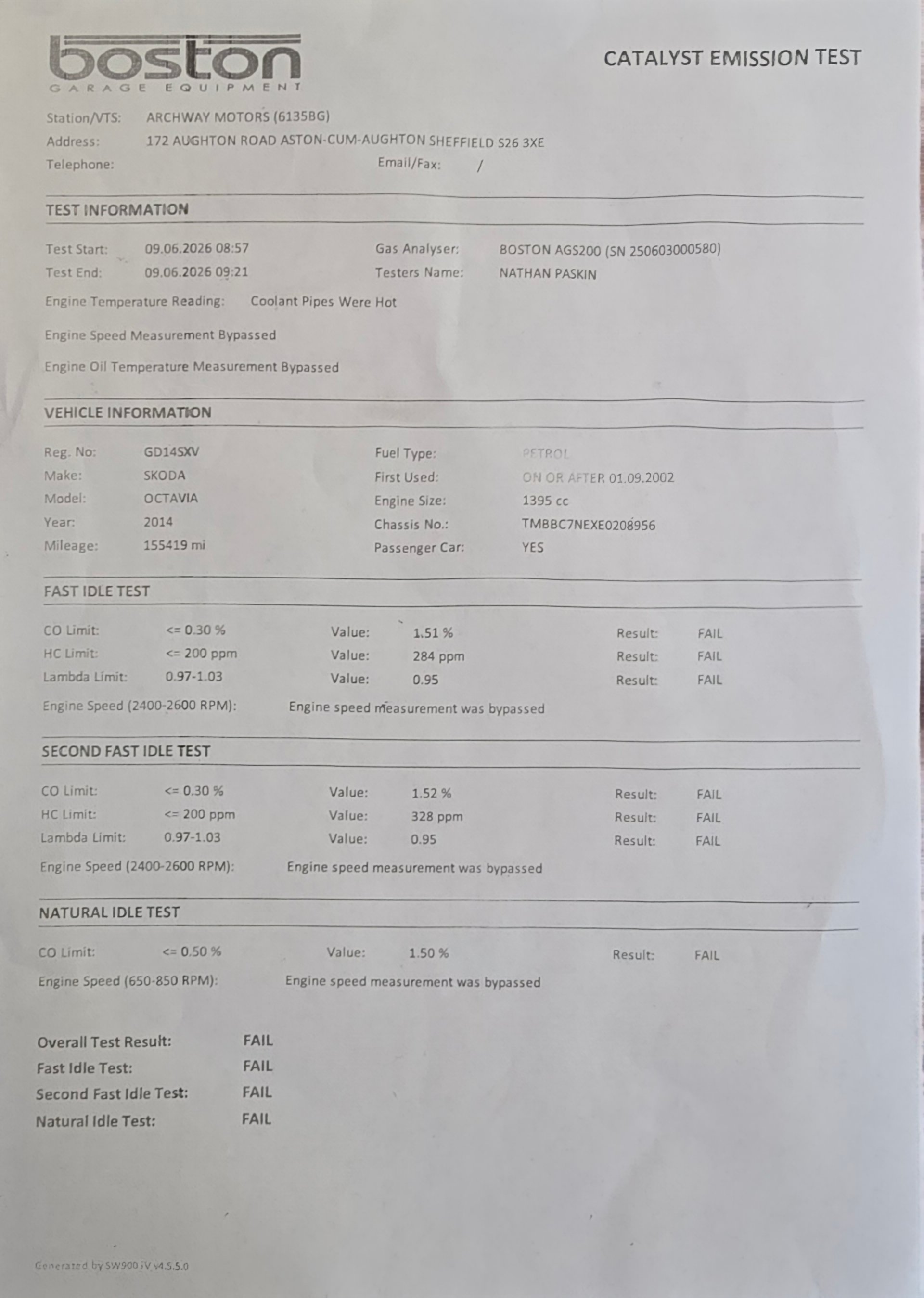
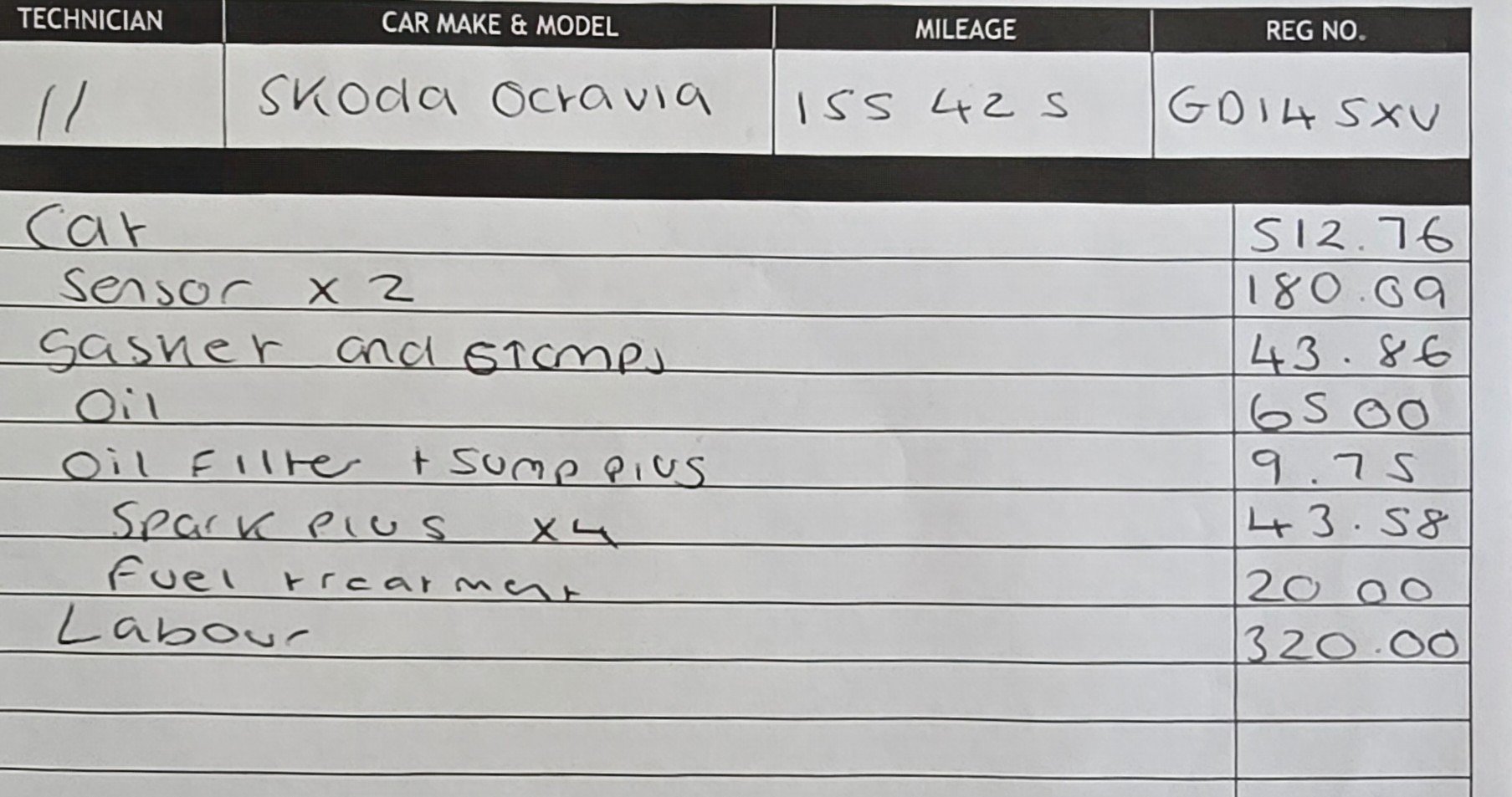
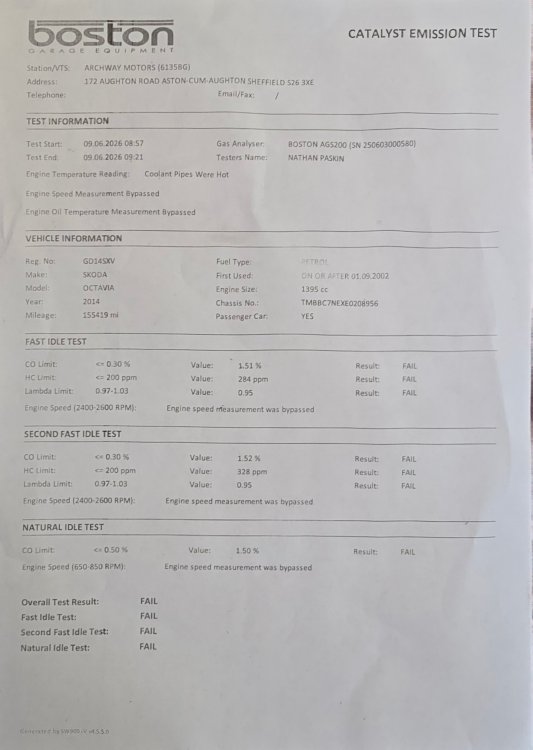
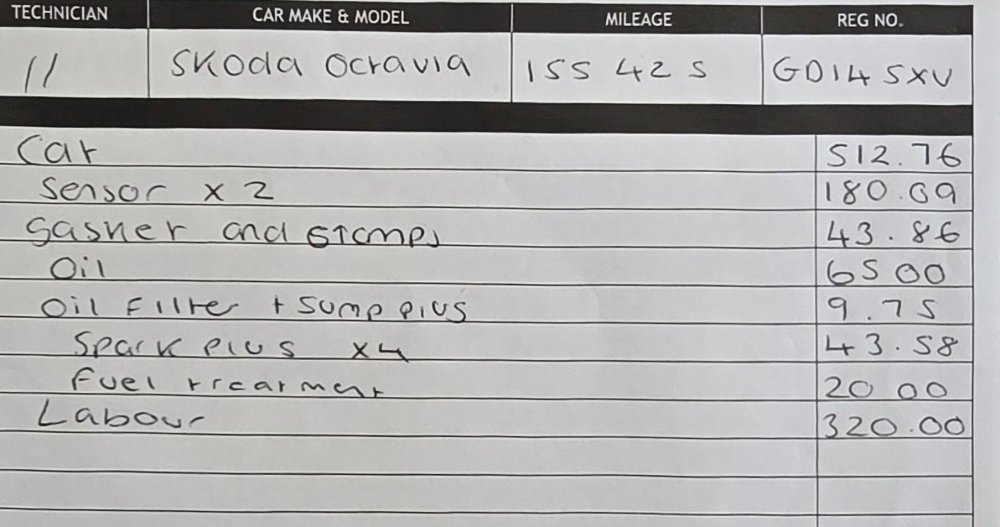
To clarify a bit more: the catalytic converter was knackered and had to be replaced (I know, madness on a car with 155000 on the clock but cheaper than a replacement car right now!). When the new converter was fitted, it JUST got through after oil change, spark plugs and fuel treatment. I was then told it wouldn't get through another year due to the carbon build up even with the new catalytic converter. That's why I'm asking about Walnut Blasting as an option.
-
It failed on fast idle and natural idle. 1.52% CO, 328 ppm HV, 0.95 Lambda. So not even close!
-
I have a 12 year old Skoda Octavia mk3 TSI 1.4 with 155000 miles on the clock. It has JUST scraped through its MOT after repeated emissions failures due to carbon buildup. The mechanic has told me he doesn't want to see the car back next year as it won't pass again and cleaning the carbon deposit off wouldn't be worth it given the age and value of the car. I've read a lot about Walnut Blasting to remove carbon buildup. Would it be worth it in my case or is the mechanic right, and I should just look to run it into the ground and get another car for next year?
-
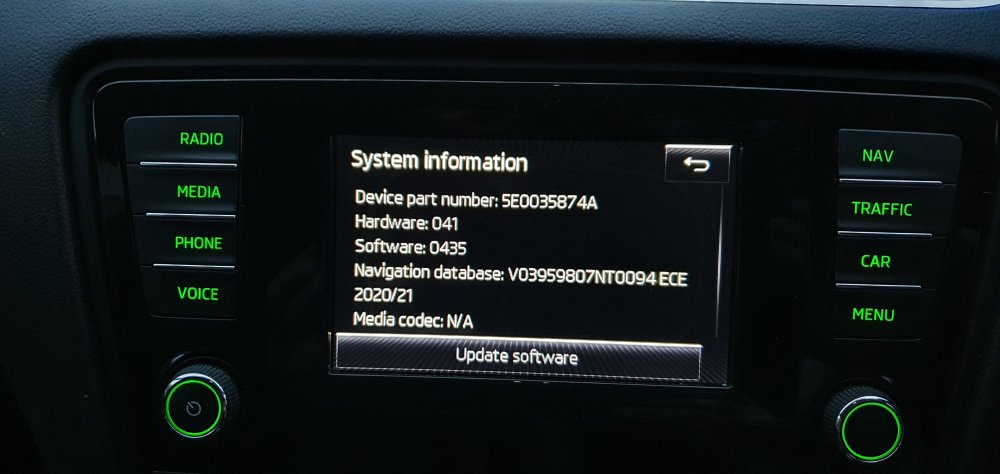
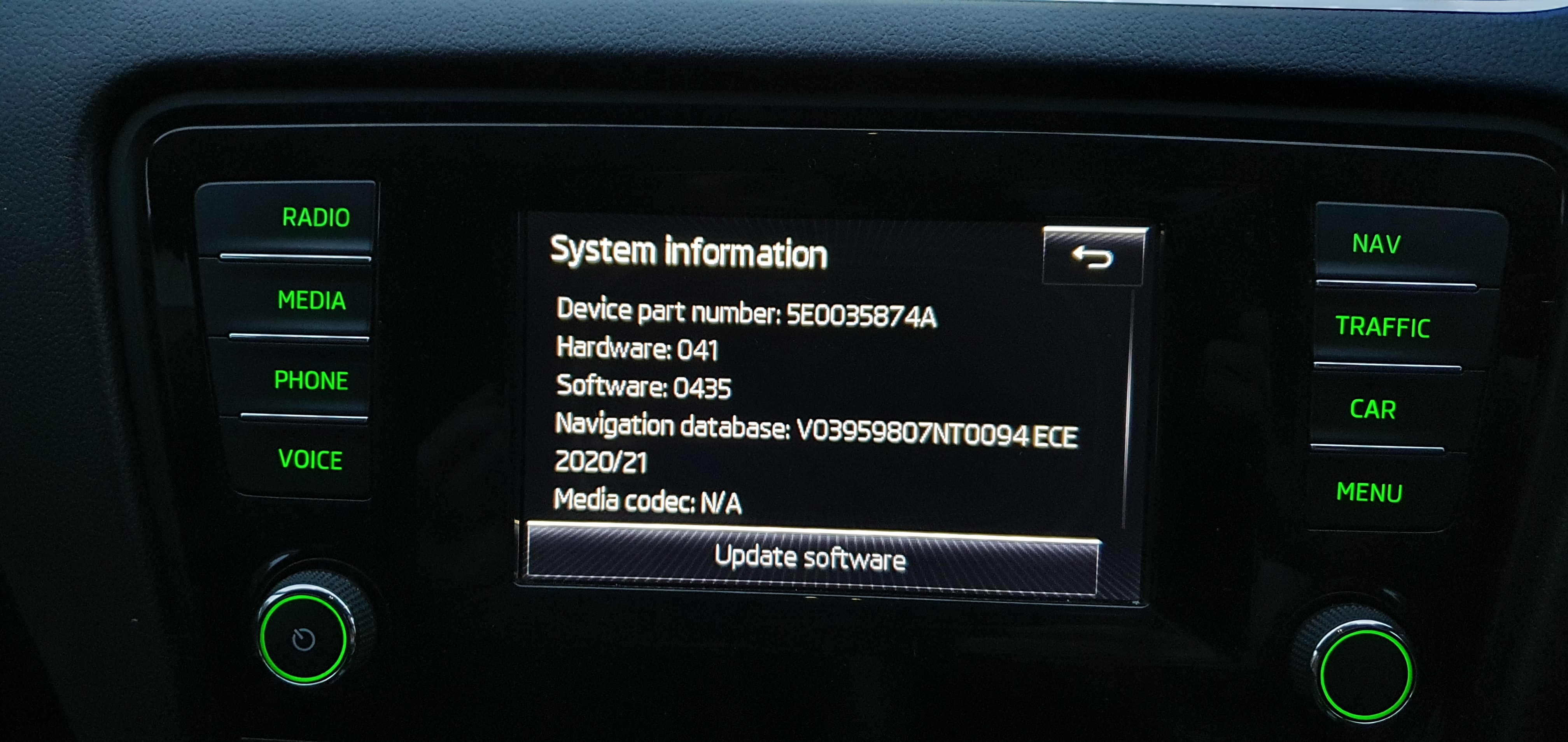
Hi, I hope someone can help. My wife's mk3 Octavia won't play audio sat nav directions, but her sat nav card works fine in MY mk3 Octavia with all directions loud and clear. She also doesn't have sat nav option on her multifunction display. Maybe a firmware update might help, although I'll be honest and don't have a clue how I would do this! Any help would be greatly appreciated. Email address is [email protected]. Thanks in advance!