ChunkyD214
Finding my way
-
Joined
-
Last visited
Everything posted by ChunkyD214
-
I’m looking at the 1.6 TDi superb the only thing I’m worried about is it underpowered and what’s it like generally ie fuel consumption etc Cheers
-
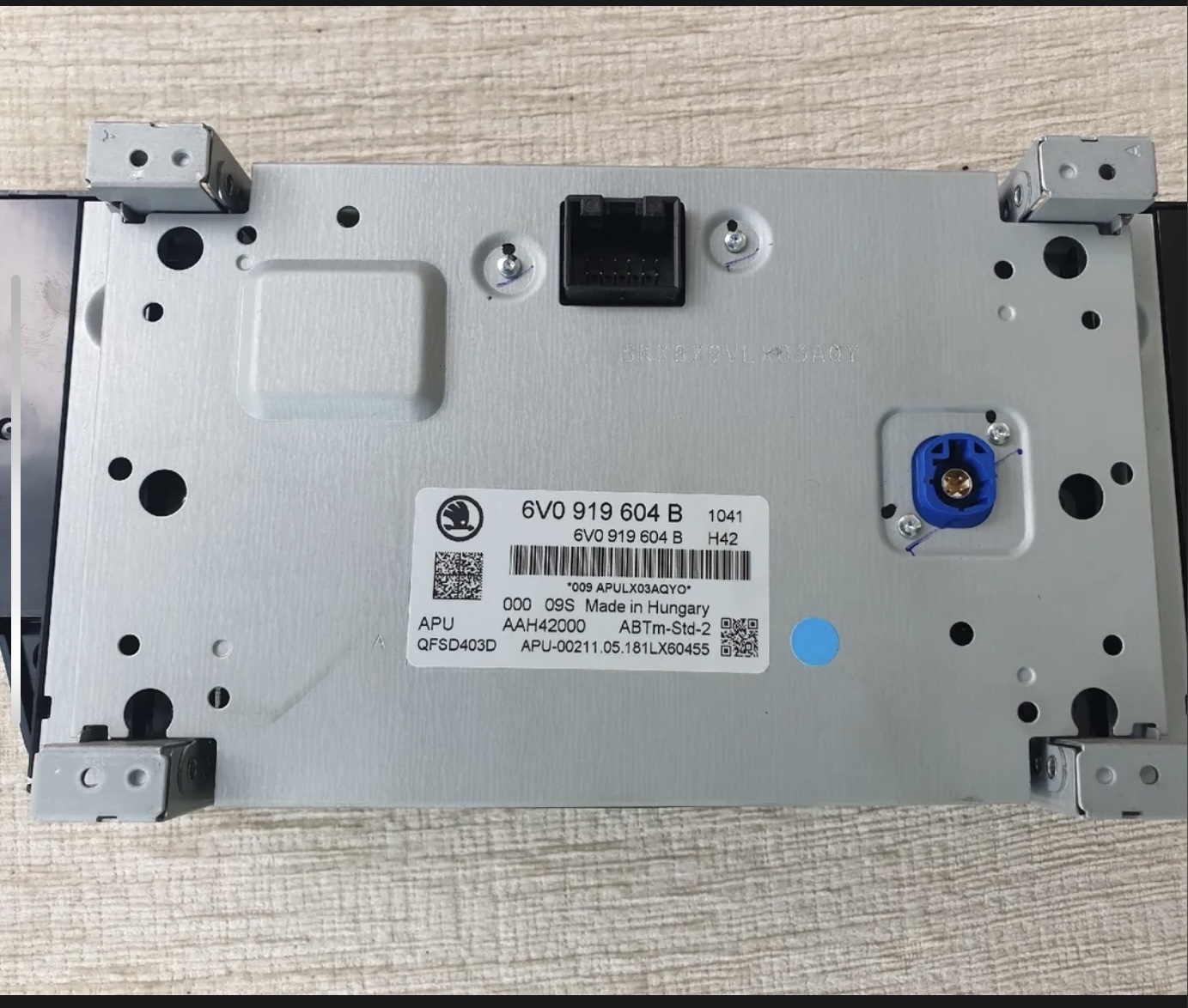
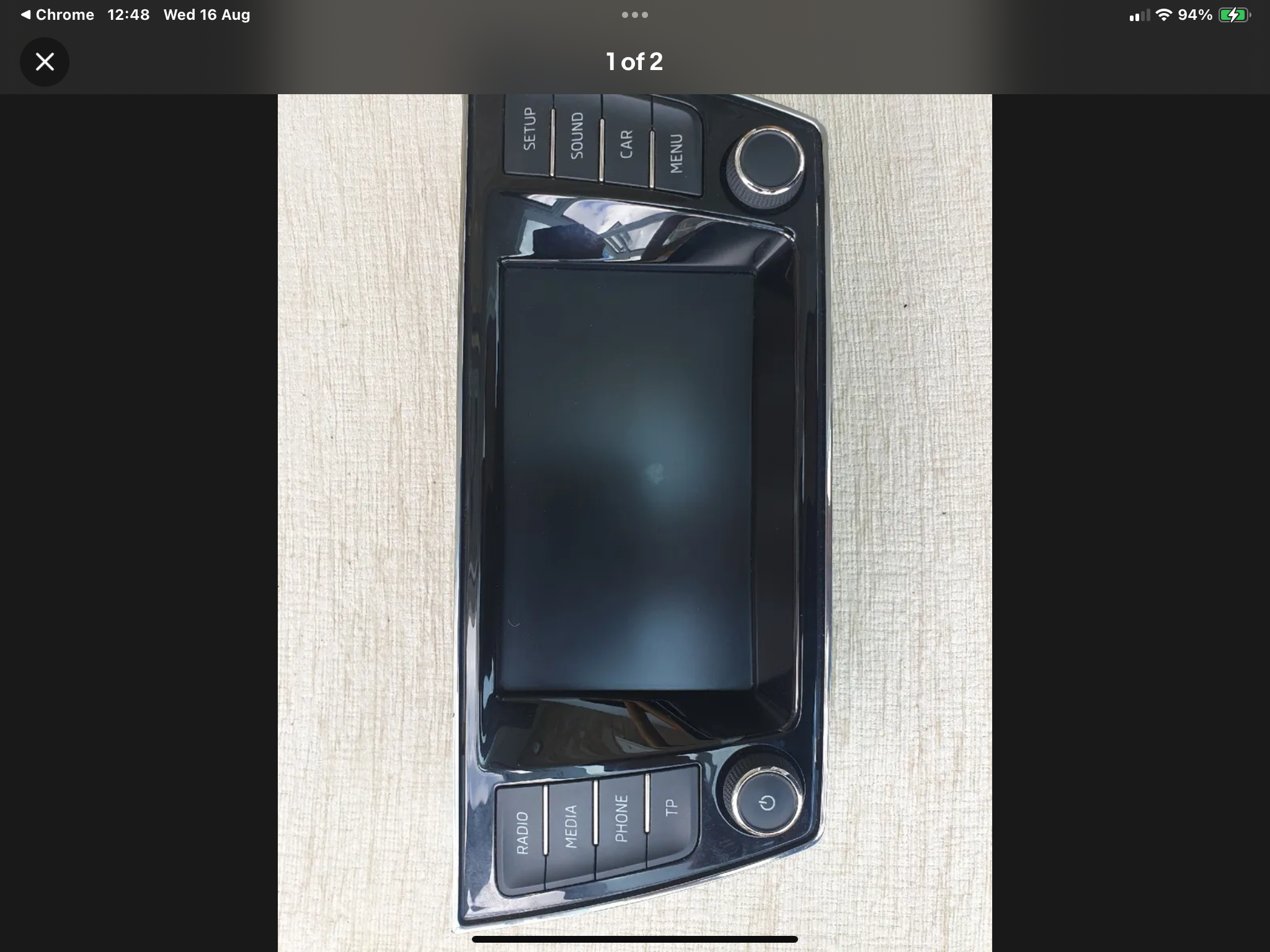
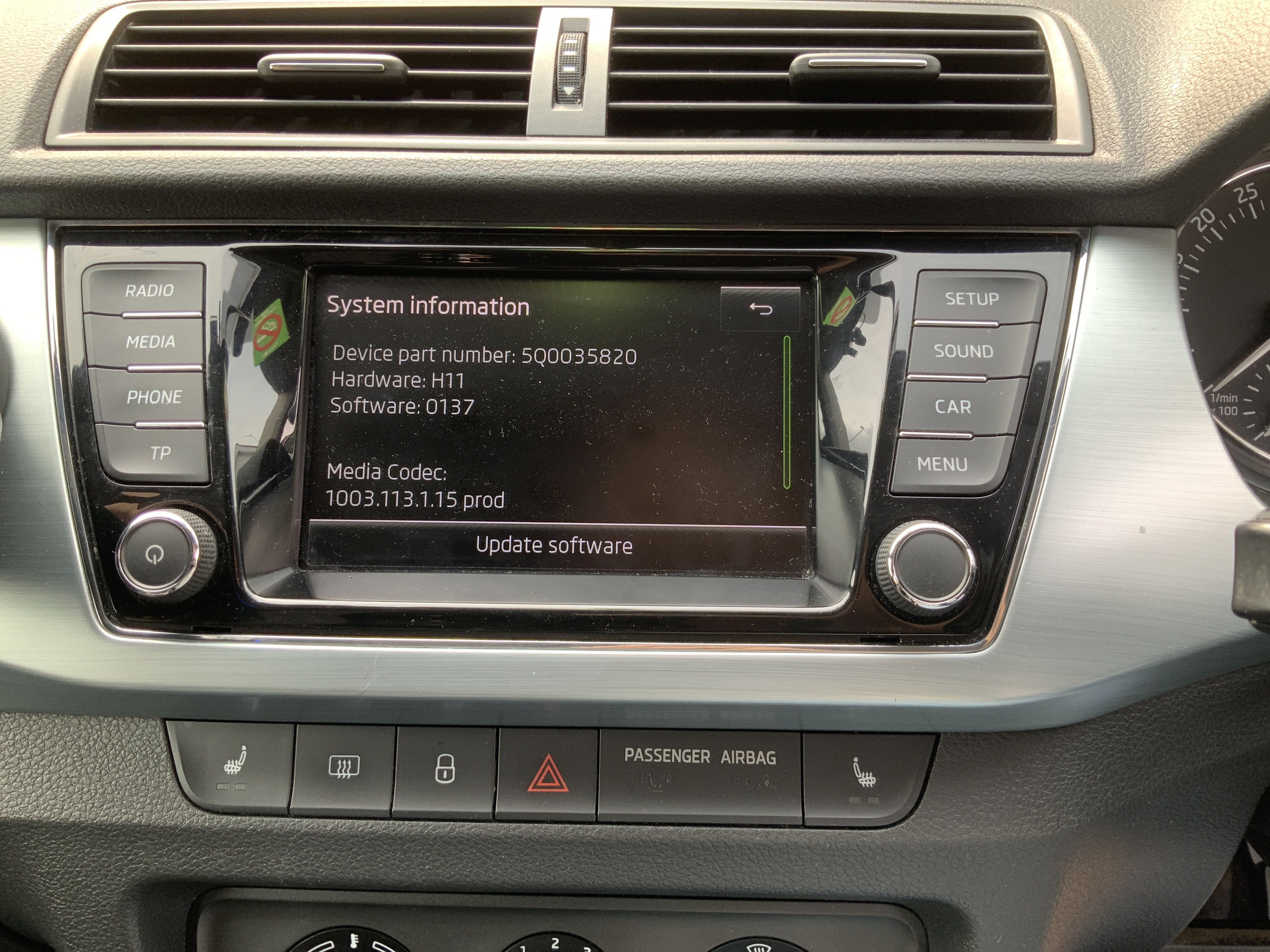
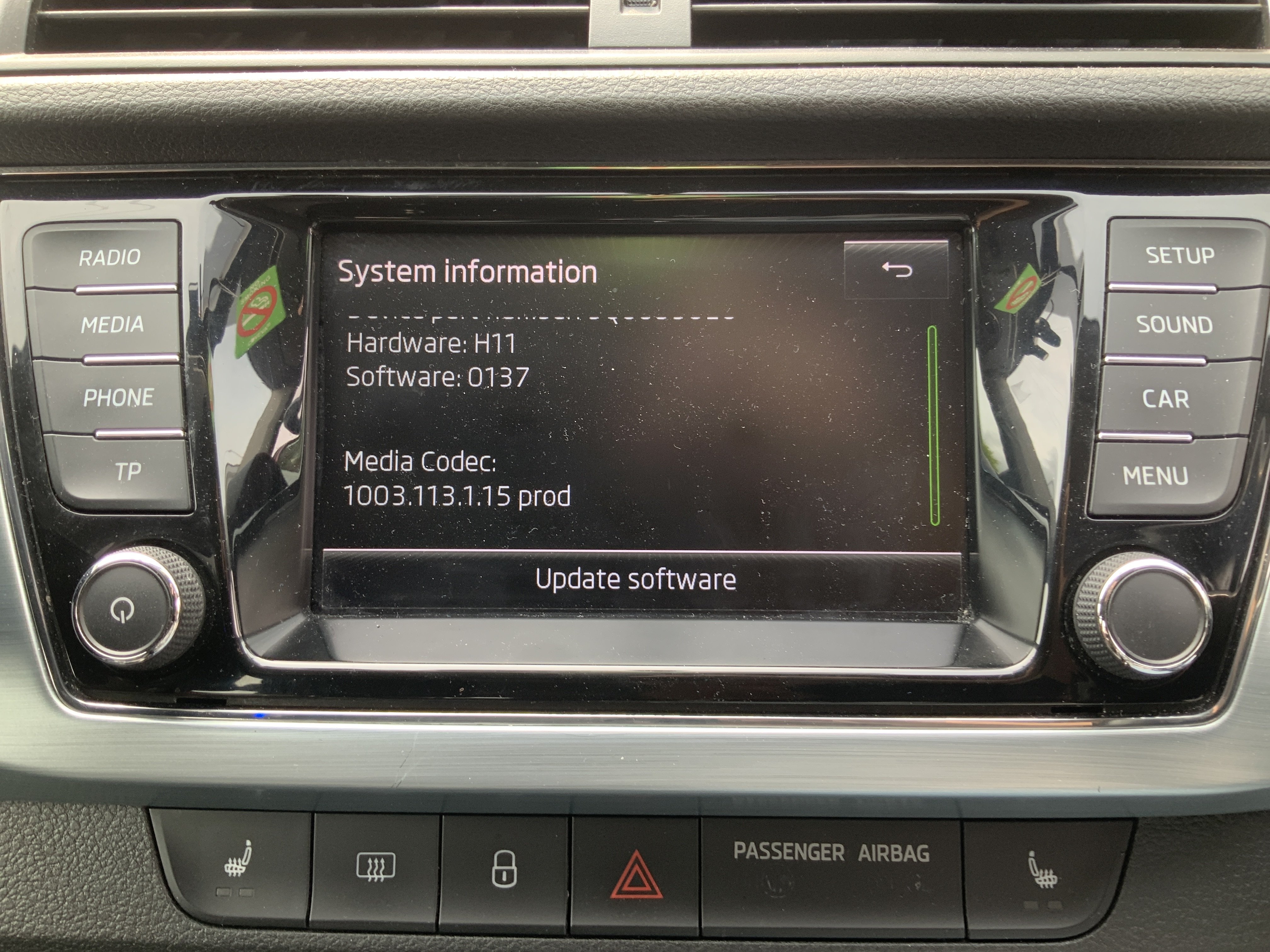
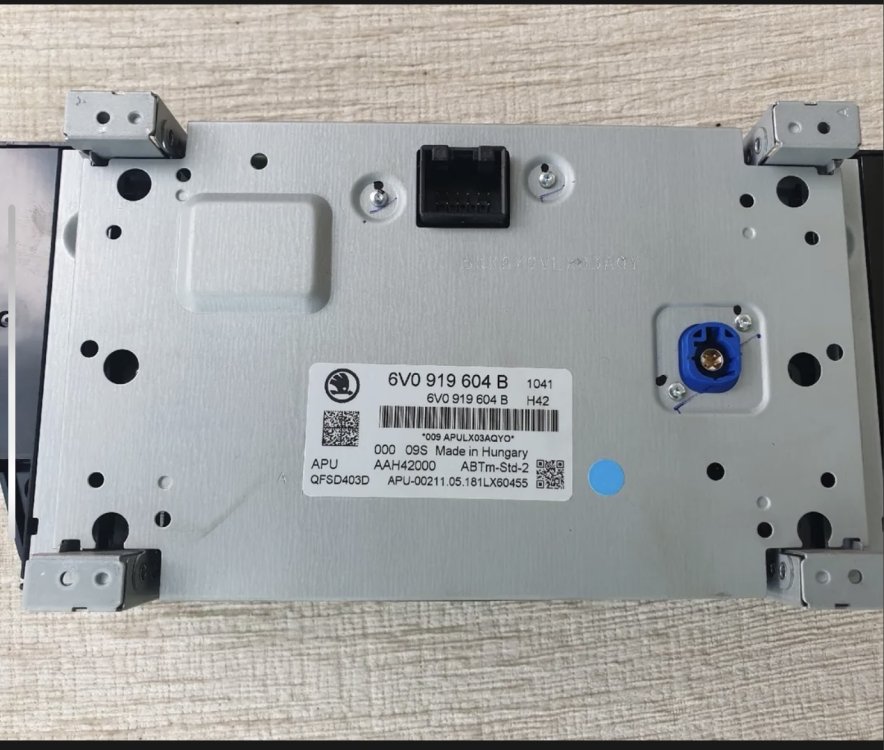
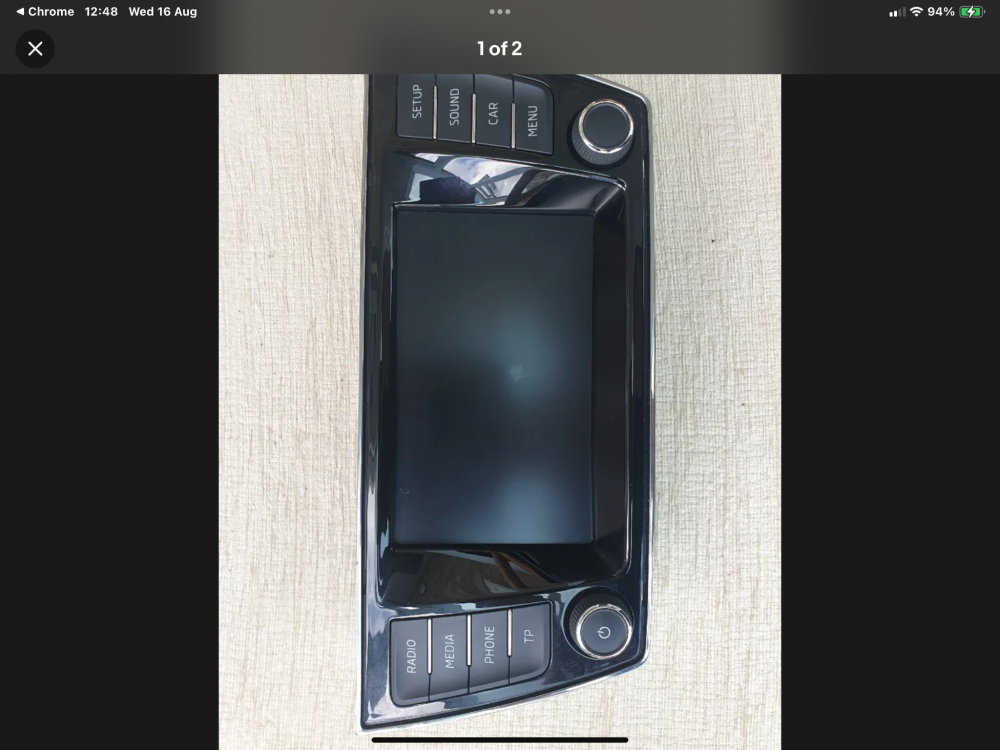
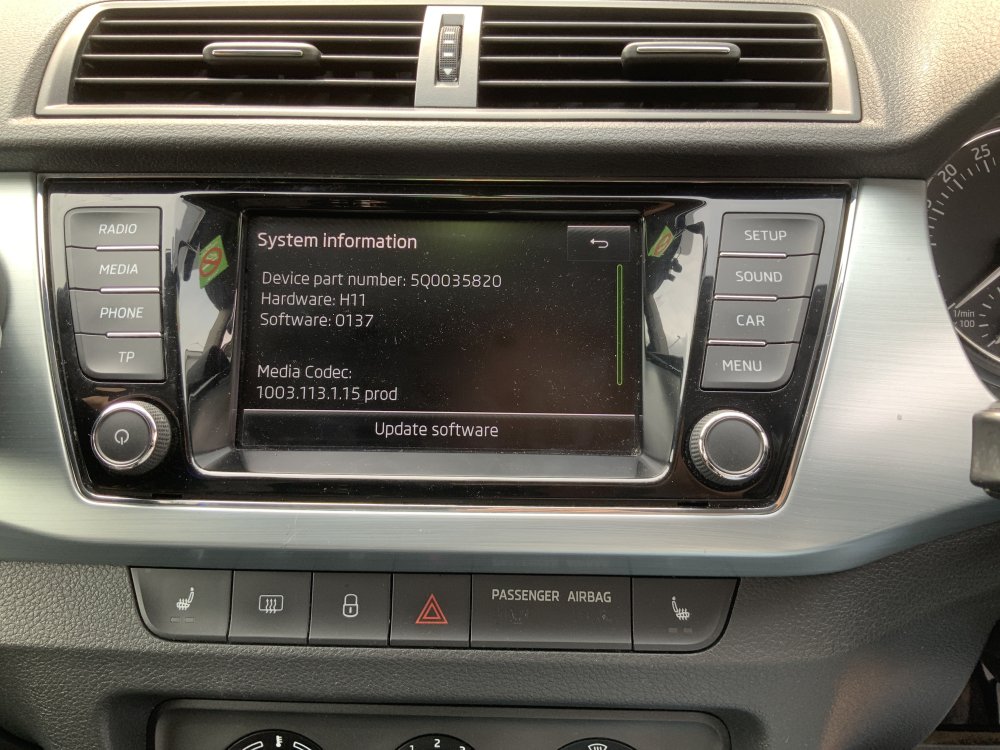
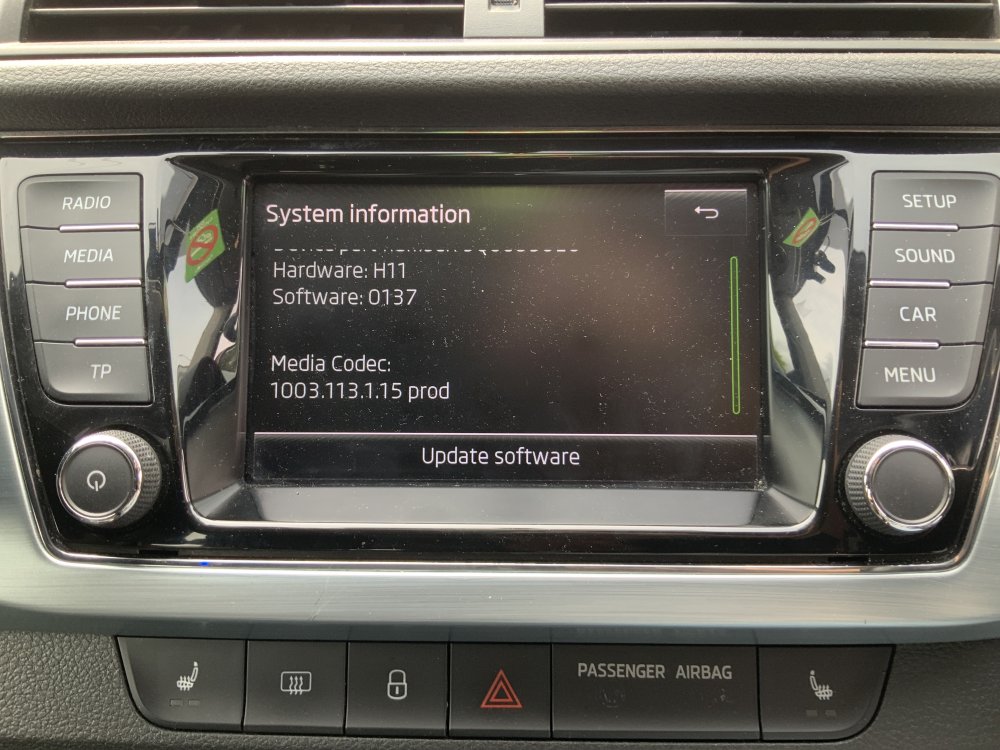
1st two photo rear of salvage unit 2nd pair of existing unit in situ, need to purchase some keys to extract unit as ones already have don’t work. Please bear with I’m new to this
-
I have a 2015 Fabia 1.4 SE TDi, the multimedia head unit i have has the mirror link on it but not compatible with iphone 14 pro max and doesnt have car play, i have bought a 2017 head unit from a salvage. my question is will i need to have a code for the radio or is it plug and play? also if i disconnect my old radio will it still work if i takeout to try the radio and replace it if the radio ive bought doesnt work? thanks in advance
-
I also have a 2015 fabia tried the mirror link with my iPhone 14 pro max not even recognising it but will recognise the usb connection for music through the unit. I went to Skoda dealer yesterday they said could possibly need an update of the head unit but wanted £100, basically just not interested, I found a head unit out of a 2017 fabia wondered whether that might have car play on it