




johnboy60
Finding my way
-
Joined
-
Last visited
-
Hi hope somebody can help updated my maps for the last 3 years no problem but cant update the new version High2_P393_Row_202445.zip downloaded from the Skoda Portal SD card and Usb drive both say Error no data available Thanks
-
Update portal (skoda-auto.com)
-
Diagnostics & VCDS - BRISKODA
-
If car is less than 3 years old you can request a genuine Skoda screen
-
Mine was the same had it switched on via VCDS don't know what the coding was but had it done by a forum member in Kent
-
Let us know how you get on
-
-
Hi i have been following the TMC post not working from the start i have the Skoda Karoq with Columbus 2.5 high with 2x SD sockets and jukebox is there anyone on here with VCDS that can get TMC working for me in the Kent area Thanks John
-
Hi i have been following this from the start i have the Skoda Karoq with Columbus 2.5 high with 2x SD sockets and jukebox is there anyone on here with VCDS that can get TMC working for me in the Kent area Thanks John
-
Hi Pab567 Yes i am interested in this retrofitted with a patched one what would be the cost and are you UK based Thanks
-
Sorry i have only just seen your 1st reply Thanks
-
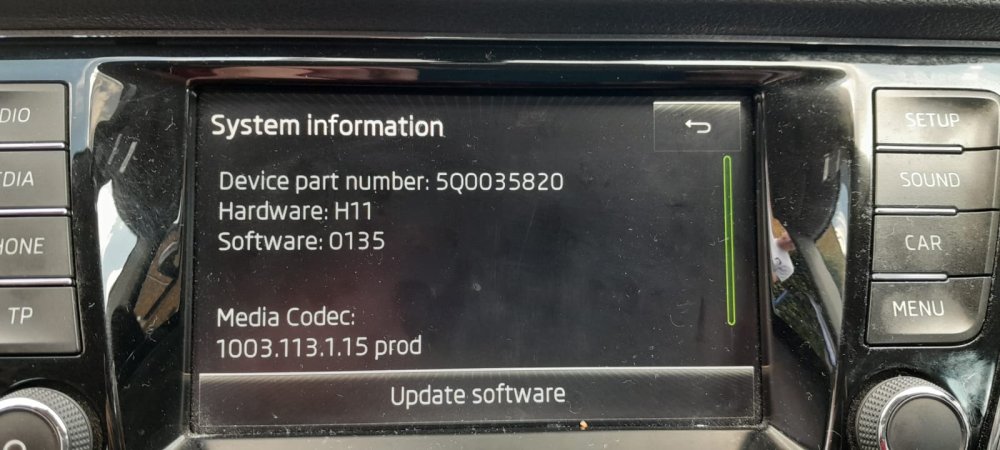
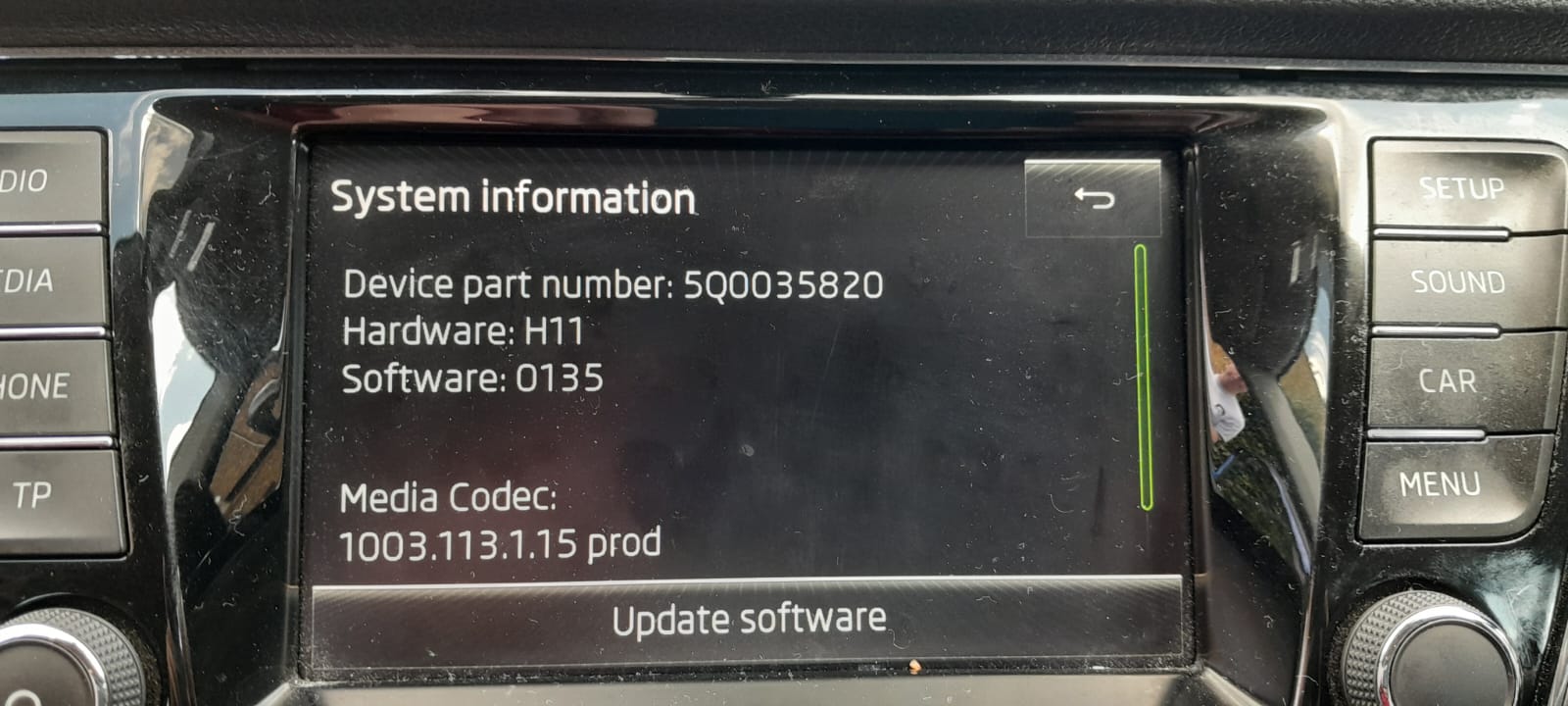
Hi all after some help/advise my son as just got himself a 2015 Fabia and we have been trying to set up Android Auto with is phone can only find mirror link which does not work cant find Android Auto in the menu Please see pic of head unit version Any help would be appreciated Thanks John
-
Hi all after some help/advise my son as just got himself a 2015 Fabia and we have been trying to set up Android Auto with is phone can only find mirror link which does not work cant find Android Auto in the menu Please see pic of head unit version Any help would be appreciated Thanks John
-
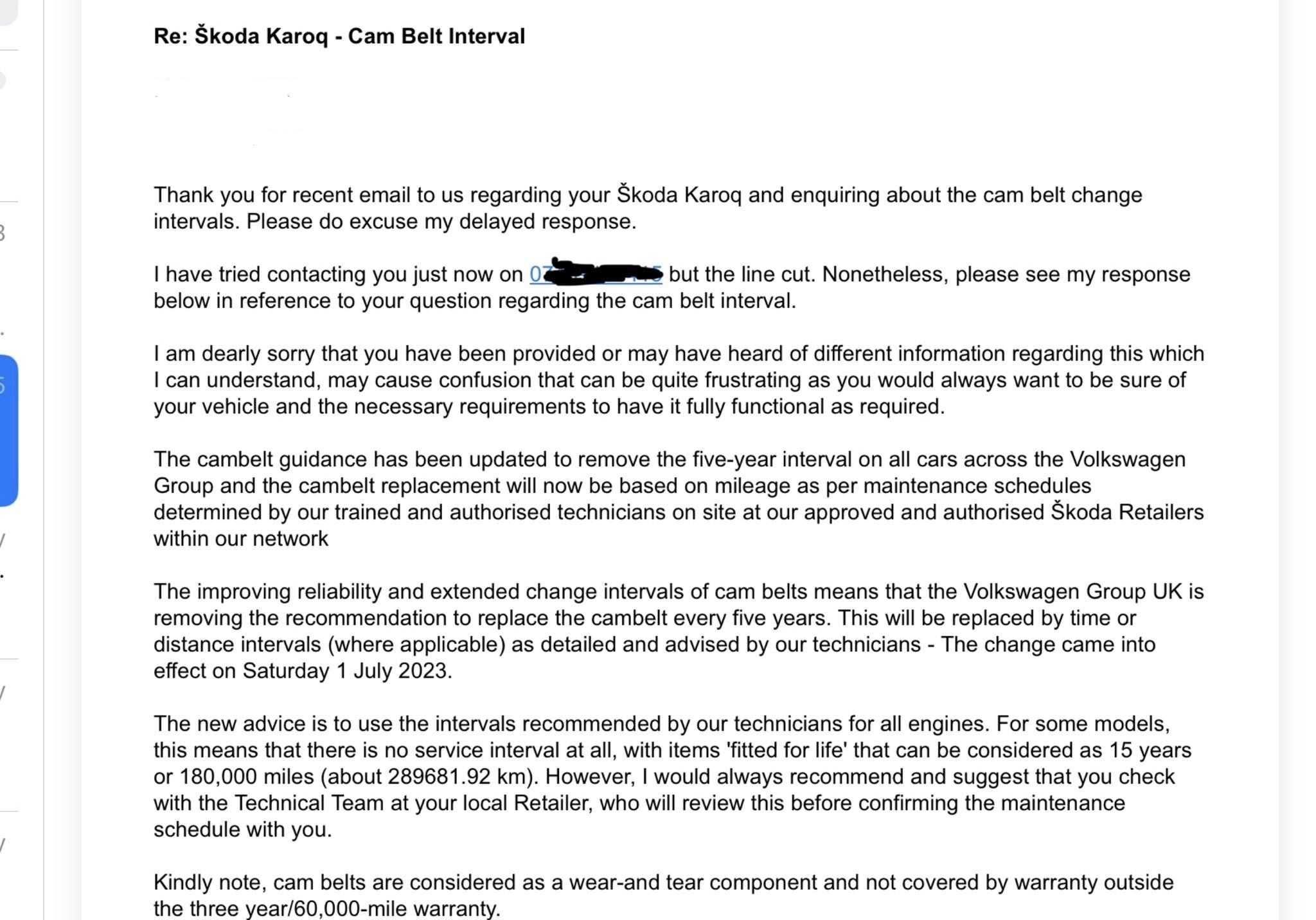
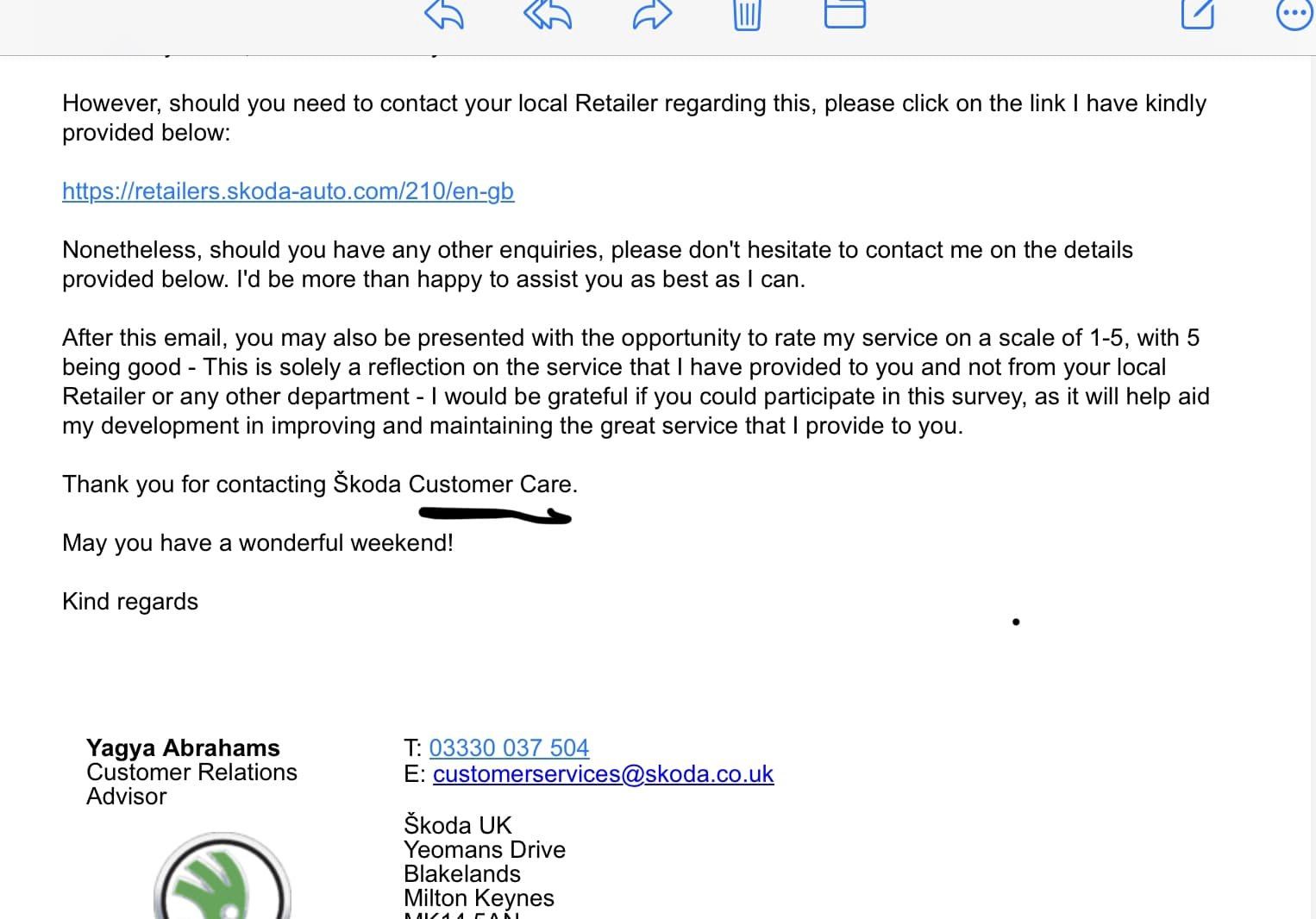
(2) Skoda Karoq Owners UK | Facebook


Important Information
Welcome to BRISKODA. Please note the following important links Terms of Use. We have a comprehensive Privacy Policy. We have placed cookies on your device to help make this website better. You can adjust your cookie settings, otherwise we'll assume you're okay to continue.