Carl Lawrenson
New here
-
Joined
-
Last visited
Everything posted by Carl Lawrenson
-
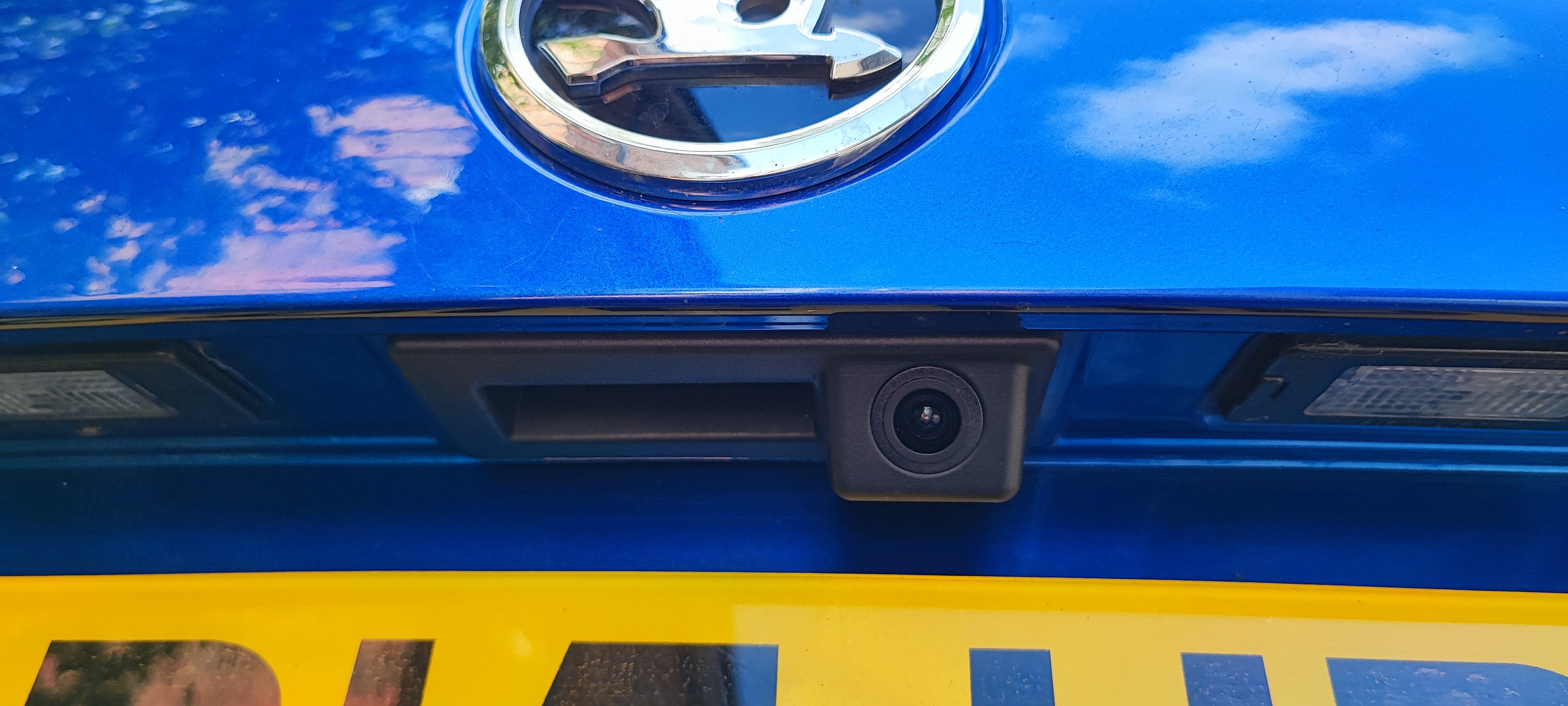
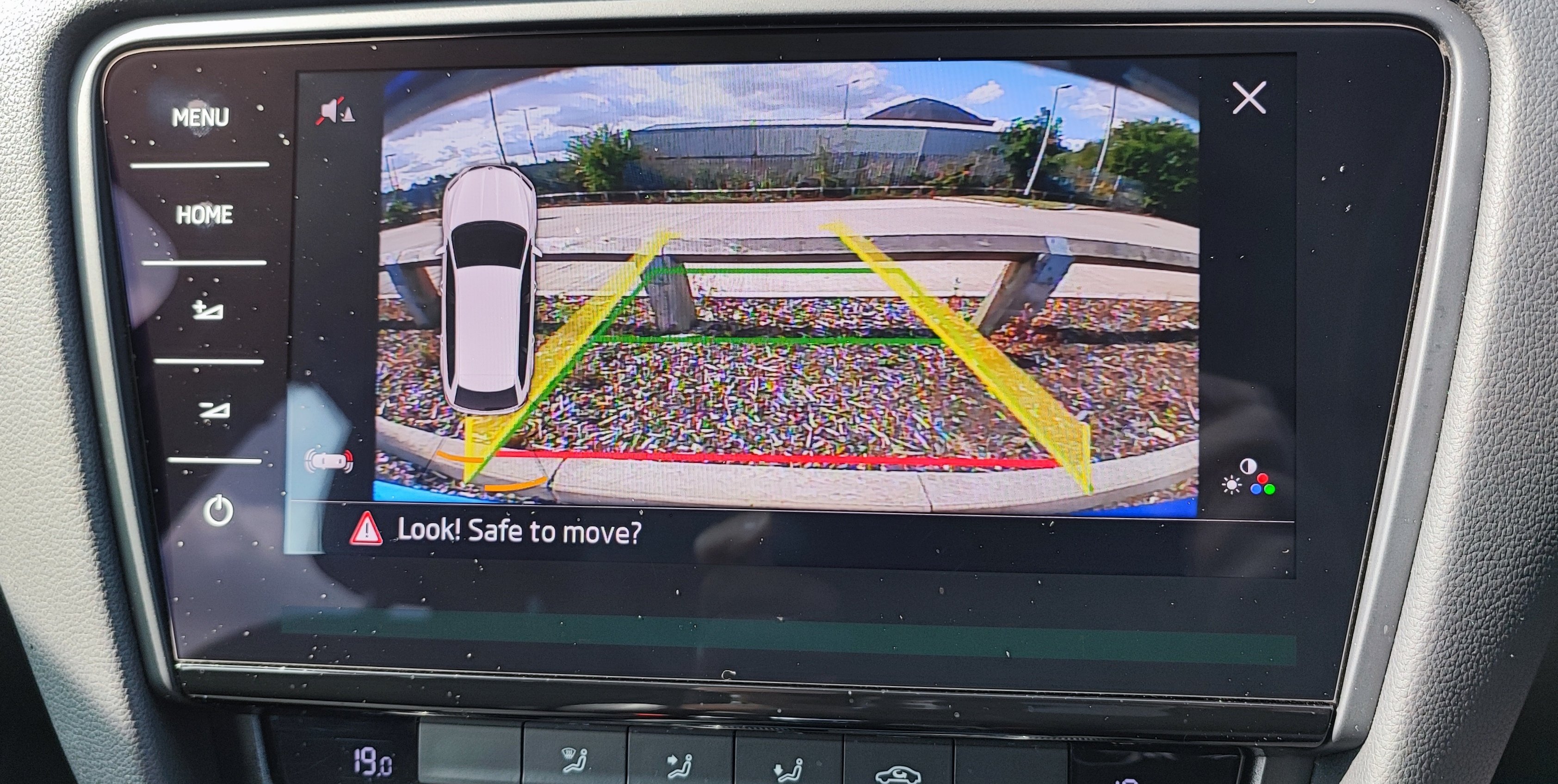
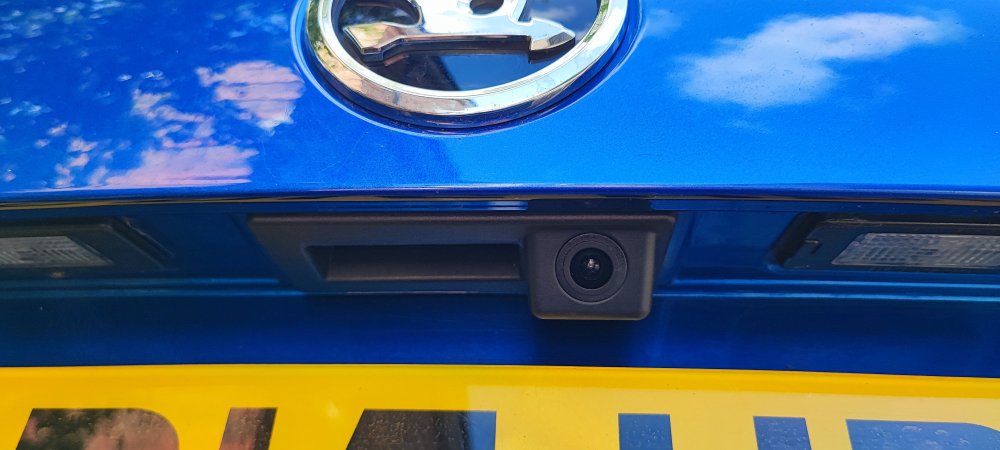
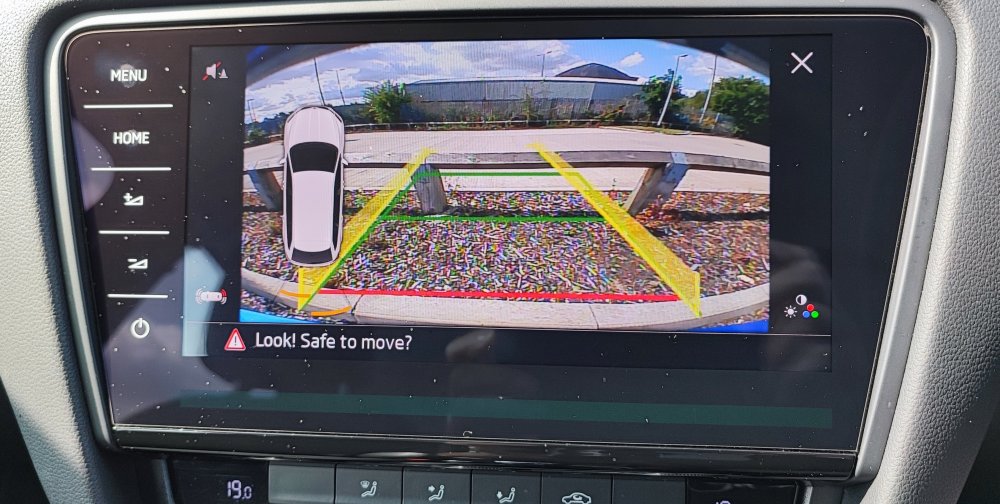
I have just recently completed installing a camera, so many thanks to @weyland for the original post and detailed install information. My car is a 2015 Octavia estate but has the updated MIB2.5 Columbus infotainment system. The Aliexpress listing for the plug and play version specifies that it is compatible with 2017 onwards 'facelift' cars only - I took a chance that this refers to the infotainment system rather than the vehicle as a whole and the good news is that it does - the camera works perfectly including the guidance lines. I routed the cable up the A pillar and through the headlining, guided by a length of stiff garden wire and it was easier to do than I feared. The hardest part was the final bit inside the tailgate, with a stubborn plastic rivet to remove the upper trim panel and the guide wire getting caught up inside the box section 😠 Some mild swearing was involved but I got there eventually... The kit I ordered was MQB-Cam A link here and the boot handle/camera is a perfect fit in the tailgate. For just under £30 delivered this is a great upgrade to the car.
-
Thanks. Yes I know it is a Columbus MIB2.5 and the maps are stored internally rather than on SD, just wanted to check that this is the correct update for that variant.
- 101 replies
-
- columbus
- discover pro
- maps
- mib
-
Tagged with:
-
Are the map upgrade files pinned in this thread the correct ones for a Columbus MIB2.5 (the one with the touch sensitive buttons rather than the hard buttons) - is this what 'High' refers to?
- 101 replies
-
- columbus
- discover pro
- maps
- mib
-
Tagged with: