giggs
Members
-
Joined
-
Last visited
-
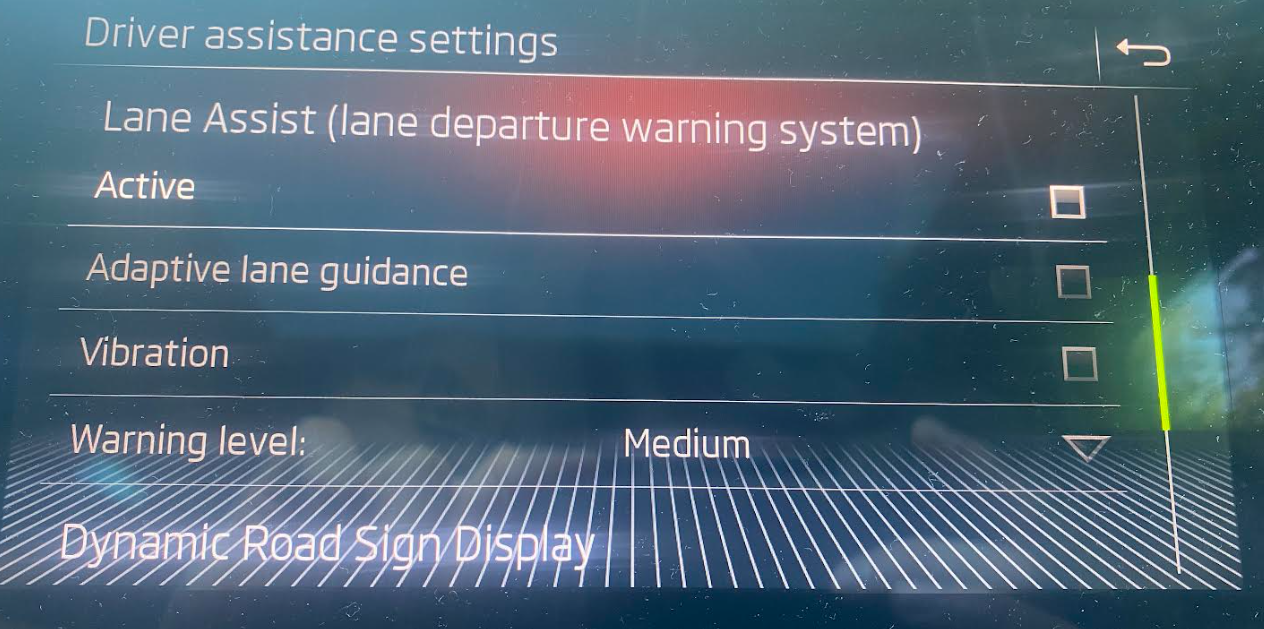
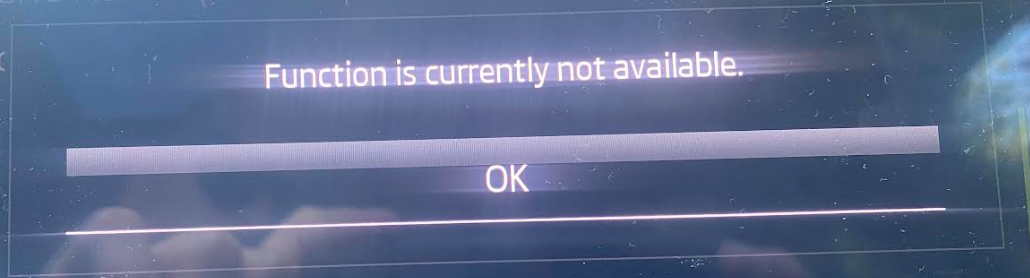
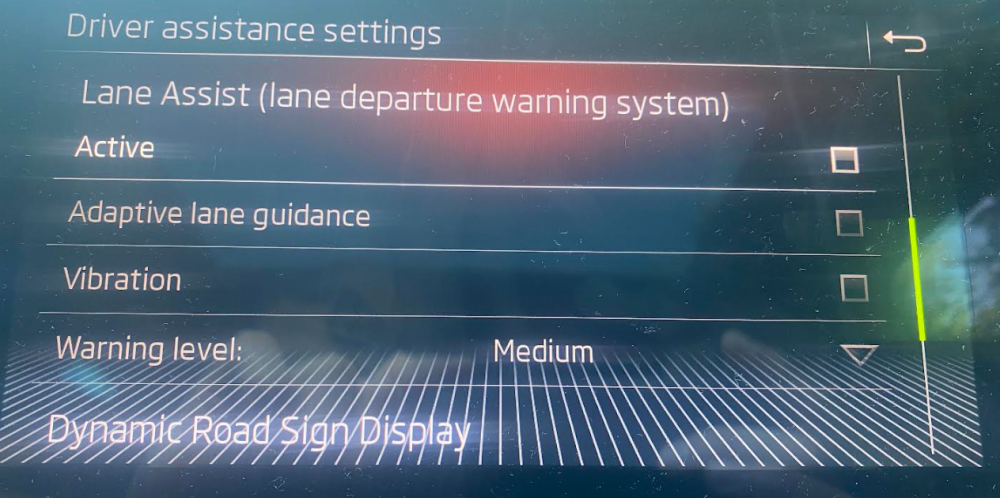
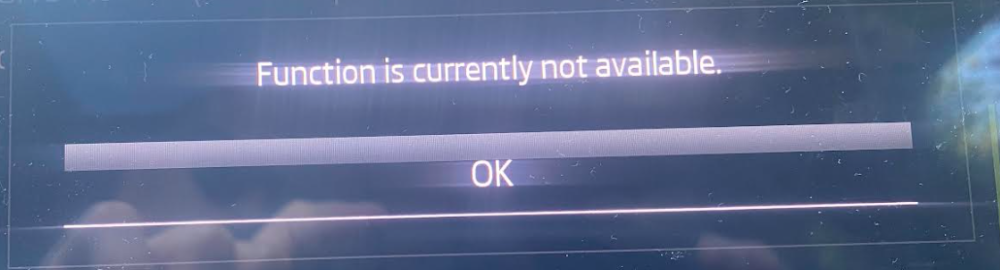
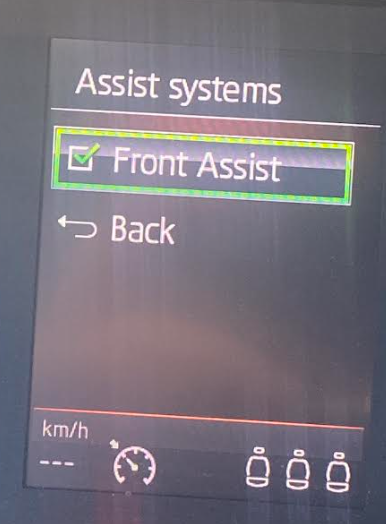
Hi All! I wanted to enable Lane assist on my 2017 Superb with OBDeleven, but it ended in spending 100credits and no working lane assist. It could be that I did something wrong, but this is the outcome... I got an option in the multi media system (radio): When I try to enable it I get "Function is currently not available": And there is no option within the assist menu on the speedometer (multicolor screen): Any idea? I was really looking forward to new features and now I'm afraid to enable any other OBDeleven apps.
-
This might have actually solved the issue with my Superb - 2017, hatchback. I am very glad I came across your post! Thank you. It all started with warning that the tailgate is open although it wasn’t. Then the tailgate didn’t open after quick press of the button. I needed to hold it a bit and then it went all the way and beeped at the top position. Then it didn’t want to close. It only went up. I had to close it manually. When opening (with a longer press) it only went up for 40cm. I actually didn’t remove the inner trim when treating with the wd40 (it actually wasn’t the original wd, but the one from Lidl :)). I spritzed it through the latch lock. It didn’t work immediatelly. It needed a day or two. BR