delicolor
Finding my way
-
Joined
-
Last visited
-
I talked to the bodyshop manager, he says Skoda are being totally intransigent on this using the two year inspection excuse (which isn’t in any of my paperwork, just the reporting as soon as it is discovered) and he has seen three others brought in to him with the same issue in the last four months. He also said it would have been the same even if we had used them for servicing instead of an independent local garage business. Apparently the Yeti had a similar issue. Skoda UK can expect a lot of bad press and lost sales on this if they don’t relent- however they have sod-all product to sell anyway so not a lot to lose…
-
It is a 2014 car and we have had it since 2016 or 2017. Serviced last May and no mention of it then.
-
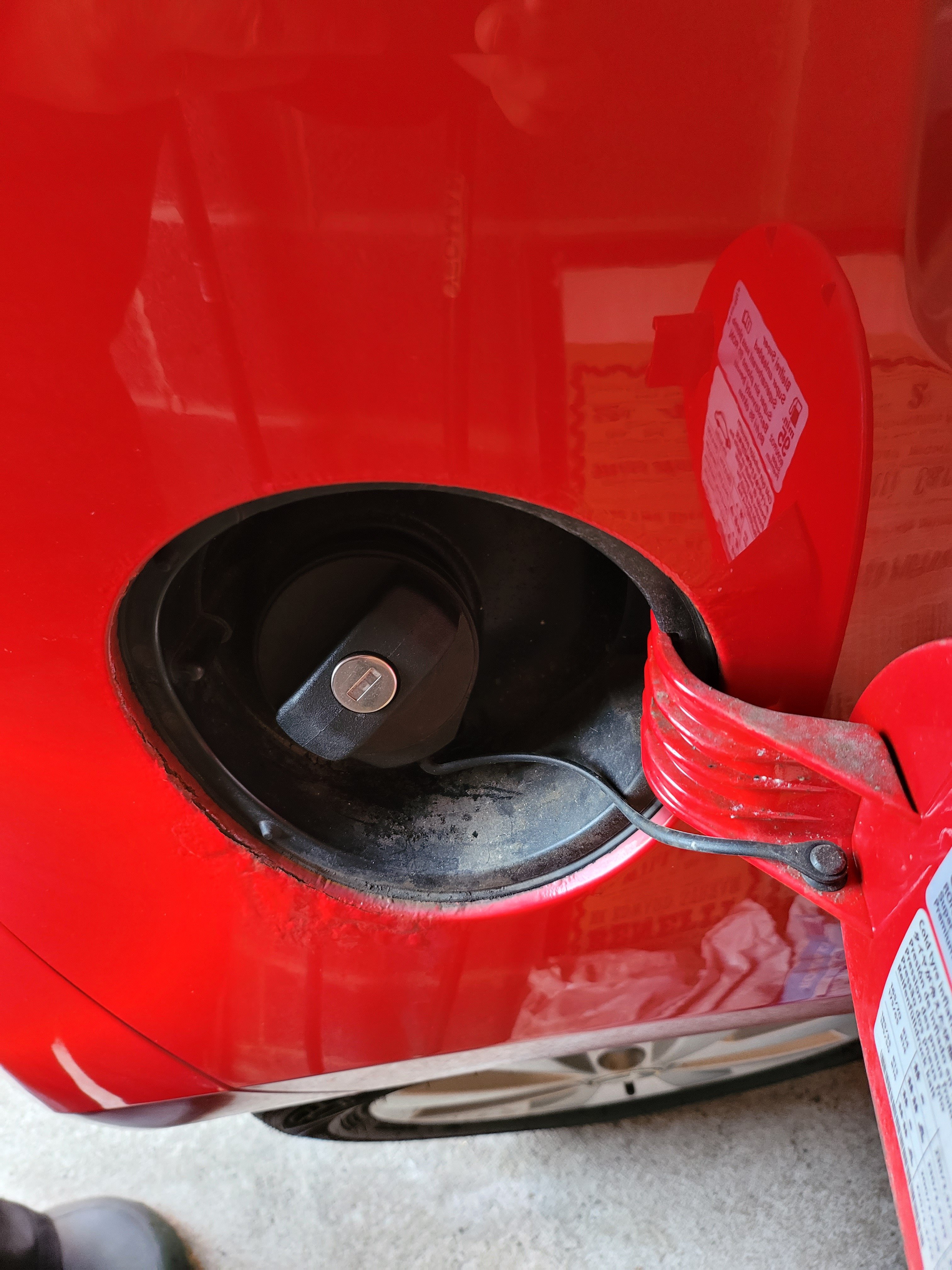
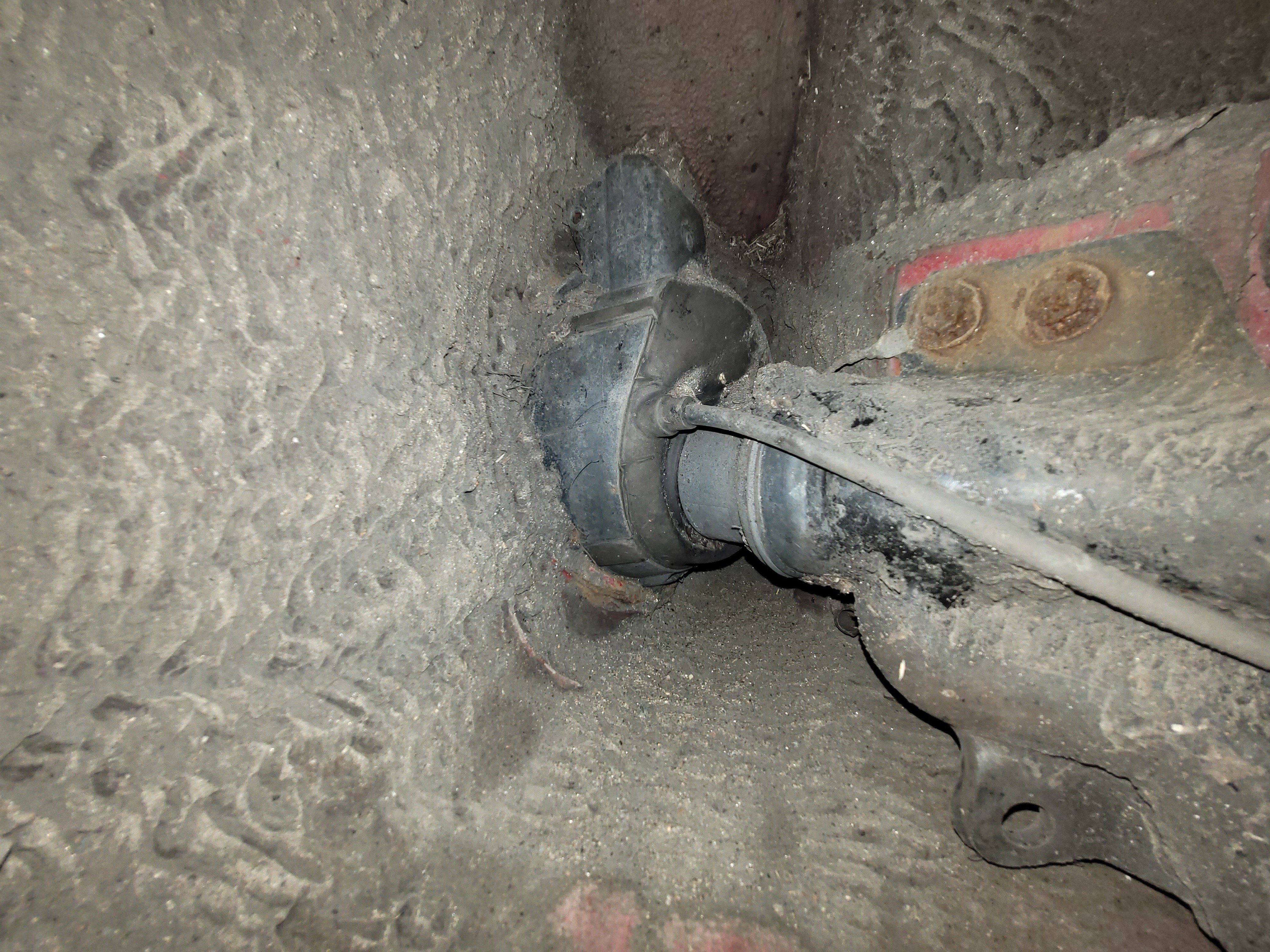
My Wife just noticed her Citigo is bubbling. I will report on how helpful (or otherwise) D M Keith are in resolving this. Serviced at a local Wakefield garage called Spencer & Broadhead once out of used car warranty.
-
For those asking, the car ordered Feb 1 22 so no time at all really compared to some of you here.
-
I’ve now pulled the plug on my Octavia IV lease. I would have stuck it out but my Mum died and we no longer need the big boot for the wheelchair. I asked Lings to suggest something PHEV but shorter/cheaper. They suggested the Kia Niro 2 December delivery. I went down to our local Kia dealer to sit in one and they had a 2019 plate Kia Niro 3 on the forecourt for £10k cheaper with 17,500 on the clock, so I have reverted to my old approach of buying not too old used cars. I don’t get keyless entry (it is on the latest iteration) but I can live with that.
-
I have just heard from the leasing company:- 'All IV product is delayed due to supply of the noise generator when on electric.'
-
Apologies if this has already been posted, but there is a fascinating 12 minute video of 2022 Octavias being manufactured here: