v12bug
Finding my way
-
Joined
-
Last visited
-
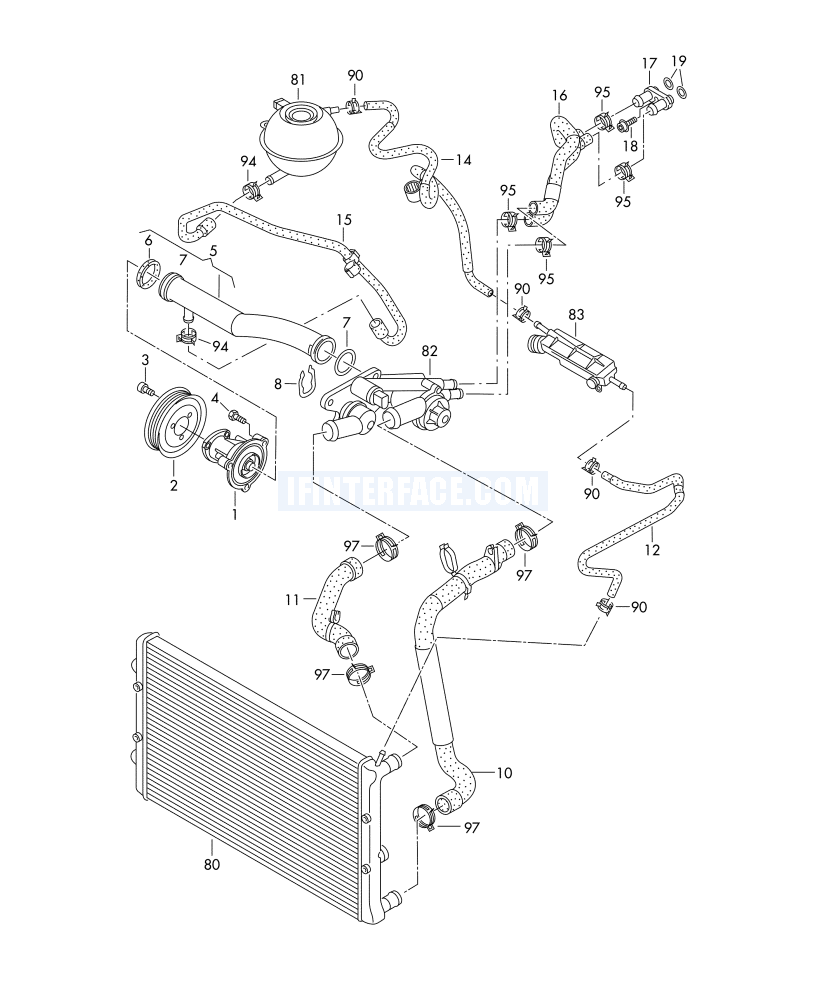
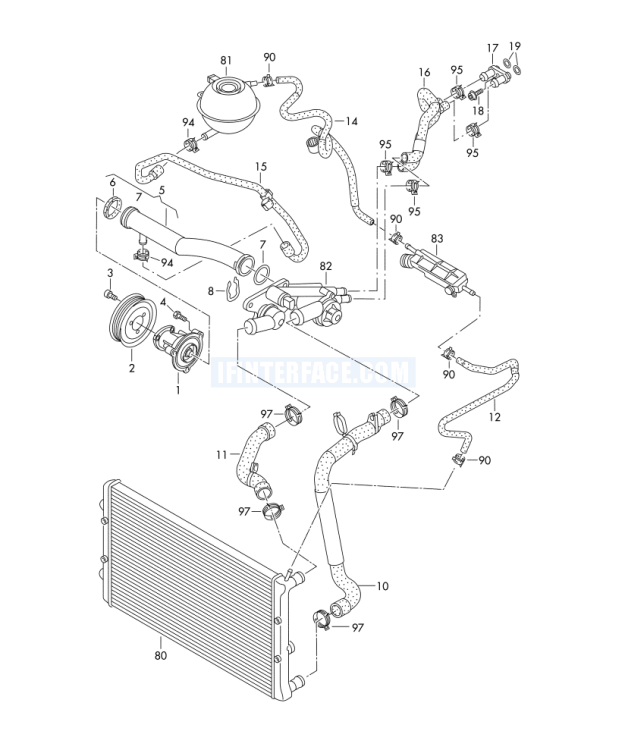
Alright guys, so on my EA111 1.2 TSI CBZB .. I've just traced a slow Coolant Leak down to the Coolant Thermostat Housing 👎 [part 82 in diag] and purchased a Genuine OE replacement. I've also purchased the OE Coolant Water Pump, [part 1 in diag] even though it seems to be leak-free at present.. Question is, can someone please provide the Torque Specs for both the Coolant Thermostat Housing (# 82) and the Coolant Water Pump (# 1) bolts , please? would really appreciate it .. and I'll update the thread with my findings thanks!
-
..and definitely can't move the engine about with your hand .. like I could before..
-
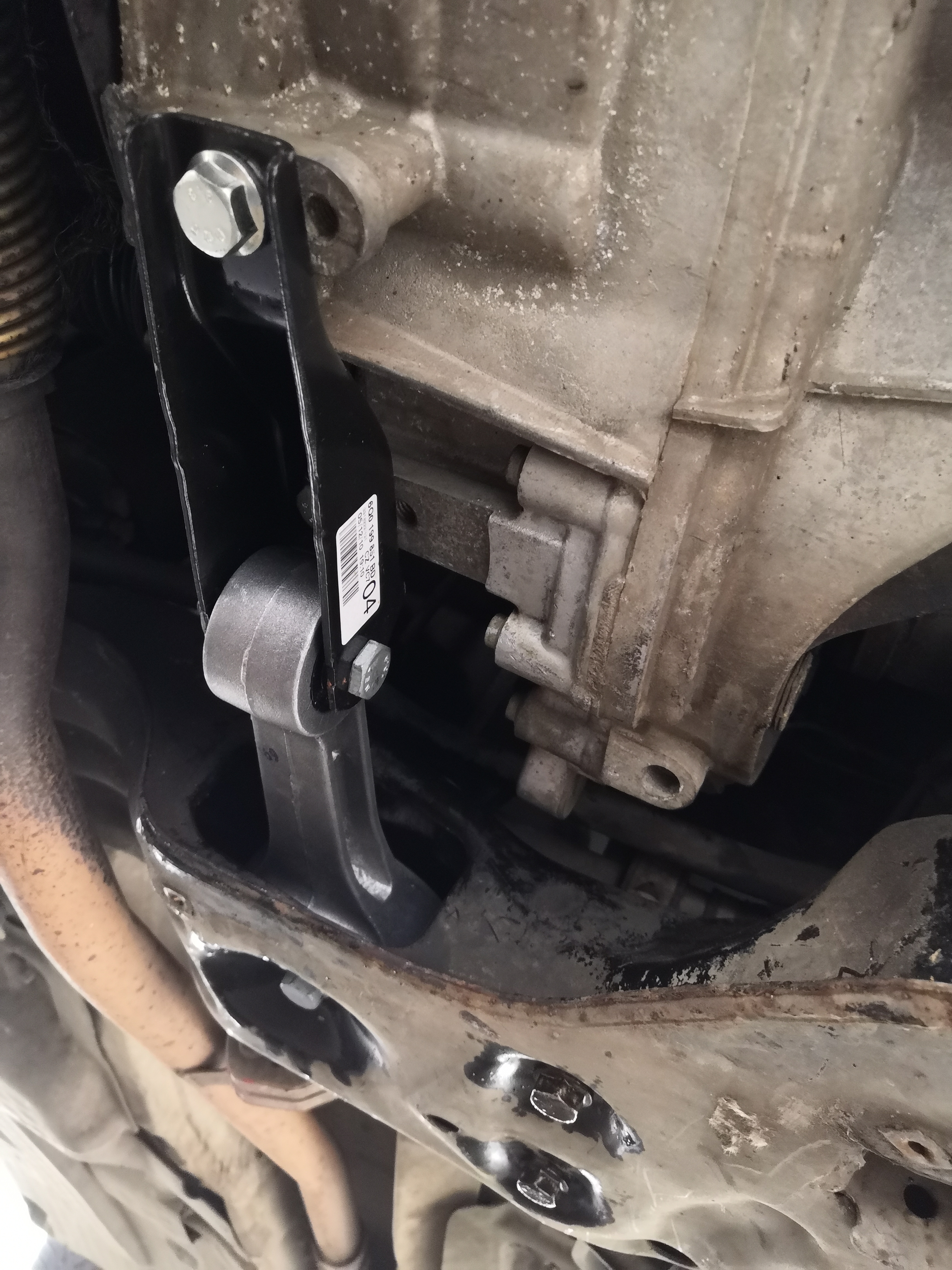
Fitted. and together with uprated: LEMFÖRDER Transmission / Gearbox Mount 29978 01 aka. VW 6Q0199555AS ... the nearside / passenger side wheel hop has completely disappeared 👍
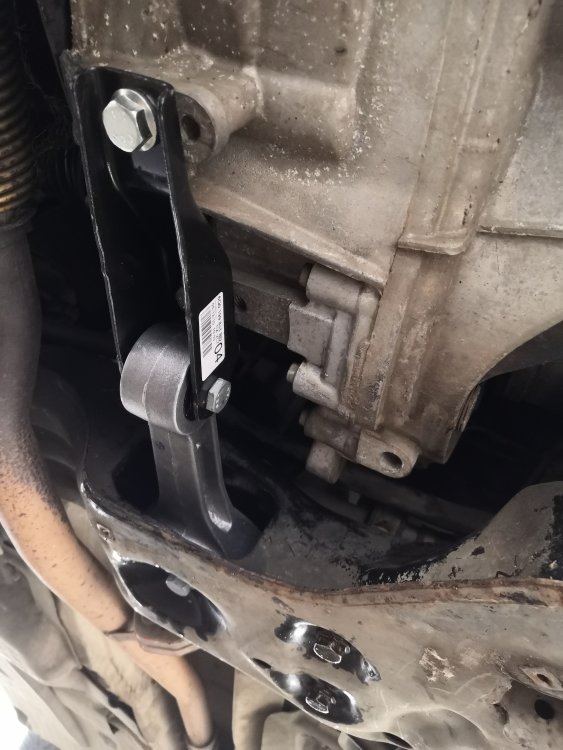
-
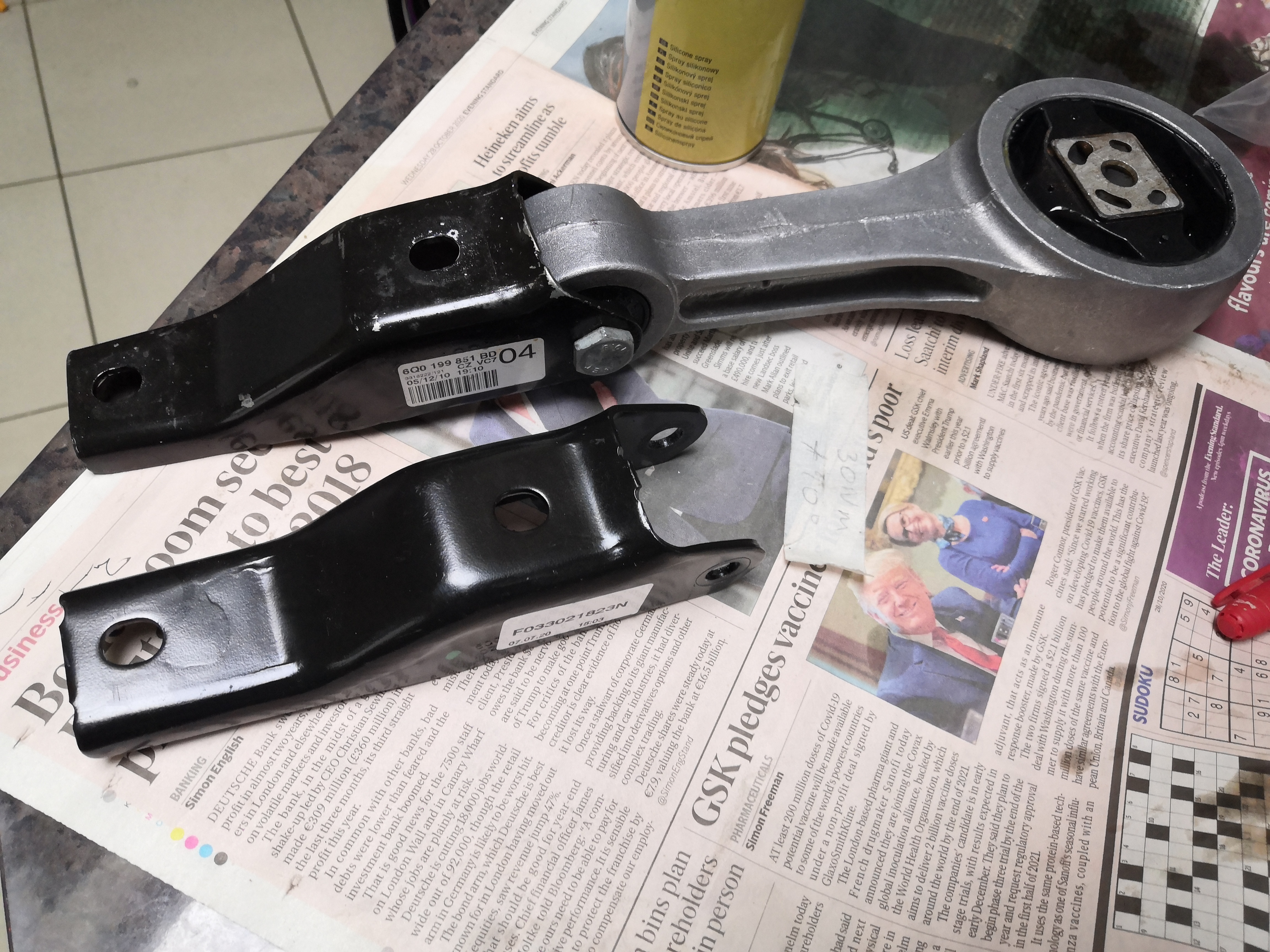
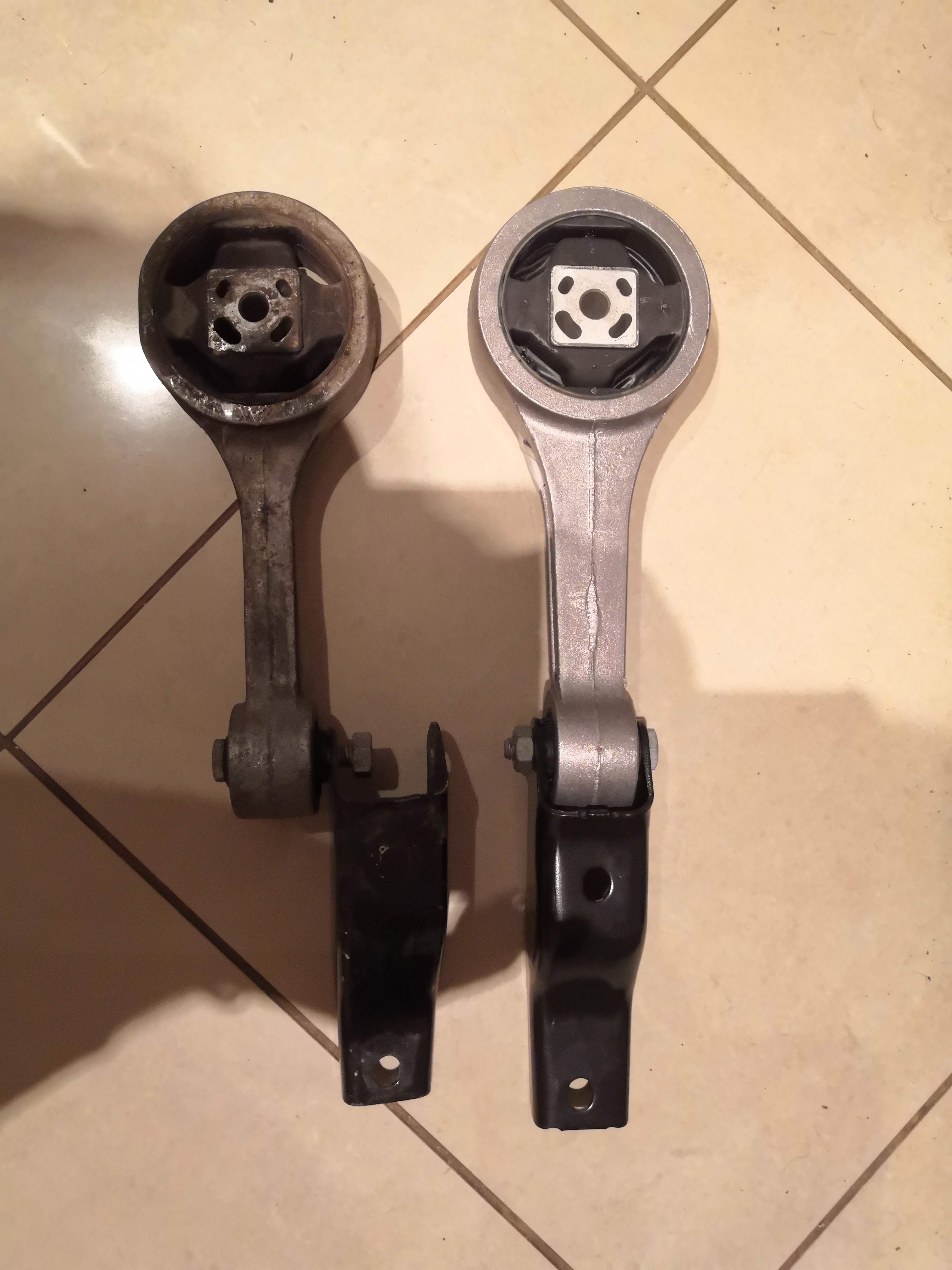
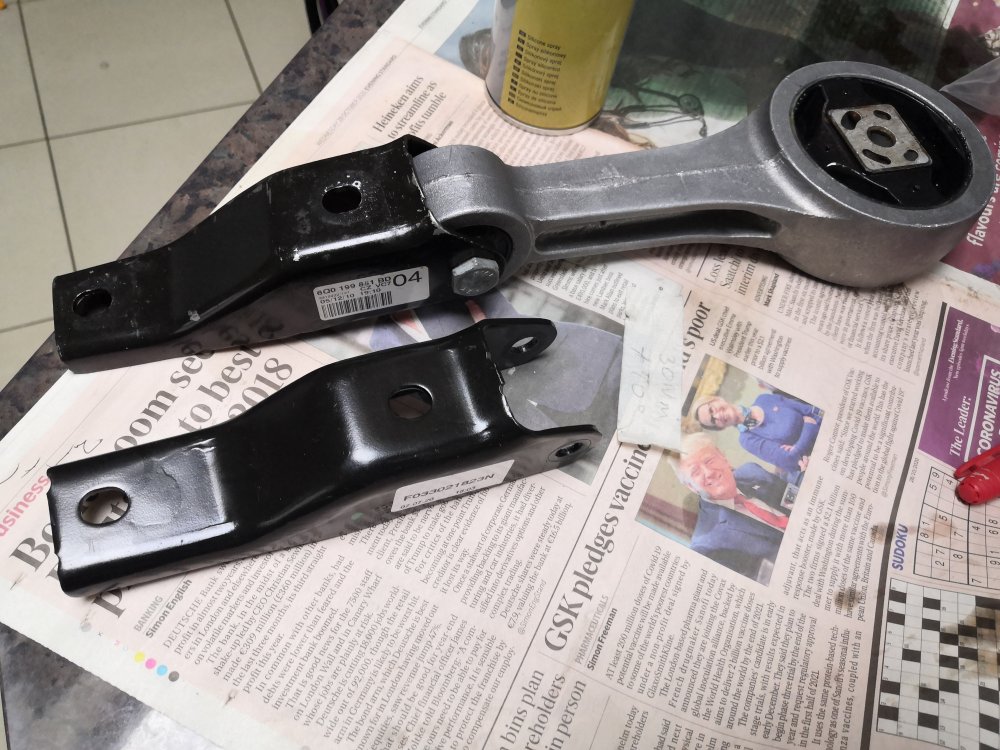
Old Bracket swapped over onto New Dogbone:
-
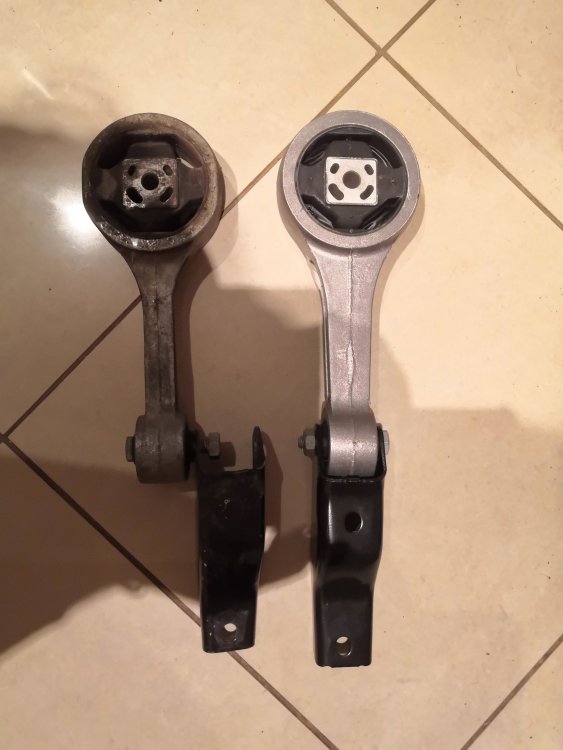
you'll have to swap over the bracket that joins the dogbone to the gearbox end, .. taken from your existing dogbone.. as they're slightly different lengths: LEMFÖRDER Dog-Bone / Pendulum Mount Engine Mount (Rear) 36324 01 aka. VW 6Q0199851AP
-
Some great advice here, and many thanks to the OP. Also got the EA111 1.2 TSI CBZB, and trying to cure very bad wheel hop on the nearside / passenger side wheel. Makes an awful knock / clunk, when moving off and changing up from 1st to 2nd. [It's not suspension related] So, as above purchased the OE VW parts / LEMFÖRDER : LEMFÖRDER Transmission / Gearbox Mount 29978 01 aka. VW 6Q0199555AS LEMFÖRDER Dog-Bone / Pendulum Mount Engine Mount (Rear) 36324 01 aka. VW 6Q0199851AP ..both of which appear to be more uprated mounts designed for larger engine types. Question is. -Can someone confirm the Torque Specs for the mount bolts please?