
RichTea77
Finding my way
-
Joined
-
Last visited
Everything posted by RichTea77
-
-
-
Hi guys and gals, I'm sure the answer is somewhere in the forum, but I can't find it, so sorry. I want to go to stage 2 with my L&K 220 and so, need a downpipe. I'd like to get one with a sports cat, but I can't find one anywhere. I've seen that the Octavia vRS one should fit? But has anybody actually fitted one? I know all the MQB cars have the same downpipe but it's the link to the OEM exhaust that worries me as the Superb is larger. Thanks in advance.
-
They've decided that it's just not compatible with my car and told me to send it back. I'm pretty disappointed, but such is life.
-
Thanks @Bap33. I'll compare it to mine. I've plugged in the factory amp and it works, so I'm not expecting any joy, but thank you for getting back to me.
-
It's lucky your processor has two optical inputs.
-
No, I haven't, it's going to be a bit of a ball ache to do. I connected the MOST connector and applied power though. One thing forgot to mention is that when the ZEN-V is connected, the volume display on the maxi-dot shows no volume, the volume display on the main screen shows full volume and all the volume settings for turn on volume, announcements etc. show no volume as well. None of them can be changed either. With the factory amp connected the volumes work, but I haven't connected any speakers to it yet. Something for me to try over the weekend I guess. 😞
-
My car has most from the factory, I've disabled it and used the speaker outputs from the glove box unit to connect to my aftermarket amps. Now I've bought the ZEN-V unit I've recoded the 5f unit to use most, but no sound. I can see the ZEN-V on ODBEleven, so it's kind of working. How can I see the dataset I have and how would I go about changing it?
-
I've recently bought a NAV-TV ZEN-V unit that converts the MOST 150 signal from the stereo to RCA and Toslink, however I can't seem to get it working. Could someone please post up their long coding and adaptations for the 5f module from a pre-facelift L&K or at least a car with the Canton system. I'm hoping I can compare it to mine and find out why it's not working. I use ODBEleven, so if someone can get the settings from that, it would me a massive help because I can just dump them into Excel and do a comparison, but any details would be great. TIA.
-
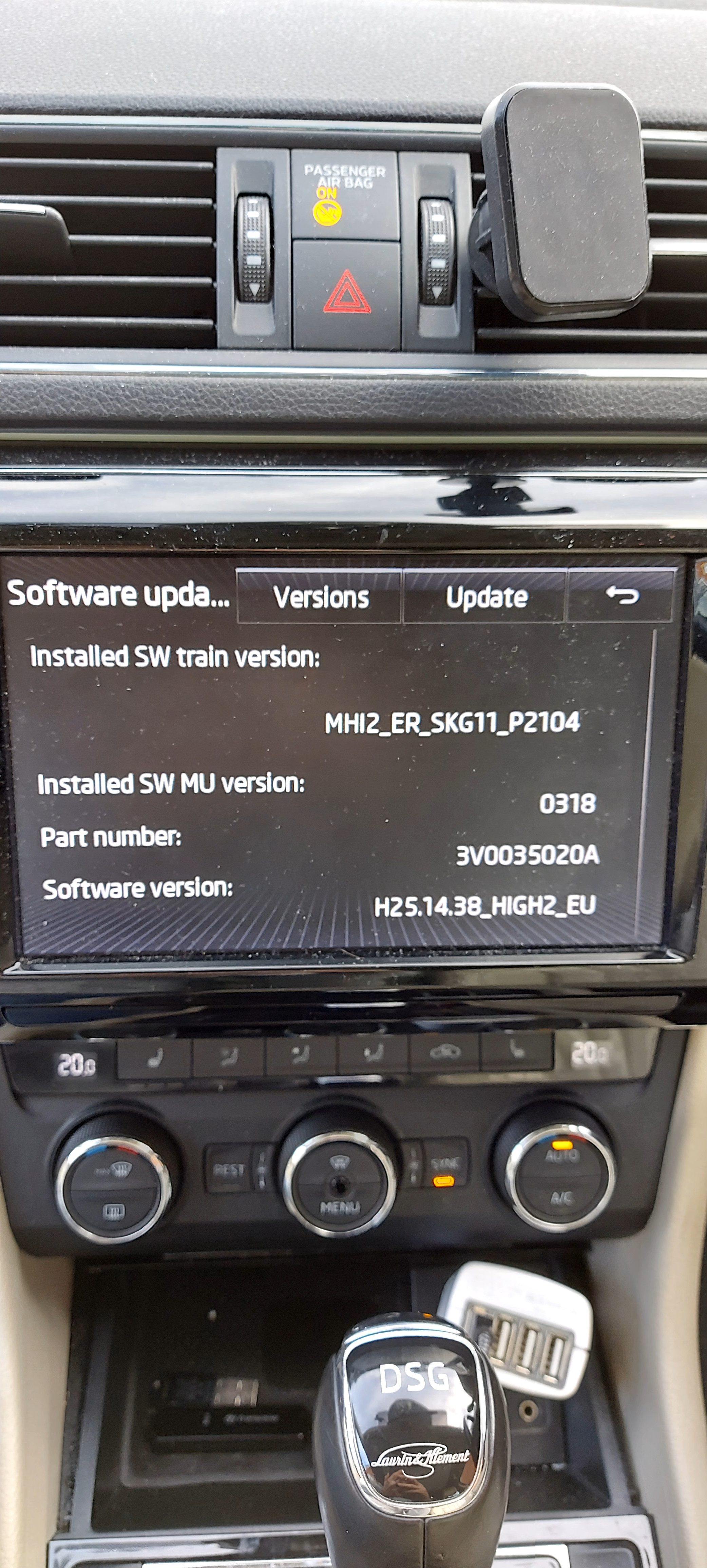
Thanks @varooom. The update went straight on.
-
Hi guys, could someone please provide a link to a firmware update for my Superb? Thanks in advance.
-
I have this issue. One of the reasons I bought the Superb was that I was hoping there would be enough room for my twins in their car seats and then my older daughter in the middle. She physically fits but it's not comfortable. We always use my wife's S-Max when we're all in the car.
-
I've just had mine remapped. It makes it much nicer to drive. As @freelunch says, there's almost a hesitancy when you first press the accelerator, the remap helps with this, but a pedal box in on my to do list. I'd also think about one of these 034Motorsport Billet Aluminium MQB Dogbone Mount Insert - Awesome GTI - Volkswagen Audi Group Specialists. Sometimes when you pull away quickly the wheels spin up a little and you get this banging noise. These are supposed to stop it. I haven't got one yet, but hope to have one soon.
-
I'm 99% sure it will be MOST150. My 2015 Superb has it and I believe it's what they use in all MQB cars. The amp in my car is under the passenger seat, I'm pretty sure the Golf is too, so yours will probably be the same.
-
Cool, I just didn't want you to get a meaty surprise. The build looks good, should sound really nice.
-
The optical signal that the Canton system uses is a MOST150 signal, not a S/PDIF signal, so it won't be able to connect directly into the DSP. The only solution I know if the convert from MOST150 to S/PDIF is the Nav Tv Zen-V https://www.nav.tv/products/most-audio-outputs-zen-specialty-items/most-audio-output-audi-bentley-porsche-seat-skoda-vw
-
So, what's the plan for the stereo? How are they dealing with the Canton amp? It gave me all sorts of headaches.
-
No worries. I'm glad I could help someone. Usually it's me getting help from everyone else's posts, so it makes a nice change.
-
Have you driven the car since doing the reset? I only ask because I did something (I can't remember what now.) and when I turned on the ignition I had all sorts of error messages saying everything wasn't working. After driving around the block it all worked again.
-
I recently bough OBDeleven pro. One of the reasons I got it was to turn off the annoying beeping when you close the boot using the key. It worked, but I've obviously done something wrong because now the button to close the boot isn't working properly. If the boot's open, I press the button and nothing happens. If I open the boot half way, press the button to stop it and then press it again, it carries on opening instead of closing. If I close the boot manually and then open it again, sometimes it starts working again, I can open and close the boot normally, I've opened and closed it 5 times without problem. If I leave the car for a while and come back to it, the problem has returned. Does anybody have any ideas? If anyone else has OBDeleven and an electric boot, could you compare the backup file below to yours? Pretty please? Backup Control unit: 6D Deck Lid Control Unit System description: HDSG-Modul Software number: 5Q0959107G Software version: 0250 Hardware number: 5Q0959107G Hardware version: H12 Serial number: 30294362600000 ODX name: EV_DeckLidCONTIAU736 ODX version: 001011 Backup name: Boot 140518 Long coding: 1008 Adaptations: Activating and deactivating all development messages: Activating and deactivating all development messages: not active Deactivate production mode: Deactivate production mode: Deactivating Deactivation of tailgate: Deactivation of tailgate: not active Deactivation of tailgate while in trailer operation: Release button in rear lid handle: active Using button to close lock. mechanism in tailgate handle: active Button for opening rear lid in luggage compartment: active Rear lid lock button in luggage compartment: active Sensor for rear lid opening: active Remote ctrl, opening with button for tailgate unlock. mechan.: not active Remote ctrl, closing with button for tailgate unlock. mechan.: not active Opening with button for remote unlocking of tailgate: not active Closing with remote unl.button of tailgate when using a trailer: not active Using sensor to open tailgate: not active Using sensor to close tailgate: not active Öffnen mit Taster 2 für Fernentriegelung der Heckklappe: not active Schließen m. Taster 2 f. Fernentr. d. Heckkl. b. Anhängerbetr.: not active Dectivation of the luggage compartment cover: Dectivation of the luggage compartment cover: not active Detection area upper: Detection area upper: 20 Luggage compartment cover, adjust. track tolerance: Luggage compartment cover, adjust. track tolerance: 88 Luggage compartment cover, detection area: Detection area lower: 30 Detection area upper: 30 Luggage compartment cover, excess limitation in exclusion area: Luggage compartment cover, excess limitation in exclusion area: not active Luggage compartment cover, maximum no. of block drives: Luggage compartment cover, maximum no. of block drives: 7 Luggage compartment cover, number bloom drives: Luggage compartment cover, number bloom drives: 100 Luggage compartment cover, reverse path after obstacle recogn.: Open: 2 Close: 2 Luggage compartment cover, tolerance of the block counter: Luggage compartment cover, tolerance of the block counter: 20 Minimum opening height of tailgate: Minimum opening height of tailgate: 1500 Offset for maximum programmable opening stop: Offset for maximum programmable opening stop: 20 Offset for opening height after basic setting: Offset for opening height after basic setting: 0 Opening height in production mode: Opening height in production mode: 60 % Production mode: Activation due to excessive pressure on rear lid: not active Opening height in production mode: not active Opening and closing rear lid: not active Tone sensor: not active Activation of rear lid with reduced speed: not active Calibration: not active Checking the rear lid button: not active Program opening stop: Program opening stop: 1864 Tailgate reverse path: Reverse path when closing: 100 Reverse path when opening: 100 Ausstattungen aktivieren: Engine 2: active Motor 2, sensor system: active Tone sensor: active Clamping strip 1: active Clamping strip 2: active Clamping strip 3: active Clamping strip 4: active Temperature sensor 1: active Temperature sensor 2: active Closing assist motor: active Mileage: 17303 km Date: 2018-05-14 08:48