



Roberto280
Members
-
Joined
-
Last visited
-
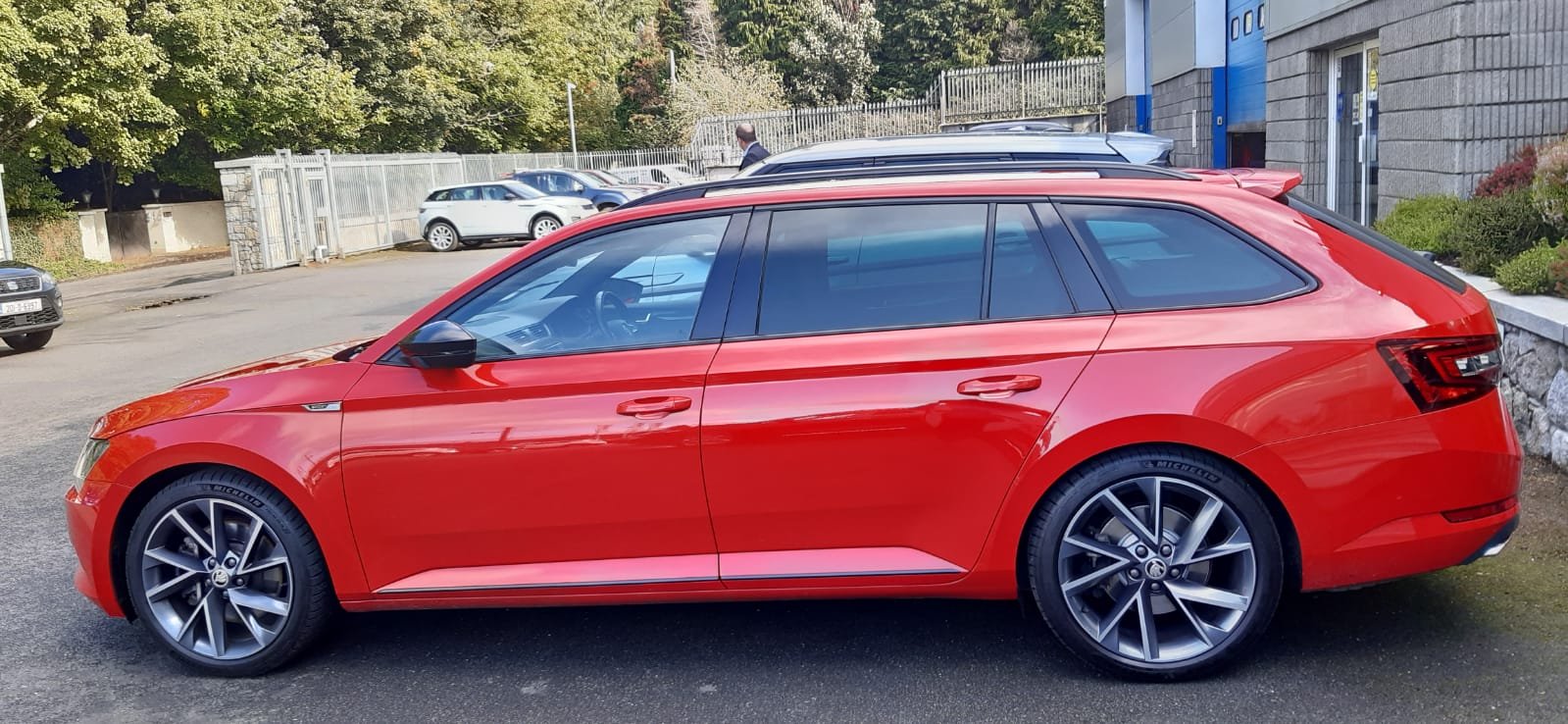
Much better than the previous install - Not cheap, but to me worth it 😁
-
Just looking to see what people have had the 2.0 TSI's up to? 2017 - 280 here, currently at 210,000kms - 130,500miles
-
I'm not using any of the equalizer controls, as the DSP gives so much more control.
-
The Audison DMI doesn't work, or didn't. Hense why I have a Zen 5 fitted for the OEM signals.
-
It doesn't need 2 opticals, the B-con works as a pass through, uses the phone bluetooth if playing audio media, otherwise normal car audio, then phone also takes priority for calls
-
Ok, so will I said it sounds amazing, it sounded really good and amazing compared to the Canton system, but over time it started to feel lacking in the lower end. After some frustration and blowing one Sub, got it replaced by a different Hertz version. Low end still seemed lacking... after a bot of research and testing of inputs, bluetooth and more, found out a lot about Bluetooth codecs, mush more than I ever wanted to 🤣 And Audison finally came out with a brilliant little solution, does add an added complexity, but makes the system sound the way I finally wanted. https://www.audison.eu/products/b-con/ Now to sort a phone holder I'm happy with, as unable to have wired Carplay and the seperate Bluetooth channel for audio, unless I can be educated even further.
-
Have mine fitted with stock springs for the last 20 months, no issues and still loving the upgrade! 🥰
-
As long as the current model uses a fibre optic link to the amp system, then anything can be added... My system:
-
Same issue here, was taking between 5-10 lock/unlocks to get the actuator to work. Just got the stealer to replace it, €40 for the part, plus some labour and sorted, seems like a known issue
-
Fitted the Koni Special Active, made such a difference. Stock springs and roll bars.
-
My 280 is due a service soon, booked online for a Minor, but unsure if that's what is needed. Got a call back from the Main Dealers service department (or their receptionist) firstly to say the online system was a week behind where they are taking bookings, no big deal, but slightly annoying. Said it to the guy that I wasn't sure what service was due, could he check the Digital Service Plan system and let me know, car was always looked after by another Skoda Main Dealer. He says they don't have access to it, now very confused, is that not why they all got rid of Service Books??? Have emailed them with the concerns, just not what I would have expected at all. I'm far from a snowflake, but have had my last cars for 8 and 10 years and plan the same for the 280 and want to keep it right. Especially after making it my own 🤩 The selling dealer did give me the history of the car, but is all listed as 'Flexible oil change service' then extras listed. I work on semi-conductor machinery and always have a clear maintenance schedule. Please tell me I'm not asking too much to ask the Main Dealer Network to know the service intervals???
-
A question I was wondering about. But mine has a setting in the infotainment system for ongoing traffic LHS or RHS, am hoping is all I need.
-
Would you not just take the car to a main dealer and get a full quote? Include their diagnostics. Hopefully the offending party continues to play nice.
-
Agreed, though Koni Special Active fitted here, same as others, made such a difference. Not heard any complaints about them
-
Set a new Home address. Local Tesco or similar shopping centre... otherwise I think its a full reset


