thomasski
New here
-
Joined
-
Last visited
Everything posted by thomasski
-
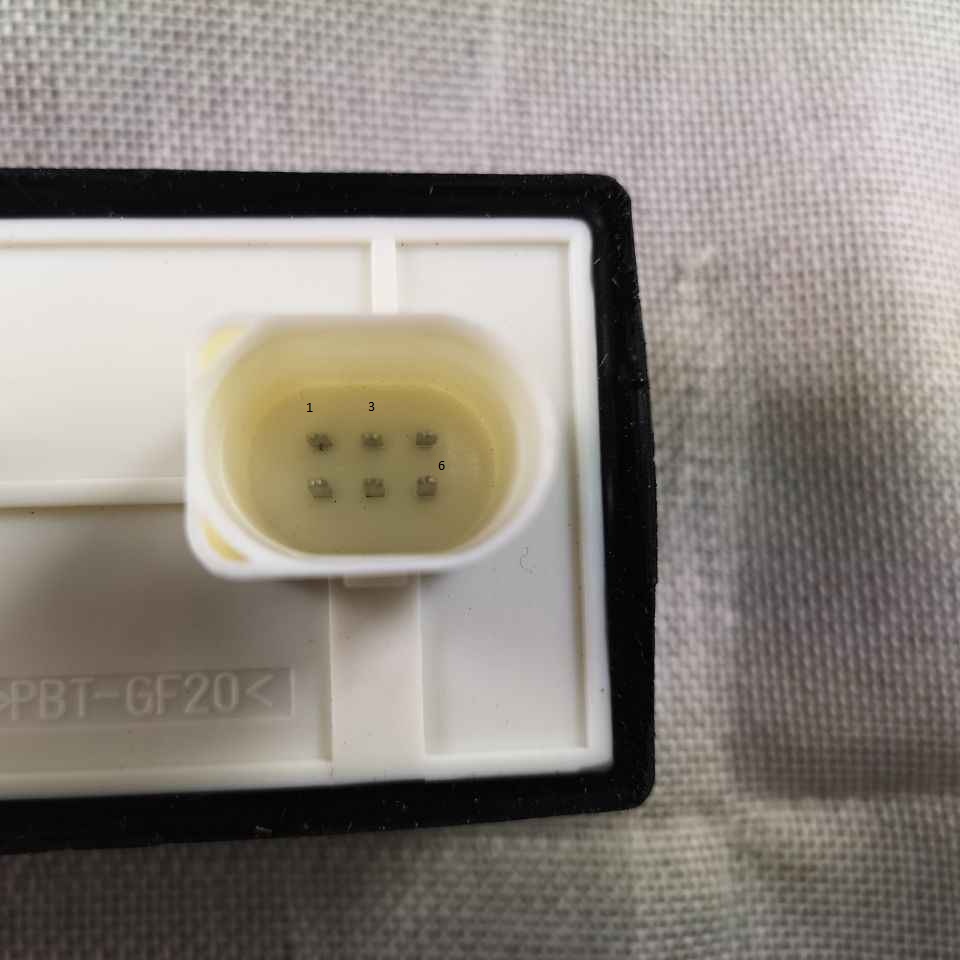
When I connected 1 and 3 there was a click but no fan moved all the fuses are fine I have replaced bigger fan without even checking if the old one was nackered Would it be them three to check or on the plug which would go in to this socket?
-
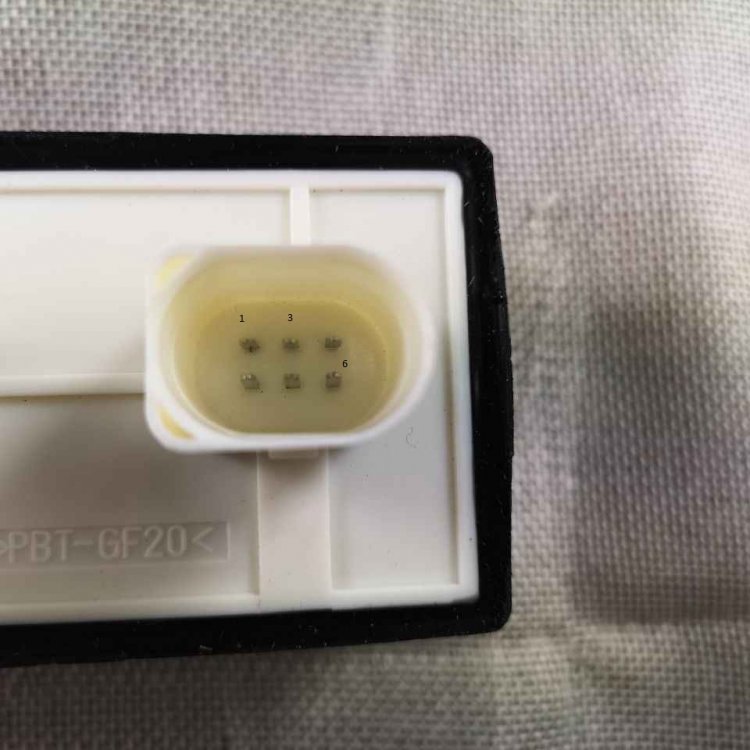
Nothing is happenning when connecting 1 and 2 when these two connected I can hear a click and to me souds like it's the relay but no fan is turing I've tried it with ignition on. Thanks in advance
-
Will try all this on Wednesday and keep you updated. Thanks again for this. Realy appreciate it
-
Thanks Wino, 2 radiators, I have checked fuses on the battery I believe there is one strip fuse and one blade type. They all fine. I will try that... would this cause the fan to kick in? I currently can't check if they are working with the air con on as it has got no gas. Thanks again
-
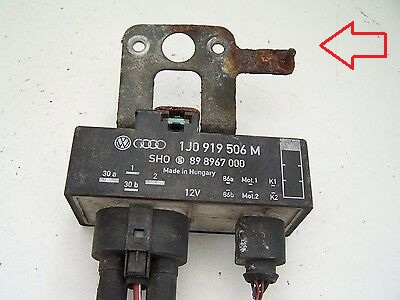
Hi. Excusse my simple language as I may not know those technical terms. I am having trouble with my radiator fan not working, checked fuses, replaced relay, replaced both temperature sensors (don't even know if that's related). There is one thing which I can’t remember being there when I initially swapped relays; just looking at some relay brackets on the internet, on the side there is screw... is this to connect ground? I did not seem to have that; will it cause the circuit to be open? I have attached pic for reference Thanks in advance Tom Skoda Fabia MK1 2001 with A/C
-
Thank everyone for all the helpful suggestions, will tackle this in the next couple of day and post the results. As always good and quick response
-
Hi, I went through few post but could not find the answer. Thanks in advance. On my Skoda Fabia mk1 2001 when unsrewing the a/c pressure sensor is there a pressure in the system or can I just unsrew it without empyng the A/C system? When I loosen the sensor little a bit, there seems to be gas escaping is that a common thing.? Thanks again. Tom