OFFS
Finding my way
-
Joined
-
Last visited
Everything posted by OFFS
-
Cant compare to an Octavia and its been 3 years since i had a MK3 but...... My 24 diesel at cruising speed (63 for me) on a good road surface is very quiet. I don't have an acoustic package, its just nice. As with any car, on a bit of worn road it gets a little noisier but overall, quiet and comfortable.
-
Hi all, just taken delivery of my new Mk4 2.0 Diesel auto and so far I like the car. A minor source of frustration for me is that when in full auto you cannot see what gear the car is in, all that is displayed is "D". Use the paddles to change gear and you can see for a short period of time what gear is selected, however the display reverts to "D" after a few seconds. Does anyone know of a way to get the display to show what gear the car is in all the time even when not using the paddles? Many thanks
-
On reflection I think your right. At the time it suited me and was happy not to rely on a repair kit. We live an learn I guess.
-
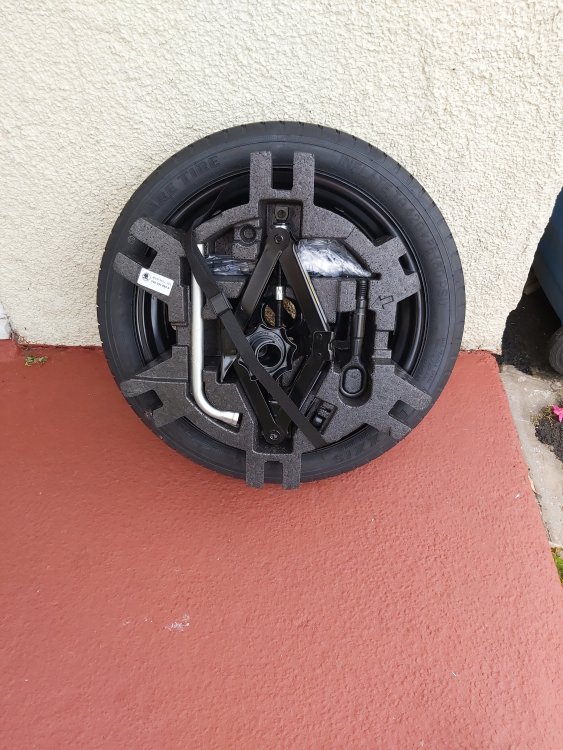
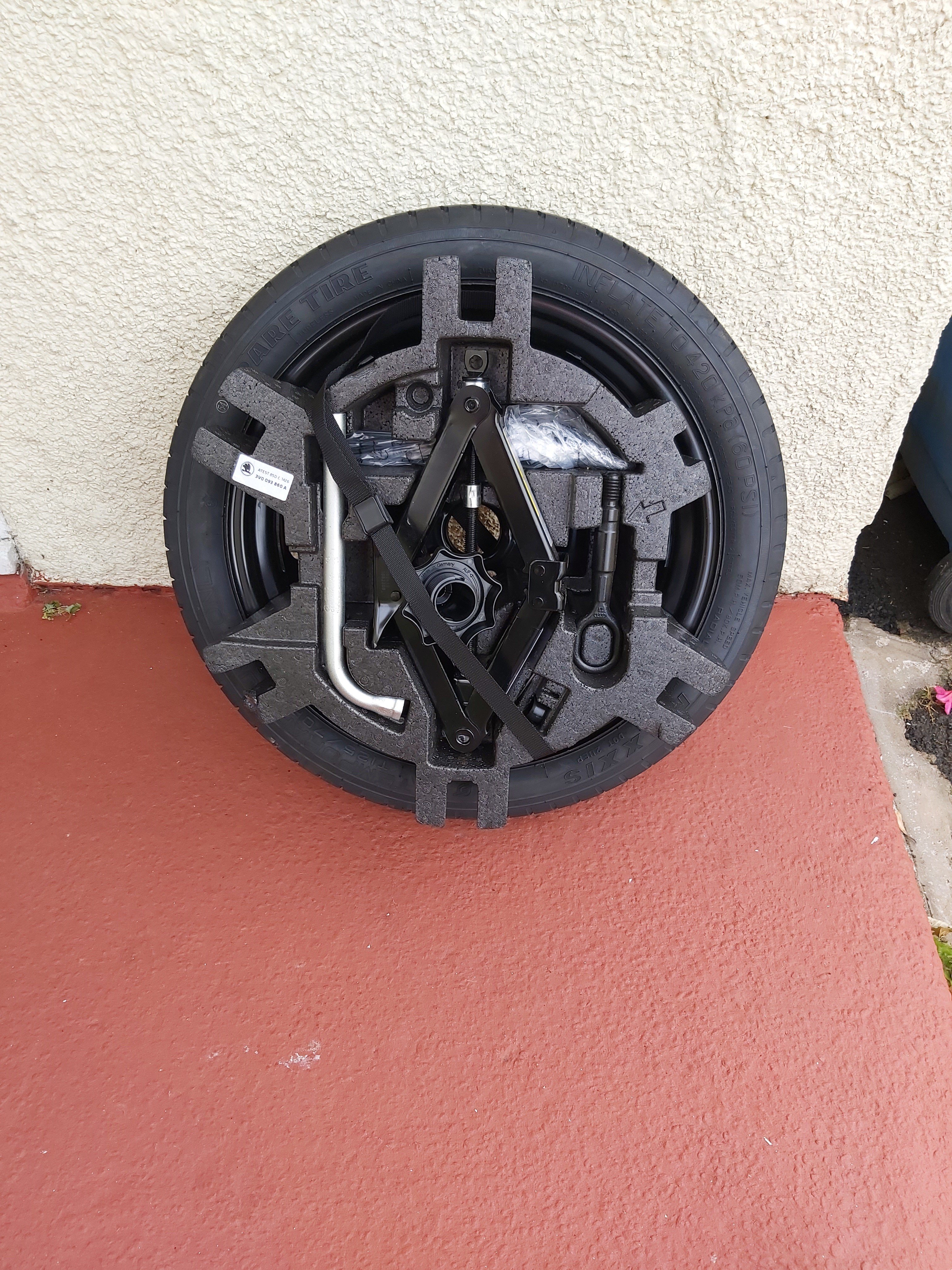
Hi Shaw8670. My previous Mk 3 with 18inch wheels and had no spare and i made the mistake of buying the "correct" space saver from Skoda dealer. I do a lot of miles and didn't want to rely on a repair kit. Cost the thick end of £200 as i remember. Fitted in the recess perfectly with the polystyrene insert taking up the gap between the wheel and boot mat. When i changed the car for another Mk3 which had a full size spare i kept the space saver thinking i would sell it on easily as it had never been used, genuine Skoda, tools included part etc. As it turns out not a lot of people want them, not locally anyway. I think the steel rim with suitable tyre is the most popular option and perhaps only consider a space saver for ease, from a selection POV. I still have my space saver in the shed getting in the way. I'll get round to advertising it again at some point. I cut up the poly insert and used part of it as a storage box above the boot floor. When the spare is in the recess there is really very little room for anything else.