Tonyduncan
Members
-
Joined
-
Last visited
Everything posted by Tonyduncan
-
I spend a lot of time sat in car with ignition on(taxi driver) I have never had this warning.
-
Has anyone got Facebook messenger to work with AA ?.
-
-
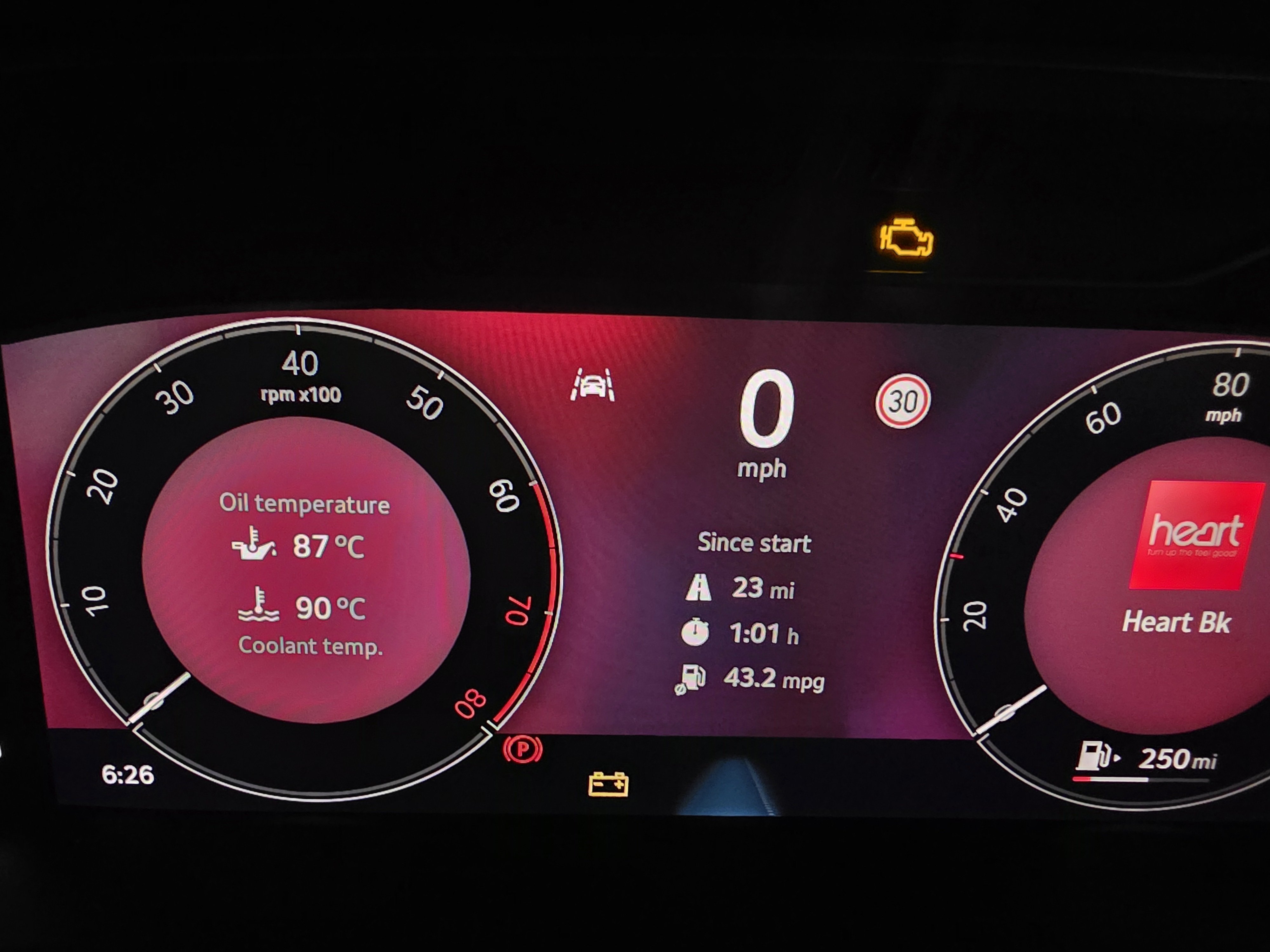
When I start the car after the dashboard light check and thay all go out if I don't start the engin the yellow battery light comes back on and stays on till I start the engine is this normal or a problem.
-
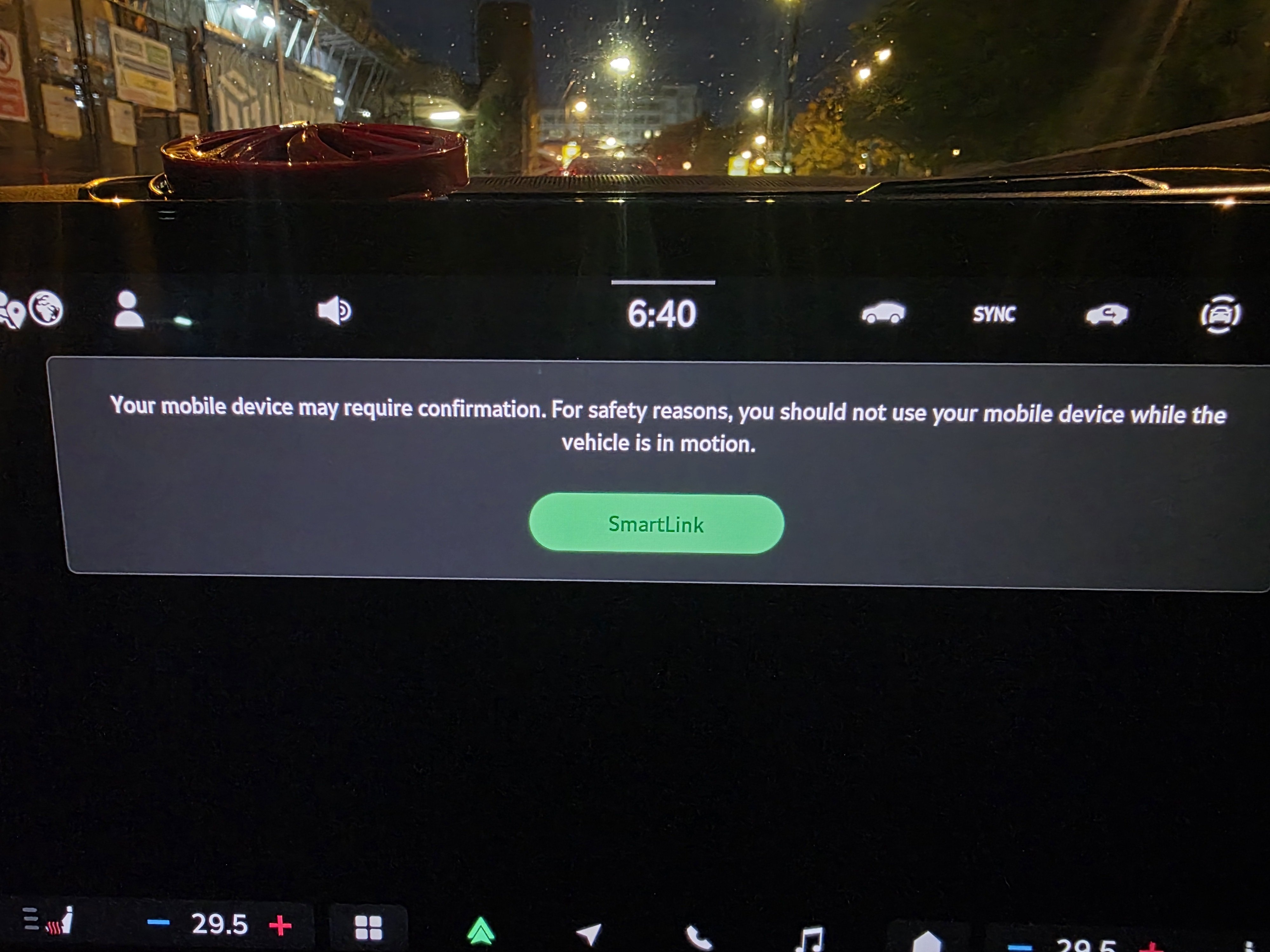
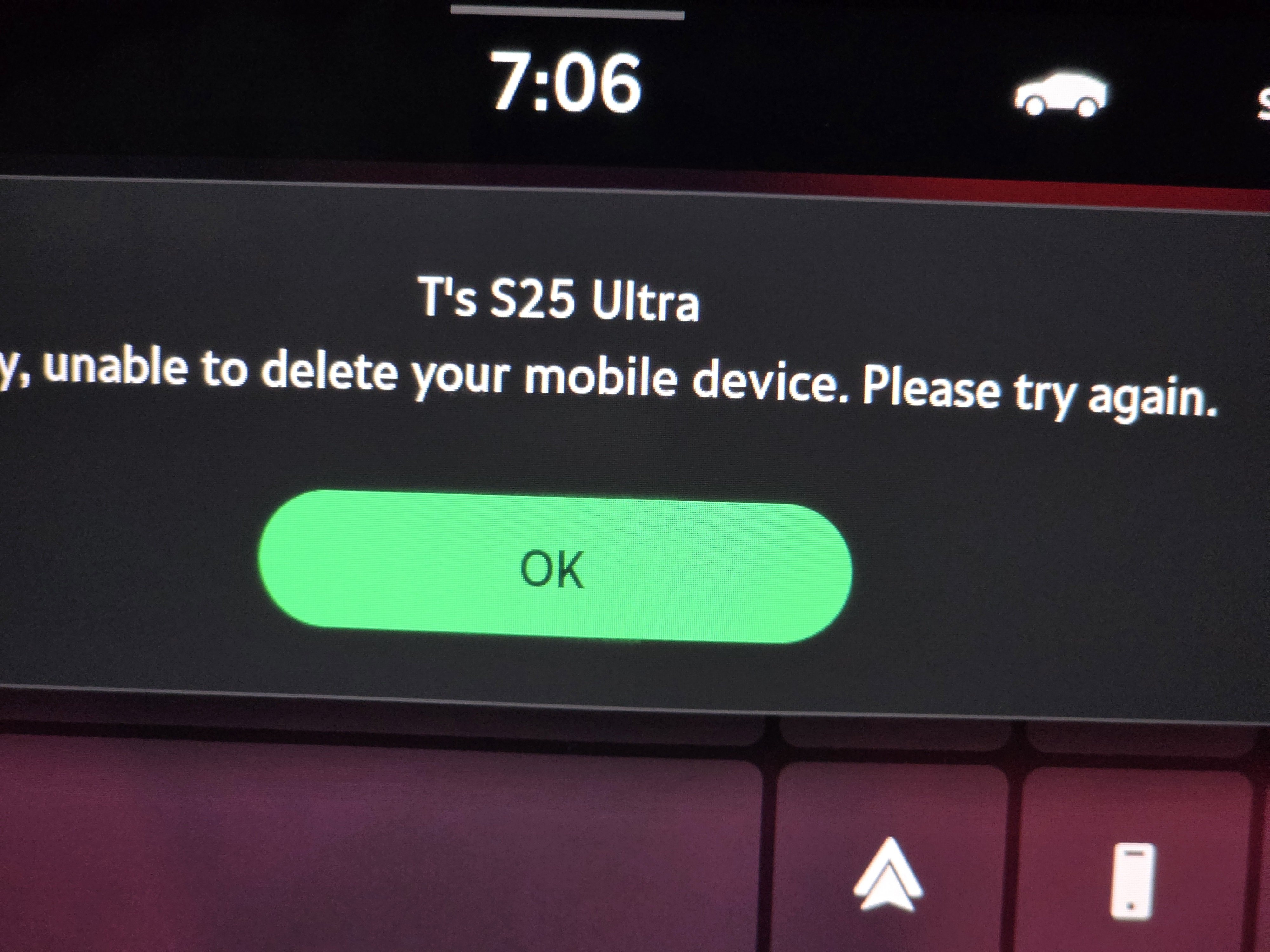
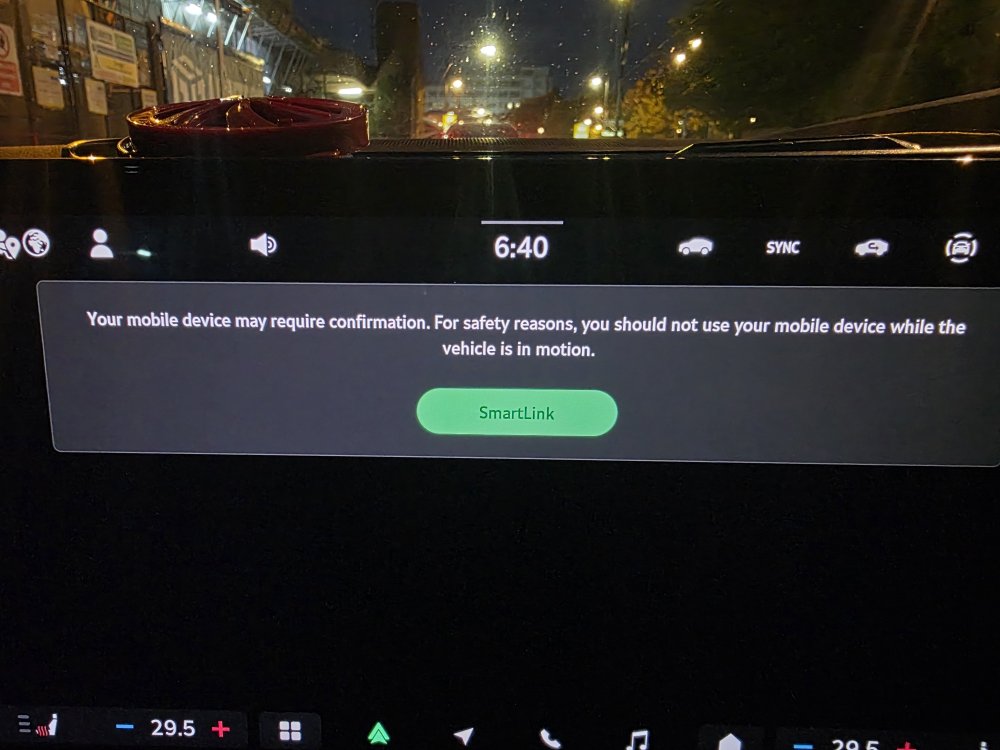
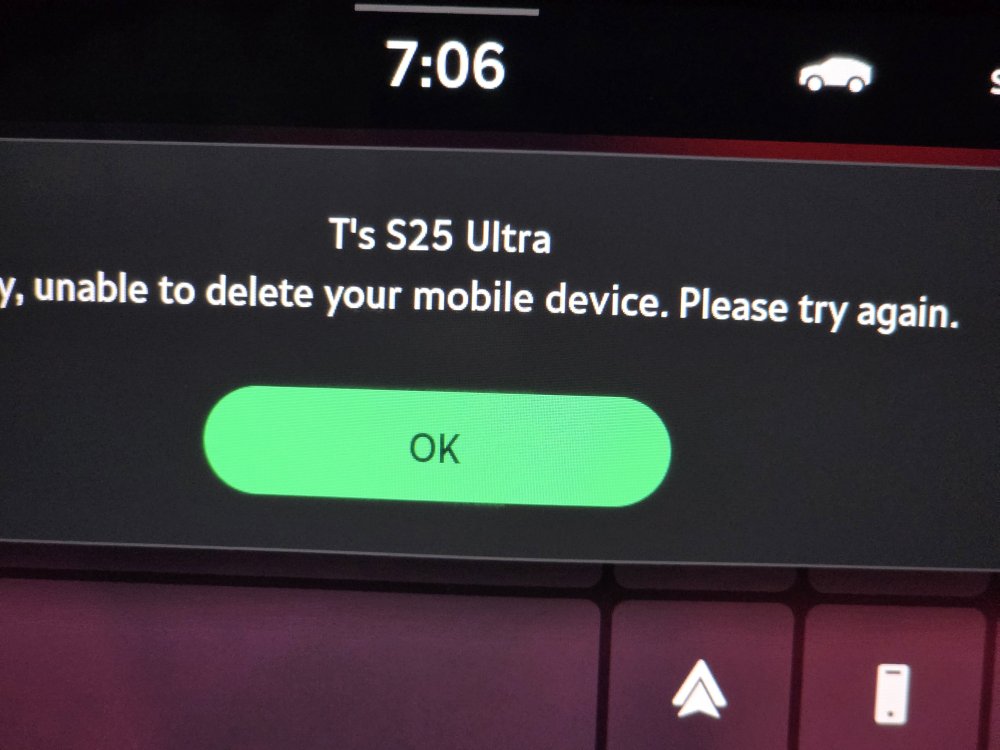
Hi I've started getting this message not every time but enough to be a problem. When it happens I press ok there is nothing on phone to confirm so I try to disconnect and get the 2nd message so then I have to turn car off or reboot infotainment to get it to connect any ideas. Ive tryed so far Unpair everything phone and car Uninstall AA and reinstalled on phone Cleared cache and date Repaired phone to car.
-
Thank you I will try the test i have a muilty meter battery is only 11 months old if no good will thay replace under warranty?
-
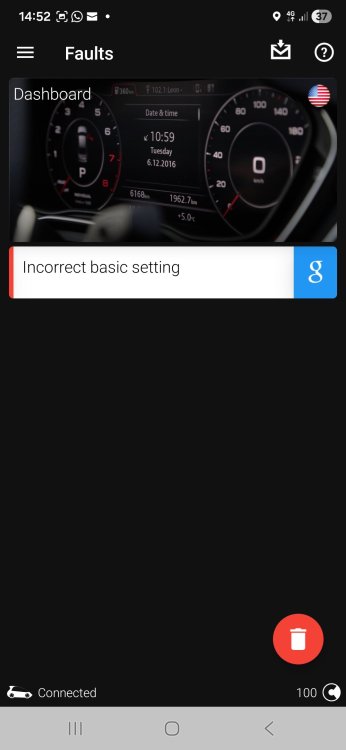
I bought the car in August it was 14180 miles Car now is 18466 It was a hire car for the 1st 10 months of its life. I scanned it again with the obd eleven vag app this time and only bought up 1 fault?
-
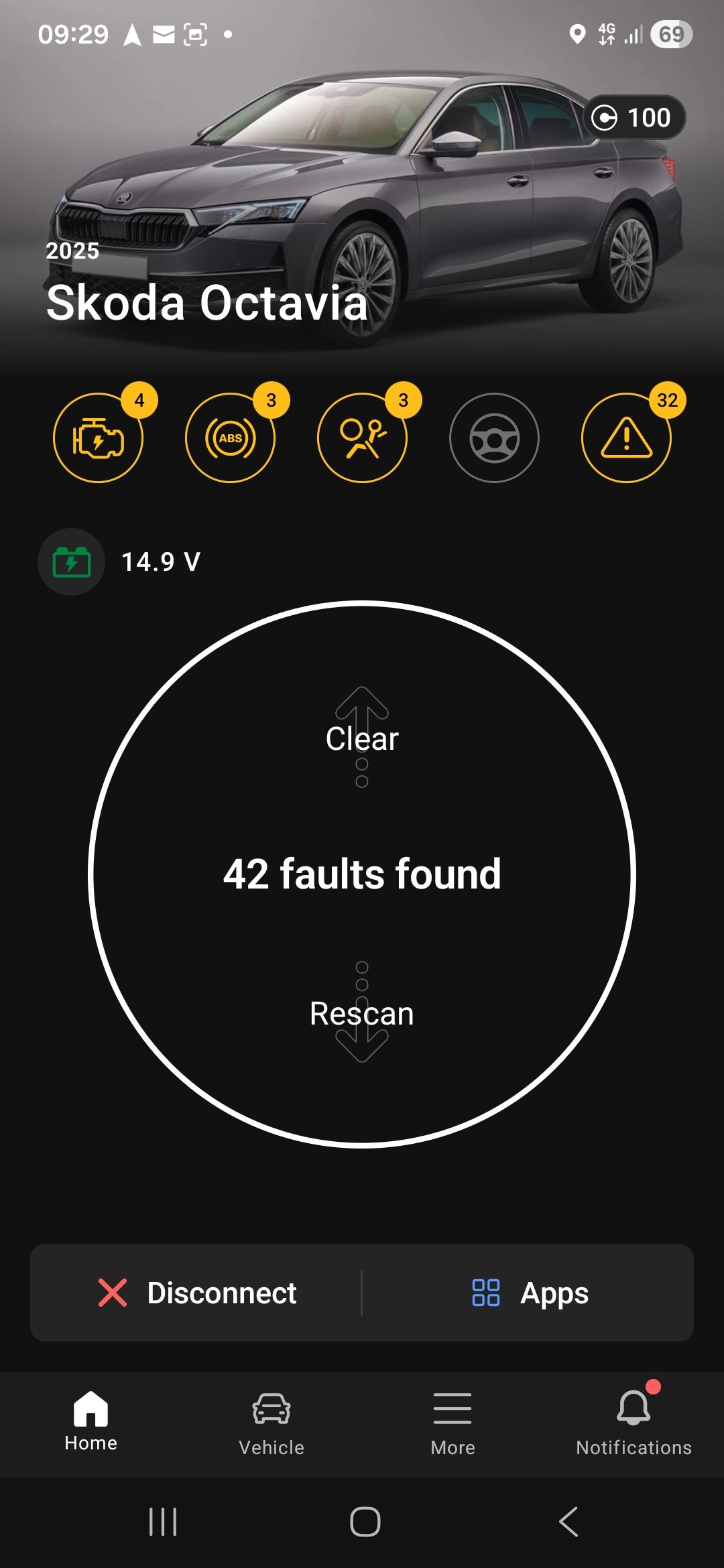
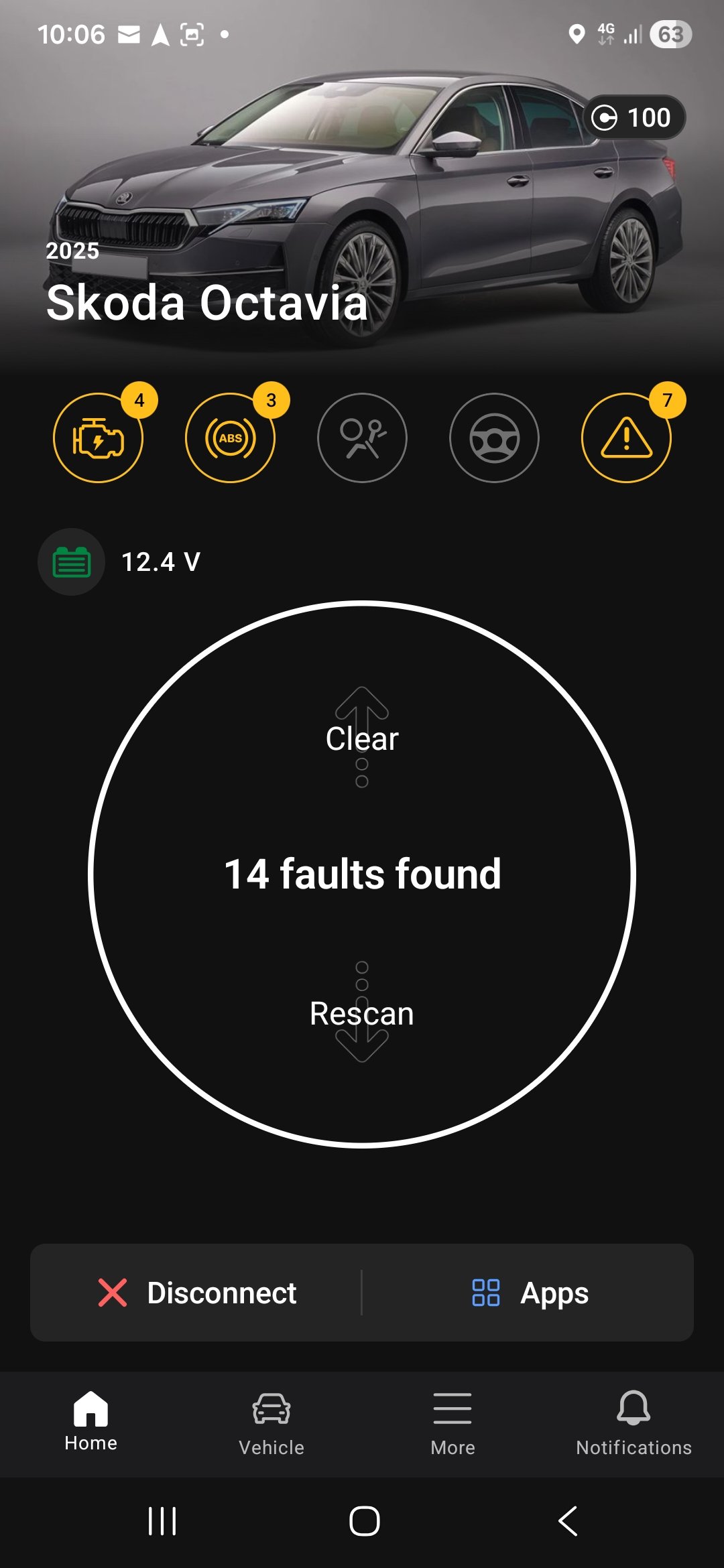
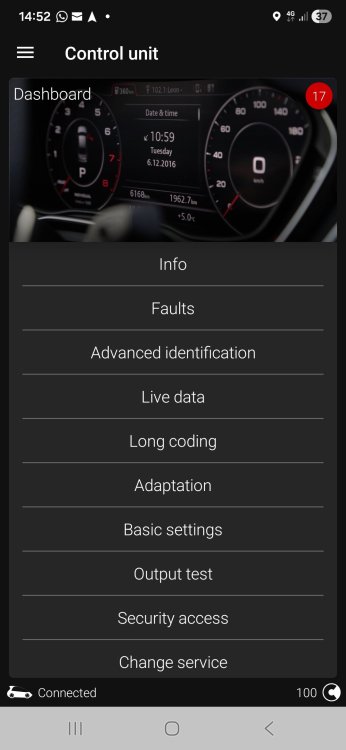
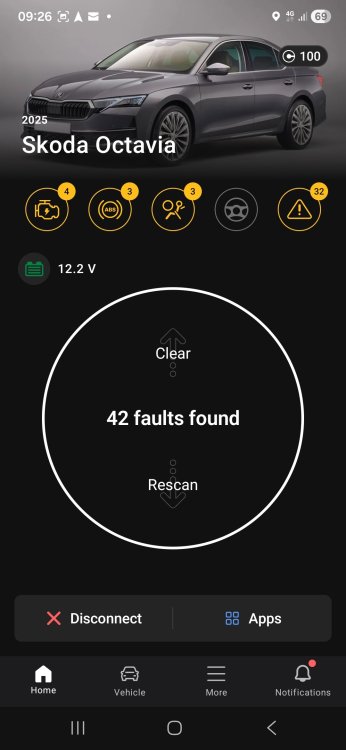
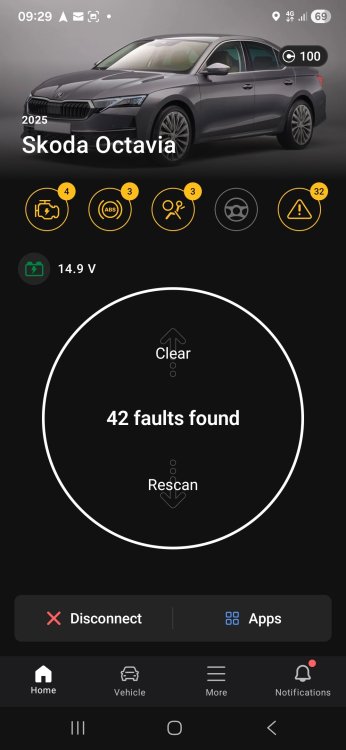
Sorry 1st ans 2nd pic reasting voltage 3rd engine running
-
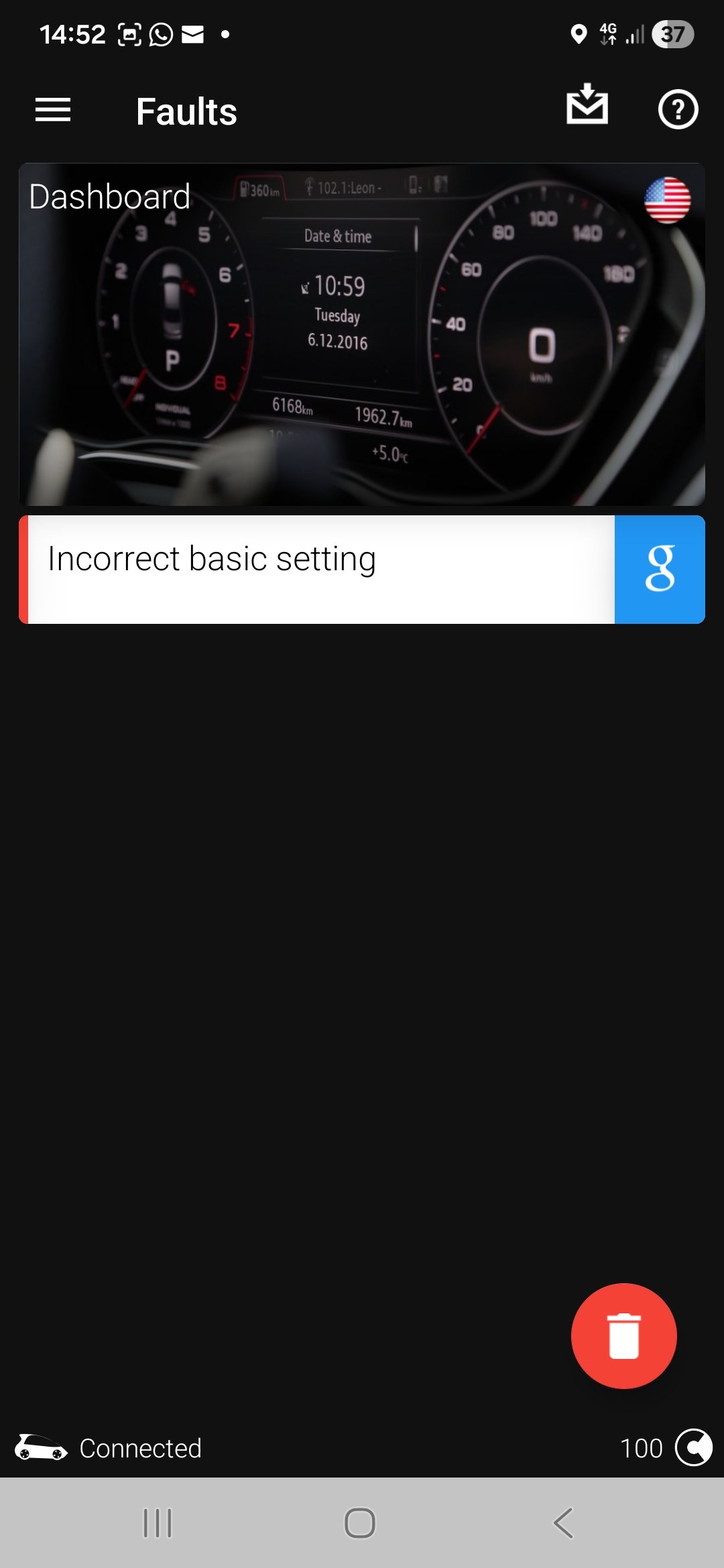
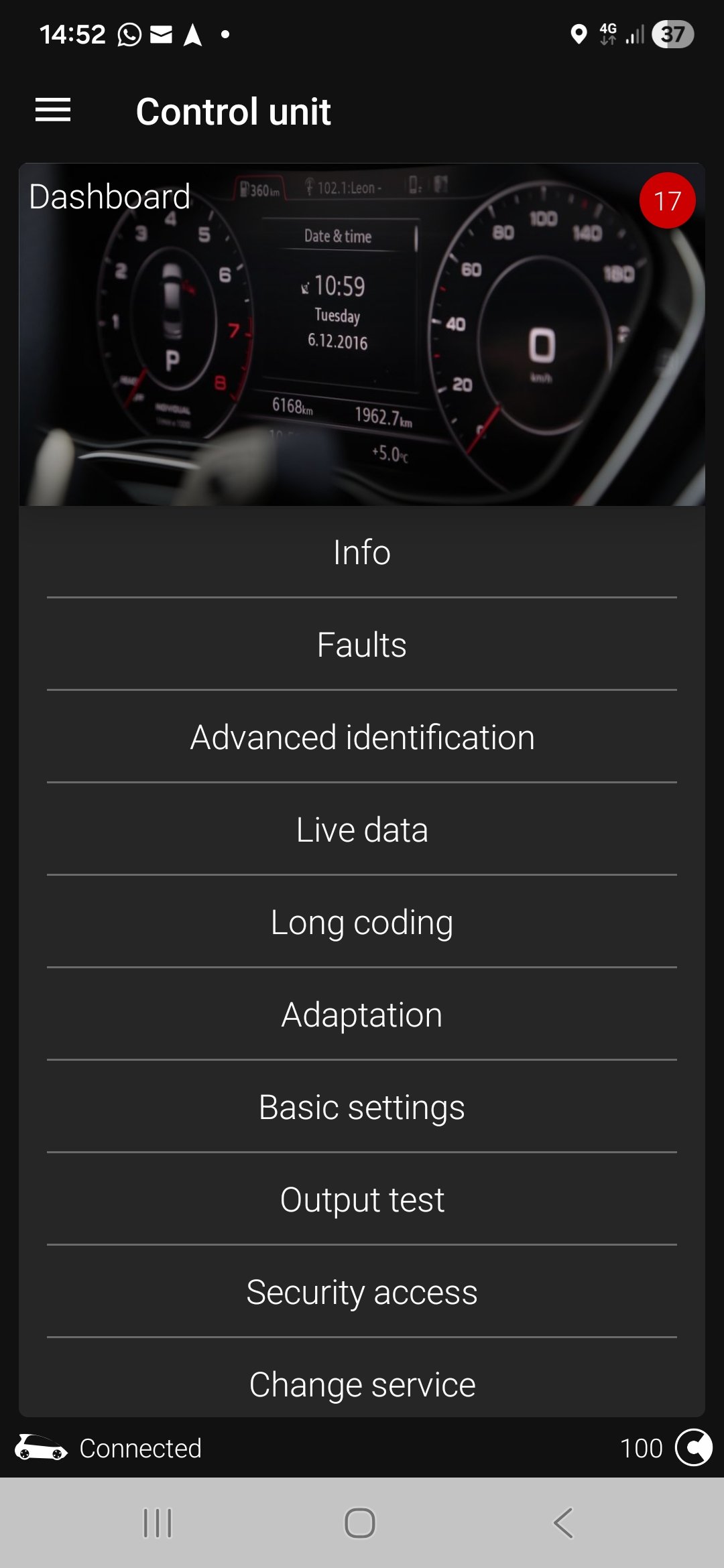
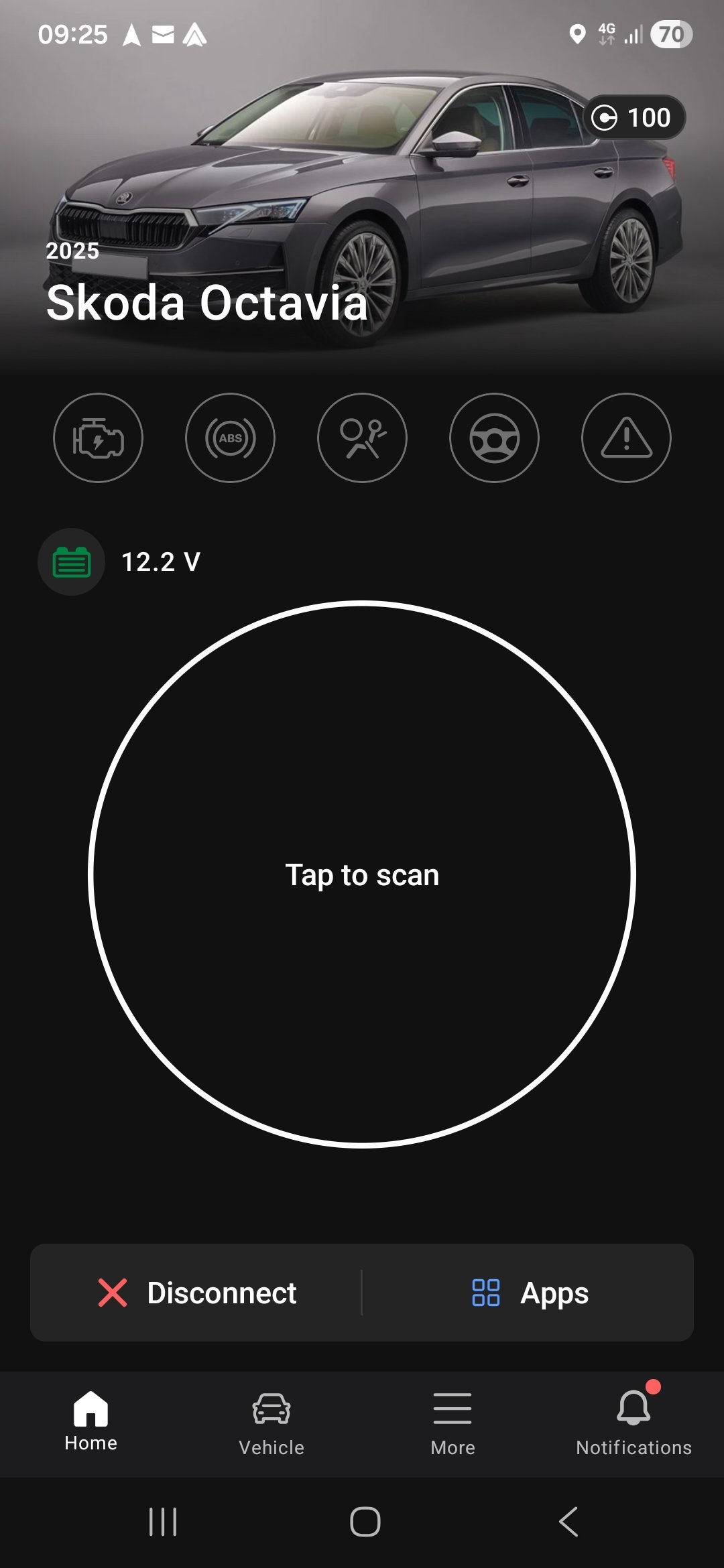
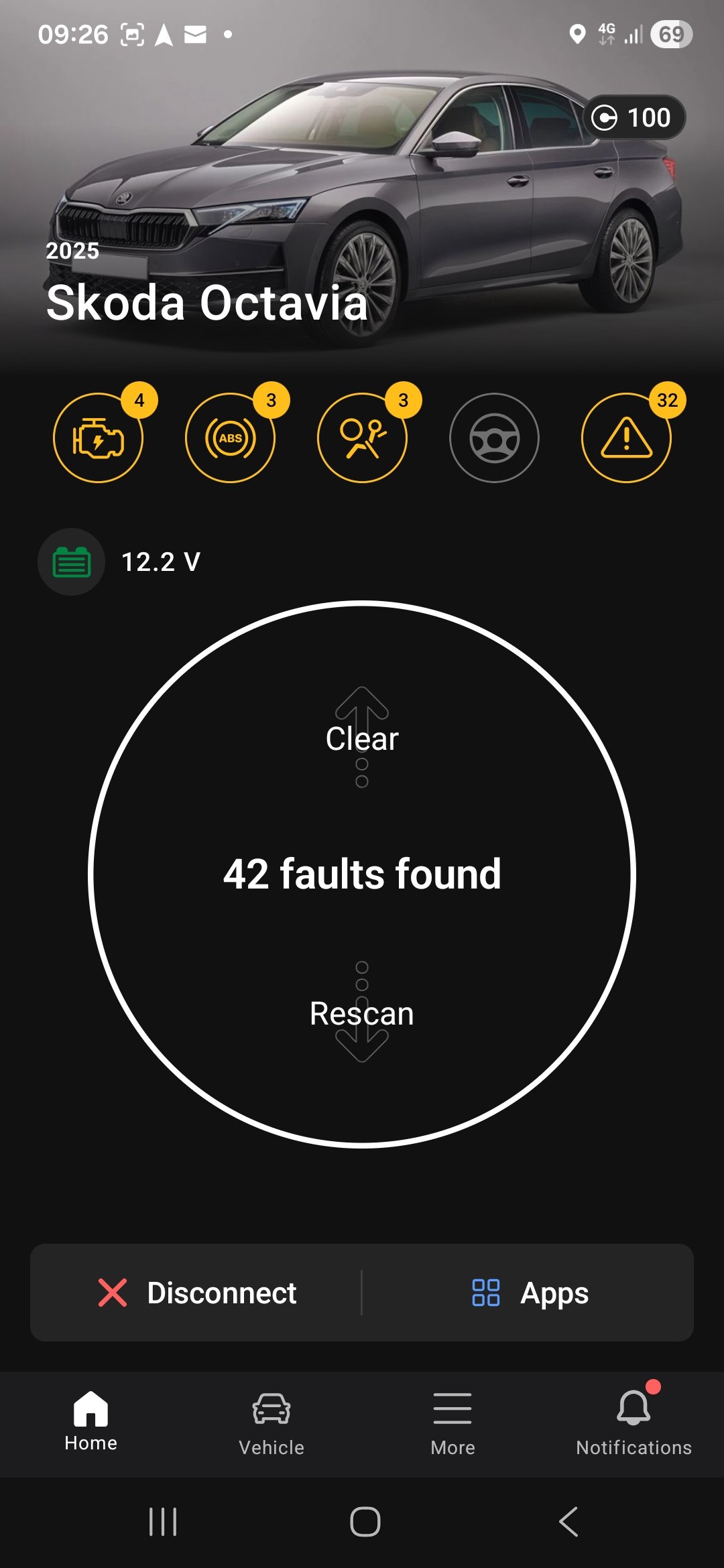
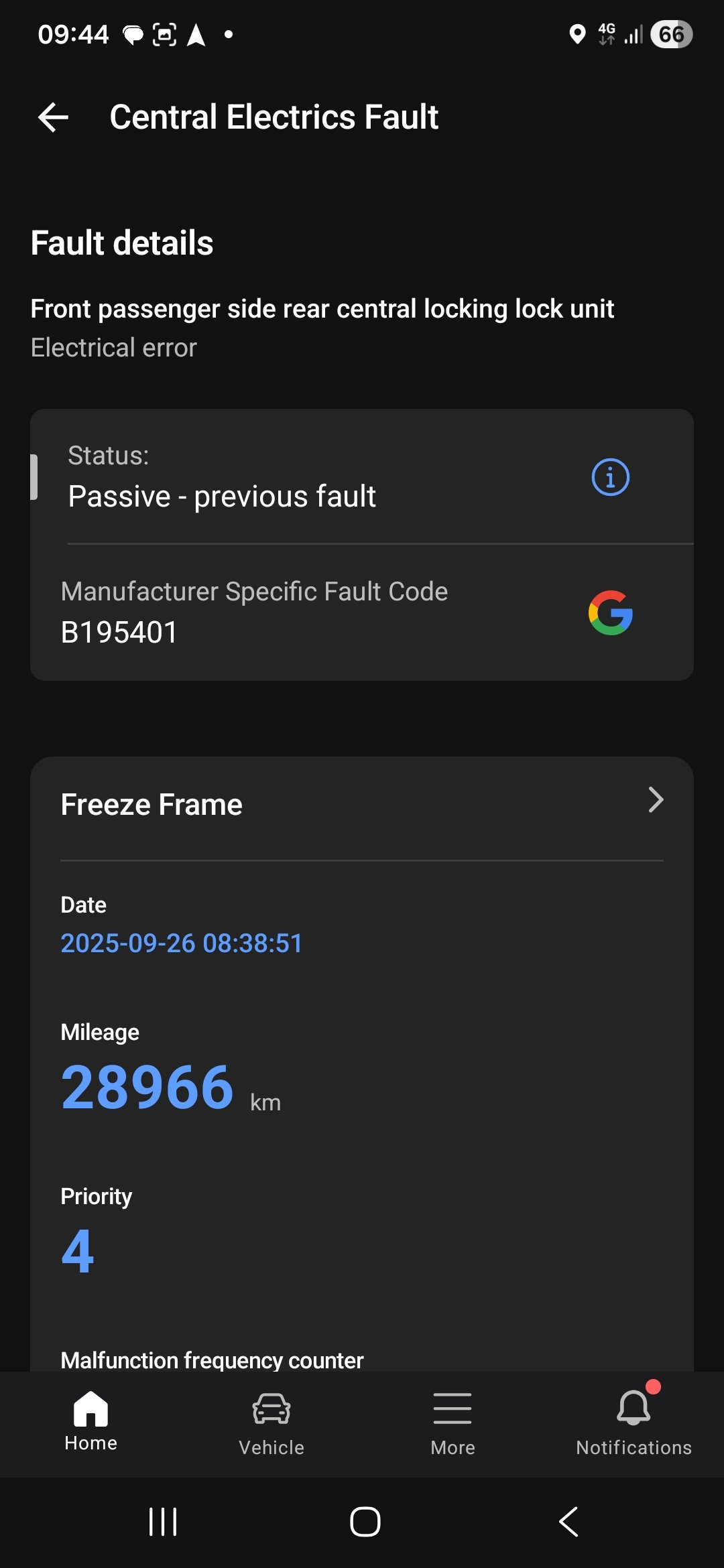
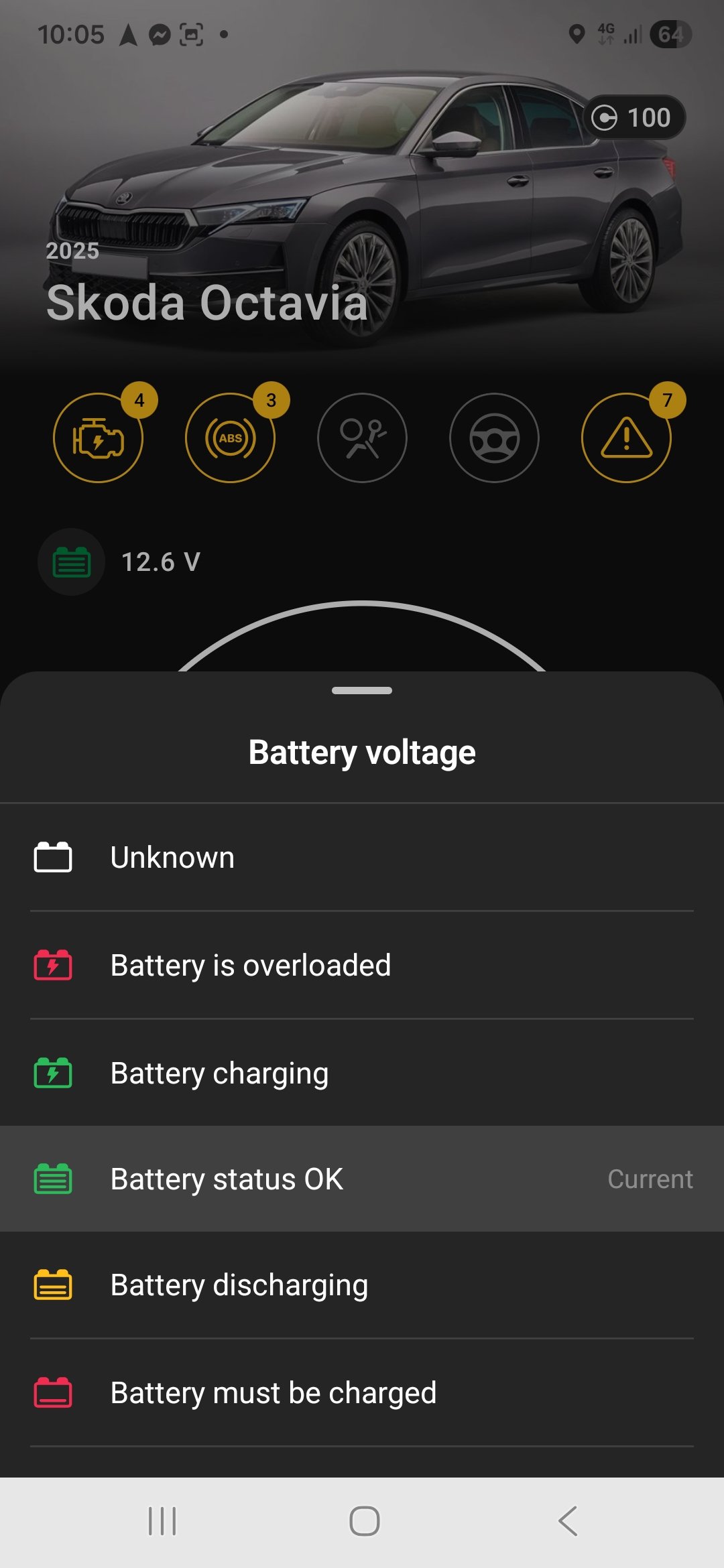
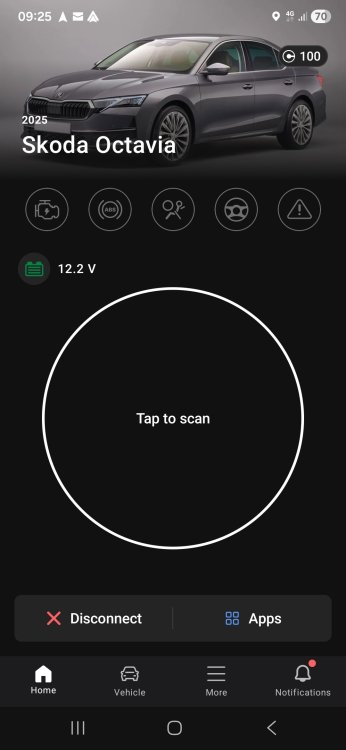
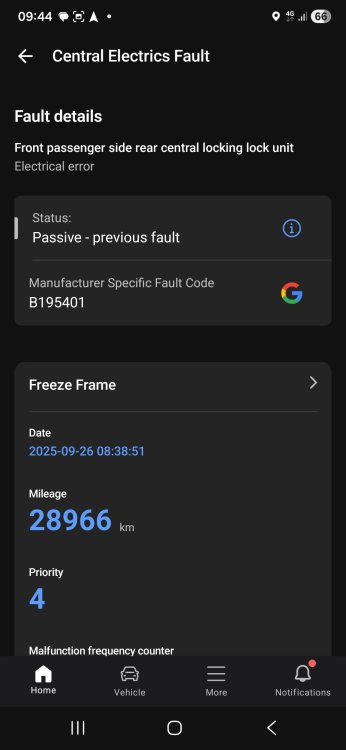
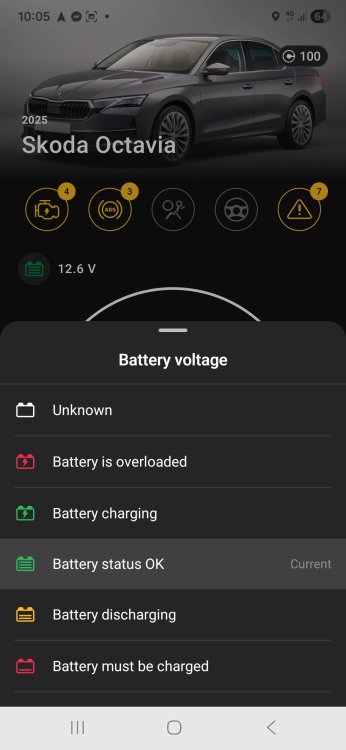
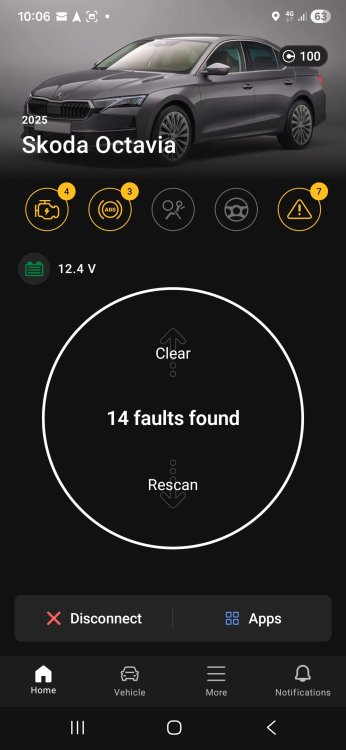
OK scanned the car today this is what I found. Cleared faults rescan only 14 now most are communication faults so wandered if battery could cause this.
-
Thank you I will do prob Thursday my obdeleven is coming tomorrow so will scan car aswell.
-
Will be interesting to see what thay find my obdeleven is coming tomorrow so will scan the car. My car is going into the dealer today for the same issue. Just want it checked as it’s 7 months old and has never reliably used the stop start system so I want to rule our faulty battery or alternator not charging correctly. The car goes for up to a month or so never using it displaying the symbol with the line through it and of course the day after I booked it in it used it 4 times in one short drive then never again for a week or so.
-
Nothing in the status display
-
Negative leas to engine block Charged full Start power was 12.4v Finished was 13.2v
-
Car has done 4000 miles in last 3 months short and long journeys 8 hours a day didn't have this problem with my 2015 skoda octavia only once after 7 years and had to change the battery. Sorry just got home
-
What should it be at Running Idil
-
No just the A with a line through it
-
No just stops working i drive all day it's fine for about 4 hours
-
Car only 1 yeas old I've had it 3 months
-
Thank you
-
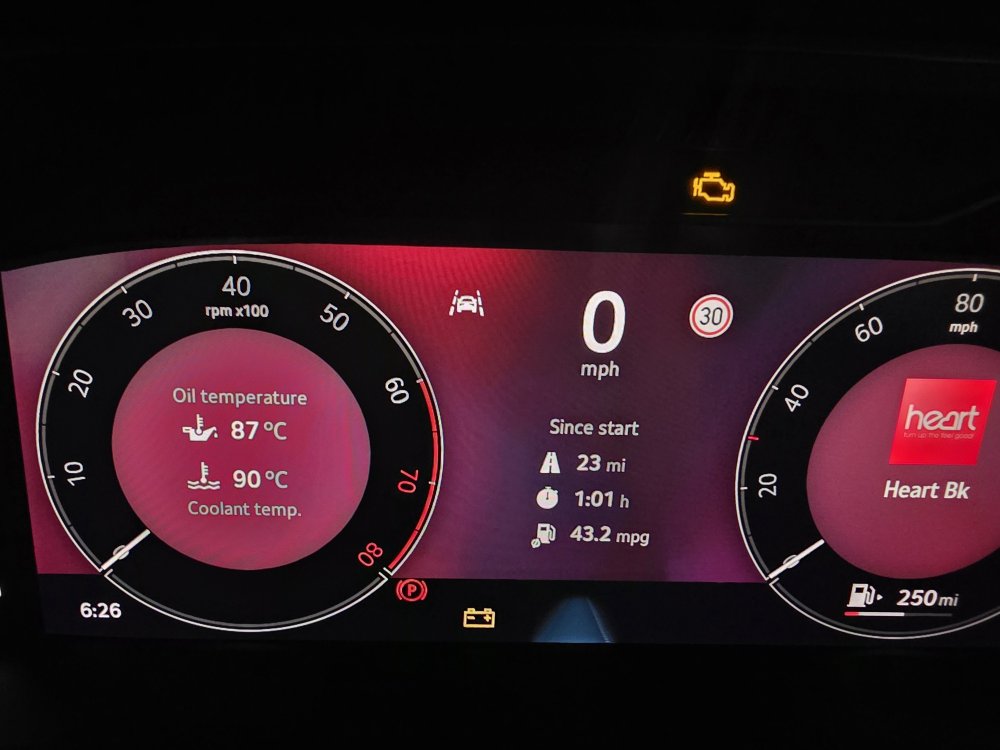
With just ignition on after a minute the yellow battery light comes on if gose off when I start car. The start stop works ok for about 3 to 4 hours then stops working last week it stopped completely so I charged the battery then it worked again for 3 to 4 hours. Any ideas?
-
This is what I got from obdeleven. Thank you for reaching out to the OBDeleven team. Electronic parking brakes can be retracted with a One-Click App or via manual coding with the PRO plan. So you can purchase the NextGen device with additional credits or a PRO plan subscription. One-Click App will cost 10 credits, but you'll need to use One-Click App 3 times to Open/Close/Test the Electronic Parking Brake (30 credits in total). Let me know if you have any additional questions.
-
If I buy an odis scan tool can I apply for a account to get codes from VW to unlock fds2 if so what are the cost for such account.
-
OK I've just read that the mrk 4 2024 model the epb is sfd2 locked and can't be done with obdeleven is that right are all modules sfd2
-
OK will the front pistons retract in service mode or do I have to just manual push them in
-
So you can't wind rear piston back with a manual tool like me old skoda mk3.