



Mariosti
Finding my way
-
Joined
-
Last visited
Everything posted by Mariosti
-
What your talking about is "Full time AWD" vs "Part time AWD". Full time AWD is often vaguely called 4WD (which is not really correct, as a car doesn't have to have specifically 4 wheels, while the whole point of this differentiation is not about that at all), and Part time AWD systems are usually called AWD (but again, that's layman speech). Part time system with locked haldex works exactly like a Full time system with locked central diff, so in the basic setup it gives better traction than a Full time AWD system with 3 open diffs and no trick electronics.
-
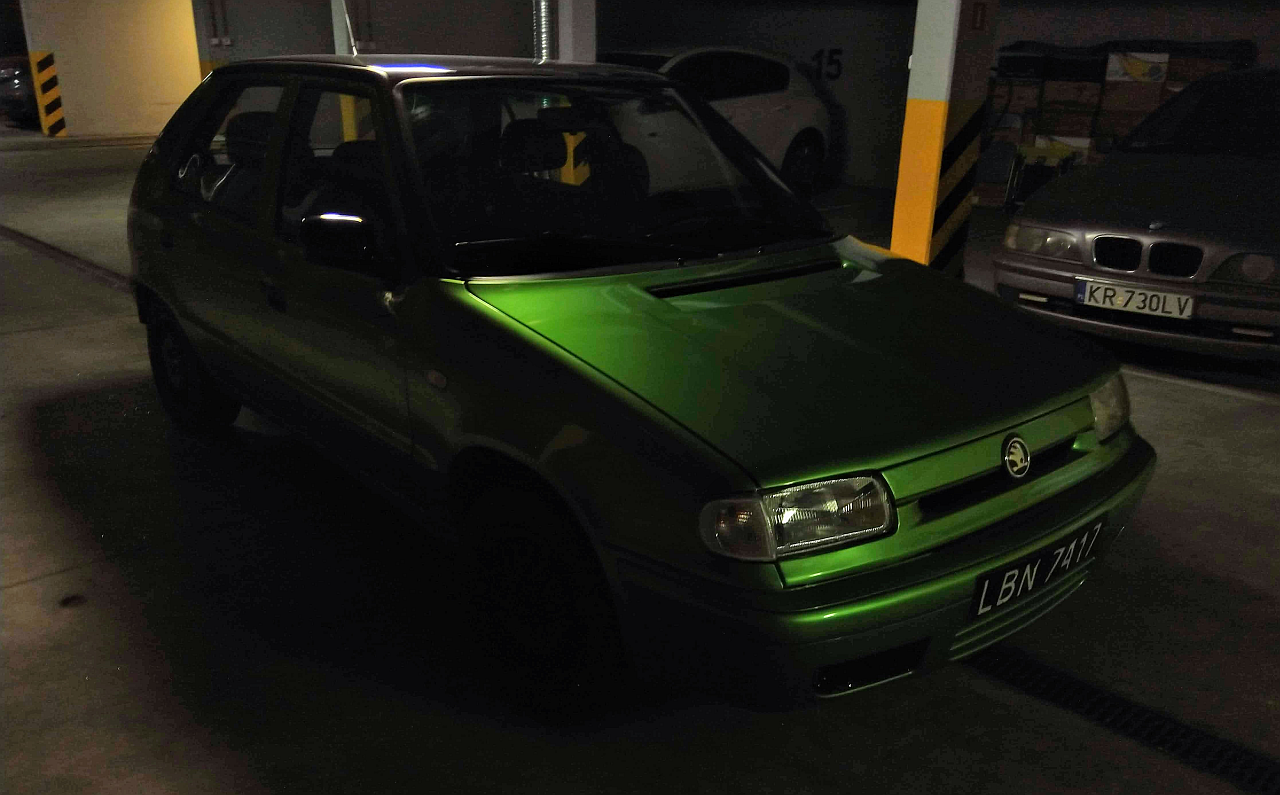
Tell me what do you want to know exactly. You can see some general info on functionality with specific models, and it basically supports all VAG cars with OBD and an ECU. Here's the search site for supported cars: https://obdeleven.com/en/supported-vehicles For my car it's only ecu and immobiliser modules, but when i looked up newer Felicia models (ones with abs, airbags etc) it had support for more modules for them. I can 100% recommend it for data, fault codes etc. readout, and fault codes clearance. It's supposed to be able to do much more even on Felicia, but as mentioned I didn't have the need to try it yet, so I can't say if or how well it works. Also I think that there's a cheaper "non pro" version without the coding functionalities, so that's also an option.
-
I use obdeleven and it works fine for reading error codes, and live view of sensor data. Didn't try to program anything though as I didn't have the need yet. I use it on a 1998 pre face lift 1.3 mpi
