QuinFin
Members
-
Joined
-
Last visited
Everything posted by QuinFin
-
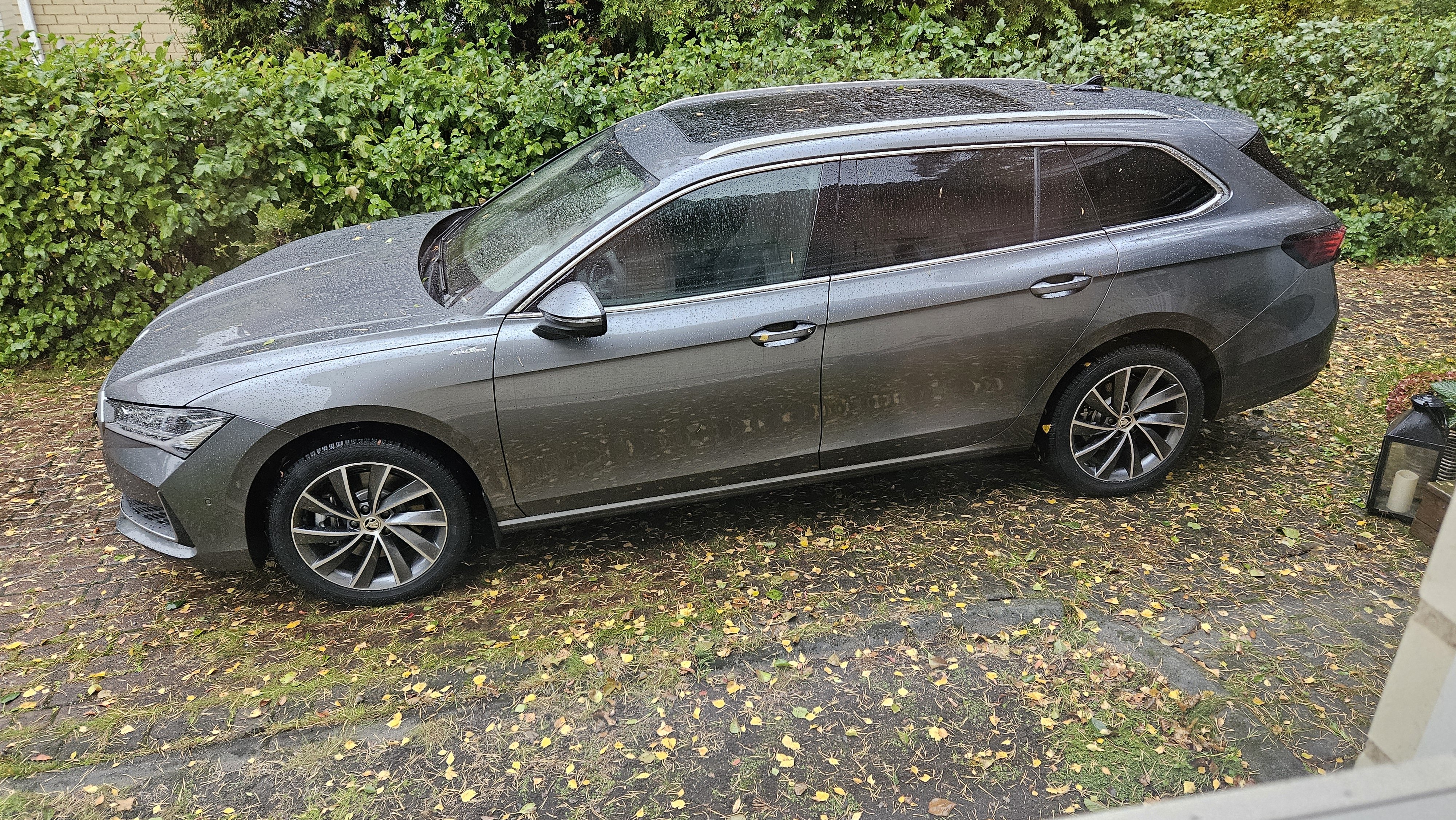
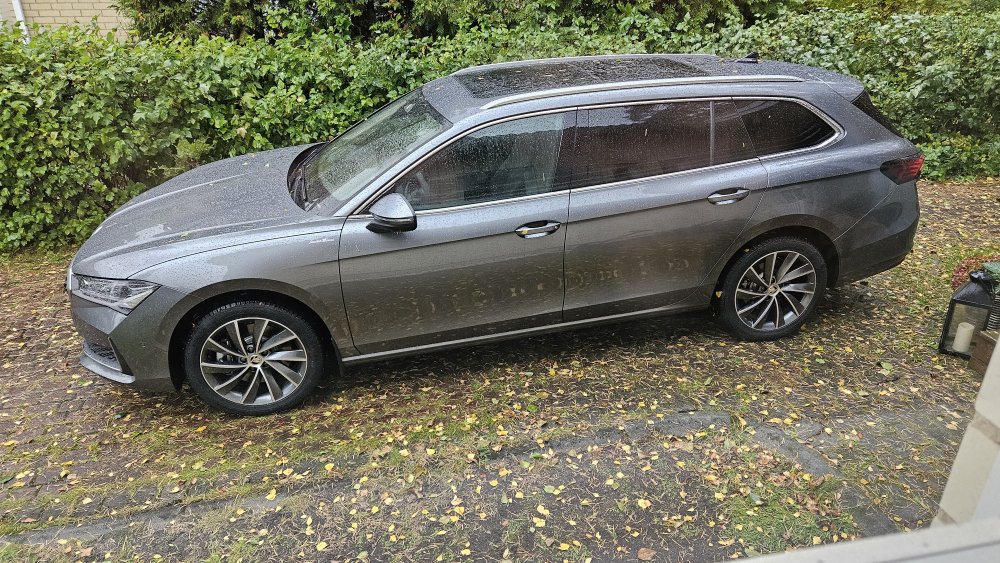
picked it up and so far loved it. Annoyingly we have a storm going through so cant do much. better pictures later
-
I can pick up it up wednesday afternoon. I am excited
-
I did actually today. It arrived in Hanko (south west finland where most new cars arrive). He told me it should be at theirs next week and he will call me about the pickup
-
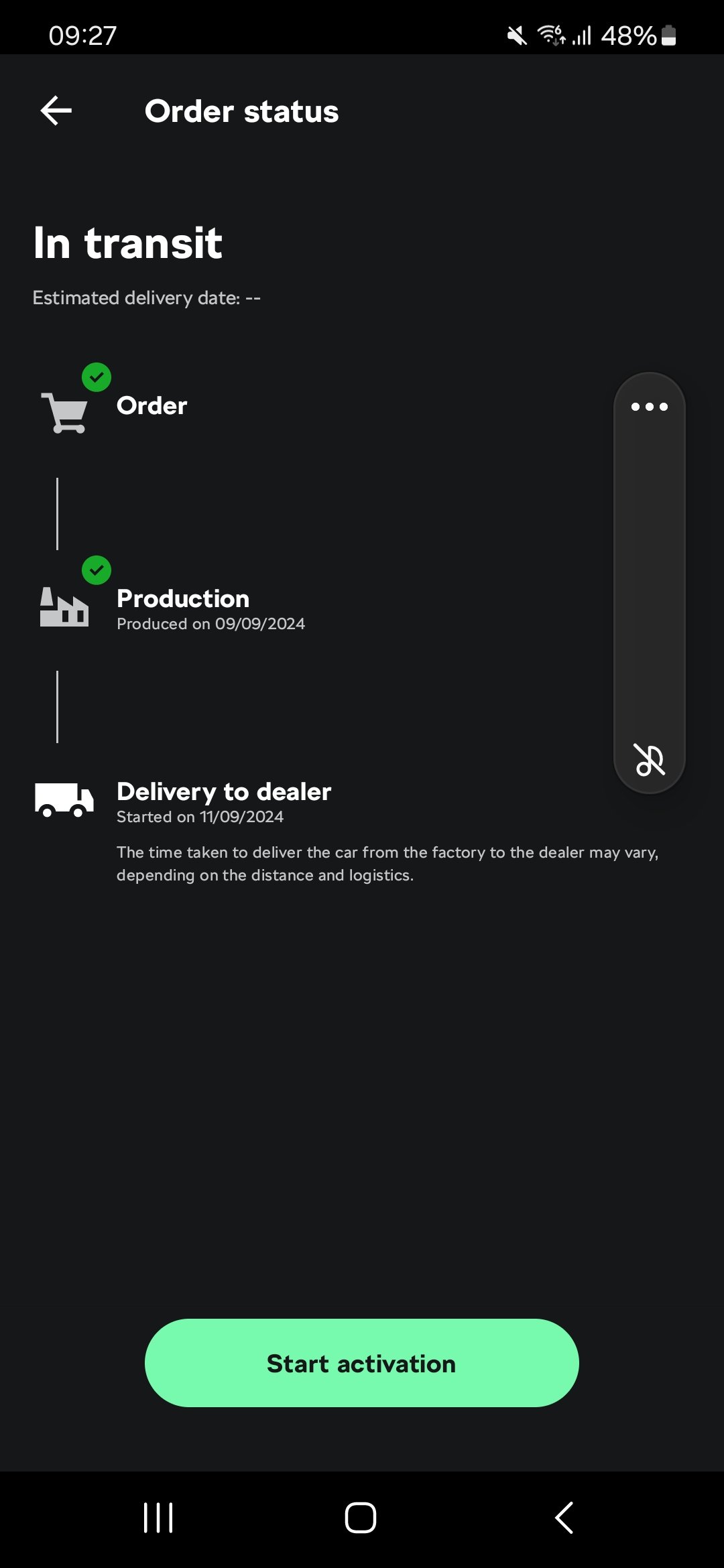
Annoyingly it is still in Transit from what i see in the App. When i ordered the estimate was 4th of October which is tomorow. I will call the dealer and ask him if he knows more exactly where the car is
-
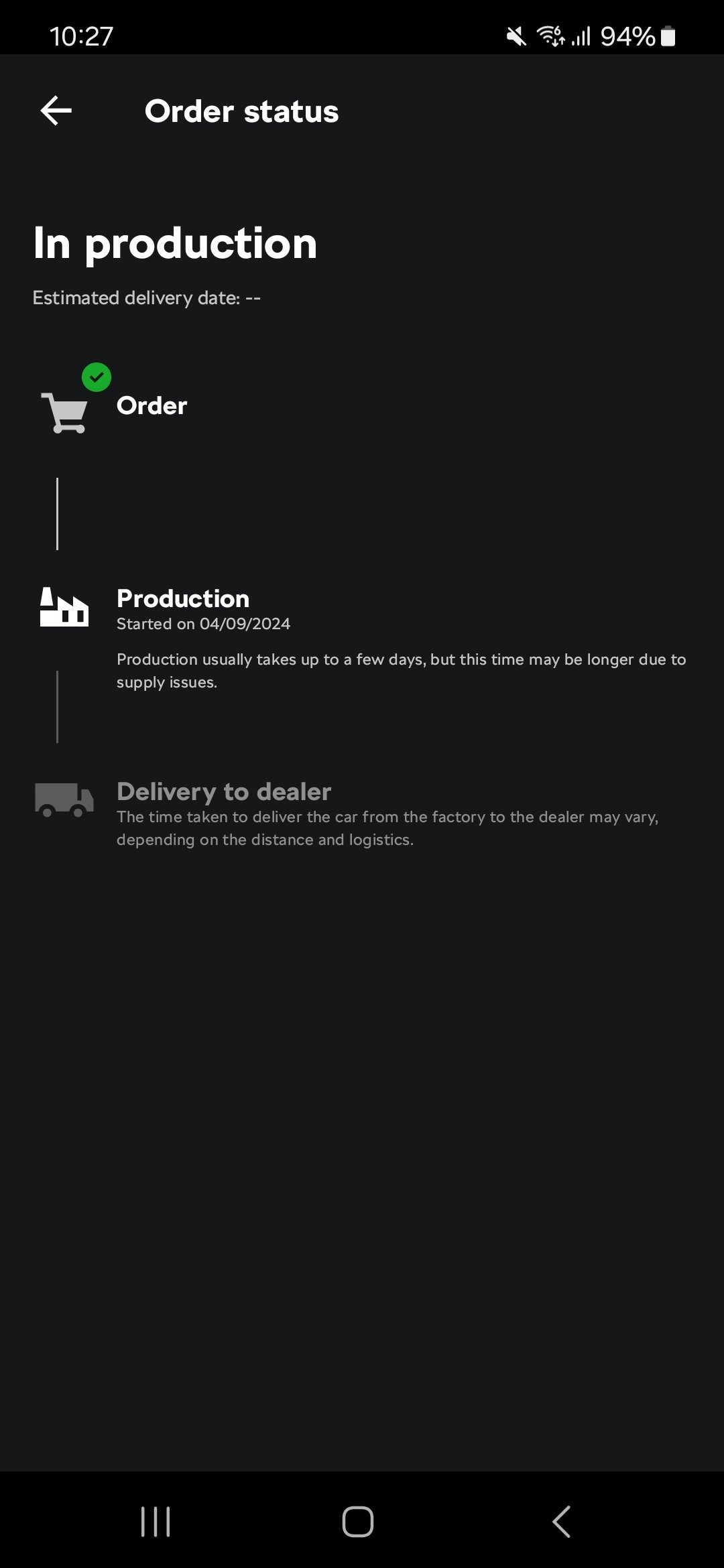
You need to register on the app with the same email address you used in the order. Then (in my case) the dealer needed to request the data consent email to be sent from My Skoda. Once i clicked "i consent" it appeared in the app immediately. in google play store you can see the app details: Tracking & explore - now available in SK, AT, FI, DE (descoped), PT, CH, SI, GB, FR, IE and ES
-
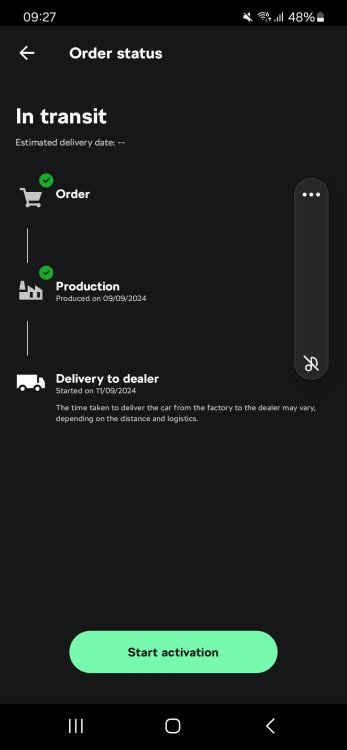
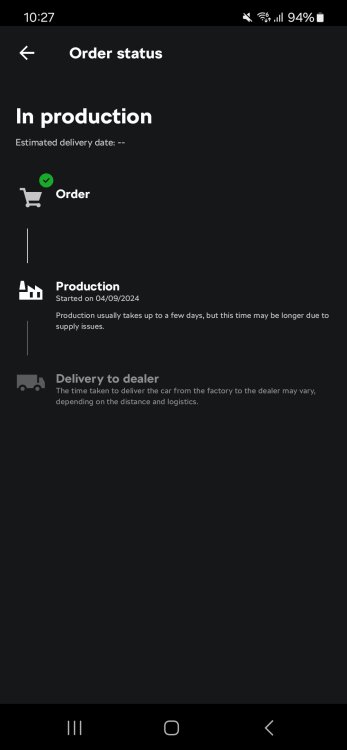
And we are in the next phase. it took 5 days to produce
-
i ordered mine on the 8th of July. with at that time an estimated delivery time of 4th of october
-
things are moving now. the car is being build now.
-
That is an impressive delivery time. I am waiting for mine to go in to production, Edit and yes i am jealous. Enjoy your new car tomorrow
-
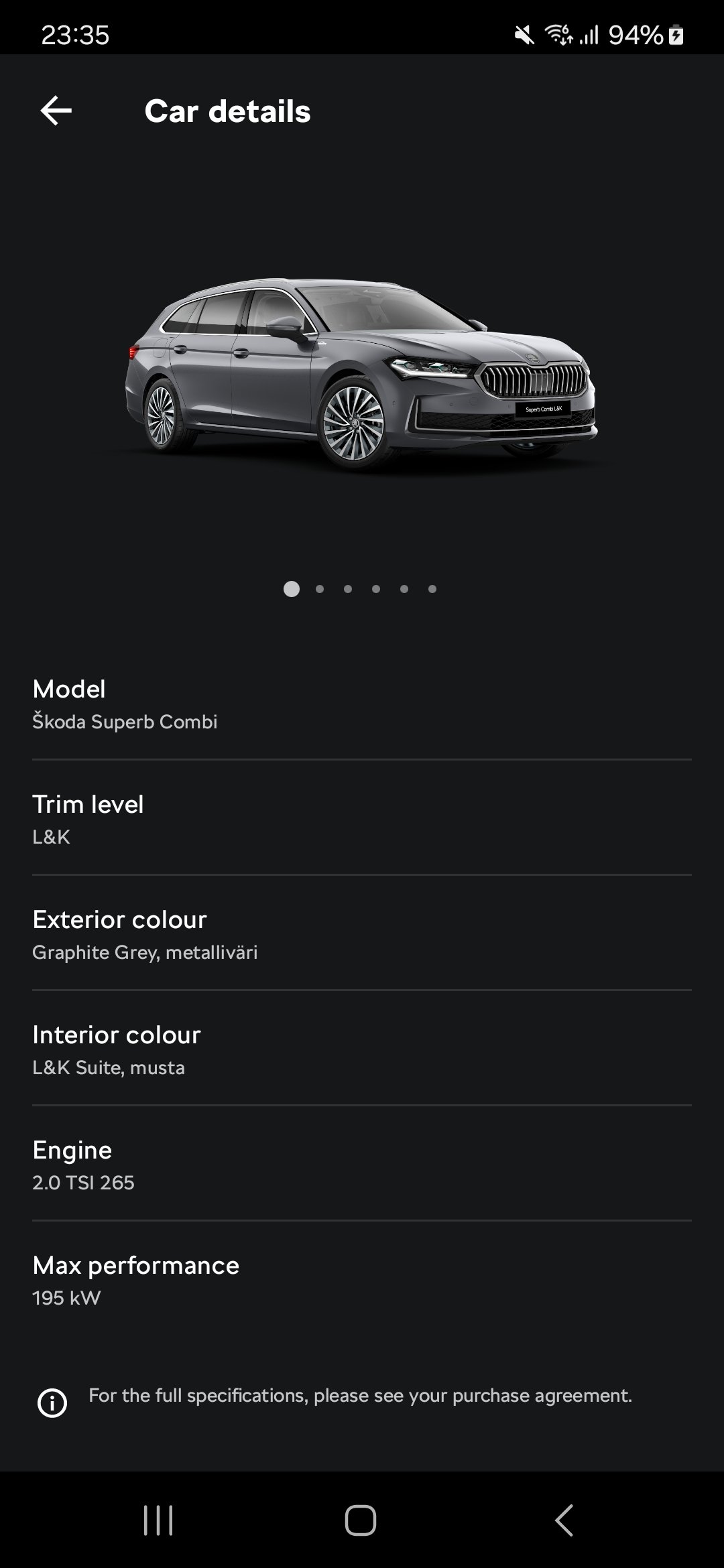
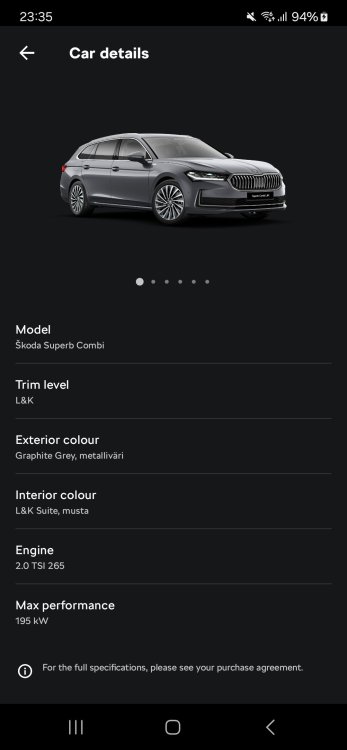
getting closer. still in ordered status but today the trim level and other details became visible for the first time.
-
in google play store you can see the app details: Tracking & explore - now available in SK, AT, FI, DE (descoped), PT, CH, SI, GB, FR, IE and ES
-
No sorry i am located in Finland and it seems as Dumpling says it not available for you island people Basically what my dealer did is go into the their skoda management app where they place their orders etc. Then he marked it to be available in the MySkoda App and then i got the consent email, after the consent it works. The funny thing is he said i will know more about when the car is ready then he will. He told me a customer told him last month exactly when the car would be there while he couldnt see it in their systems
-
You are correct I use Myskoda (my mistake). Sadly cant change the original post to change Skoda connect to Myskoda
-
You need to register on the app with the same email address you used in the order. Then (in my case) the dealer needed to request the data consent email to be sent from Skoda connect. Once i clicked "i consent" it appeared in the app immediately
-
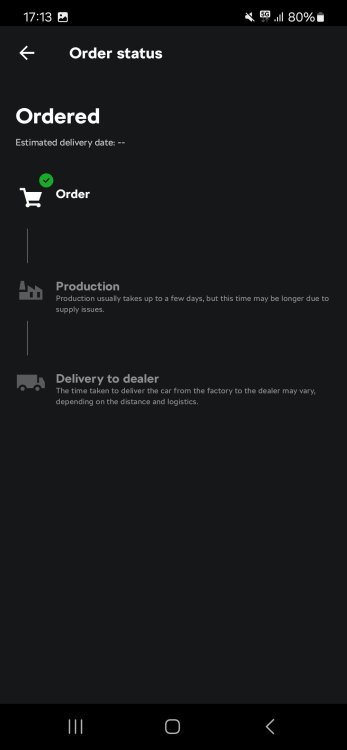
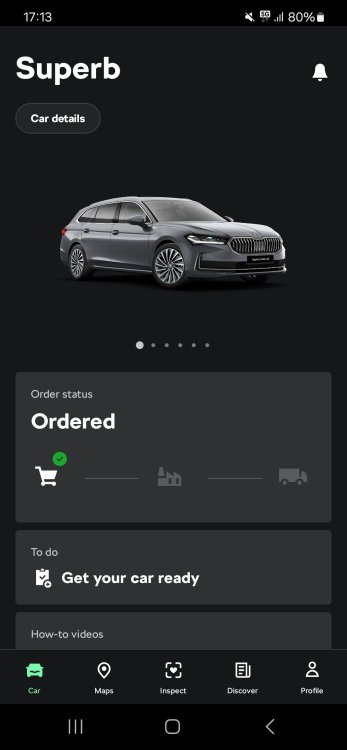
The nice thing is that with Skoda connect you can actually see the process and follow up. Mine was ordered 8th of July and still waiting for it's production week. Once it is being built you can track it including the delivery
-
that is insane and as you rightly mentioned so ineffective in the long run. but hey since when did politicians have commen sense
-
Update: Orders from Monday the 8th of July will include the Webasto so then my car will finally be ordered. Expected delivery early October
-
I just had a look at the Romanian configurator and there i cant seem to find the option for the Webasto but i can find the panoramic roof for 1224 euro for L&K 2.0 TSI
-
Rigor, Thanks for the information on the webasto. The car i test drove (1.5TSI) has the sunroof and i was told the 2.0TSI also would have the sun roof. Delivery time was about 2.5 months when i was about to order but then halted.
-
I was explained the following on Saturday for the new superb combi: 1.5 TSI E-Tec - can have webasto 1.5 TSI PHEW - Will never have a webasto 2.0TDI - Can have webasto 2.0TSI - Not currently but might come in the future detailed to be looked in to. He also told me they have these topics with other models which wont have a skoda offered webasto. They are providing them withe DEFA instead
-
Yeah i could order it but this is a crucial piece of kit that is needed on the car here in winter. So have to wait sadly
-
I was about to finalise my order for a combi L&K 2.0TSI 4x4 L&K at the dealer today. When we were finalising the order we noticed that the webasto engine and interior heating is not available on the 2.0TSI. It is available on the 1.5TSI, not on the PHEV (confirmed that it will never come). Has anyone heard anything about a timeline when this might come available. My dealer is going to try to find out on Monday but maybe someone knows. Since i live in Finland it is a needed part of the car