Nicky_P
Members
-
Joined
-
Last visited
Everything posted by Nicky_P
-
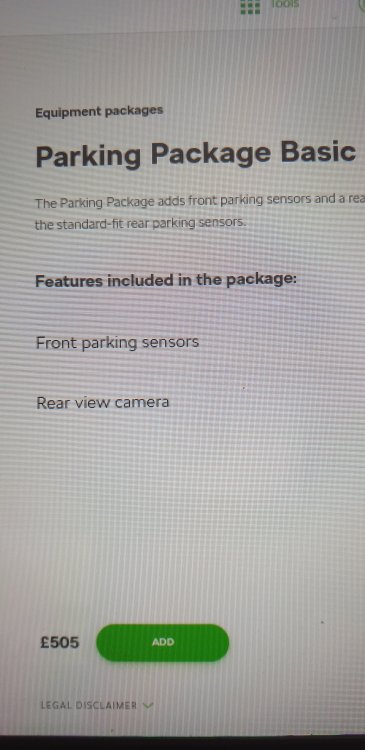
Yes I got the rear camera, not the area view camera you show in the pack below.
-
Really, I ordered it last week and it still shows on the configurator on the Skoda uk website ? My spec is.... Enyaq 60 nav suite Race blue 21" Betria wheels 100kW charging Comfort seat pack basic Climate pack basic Chrome pack Driving sport package basic Assisted drive pack basic Parking pack basic Panoramic roof.
-
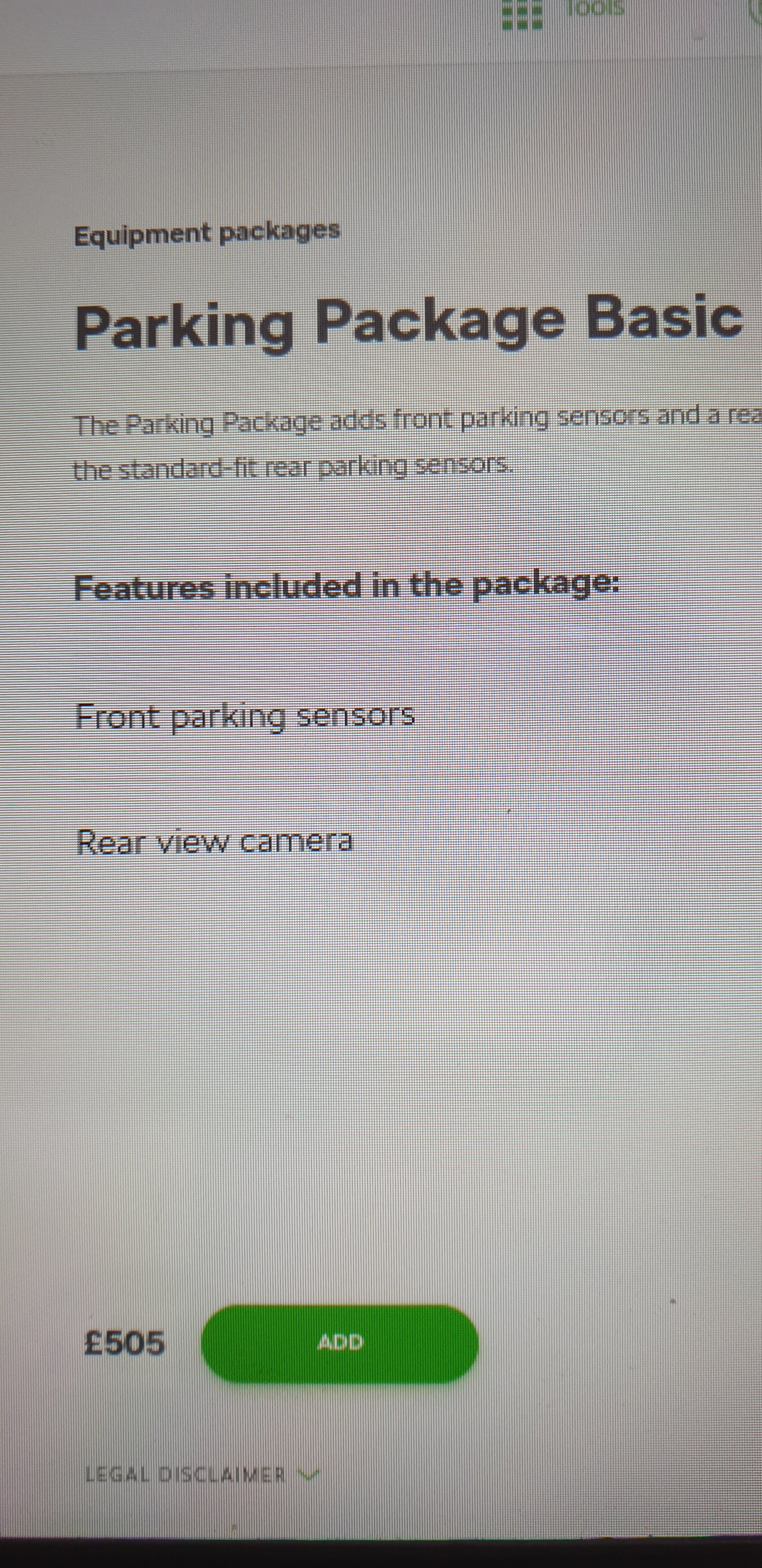
Rear camera is included in the basic parking package at £505, an option I've gone for.
-
After 3.5 years and currently 33k miles we've ordered a Enyaq, taking the electric plunge. Karoq has been faultless up until last week when the blind spot warning system stopped working, other than that the car has been great. The Karoq was our first Skoda and we've been impressed enough to stick with the brand. New car approximately four months away so Karoq still has a bit of work to do, just hoping I can make the front tyres last, don't really want to replace unless I really have to.
-
Time for the karoq edition to go, replacing with....... Enyaq 60 nav suite Race blue 21" Betria wheels 100kW charging Comfort seat pack basic Climate pack basic Chrome pack Driving sport package basic Assisted drive pack basic Parking pack basic Panoramic roof. Test drove a similar spec yesterday, odd at first but soon adapted. Cheers Nik
-
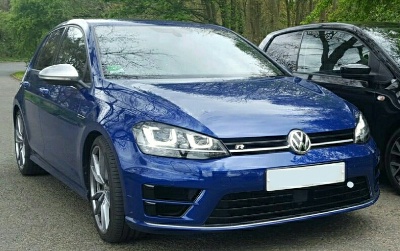
When we bought our Edition model in 2018 which runs on 19's I was also running a Golf R on 19" prets (non dcc) and the ride in the R was far harsher than the Karoq. I don't find the ride in the Karoq uncomfortable at all so give one a try see what you think, the only way to be sure really.