Jamie1991
Finding my way
-
Joined
-
Last visited
Everything posted by Jamie1991
-
Car boot checked (without use of child labour!) and all looks ok. Will continue my search for the culprits 🤣 Hadn't realised some modules will take a while to power off so will maybe leave a couple of hours then re-check next time. Thanks!
-
Will check out the boot light - thanks!
-
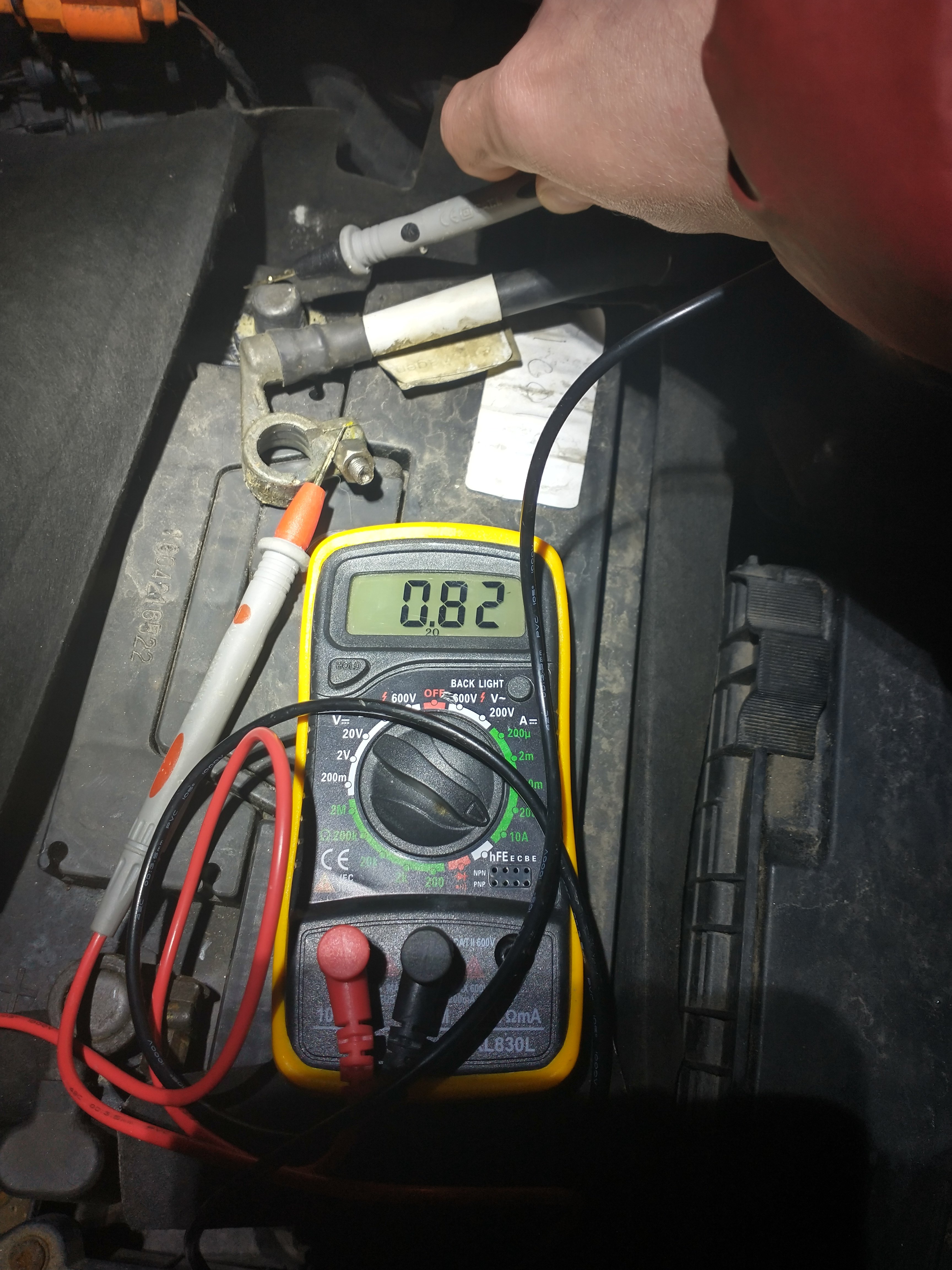
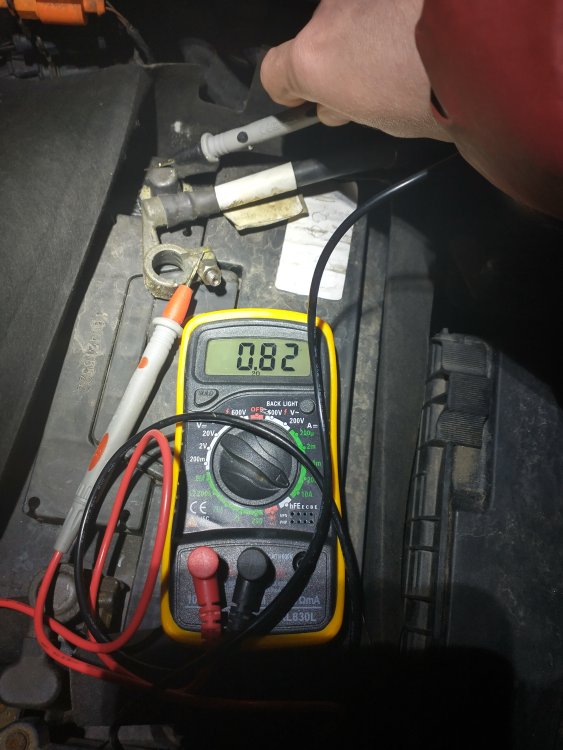
Hi! Thanks for any help answering this question. In my 2011 Scout I have had a problem over the past few months with battery drain. The battery was replaced in November last year (when I got the car) with a new one and ran fine until this winter where I have found a need to jump start the car 4 or 5 times already. Once jump started and running the car seems to start without problem as long as it is used every day (so imagine alternator / starter are fine) but if not used for a few days I find the battery flat. Following advice from online I plugged a multimeter between the negative terminal and cable today and (assuming I'm reading it right) got a reading of 0.8-0.9 amps at rest (key out the engine etc). The biggest contributor to draw seems to be the stereo - removing this fuse causes the draw to drop to 0.5 amps. Removing additional fuses (headlight, central locking and a fuse for some reason in a 'reserve' slot) gets the draw to nearly nothing. I've a couple of queries if anyone is able to answer. I've uploaded a pic of my multimeter reading - for those more experienced than me - am I right in thinking this is reading amps? (I wonder as I've read normal draw is in the region of tens of miliamps so this seems very high and suggests at least four circuits are contributing to draw). Thanks in advance.
-
If this becomes a recurrent issue, as it did for me after a windscreen change, you may need to tighten the hex bolt holding the wiper arm onto the motor. The bolt can be found by putting the wipers into the service positon (as above) then lifting the bonnet. The bolt is at the base of the wiper arm (where it meets the motor) and is covered by a plastic cap that should be carefully prised off with a flat head screwdriver. Adjust the wiper arm into the desired position as above and then (very carefully) tighten the nut. Do not force or overtighten the nut as the bolts are known to shear, leaving you with a non-functioning wiper blade and forking out for a new wiper motor.
-
Hi Morph I am having similar (but not identical) problems with my alarm - I don't get any chirps and I've never had things working whereas yours seems ok until ignition switched (thread embedded below). I'm afraid I haven't found a solution to mine so can't offer any advice but would be grateful if you could post back if you do find a fix! Cheers Jamie
-
Sorry for spamming - I can't find the edit button on my phone. Have managed to use an el cheapo code reader and the following relevant codes are showing up: 03156 Sensor for Anti-Theft System (G578) Open Circuit 03020 Local databus 2 short circuit 01134 Alarm Horn (H12) The top and bottom codes have recurred after clearing all codes and restarting the car.
-
Update: - Have checked all the doors, tailgate and bonnet are showing as open/not open correctly on the instrument panel (I expect this rules out a faulty microswitch as a cause of the alarm failing to arm) - Pressing the switch on the B pillar to activate/deactivate the internal movement sensors does nothing (the switch is lit red and stays lit red when pressed)
-
Hi Octavia Scout 2.0 (2011) I'm having an issue on my vehicle (above) with the alarm and would be grateful if anyone has any experience with something similar and might suggest any diagnostic tricks or repairs. I first noticed that the hazard lights were randomly flashing and I had no chirp on locking/unlocking. After a look on the forum I suspected my alarm siren battery was low/flat so got a second hand replacement on eBay and fitted it today. After fitting the new siren I still don't have a chirp and have uncovered the following additional symptoms: - I have tried to get the alarm to sound (triggering internal sensors, rocking the car, using the key when locked) but get no response - no flashing hazard lights and no siren - I have noticed the little red LED on the driver's door (that I believe should flash to indicate alarm arming/function) does not light at all when the car is locked - The 5A fuse in slot 35 (I think the fuse for the siren?) blows as soon as a fuse is put in, but has held fine when I put in a 20A fuse for testing I suspect the above problems were all present with the old siren unit, and the issue all along has been something else, but I hadn't looked so closely before replacement. I haven't been able to scan for fault codes (but could get a code reader if this would be helpful) and the only thing I've tried is disconnecting the vehicle battery for a couple of minutes to try and reset the alarm. Thank you :-)
-
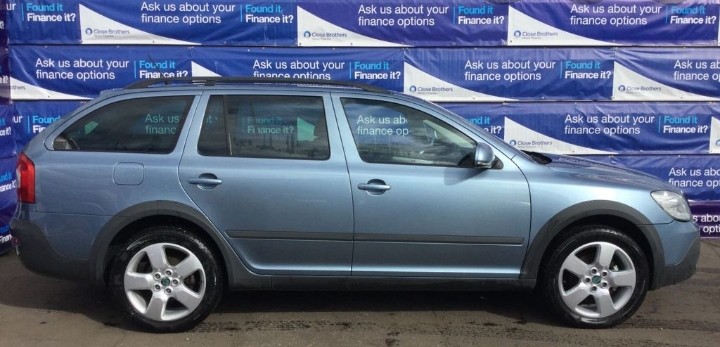
I don't know the colour code (on my to do list for touching up) but it's the light blue/silver
-
That's good to know not to worry about going down the repair route, I'll touch it up and paint over as needed and replace when necessary. Thanks.
-
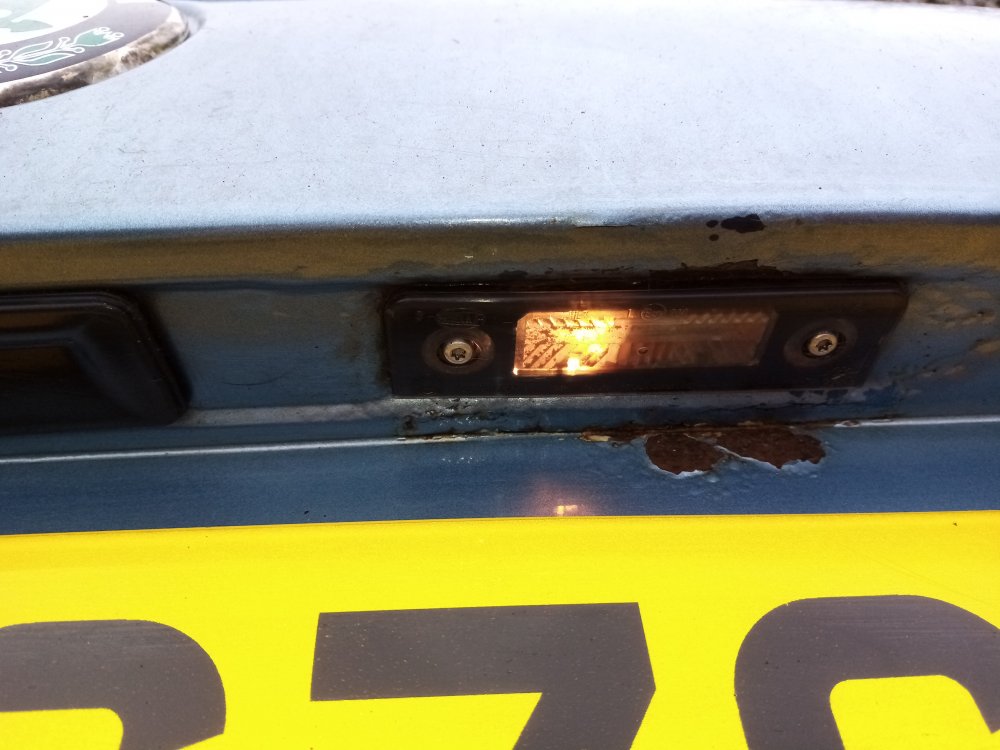
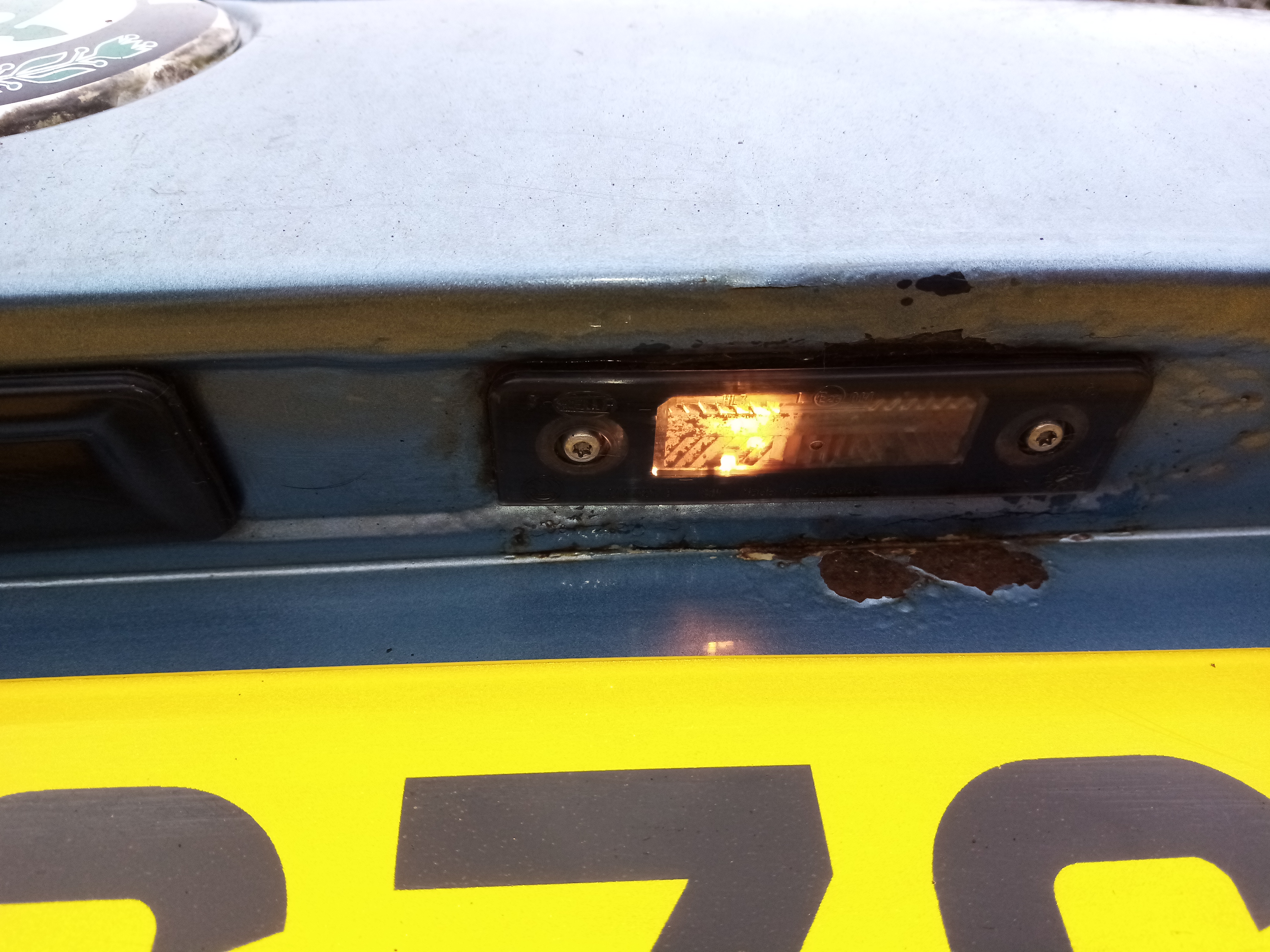
Hi Thanks for reading. I've just got a second hand Octavia Scout, with two spots of rust on the tailgate (which bubbles under the paintwork). Can anyone in the know advise whether this is fixable (and if so what type of garage might do this) or whether a replacement tailgate is an easier solution? I'm not looking for a perfect repair as the affected area is barely visible unless opening and closing the tailgate, even something to stop the rust spreading further would be ideal. Thanks Jamie