




adoni546
Members
-
Joined
-
Last visited
Everything posted by adoni546
-
I have fault code of 02988 which is left right switchover active. I tried to dissble tourist mode via vcds but it wont let me because in the area of parametres it shows security access required even if I enter security code. My friend told me that coding could be done only via VAS 5054 diagnostic and I visited official skoda dealer and they told me they have this one.
-
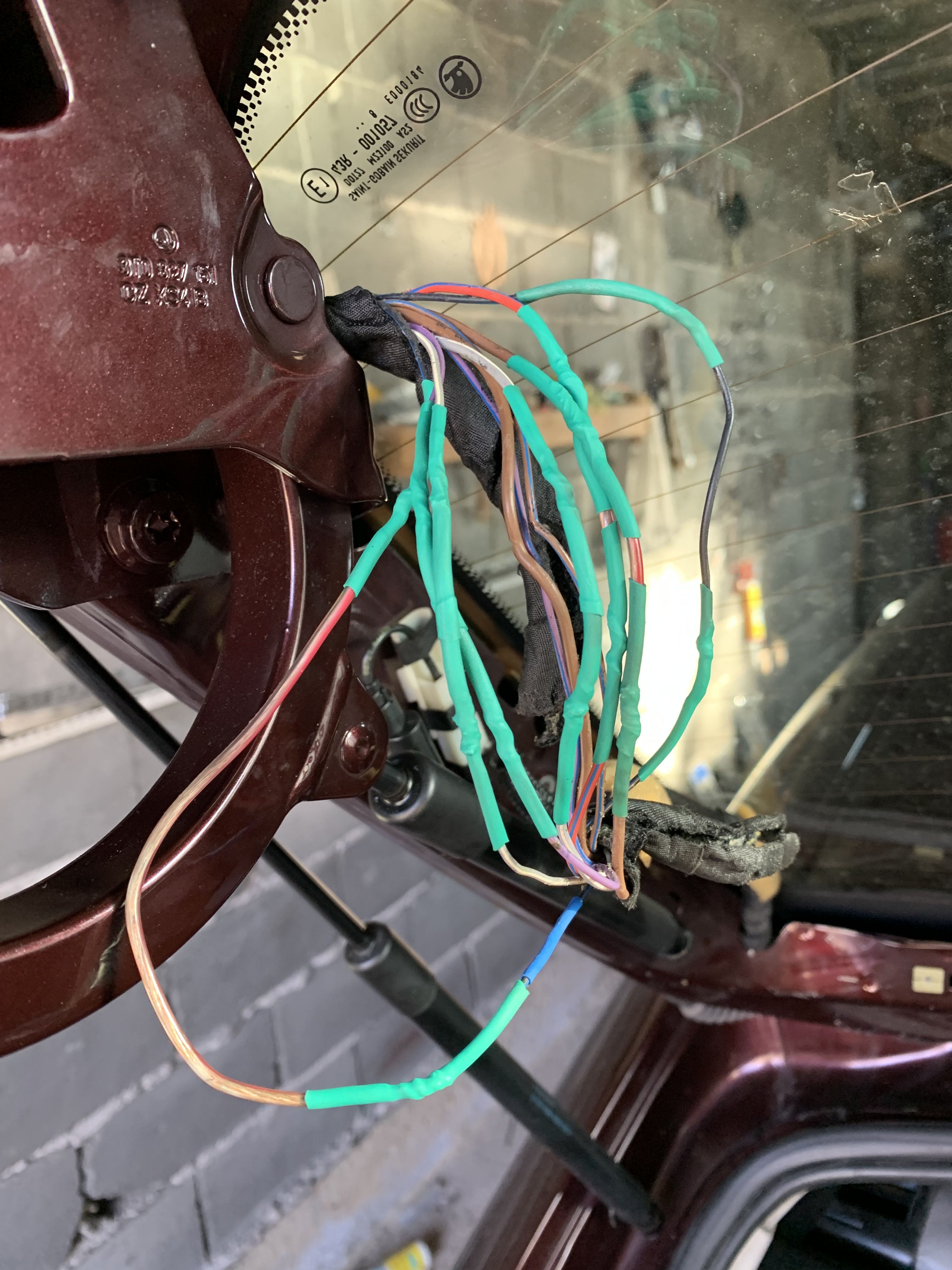
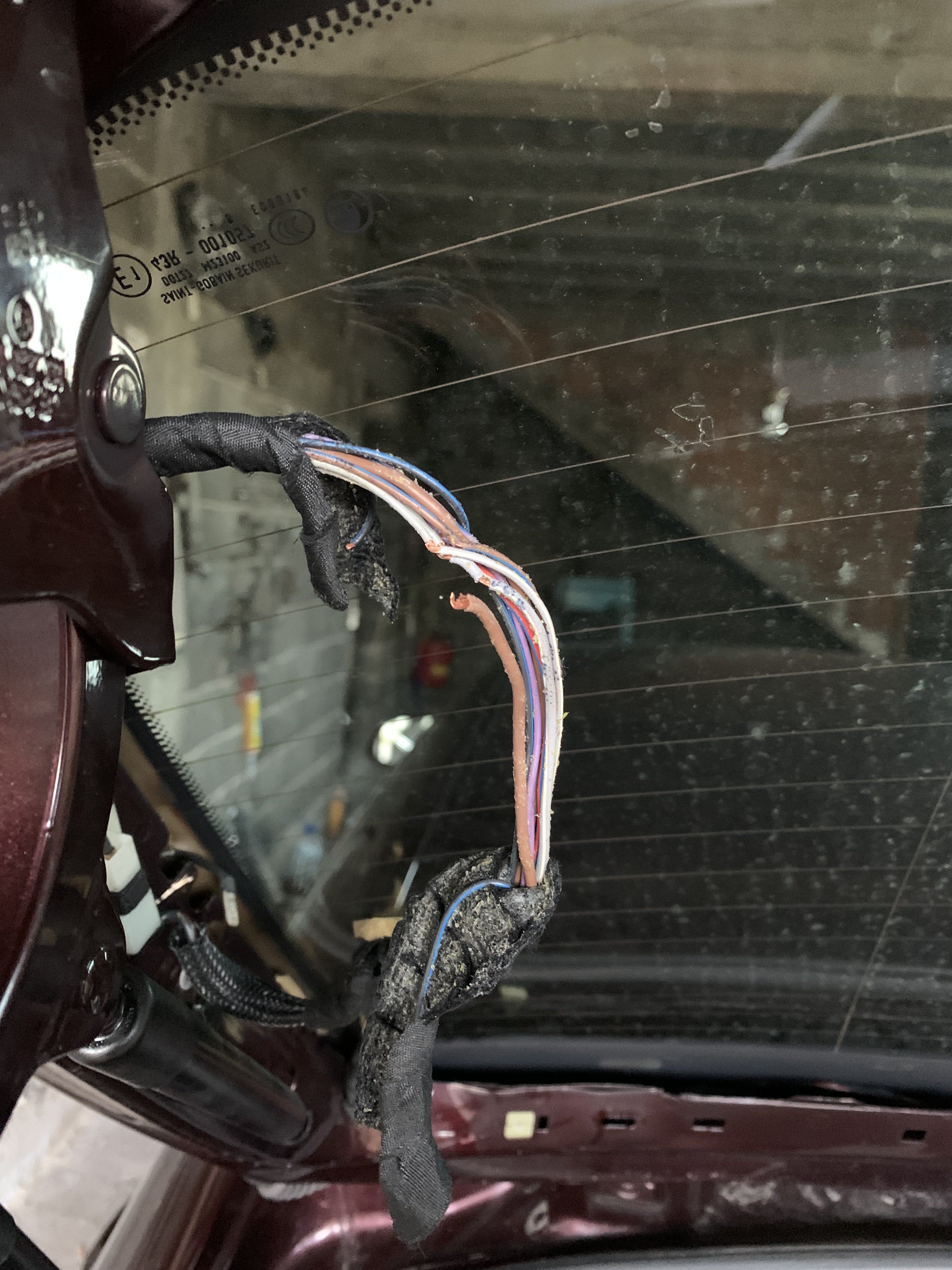
It was fameous twindoor wiring issue. Fixed.
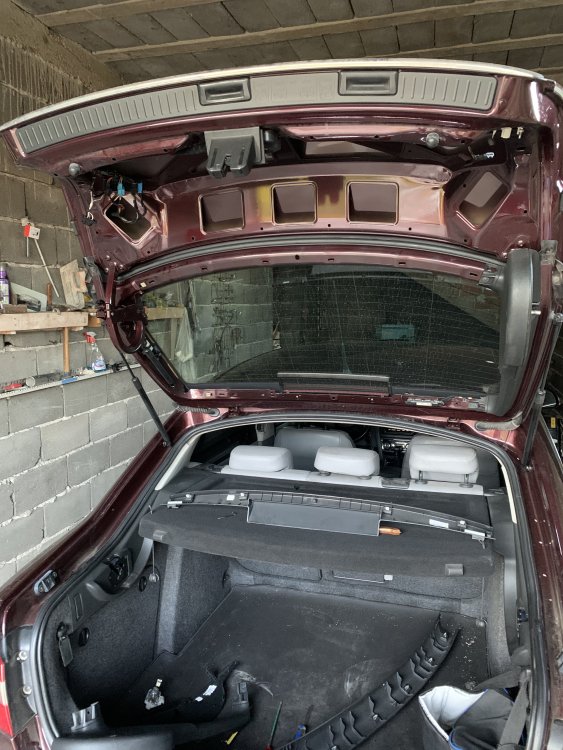
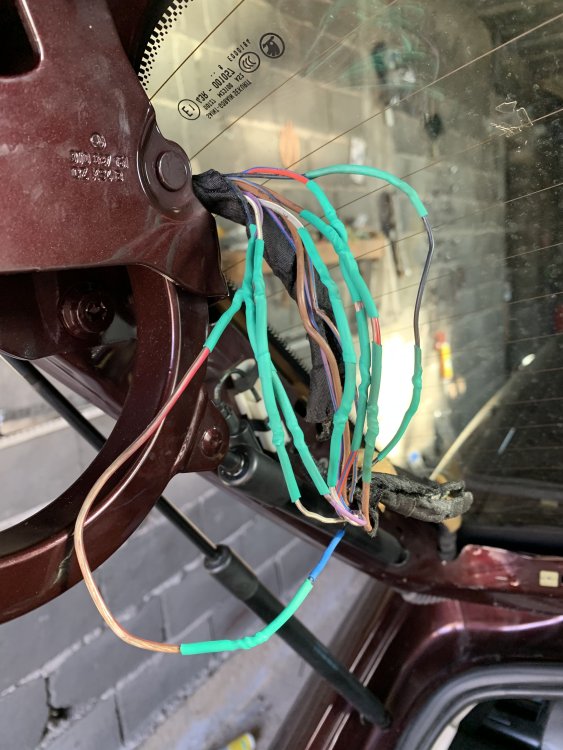
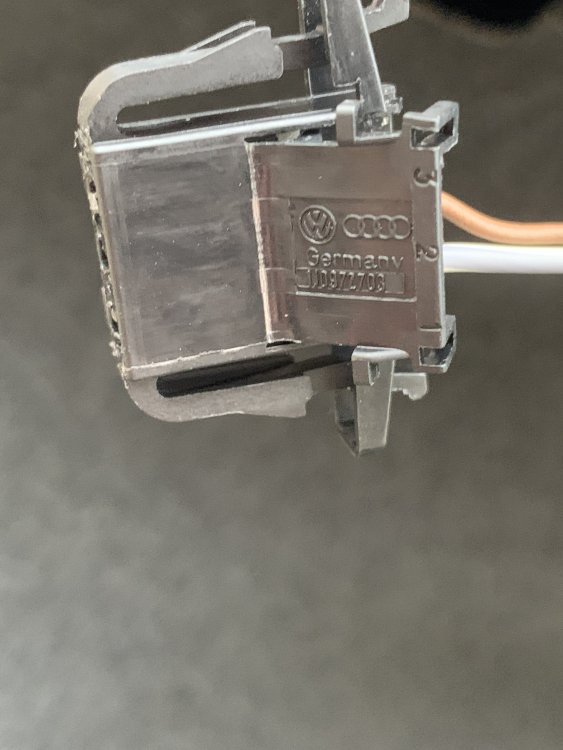
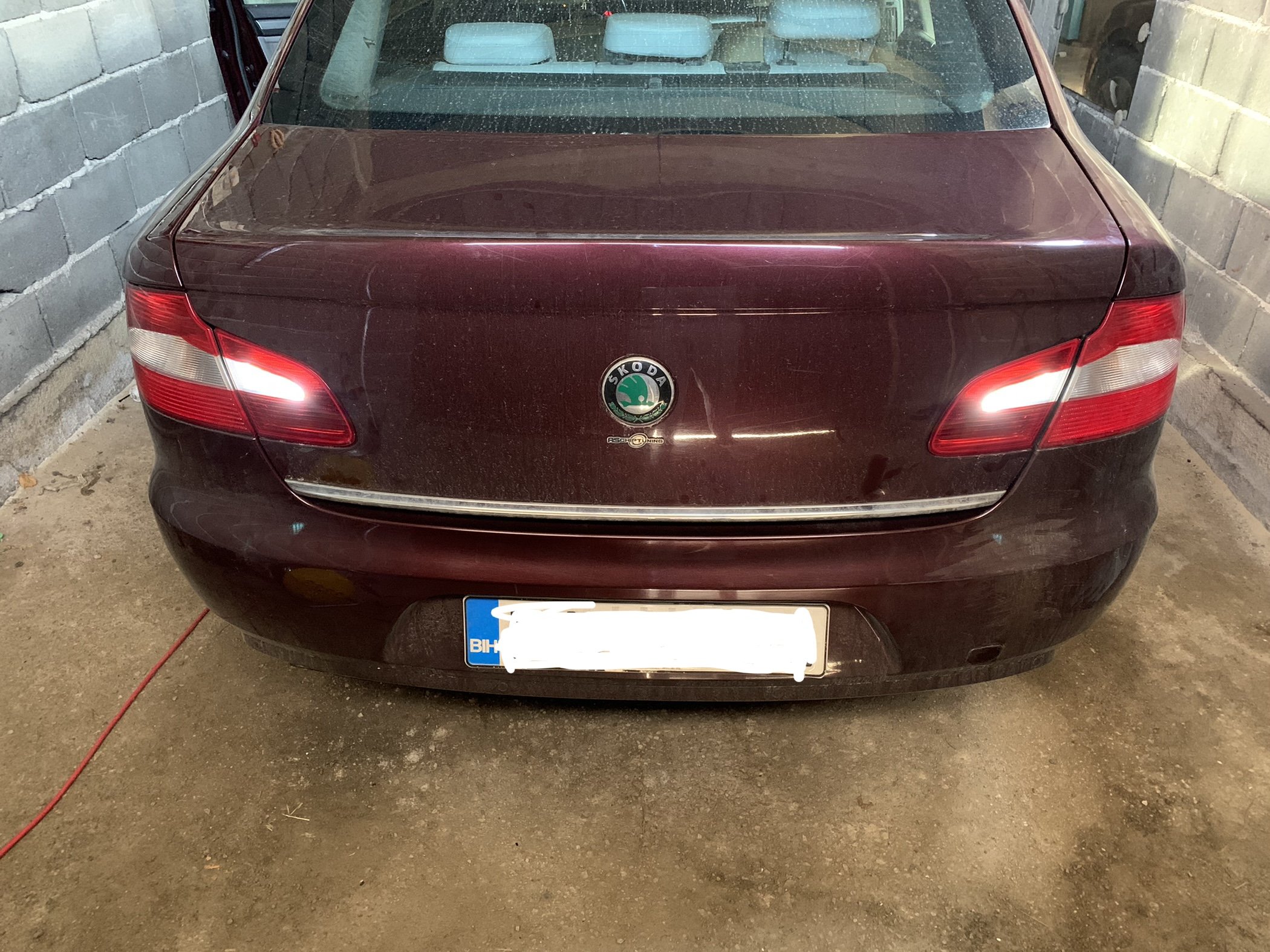
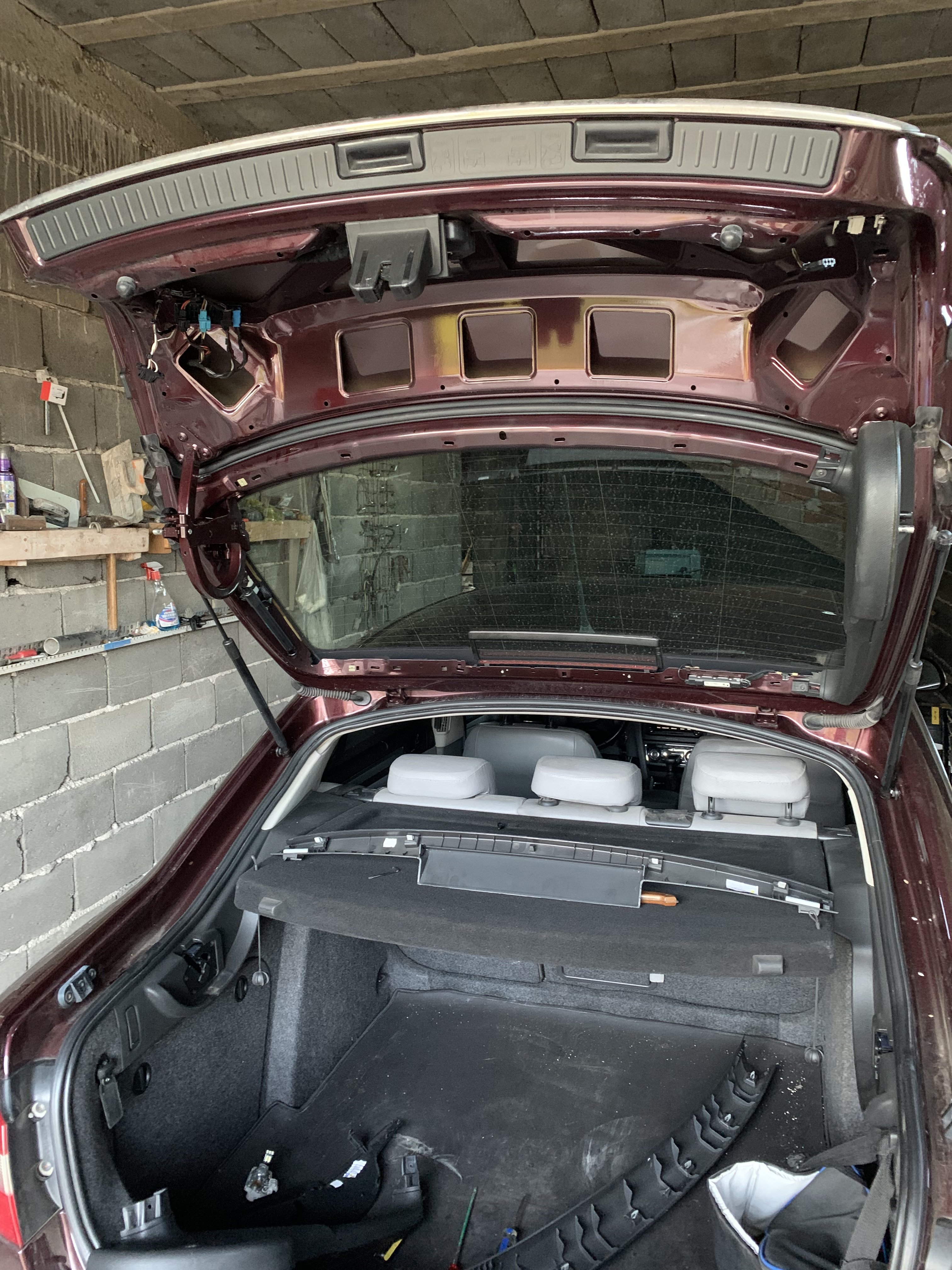
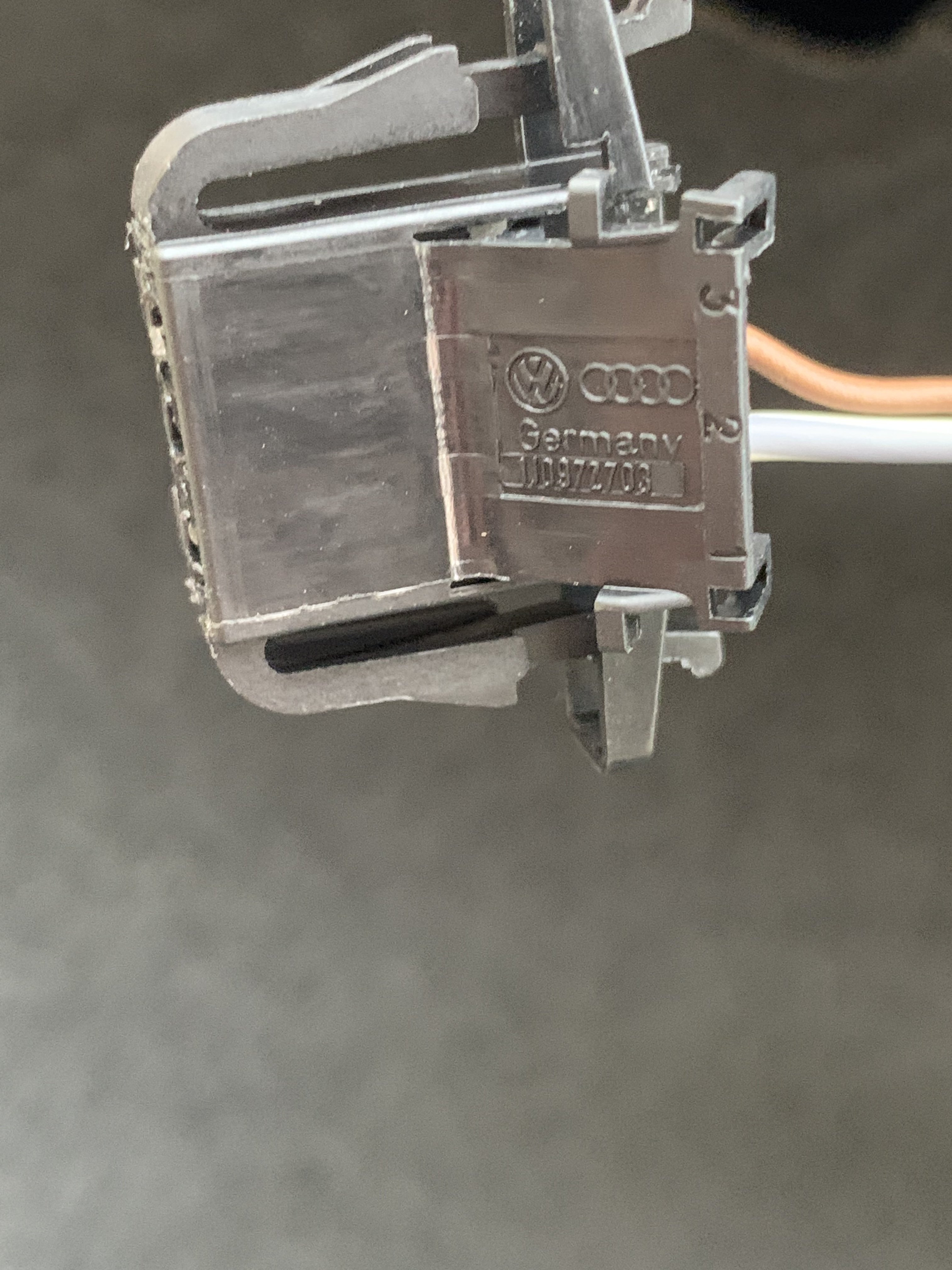
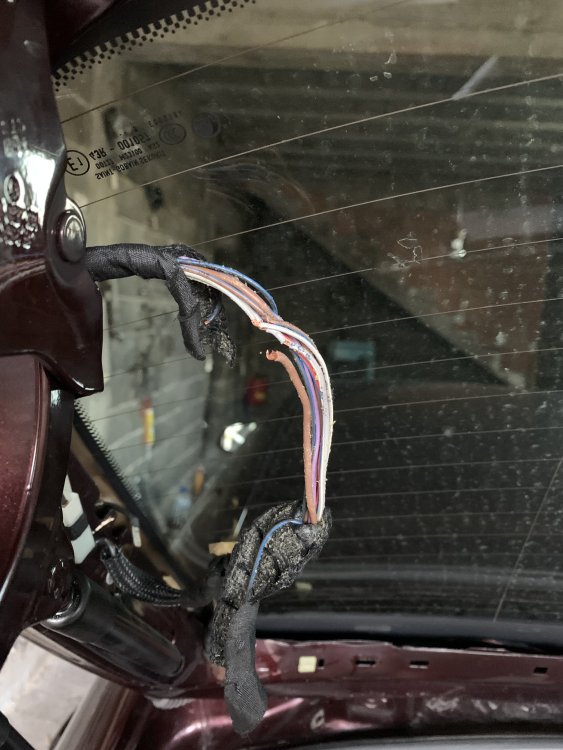 P.s. fog light works on left side perfectly. Only backup light does not!Hi there, as you know superb has 2 backup lights , i have problem because the left one does not work and the right one works perfectly. I disconnected the wiring from left side and everything seems good. Also I disasembled trunk part to check wiring , no broken or loose wiriing also. My electrician told me that left and right side use same power and I am reallly confused why it does not work. Is there any way to pull out wiring from this part ( check photo) and to check 2 other wires? I know there is wire missing here but I fixed that !
 Hi guys, I'm planning on upgrading my turbo on my skoda superb, will this engine (BMP) fit turbo from 125kw model ? ThanksHi, i have this problem with AFS but there is no warning on dashboard or maxidot. My headlights are fixed but still moving when steering left or right. There is just no self adjusting i.e when going over 60 km/h they won’t go up or when going lower then 60 they wont spread( right beam going lower and right and left one going up ). I have scanned via vcds a while ago now and says fhere is afs error control module. Should I try disassemble my headlights and try to fix it with contact spray from wd40 or just replace afs unit?
Important Information
Welcome to BRISKODA. Please note the following important links Terms of Use. We have a comprehensive Privacy Policy. We have placed cookies on your device to help make this website better. You can adjust your cookie settings, otherwise we'll assume you're okay to continue.