Cozza89
Members
-
Joined
-
Last visited
Everything posted by Cozza89
-
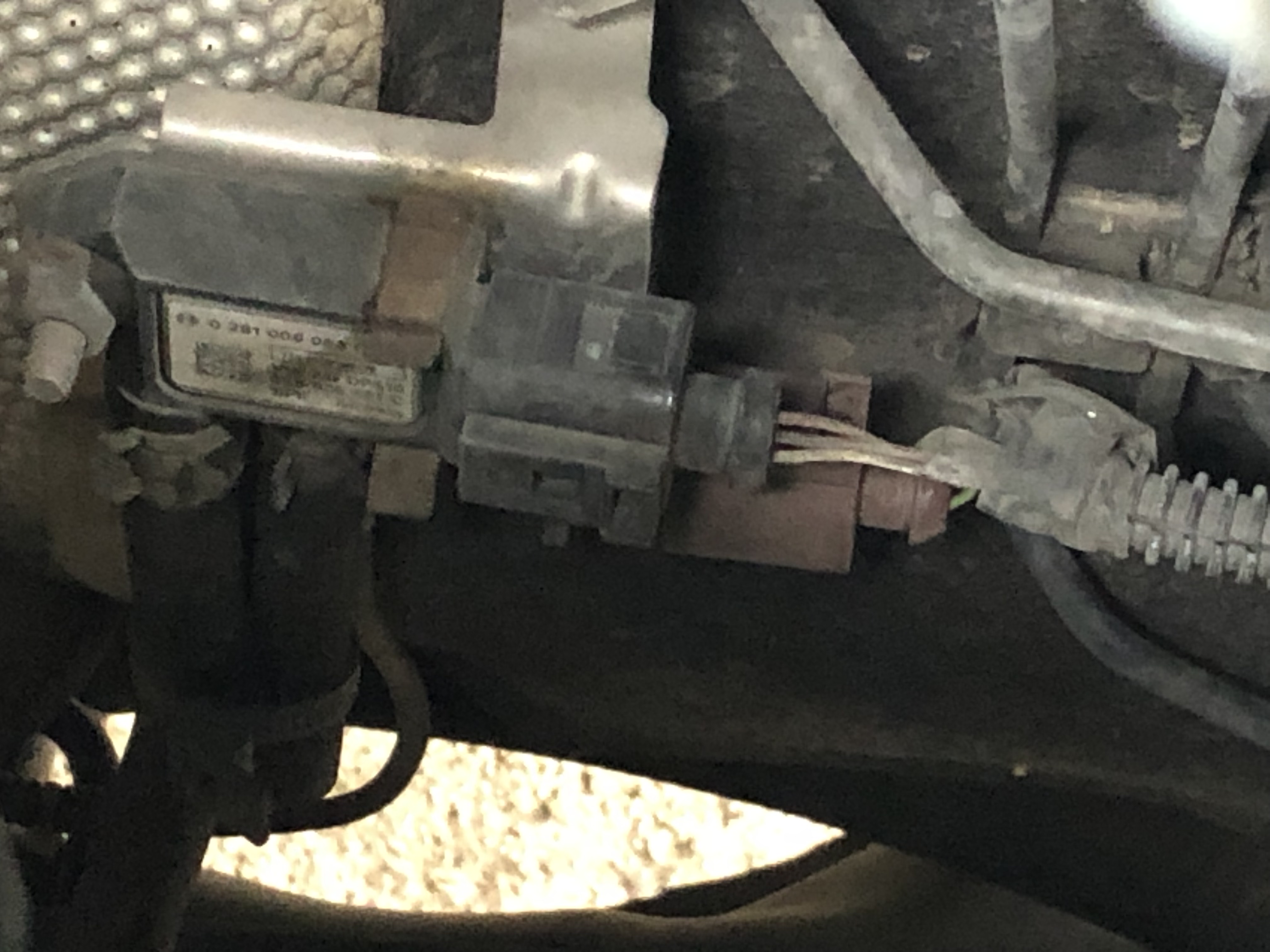
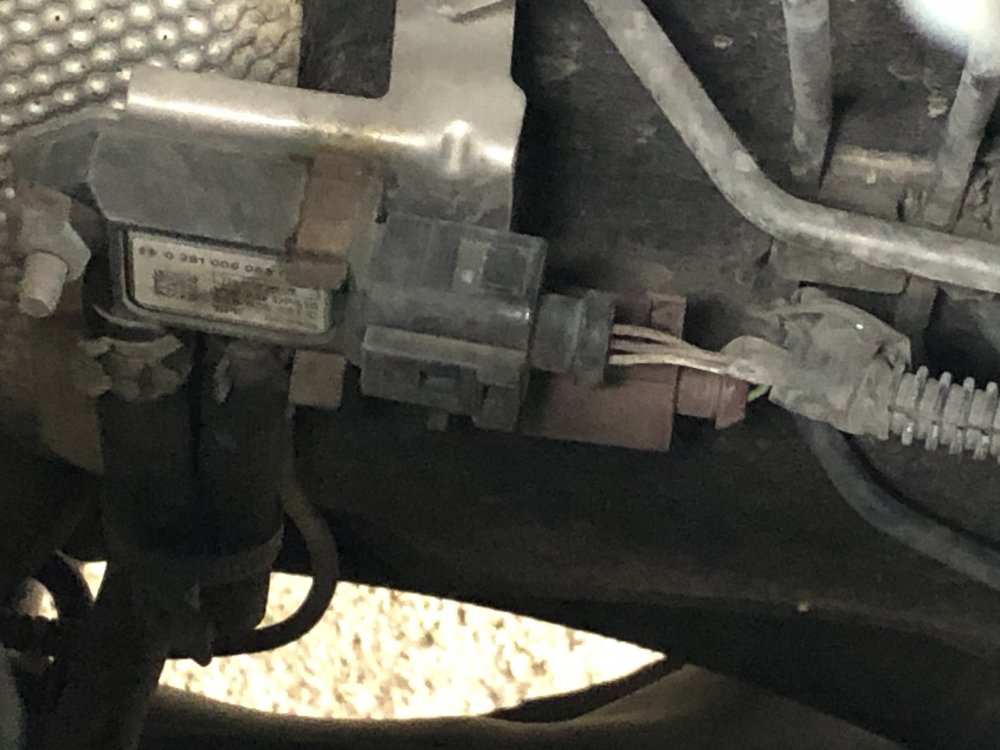
Wouldn’t let me add another photo 😁 Is the sensor the brown socket?
-
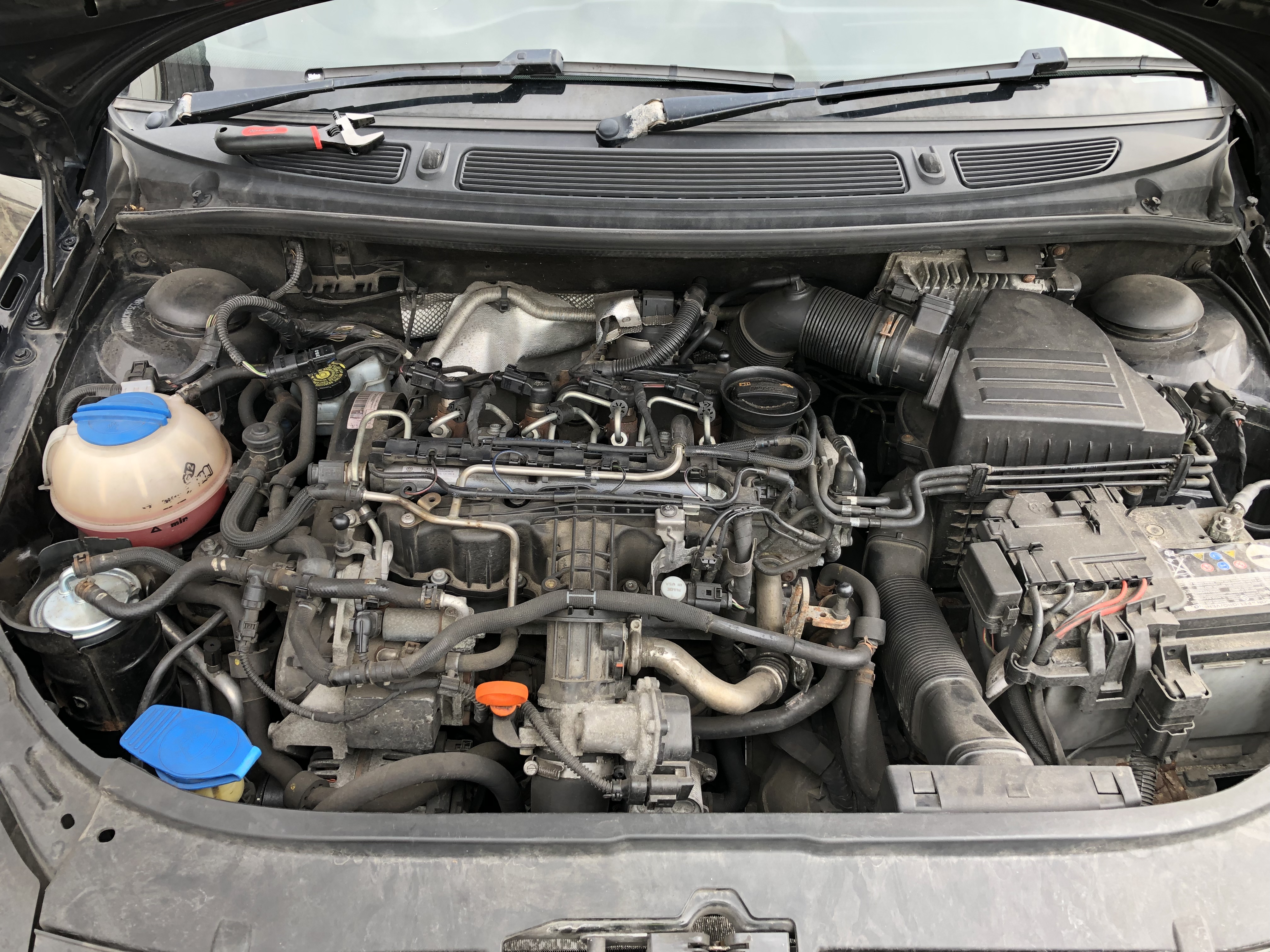
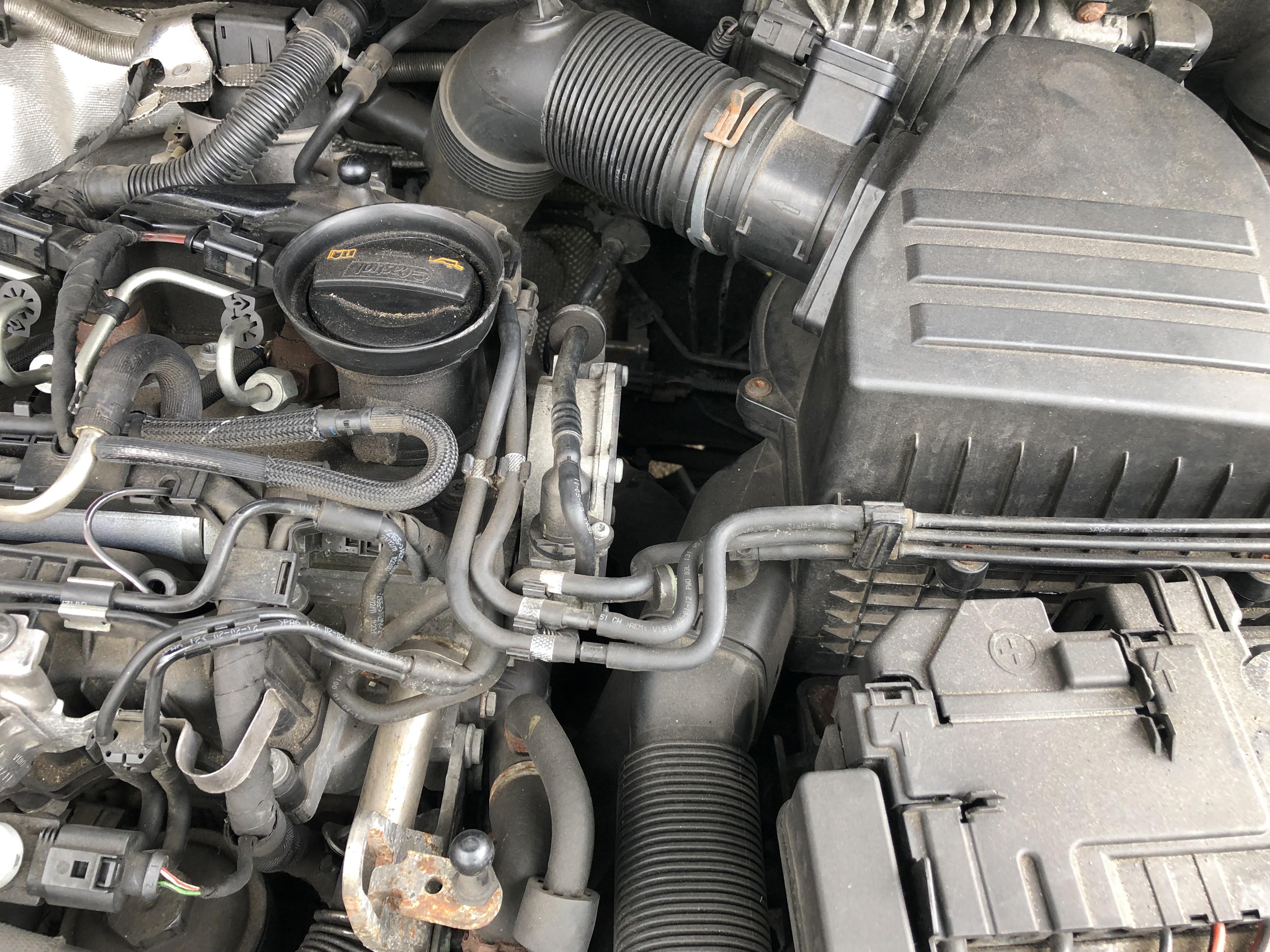
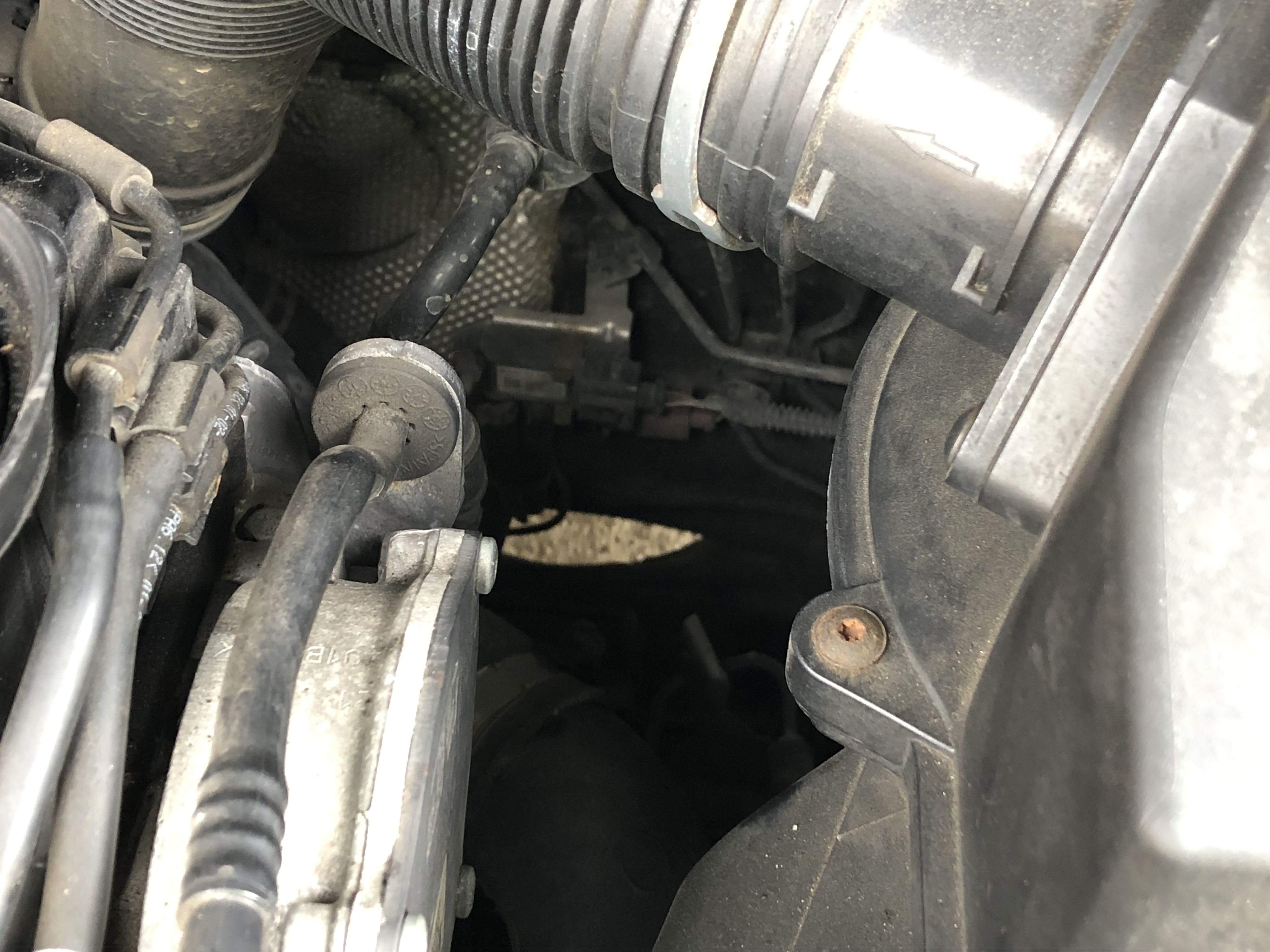
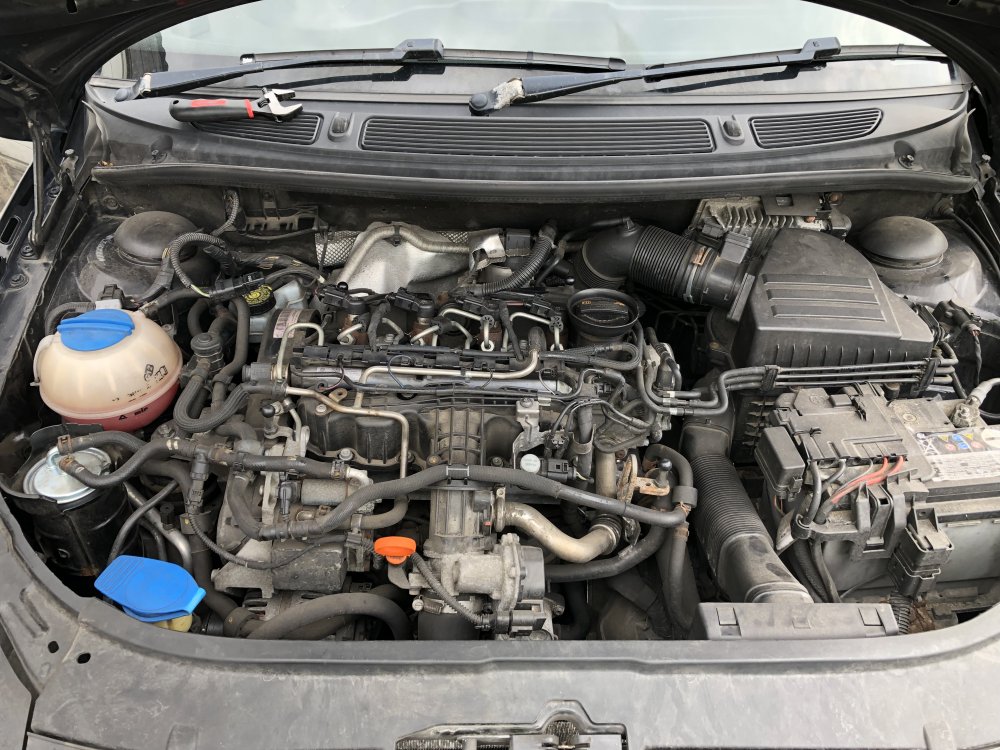
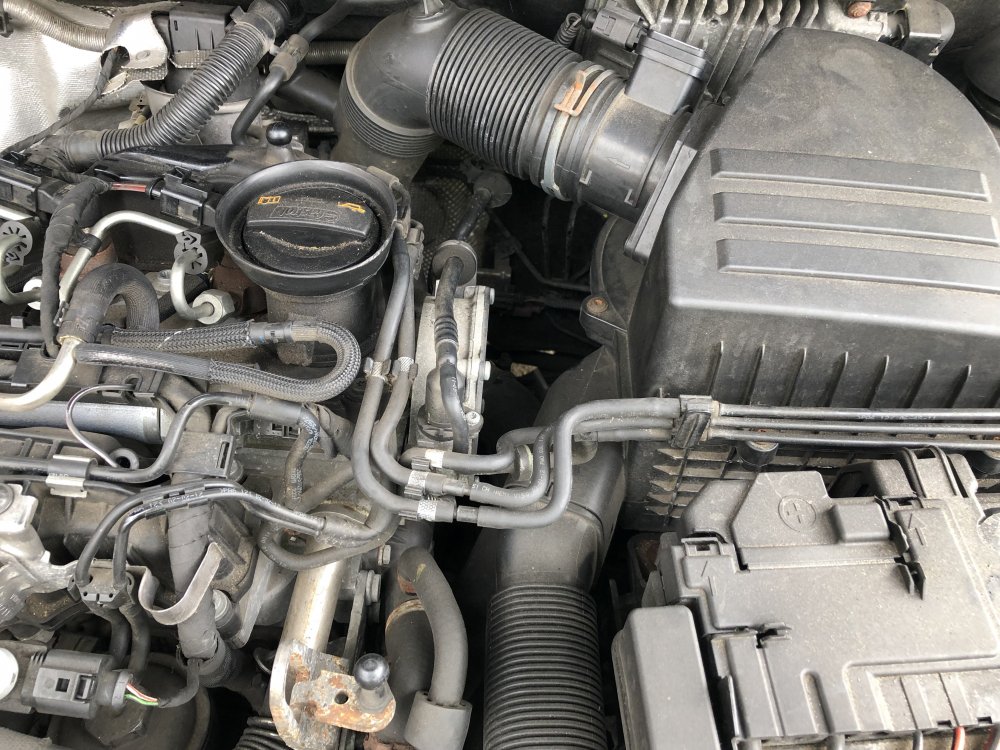
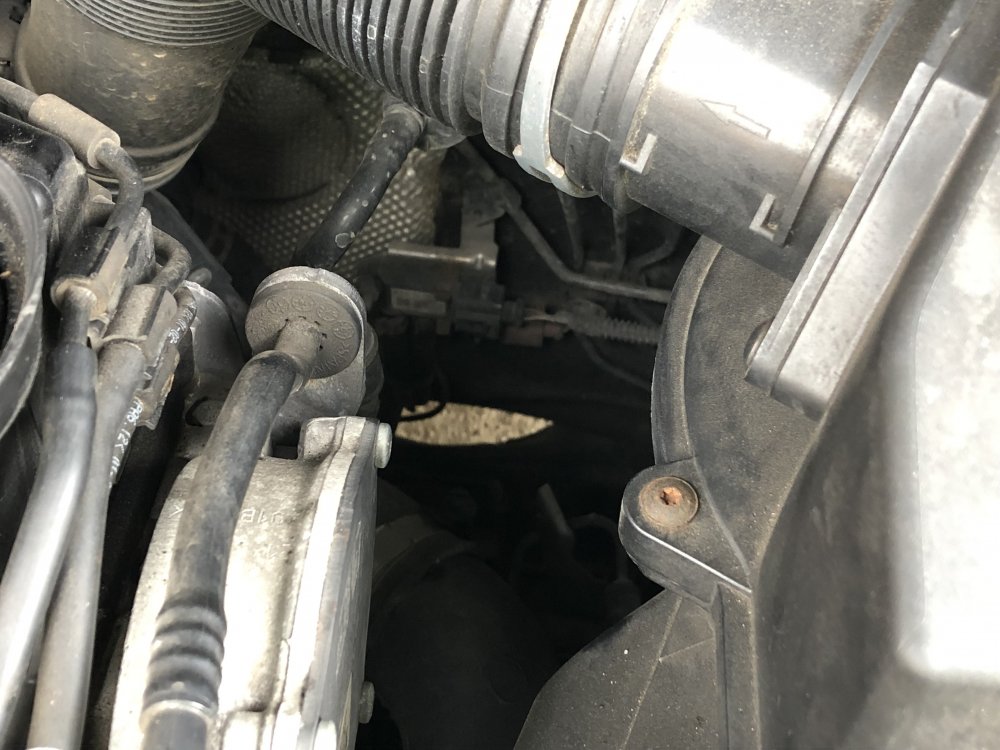
I have recently taken to the local garage to change two tires. I usually take it here for MOT & Small jobs (Irrelevant depending on where sensor 3 is 😁). On the way back I noticed the dreaded flashing glow plug light. Engine management light came on not long after. Plugged it in, Scanned it & found P242a Bank 1 Sensor 3 error. I have had trouble locating it. I’ve got some pictures along with the OBD2 reading. ———————— Car Scanner ELM OBD2 DTC report Selected brand: Skoda VIN: TMBFL25J8C3132456 ============1============== P242A Raw code: 242A ECU: Engine control unit Status: Confirmed OBDII: Exhaust gas temperature sensor 3, bank 1 - circuit malfunction ============2============== 14355 Raw code: 003813 ECU: Engine control unit Status: Test failed, Pending, Confirmed, Test failed since last DTC clear, Warning indicator requested ============3============== 14355 Raw code: 003813 ECU: 01. Engine control unit Status: Test failed, Pending, Confirmed, Test failed since last DTC clear, Warning indicator requested
-
This is great 😁 I have bought at 84k. 130k now and most faults are my own doing from bad weather. MAP sensor, Cambelt + Water Pump, MAF meter which turned out to be the MAP sensor (Halfrauds). Along with Rear Bumper, Crashbar, Tailgate & 2 rear light clusters (🙄).