nickalto
Finding my way
-
Joined
-
Last visited
-
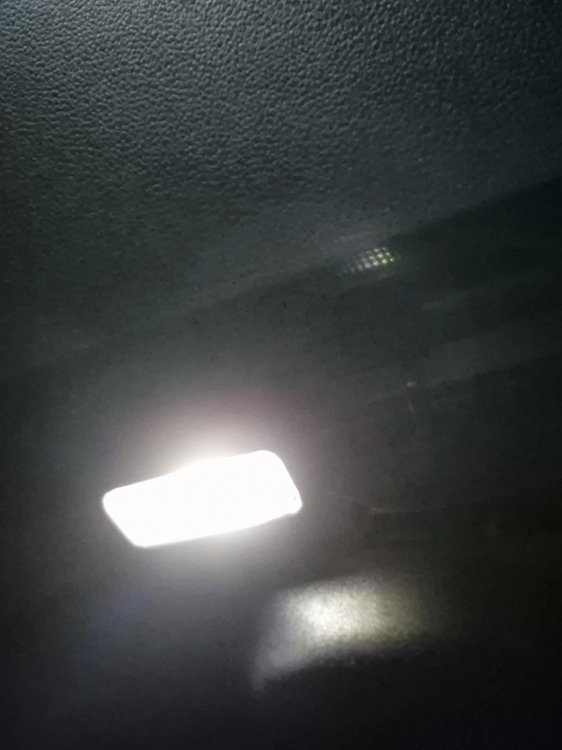
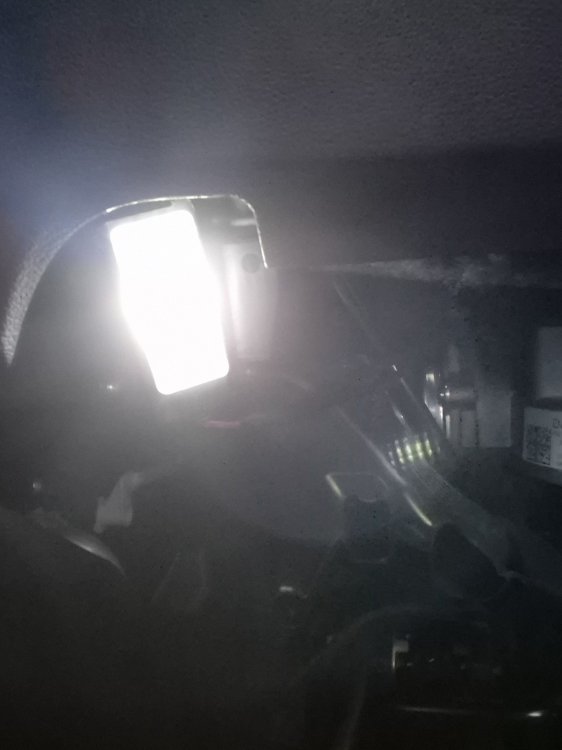
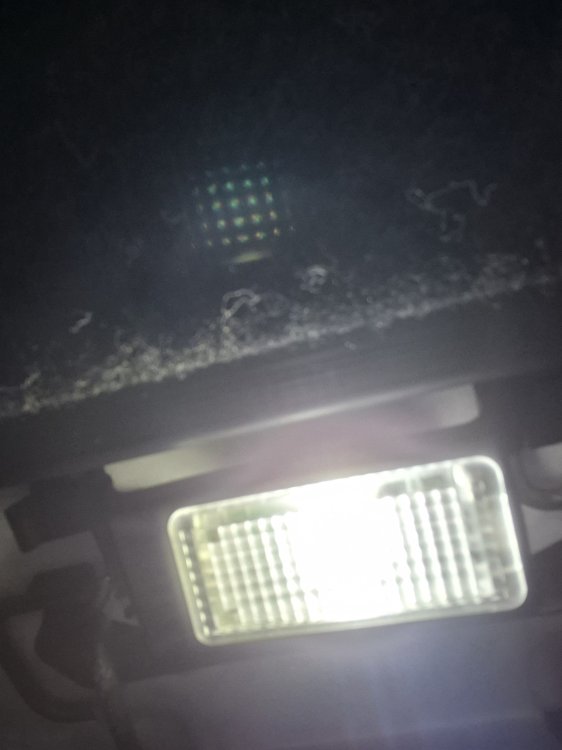
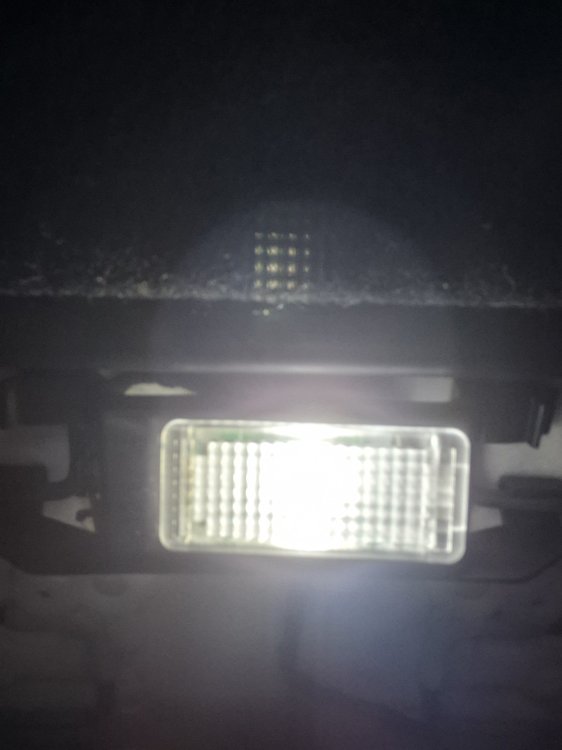
All 4 installed and working great!
-
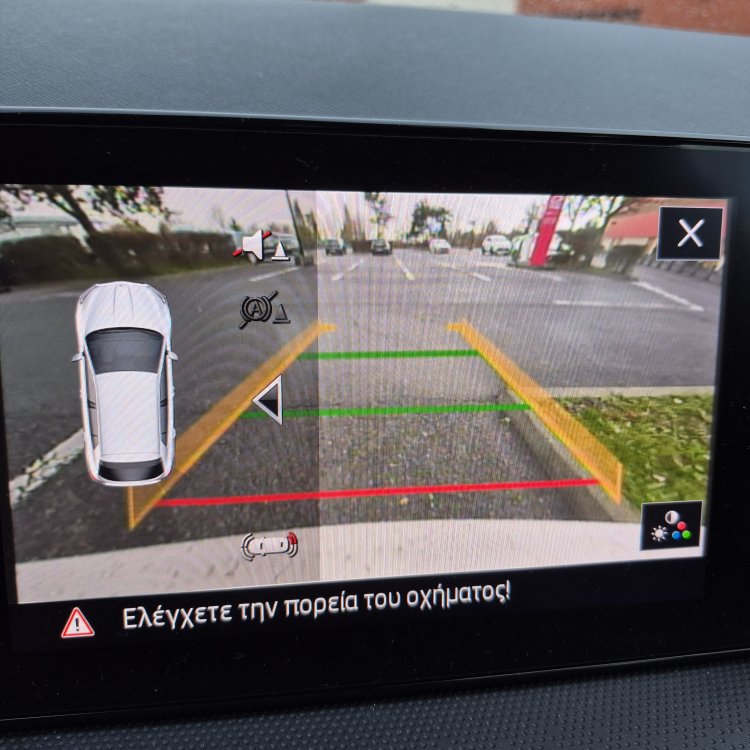
Well I thought it was lowline but it isn't
-
Ok solution find! equipment automatic transmition-not installed EPB-not installed AHK-not installed ARA-not installed
-
Well for my car the difference was in : Leuchte31AMBL 1C65-Type_of_Load_31 I checked the option LED_Kleinleistung_ohne_OL_mitUeberspg_absch and the lights are working without any error message.
-
Ok no further need for help! I d like to thank you for your help!!I managed to code everything right and now footwell lights work great!
-
Which diagnostic you use?i have OBD eleven and i am thinking to buy ODIS
-
Hi I did all these steps of OBD11 coding to a skoda fabia 4 2023 model! It worked to a point but I keep receiving an error message for internal lighting. Did you have the same problem?thanks
-
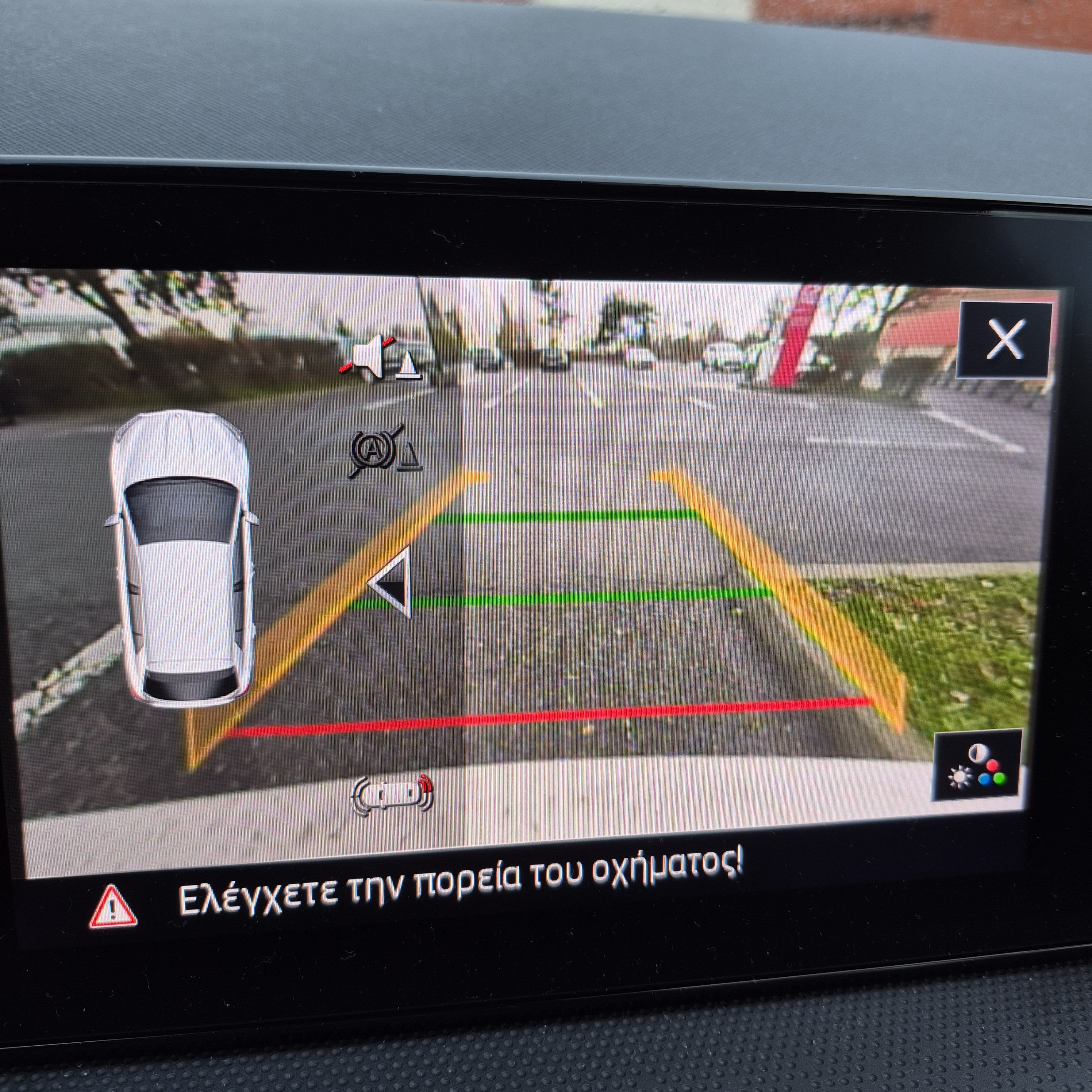
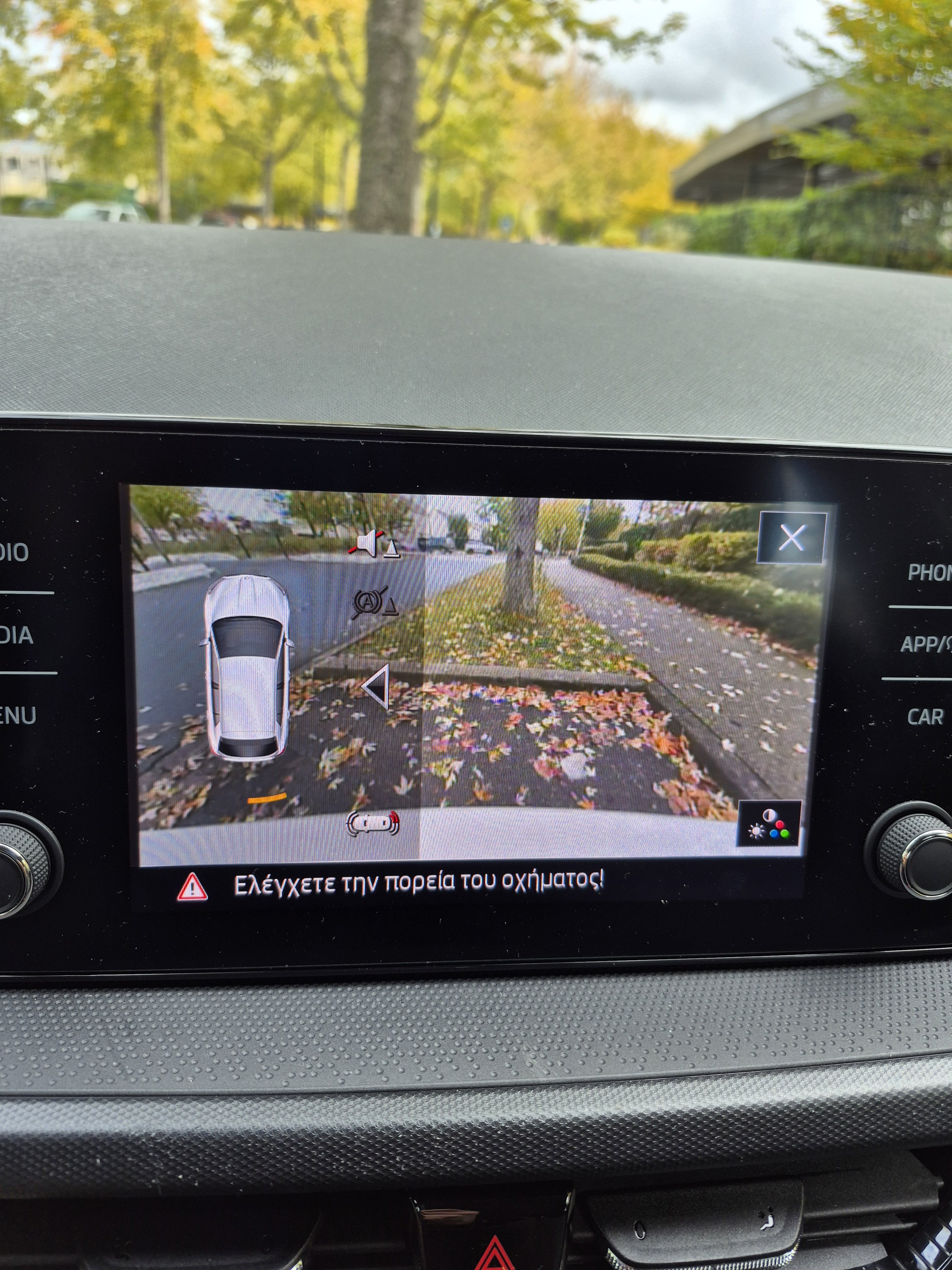
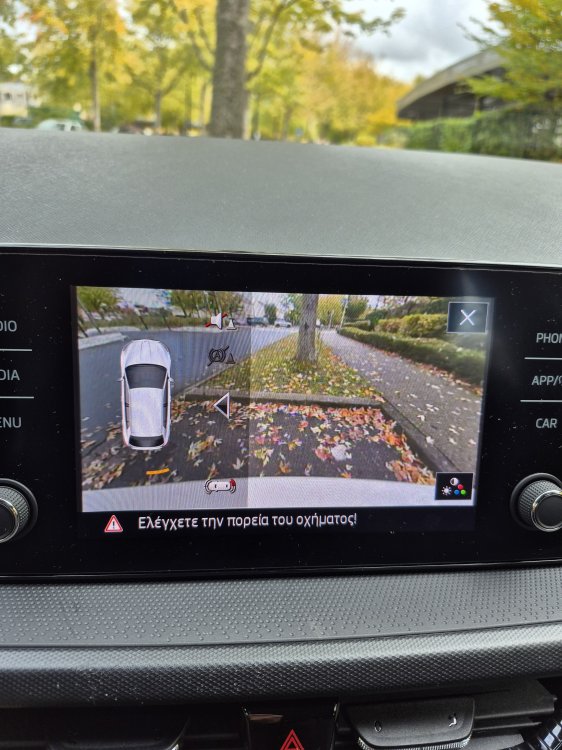
Hi I have installed an oem reverse camera low line to a skoda fabia IV 1.0 TSI Ambition and i would like some help in coding.I have image but the guidelines are missing. Does anyone have any information which could help? Thanks
-
Pretty much the same! I did a research and I saw that the unit I have in my car support navigation but the screen installed does not show that option !
-
Hello I would like to ask if it is possible to install and activate navigation to a Skoda Karoq Ambition 2019 model with MIB STD2 +NAVI 5Q0035840C TECHNISTAR unit. I bought the car without that option. Thanks
-
Ok thanks !
-
Does anyone have the Skoda Fabia Mk4 (2022-2023) Workshop Manuals to download?
-
Update!problem solved by adding a pin in position n1 in door module! Works perfectly!
-
For retrofitting exterior mirror's area light. The pin is missing on 5Q4959392F.
-
Upgrade from 5Q4959392F to 5Q4959592F