Alex-W
Members
-
Joined
-
Last visited
Everything posted by Alex-W
-
-
The thing is, if you don't have matched tyres across the Axel you have to use it for minimum use and are limited to 50mph so arguably can just get a space saver as you don't really gain much from the larger steel wheel. Most likely it'll just be used to get home and then to a tyre fitter for a new one, so may as well just get the lightest and cheapest solution. If you can go to full size then you can use it as normal and don't need to worry about changing the tyre in any hurry. Going in between just makes it bigger and more expensive than a space saver but without any additional benefits as far as I can see.
-
Can you buy an 18" steel wheel the same offset as the stock alloys cheaply? Just thinking another option is to buy one of these then stickna used tyre with a few miles left on it from your alloys next time they need changing. Then you'll not be bound by the restrictions of unequal wheel sizes and pretty much get a free tyre. Not sure how common 7.5j 18" steel wheels are though!
-
Mine just has int. In the stalk, No auto. It's got auto wipers though... You just put it on int. No idea if you can put it on standard interval non auto, never tried. Also no idea why it doesn't say auto.
-
How long are people getting out of a manual clutch on their vRS TSi manual? Looks like mine is starting to slip. Only had the car for 4k miles and it's on 33k. Quite shocked it would go at that mileage to be honest. Obviously I don't know how somebody drove it before me but even if they weren't great that's pretty quick. Previous cars have gone at more like 80k-95k and this car did about 1k a month prior to my ownership which I'd have thought was not around town. Also, any ideas how much I'm looking for a replacement? Figured getting a manual would be cheaper long term than a DSG, however not if the clutches don't last!
-
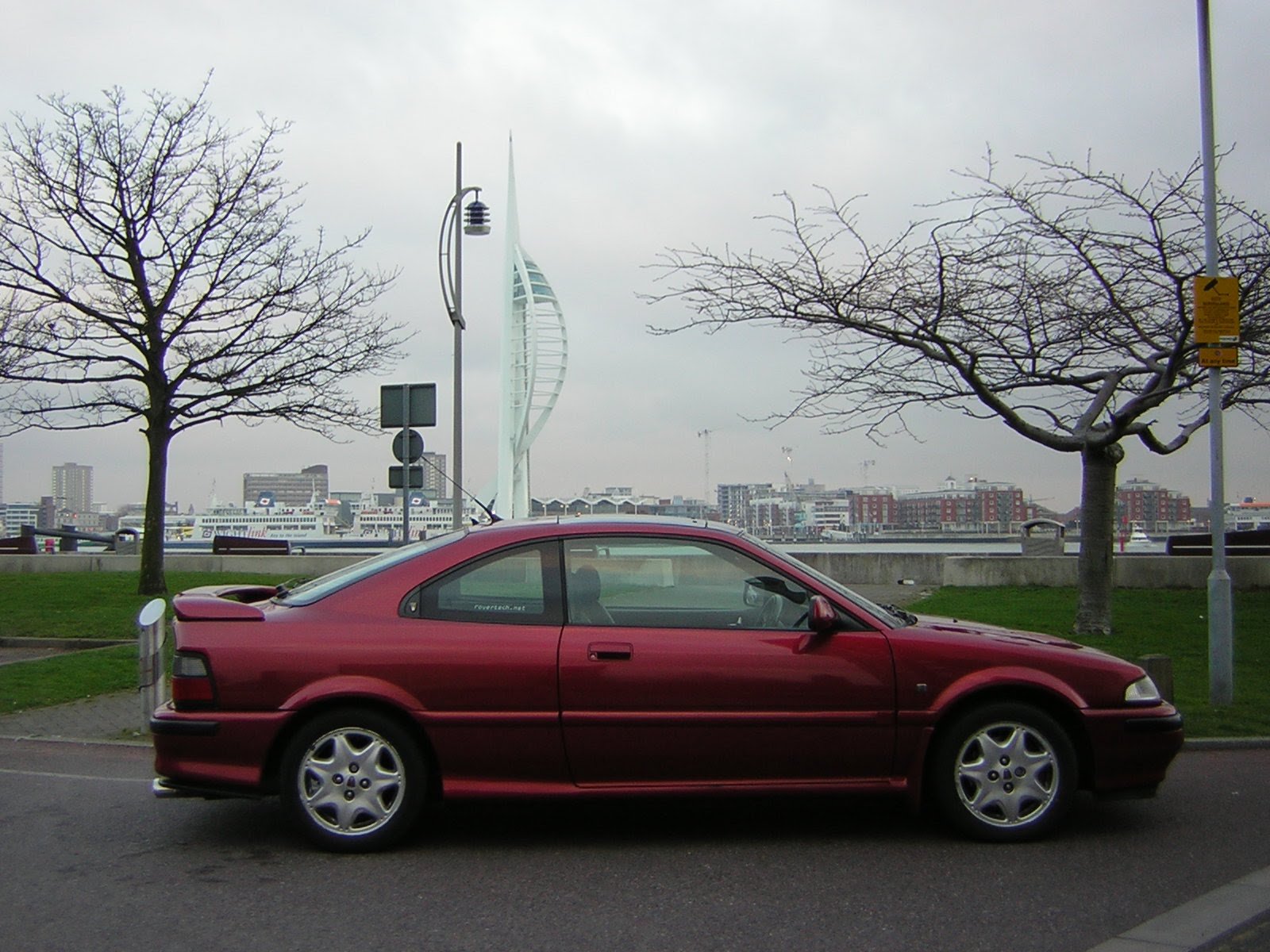
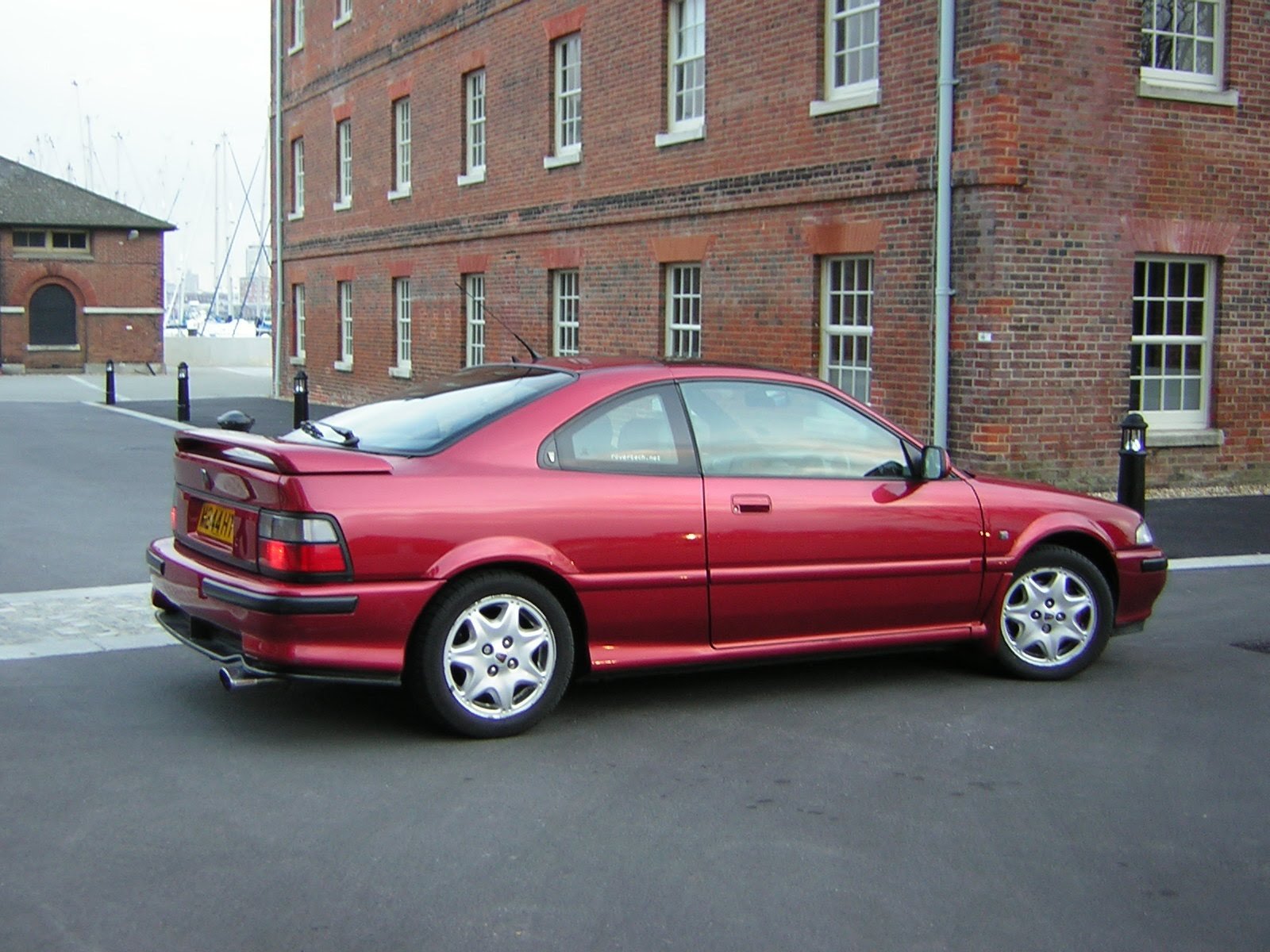
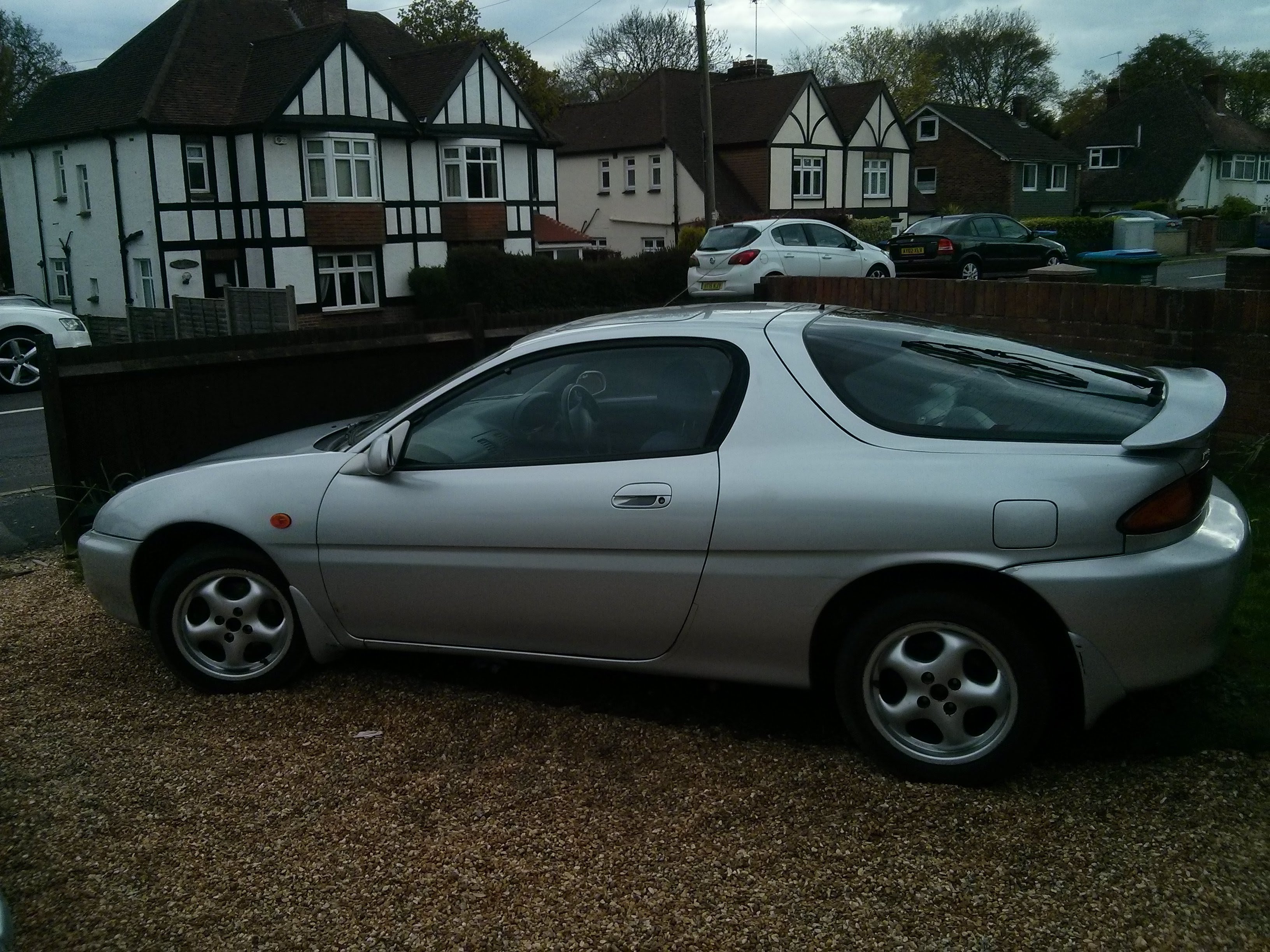
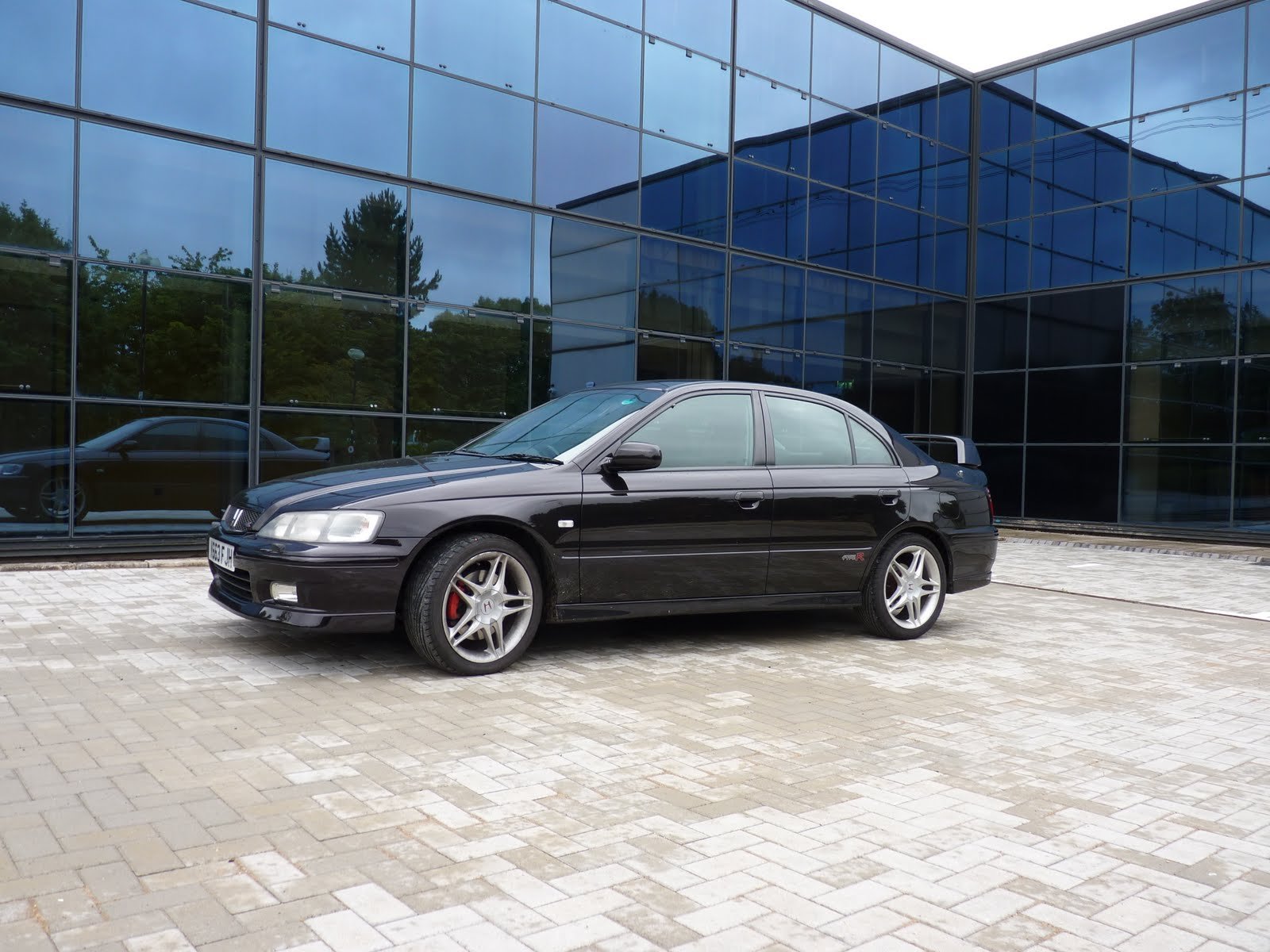
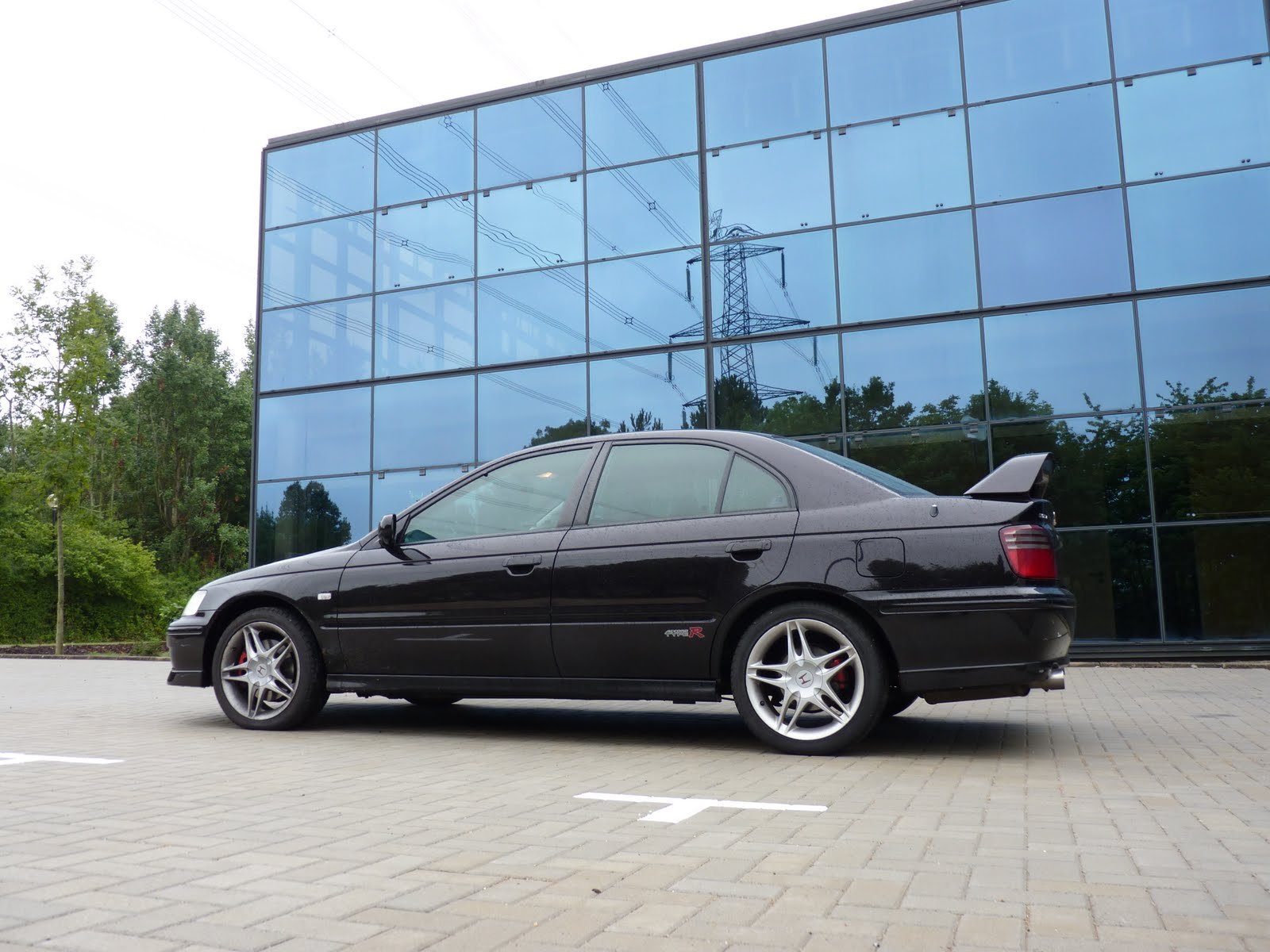
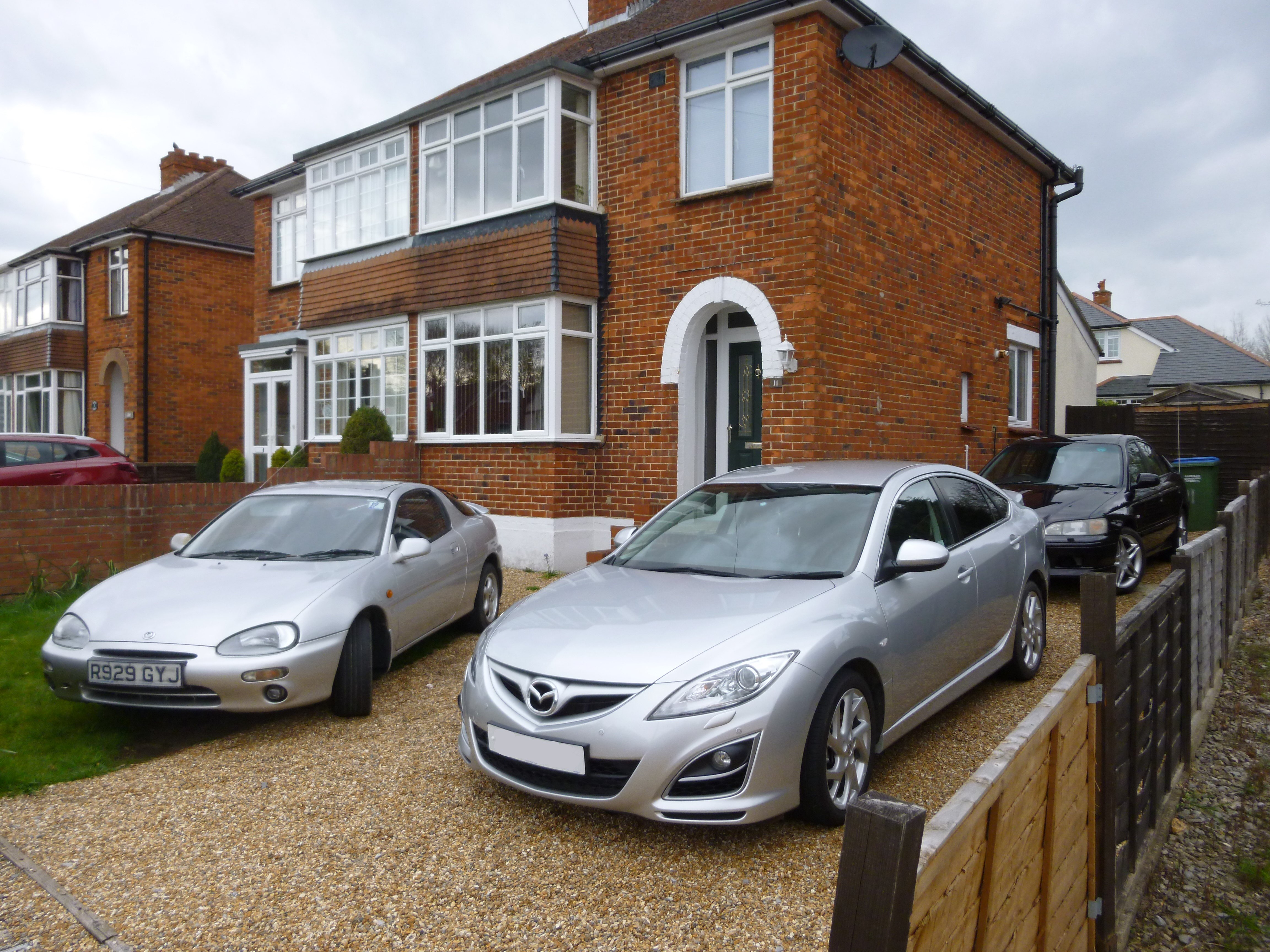
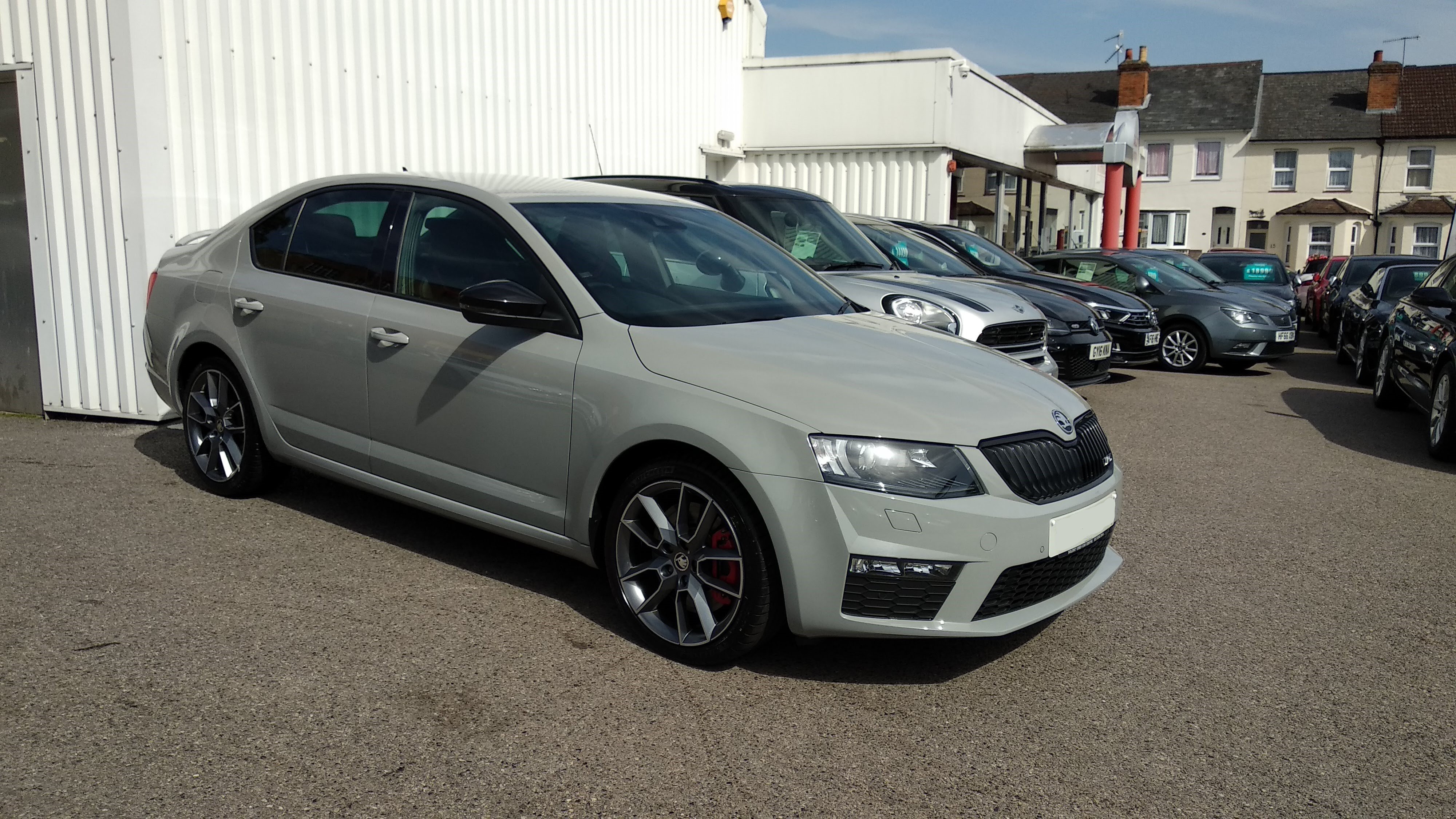
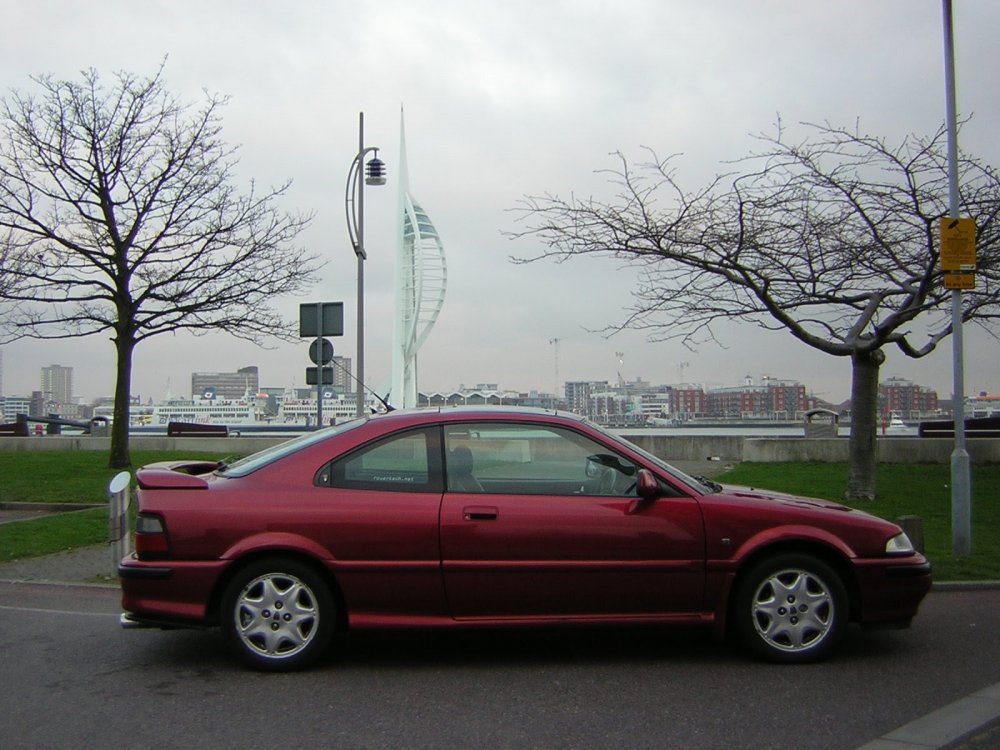
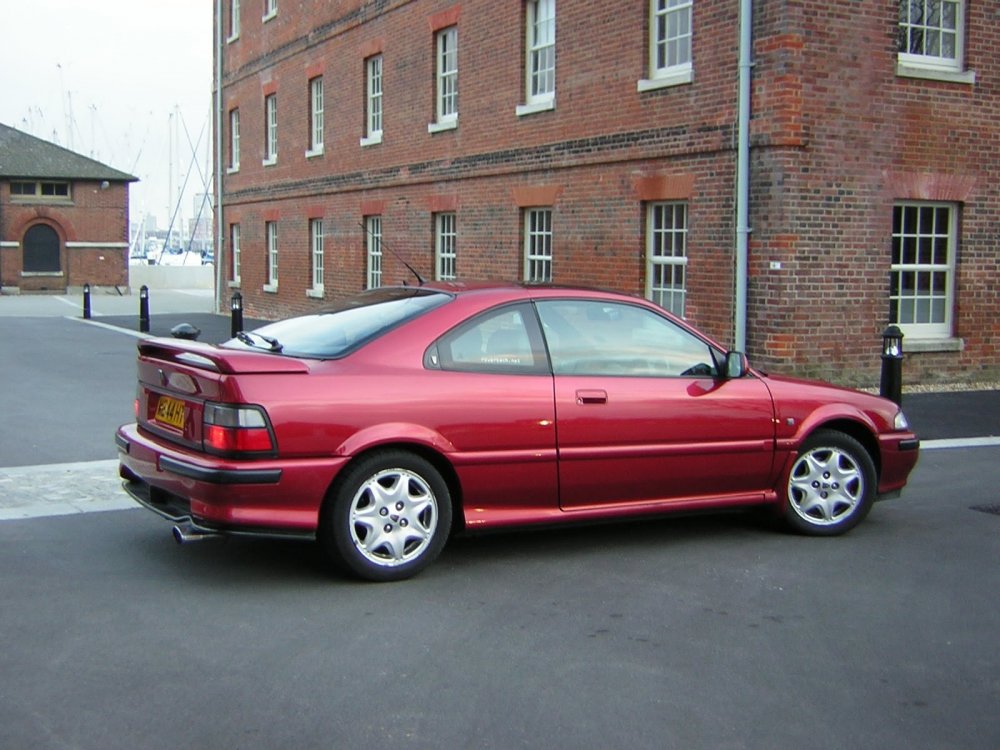
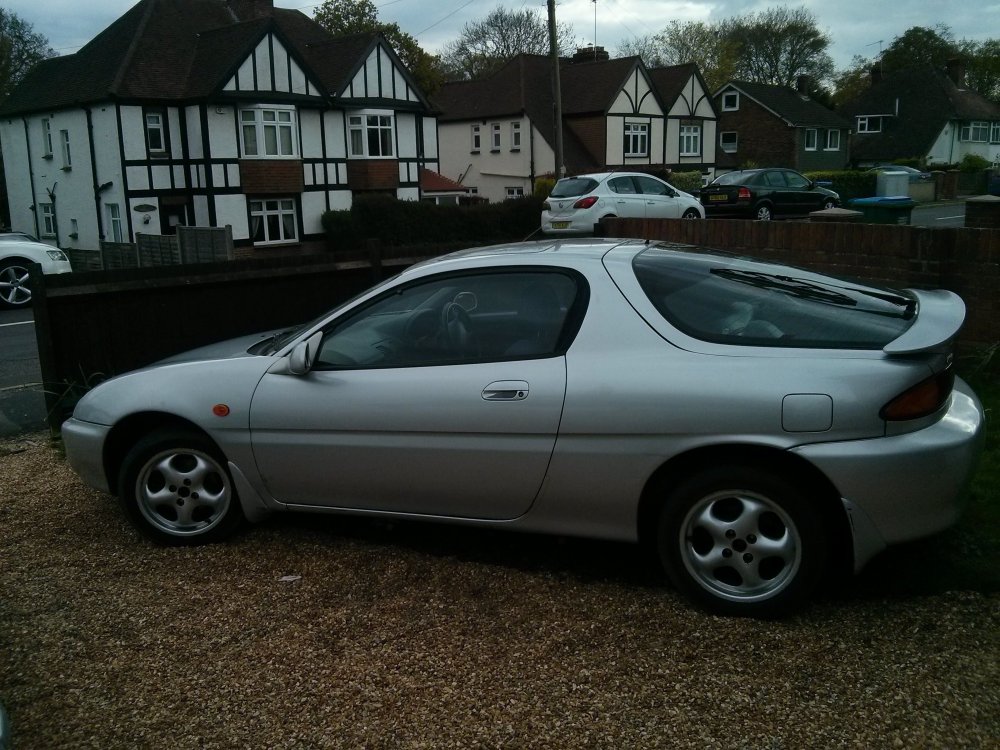
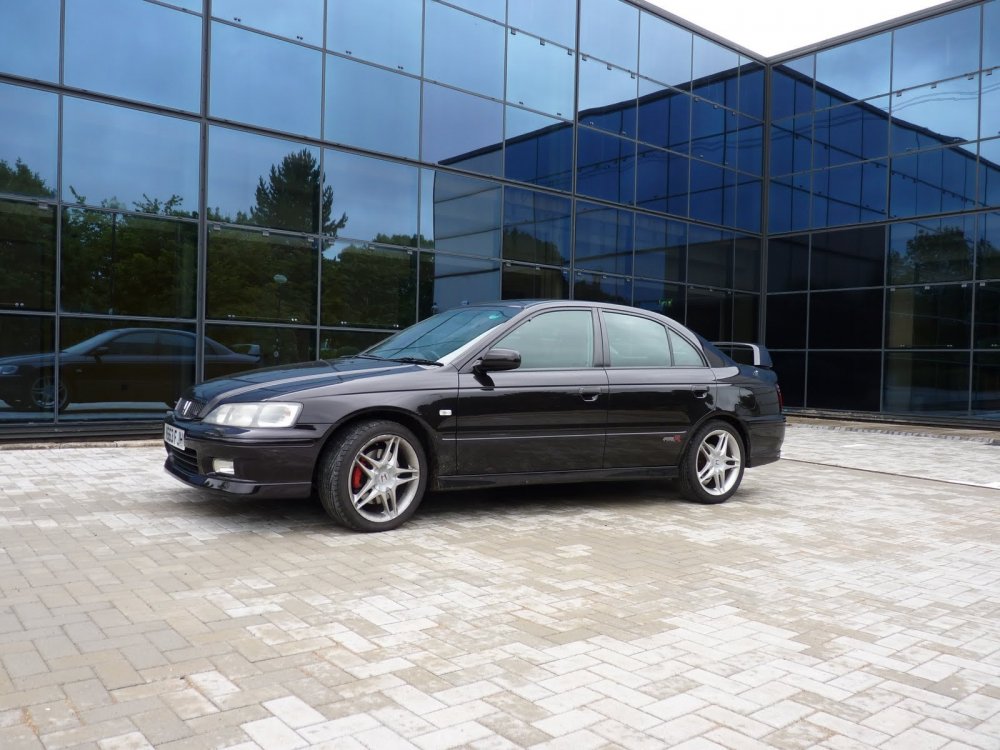
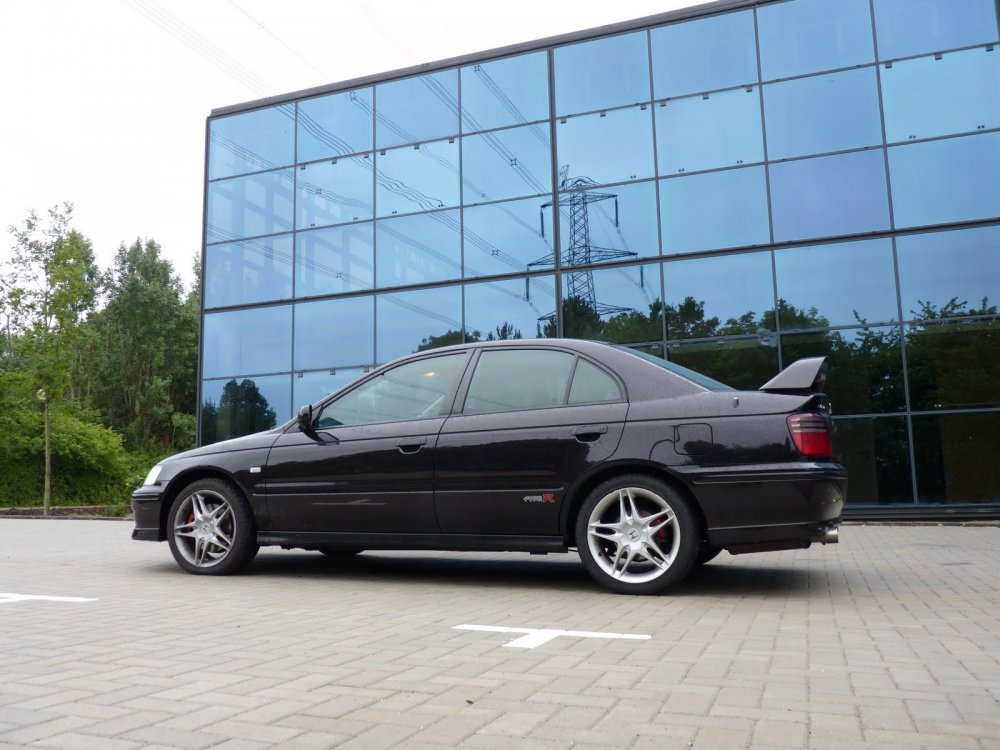
I'm intrigued... I'm getting the impression on here that most people have a high turnover of pretty stock, normal cars, which is somewhat contrary to what I've seen on other forums. My History is fairly short and sweet - 0. Spent the first few years driving a Citroen Saxo and Ax (not mine) while I was at Uni. 1. '94 Rover 216 Coupe - 109bhp D16 SOHC Honda Engine. Modded with various stuff inc Koni Adjustables and Cat Back Exhaust. Was a great car, esp for £1300. 2. '99 Honda Accord Type R - 209bhp Honda H22. Bought for £5k in 2007. Pretty standard as it was my daily car for 12 years. Still have it. Still great fun. Mild mods planned. 3. '96 Mazda MX-3 1.6 -The wife's old car. Underpowered but underrated, handled like a go-kart with a huge boot. Bought for £650 and worked with zero issues for 6 years before selling for £375. Bargain motoring! 4. '11 Mazda 6 Sport - 180bhp Diesel. Top spec, leather, keyless entry, eletric everything. The wife's car and our family mile muncher. 5. Octavia vRS PFL 230 - You know the spec. The present daily. Plans to keep long term. No mods planned as that's what the Honda is for. Photos:
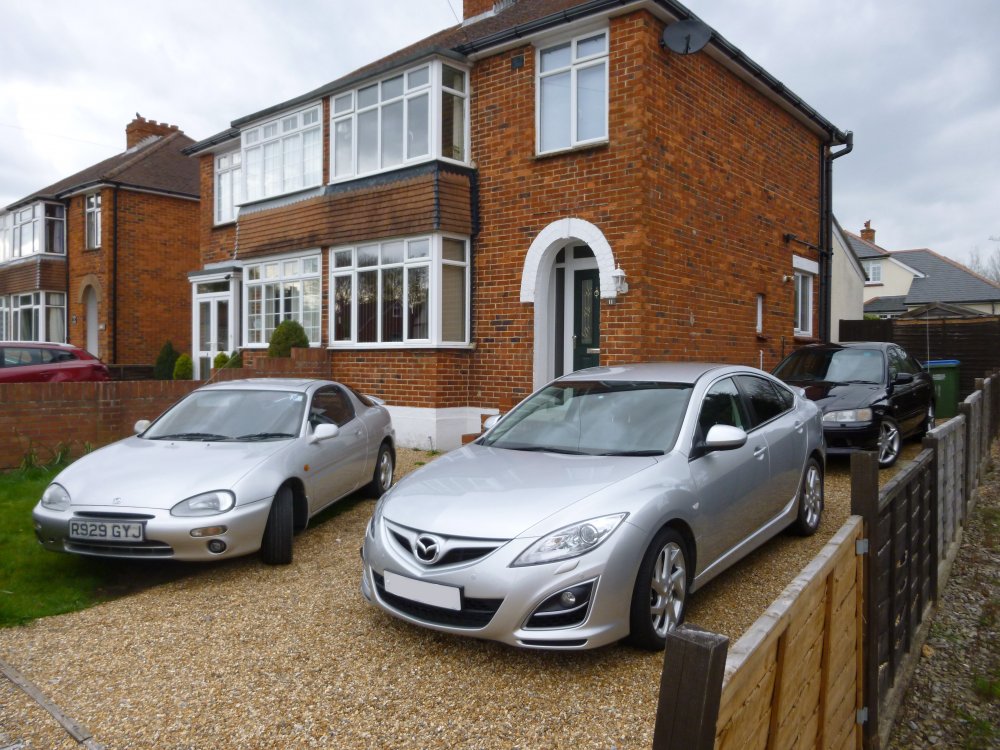
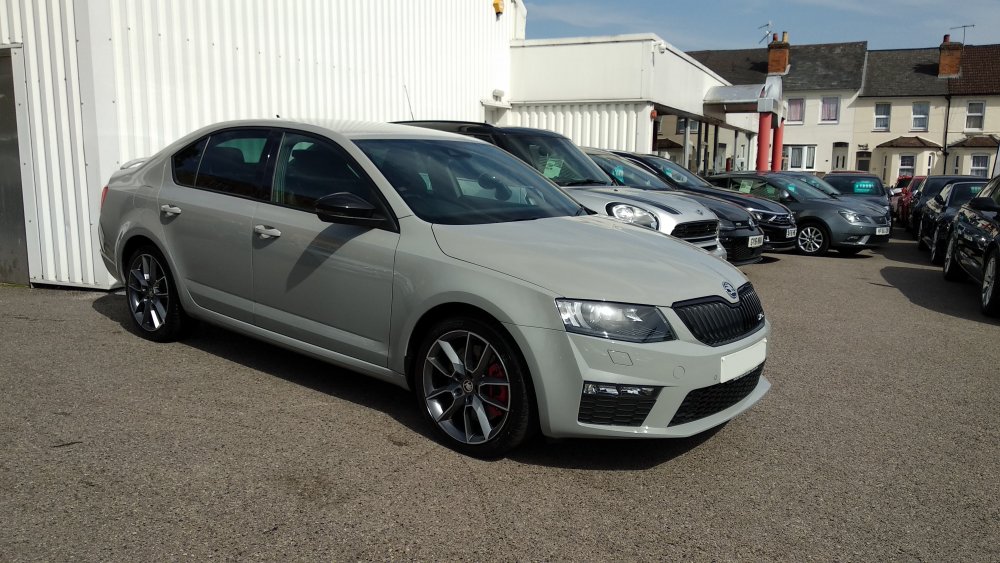
-
So, I have a 2017 registered, 66 Plate Octavia. I also have a dual SIM phone, as I can't bear having a work and personal phone so I just got a Dual SIM android (Xiaomi Mi A1). It connects fine, address book, recent calls etc etc etc all work fine. However, it always uses my Work SIM (SIM 1). For those that haven't used a DS phone before, you can select which SIM to use on each call or set a preffered SIM for specific contacts. If I call through the car though it doesn't do this, it just sees the work SIM. Anyway to select/change this? I'm guessing if I swapped SIM slots it would just use personal, however I'd ideally like to be able to select which one to use via the screen. Alex