Rayc6779
Finding my way
-
Joined
-
Last visited
-
-
Hi HaleImp, I had a nextbase 522GW inc a rear camera supplied and fitted by the skoda dealer I purchased the car from. They did an excellent job and it was hard wired into the fuse panel. It comes on and goes off with the 'ignition' ie when you put your foot on the brake after getting in and switches off when leaving. Hope that helps.
-
-
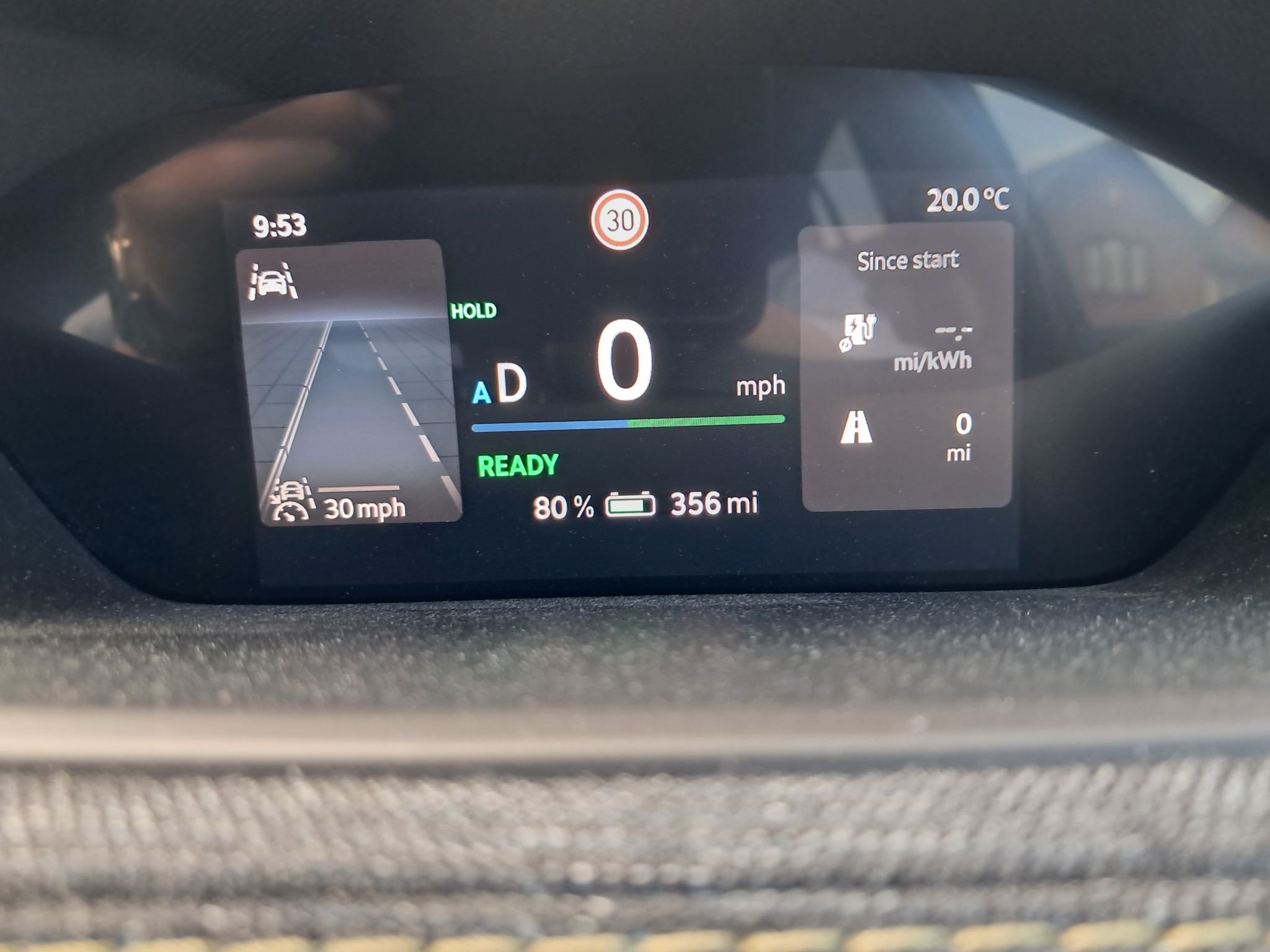
Thanks for that Iowedb. The roads that causes the speed limiter warning have probably never been worked on! One road coming out of one village has a national speed limit sign but the speed limiter indication does not change from the 30mph! One road does not have any speed signs. For approx 0.5miles will show 20mph then all of a sudden the indicator will change to the national limit 60mph! If this road had to be worked on then it would have been closed as it is only a single track road. It seems this change happened earlier this year when there must have been some sort of update because before that the indications were fine.
-
Since an update earlier this year the speed limiter warning seems to have a mind of its own when out in the countryside where the road speed limit is the national 60mph. On many roads in the Cotswolds the limiter shows 60 then all of a sudden will flash 30 or even 20 when there has been no road speed signs showing this and I am miles from the nearest built up area. The other annoying thing is that the speed warning indicator will pick up the limit on side roads even when the side road in question involves a 90 degree turn Anyone else getting these indication warnings for no reason?
-
Hi AndyGrob73, I have a nextbase 322GW dashcam and have the rear cam window mounted version. I wired it myself and routed the cable for the rear under the trim on the floor just below the offside doors. I have radio 2 on DAB and get no interference. Apart from dropouts on the local BBC radio station there is no interference. My car is the Karoq 1.6TDi SE and has the Bolero radio. My dashcam is not hardwired in. I use the 12v socket via a switch. Maybe the interference is caused by the cable routed too close to the aerial feed. Hope this helps
-
That's a realy helpful statement. It helps Nebb greatly. What way would you do it?
-
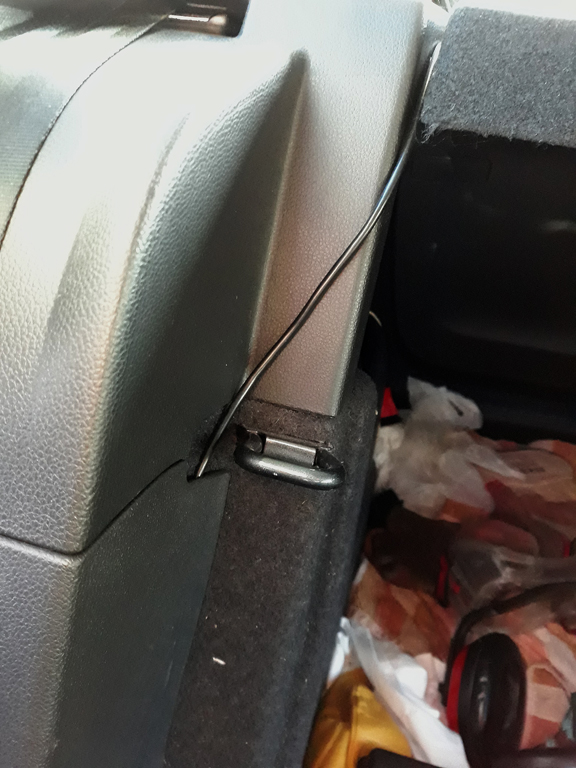
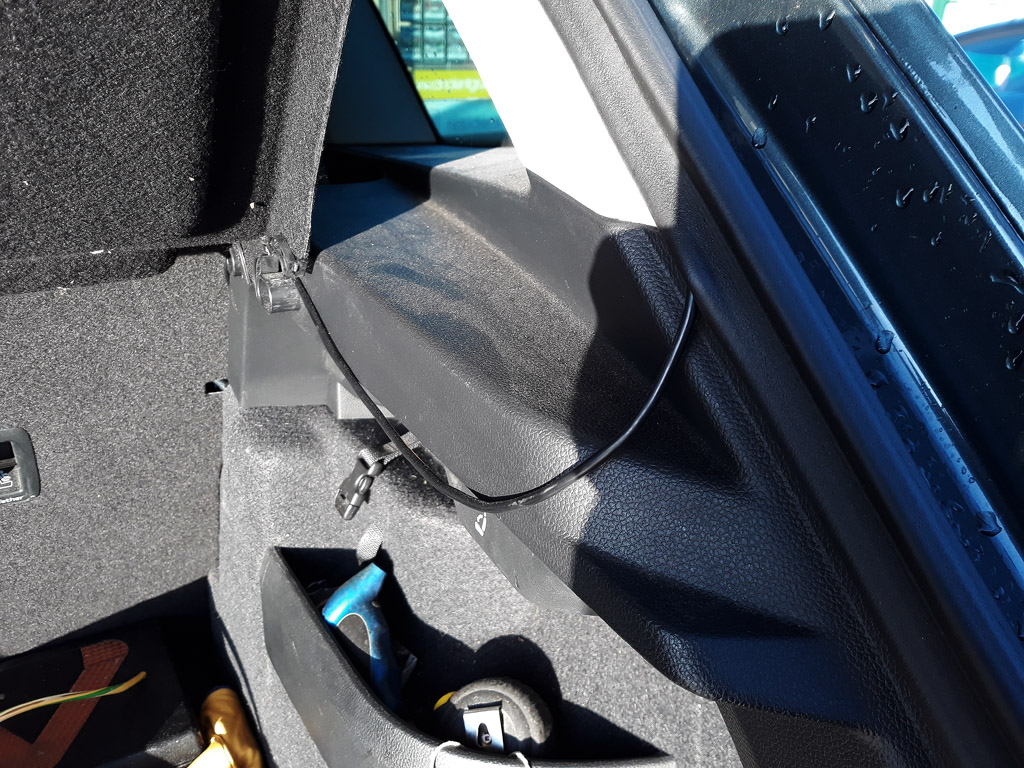
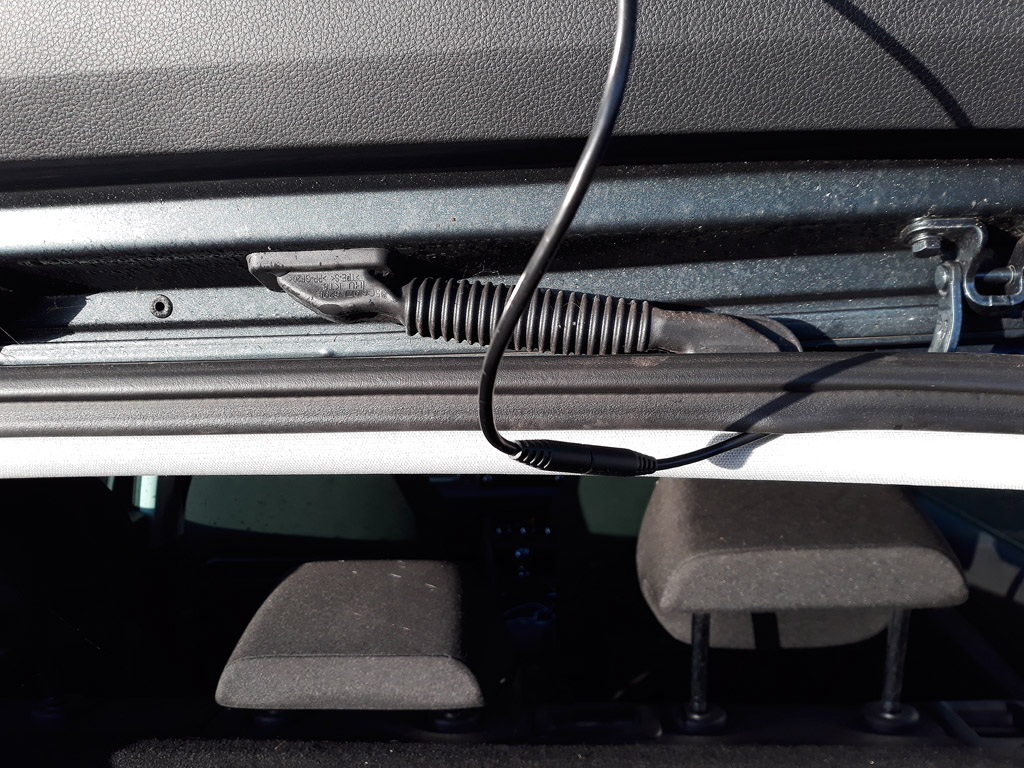
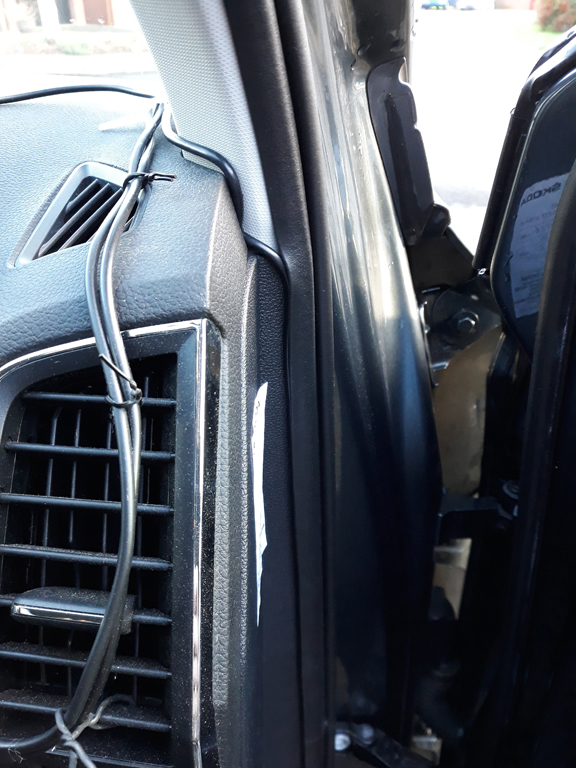
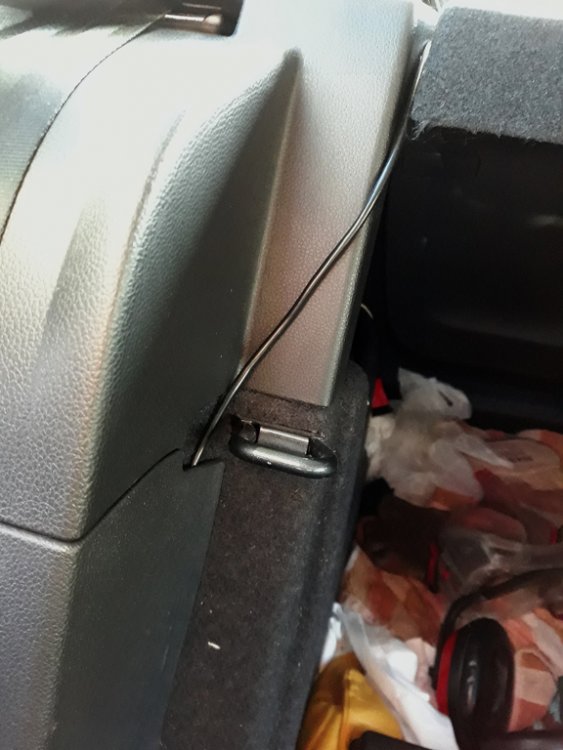
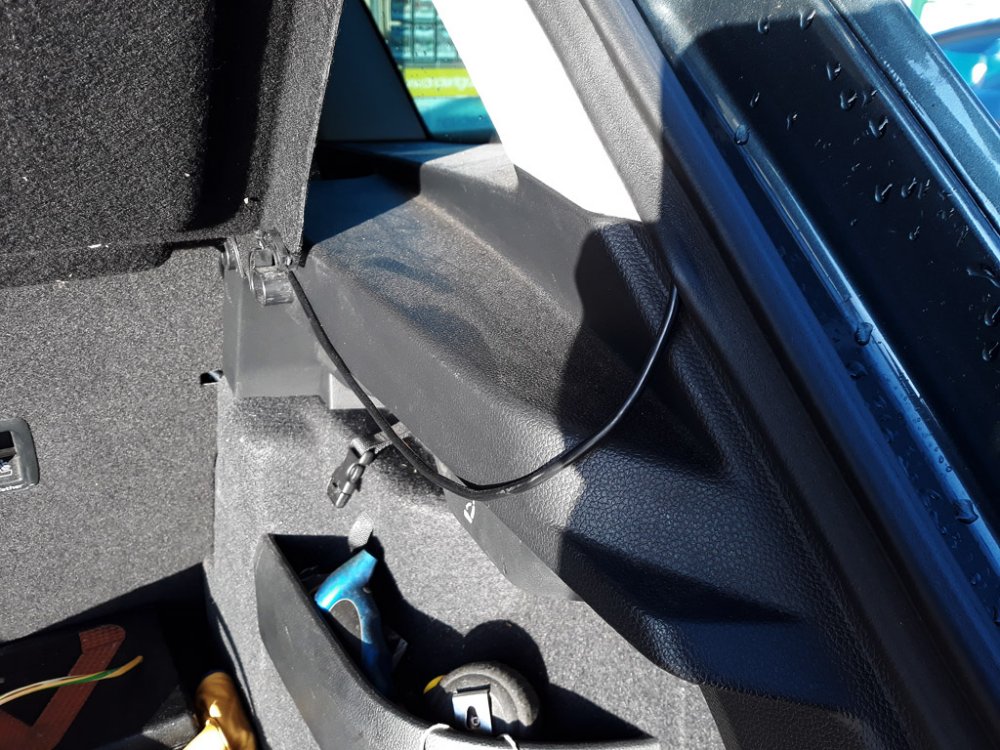
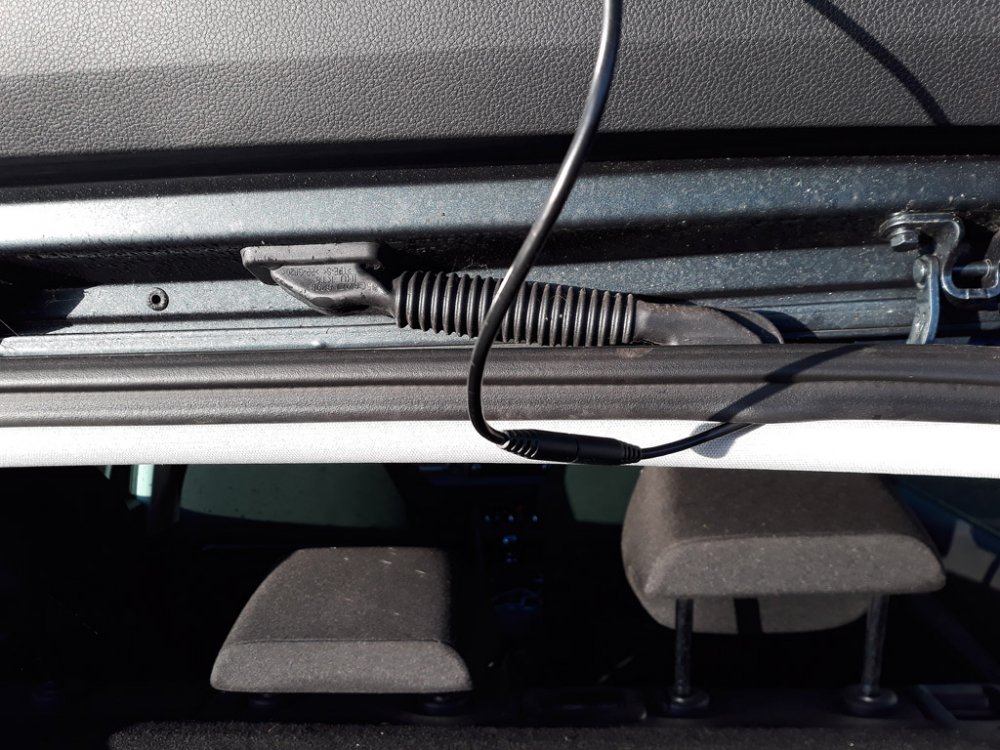
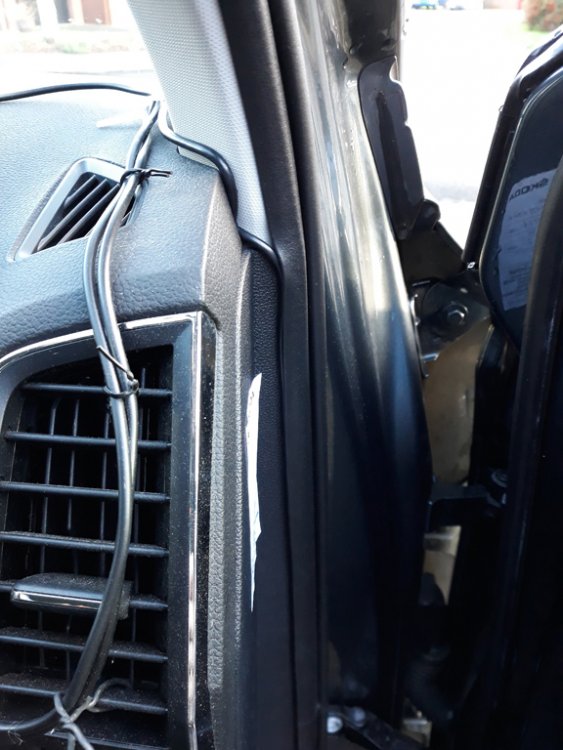
I have the SE karoq that has the 40/60 split rear seats. After fixing the cable under the floor trim I exited the cabe near the rear backrest fixing. Then passed the parcel shelf towards the boot seal then along the boot seal to exit at the top. The 6.5m length of cable reached this point. Biased to the drivers' side of the car. The front dash route to the drivers' door seal. The other leads are the power for the satnav and the dash cam. Hope this helps.
-
Hi Nebb, I take it you have a Nextbase dashcam. I have the 322GW. Excellent cam. I ran the rear wire along side the front cam cable which was along the top and down the side of the windscreen(drivers' side). With the drivers' door open, push the cable under the rubber that separates the inside trim from the door seal. Run the cable to the floor and push it under the floor trim below the doors. Push cable all way under this trim to the rear seat. I was then able to tread the cable through to the bootup where the parsel shelf rests. I then pushed the cable under the rubber seal and came out close to where the rear camera is located. Do the cable routing BEFORE you stick the read camera to the rear window. There is just sufficeient length of cable to reach routing this way. Also routing this way keeps the cable away from any airbags. If this is a bit complicated I will try and take some photos of my setup. Have fun