damjanev
Members
-
Joined
-
Last visited
-
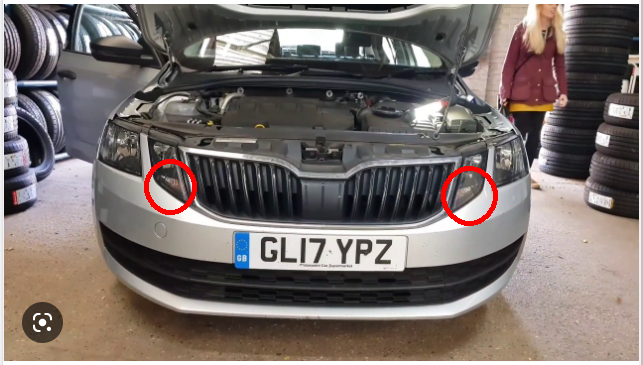
I believe that @BobanJ is asking about this model of headlight/indicators:
-
UPDATE 2 - SOLVED Did a factory reset on the SmartLink in the car and i have CarPlay again. Instructions can be found here:

-
UPDATE: Tests with another iPhone didn’t went well, as expected. Unpaired the Bluetooth connection on both sides and removed the CarPlay settings from the phone… no joy 😞 In the meantime, some forums suggested to reboot the infotainment. Didn’t help either (or i’m doing it wrong) 😞 https://youtu.be/vO_yxDI0xNQ
-
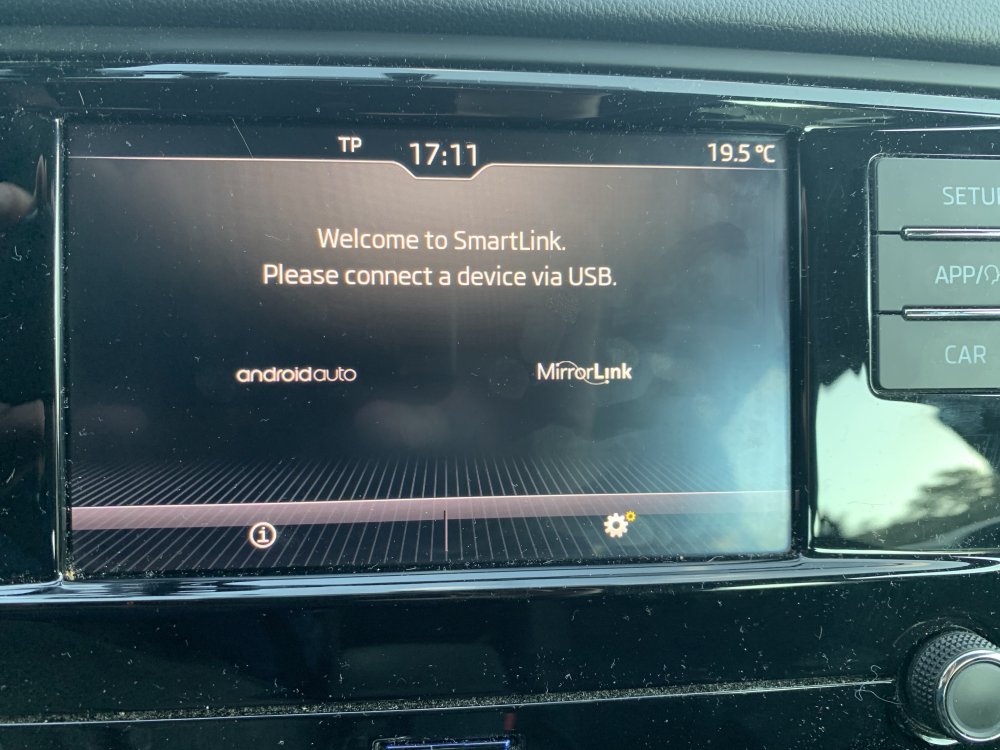
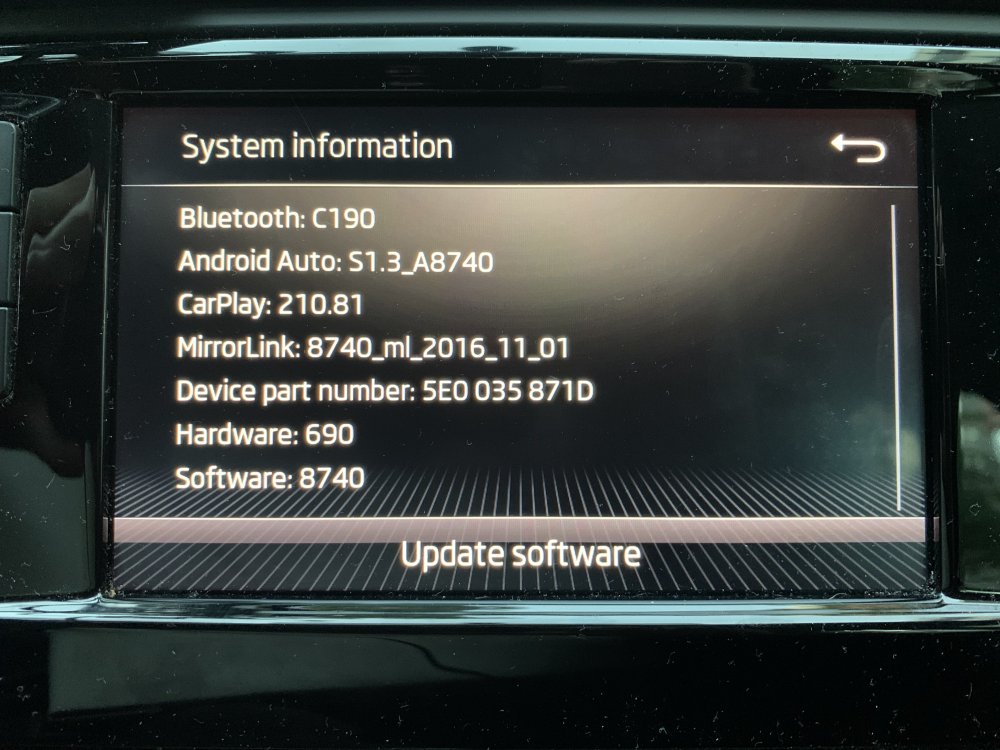
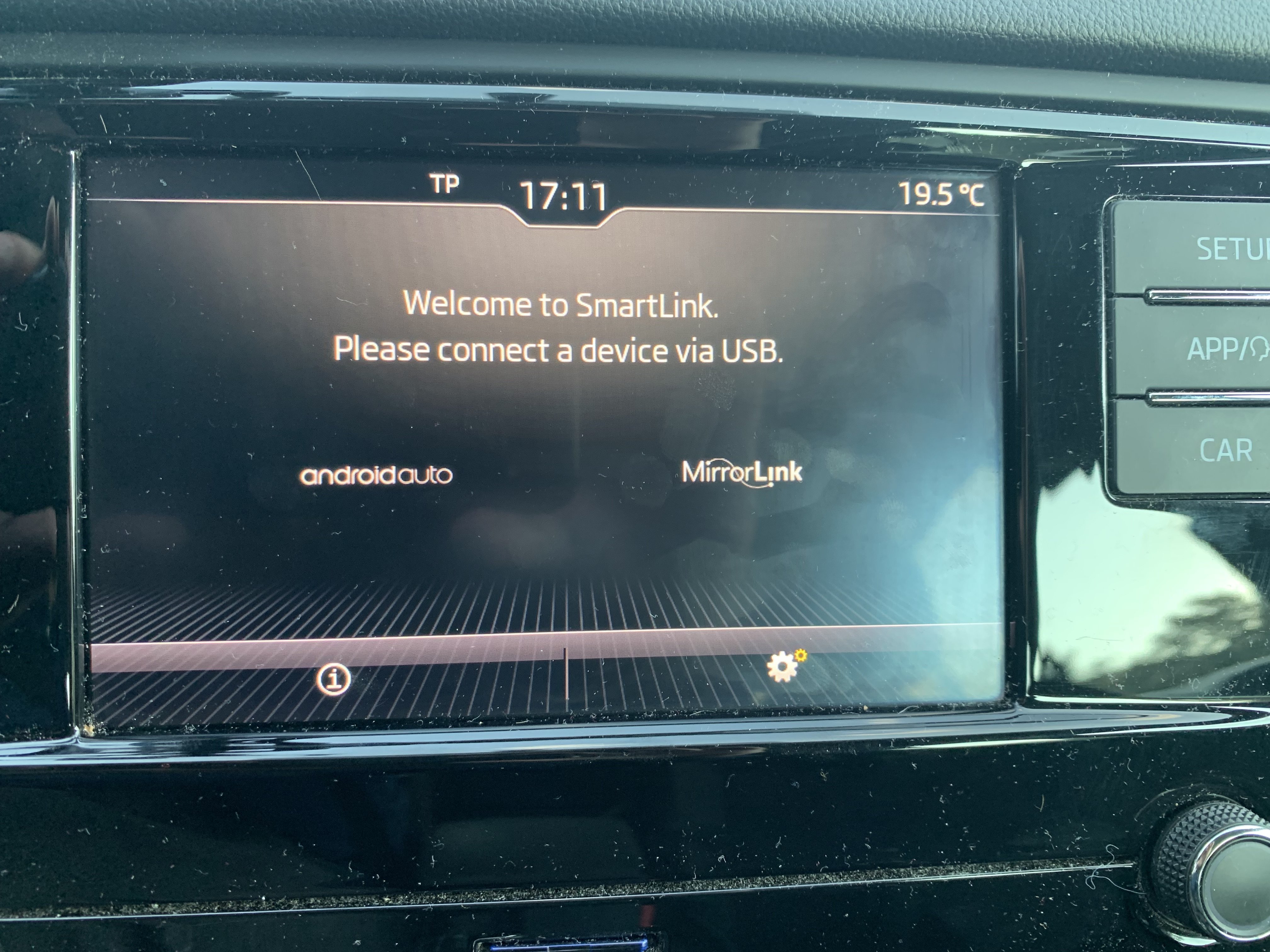
Was just fine this morning. Went to work, Spotify was playing, Google Maps was navigating... Started the car to come home... no joy 😞 The phone (iPhone XS, IOS 16) just connects to Bluetooth and as an iPod media device. The CarPlay logo went missing from the SmartLink menu, so i don't suspect it's an iPhone/Apple/IOS issue. Will test later with another iPhone (ancient iPhone 6) as well as with an Android device (all of the previously connected to the system). With the CarPlay logo missing, i don't expect different results from the other iPhone. The SmartLink feature was recently added to the car through an official dealer/service partner. Any takes on this?