
Clogger
New here
-
Joined
-
Last visited
Everything posted by Clogger
-
-
-
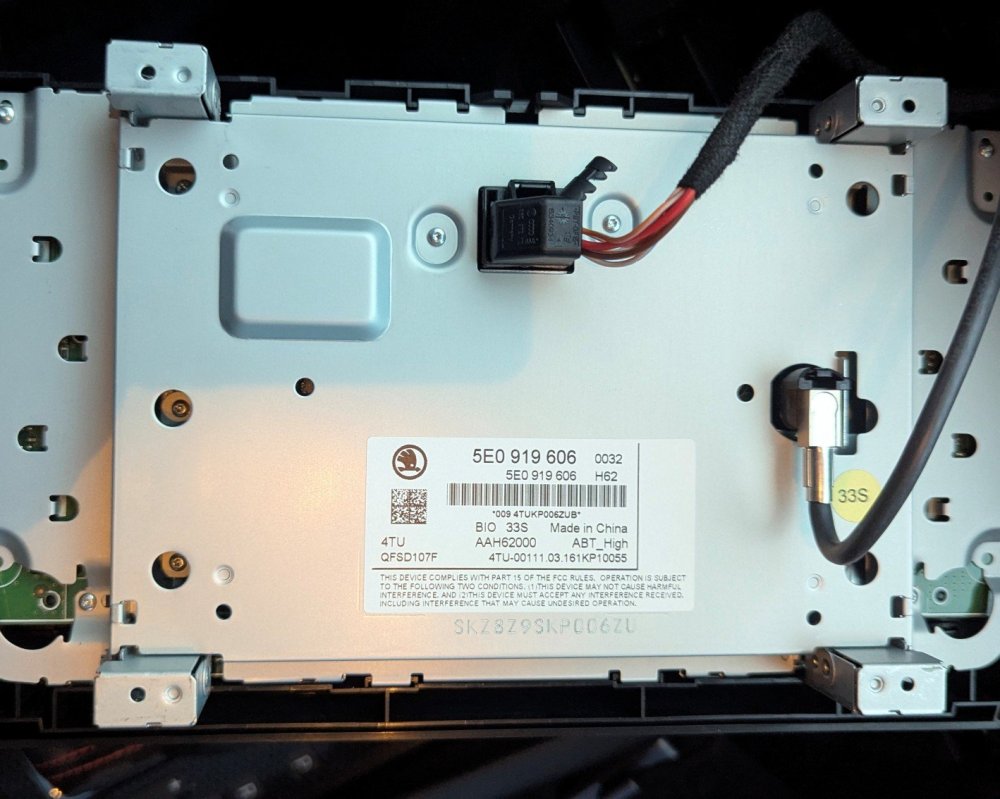
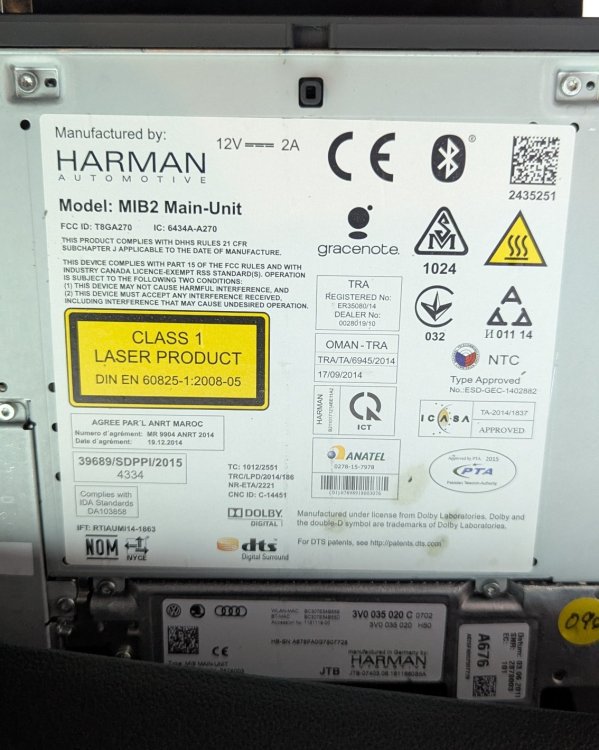
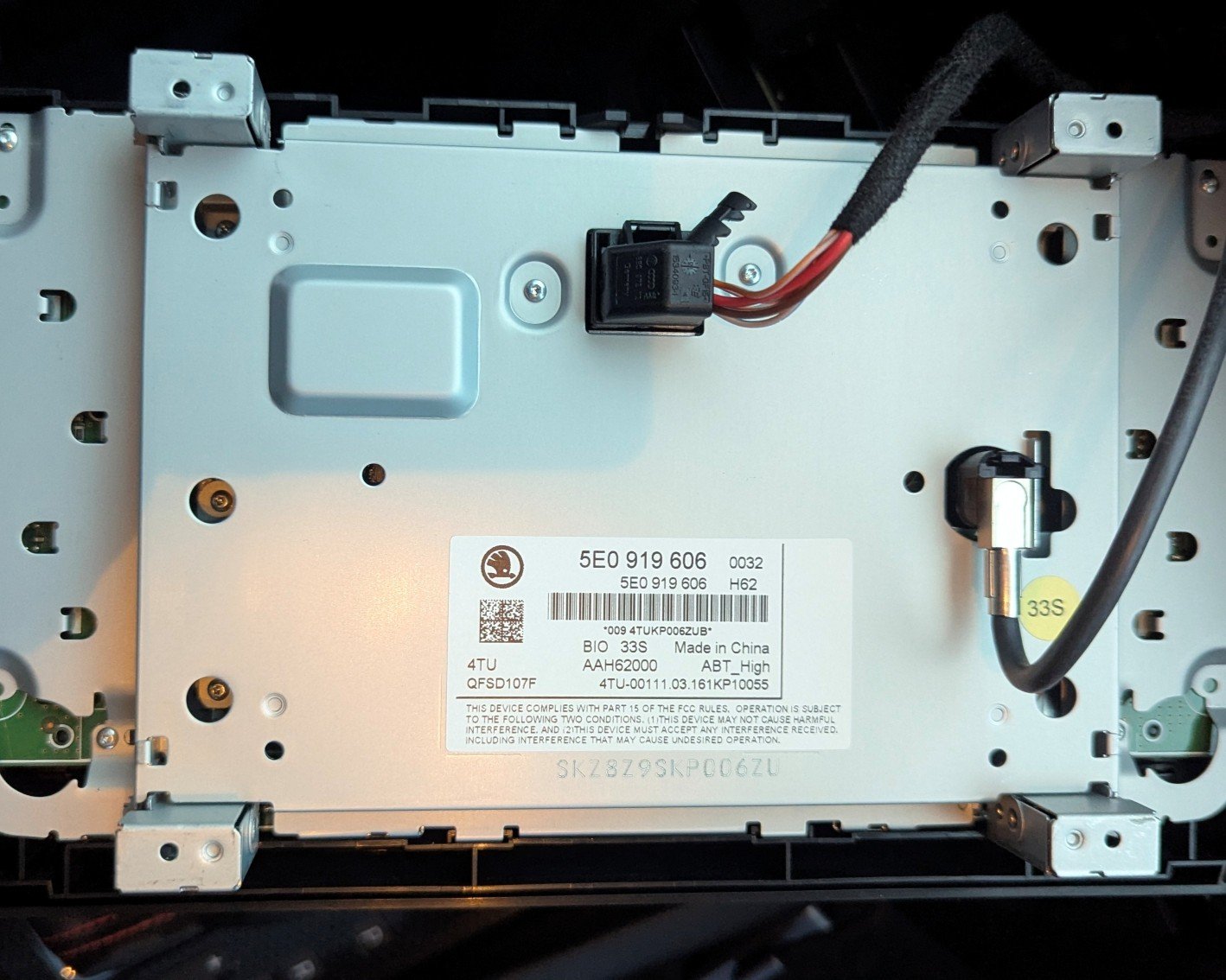
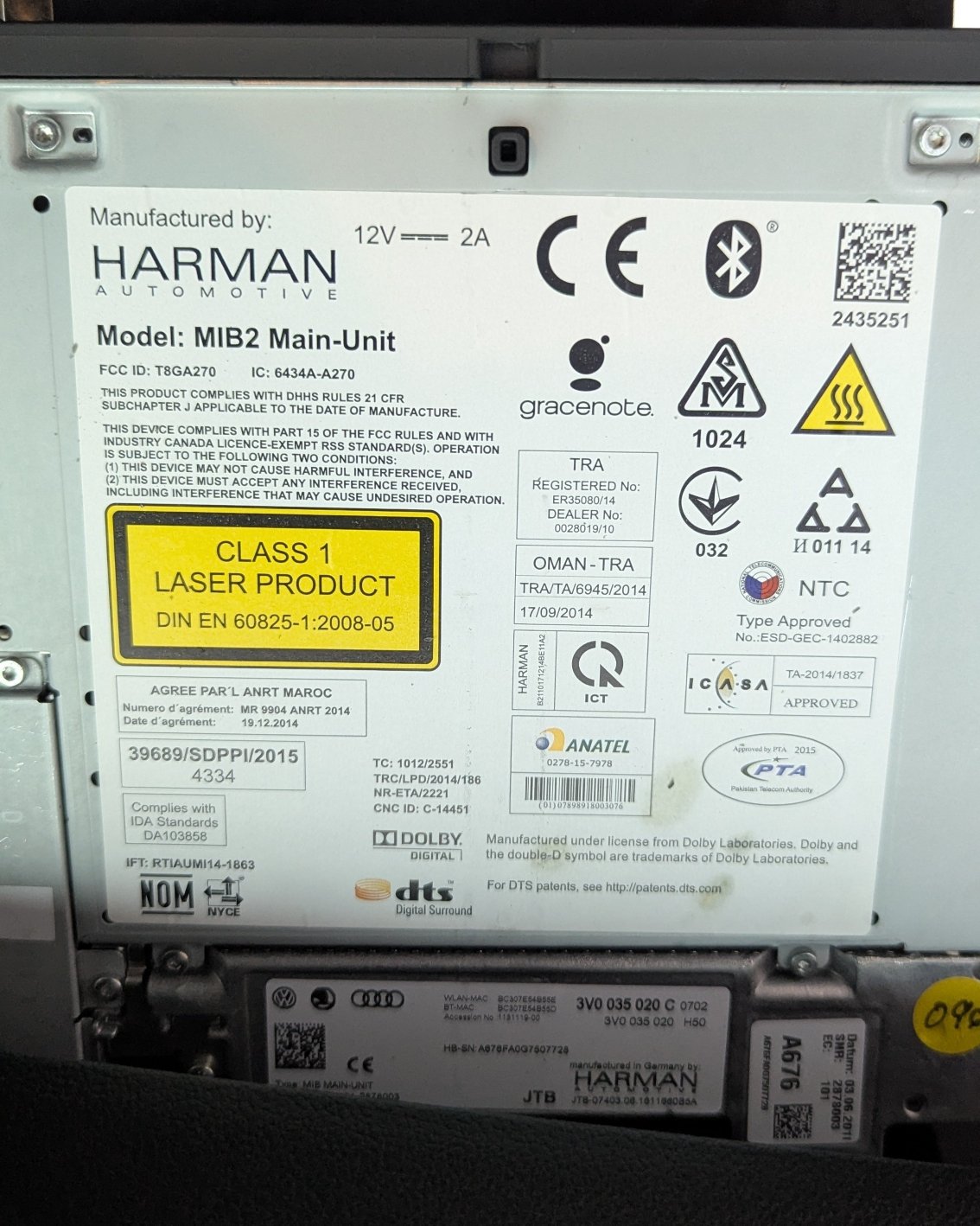
Hi all, hope someone here can help with advice. Currently fitted to my 2016 (66) Octavia VRS, I have the original Columbus system - headunit 3V0 035 020 C and screen 5E0 919 606. Am I correct that my upgrade options are:- Keep my headunit and swap to screen 5E0 919 605M - apart from visual are there any advantages to this? I believe this is a straight swap with no coding or trim modification needed Only possible issue is to get one with the lower trim. Update firmware on my headunit to make it MIB2.5 and swap to screen 5E0 919 606 D - larger screen and may unlock performance dials, are there any other advantages? Can my headunit be updated to MIB2.5? How reliable and safe is the update process? Would this need any coding, e.g. component protection, after updating the firmware? I believe some trim would need to replaced for a good fit. Upgrade both headunit and screen to 565 035 0xx and 5E0 919 606 D Most expensive option so may struggle to get funds approved, but are there any signifiv=cant benefits over the previous options? All advice appreciated and if you are selling any of the above parts let me know. Thank you