Agalalh
Members
-
Joined
-
Last visited
-
This is the issue why the continued
-
yse i know coolant level is OK but i ask bout Fan never stop for along time and temp. still 95 and no leaks
-
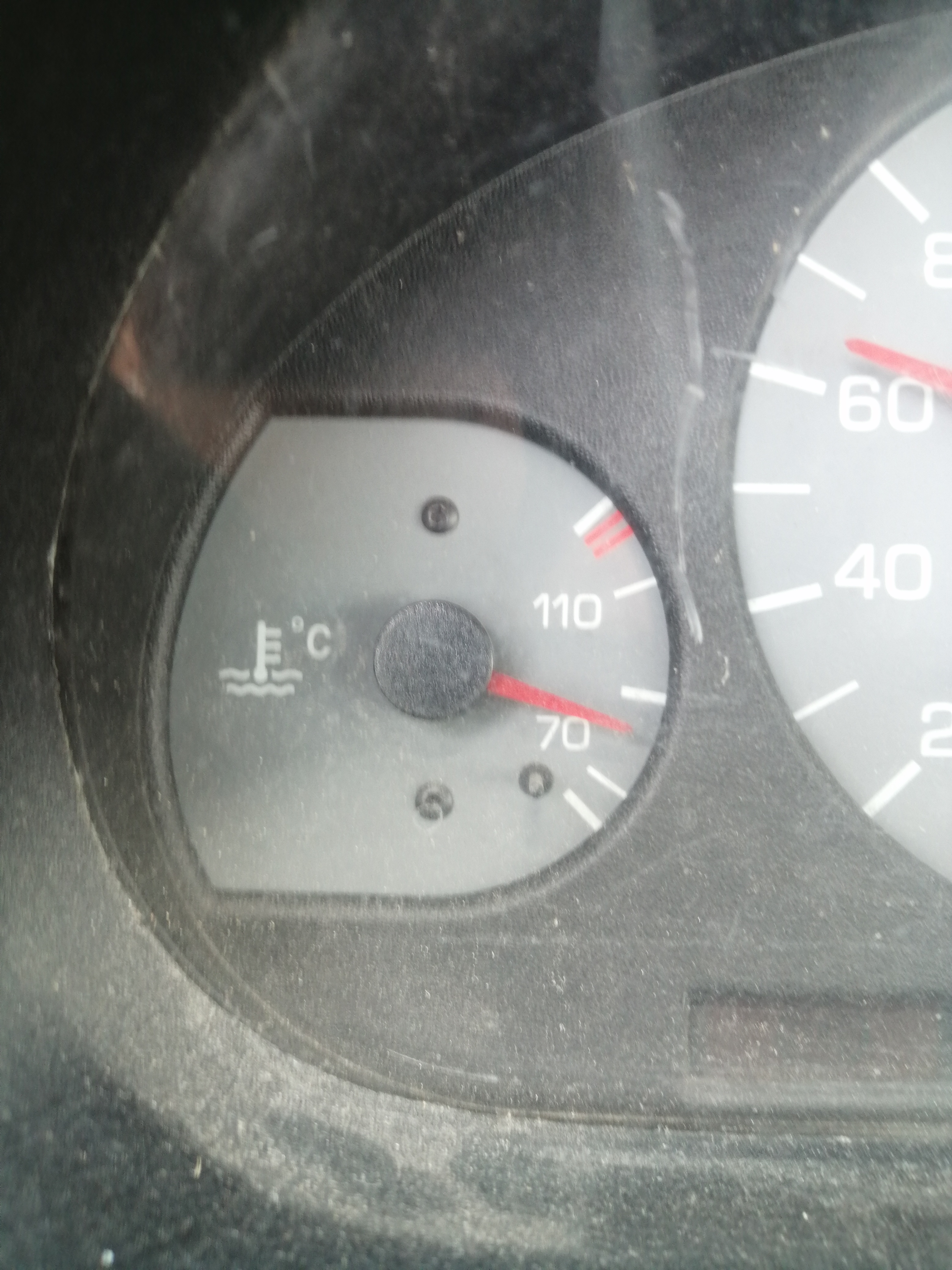
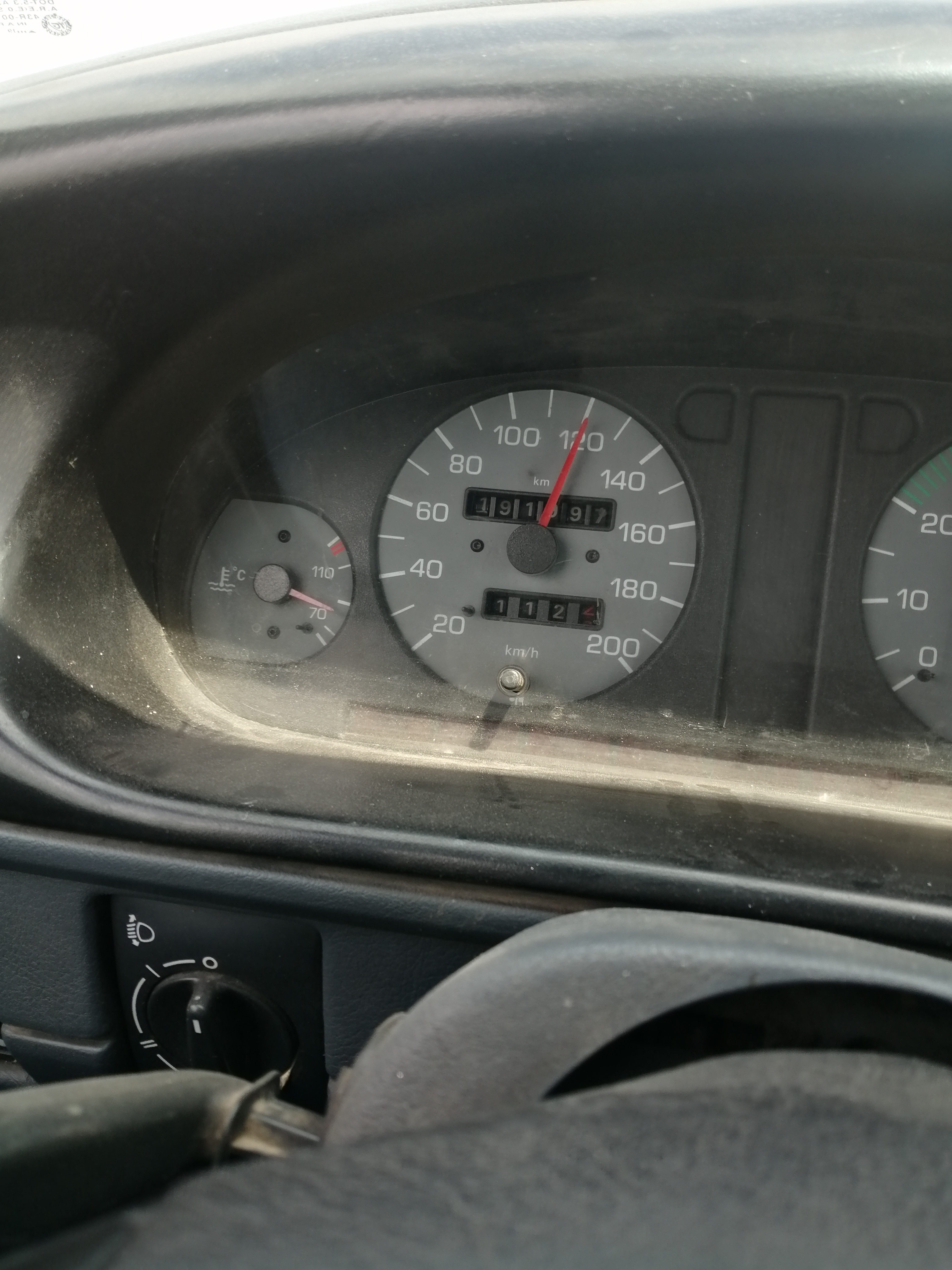
hi all have a nice day felicia 1300 CC injection 54H 1997 on the highway Temp. around 88/92 and fan turn on/off as usual under 100 Km/h BUT on speed up between 100~130 KM/H Temp. up to 95C and fan never Stop and Temp. around 95~90 Thermostat 87 C & Swith Fan 88/79 C thanks for the advice
-
Hi All , Happy New Year i changed my Motor from carburerto to Injection but RPM not working any advice
-
Im search fot wirring diagram between odb connector and ecu
-
hi all have a good day i have a small prob. how to connect betwwn ODB conector and ECU Felicia 97, 1300
-
Hi all have a good day Lm looking for wiring of Felicia control Siemens 5wp4371 06A 906019AK
-
pls send me this code for switch fan 80-85
-
That is why I asked which one is better
-
Thank you for your reply Egypt weather hot more than Athens and the best thermostat for hot Counties is 80 c i tried switch 82 its good but run along more than 75
-
With switch 75
-
So Where is Wright answer to my question tell now nobody tell witch is better
-
Why i just ask which it's better switch with thermostat 80
-
Hi all Have a nice day Last updated I installed thermostat 80c buy which is the best switch 75-70 or 82-68 in hot County Thank you
-
Agalalh replied to captain_crunch's topic in Skoda Favorit, Skoda Felicia, Skoda Fun and Skoda Formanhave a nice day tell us what's new's i got it from spain 01281364141