Chickenlickin
Members
-
Joined
-
Last visited
Everything posted by Chickenlickin
-
Sorry for being a pain I’ve just checked over my connections again and one of them was not making a connection rectified it and now it’s switching with the ignition, should the map dim when you put the lights on seems to make sense. Thanks for the help appreciate it. Regards Danny
-
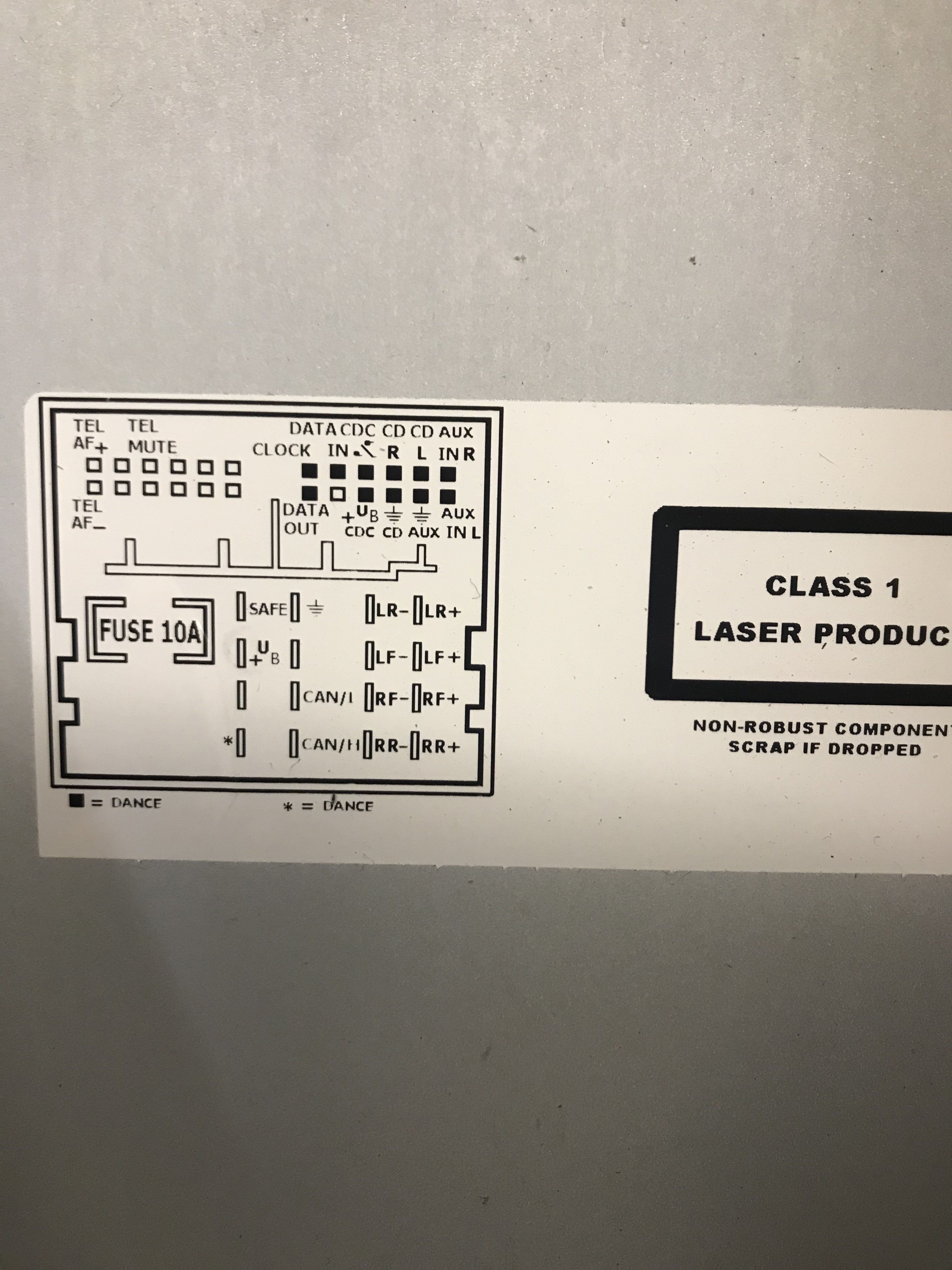
Well I’ve checked my original plug and there is no feed to either of the + listed on my new head unit so it would make no difference if I did move it, should I put a switched live to the one I have marked as 30. Take it from the fuse board ? This is a picture off my old radio
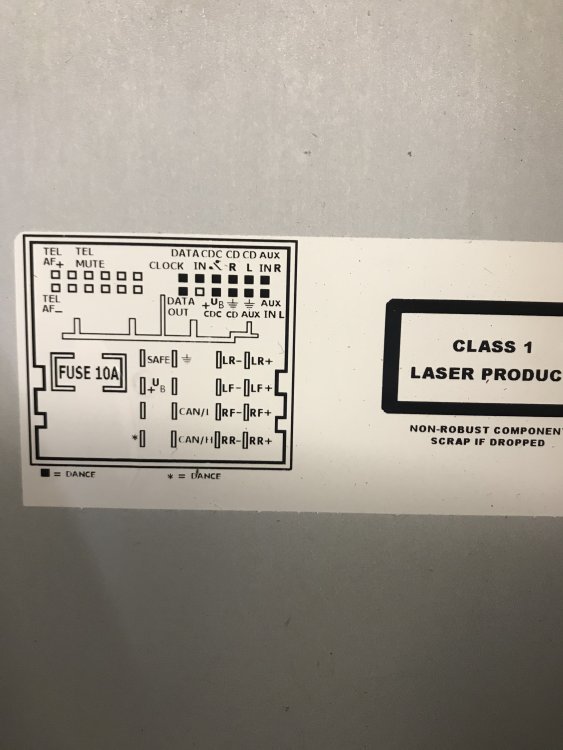
-
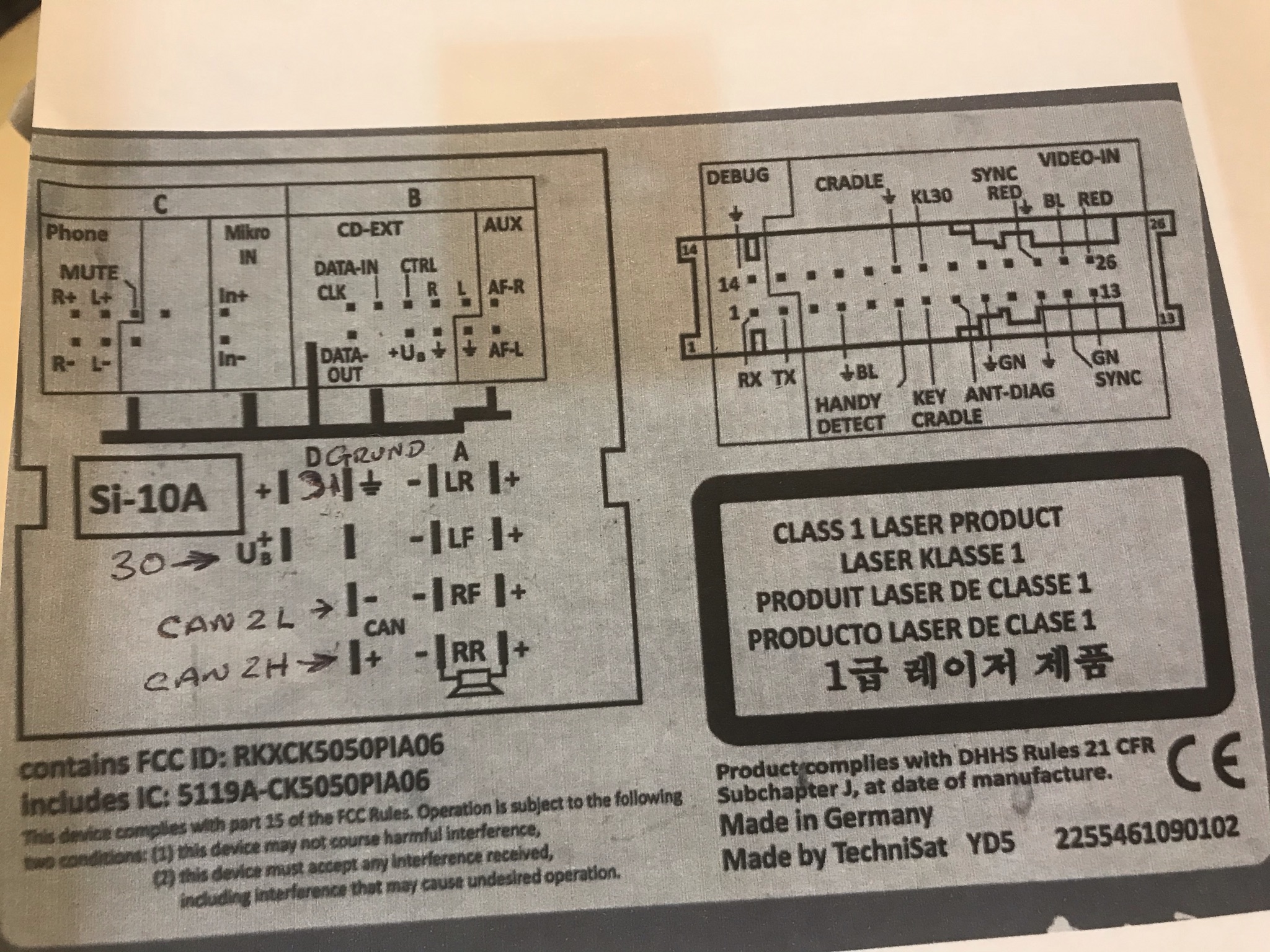
Hi again it appears to work but is not switching with the ignition so I am assuming I should move 30 up to the next + so it will be opposite the negative ?
-
I think I’ve sorted it but just to make sure can you check I’m right in the photo I’ve marked where I think they should go, to the head unit. Regards
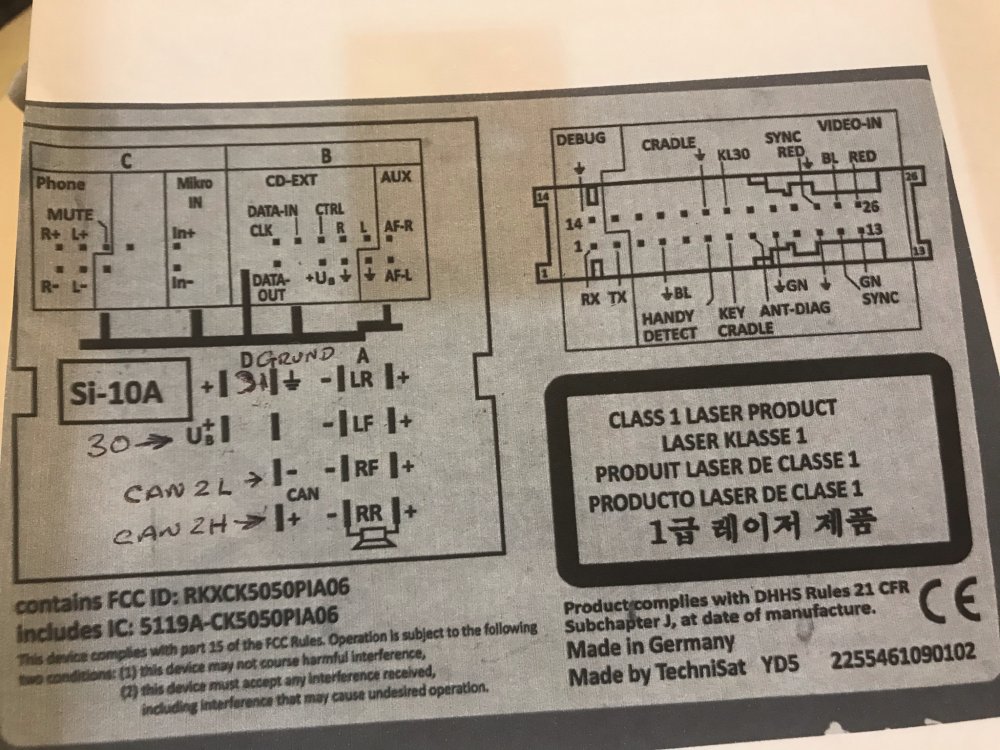
-
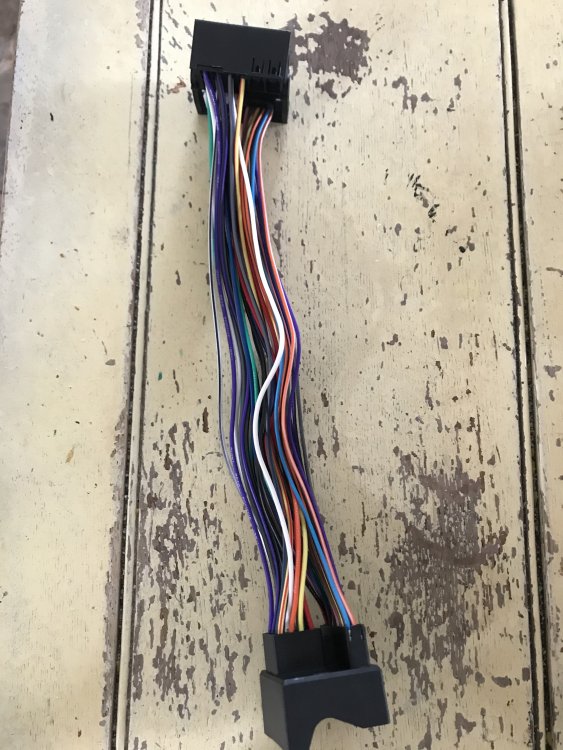
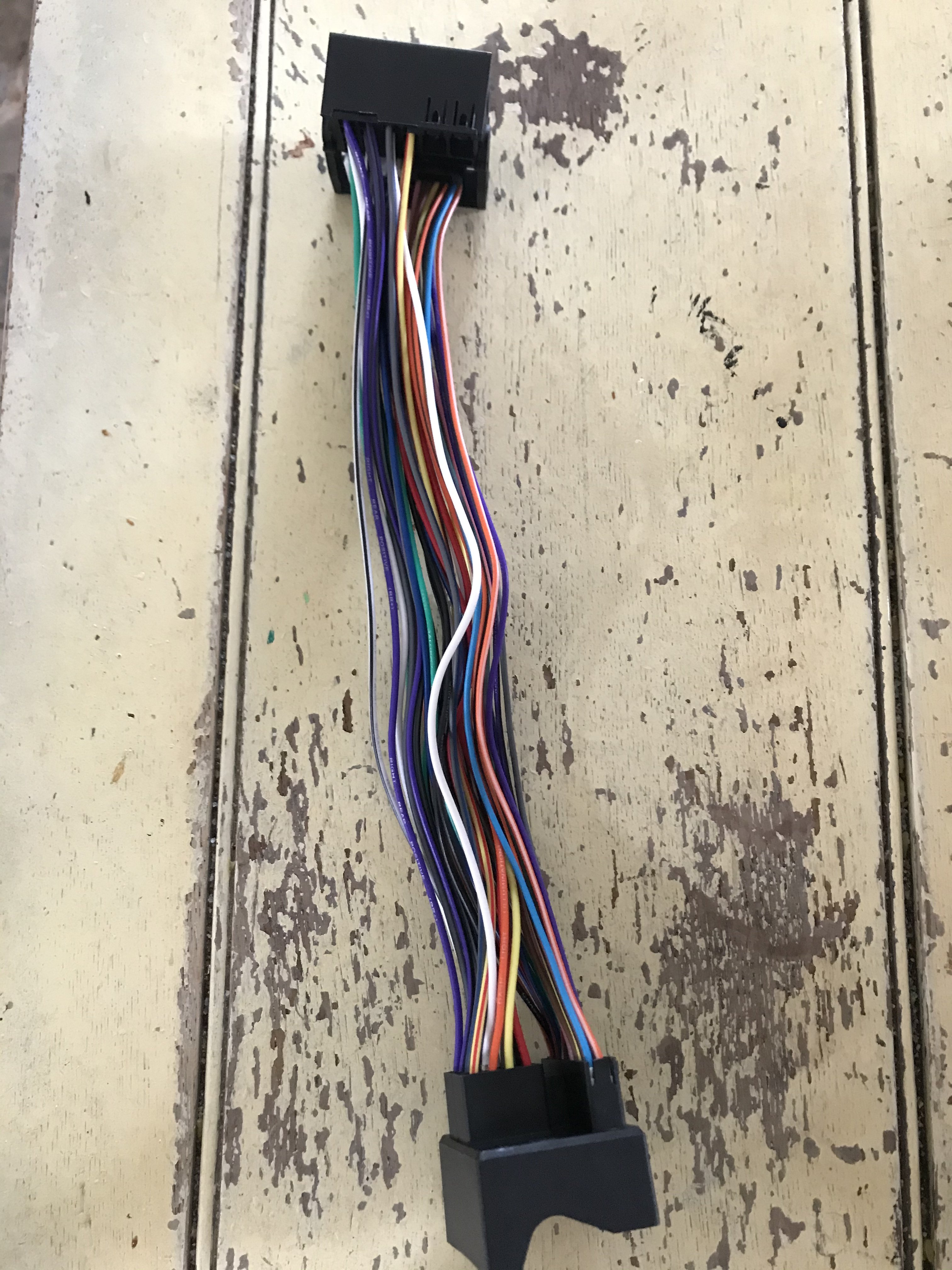
Hi I have the items to do this adaption however the 40- pin version on eBay was no longer available so I purchased another fully wired one off eBay now I’ve come to do the job and noticed my wire colours are different is there any of working off say the socket that will end up in the radio to work out which colours I use I’ll try and add a picture of my unit. Regards