
Capitanharlock
Members
-
Joined
-
Last visited
Everything posted by Capitanharlock
-
I am going to remove the rubber pad on mine, since it’s too small for my Samsung Note10 plus.
-
It’s the wireless charging pad.
-
Thanks Scot, I will check with some dealer If they can mount the parts for me and what they are going to charge for it. I guess I will buy the kit from Skoda parts. Thanks again for your help.
-
So could I get a super cheap alibaba cam and just connect it and code it?
-
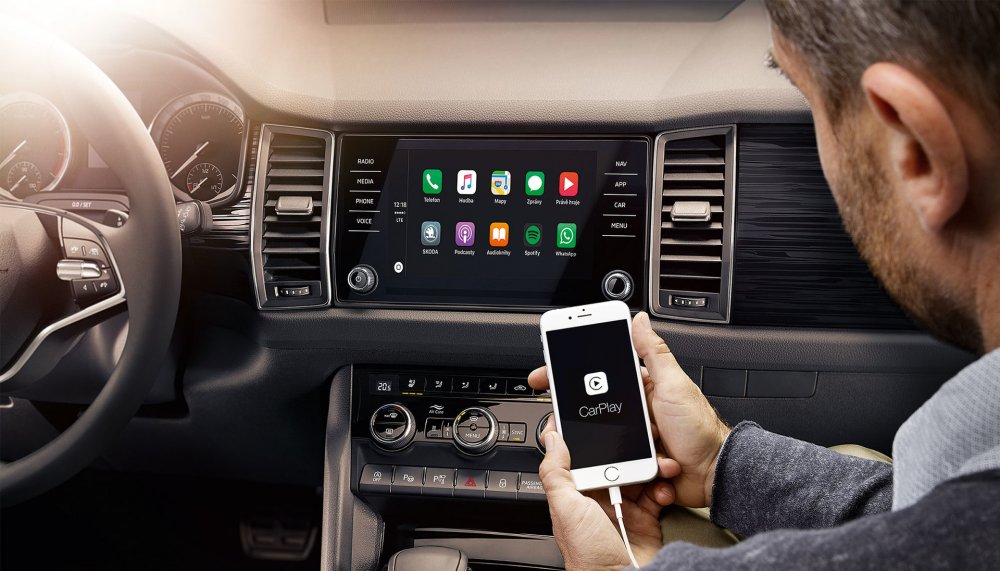
Wireless Android auto
-
This is my infotainment:
-
How do I know the Mib version? Should be version 3 but I’m not sure.
-
I live in Italy, will have a look at some garage and or at some Skoda dealer, but I guess it will be expensive.
-
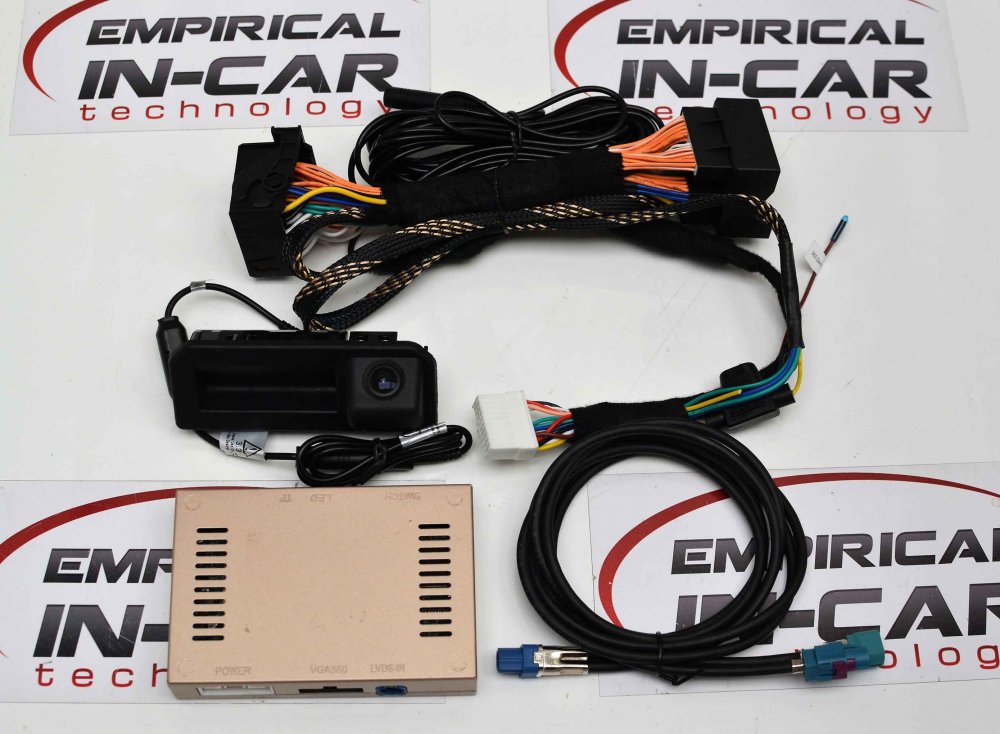
Actually I found this one around 300.
-
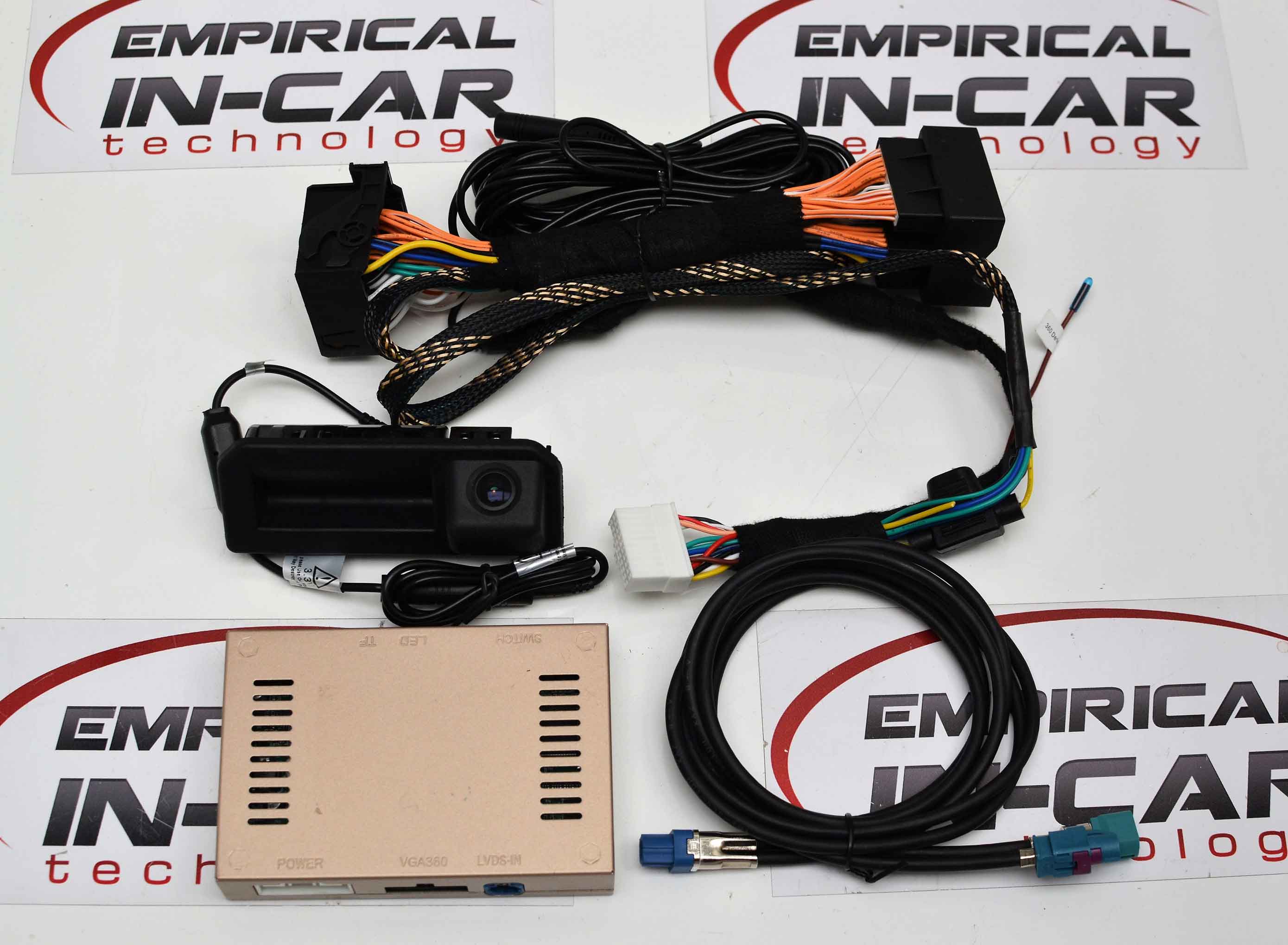
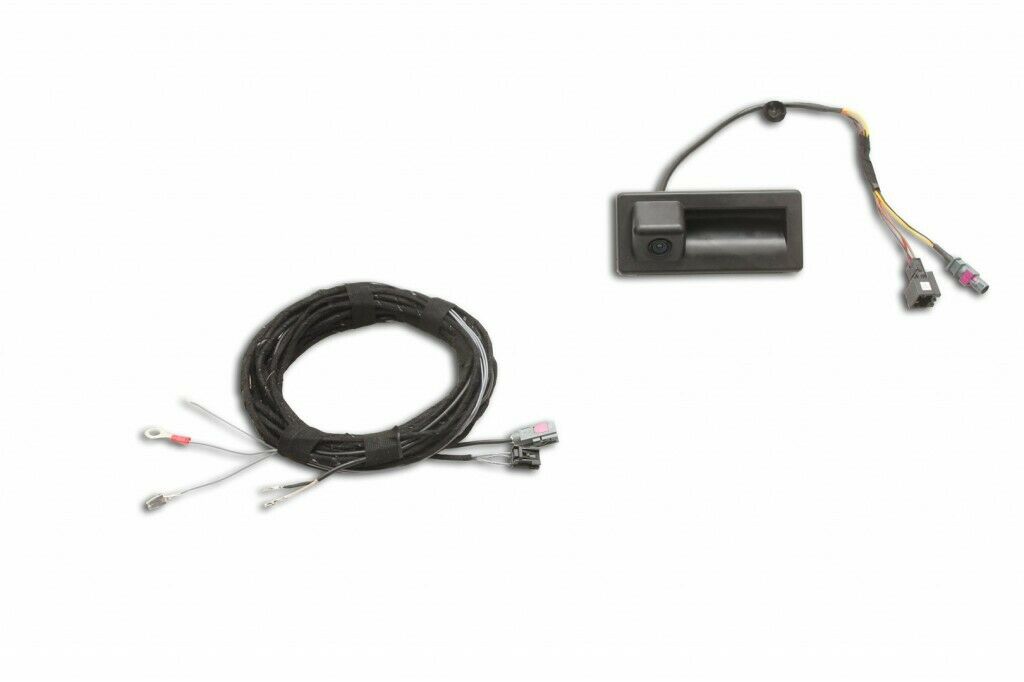
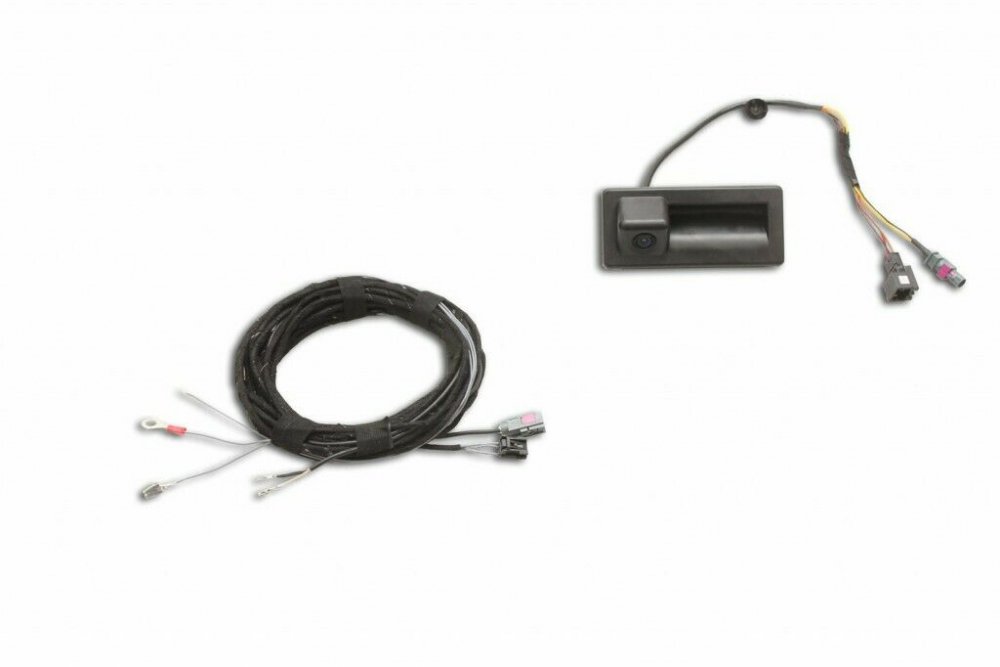
Thanks I know. I've seen this kit on Ebay, around 200 euros: "Using all Genuine Skoda parts from the wiring looms to the camera to the module, this system will fit in perfectly into your Skoda Kodiaq and will look and work as if it were fitted from factory. This system utilises a camera that is integrated with the original boot handle. This system will intergrate with your factory Optical Parking System (If you already have it installed) and will provide a pretty nifty overlay on top of the Reverse Feed. Features: 130° viewing angle. Displays real live image on the Skoda Navigation System. Automatically switches to the rear view image as soon as the reverse gear is engaged. Will work in conjunction with the Acoustic and Optical Parking System (if fitted.) Real time image overlaid with coloured graphics to aid positioning. Dynamic display of camera lines. Professional installation can be offered - "optional" or just coding service. Price advertised is for the supply of one set of Skoda genuine camera. Original Skoda parts. Compatibility: Skoda Kodiaq" Do you think I would need a camera module too?
-
I would like to add the rear camera, using all the functionalities of the original one. I own a Kodiaq S-Tech My2021. I saw some option on Amazon, much cheaper than the original , but I'm not too confident that could work as advertised. Any suggestion's welcome. Thanks.
-
Mine is exactly the same, the wireless charging is an optional on mine, but it’s like that.
-
I live in Italy, but it seems very strange to me, since it’s not an option on any model.
-
My Kodiaq my2021S-tech has DAB radio, and, as far as I know, it’s standard on all the models.
-
-
-
-
The charger pad is perfect for my Galaxy note 10+, and the wireless car play (or Android Auto) is a gift of god.
-
-
I got the same exact error yesterday, and it went away after some moment. The car is brand new, let’s see what happens.
-
Dasvidanja.
-
Actually Android auto is the way to go for me, since it’s wireless on my 2021 and I’ve got the wireless phone box.
-
I believe that no sd card slot is present anymore, so how am I supposed to play music files? Using android car auto or a usb pen or drive?
-
Interesting, is there any good replacement led kit that you can suggest?
-
Resuming this thread, since I am interested in this optional, but I didn't fully understand what additional led is this led pack including. Of course four doors led lines, and I guess two front foot lights, but is there anything else? My S-tech MY2021 is a bit poor regarding the interior lights, not many and dim, so I was thinking to retrofit this optional. Every suggestion is welcome.