




tibiking
Members
-
Joined
-
Last visited
Everything posted by tibiking
-
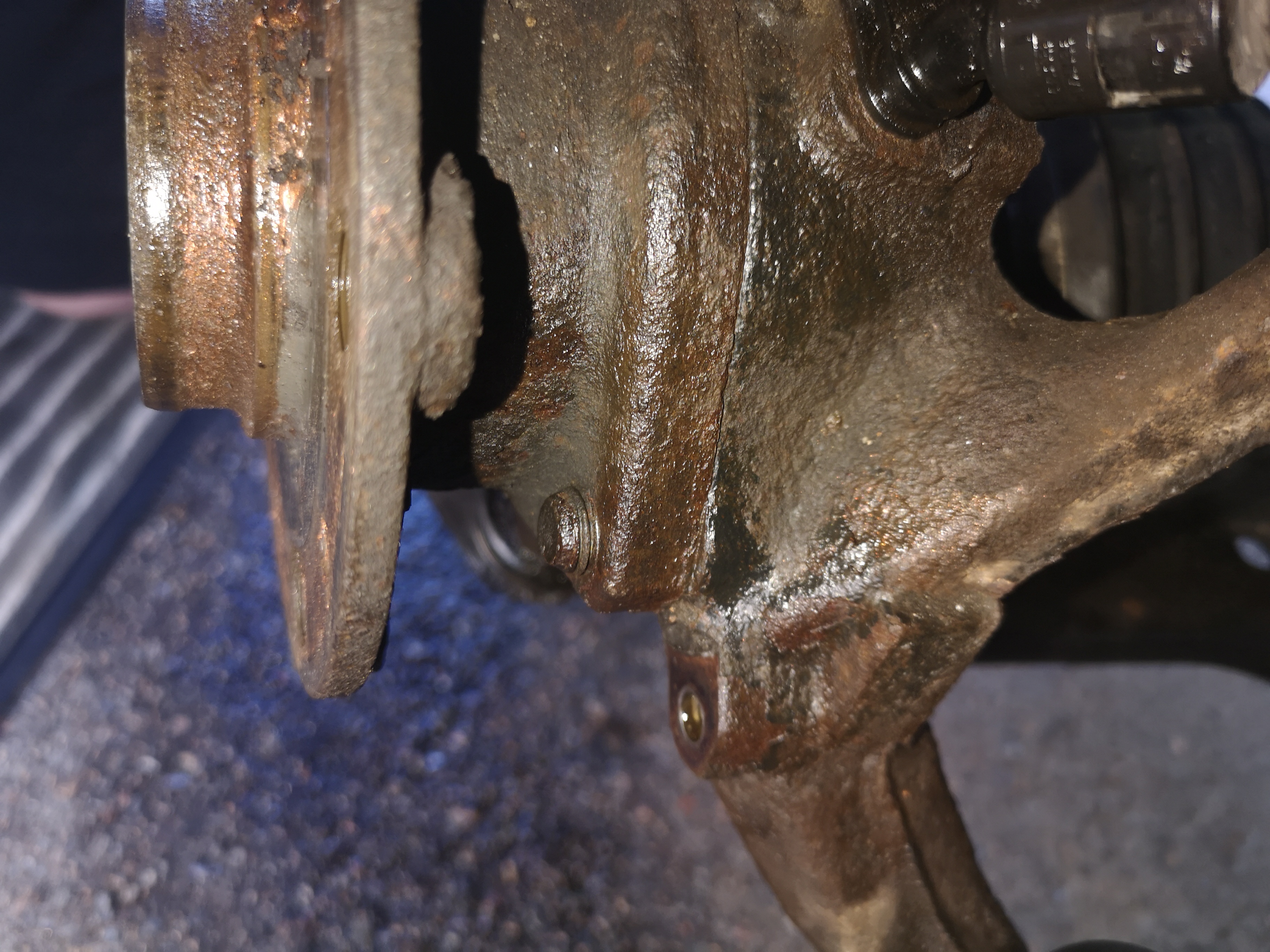
Thanks all for feedbacks il will try again tomorow if i cant undo it then i think il go for the cutting , il keep you all updated whit more pics to come =) , one qustion if i chose to cut , would the fastner still be stuck ? after i cut in the bearing hub ?
-
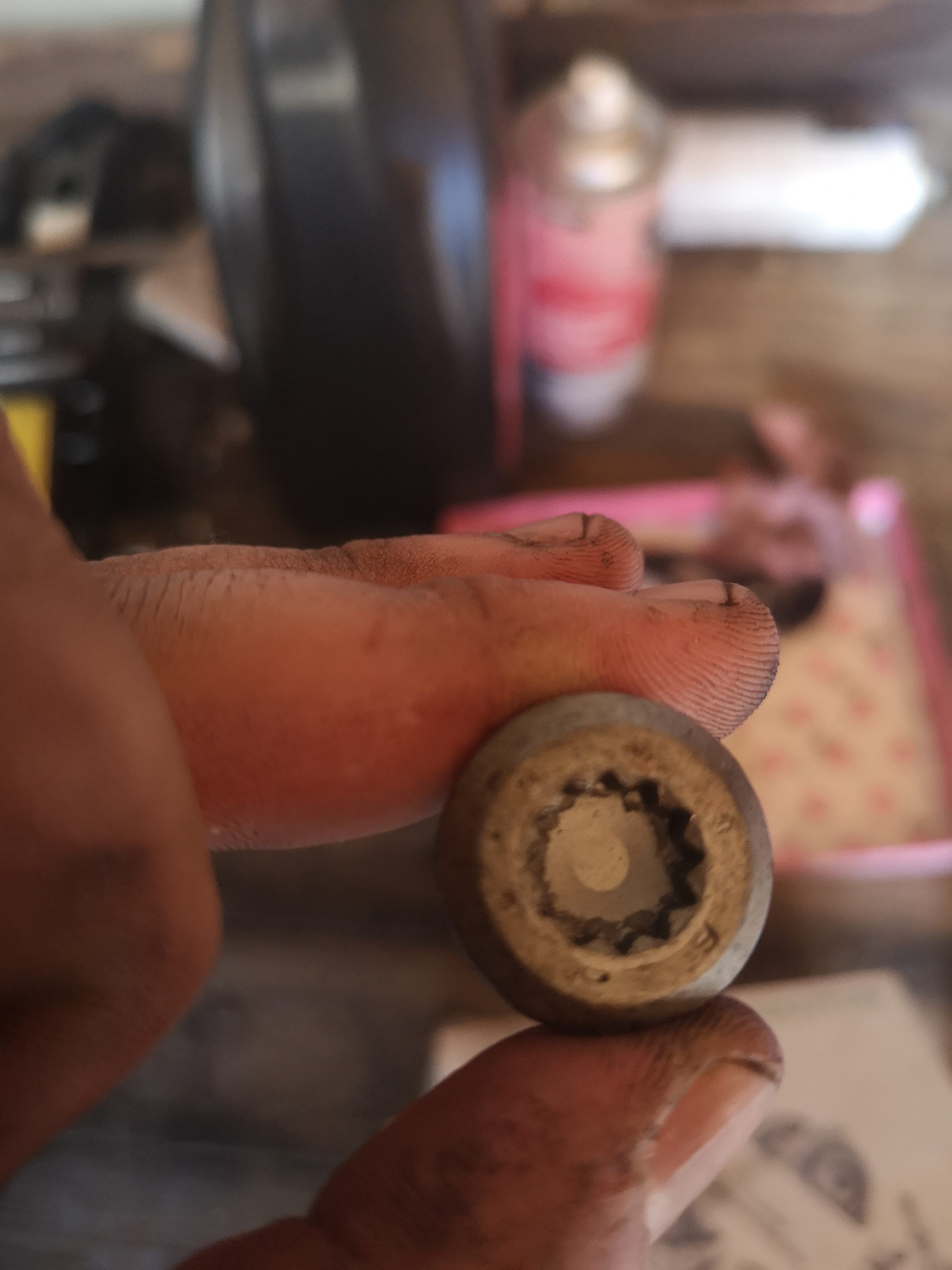
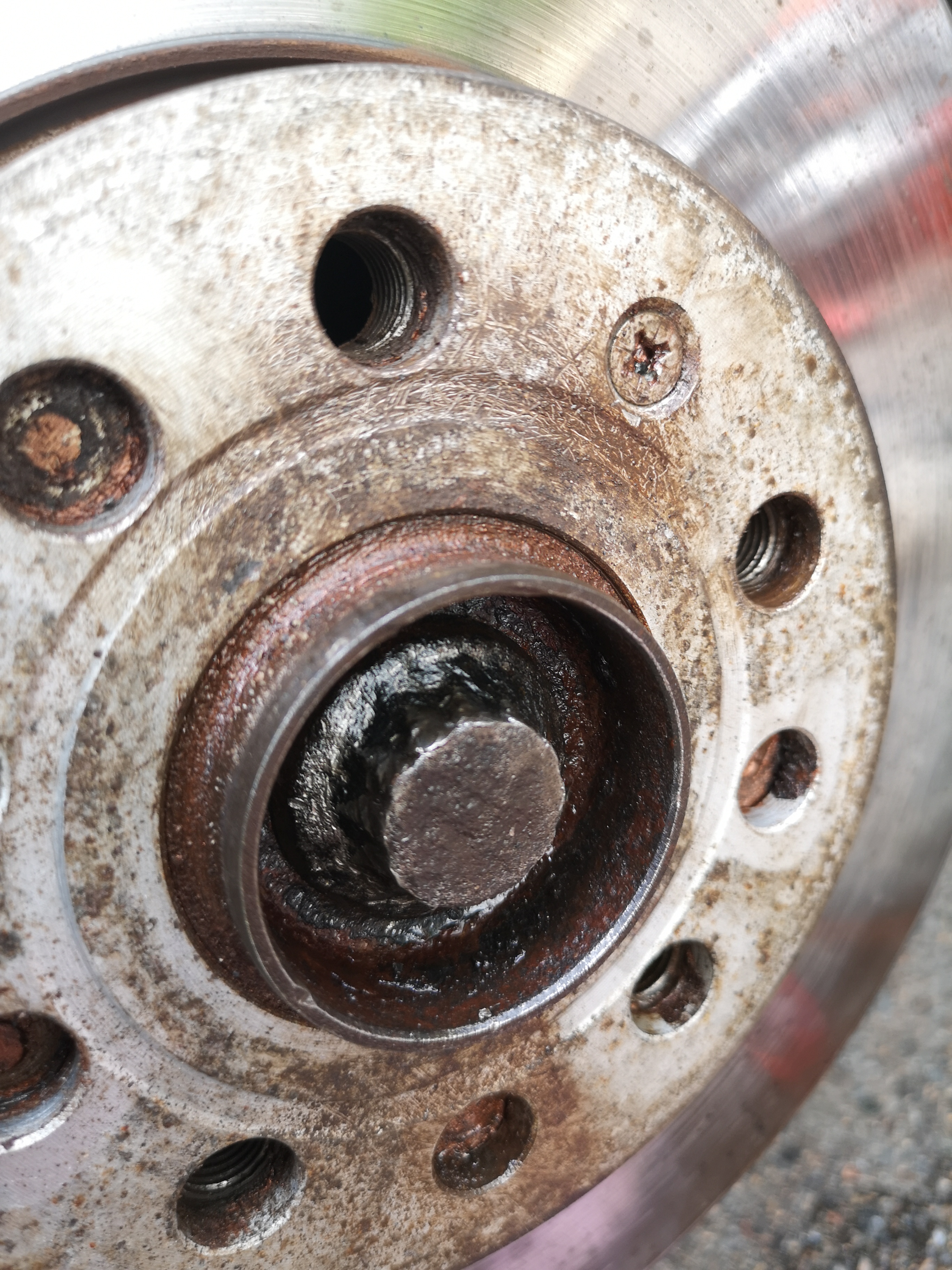
its ok m8, its just this fastner is driving me crazy !!!! i manage to change 3 wheel bearing hubs and got stuck on this ONE screw that wont just come out !!!! and its head is all rounded :( cant get a grip
-
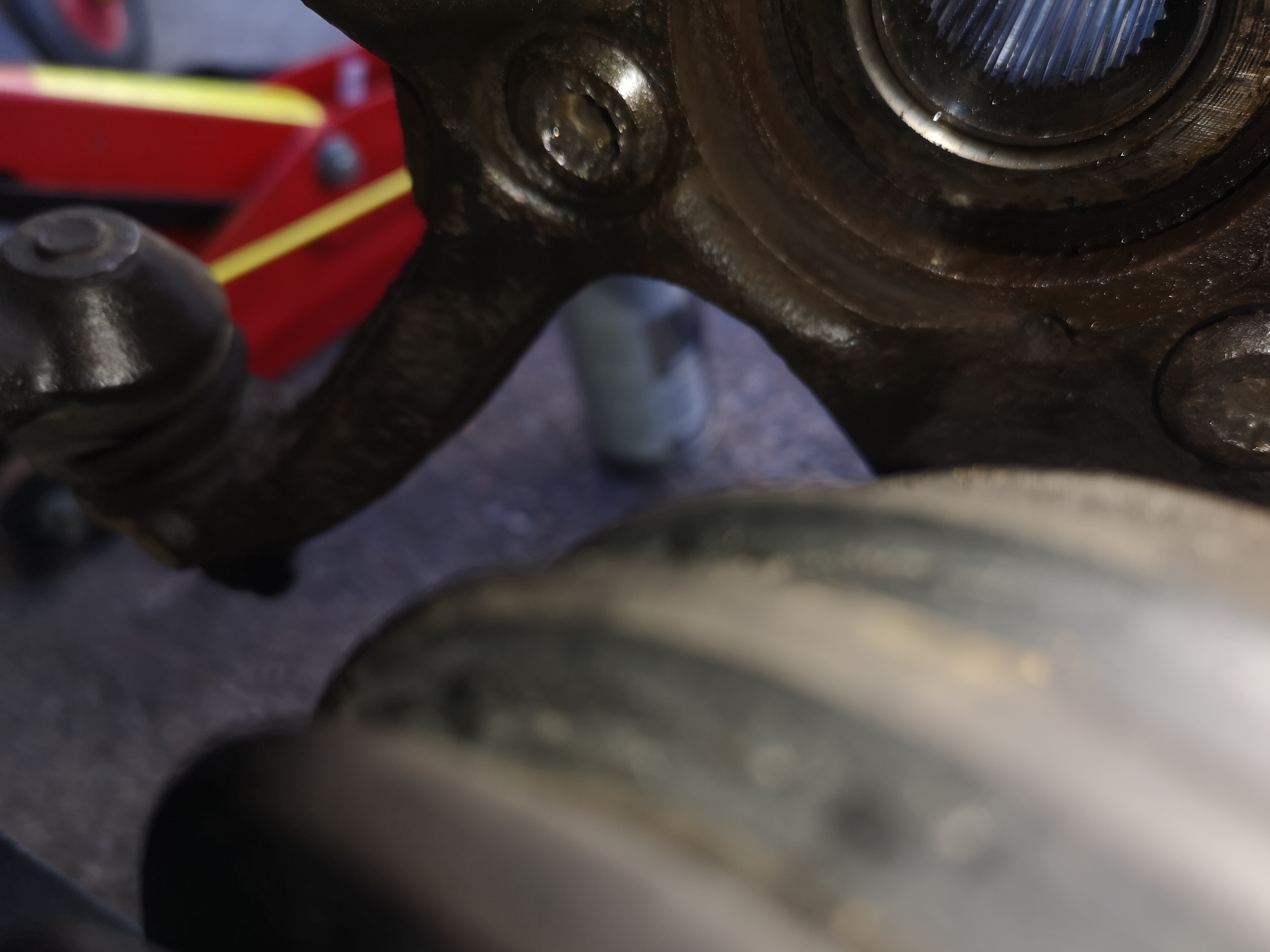
Should i cut here??
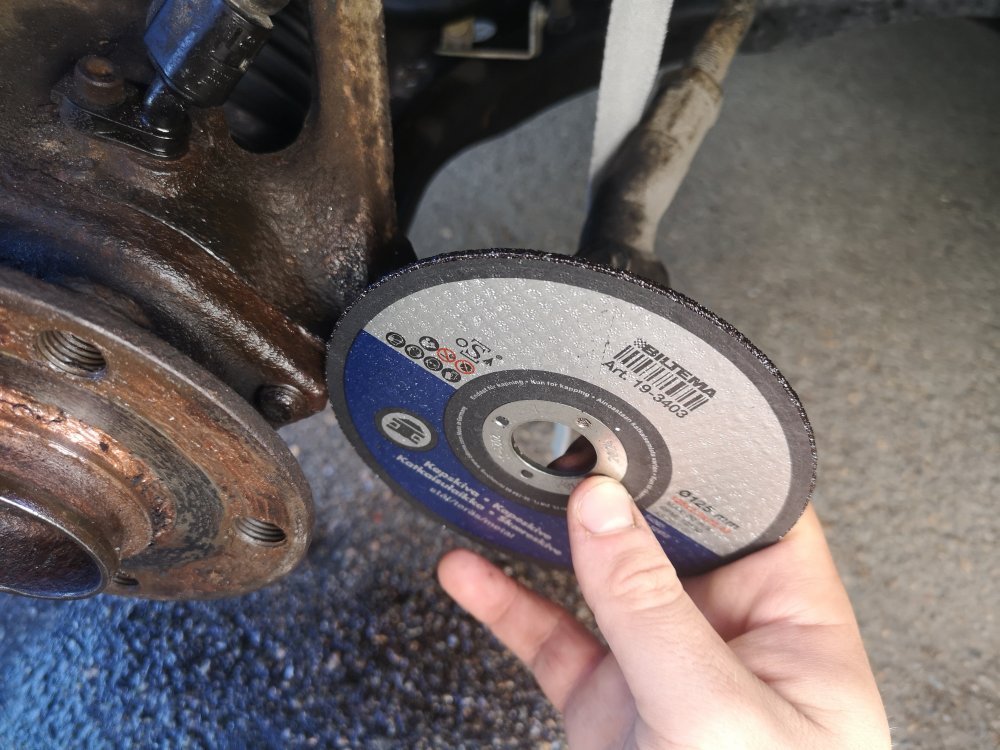
-
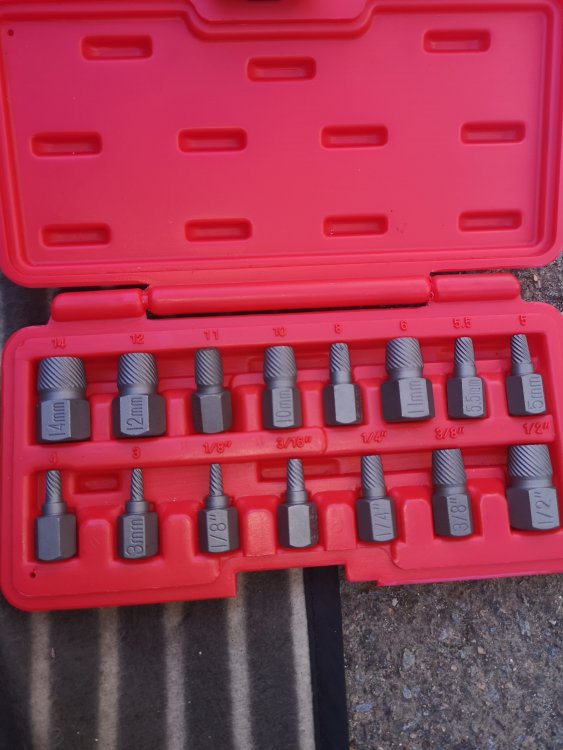
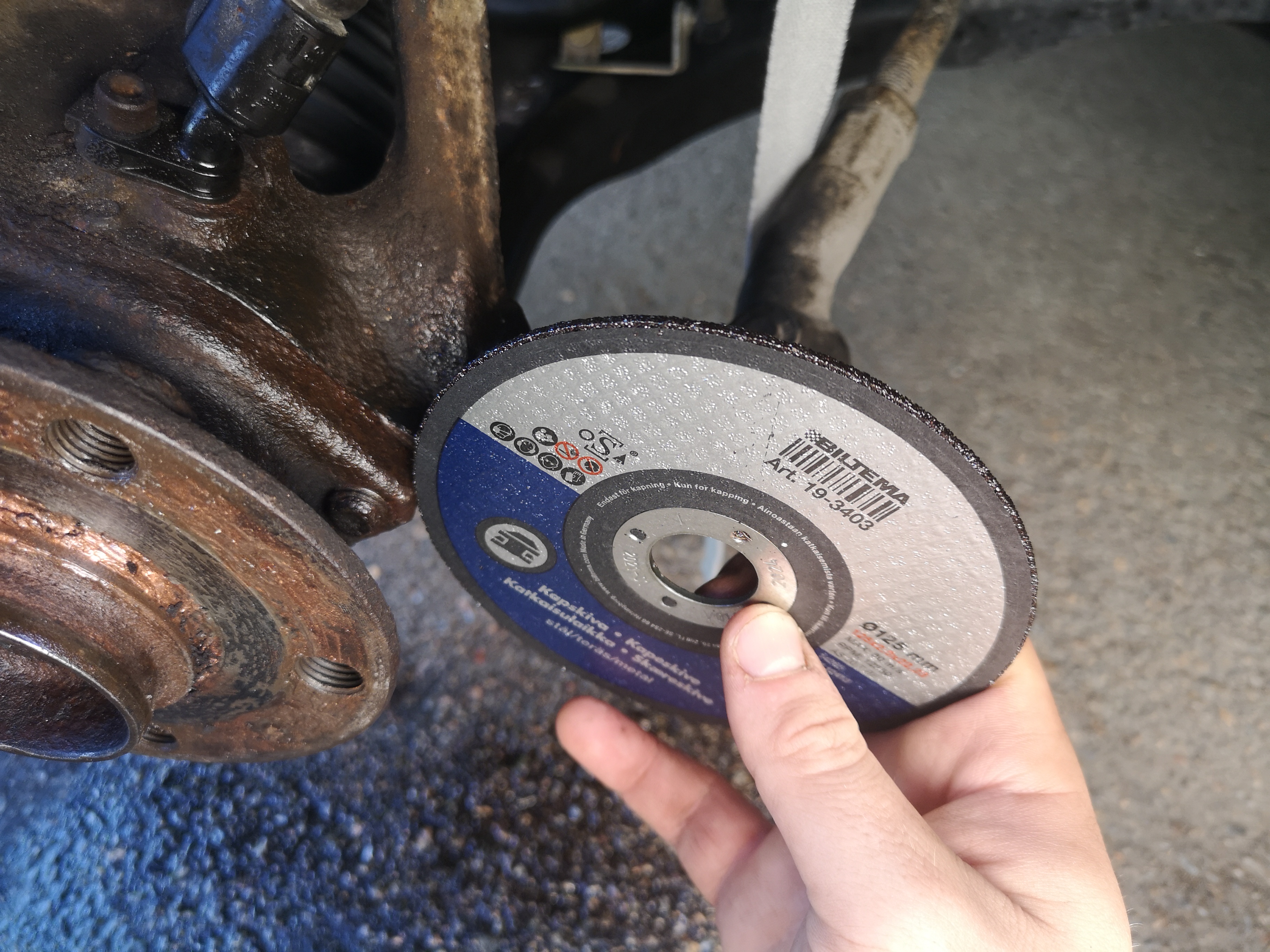
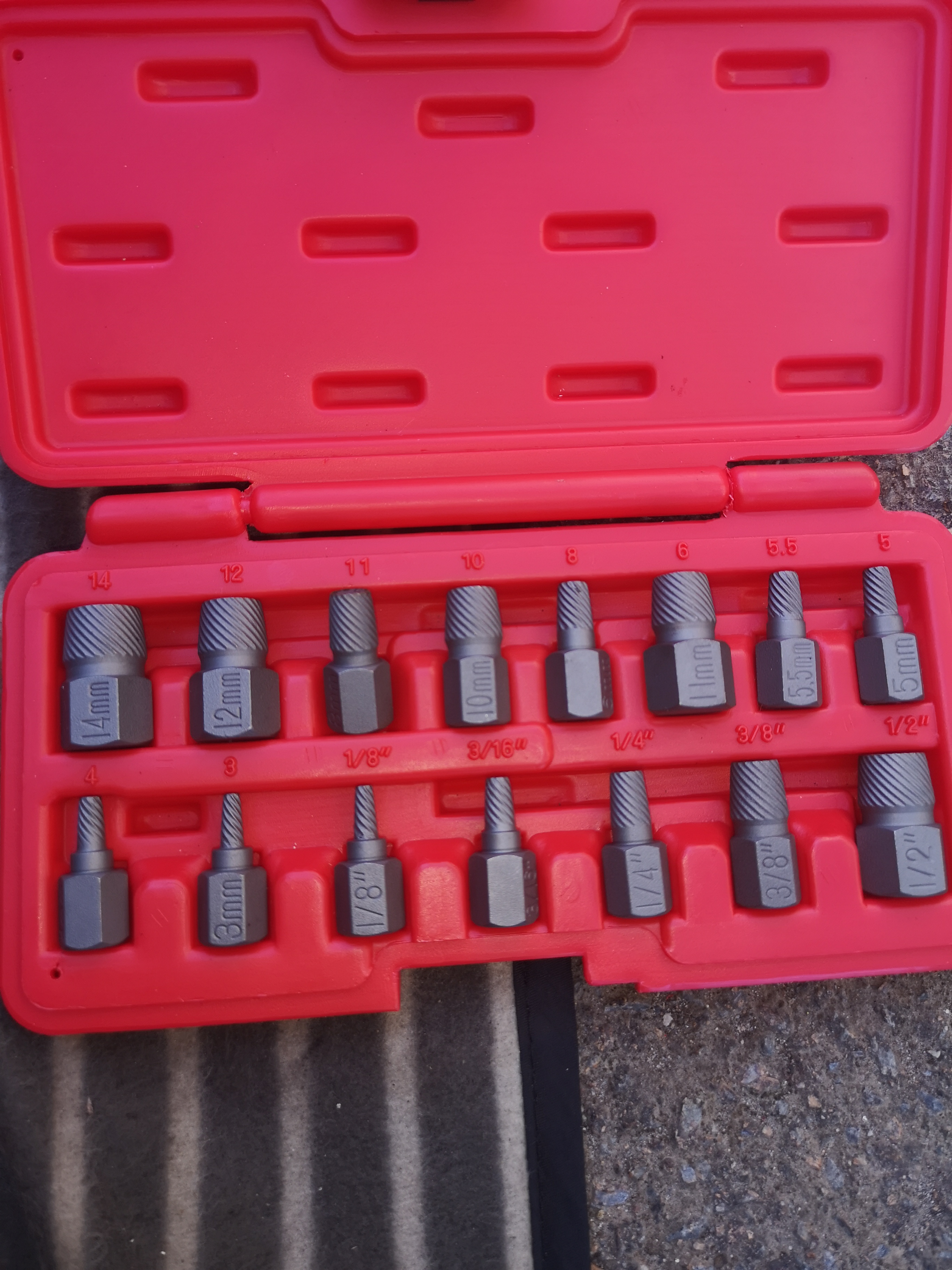
Got these but not sure if i should use them or how
 You meen to cut here?
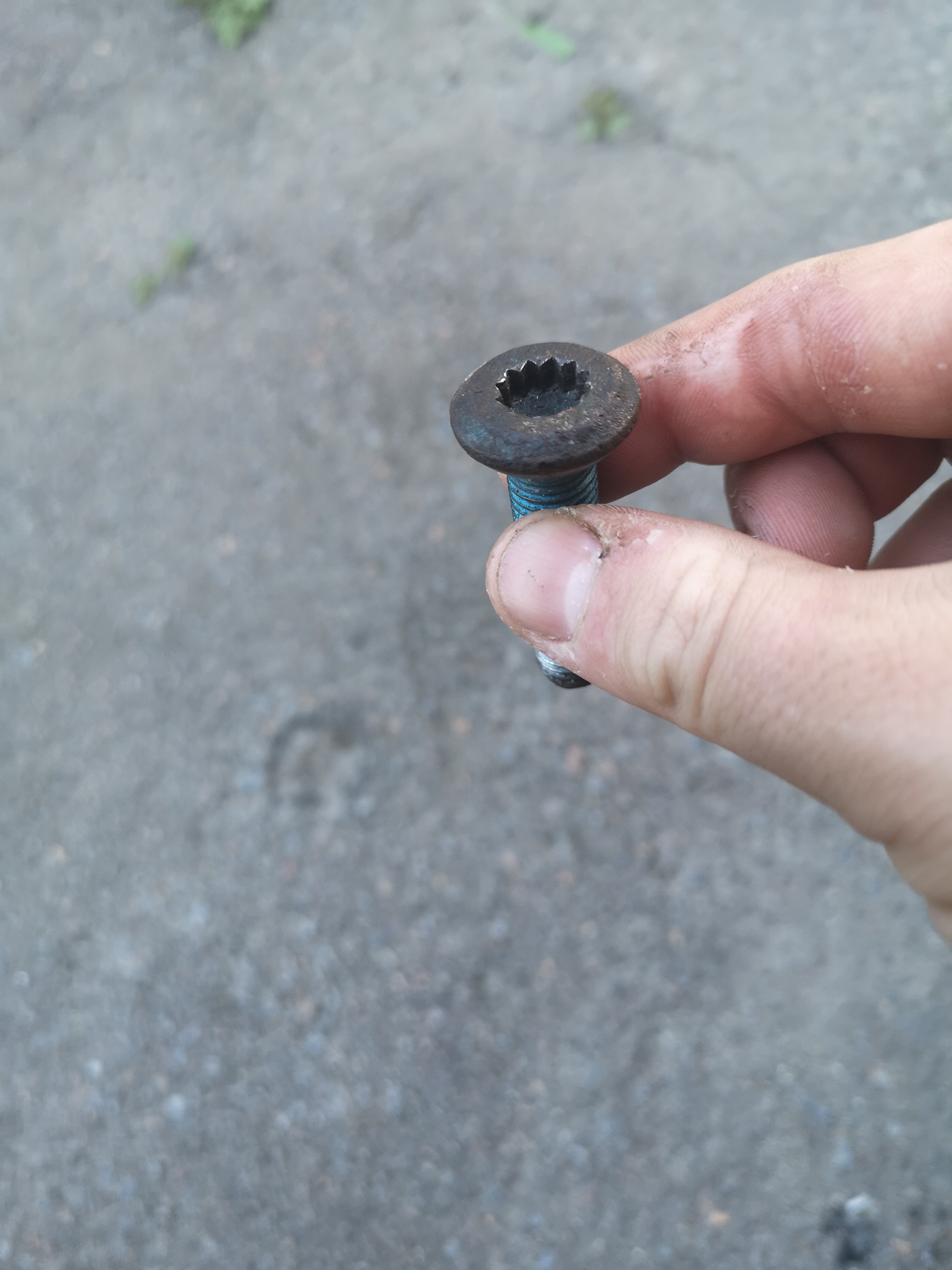
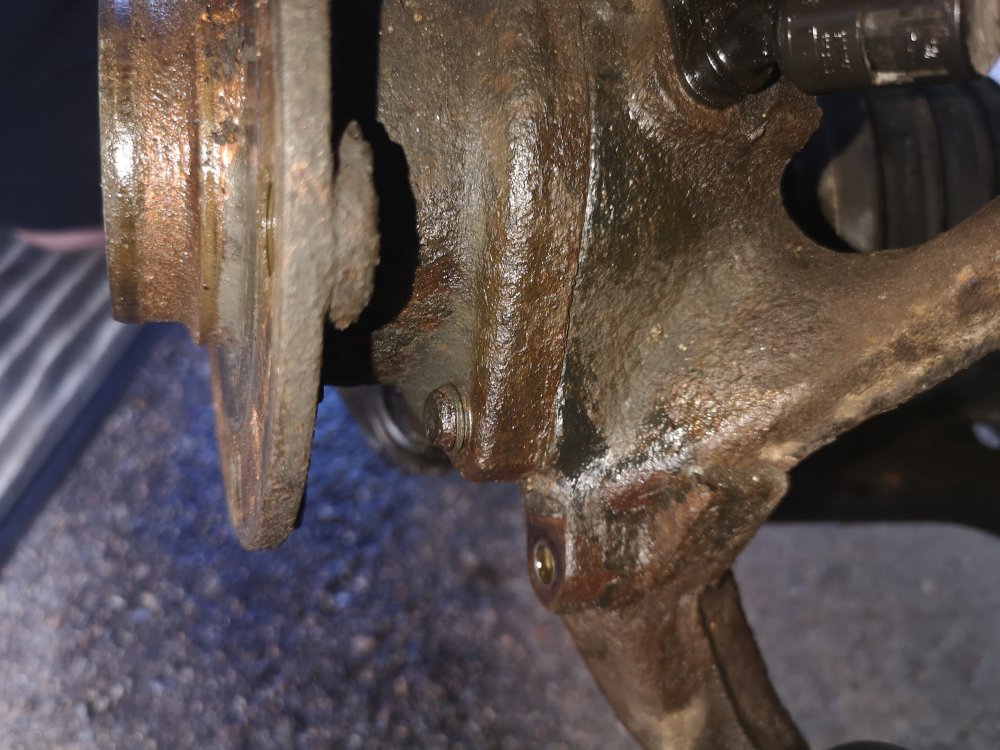 Thats the ruined bolt :(
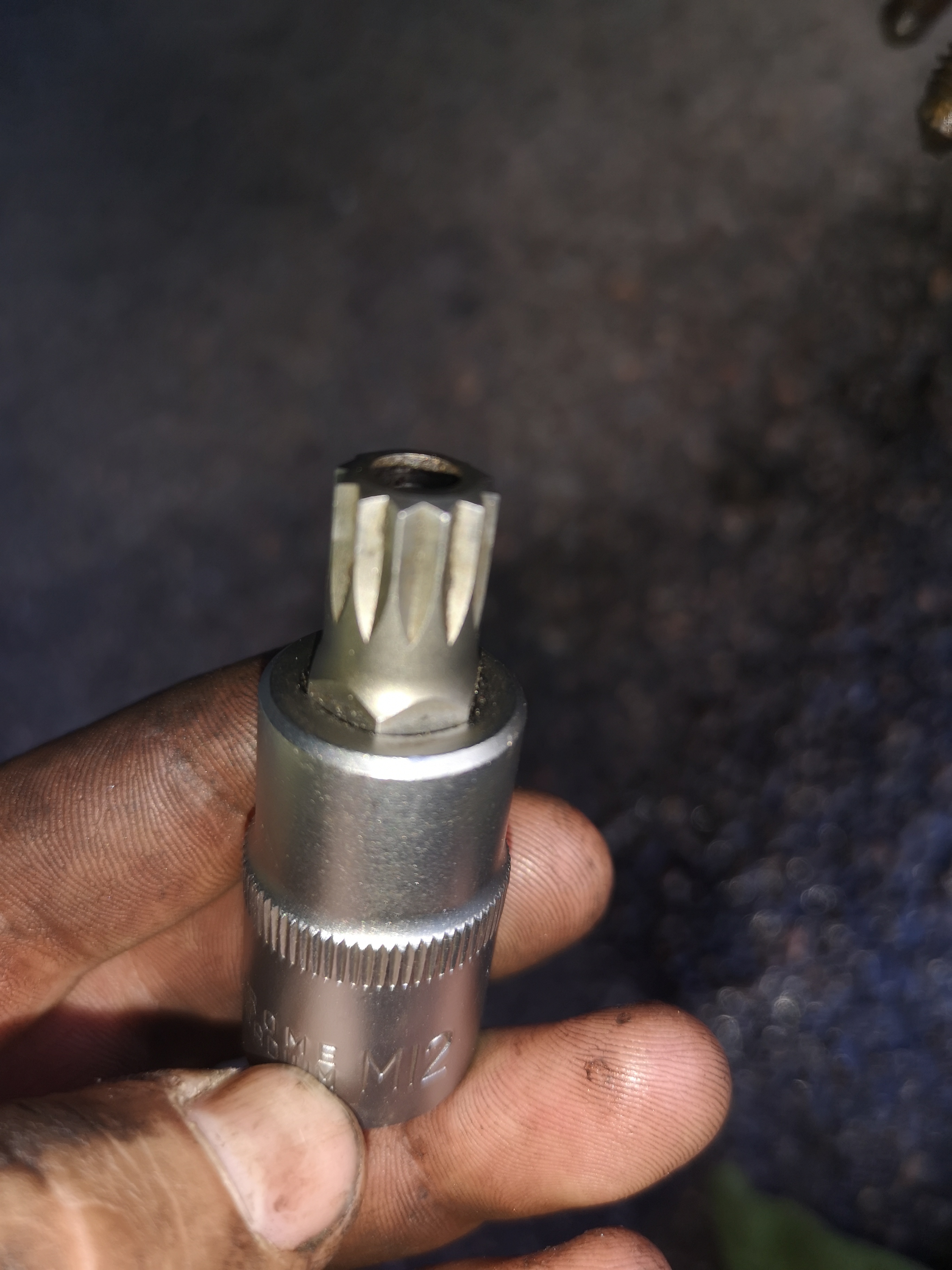
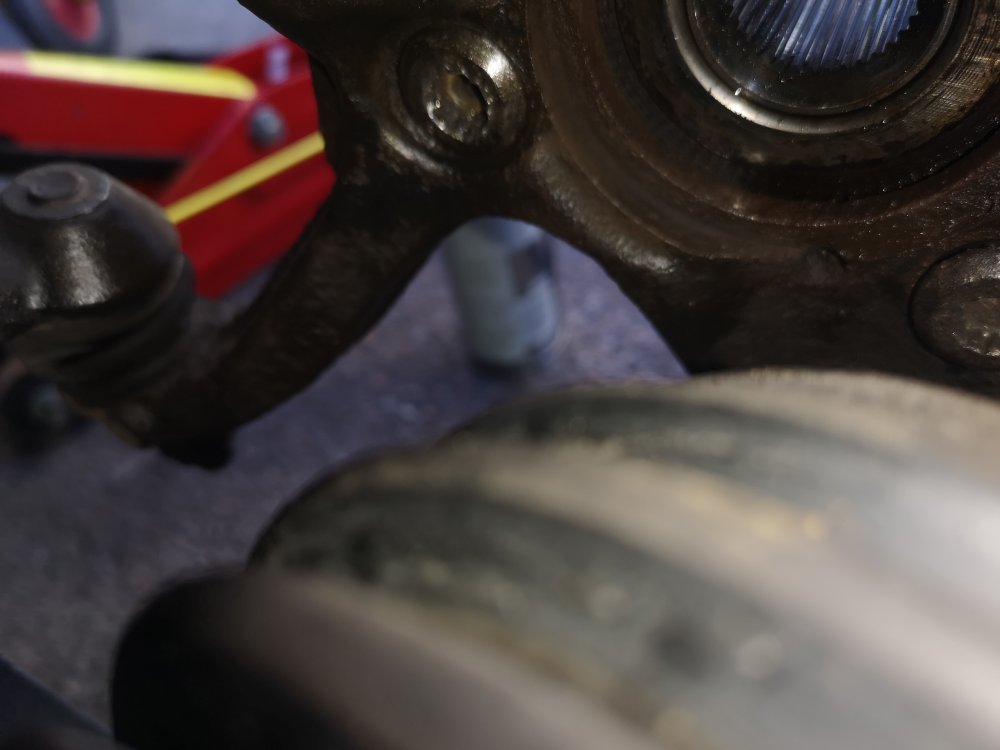 sounds like a solution for me , could you please exsplain more , where did you start to cut ? at the end of the bolt ?Was using 3 spline oneAll help is appriciated. Got one of these bolts real stuck on my wheel bearing hub and its head is all ruined cant seem to get a grip.Hi all. this m spline bolt is all gone wrong. Head is ruined cant seem to get good hold to get IT to move. Its stuck. Do anyone have any ides on how to exstract these m spline bolts that hold the wheel bearing hub?
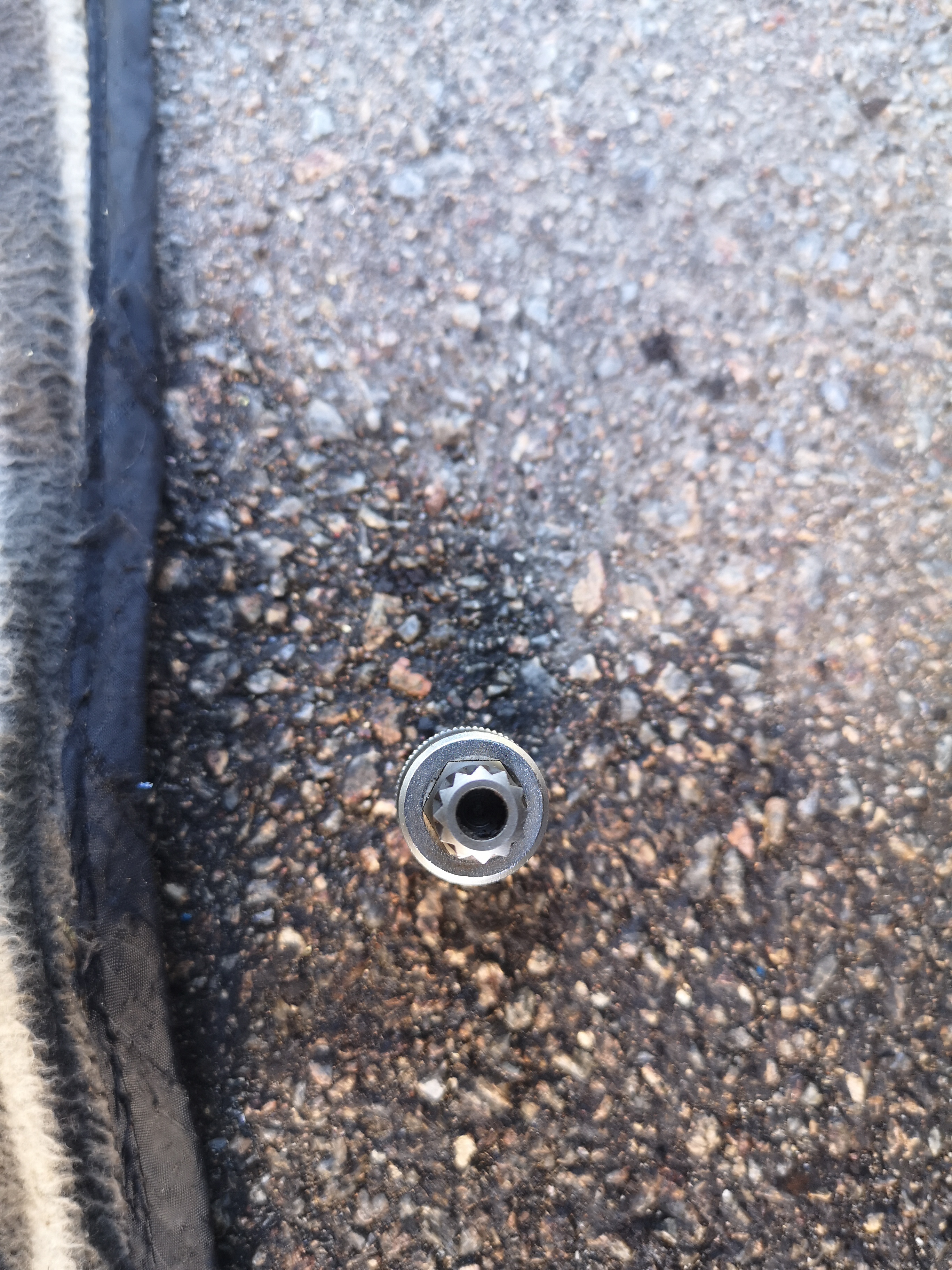
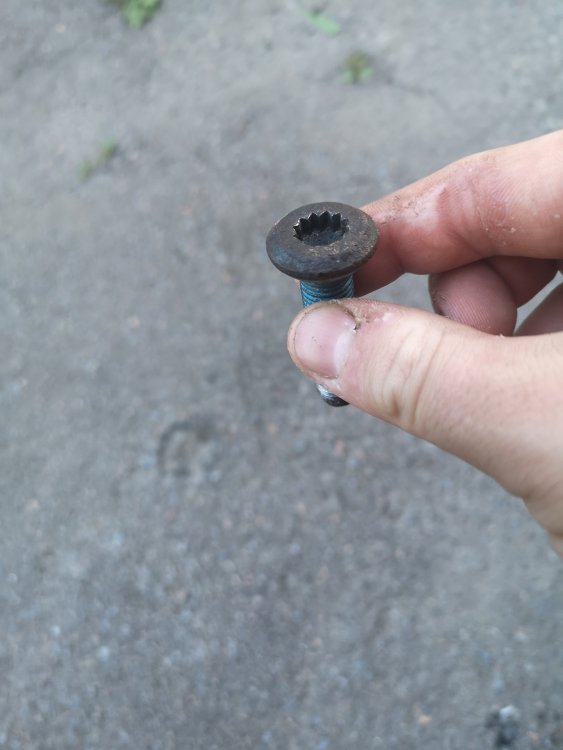 Bolt exstractor 22mm did the jobb. Good investment.Will ann bolt exstractors work on this kind of bolt?This is my case here csnt get this bolt to swing. Using an 12 point socket but IT Just keep slipping out :( any ides anyone how to get this bolt out?
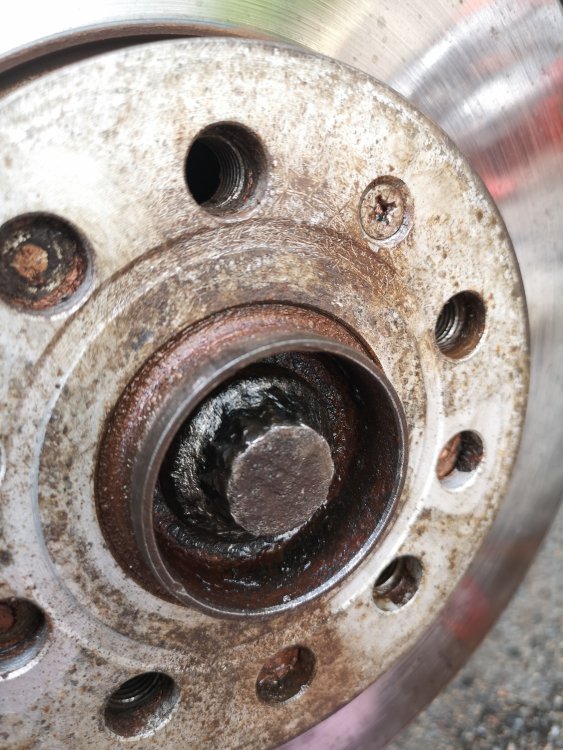 did you manage to remove it ? i got the same thing an rounded 12 point 23mm bolt ,, is it an good ide to try one of those bolt exstractors?By the way IT looks like the mouse came inn via the presuer vent in the rear of the car behind the bumper. Made hes way to the glove box eat an ketchup from McDonald's and jamed himself under the seat under the carpetI Removed the seats and the carpet pluss the vent duct under the seat. Cleaned all. And now IT does not smell like an dead animal was there If anyone needs an how to feel free to ask il gladly help outWhy cant i upload pictuers? Anyways its in the vent stuff under the passa ger seatHey all got an issue. How do you remove these. Got an dead mouse inside.Ok thanks m8, but you know under what category can i find the info on cambelt change ? cant seem to find a link thereHi all =) Like the topic states does anyone got an link to the manual on timing belt change for the octavia mk3 2013- 1,6 TDI ? = ) Thanks in advance =)Thanks alot for cleryfing things for me. Il check the sensor again and post some more info when i look at IT tomorowfront left level sensor is ok and the wiring is fine :/. shouldn't obd eleven give error code on the wheelbase sensor if it was malfunctioning ? do you know where the AFS is located ?OK guys this have driving me mad for some time , as some of you might know i have ben having issues whit me Bi-xeons everything to dynamic headlight regulation to even the daytime running LEDs, all that is sorted now , just one issues i cant figuer out is : I used the obd eleven II and got the following error : 55 Headlight Regulation System description: AFS-ECU Software number: 7P6907357A Software version: 0080 Hardware number: 7P6907357A Hardware version: H07 Serial number: -------------- ODX name: EV_HeadlRegulVWAFSMQB ODX version: 001120 Long coding: 03CA02003F000000 Subsystems: System description: LeiMo links Software version: 0009 Hardware version: H06 Long coding: 3E0000 System description: LeiMo rechts Software version: 0009 Hardware version: H06 Long coding: 3E0000 Trouble codes: C103415 - Left front level control system sensor Open circuit/short circuit to B+ static Date: 2020-12-12 13:37:23 Mileage: 219366 km Priority: 2 Malfunction frequency counter: 63 Unlearning counter: 43 I have brought the part nummber : 7P6907357D . now my qustion is where is this bugger located , great if you guys got pictuers or something that shows location of this part . Thank you all =)


Important Information
Welcome to BRISKODA. Please note the following important links Terms of Use. We have a comprehensive Privacy Policy. We have placed cookies on your device to help make this website better. You can adjust your cookie settings, otherwise we'll assume you're okay to continue.