




Scallystev
Finding my way
-
Joined
-
Last visited
Everything posted by Scallystev
-
My car is a 2017 estate and it fits and works perfectly. Steve
-
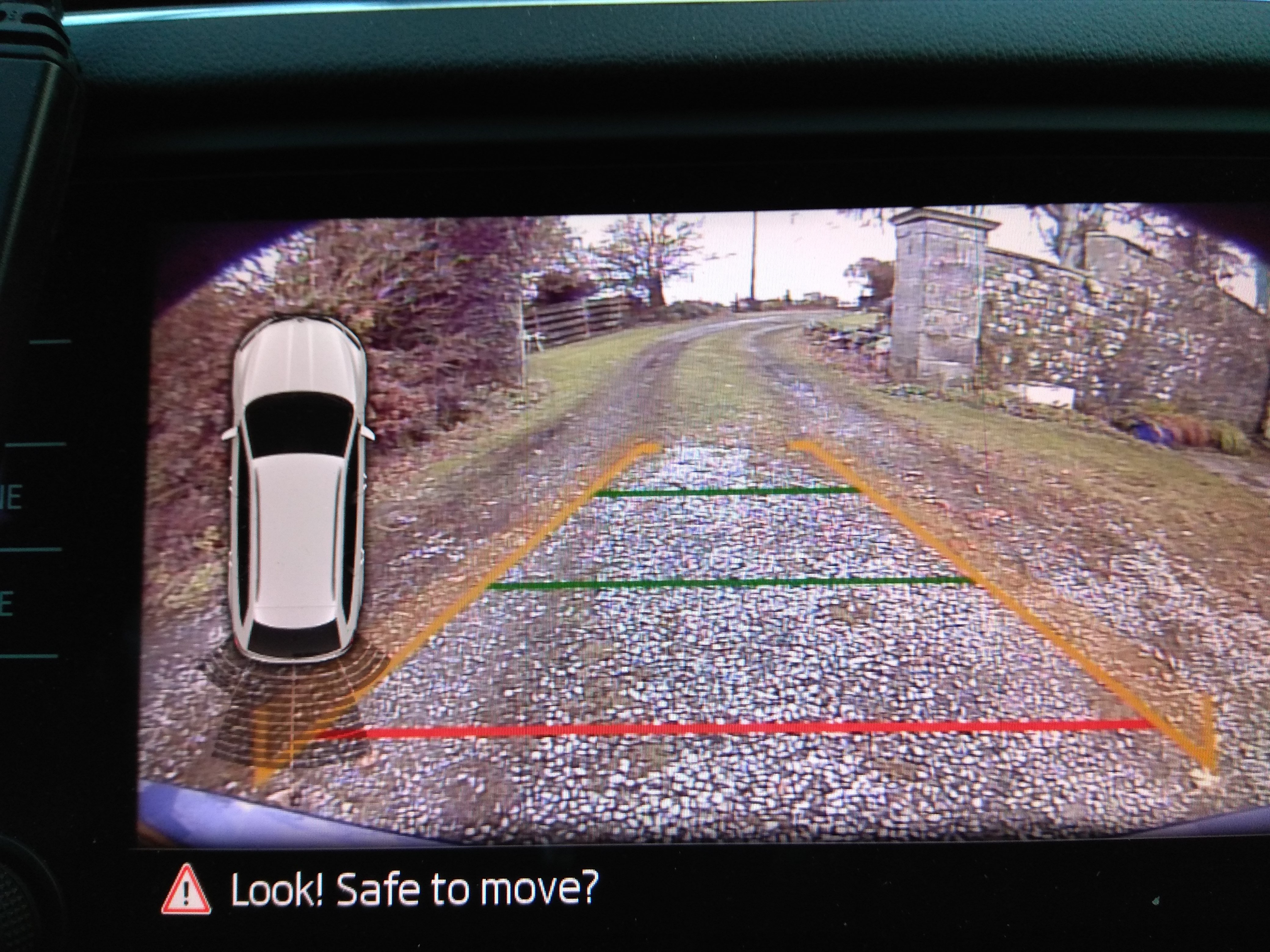
Thank you all, mine is now fitted. About 3 hours, less if you subtract the time spent staring at it and swearing! Things I have learned: On an estate you do have to take lower door trim off, but not necessarily the upper one; Some of that plastic coated spring which is designed to hold net curtains is fantastic for feeding through the wire; Go shopping before you start, not halfway through. SteveThank you all, mine is now fitted. About 3 hours, less if you subtract the time spent staring at it and swearing! Things I have learned: On an estate you do have to take lower door trim off, but not necessarily the upper one; Some of that plastic coated spring which is designed to hold net curtains is fantastic for feeding through the wire; Go shopping before you start, not halfway through. SteveThank you. I pulled it out with pliers, but the same effect.Ok, I know how now. The central "pin" pulls out, honest. Once that's out the clip is cable to collapse and comes out easily. At which point, you realise that it does not really improve access that much.As you might guess, I'm (trying) doing mine now.Great, but HOW? Steve

Important Information
Welcome to BRISKODA. Please note the following important links Terms of Use. We have a comprehensive Privacy Policy. We have placed cookies on your device to help make this website better. You can adjust your cookie settings, otherwise we'll assume you're okay to continue.