.jpg.e328f9c586af853dbc8d492dc816c81f.jpg)
LexLuthor
Finding my way
-
Joined
-
Last visited
-
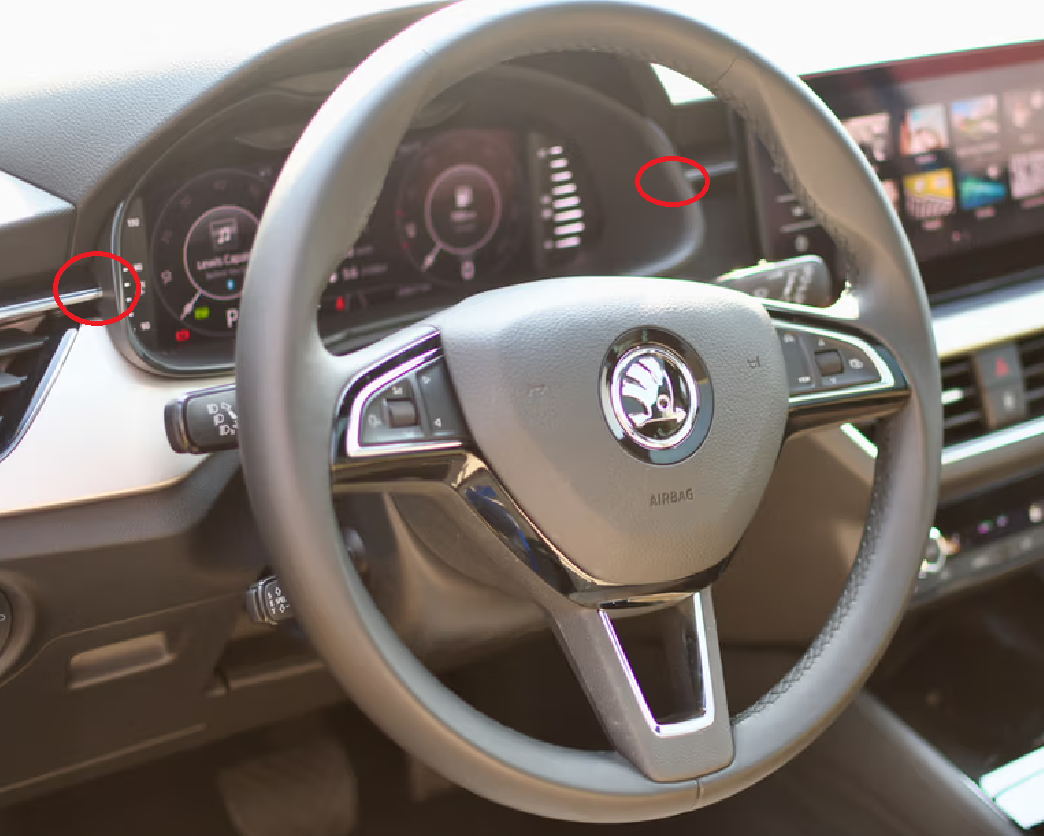
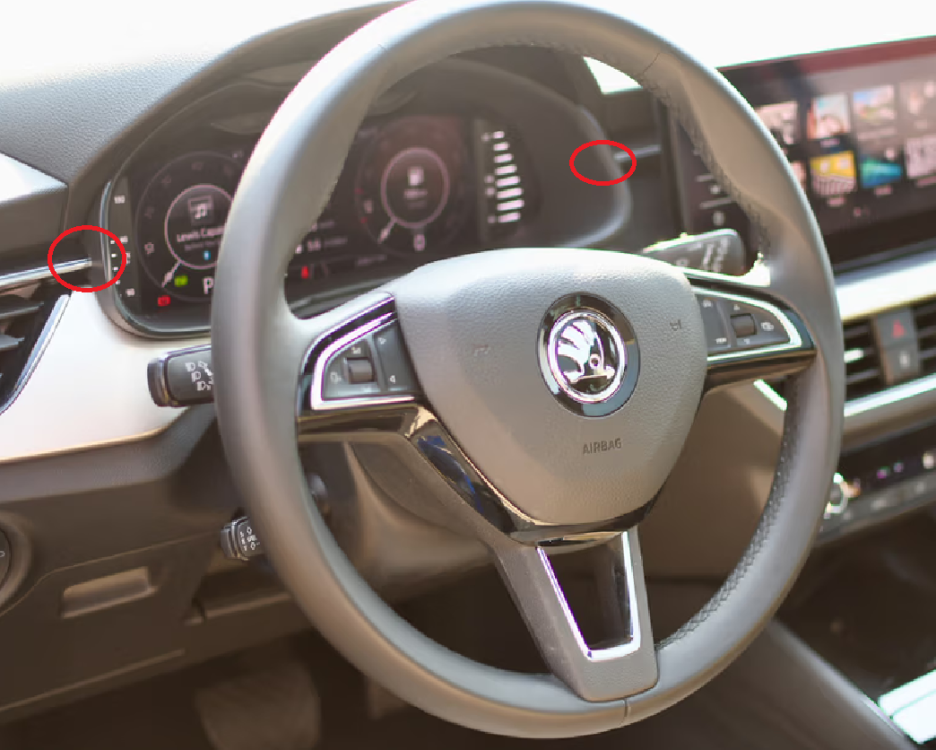
Hi Holmes, Place a strip of foam or a piece of rubber seal (1mm thick) between the VC frame and the decoration to eliminate the creaking noise. If you hear any noises around the side window frame in the future, the cause is likely a dirty upper door seal (not the glass). Thoroughly clean all the nooks and crannies of the seal. Silicone sprays do not help; you need to clean the seal thoroughly and, if necessary, use a suitable sealing stick
-
It's possible to update the older unit up to 1800. BUT if you have VC than forgot about updating Unit 17 (Virtual Cockpit).because newer MIB versions block communication with VC (VC is also updated via pendrive). Skoda service provider confirmed the possibility of downgrading SW but they do not do it.
-
Information for everyone who has Bolero with default SW 0742 and older (like 0469) - if you upgrade the SW with version 1XXX you will not upgrade the Virtual Cocpit. To do this you need to downgrade the Bolero SW at least to 0742. How to do the downgrade - I don't know, but now I can't fix the problem with album covers on VC. Quid pro quo The VC update path is the same as in the case of Bolero - via pendrive. How to get the VC SW? I don't know.
-
PACC in Kamiq? Forget about it. Even if you have Columbus and traffic sign recognition then you still need auto-hold (instead of manual hand brake), steering wheel with traffic jam assist button (capacitive steering wheel) and probably side assist. And at the end a SWAP code.
-
Many thanks @Rainesh! I've updated my Bolero from 0469 up to 1798 Everything's working well. Cheers!
-
Please let me know if the 0469 update was successful. Thanks!
-
I have Bolero MEN3_EU_SK370_P0113P, SW: 0469. As Varooom wrote, I've tried MEN3_EU_SK370_P2135P_0742 but without any result so you and me probably have Bolero end of the line. Varoom - huge thanks once again!
-
See this topic https://www.briskoda.net/forums/topic/496912-skoda-kamiq-footrest/?tab=comments#comment-5576017See
-
You can't. For this moment only the authorised service provider can do this. OTA doesn't work, updates not available in update portal https://updateportal.skoda-auto.com/
-
You need to have a front camera with Front Assist function. Then the car recognises moving cars in front of you
-
Scala/Kamiq hasn't the Auto Hold - there's a manual handbrake. Due to this Stop &Go feature is not available in these models.
-
I have the Castor 16" OEM wheels in my Kamiq Ambition (your SE?) with 1.0 TSi DSG. I've checked even the Skoda's configurator and you can choose the 1.5 TSi with 16" so dealer words are little weird.
-
Hi, about welcome video - dependind the software version it's possible to change it via VCDS/OBD11. Remember your phone - in my car: push the phone button, then settings and change the value of this option to off.
-
-
.thumb.jpg.04def9af2236b4f436f86f6401e0a4b5.jpg)