Andrei1496
Finding my way
-
Joined
-
Last visited
Everything posted by Andrei1496
-
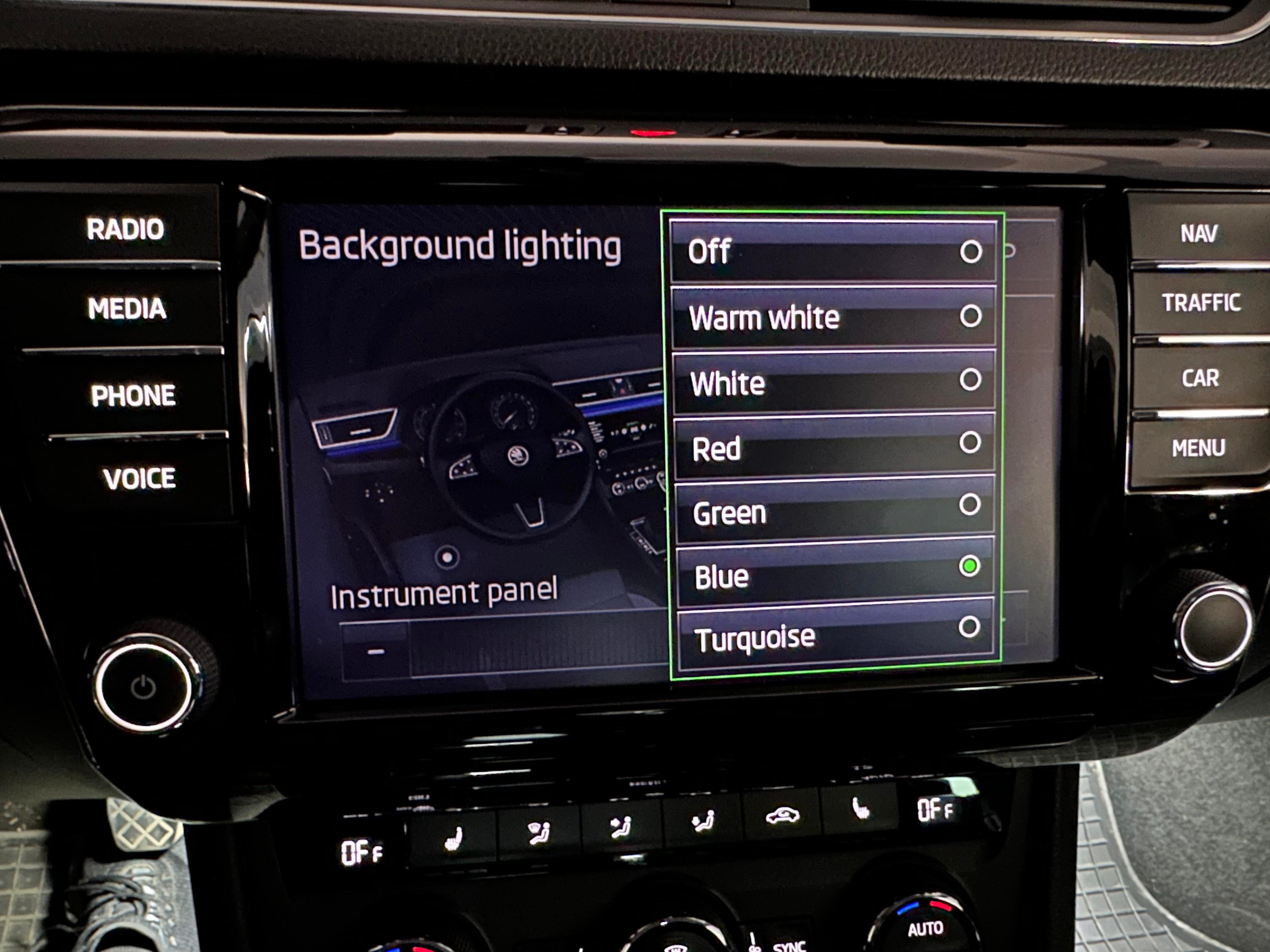
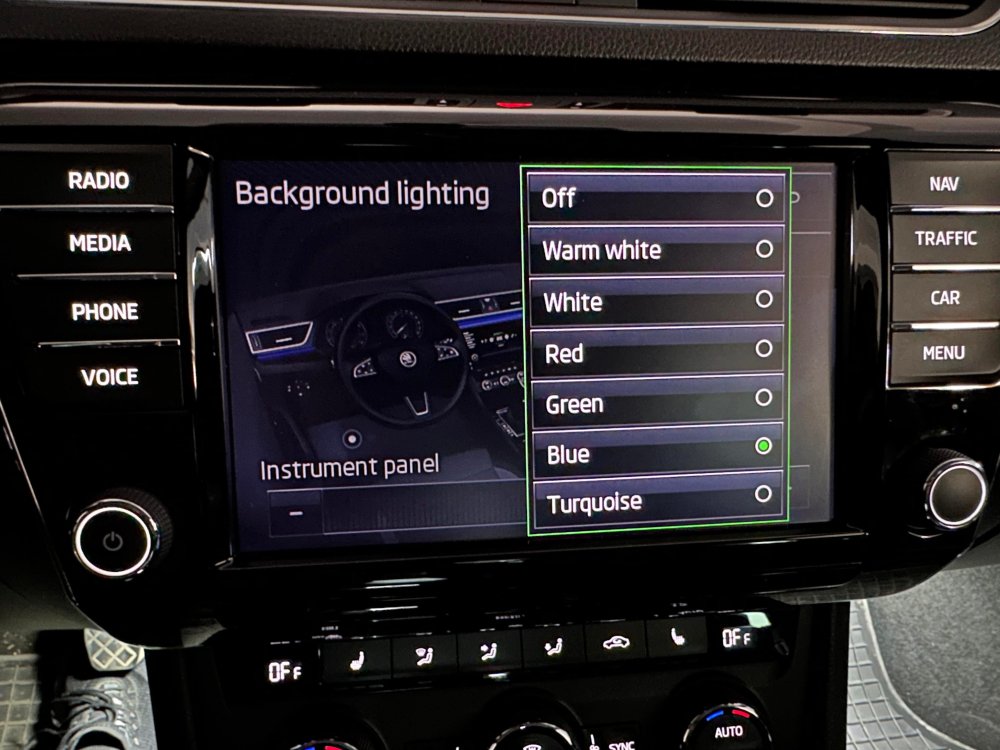
@MartiniB yes. IDE11477-ENG128654-Interior lighting: parameter-p_farbauswahl_HMI is responsible for the color number in the dropdown. I had the value 07 (00000111 - only 3 colors enabled) in my channel and I've changed it to 7F (01111111). I tried this because I thought that maybe I could add a 7th color. I think the correct value should be 3F (for 6 colors) but I haven't tried it yet. I saw that you have the value 19 (00011001) in this channel. You could try with 3F or 7F too and see if it will enable the others. These are the values that can be entered in there as I know: 00000001 - Warm White 00000010 - White 00000100 - Red 00001000 - Green 00010000 - Blue 00100000 - Turquoise 01000000 - Did not add another color 10000000 - Did not add another color Use this conversion table as an example: https://kb.iu.edu/d/afdl Let me know if it works 😁
-
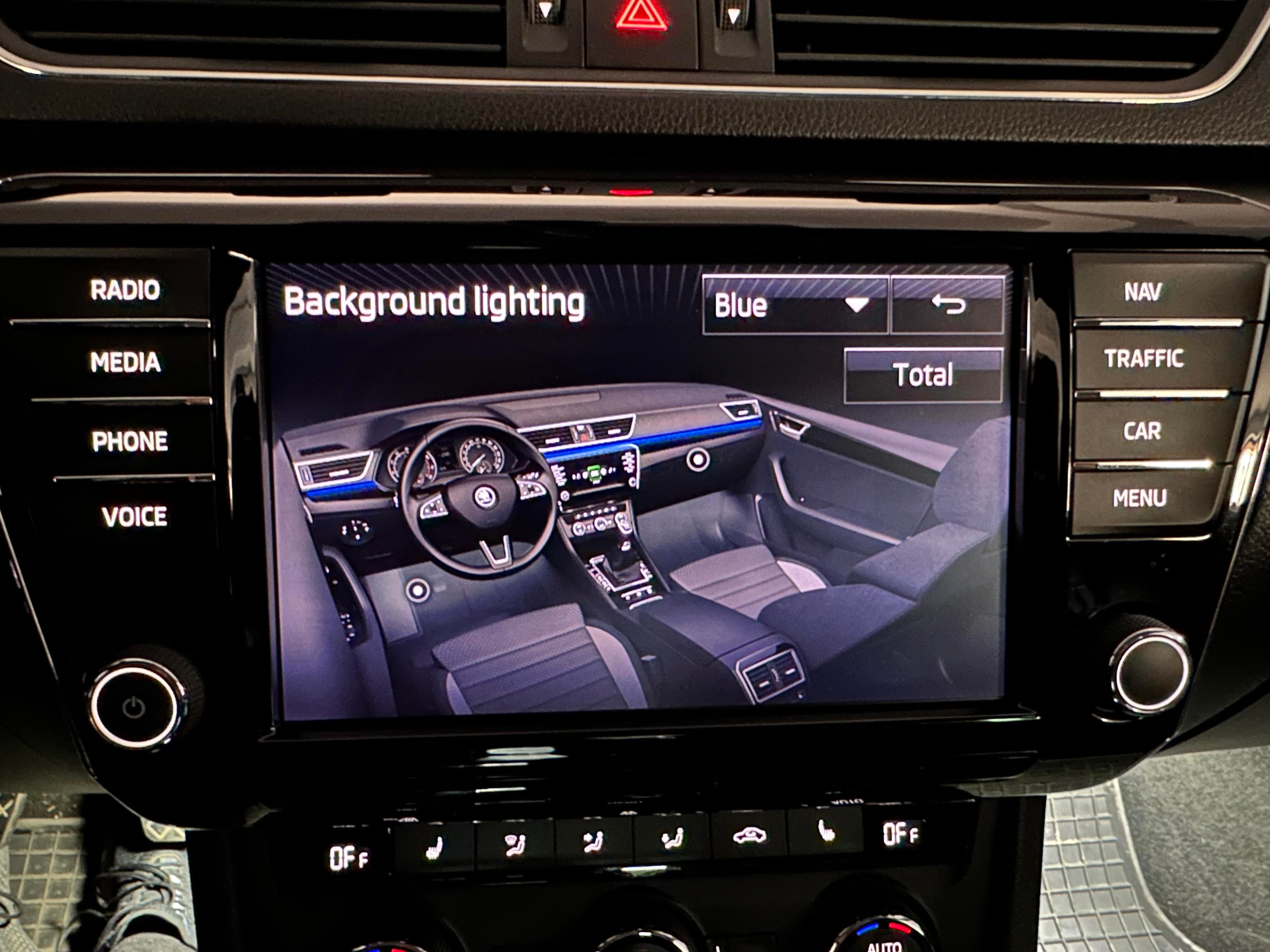
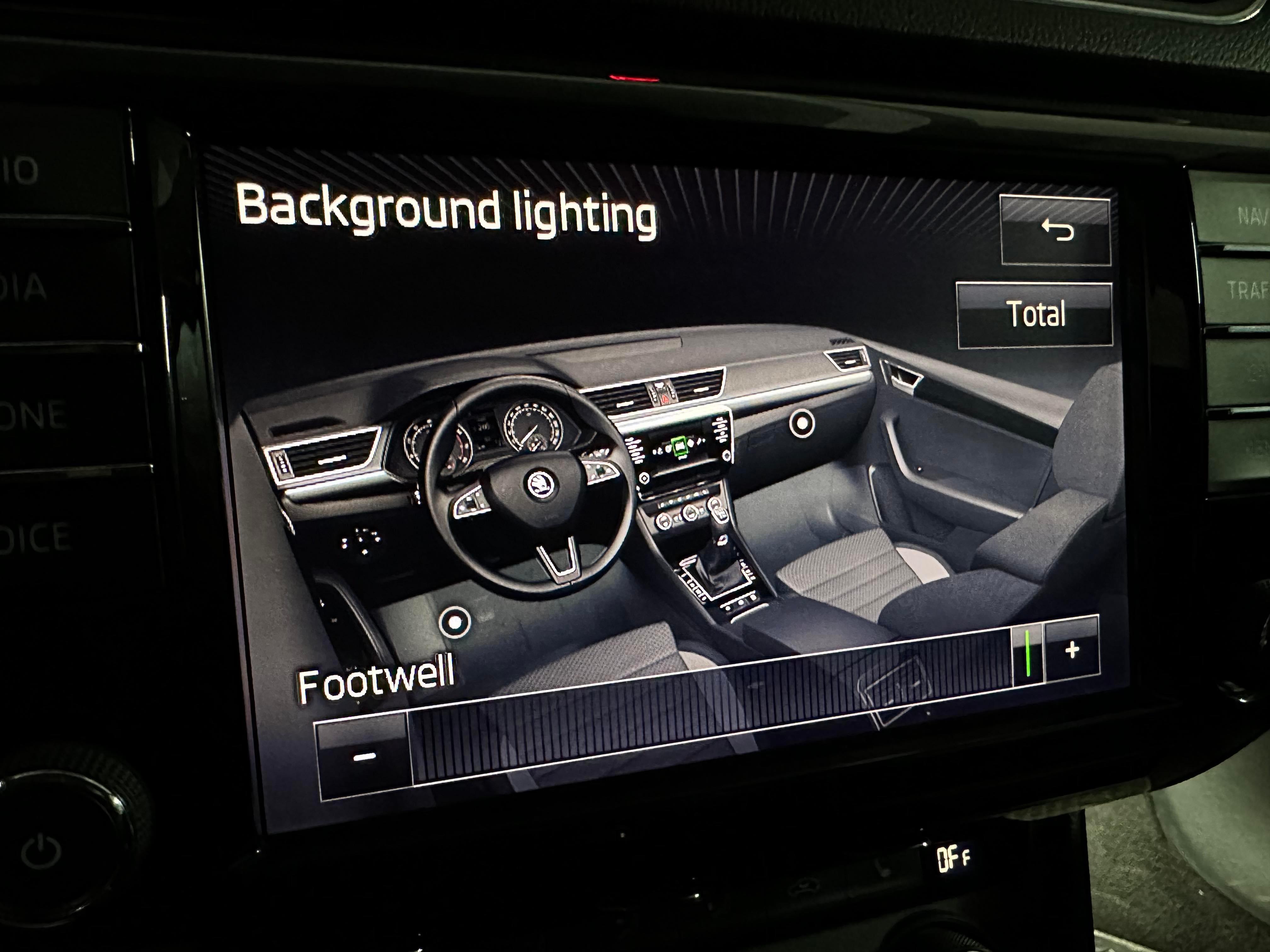
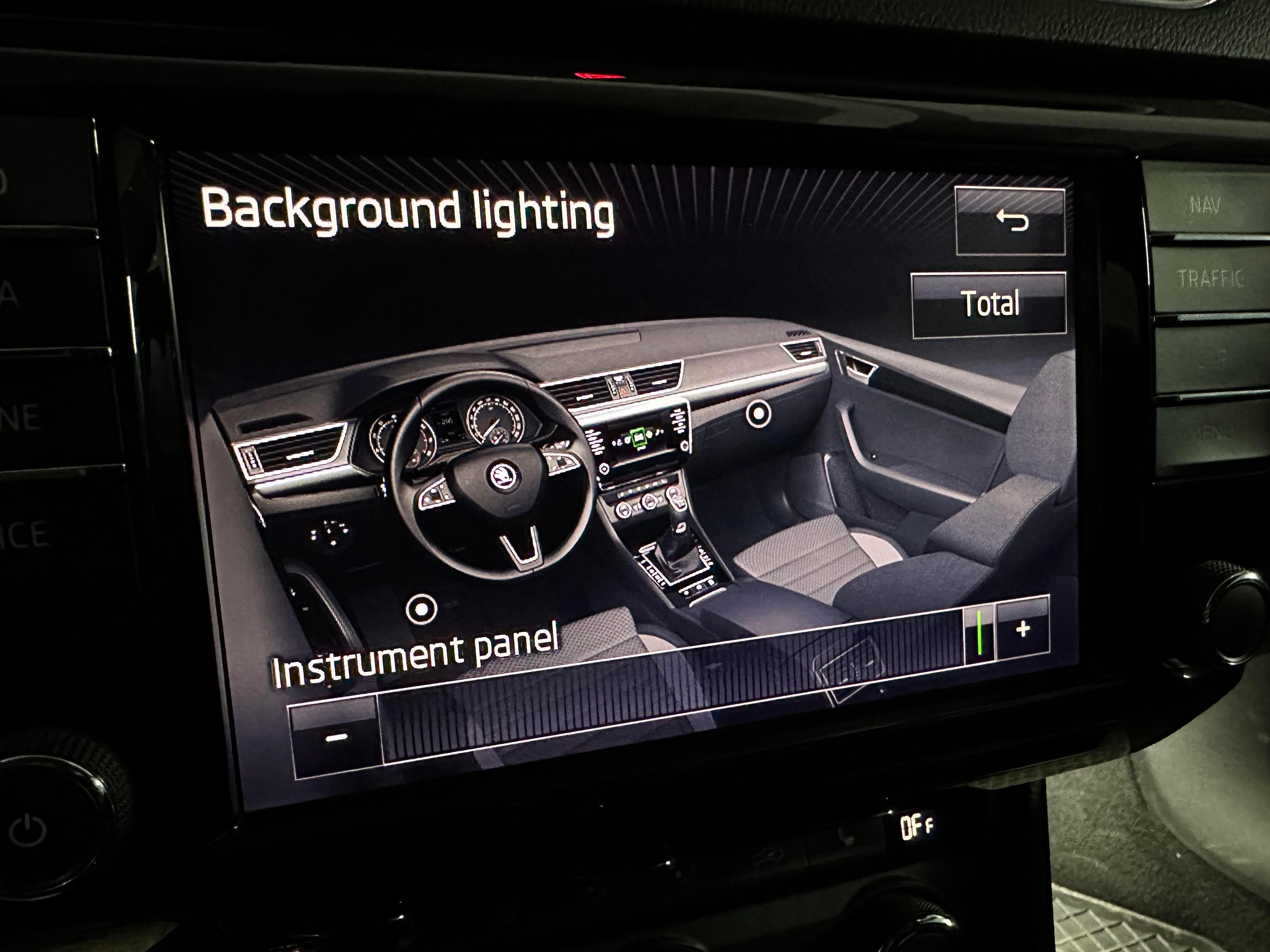
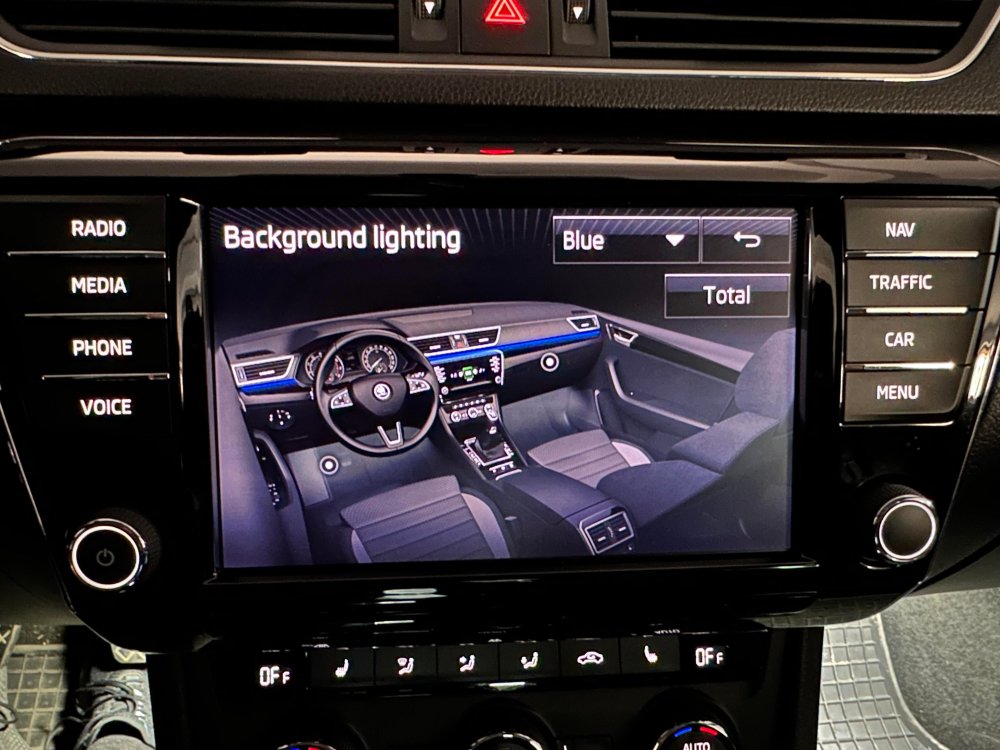
@MartiniB It worked!!🥳 My bad was that I had the IDE09732-ENG115870-Interior light: light configuration-Ambiente_Applikationsleisten_in_Instrumententafel not active and what was turning the color list off was that Ambient_Farbliste_HMI was active. Thank you so much!! I'll attach some photos:
-
-
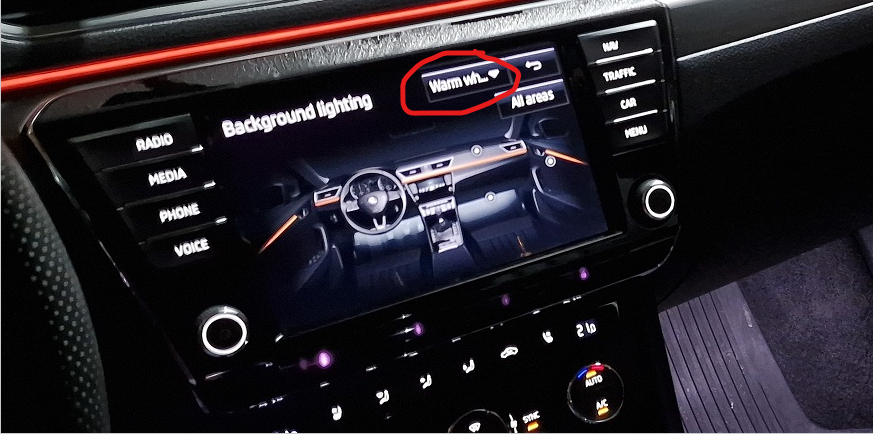
@numskullyou missunderstood, I don't want the color slider, I want the color dropdown that has the 3 colors in it that is in the top right of the screen. I want to know how to enable it because it's missing from my screen. @JR RSI know that, thanks. I just want to enable the color dropdown, not the color slider. @MartiniBThank you but I already did that. My problem is that the color dropdown is missing (I'll mark it on your picture below and you can make the difference that is missing in my previous post) and my question is how do I enable that dropdown that contains the colors I've set in the channels you've mentioned?
-
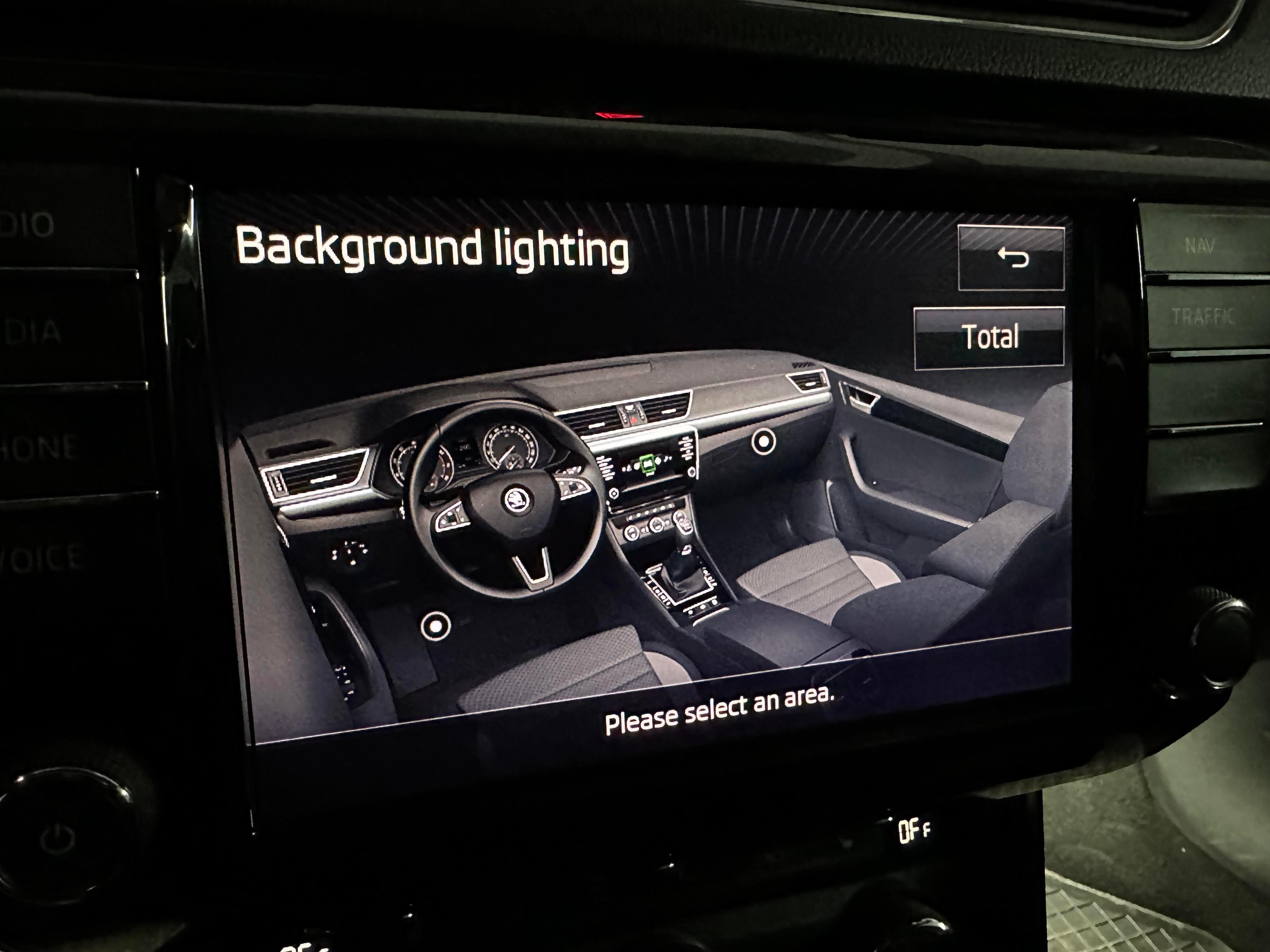
Thank you @ApertureS! I followed the steps and I've got some things enabled and it looks like it's gonna work but there is something that it's blocking me. I've managed to enable the Dashboard and Footwell selectors (I only wanted these two) but it looks like it's only the brightness slider active. How can I enable the color dropdown that should be in the top right of the screen near the back button? What are the settings that needs attention in adaptions that are controlling that colored dropdown? Thanks!
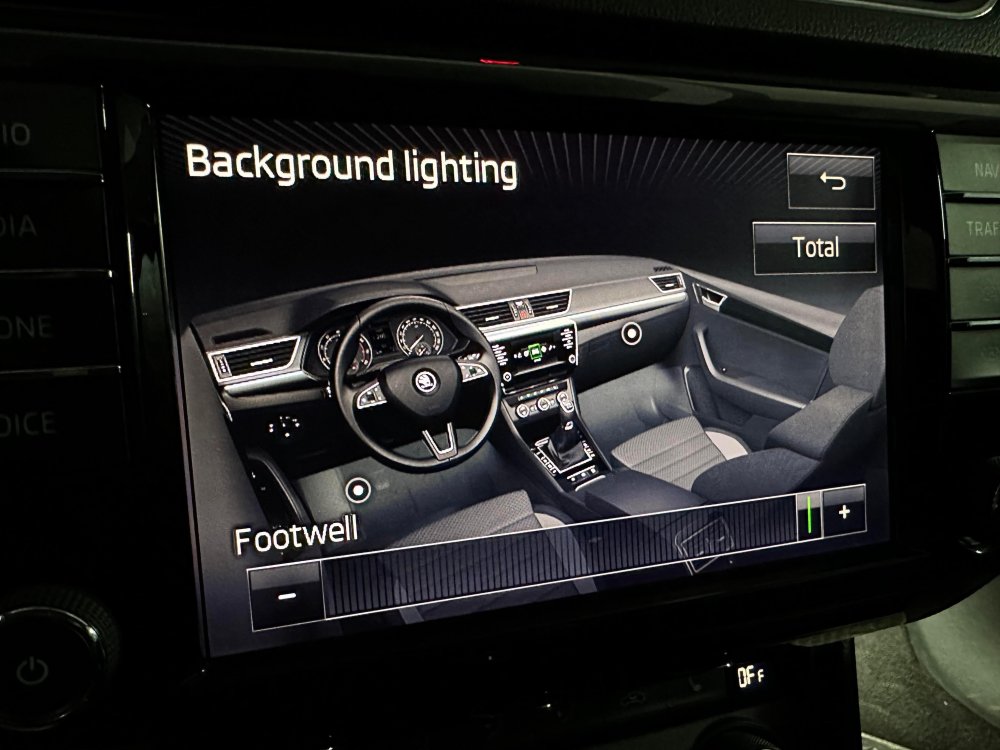
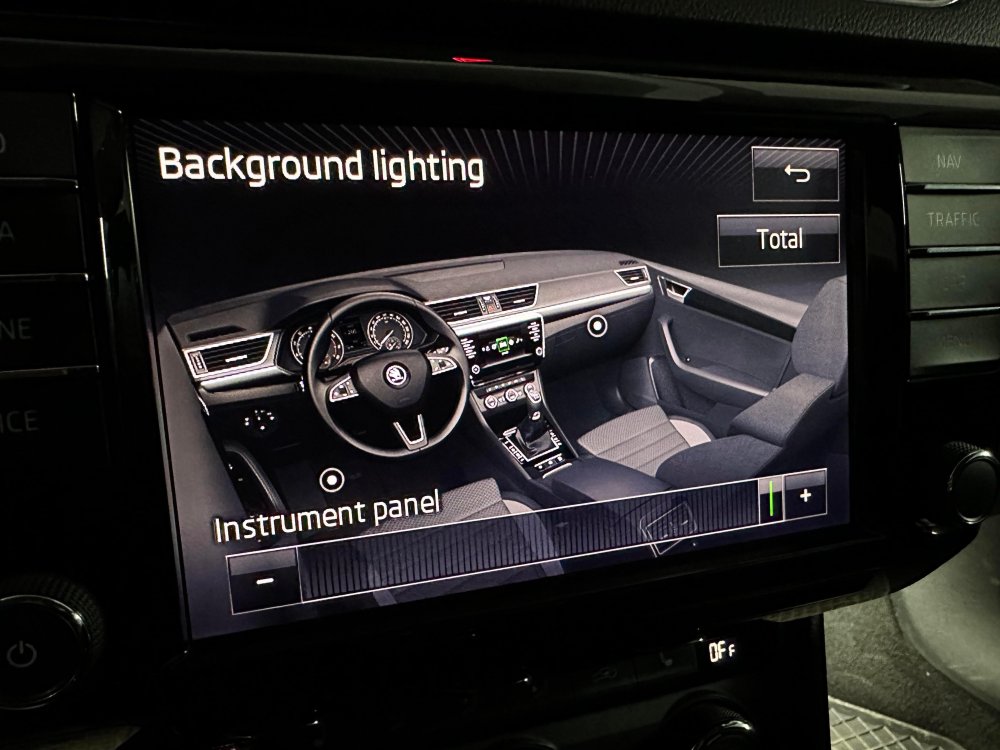
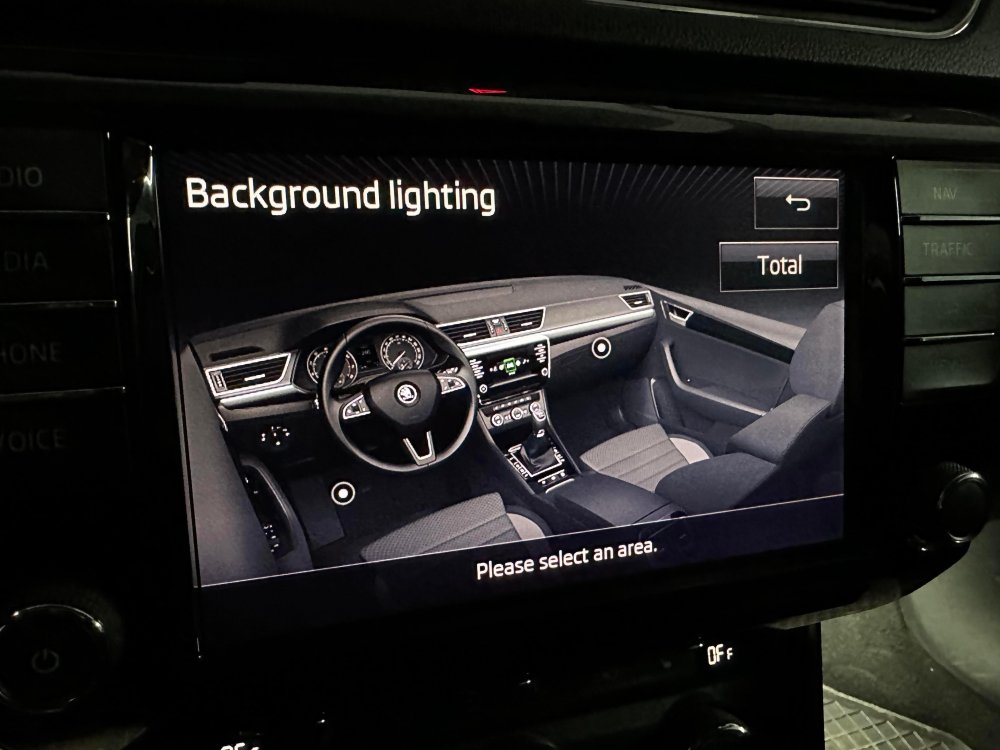
-
Yes, sure.
-
@mattft86Can you give us more details? Or the link to that post?
-
-
@Bap33 Any luck with this?
-
Hello, I have a 2016 Superb and I wonder what are the steps to Enable the Ambient light menu in VCDS. I also want to mention that I have the Footwell lights menu and I want to enable the ambient light menu for a retrofit. Can someone help with what values I need to change in Channel 09 or 5F ?
-
-
Hello, I have a 2016 Superb and I wonder what are the steps to Enable the Ambient light menu in VCDS. I also want to mention that I have the Footwell lights menu and I want to enable the ambient light menu for a retrofit. Can someone help with what values I need to change in Channel 09 or 5F ?
-
Same problem for me as well. Any ideas ? Did you managed to solve this ?