unid87
New here
-
Joined
-
Last visited
Everything posted by unid87
-
The new intake manifold was the issue... The flaps would start moving but not the sensore until after half way...so would get a small voltage out and ecu would think the flaps are at 50%
-
Where would u be able to get a fascia to fit the same model in a octavia that currently has a biler unit?
-
sorry for double posting this edited video should be clearer 20241013_193454_1 (2).mp4
-
there is a limit on videos so i will try here, hopefully the video is clear enough vcds error adaptation.mp4
-
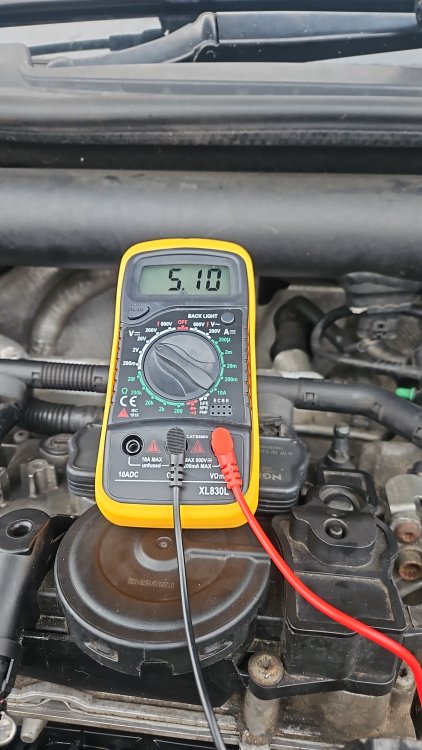
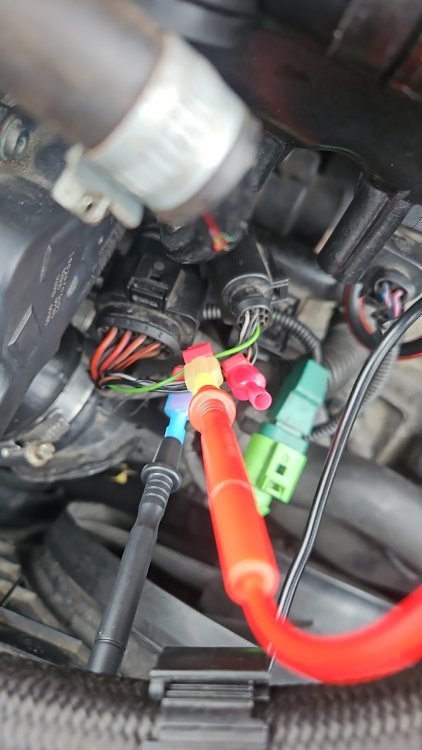
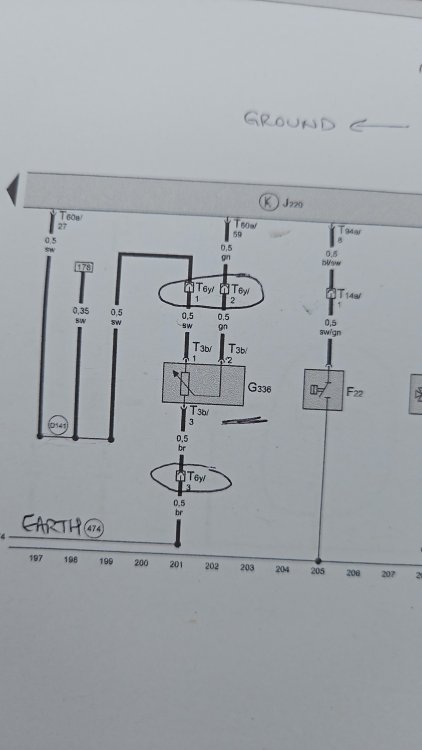
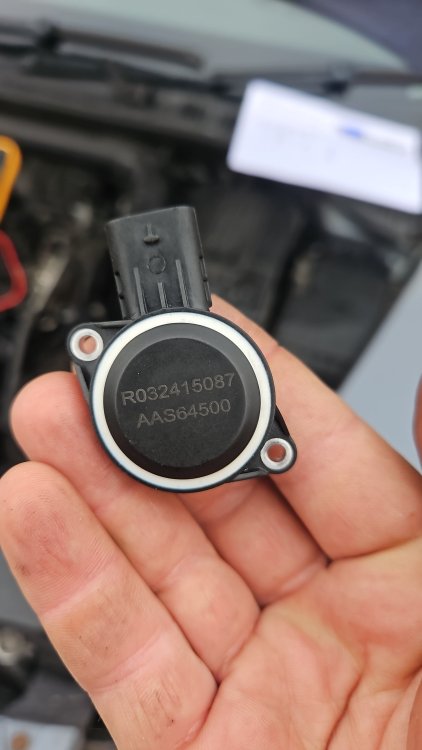
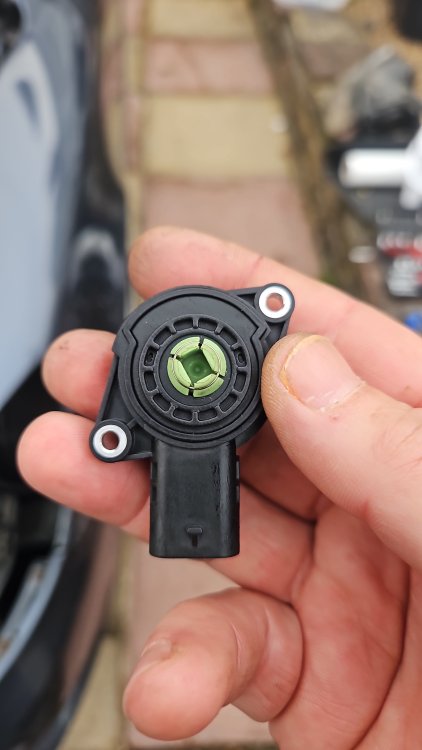
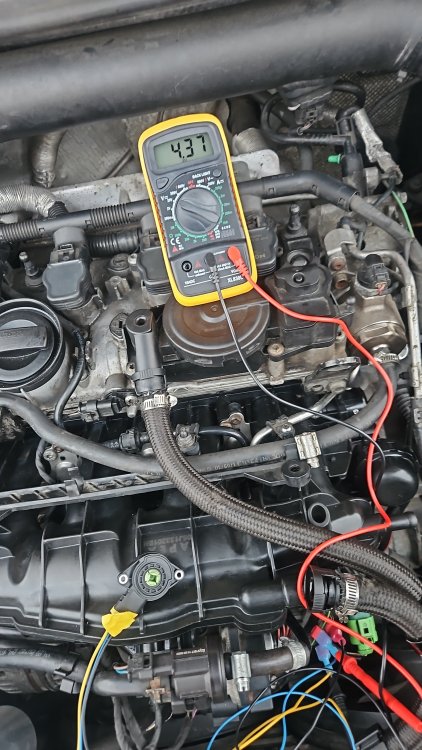
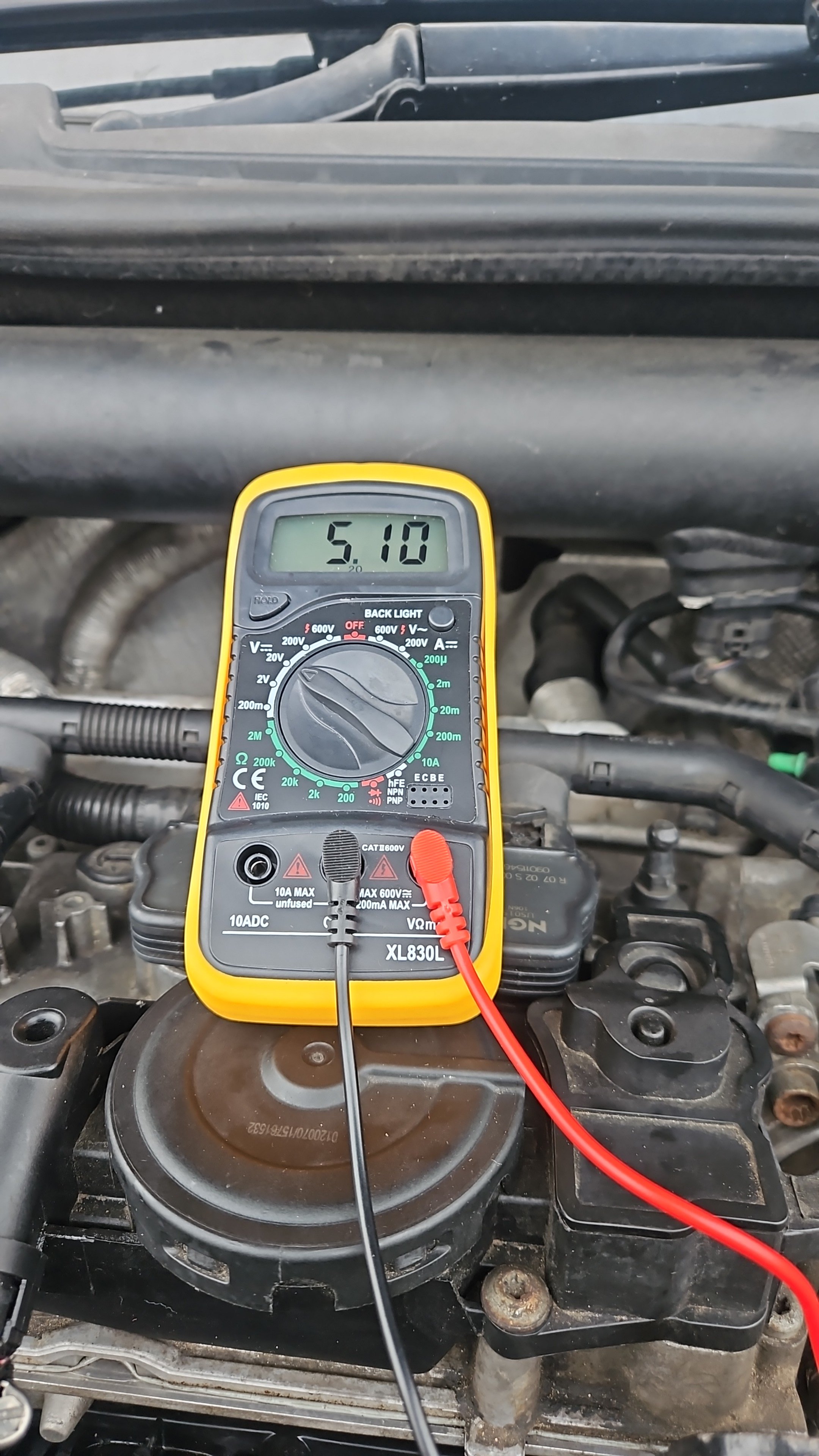
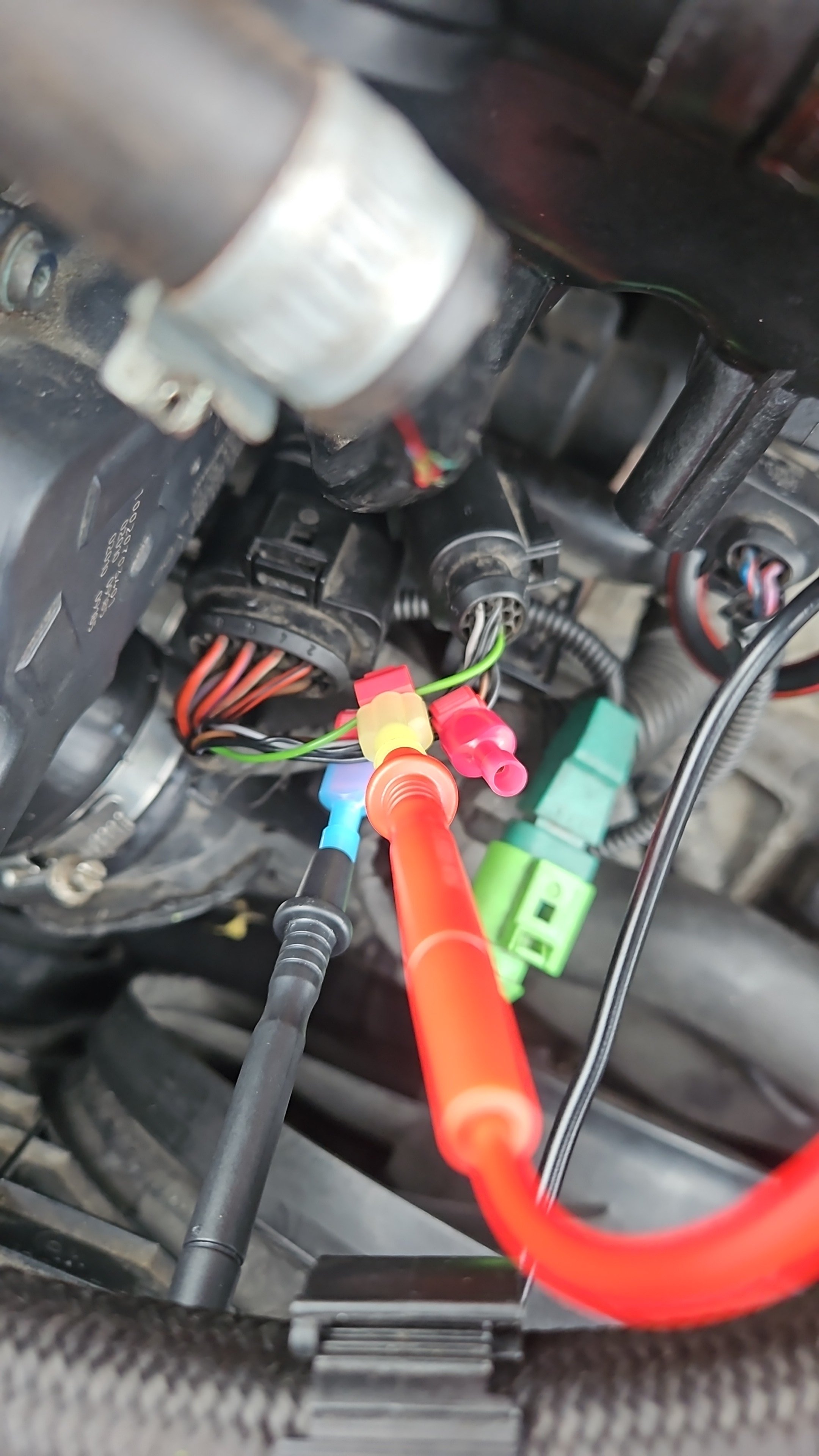
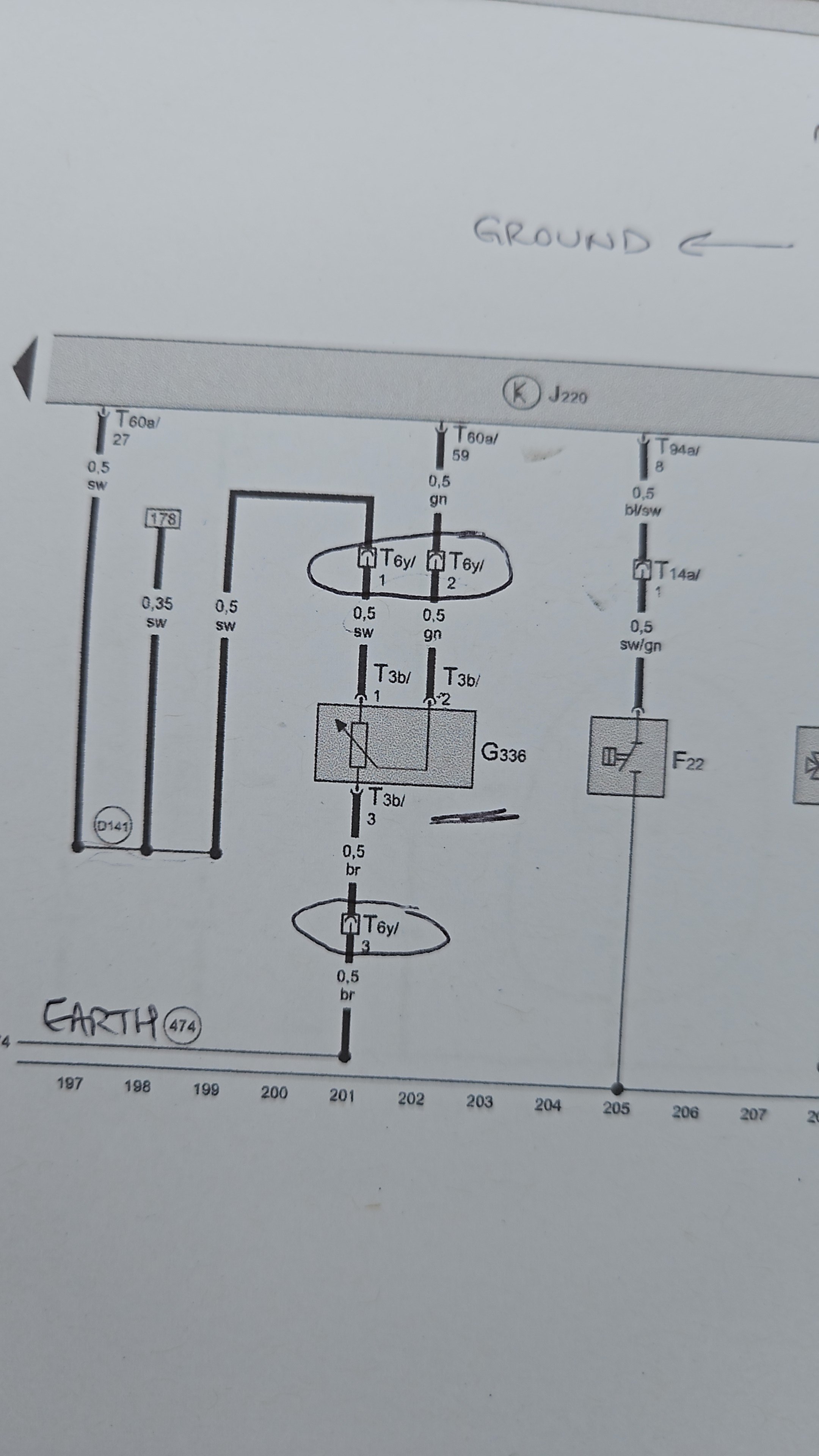
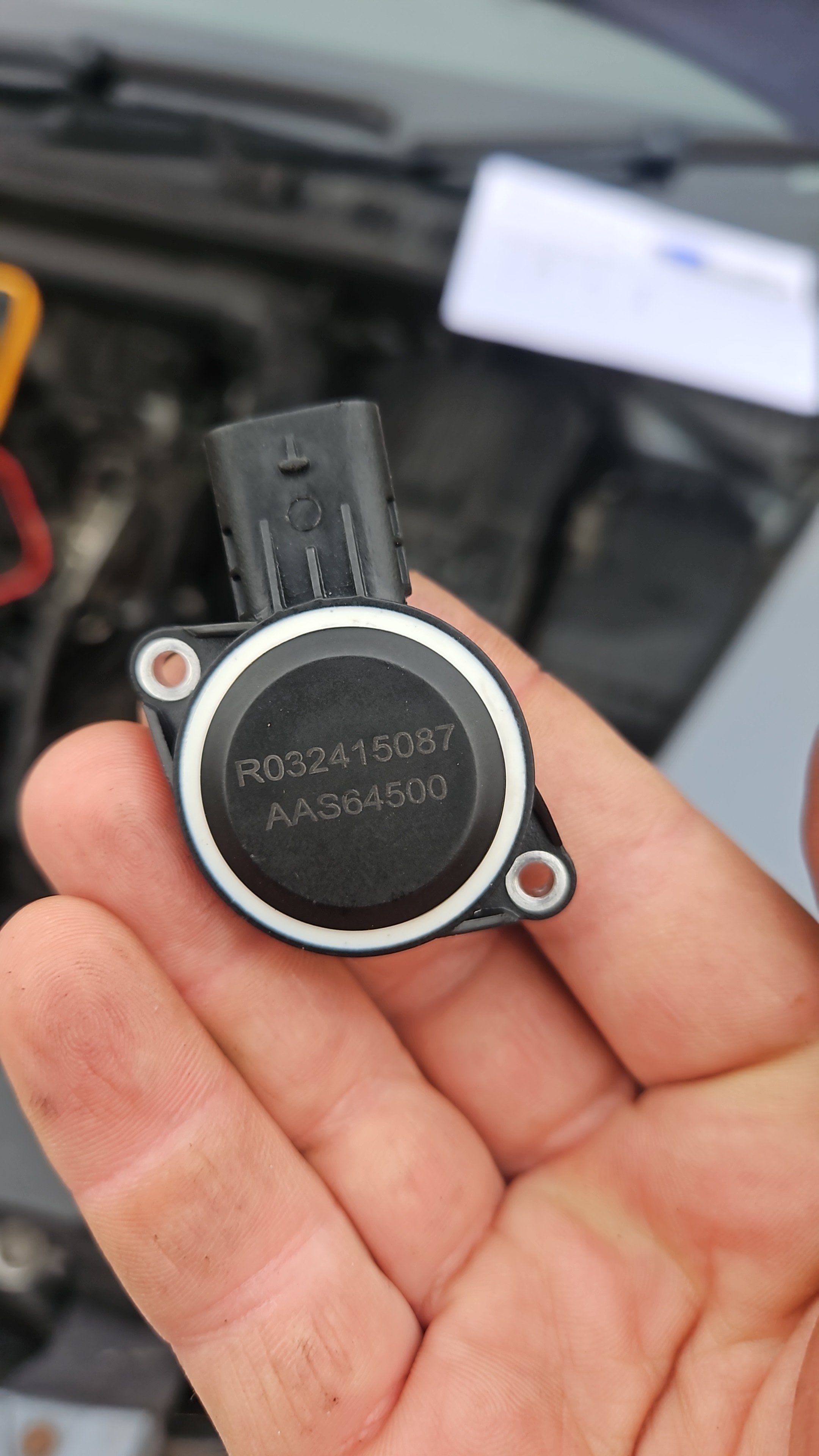
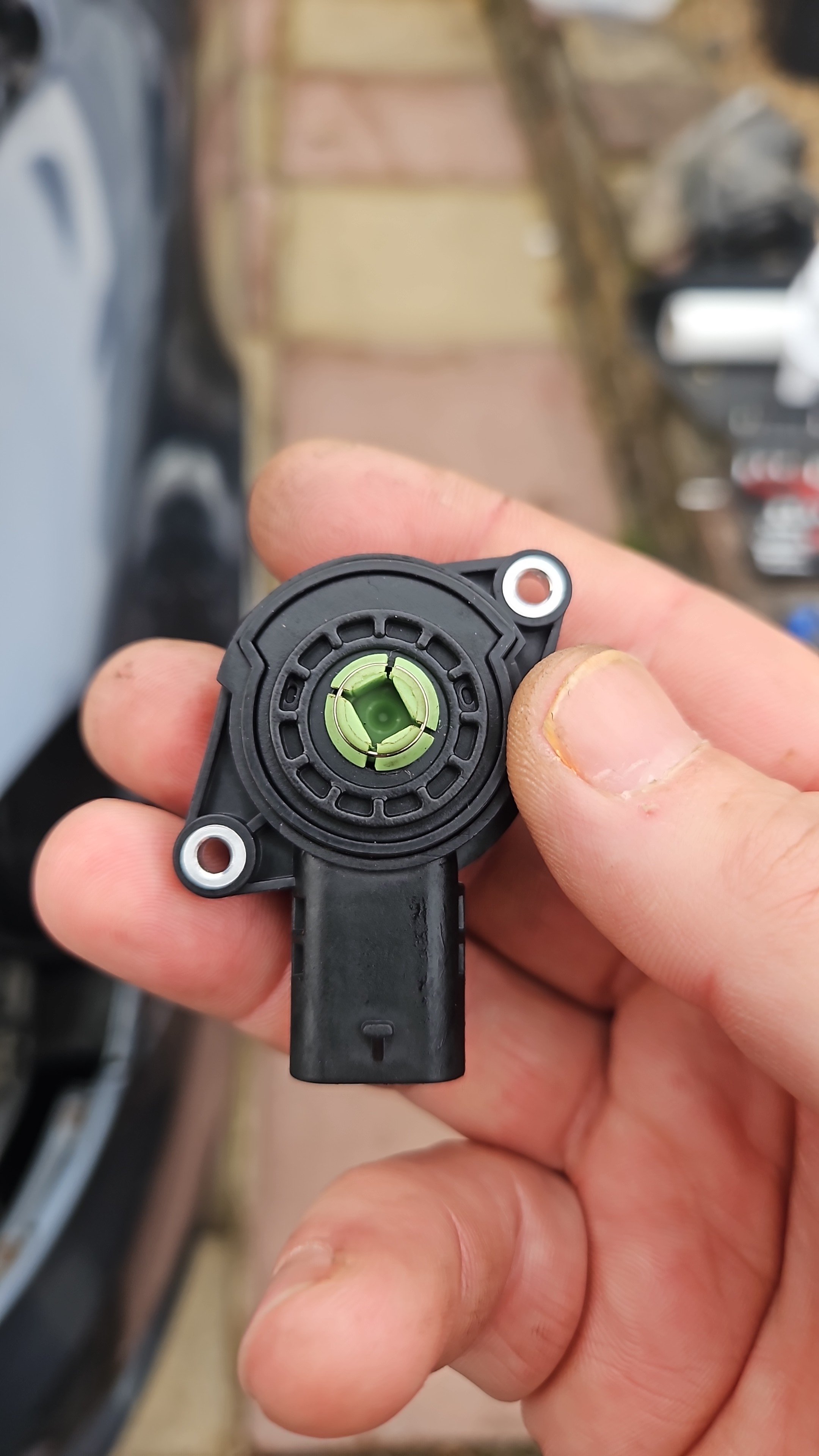
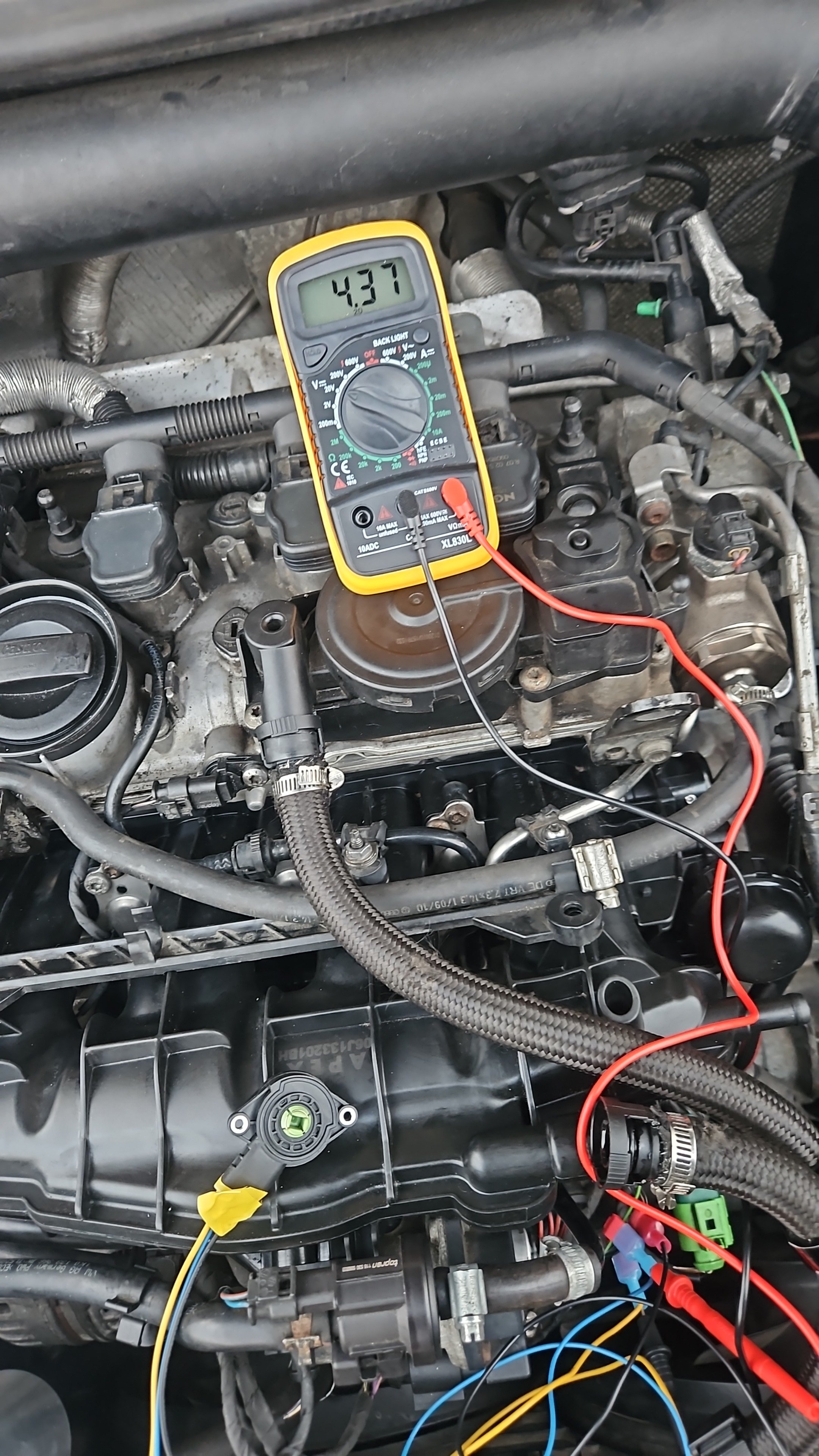
@Sevcon hi ! it's been a few years i can see but have you managed to resolve the problem? @Breezy_Pete i have looked at the wiring diagram and run a few tests as i have put new intake on, swapped between 3 sensors and i still can't run adapation. i tapped in the wiring by the 6pin black connector under the manifold to do some readings with a multimeter. i can see the 5v from ecu, the ground is ok and checked the other pin too and i get a return voltage modified when i actuate the flaps manually. ll these considered and i still no luck. i also went further and supplied the new sensor with 5v and ground with it being out in my hand and spinned the center manually simlutaing what the opening of the flaps would do and did some readings. with it being in my hand the voltage goes from 0.5v to about 4.37v. when i connect it to the manifold and all back into place i only see 2.75 v roughly and on actuating the flaps manually it drops to 1.24. i don't know/understand what values would the ecu need to see in order to successfully run adaptation. excuse the fact i was talking in Romanian over the video and please have a look at the photos. honestly been over a month i am trying to get this fixed and it's driving me crazy