BenNW
Finding my way
-
Joined
-
Last visited
-
I had this with mine. I ended up paying for it to be replaced at a Skoda garage because I thought I'd damaged it somehow. I didn't attempt it myself as it requires most of the boot to be taken apart (including the side spoilers that are attached to the glass with adhesive) However, it's happening again and as my car is still under warranty I'm going to try for that as it would seem to be a design defect. LED lights are supposedly covered https://www.skoda.co.uk/_doc/46df90c7-03bd-4018-be8d-a502e090781c o Light bulbs (Xenon/gas discharge bulbs and LED’s are covered for the full warranty offered with the vehicle)
-
Just to point out that as far as I know, SE L has always needed the cost upgrade for dynamic front indicators. It has been the Monte Carlo trim that got them as standard.
-
First one. You have to click the button under the pedal. Just pushing to the floor without doing that doesn't do anything if the limiter is active, by design. On an auto box it's normally for kick down I believe and didn't think it did anything on a manual till l found this.
-
I've checked both a copy of the Pdf manual I downloaded when I got the car and the current digital version https://digital-manual.skoda-auto.com/w/en_GB/show/ccd1bf8996b1bf0d167277a4b86b92e0_7_en_GB?ct=5fe1e5d454da6fd6ac14452578437b49_1_en_GB For Speed limiter there's nothing mentioned about a temporary override so interested in where you've seen it
-
No, I mean specifically the speed limiter you have to activate instead of the cruise control default. So if you're at the set speed limit, you can press the accelerator pedal all the way to the floor and your speed stays the same, until you click the button when the override happens.
-
Not sure if this is know about as I couldn't see it in the manual or through a Web search. I recently discovered that (in a manual car at least), if you push the accelerator pedal to the floor and activate the button under it, it'll temporarily override the setting on the speed limiter. It'll stay that way until the speed drops below the limit you've set, when the limiter reactivates. You can do this repeatedly.
-
Sensors and camera available but are part of the convenience pack I think. Heated seats are part of the winter pack.
-
It doesn't look easy. Instructions are in this workshop manual on page 90 (Section 3.4.1) https://cardiagn.com/skoda-kamiq-nw4-wm-body-repairs-interior/
-
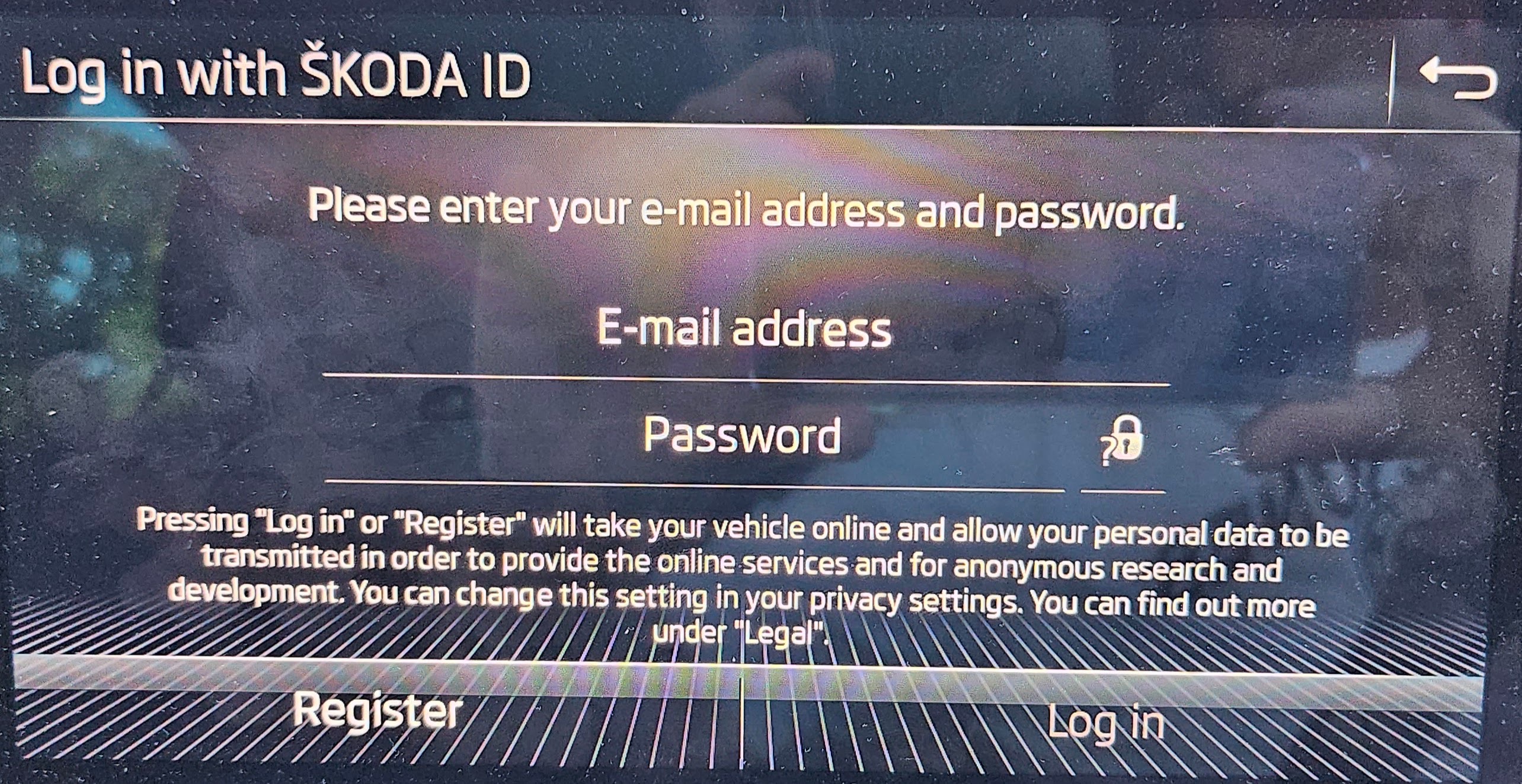
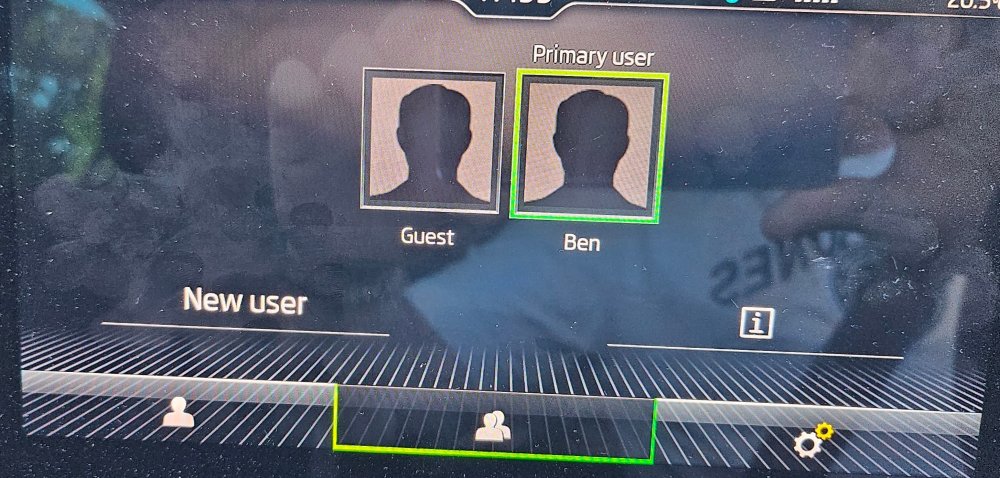
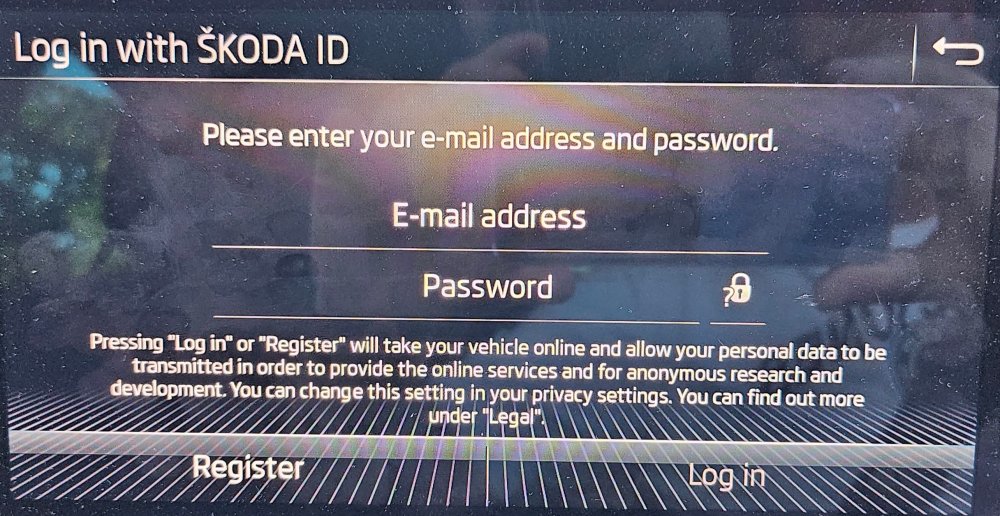
Just had a look on my screen. There's a new user option on the middle tab and if you pick new user it prompts to login using a Skoda ID
-
Does this help? https://digital-manual.skoda-auto.com/w/en_GB/show/88f0641877ee667b58be76cfdd1335e3_6_en_GB?ct=88f0641877ee667b58be76cfdd1335e3_6_en_GB
-
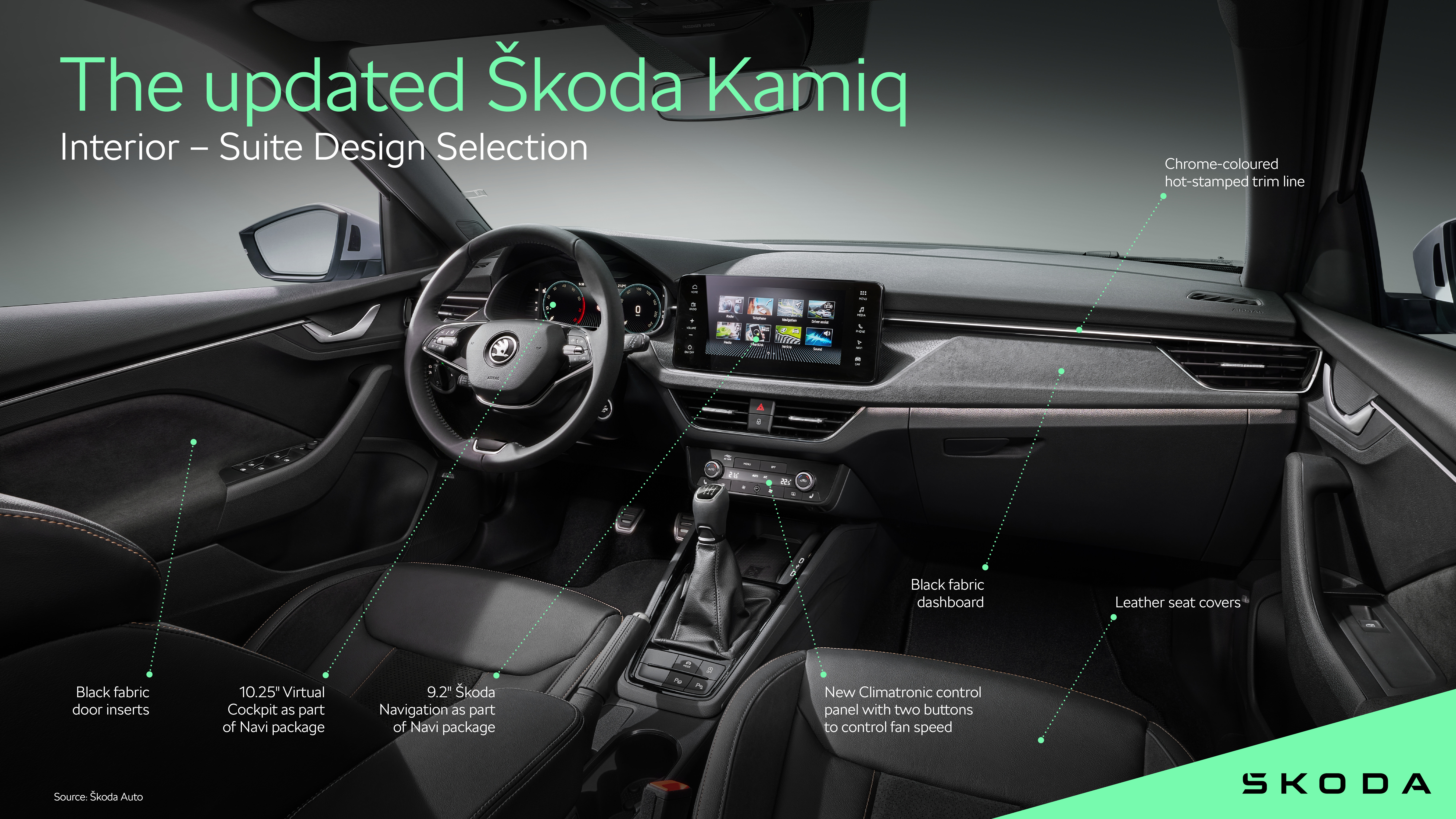
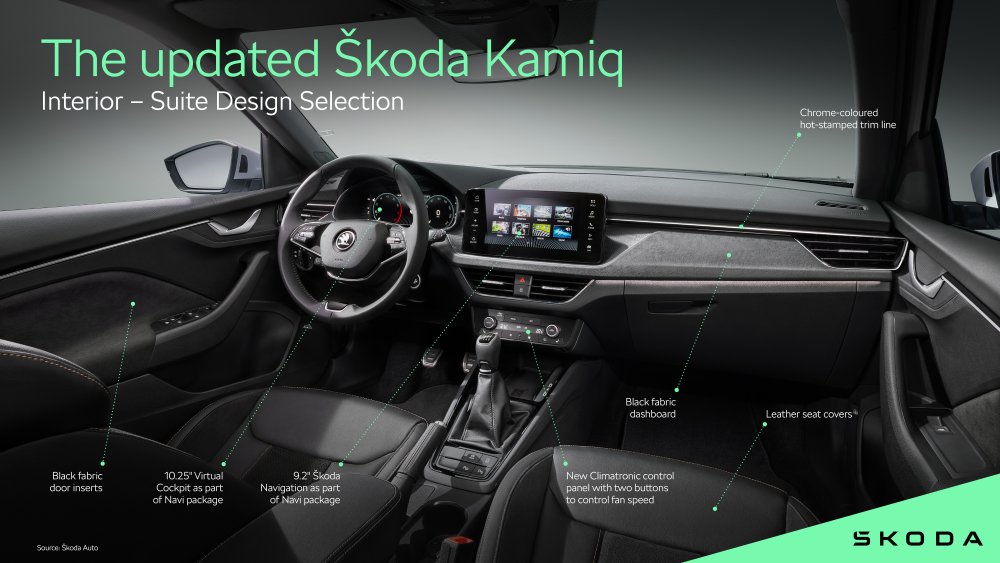
Here's the press image for the new higher spec interior
-
That's what they've added.
-
The third brake light on my car needs replacing after some damage. Before getting a Skoda garage to do it I'd thought I'd see about doing it myself. I can find online replacements for the unit but no instructions on how to do it. Anyone any ideas?
-
Looks like it's been removed as an option. On older models there is also this option in there https://digital-manual.skoda-auto.com/w/en_GB/show/2b5dc07810ea509292649d3f7fdce4e2_13_en_GB?ct=2b5dc07810ea509292649d3f7fdce4e2_13_en_GB Automatic locking after starting All doors and the boot lid are locked when a speed of 15 km/h is reached. Unlocking of the vehicle takes place when opening a door from the inside or when removing the key from the ignition. It shows up in the manual up to the 06/2022 version but then isn't there in the 11/2022 revision.
-
Although I've got Skoda Connect my map date was a bit behind. Driving around with the maps on a USB did get it caught up so now the OTA update keeps it updated. But the USB files didn't load in one update on mine.