amateurdad
Members
-
Joined
-
Last visited
Everything posted by amateurdad
-
How were they to fit? What's the benefit of those tie rods?
-
I'm assuming fitting different shocks would void any remaining warranty?
-
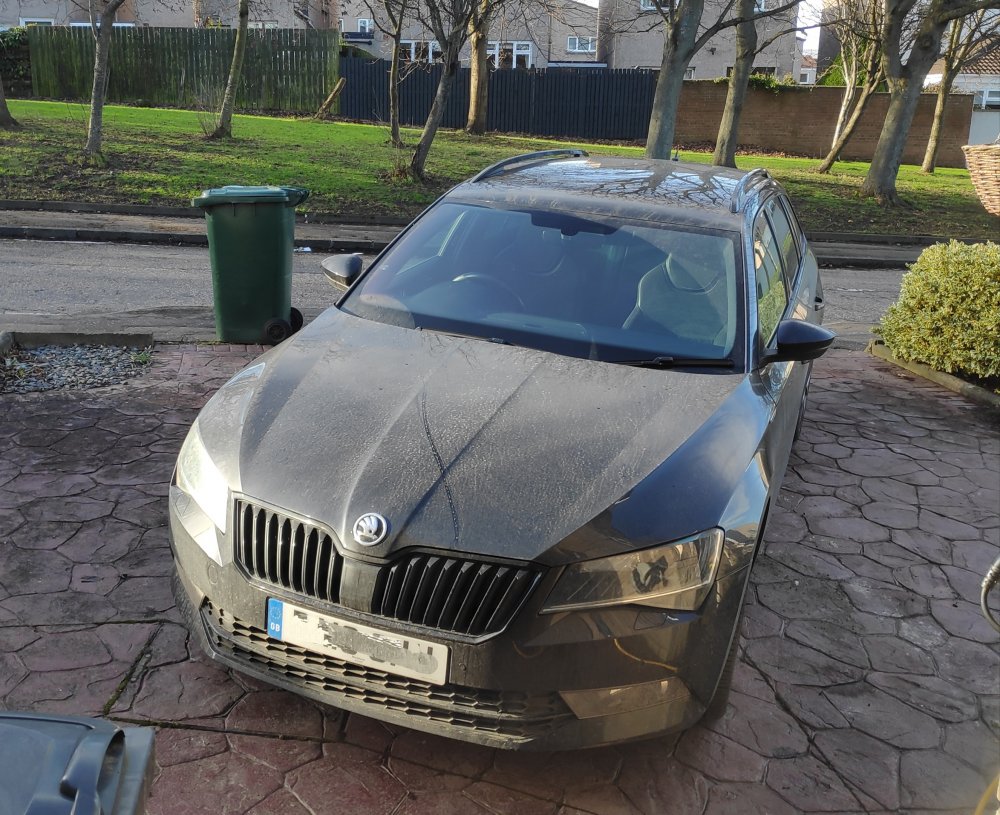
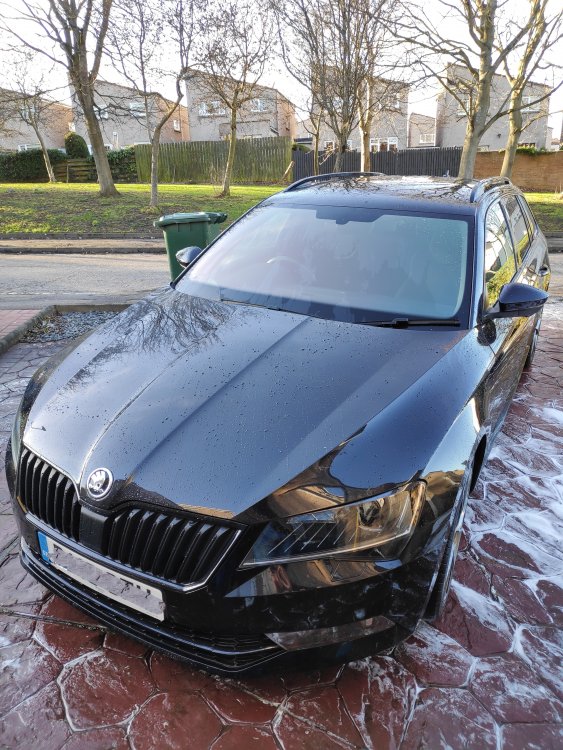
Gave it its first wash since I got it just over a week ago
-
Does eco mode use rear brakes more?
-
I might be interested in the Konis...
-
-
Hi all, About to buy the above car and the dealer is saying its just had its 30k service this month (at 26k) but it was only oil + filter, and it had two the same in the years prior to that. Seems odd that it has not had a major service with plugs and pollen filter by now. Shouldn't this be done at 2 years? What else should have been done by thus age / mileage? The dealer say it is on flexible servicing atm but has had oil every 10k (roughly). Want to make sure its not going to cost me a bunch immediately! Thanks in advance Michael
-
Wondering if any parents can tell me what the space is like for a rear facing car seat in the back of the Superb please Thanks Michael
-
Hi everyone, My name is Michael, came across Briskoda while researching my imminent car purchase - a mk3 Superb Estate. The one I'm looking at is a black Sportline 280 4x4 with lots of extras, hopefully purchased before the week is out! I'll be trading in my Golf GTE that I've had for almost a year and a half, loved the electric side of this and its the first VW I've owned (other than a rotten mk2 golf that I never got on the road due to rotten chassis legs!) Happy to be here! Michael