midlan
Finding my way
-
Joined
-
Last visited
Everything posted by midlan
-
Hello, I have little crack on rear bumper, not worth to replace the bumper, since I park on street. I would like to weld it. But I am not sure about the material, is it ABS or PP? Or any other?
-
I did rear kessy retrofit, so I just prepared the cabling for rear lights, once I had renoved all the trims 🙂
-
Thanks guys 👍 I routed the cable yesterday
-
@Istarish thank you! So basically i need to bring only single wire to boot area from BCM and split it there.
-
Hello, I have prefecilft Superb 3 with semiLED rear lights. I wanna do the facelift conversion of the rear lights in the future. How many cables are needed to wire through the car to the BCM? I have removed interior trims now, so I can prepare the cables for future.
-
Awesome! I really like the power curve, that the peak power is at the rev limiter! Can you explain your setup? Which aftermarket parts did you installed?
-
-
-
-
After month of testing this module, I am little sad about it. I am experiencing the same issue described in this thread. Sometimes after I manually enable start-stop manually by pressing the button (shutting down the engine), module after about 2 seconds disables start-stop unexpectedly (effectively starting the engine). Did someone fix this issue? Maybe some capacitor or resistor needs to be changed on the PCB?
-
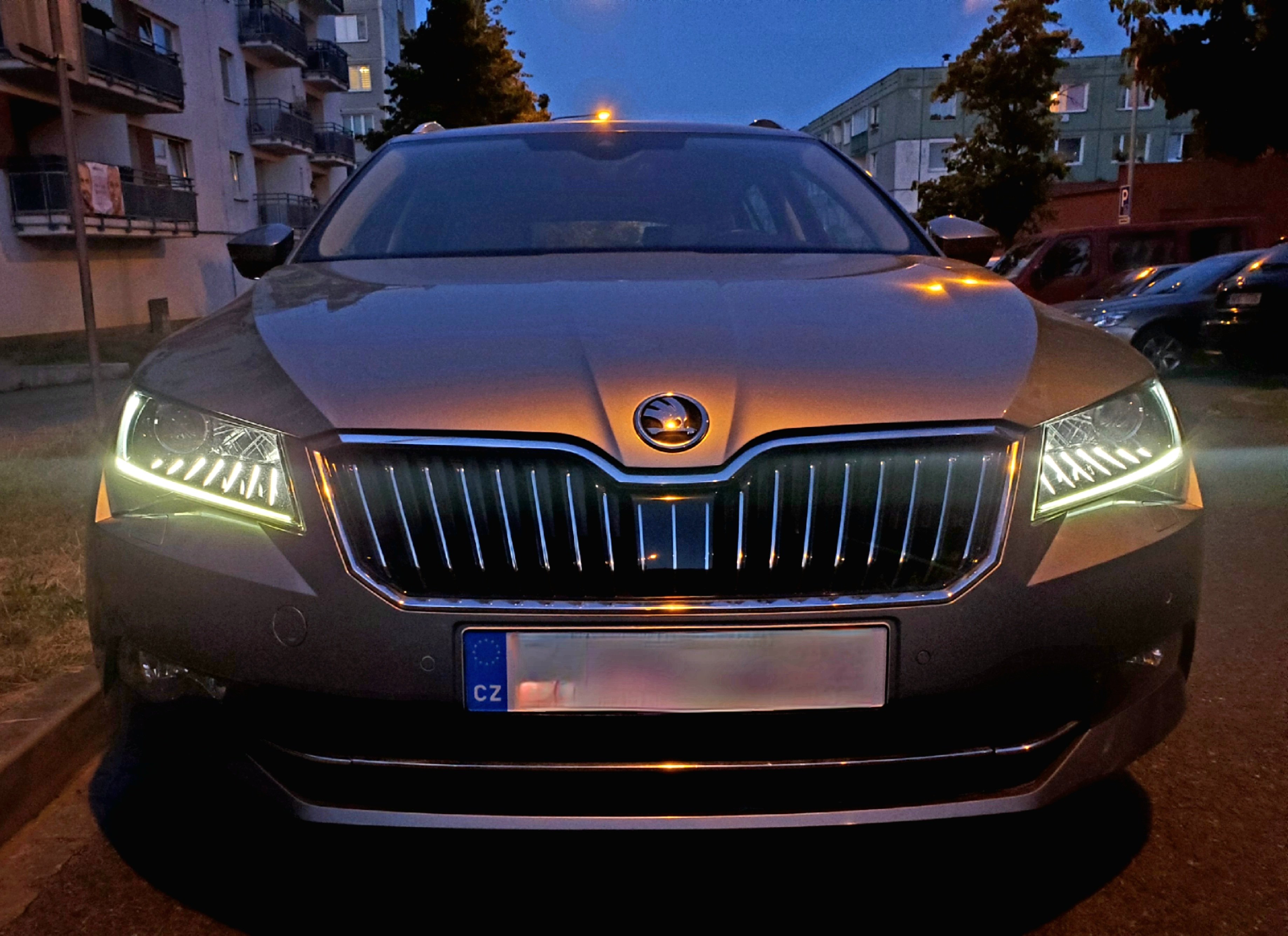
Took the picture of CH/LH lights using DRL strip 🙂
-
@john999boy My car was made 3/2016. I have it with eyelashes and it looks awesome. I will take picture of it.
-
I successfully changed coming/leaving home from xenons to DRL: Address 09 disable xenons: ENG116942-ENG115993-Leuchte6ABL LC5-Lichtfunktion C 6 adapted from not active to Coming Home oder Leaving Home aktiv ENG116942-ENG115996-Leuchte6ABL LC5-Dimming Direction CD 6 adapted from maximize to minimize ENG116943-ENG116012-Leuchte7ABL RB1-Lichtfunktion C 7 adapted from not active to Coming Home oder Leaving Home aktiv ENG116943-ENG116015-Leuchte7ABL RB1-Dimming Direction CD 7 adapted from maximize to minimize enable DRL strip: ENG116939-ENG115946-Leuchte3SL VRB21-Dimmwert GH 3 adapted from 0 to 27 ENG116938-ENG115927-Leuchte2SL VLB10-Dimmwert GH 2 adapted from 0 to 27 ENG116939-ENG115944-Leuchte3SL VRB21-Lichtfunktion G 3 adapted from not active to Coming Home oder Leaving Home aktiv ENG116938-ENG115925-Leuchte2SL VLB10-Lichtfunktion G 2 adapted from not active to Coming Home oder Leaving Home aktiv
-
Thank you very much @MartiniB! I've bought S/S memory module for VW Passat B8 thinking it is the same (connectore looks same), because it was offered much cheaper. But i't didn't work with my Superb MK3. I removed the heatshrink in the middle of cable and the PCB looked exactly the same as yours, so I only swapped the pins in the connectors according to this pinout and it works like charm! (my cables are all black, excecpt theese that goes through the PCB, they are yellow - red - white instead gray - purple - white).
-
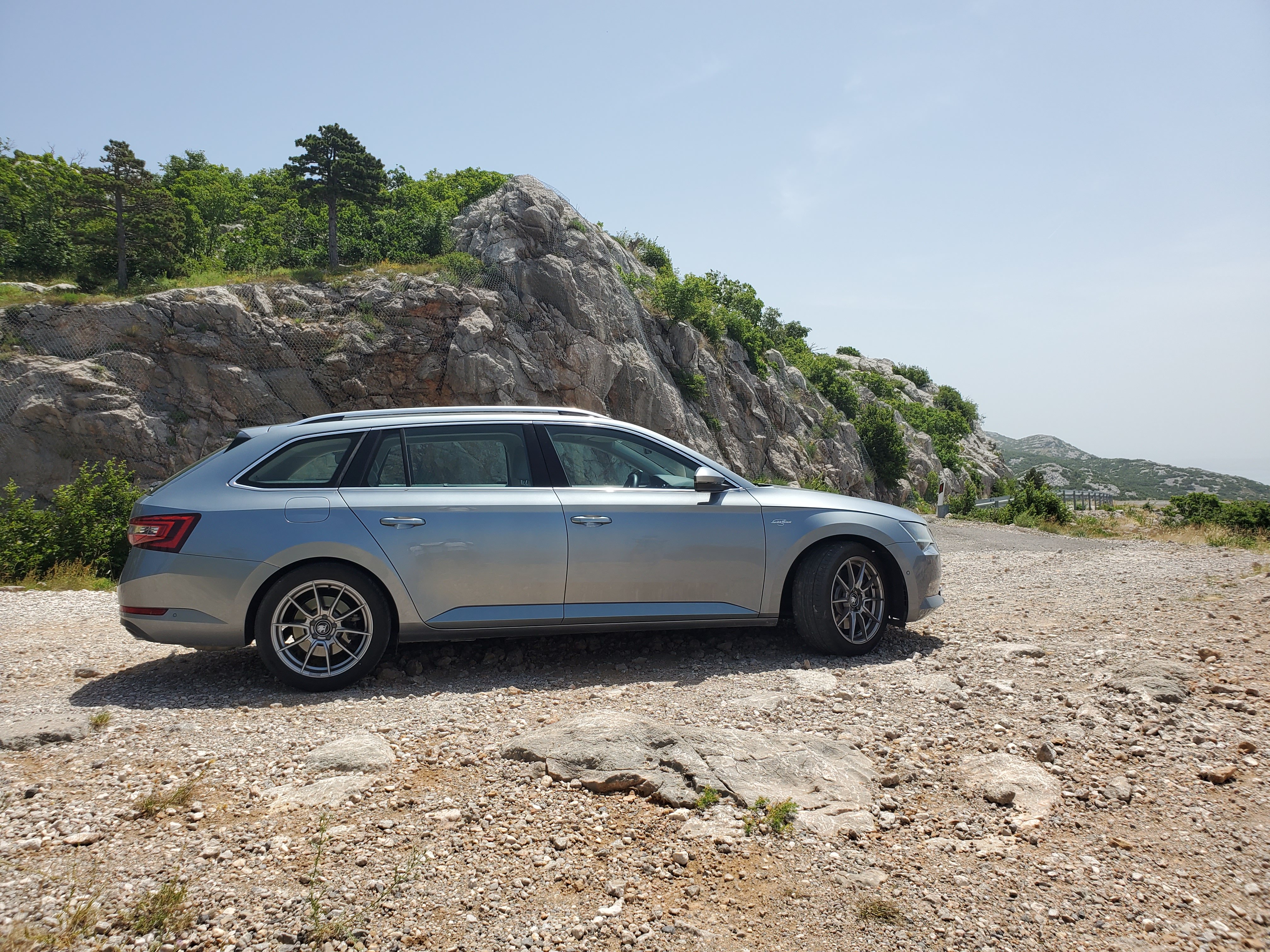
206 kW, love this car
-
Is there some new features in version 480 vs 478?
-
@JR RS I know, but the outer lights have the strip separated and mounted directly on them, look at the photo of it: http://www.maxildily.cz/fotky39848/fotos/_vyr_14163IMG-20201124-WA0000.jpg Can the strip be removed from this outer light?
-
Fantastic! Seems you don't have there the strip. How you managed to remove the strip? Is it easy to do? It does not leaves any ugly marks/holes etc?