




ie_skoda
Finding my way
-
Joined
-
Last visited
-
Needs to spin freely, had the same problem and got the blower fan replaced last week.
-
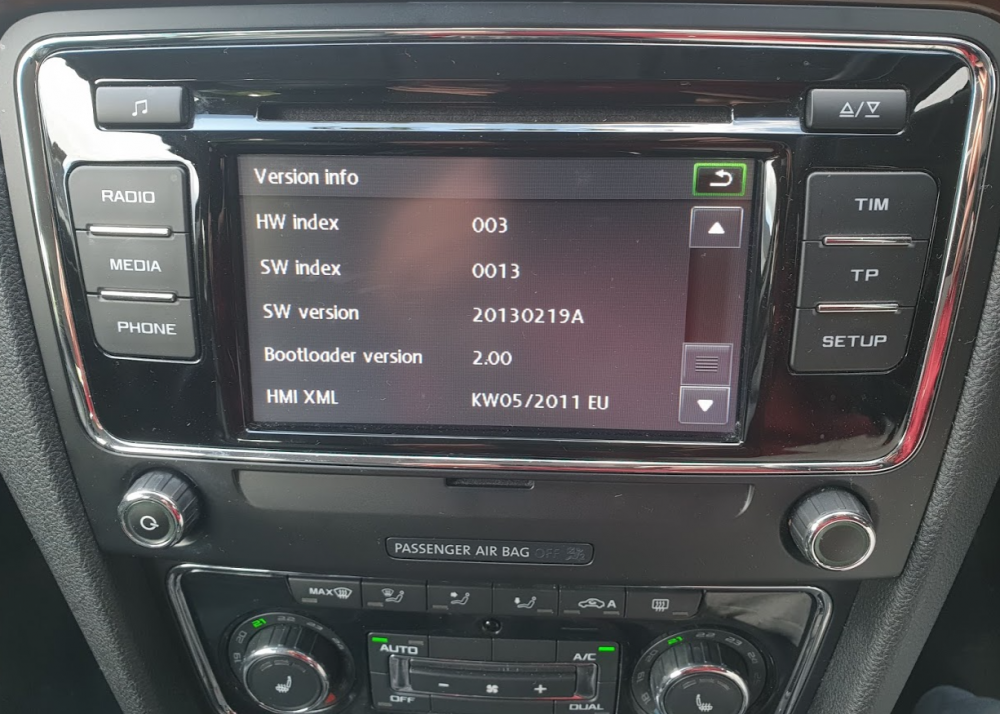
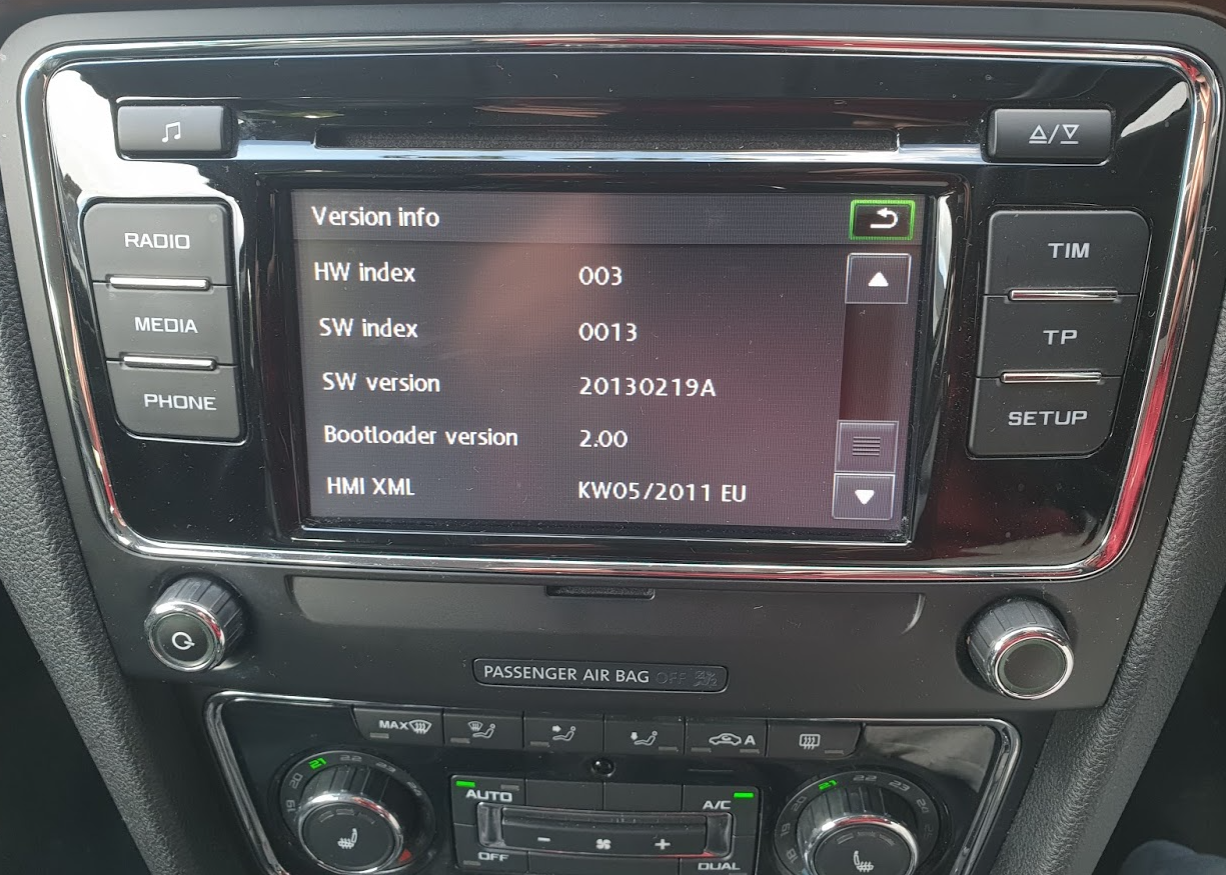
So hold SETUP for a few seconds and you can see the software version:
-
Bolero in my 2014 Superb is displaying track names from Spotify/TuneIn when connected to Samsung S9+ via bluetooth. Also all steering wheel controls work as expected (volume, track skip, source switch). Not sure how to check which fw version it's running, I did order Carista OBD2 so that might reveal it.
-
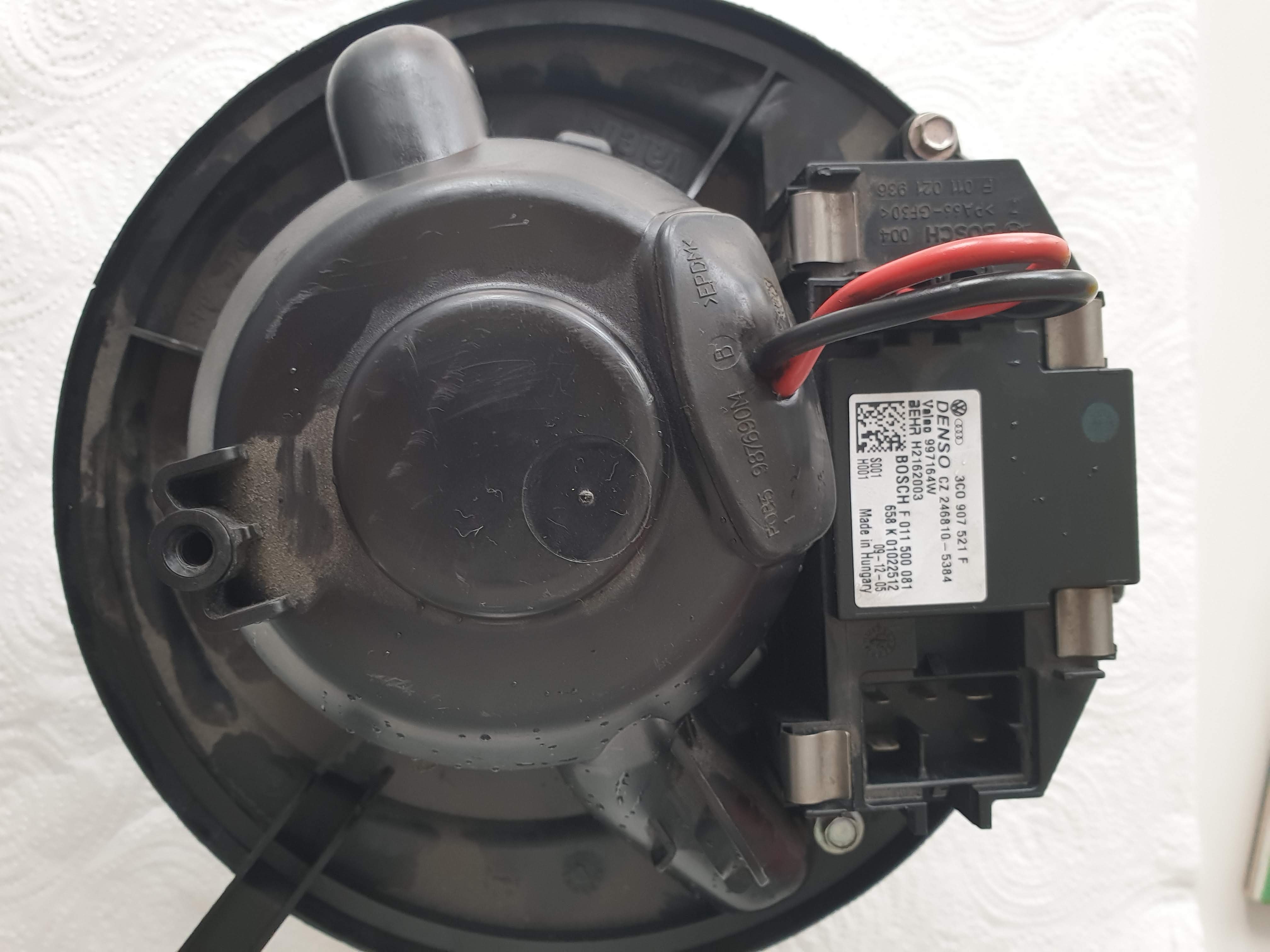
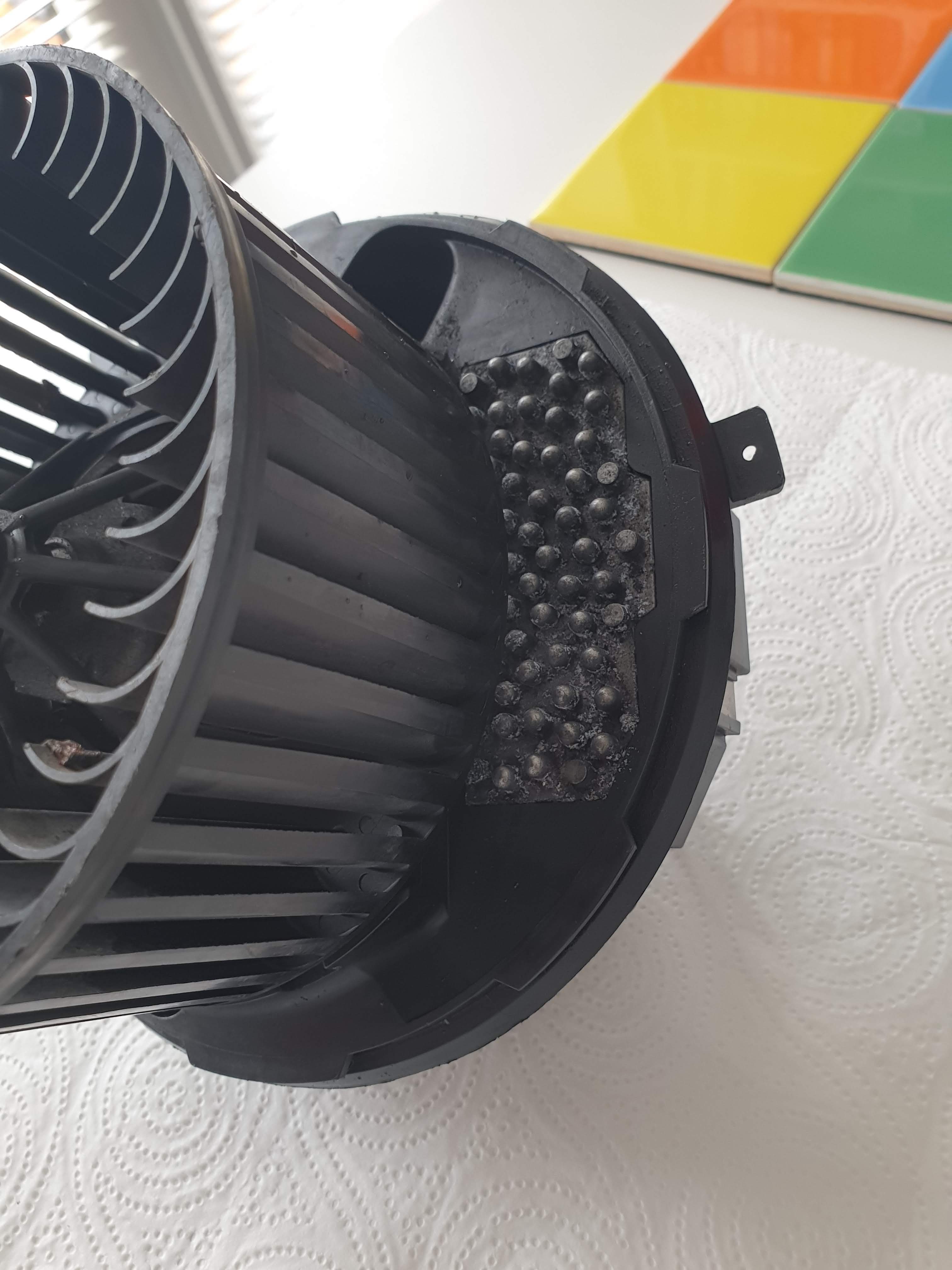
As I was afraid, it stopped working again Looks like I need to replace the fan part, can I just take the electronic (resistor?) part from this one and order just the fan?
-
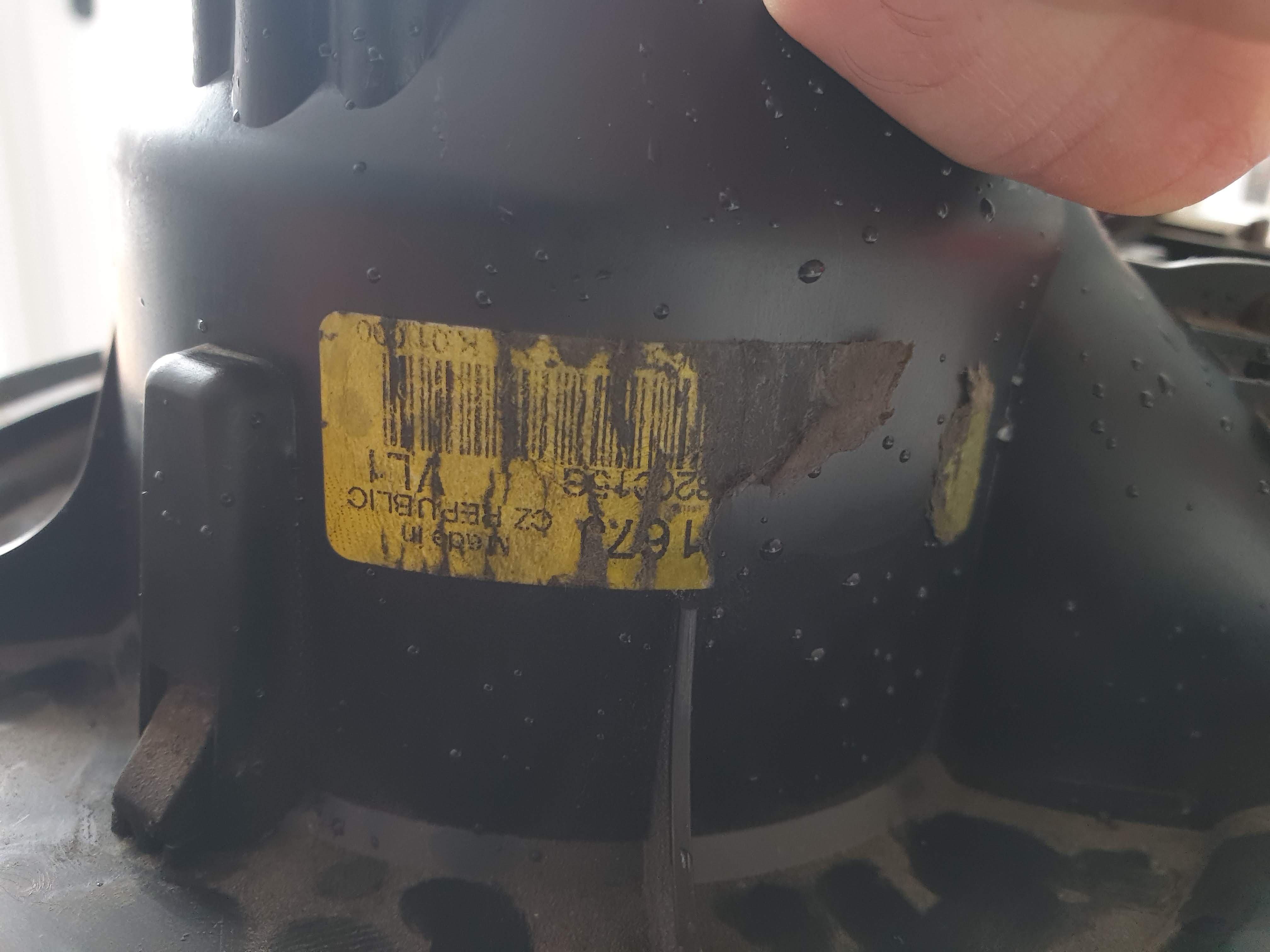
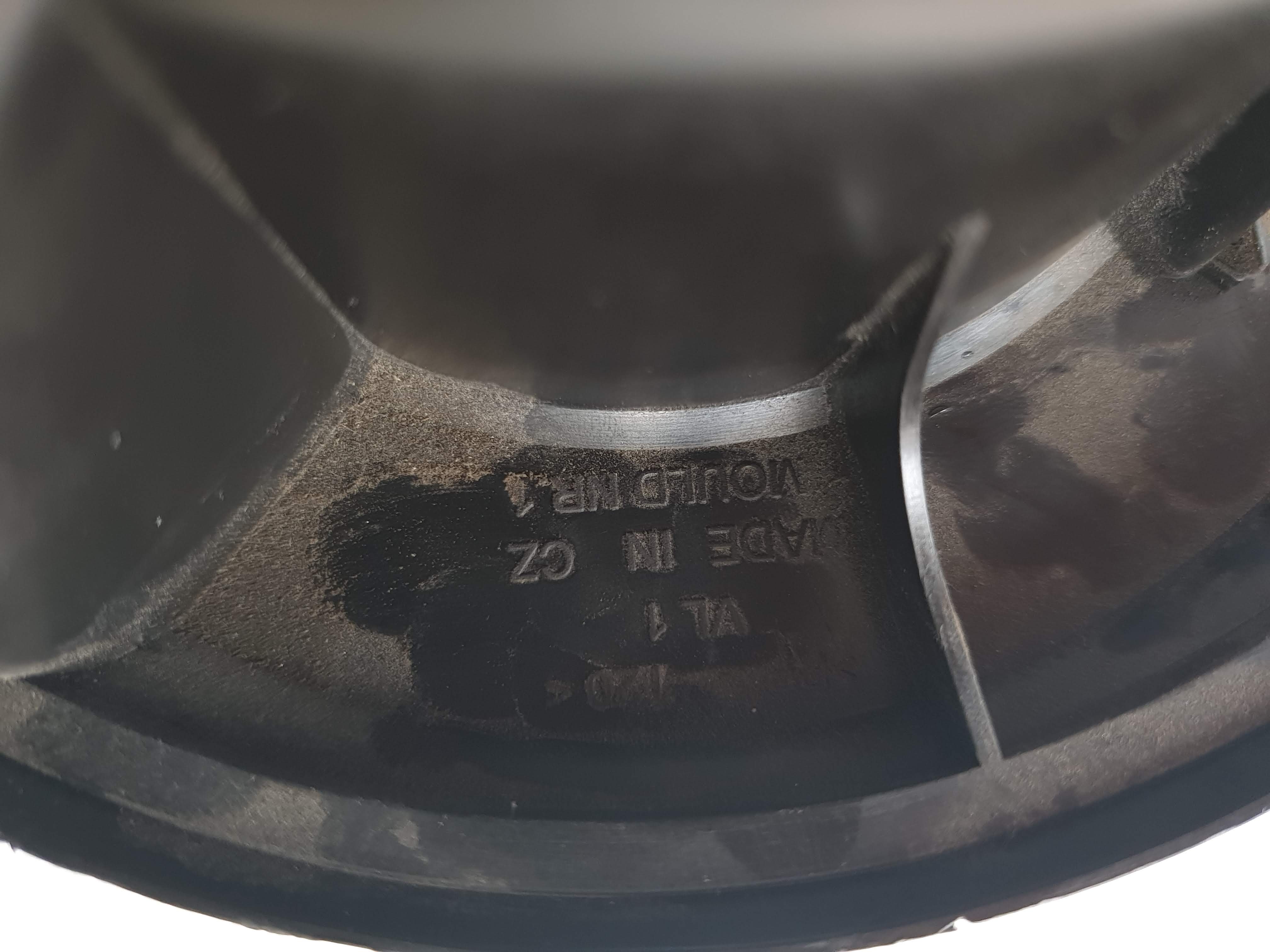
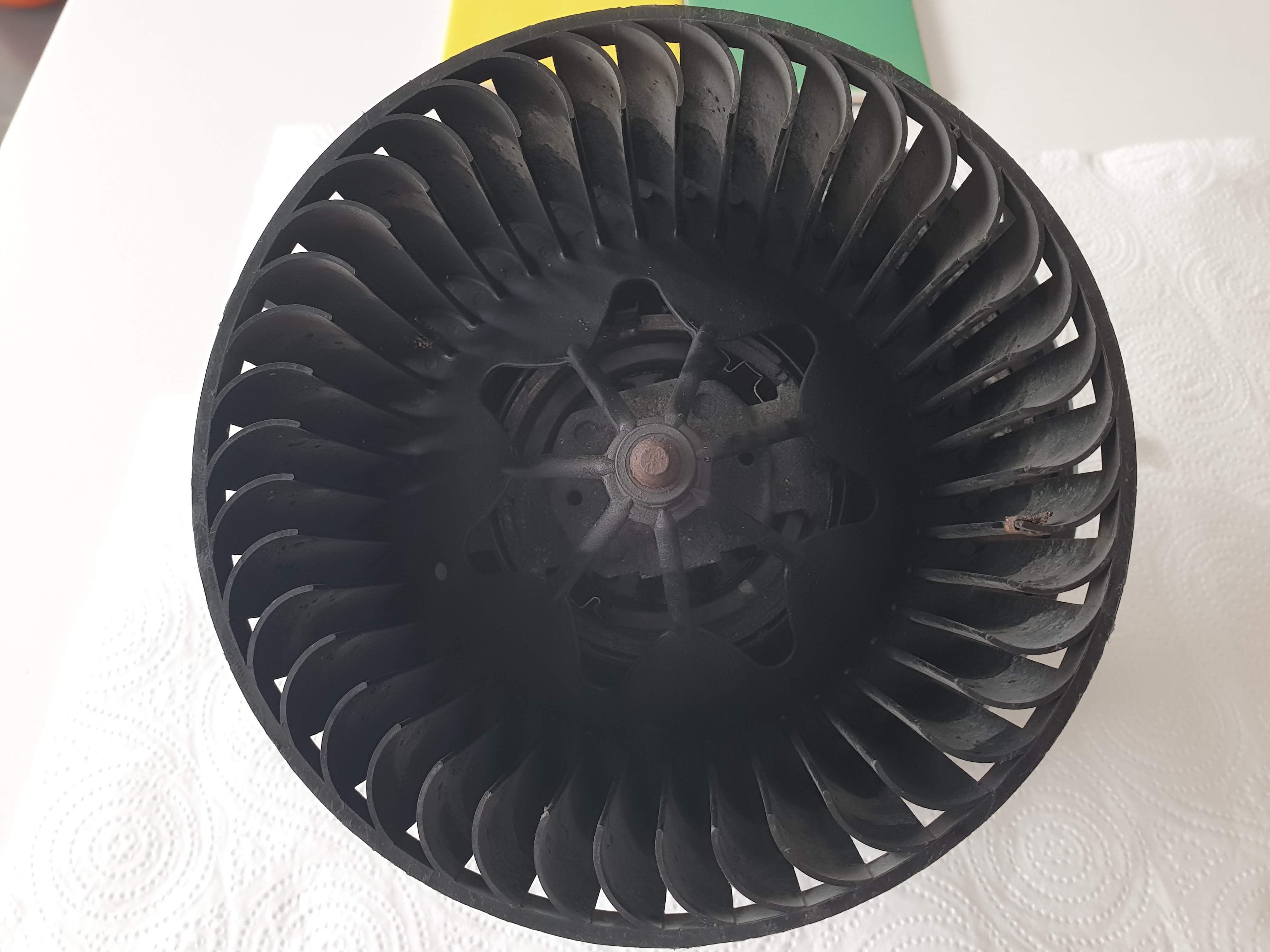
Thanks so much for this, just fixed the fan blower on my superb mk2 by taking it out, applying a (fair) bit of WD40 and it's working! Truth to be told, it still takes a bit of force to rotate the fan on the unit, so replacement seems imminent. Had a call with Skoda dealer in Cork (IE), was told it'll be 100EUR just to have a look at it (diagnostics), said I'll get back to him... Anyway, even if it does fail, I took some pictures of the fan unit, so it should be safe to order it from eBay and replace when it dies a final death. https://photos.app.goo.gl/KKwmJUGVUL7w49pz6Just got a Superb mk2 1.6TDI 105, here to ask a few questions, etc.

Important Information
Welcome to BRISKODA. Please note the following important links Terms of Use. We have a comprehensive Privacy Policy. We have placed cookies on your device to help make this website better. You can adjust your cookie settings, otherwise we'll assume you're okay to continue.