totalnexis
Finding my way
-
Joined
-
Last visited
-
I had the same issue, left my car for a few days last winter, and battery completely drained, as in i was unable to unlock my car with the fob, there was no power and had to start my car with a battery charger. Took me ages to clear all the warning lights after that. That's how i found out the USB sockets / phone charger is permanently on. So i switched my dashcam's hard wire kit to another non essential fuse such as front seat heating (fuse 26) after i verified there's no power when the car is turned off. That worked a treat. My camera turned on and off with the starter button, and I had no more power issues.
-
Same, I bought brand new original skoda mudflaps from a skoda outlet dealer on eBay, cost me £50 for the full set of front and rear flaps. Took me about an hour in all to fit all four to my kodiaq. Can possibly be fitted with wheels staying on, but much easier to do if you take the wheels off, so good jack stand recommended.
-
-
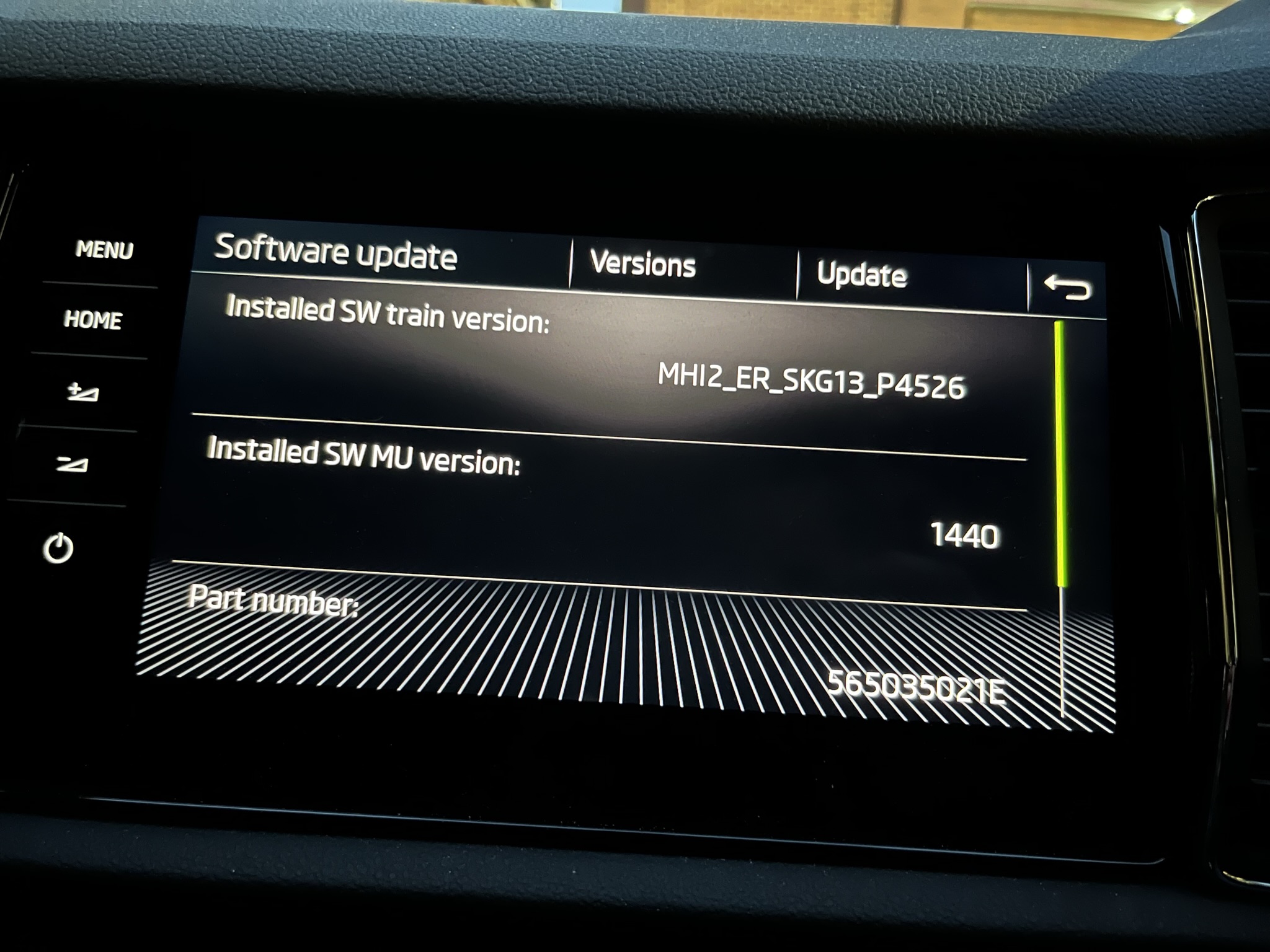
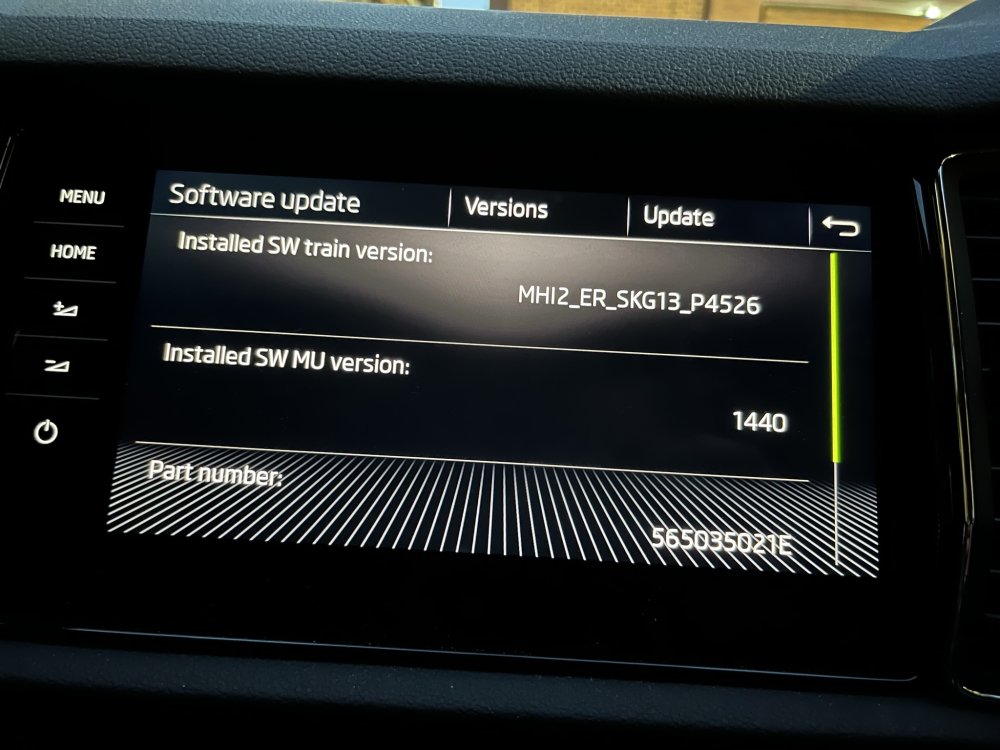
Hello, would there be a firmware upgrade for my system as well? It's a Columbus MIB2 system, but looking slightly different to the other guys' ones above, where mine only have one set of soft buttons on the left side. The software train is also a slightly different format. Thanks in advance
-
I could never get the OTA map downloads to work on my 2019 Kodiaq with MIB2, even though I had the Connect service purchased and activated. I always end up downloading it from the Skoda download portal, and installing it via SD card. Map updates seem to be released every 6 months or so. Update portal (skoda-auto.com) You'll need to enter your VIN.
-
Perfect, this looks like what I need. I keep forgetting that most of these parts are really just Volkswagen parts. Thanks for that. Will update once I had a chance to try it out.
-
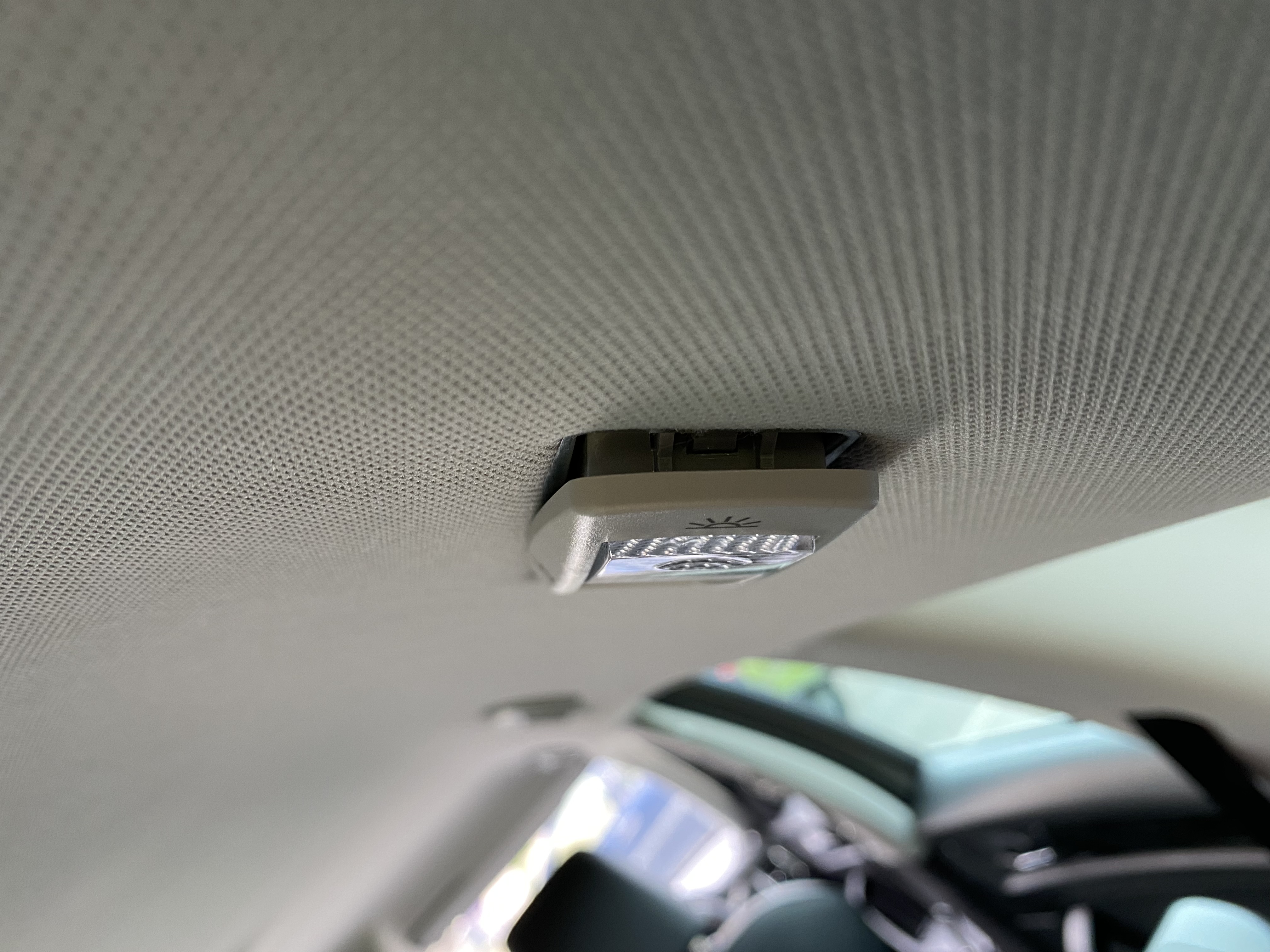
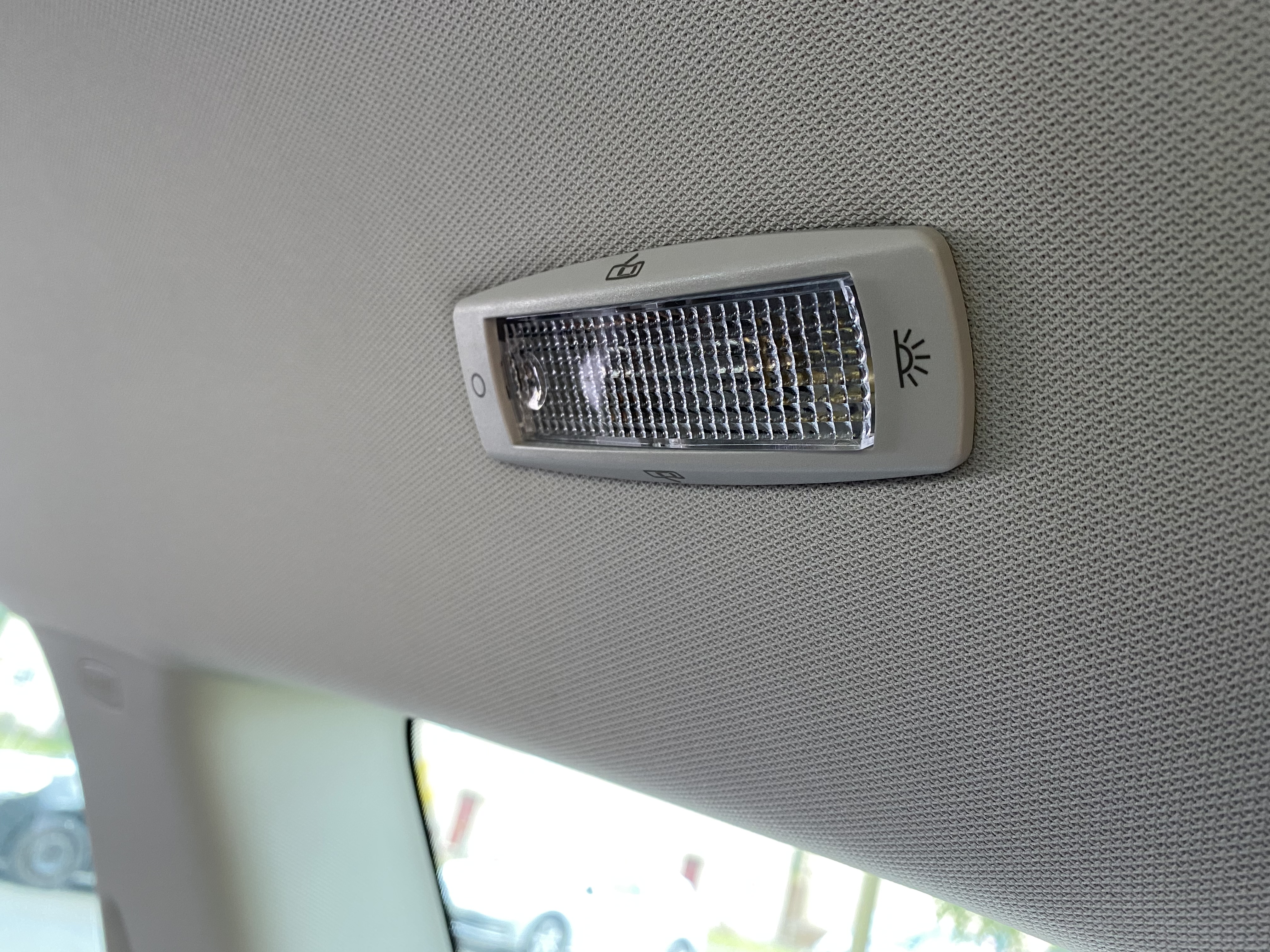
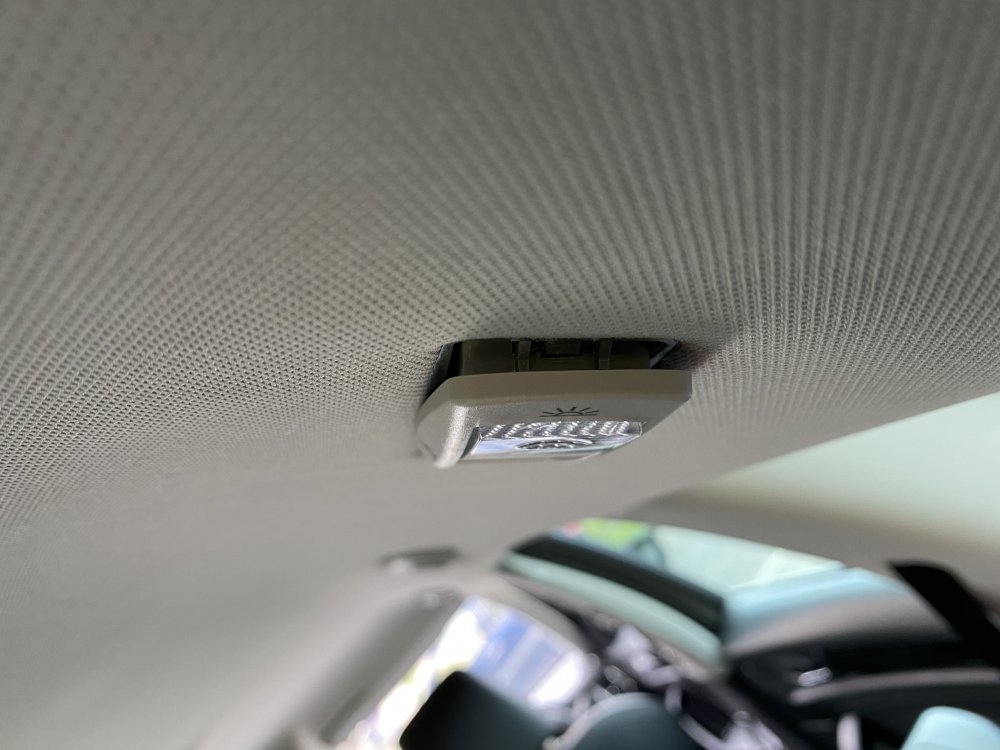
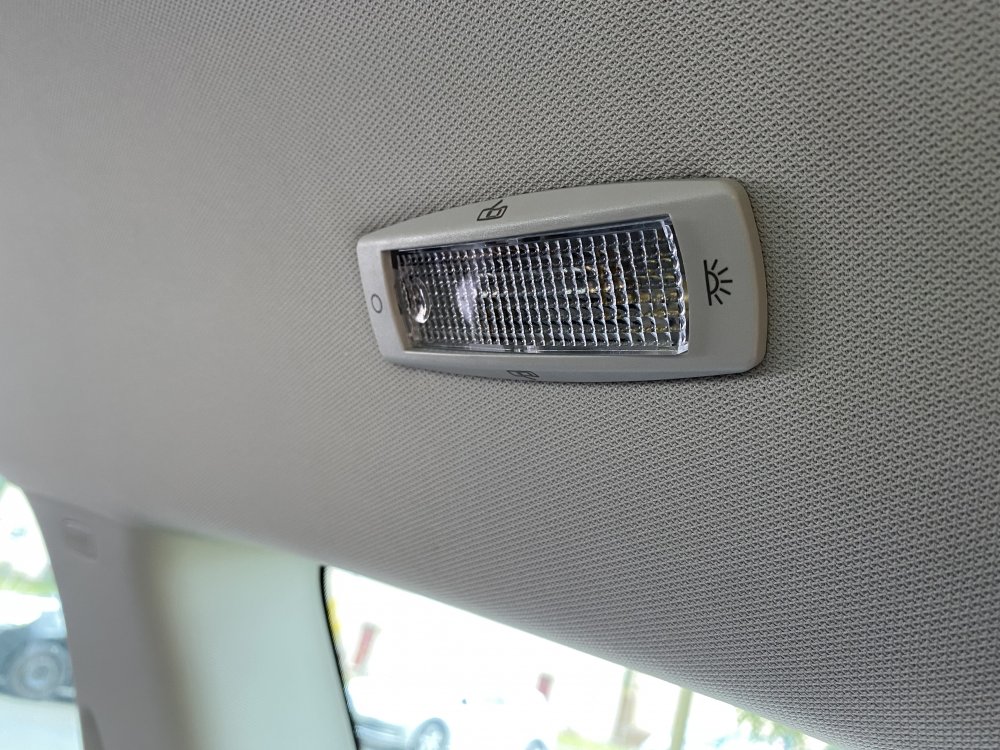
Hey, I'm trying to replace all my interior lights in my Kodiaq 2020 with led bulbs. I've worked out how to open both the front and middle ceiling light housings, but for the life of me can't work out how to remove the rear side passenger lights (NOT the boot lights). It feels like there may be a clip on one side but my trim remover tools aren't working. And for obvious reasons I don't want to force it. Pictures attached for reference. Any advice would be appreciated!
-
Apologies, that would help, wouldn't it! Dealer confirmed colour is Steel Grey, which I understand is also Meteor Grey, from other posts on here and elsewhere. It's the non metallic paint. Paint code is F7A M3.
-
Thanks for replying, chaps. I ended up contacting my local dealer, they confirmed the paint code.
-
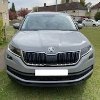
Hello, As the title says, I'm having real trouble finding the paint code sticker for my 7-seater Kodiaq anywhere. Many paint sites seem to suggest it's in the boot somewhere, but I've pulled out everything that is loose, including spare wheel, and I can't find it. I've not removed the carpet lining surrounding the spare tire as it appears to be stuck down with adhesive. Other suggestions is the driver / passenger footwell, or engine bay, but I just can't find it anywhere. I suspect my car colour is Meteor Grey, the somewhat matt light grey colour, but would be nice to confirm it with the paint code. I've got a couple of tiny scratches that I want to touch up. Thanks
-
Hey there, Just took delivery of an ex-demo 7-seater Kodiaq. Quite happy with it so far. First Skoda for me.