SManu
Finding my way
-
Joined
-
Last visited
-
Let us know what they tell you. I thought it was a charging thing...quite weird
-
Finally I could check it and...mine does it as well! Passing aliens or Skodas sound like a feasible explanation lol
-
I'll try to look at the first point next time I'm charging, for the second one I don't think it's possible as it's an indicator that the car is charging properly.
-
I asked about it in Spain and it was not available yet.
-
The funny thing is that "ACC is intended primarily for use on motorways" as per our manual.I guess that we'll need to get used to where and when is the right timing to use it. I didn't try it in a traffic jam which it seems a quite ideal situation. Thanks for the responses!
-
It happens to me already and yeap it did try to slow down the car but I was ready and reacted quickly. I've already share it with skoda Spain and I'm waiting for a response. Quite dangerous indeed if you're using acc, if not it's simply annoying.
-
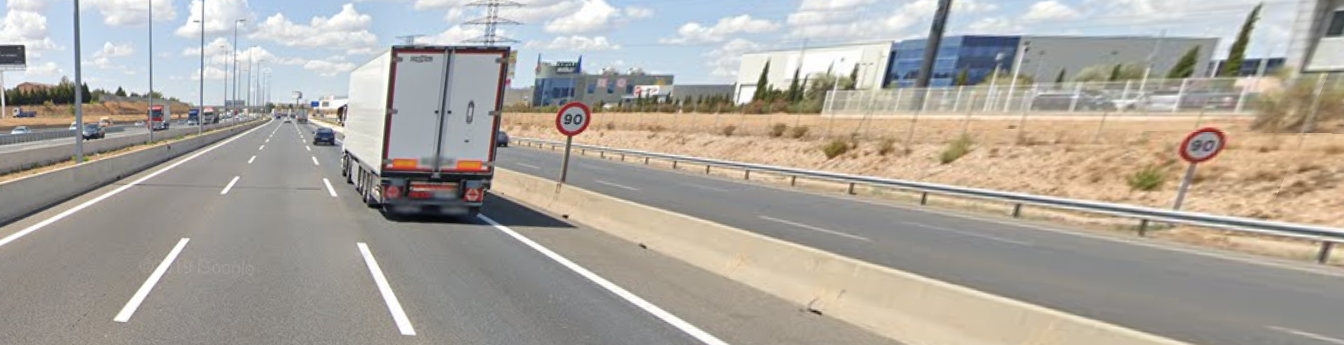
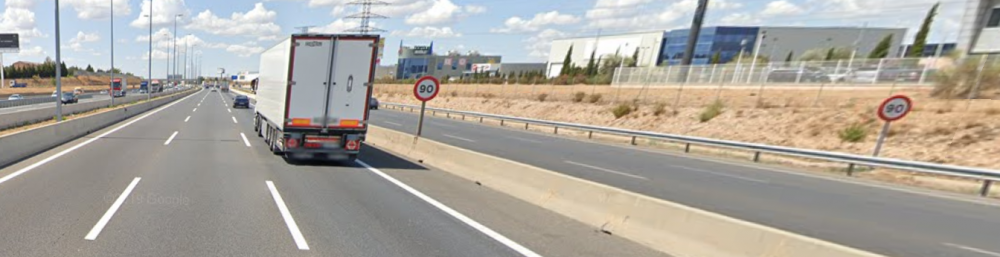
I don't know whether to typify this as an issue or a situation. I would like to know if anyone else is experiencing the same. While driving the recognition works smooth...so smooth that if your driving in a road with another road in parallel it will read as well their speed limit and show it in the HUD. Imagine in a highway (120Kmh) with a parallel exit with a 90kmh speed limit. It would show the 90kmh and you can imagine what happens if you're using ACC... I don't know if there is a way to in case of mismatch use the nav info or I will need to choose whether to keep it active or to turn it off. One example of the situation I'm picturing is in the google maps screenshot. In this case instead of the 120Kmh of the highway it will show 90kmh. .
-
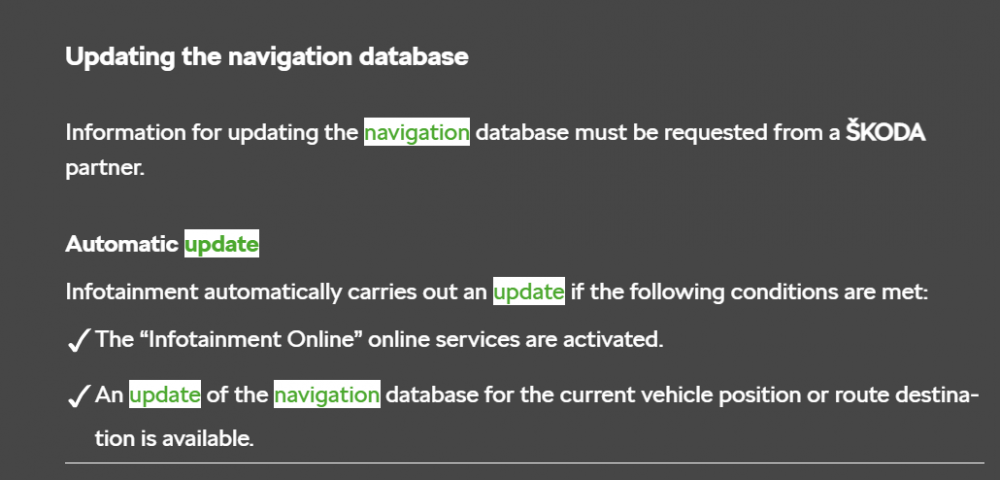
I know you can send routes to the car gps through the Skoda connect web. I've never used it as I prefer Google maps/waze..I need to figure out the way to send POIs to the gps to start using it. Regarding the lock/unlock in my case it states it needs to be validated at the dealer.
-
Yeap it's an OTA.
-
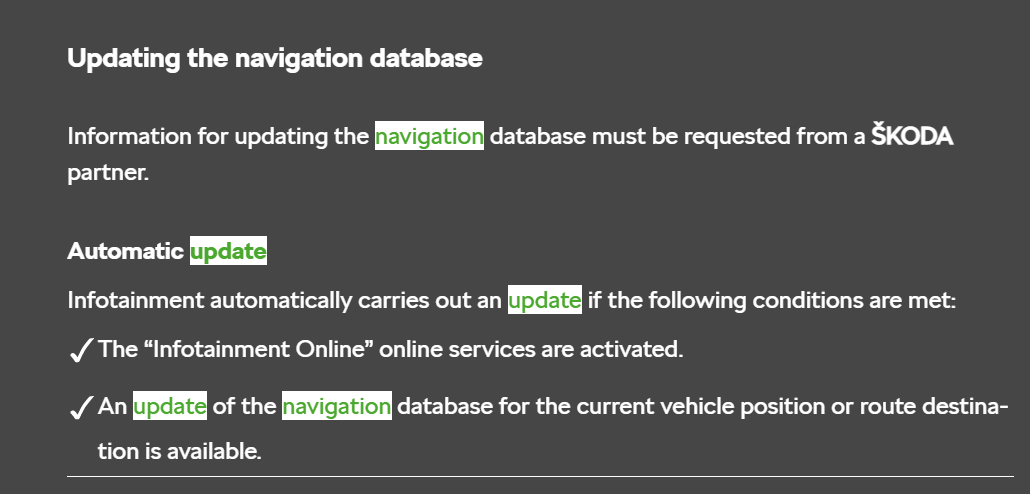
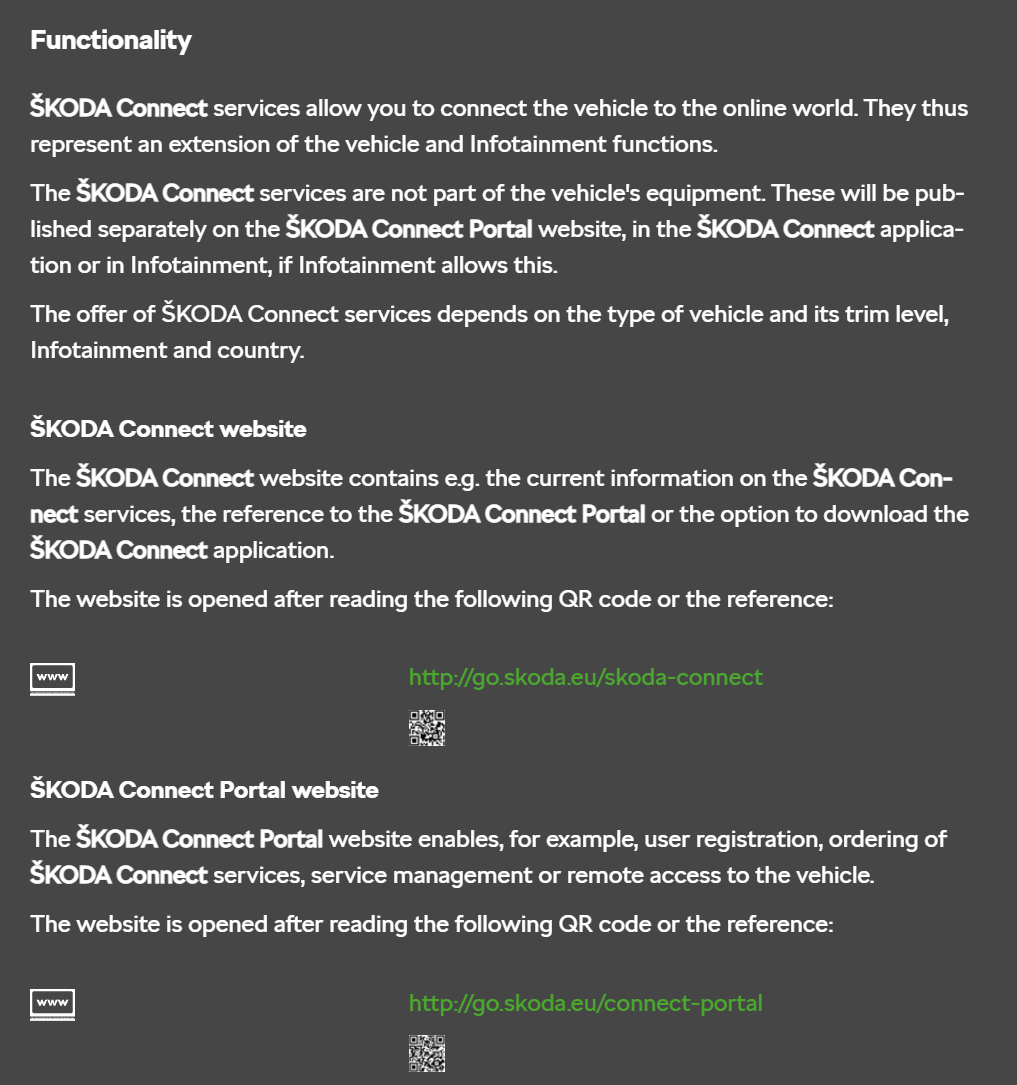
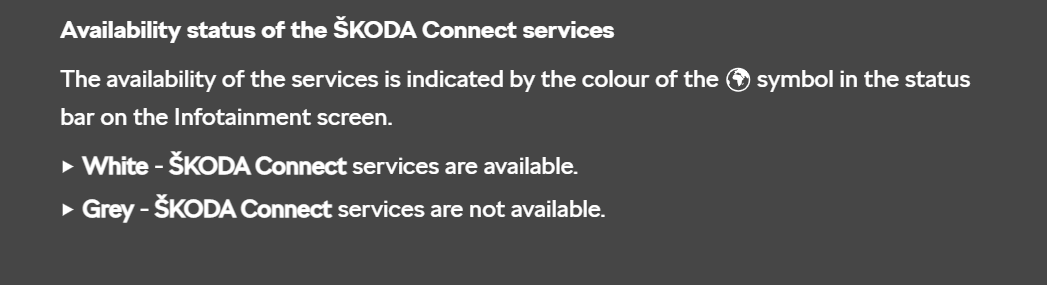
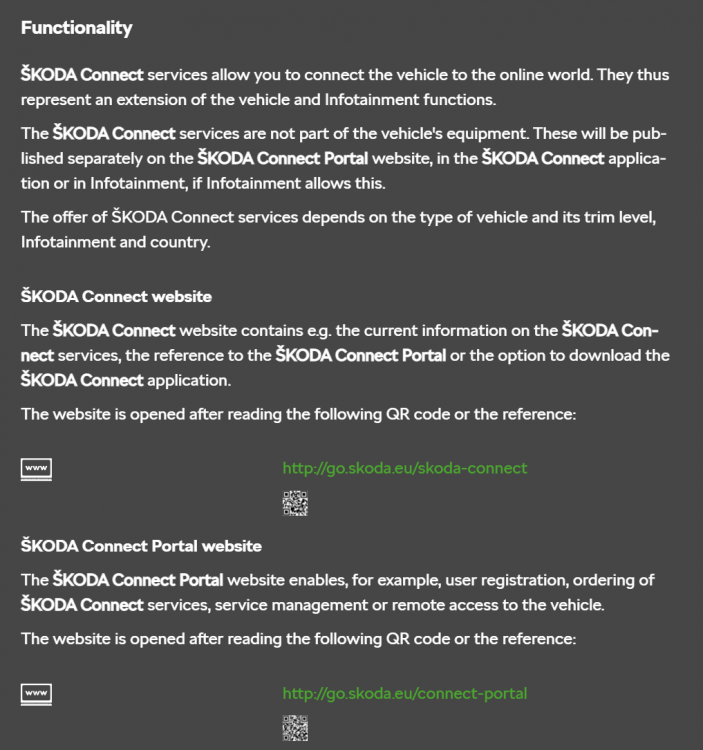
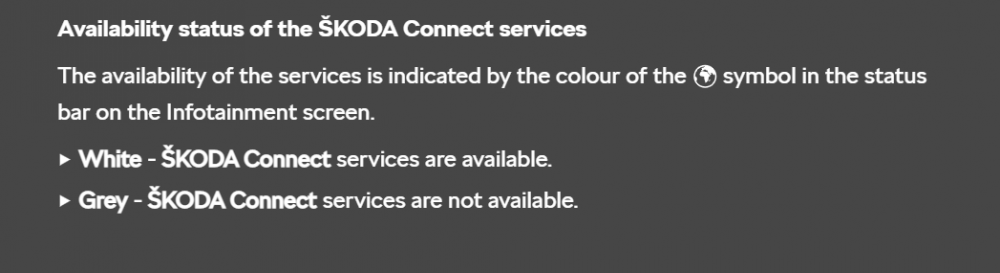
Tthere is no skoda connect functionality in the car. There is an icon, though. If it's grey it will be mean you don't have internet thus no skoda connect. (see the attachment) As Gax said there is nothing to configure on the car, the skoda connect function is to be able to log-in in the app or a web browser and all the functionality is there. More info on the attachements extracted from the manual. Cheers

-
Thanks!!
-
I've it in my iV and I love it. It's a pretty personal decision, though.
-
Couldn't agree more. I've been an iV owner for a couple of months already and looking forward for my first long trip (+600km) this week. Car is super comfortable, lots of interior and trunk space, more than enough horsepower, lots of gadgets, I love the design and so far I've just got the no internet issue which it has been ok during the past month. The safety assists are quite useful for the time being. I've been quite impressed with the electric power and the range, I'm easily doing 45-60+ kms on pure electric which is more then enough for my specific needs. On the other hand, I do agree that the infotainment is quite complex for a car and not useful at all while driving however most of the things you might wanna do you can do them through voice commands or with a couple of clicks. All in all I'll buy it again.
-
Thanks for the comment!! It makes a lot of sense indeed. What it does not is that there is no mention about it in the manual and that neither the dealer nor skoda Spain were able to give an answer... Thanks again!!
-
In my case after the fuse removal it has being working for two weeks in a row and counting! On the other hand Skoda Spain contacted me to tell me that they are still waiting for an official answer from the technical department...