AndyT60
Members
-
Joined
-
Last visited
Everything posted by AndyT60
-
Hi Tishout, I am glad the SOS fix worked for you. Alancha, posted this fix on this forum and I believe it will help a lot of people whilst we wait the full software upgrade which is currently being done by vin number. I also had the small software update, didn’t take long to load and didn’t, as you say,identify what it resolved!
-
There is a temporary quick diy fix for the SOS error, turn on ignition, press the SoS button above your head, and cancel the call only when you hear the voice message giving you the option to cancel. This should lead to a reboot of your infotainment system shortly after. Happened to me a couple of times and this fixed it for a short while, at least I have my phone and music until my vin number is called in to get the software update.
-
Hi you can do it, the option to do so is within the e-manager menu as shown within page 57 of the owners manual. Just focus on the days you want to do it and the charging times and ignore AC options etc. I ticked all days, repeat and set the time. I have a similar requirement to charge between 12:00 and 04:00 cheaper rate at 5p per kw with octopus. I have just set this up, plugged in the cable and it is not charging (i.e waiting for the correct time) so working as hoped. You can override the set time at anytime to charge immediately if you need to, this option again will appear in the e-manager screen.
-
Hi Jaypay, Yes, keeping the car. I have had the SOS glitch a few times, seems to happen in the same area in Portsmouth, very close to a major radar site. When it happens it knocks out my infotainment system, with it constantly looking for user settings, no volume, no phone, no radio etc. lasted over a week until I read the SOS fix on this forum a week ago. I have also had auto braking on the motorway, but only when going down hill? SOS Fix Engage ignition press the red SOS call button and only cancel by pressing again once you hear the voice option to do so. Shortly afterwards you should have cleared all related faults.
-
Did the SOS error knock out your infotainment system?
-
I am awaiting a call from the garage to upload SOS infotainment software fix, nothing yet. But in the meantime if you press the red sos call button above your head and then cancel the call when you hear the voice option to cancel. You should find that this clears the SOS fault and resets the infotainment system. - until the next time it glitches
-
Quick update. Alancha - provided an interim fix for the SOS fault that unfreezes the infotainment system. Basically press the emergency call red SOS button above your head, press ignition and you will hear a voice giving you an option to cancel - press the red SOS button to cancel the call at this point and within a very short time the infotainment system flashes up as normal. It worked for me and hopefully will last until the software fix is available. I think engaging and then cancelling the SOS call cleared the related glitch and allowed a system reset. I am surprised the garage didn’t know about this.
-
What a star! Just tried your suggested fix and all now working, let’s see how long it lasts. Thanks again alancha, by the way which garage workshop are you going to? Mine went into Fareham branch…
-
Identical issue with SOS, went in for software update last week but this was for another system, they are still awaiting the software fix for SOS glitches and have advised they will contact me when it’s ready for my vin number. I am just going to try your suggested fix as the infotainment system has been constantly trying to update settings for over a week.
-
I am awaiting a call to fix the SOS infotainment crashing and constantly trying to find user settings. Jan 21 built car.
-
Ok, so sent an email to Skoda Fareham to register my concerns about the SOS issue and frozen infotainment system, and the lack of resolution after visiting the workshop. I was advised that the update provided at that time was for another system not the SOS infotainment crashes. They are awaiting the software to fix the SOS glitches and have received them for some of their other models but not the Octavia ( well not my vin series), the issue is an open job card against my car and when Skoda release the update for my Vin number they will contact me. In the meantime I have to live with no infotainment system.
-
Hi Awahwah No, they new about the issue. I thought the SOS alert instructing me to return the car to the workshop was to get the new 1803 software update. Sadly not, on arrival they advised that the SOS alert may not be resolved as they were waiting for the new update from Skoda. But they would book the car in and load the latest software updates (although the system was slow). Screen still locked in loading settings mode! I suspect the SOS alert was just another one of those software glitches.
-
Fareham
-
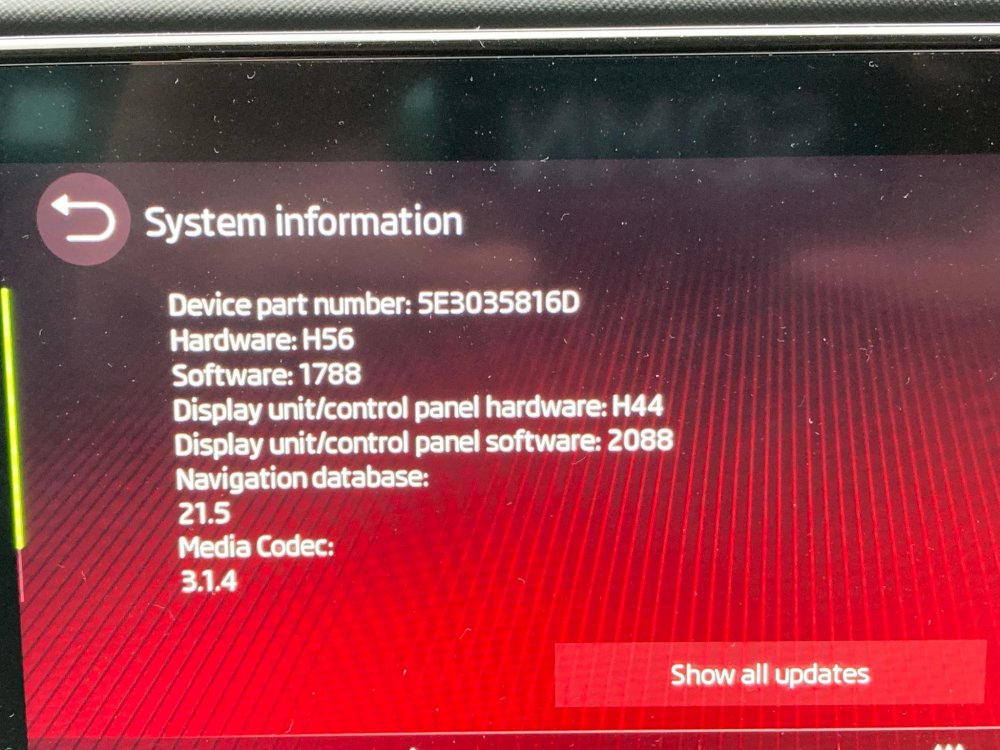
Ok, so car went into workshop all day today for a much awaited software update to resolve management screen issues and a SOS alert. Advised on arrival that the SOS fix wasn’t available yet but they would update the car to the latest software ( also advised that the system with head office was slow today). Total waste of time. I am still getting the constant “updating settings” dreaded turning wheel, the management screen functions are still unavailable ( no radio etc.) although the car is deemed safe to drive. They returned the car and will call me once the SOS software fix is available, it is expected soon. Apparently if you enter a signal black spot . i.e. Portsmouth! this can trigger the SOS alert and by association cause the management system glitches I am experiencing? I can access the management screen at the pre ignition stage but most of the functions will only display at ignition stage and as soon as I do this I get the constant “system updating” screen, although at the pre ignition stage I did manage to access the vehicle settings screen (see below). However, this hasn’t changed at all, so I don’t know what if anything has been updated. Nothing resolved!
-
I may be naive, but do you think there may be a reason why they don’t fit a cover for this 1.0 version?
-
I have Just received an on screen SOS alert from Skoda, requesting a visit to their workshop. All booked in for next Monday to receive a management screen software update. Hopefully this will resolve the system glitches👍
-
Received an on screen SOS alert message today from Skoda, requesting that I bring the car into the workshop. All booked in for next Monday and relates to a management screen software update. Hopefully this will fix the software glitches similar to those identified within the previous posts on this subject, as the screen is now trying to constantly load! I will post the system information once the update has been completed.
-
I will do that with one minor change, with an automatic I will need to touch the brake before engaging the engine. Good tip though, thanks
-
Thanks
-
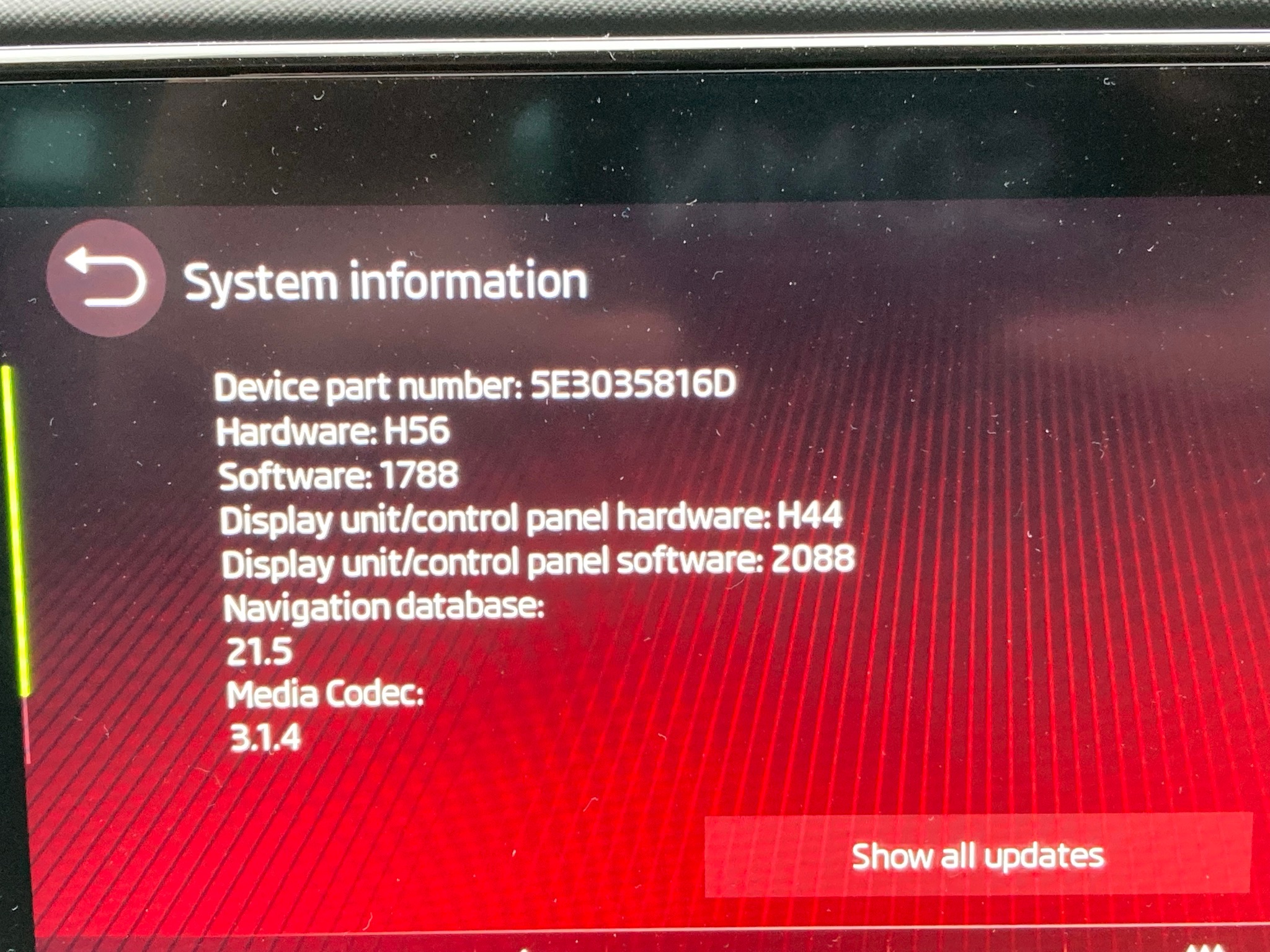
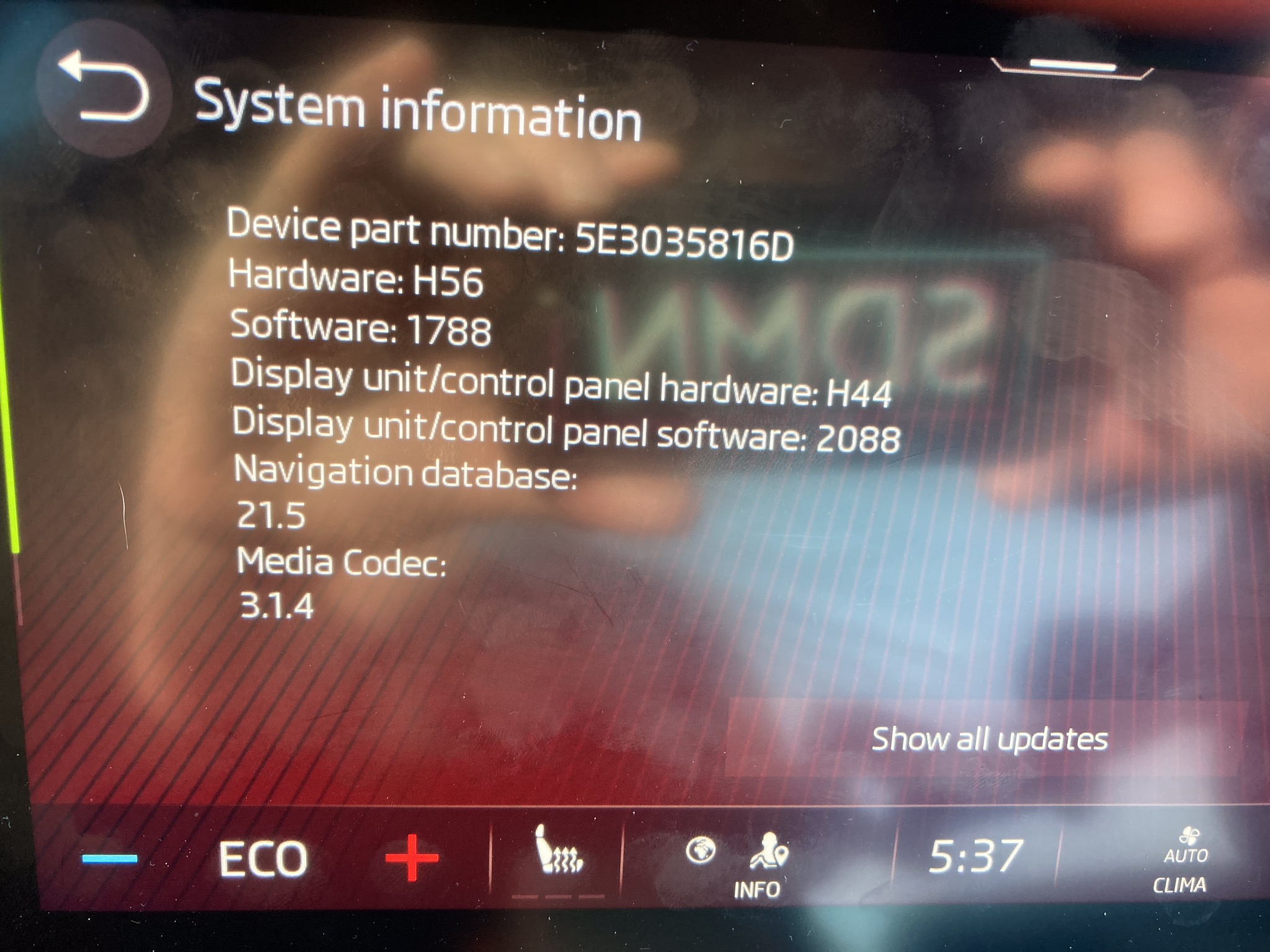
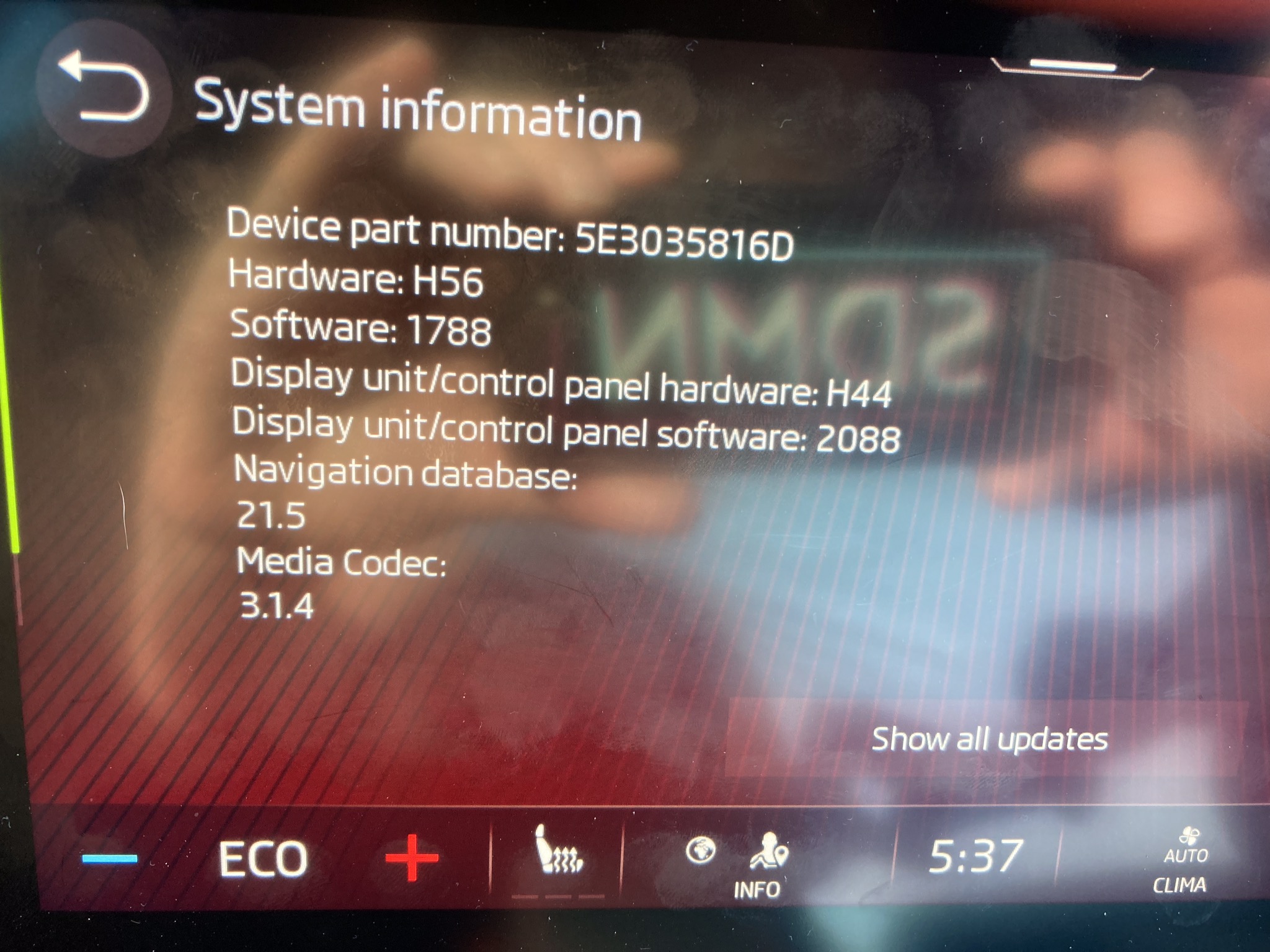
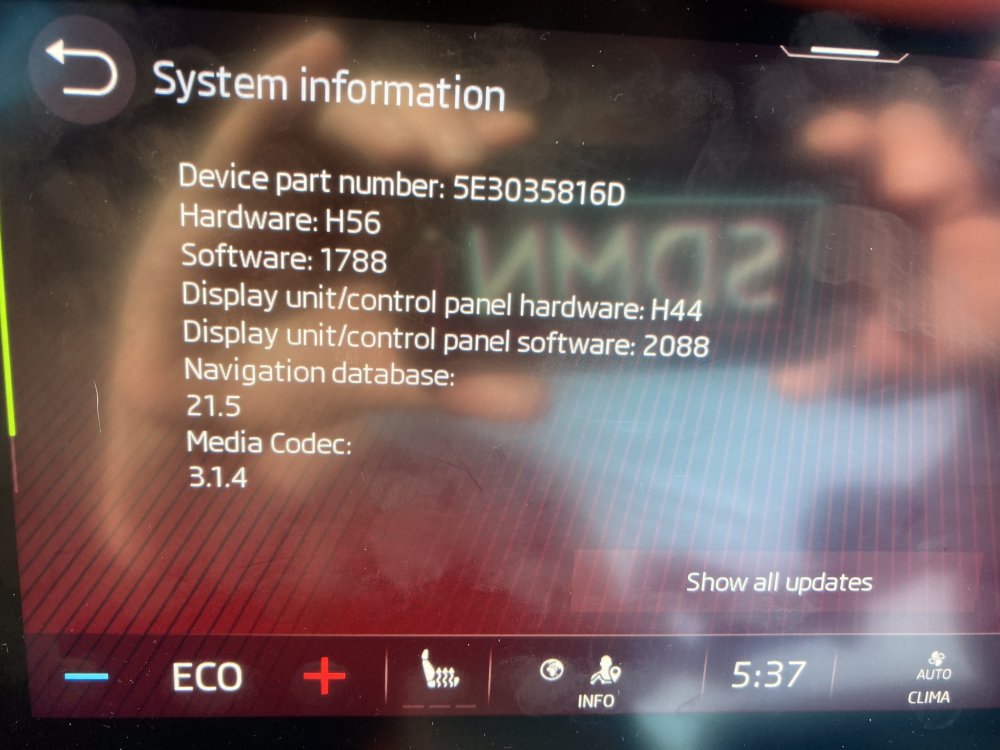
Here’s my settings , purchased a week ago, ex demonstrator so assume it’s all up to date. Although I did have a black screen the other day, it reset after 15 mins parked up.
-
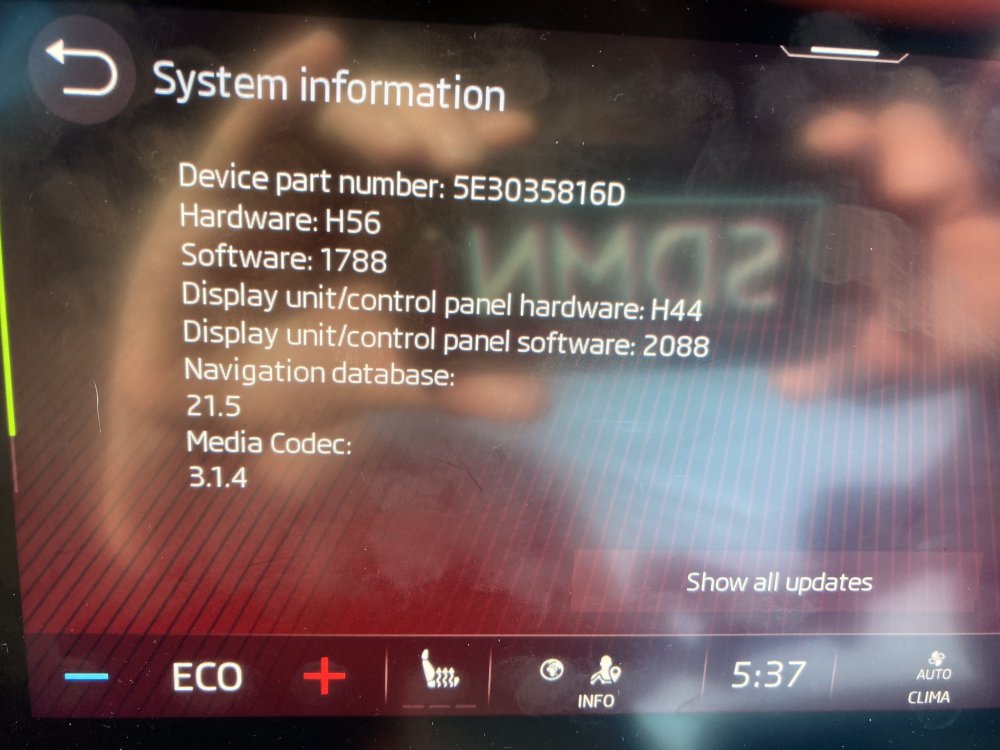
This is the full data list from specification, is this the latest? Had the car just over a week and downloaded 2 automatic updates via management screen.
-
Will you be taking it in to the dealer? Would be good to get an update once you are all sorted. I think my software version is 1788.
-
I have a March 21 car and had the management screen go black on Saturday, I could here the radio ok, but could not access anything. Tried turning the car off and then on again but no Joy. However, after about 15 mins at home returned to the car and all ok! I have heard that if you hold the on off button on the screen for approx 15 seconds it will re-set.
-
Not sure whether this is related but there appears to be an issue with the connect App at the moment, I believe they are on the case?
-
I have one on my new vrs Estate iV, really slick. Be careful that you don’t overdo the extras though, they are included in the overall price of the car and if you go over the £40k threshold you will be liable to the extra vehicle exercise duty plus £350 for 5 years!