
stridercombi
Finding my way
-
Joined
-
Last visited
-
looking forward to the sharing of the downloadable firmware here. Nice to see it working
-
Any chance any has the 1969 firmware to share? I saw the MK8 Golf guys already started their rounds.
-
This is a MOI3 aka MIB3 update. How and why did you update the MIB2 with a MOI3 software? It’s no wonder you bricked it already.
-
Anyone faces issue with intermittent Emergency Assist and Travel Assist fault prompt while on the move, after 1941??
-
After the 3 OTA updates, is it still 1941? I’ve got no OTA and Connected Service here.
-
The 48V battery will drained out first followed by the 12V battery. it is the same scenario as any other cars with just a 12V battery. replace the 12V battery.
-
Been trying for several days. No luck. I can reach the site to enter my VIN. Once I hit enter, internal server error, always. Yup. Keyed my VIN and that’s it. Internal server error for several days already.
-
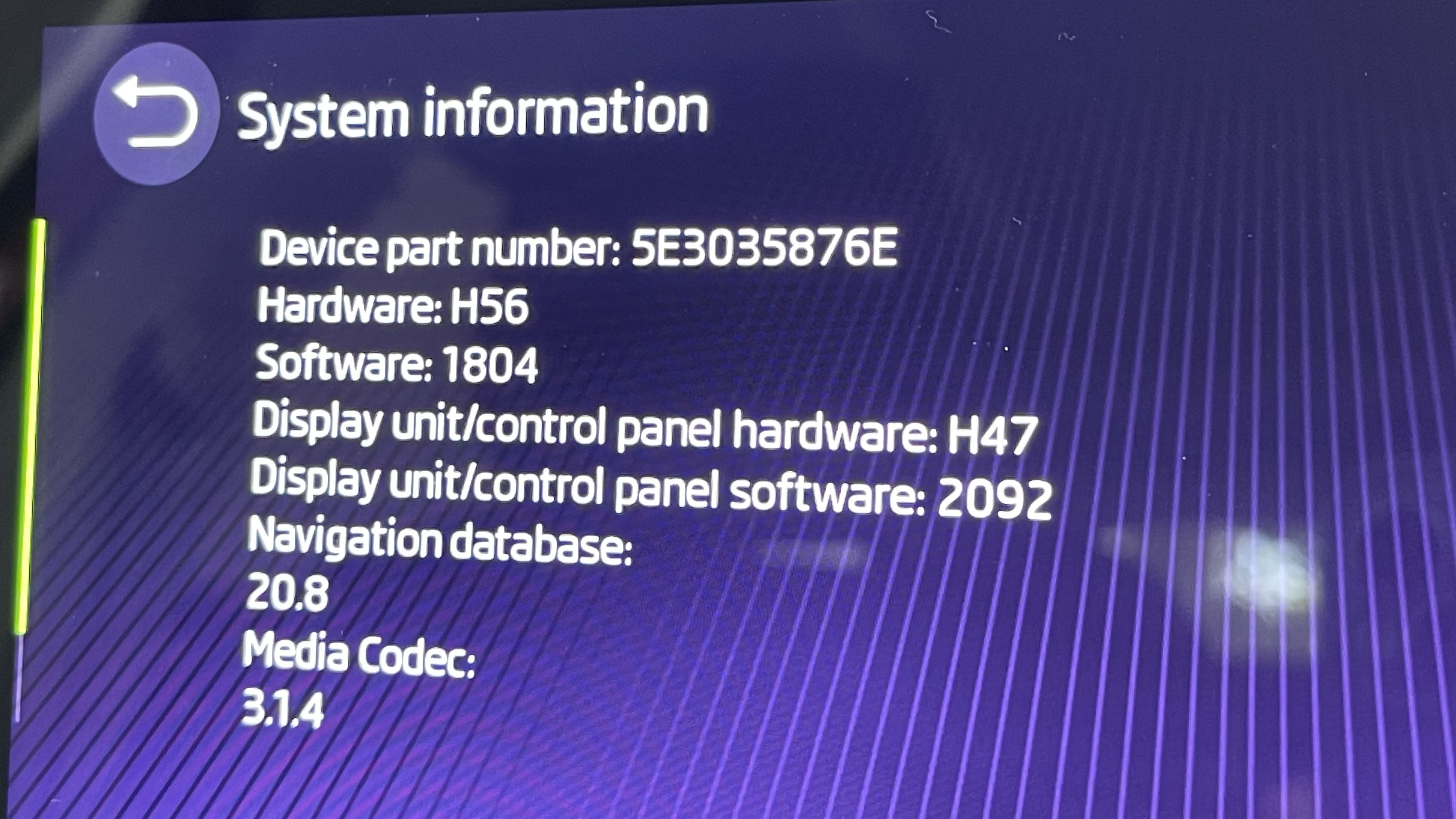
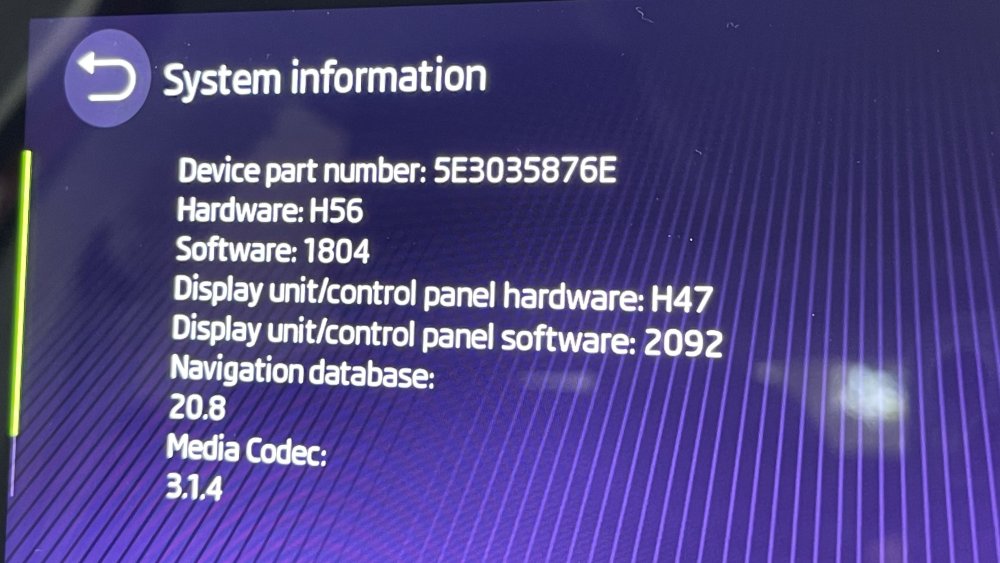
Sorry mates to highjack this thread. I’m trying to update my navigation database (currently 20.8) but no matter which pc I tried, the update portal ain’t resp9nding. Can any kind soul share the latest offline navi database with me?

-
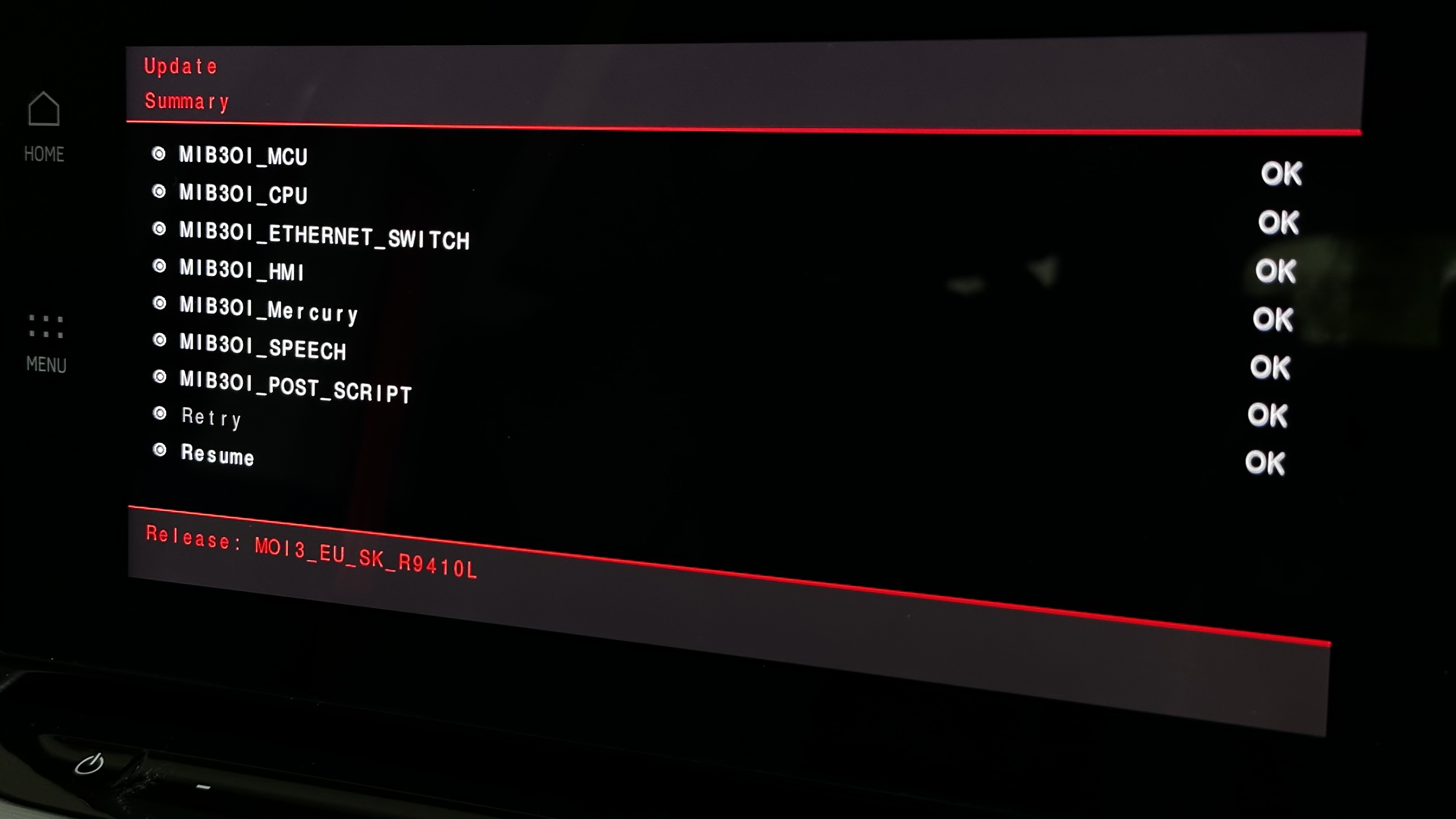
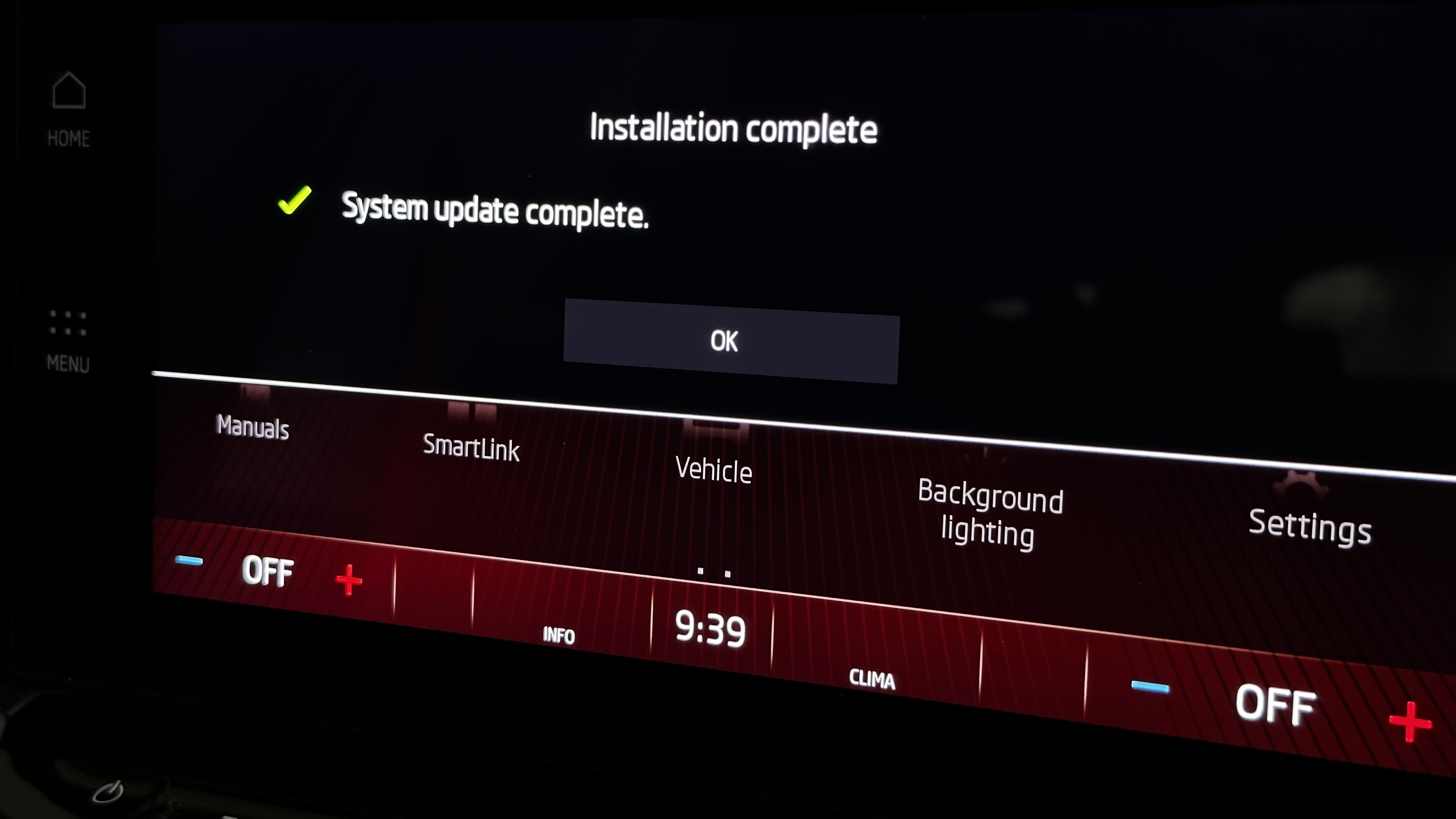
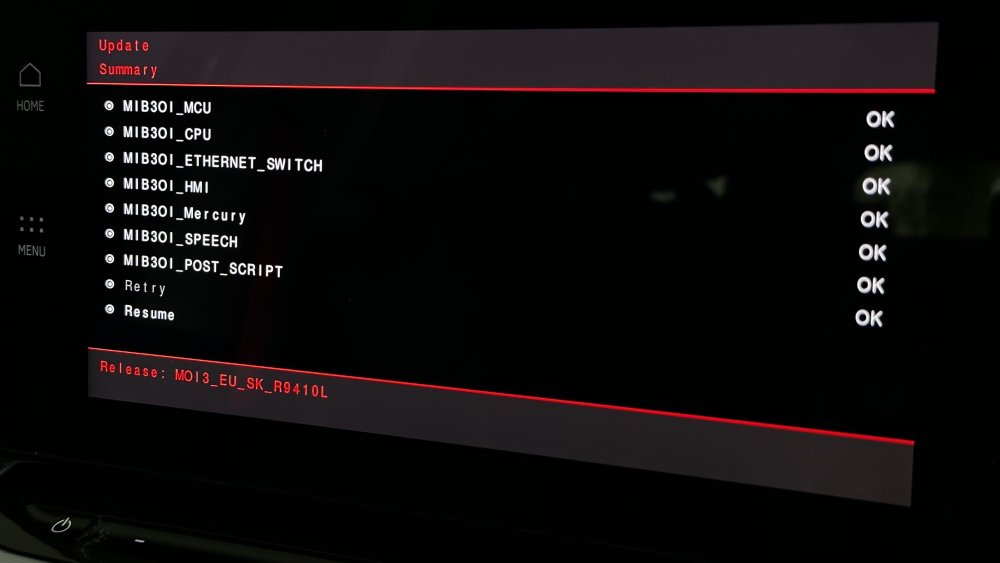
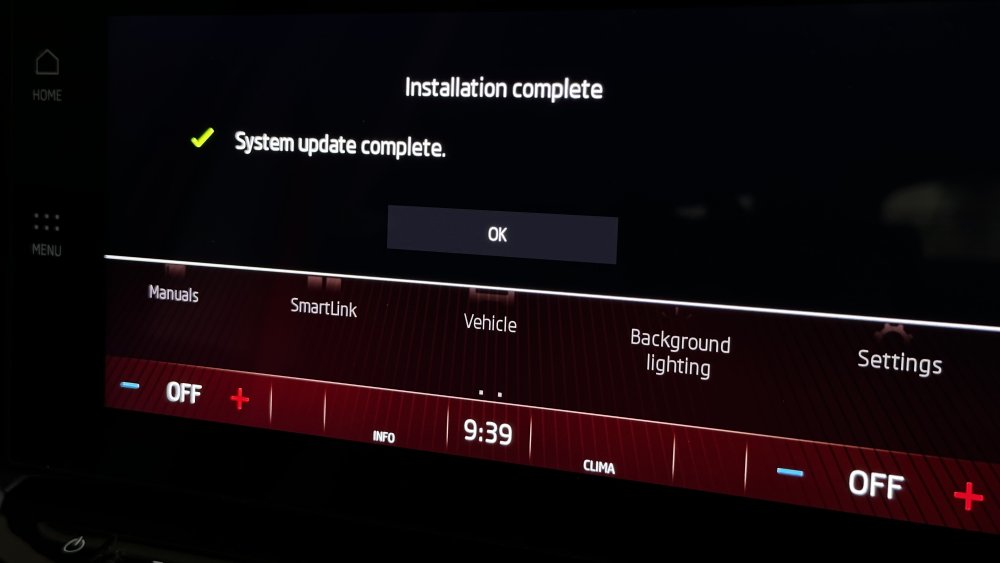
Happy to report that 1804 update to 1941 is successful. took about 25min as well. gave the car a deep sleep for 2 hours. tested all, all is good. thanks @varooom for his time, advice and support!
-
Hi there mate, how can I get this software from you to update my bolero without nav?
-
Hi here in Australia, the car is not getting any update by the dealership. There’s no OTA support here too. how can I update the software to a newer version, if any? MK4 Mild Hybrid 1.5 with Bolero
-
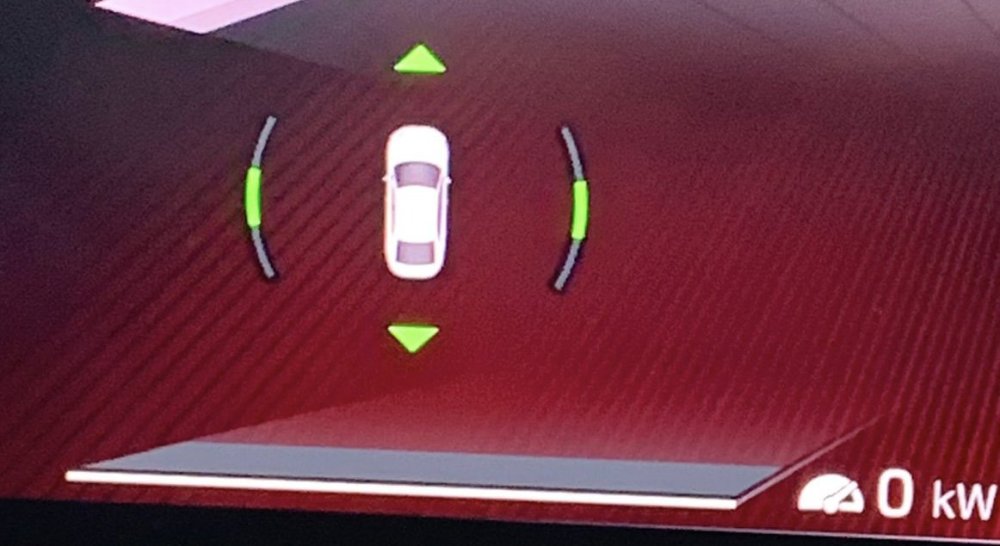
Anyone knows how to get this or code this?
-
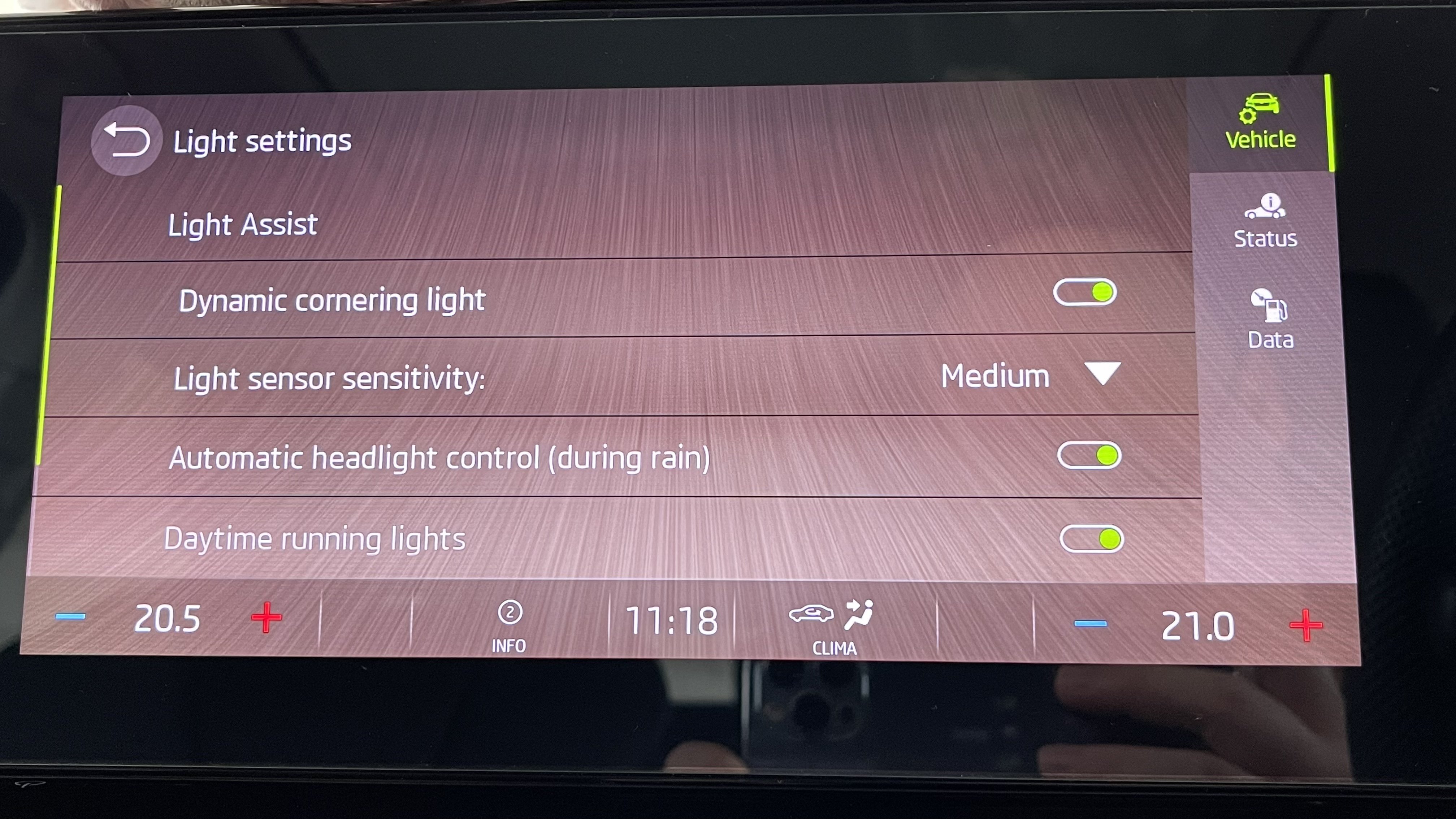
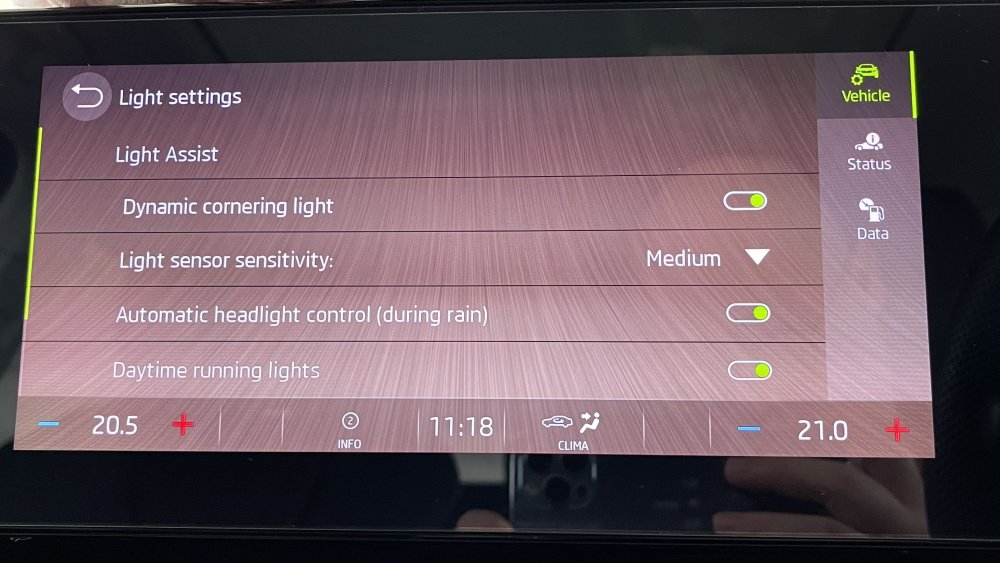
Thank you! DLA is indeed missing from mine.
-
Anyone with DLA can share a photo of your menu?
-
The dealership is hopeless. Else, I won’t be here for help, mate.