CaptainA1
New here
-
Joined
-
Last visited
-
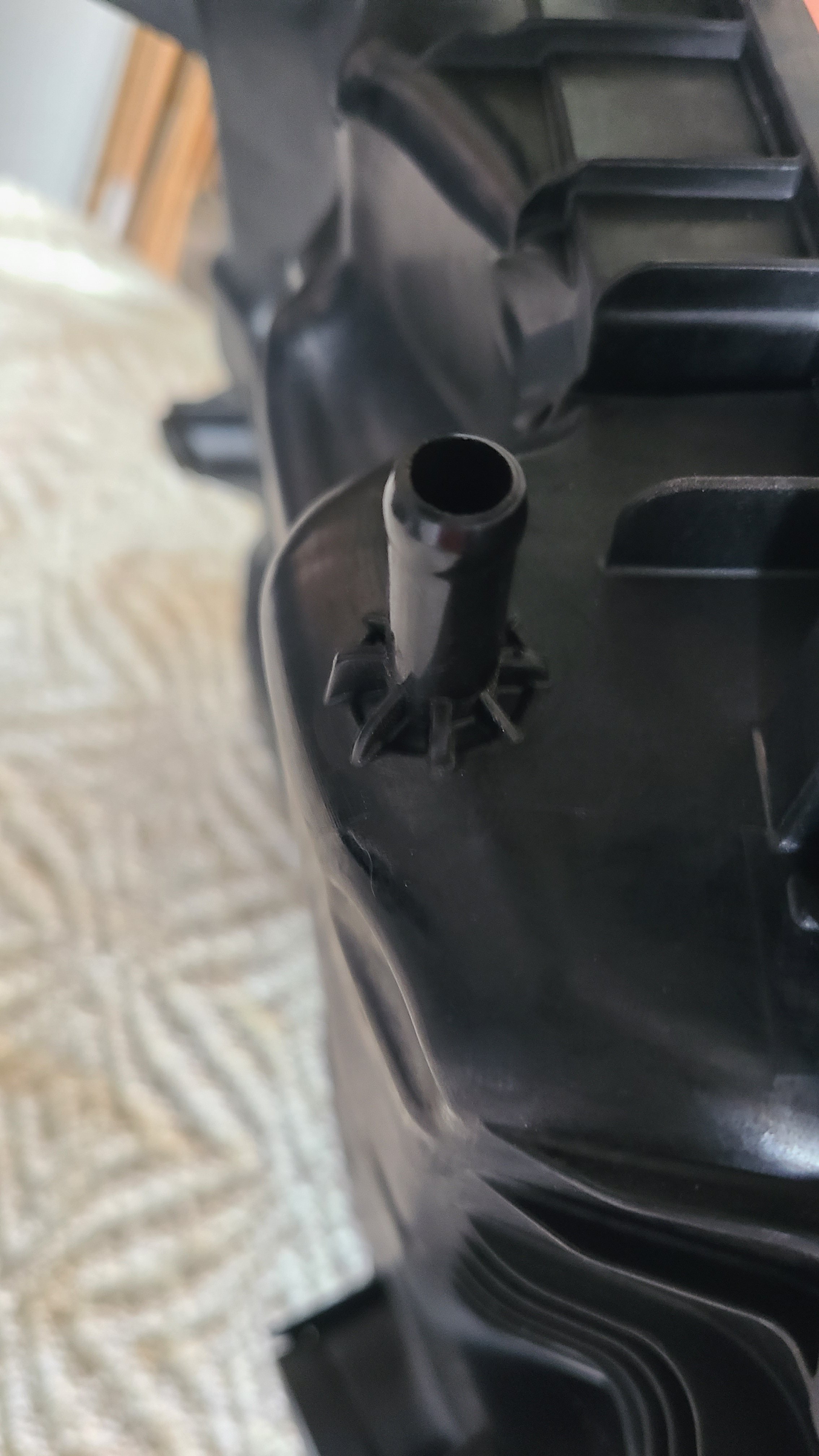
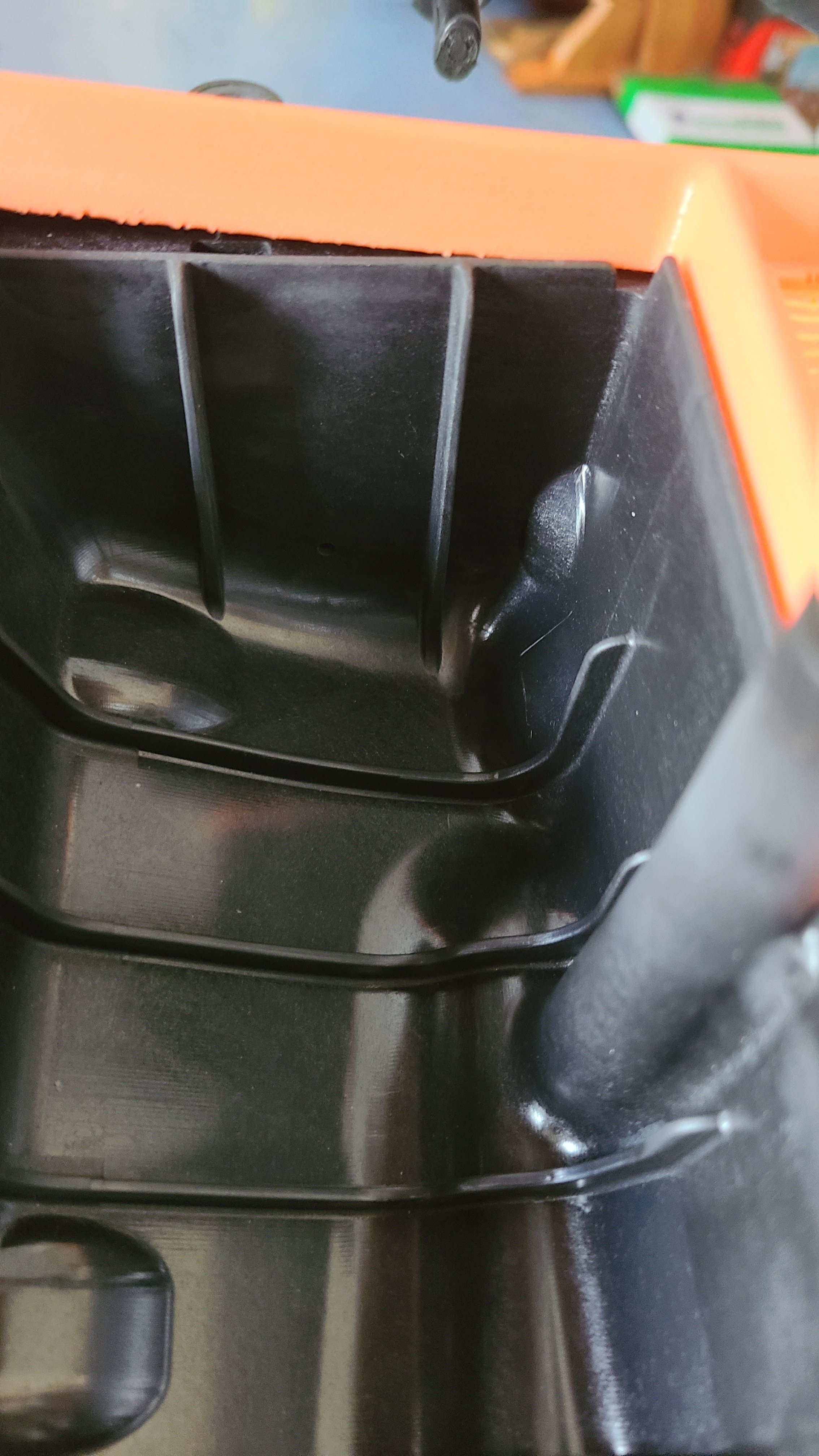
The engine breather pipe to the air filter actually goes nowhere. It's blanked on the air filter housing. This seems odd. Can anyone explain?
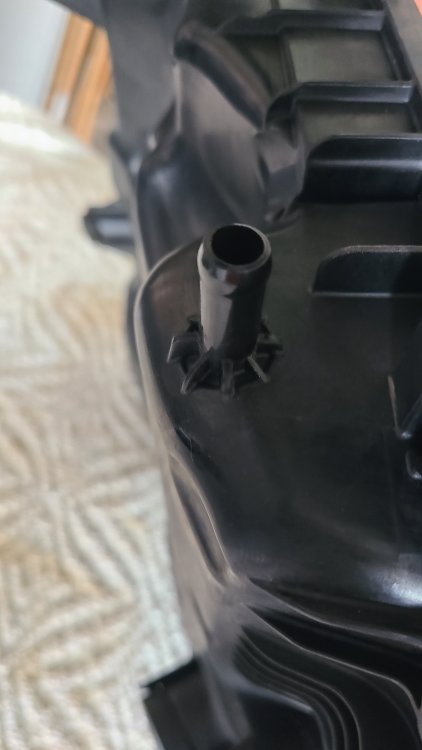
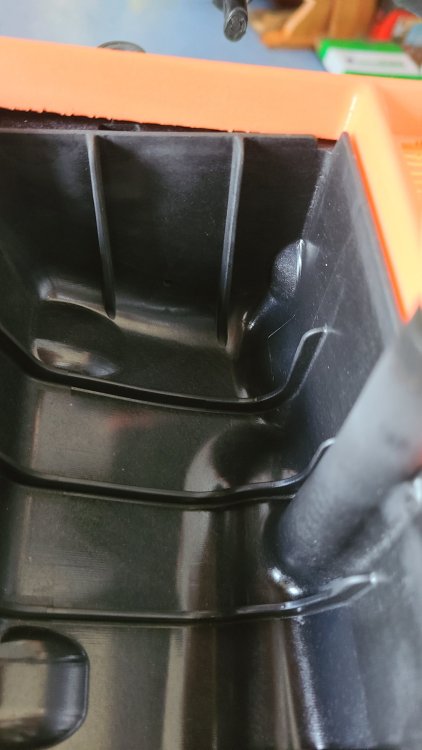
-
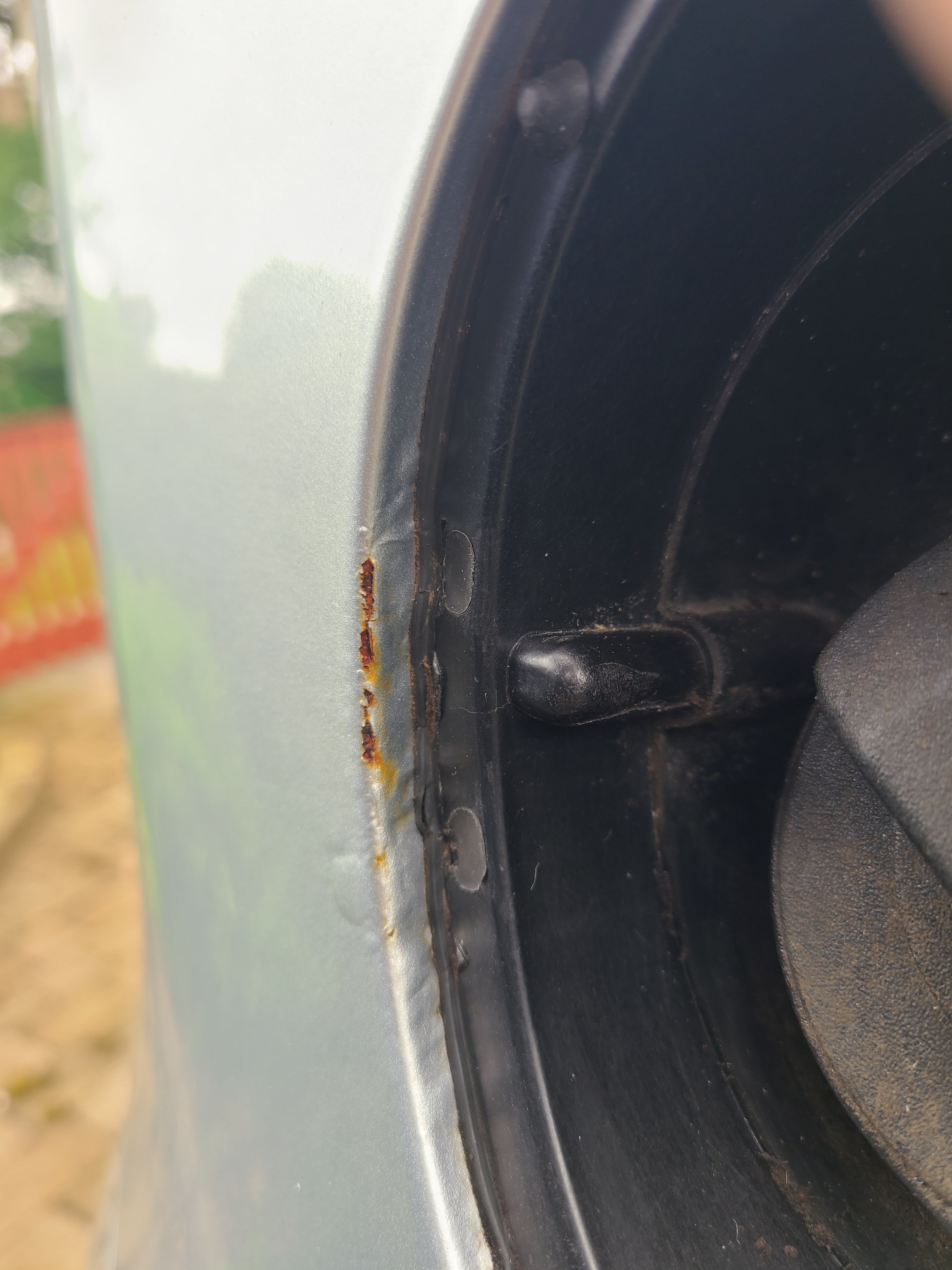
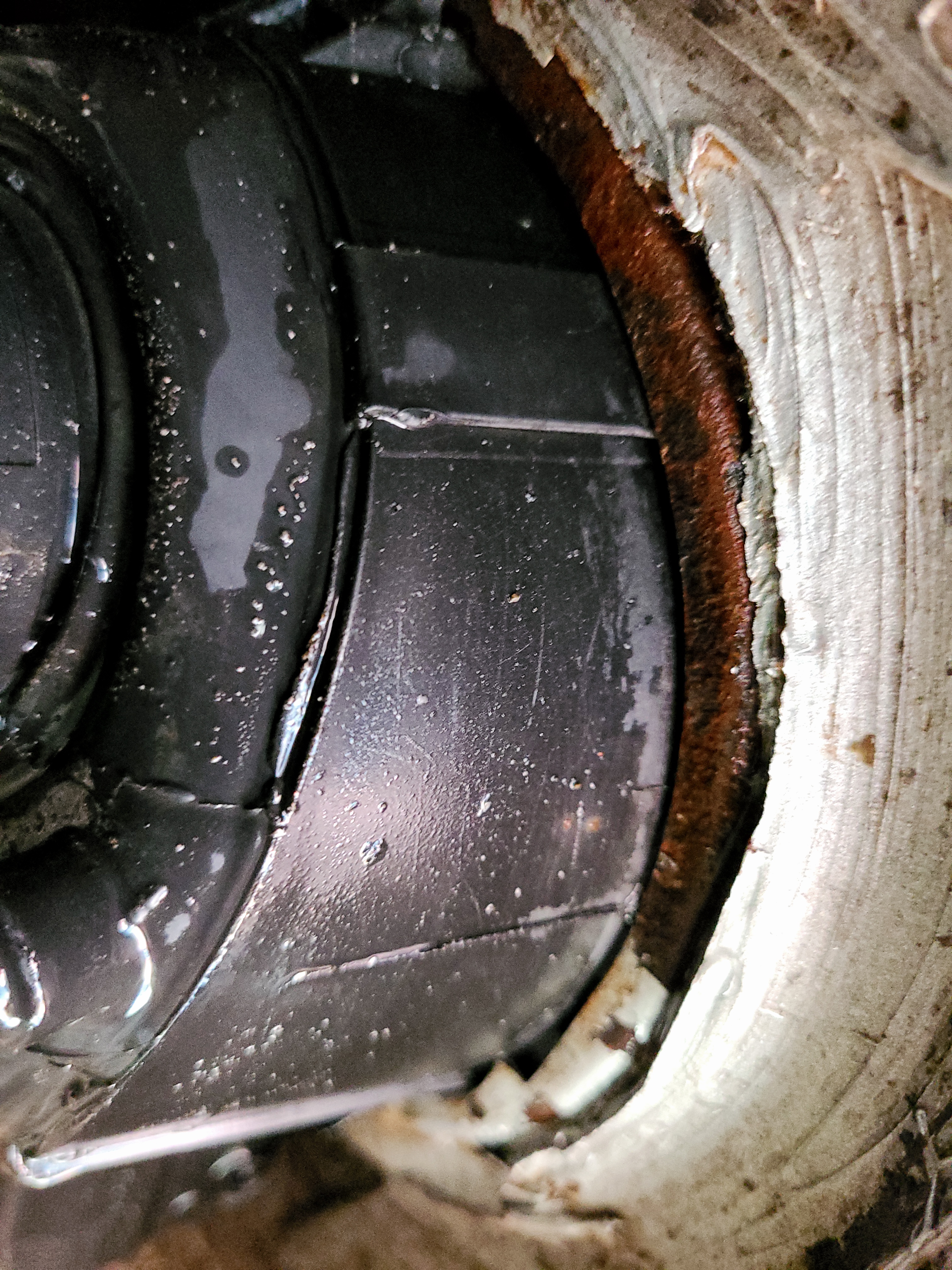
I've phoned the dealership and the representative claimed that he had no knowledge of this problem. I followed up wiht and email and letter: "Dear Mr xxxxxxx I purchased my Skoda Citigo xxxxxxx from you on 6th February 2016. I recently noticed a defect next to the petrol filler cap due to rust penetrating from behind the panel. (see photos below) You are probably aware that this defect is not uncommon with the Citigo and that Skoda has already accepted responsibility and undertaken repairs in these circumstances. On page 3 of the Service Plan the Skoda Warranty ensures the following service: “Repair of rust perforation to the bodywork of your vehicle that occurs within twelve years from the start of the warranty. Only rust perforation of the body panels from the inside to the outside is included in the definition of rust perforation to bodywork and covered by the SKODA warranty.” The warranty however advises that my claim must be made through a SKODA Service Partner. As such I am seeking your assistance to process this claim and hope that the warranty repair can be carried out promptly. I look forward to receiving your further instruction in this regard. Yours sincerely" I'll keep you posted on how this goes..
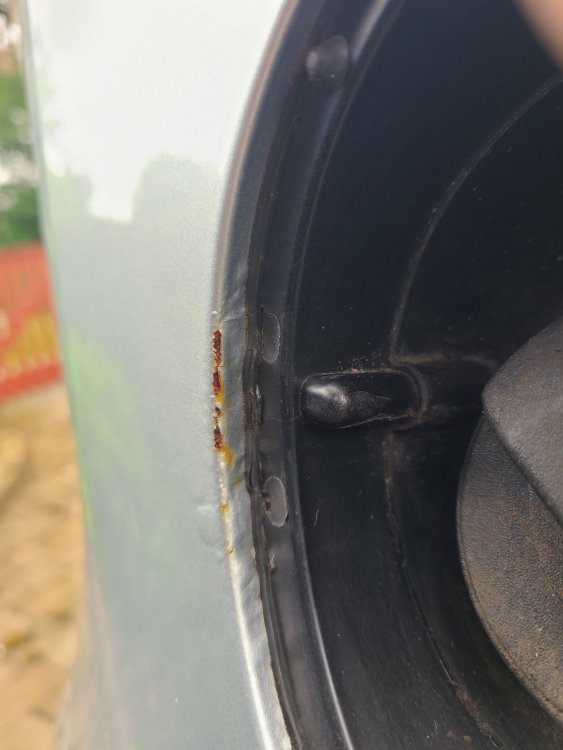
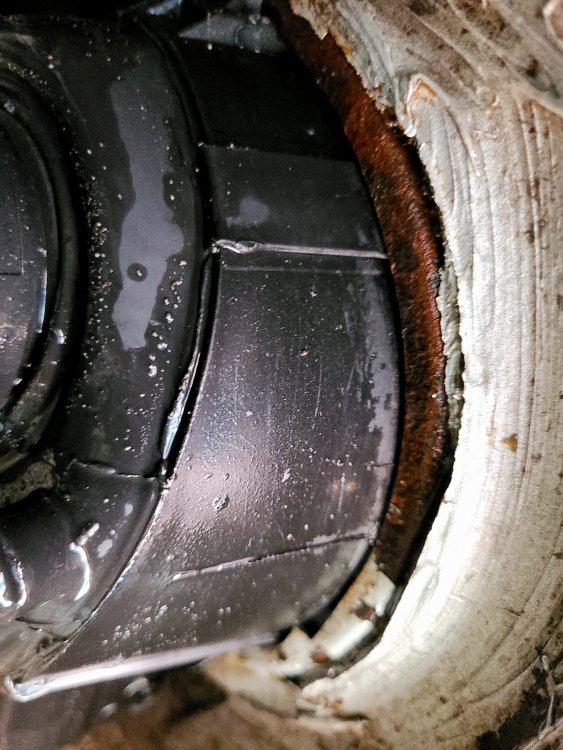
-
I have the same problem. Did you ever find the cause?
-
I have exact same problem on my 2015 model owned since new. Very disappointing :(