Gingerboy
Finding my way
-
Joined
-
Last visited
-
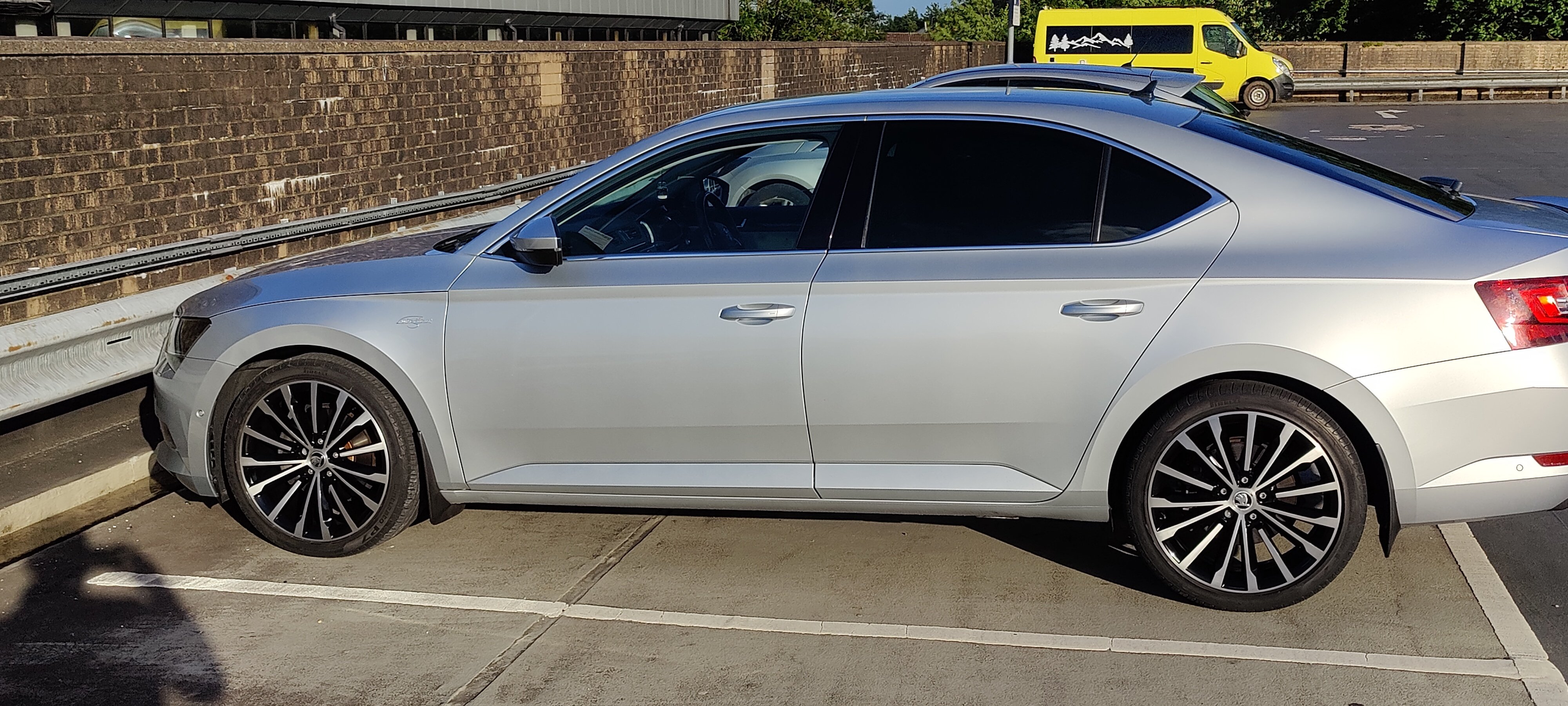
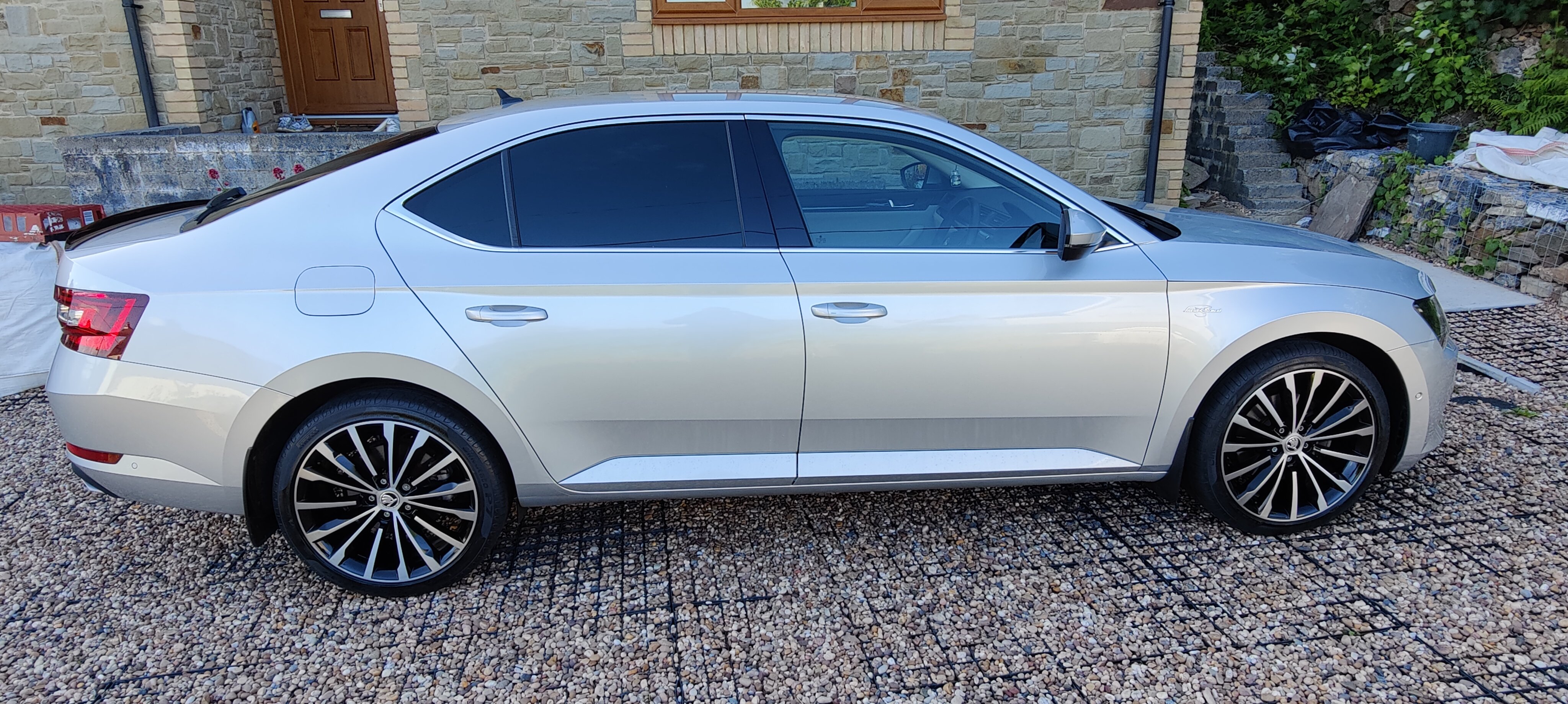
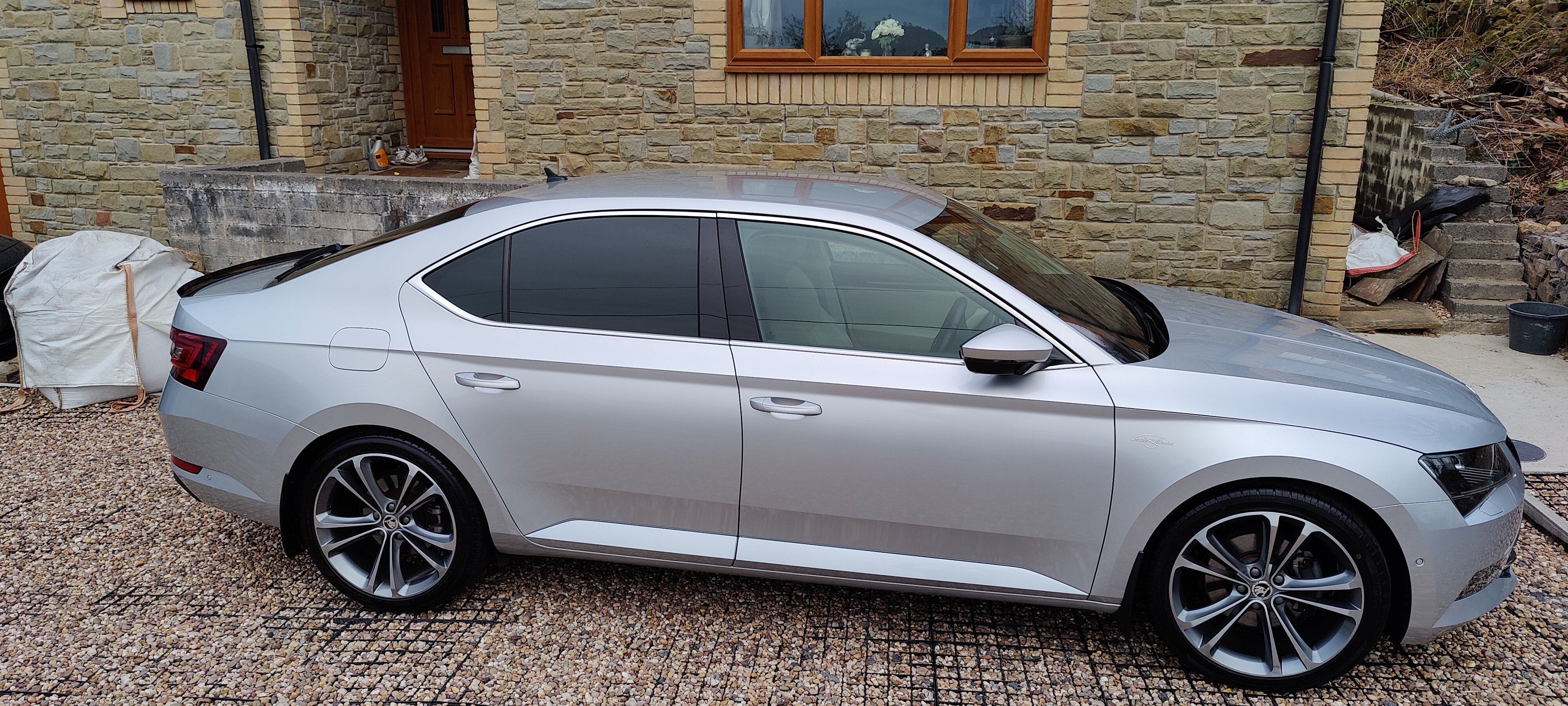
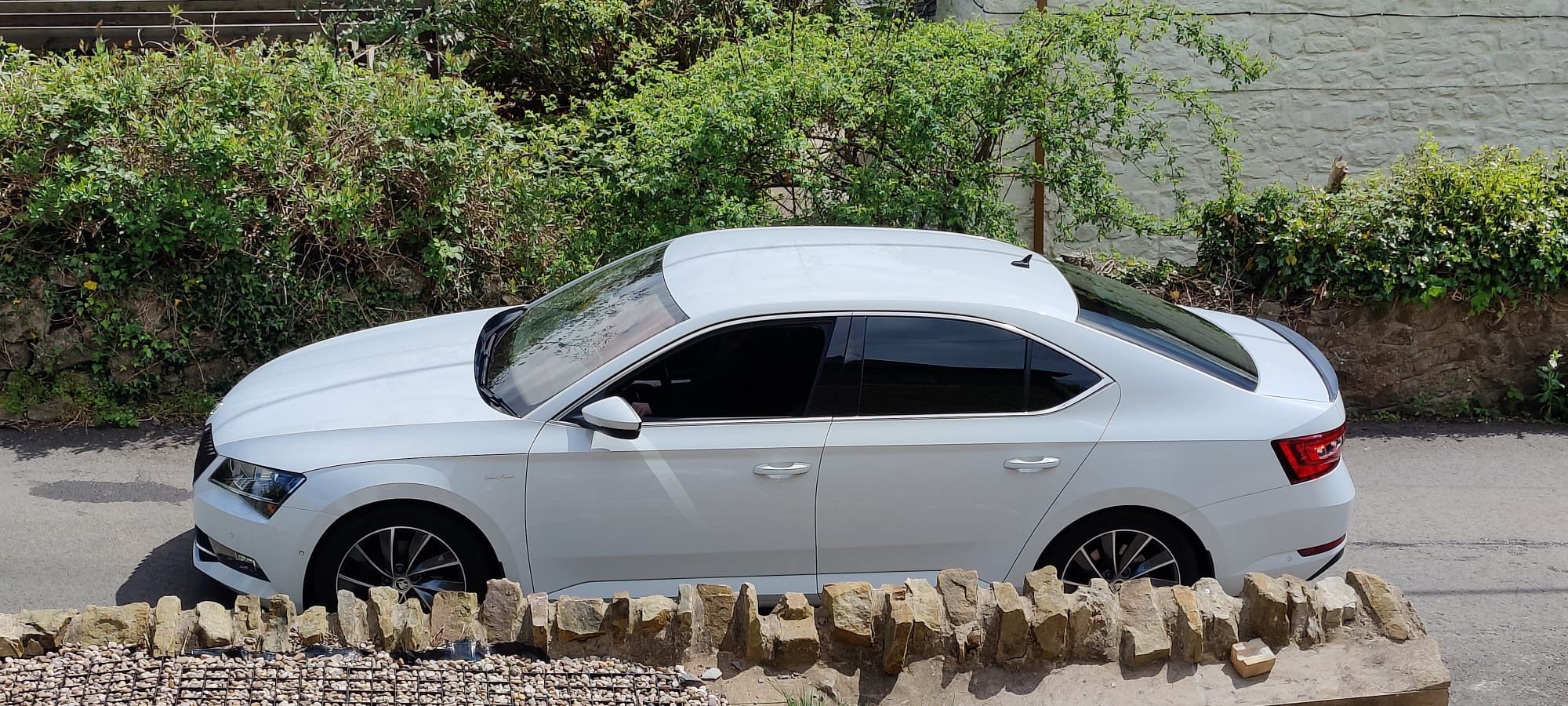
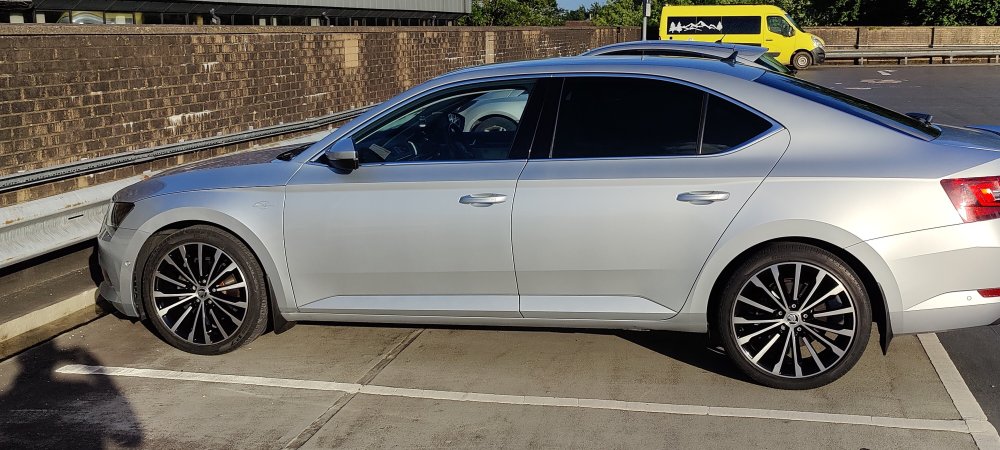
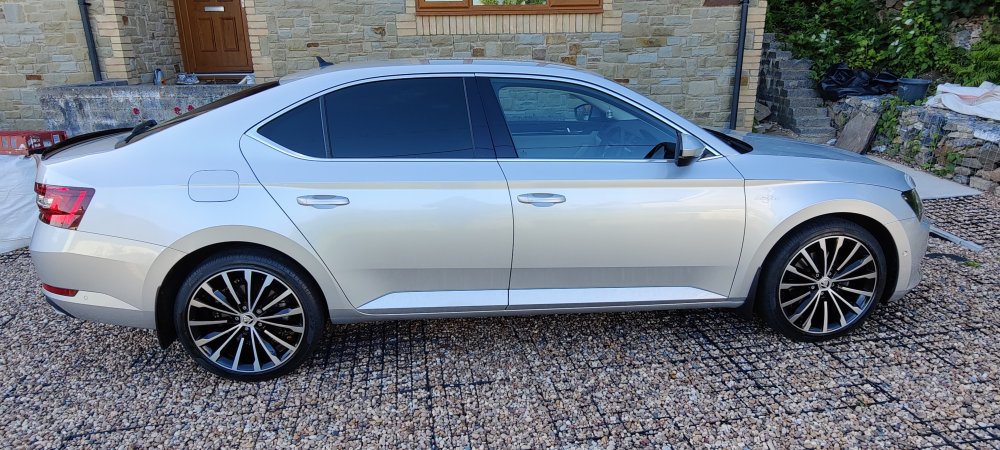
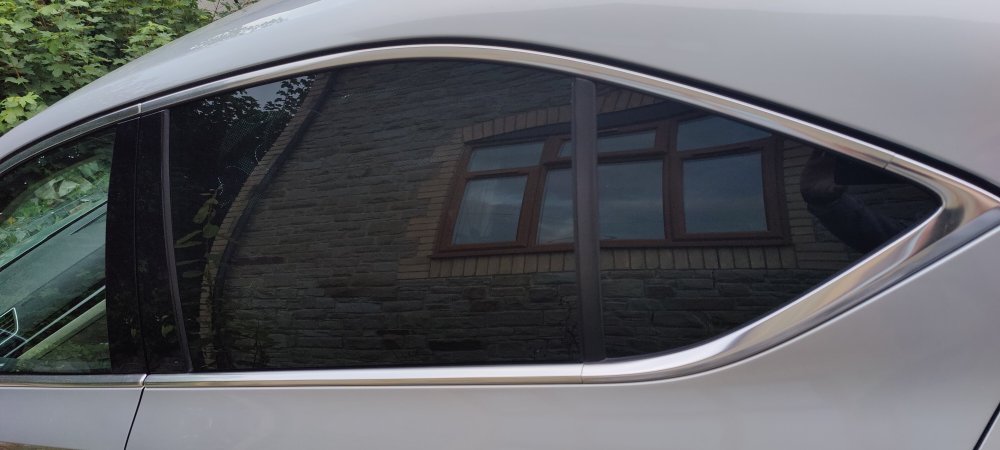
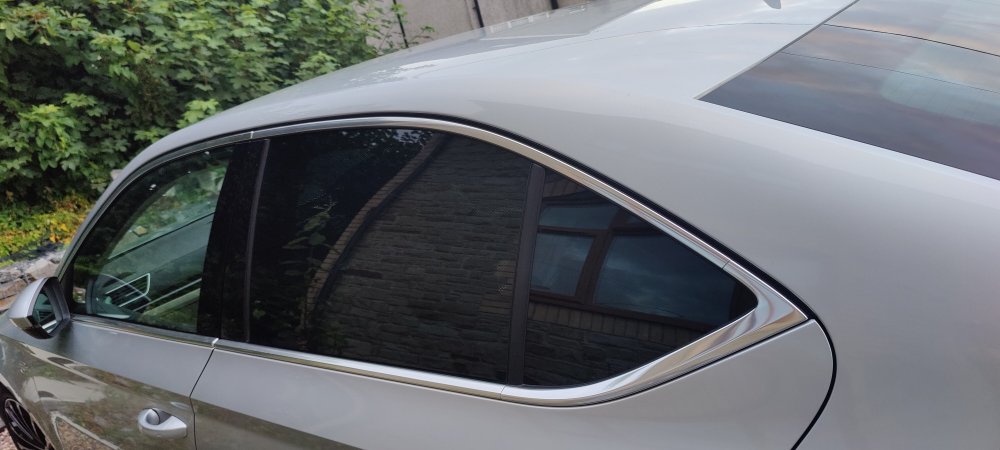
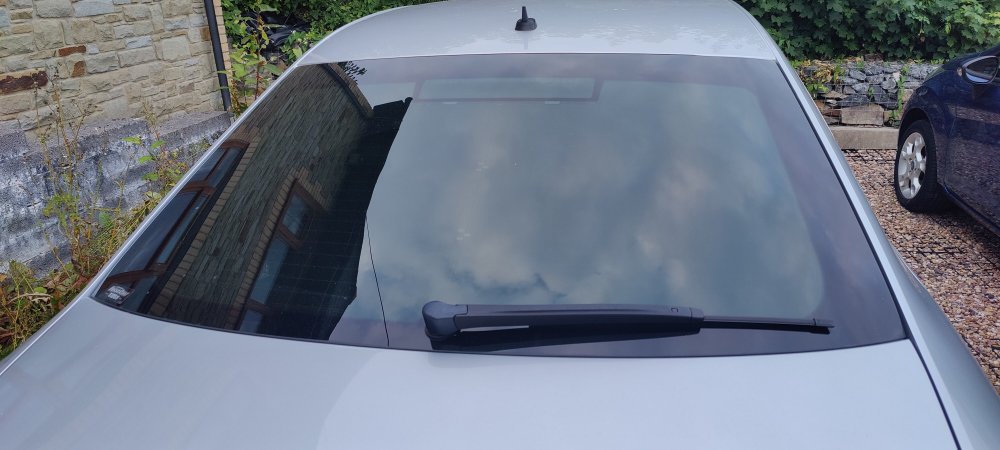
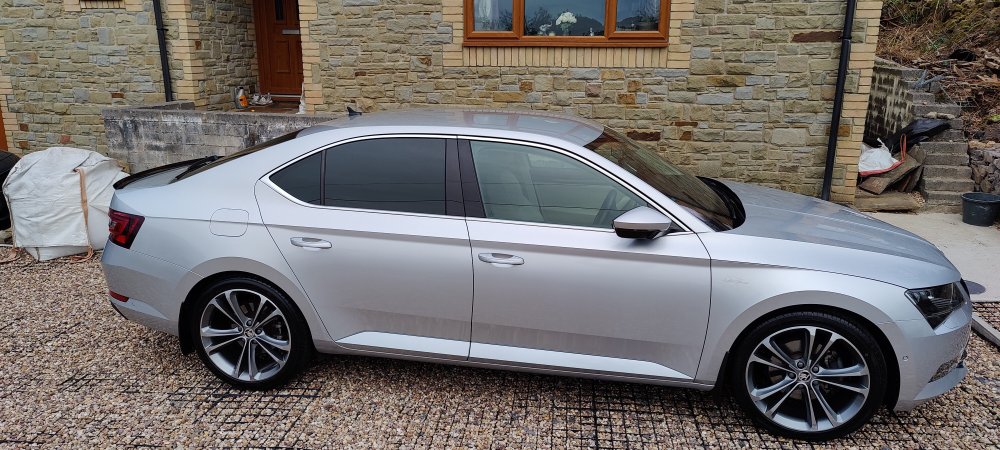
How the car looks from a distance
-
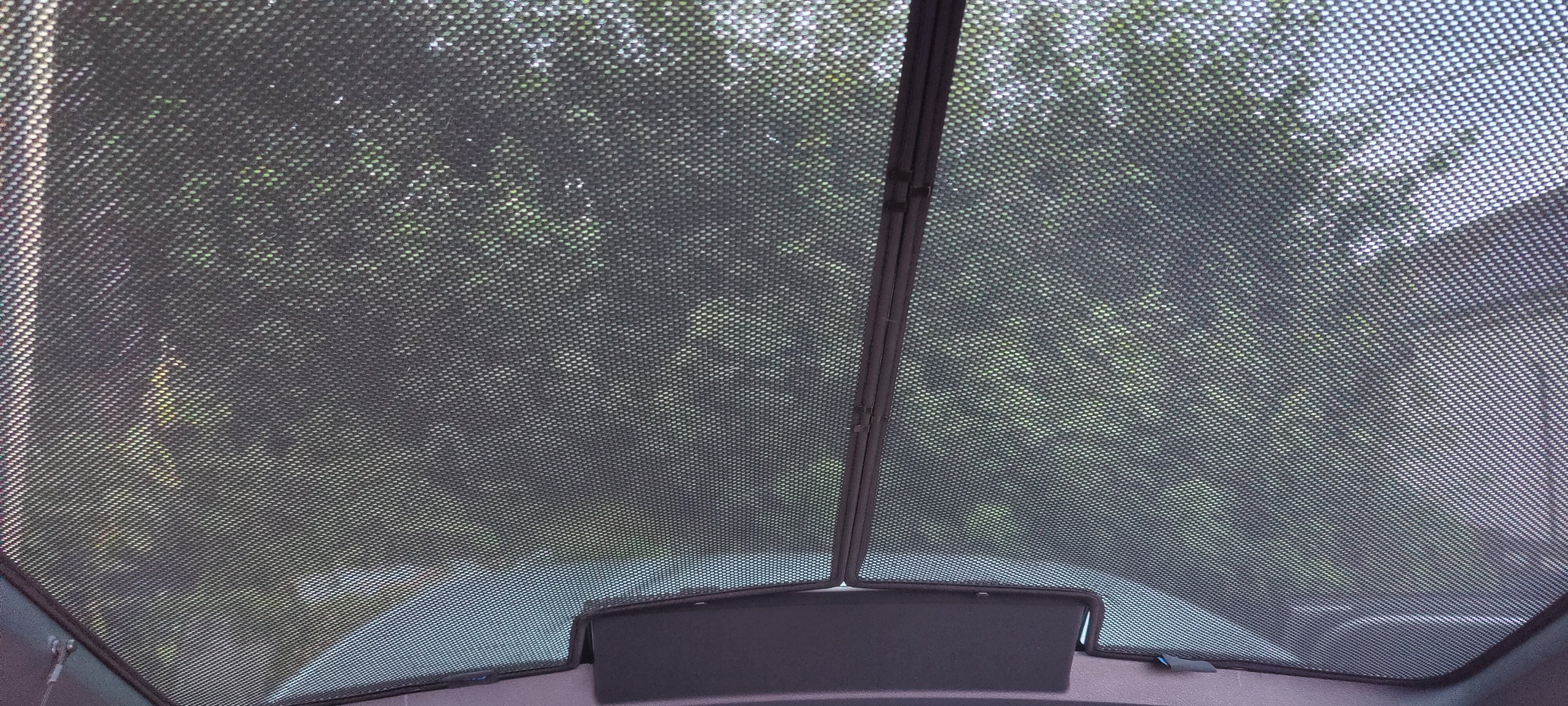
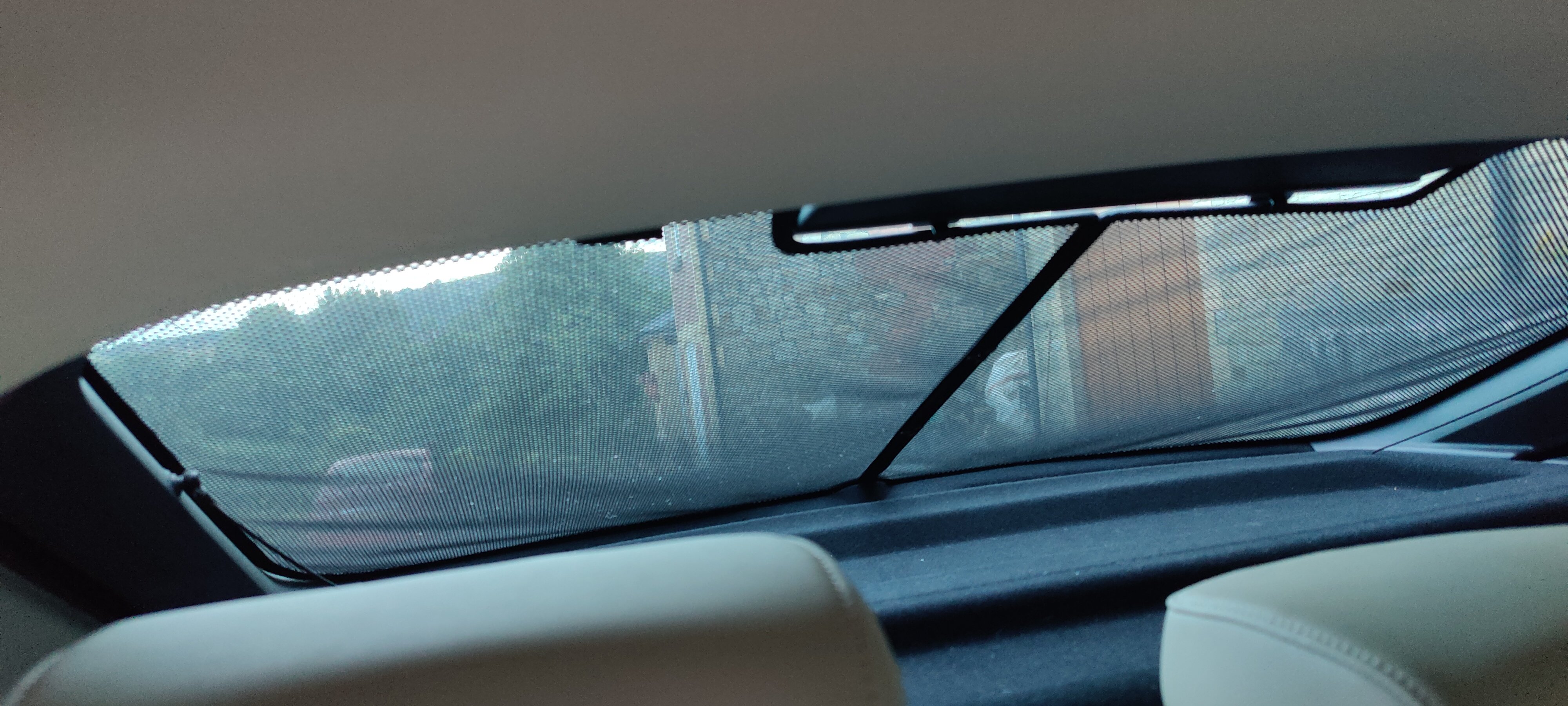
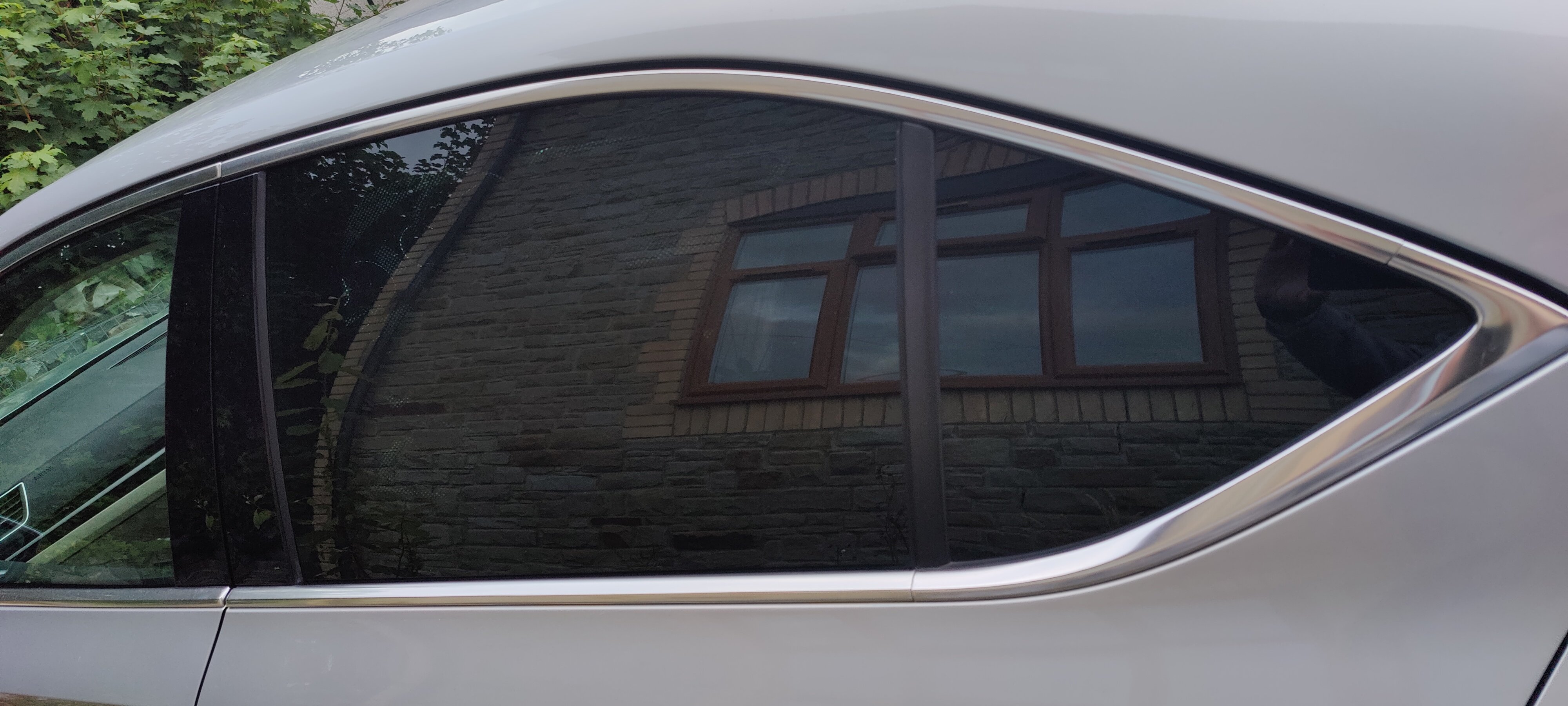
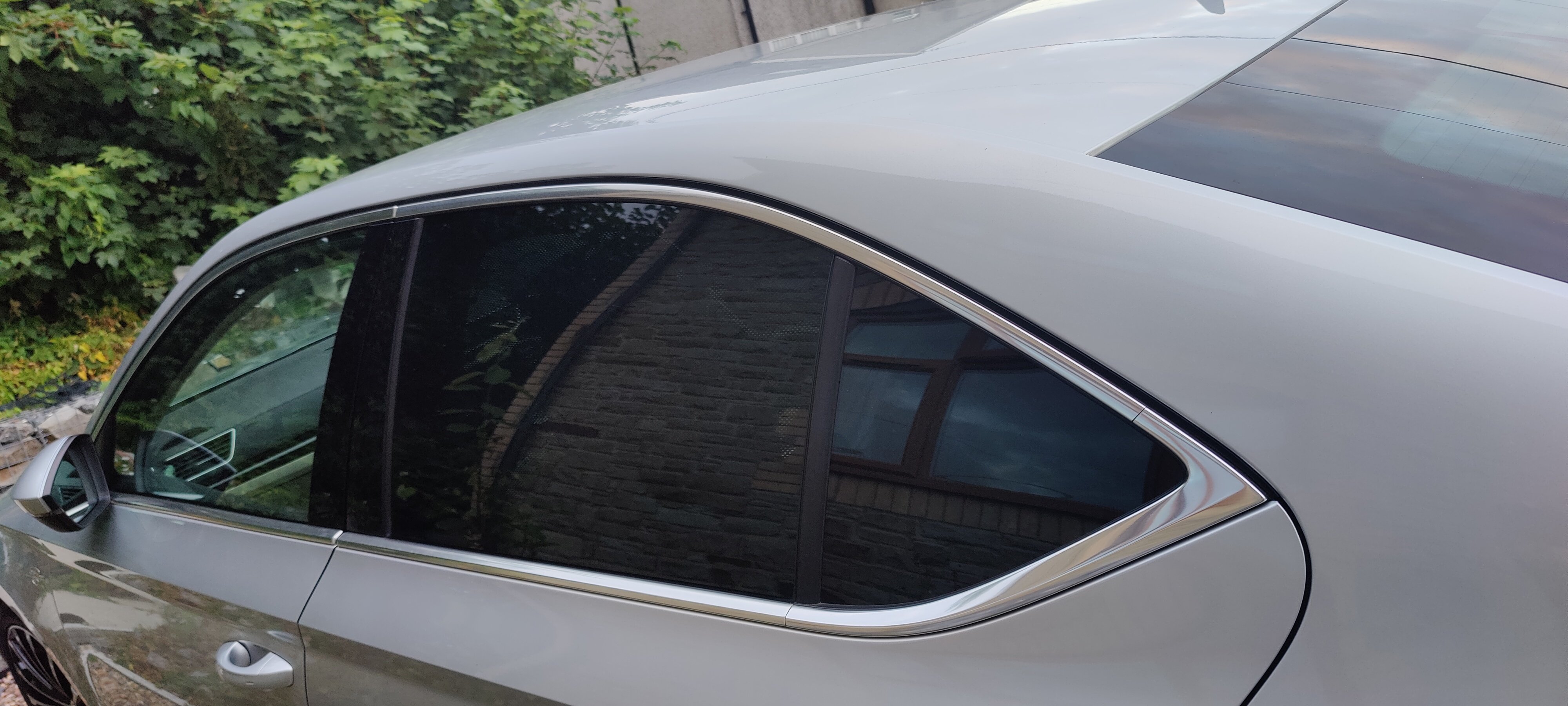
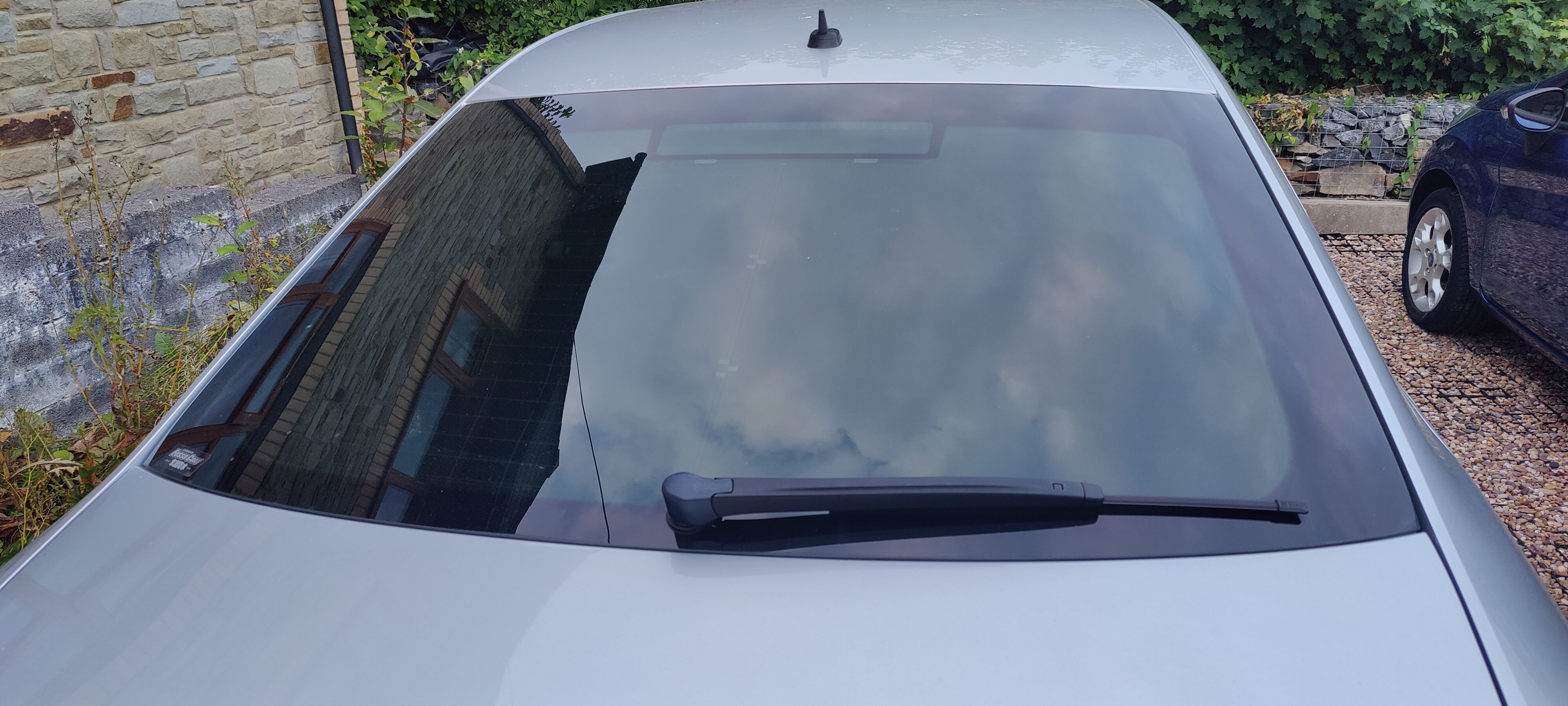
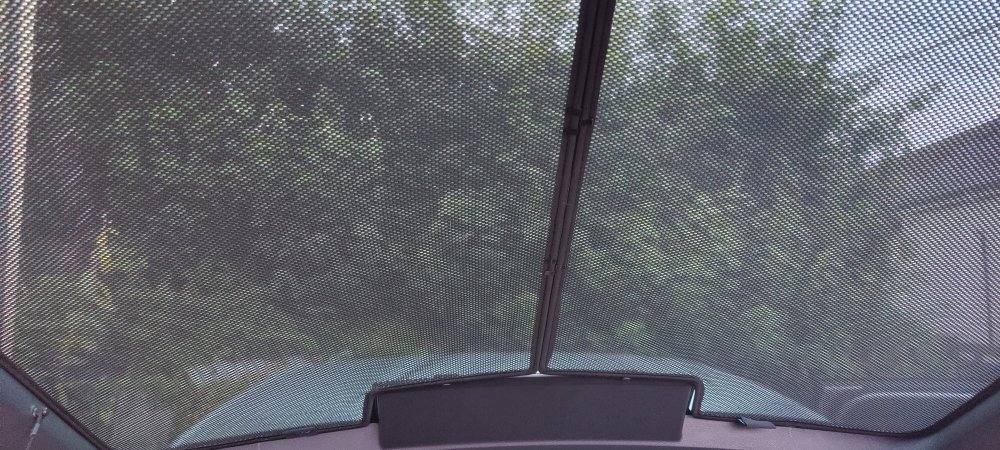
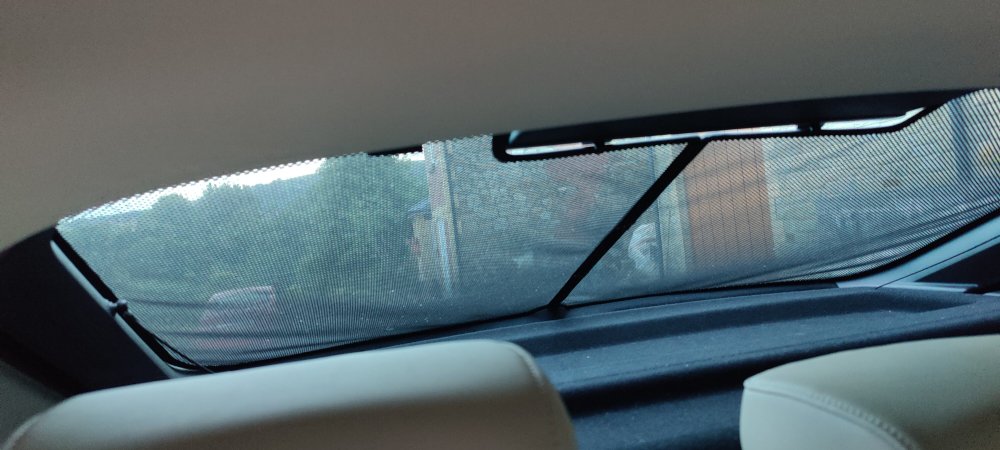
Not sure if they are of interest to anyone. I have a complete set, including all brackets / clips, carry bag, instructions etc for sale. Immaculate condition, non-smoker, no tears, rips or holes. Like new condition. They really do keep the car much cooler and much more privacy. Easy to fit and can be removed as required. £40 all in and I'll cover postage https://www.carshades.co.uk/shades-skoda-superb-door-full-rear-p-6497.html
-
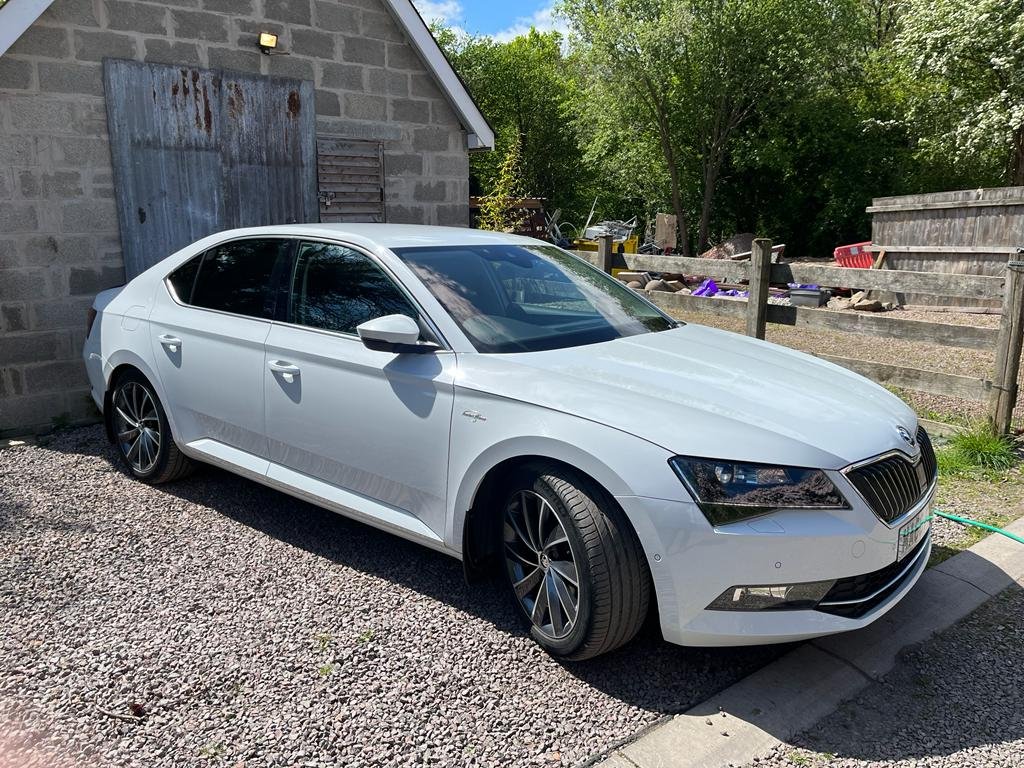
Wow, what wax did you use?
-
I wish I knew, I did try to identify them but no markings from memory. Paul
-
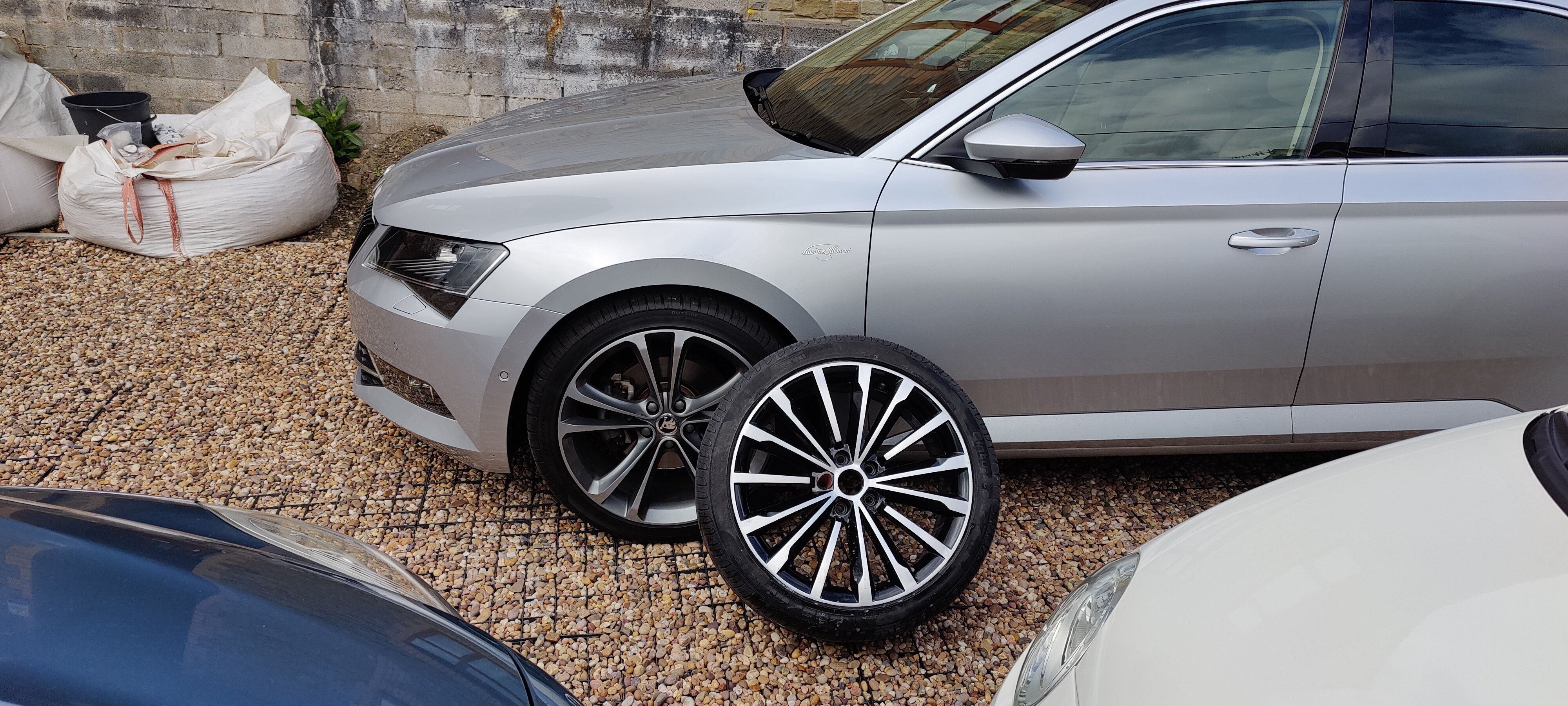
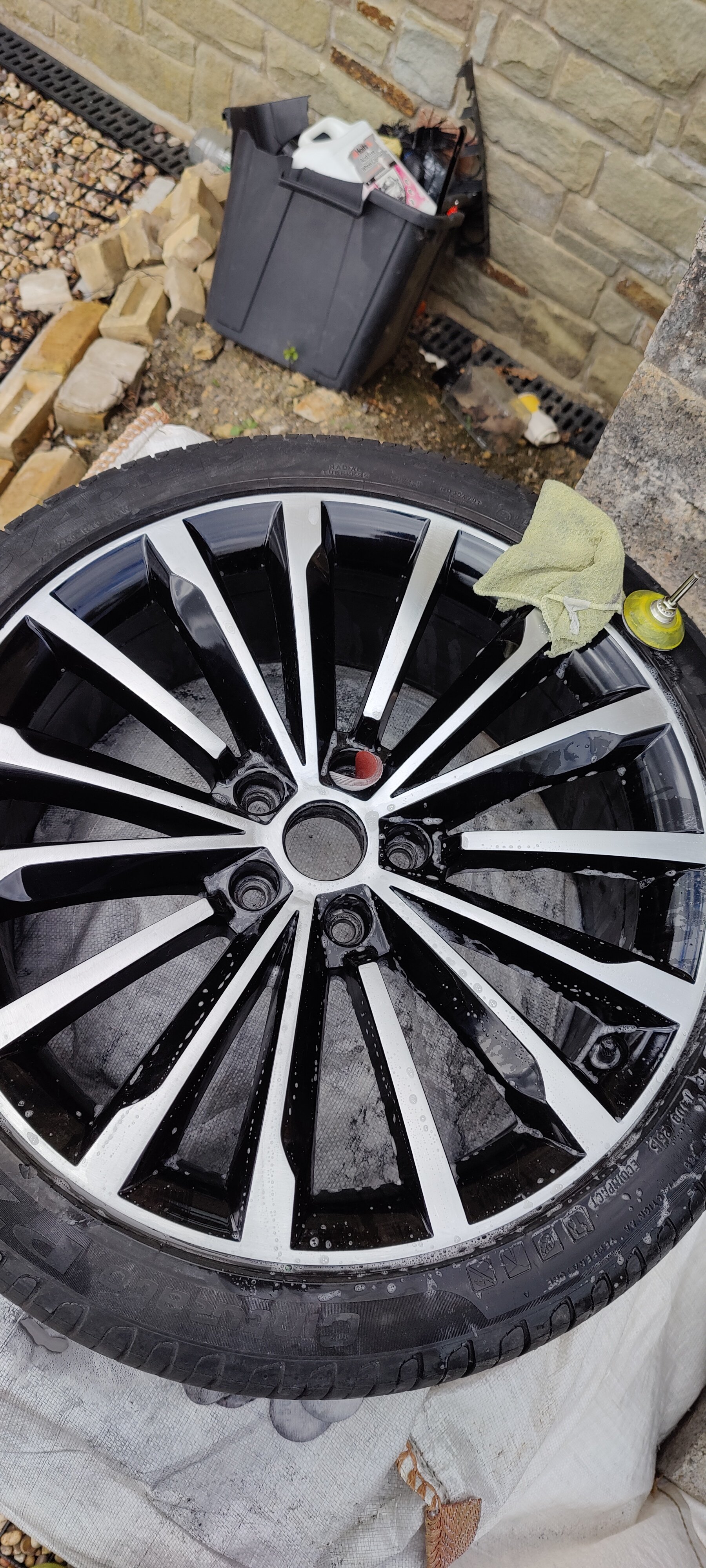
I've got these on mine at the moment - I'll be moving them on soon, possibly, maybe..... If my tyre guy ever gets back to me with prices for the other alloys I'm putting on 😥
-
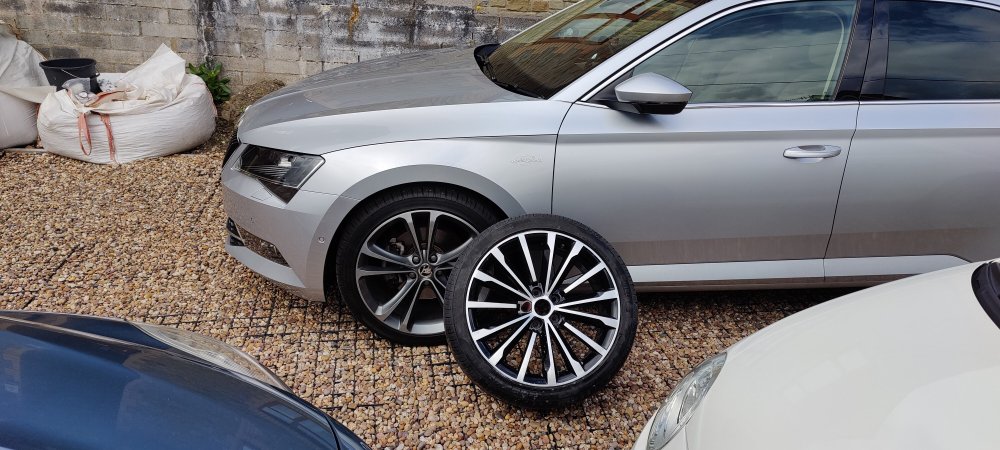
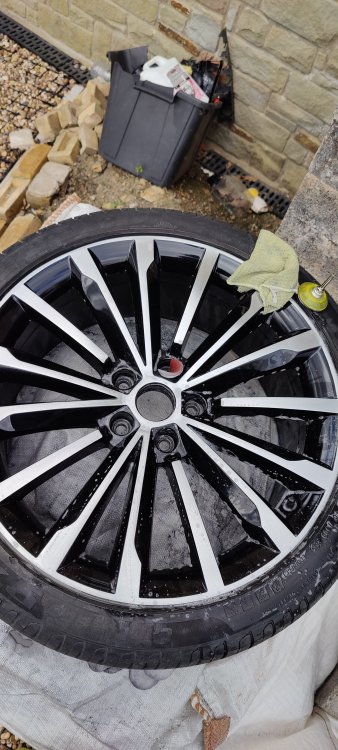
I'm in the process, very slowly, of going from all black to this
-
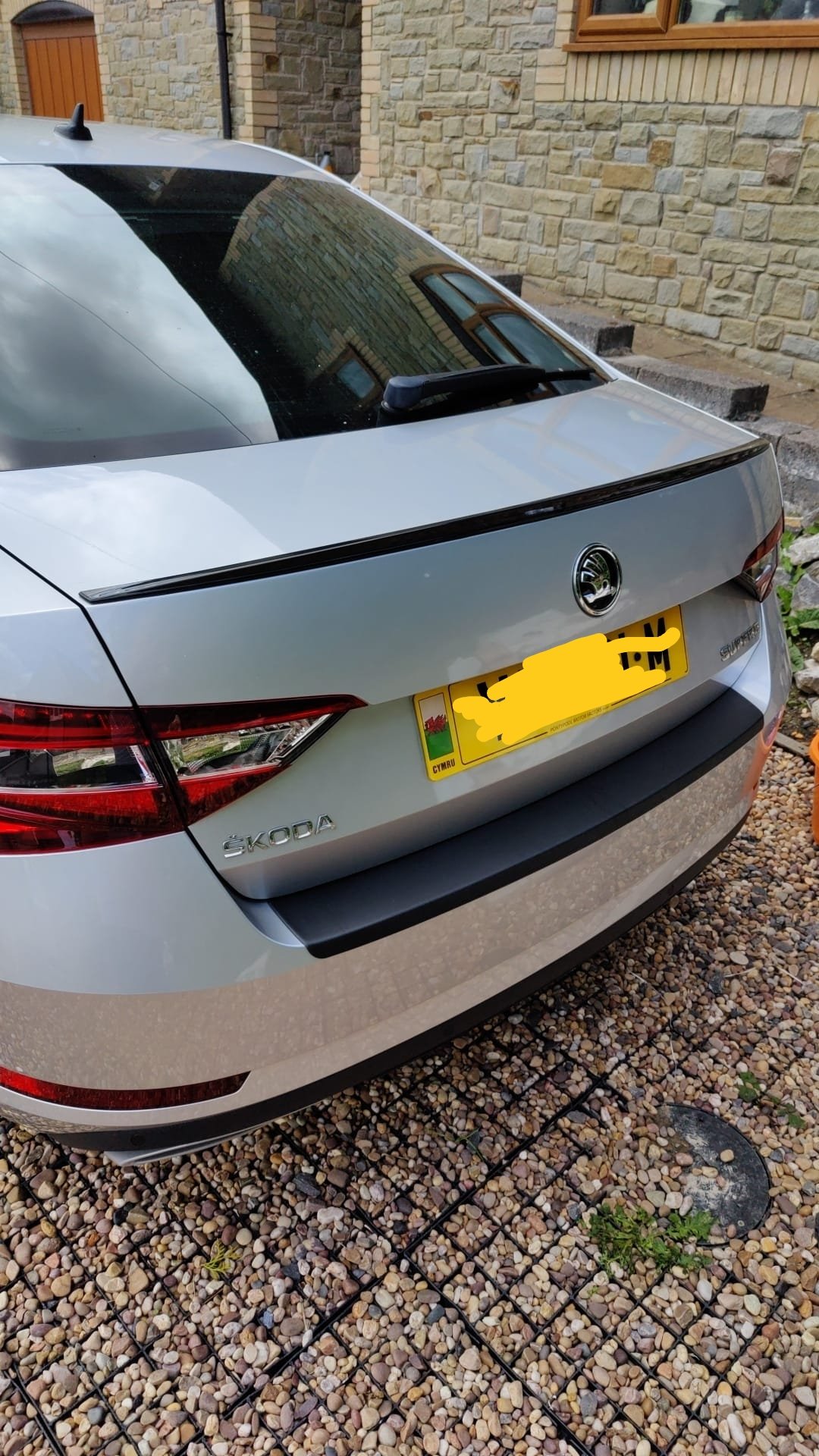
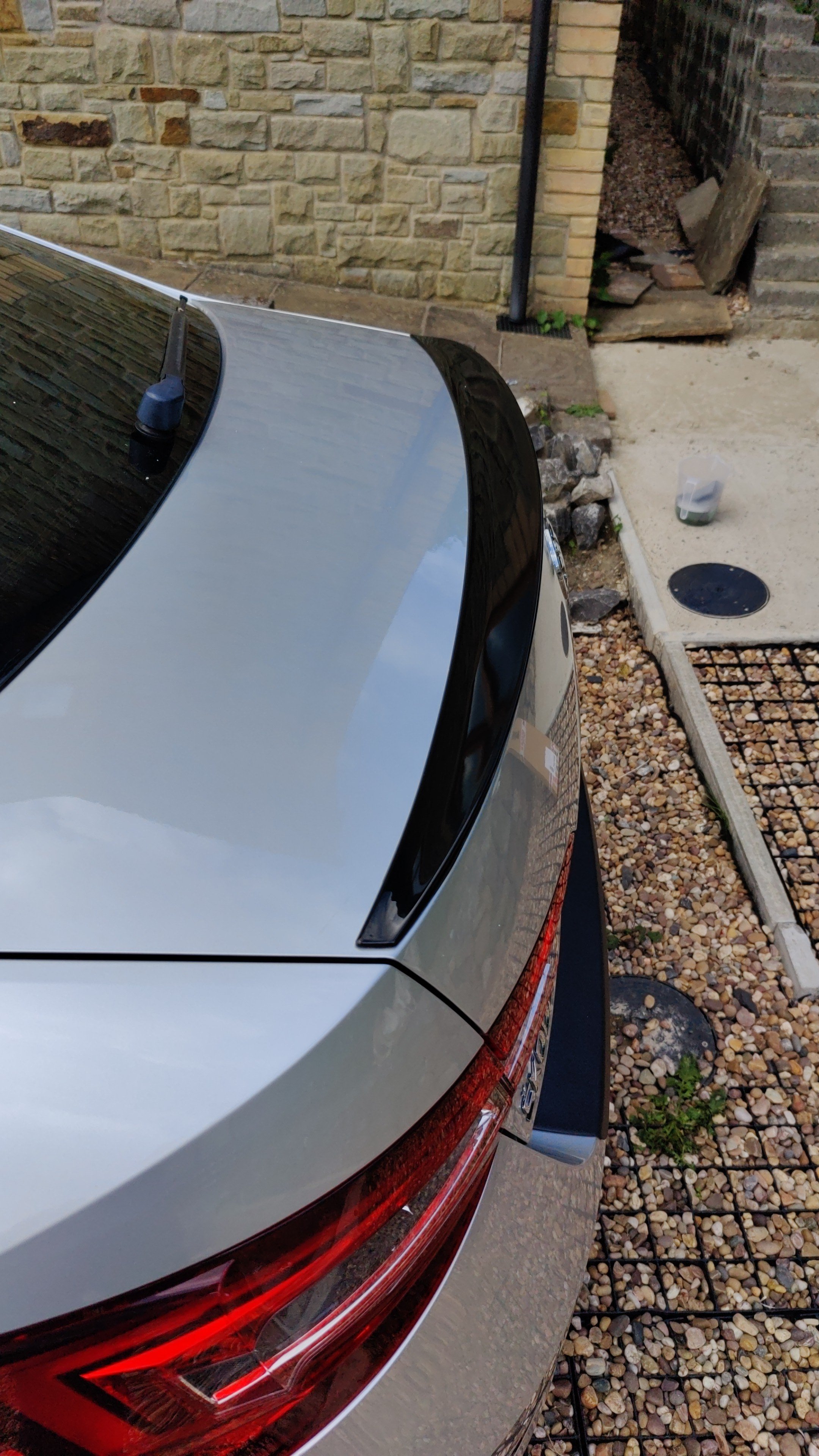
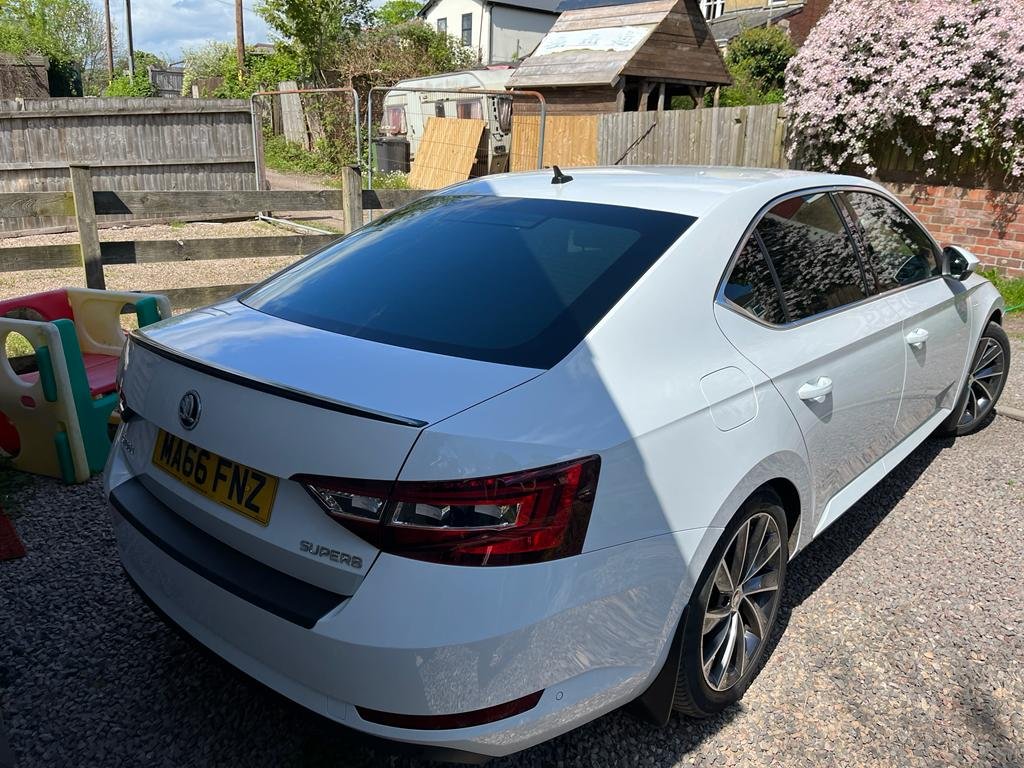
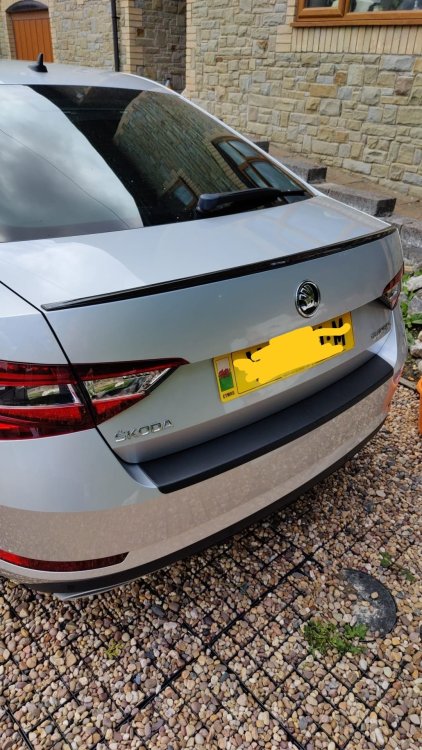
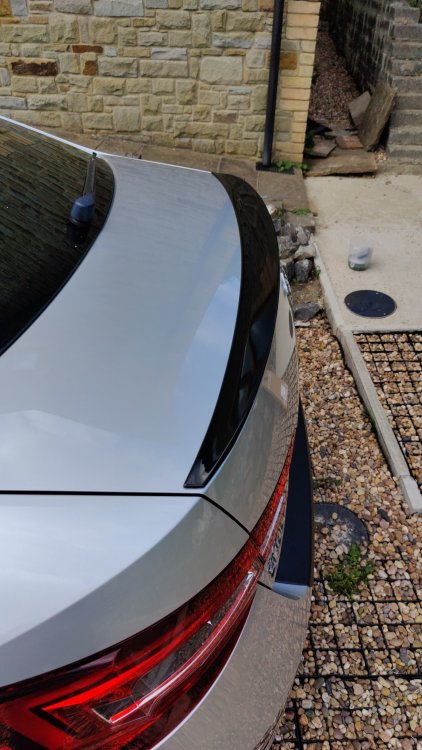
Today I changed my spoiler
-
I wondered if it was potentially out of calibration. It sounds like either camber in the road or a worn bush
-
Stupid question, it's not the lane assist kicking in is it? Have you got it enabled and if so what level of assistance is it set at?
-
Just dug out the one I have to fit for my car and I am mistaken, it is a Luxell one. https://luxelleurope.uk/products/lx-6616spo2022102-8696616spo202
-
Bloody hell, Maxton was nothing like that in the UK. I'll check the price and report back. Think it was circa £50-£60.
-
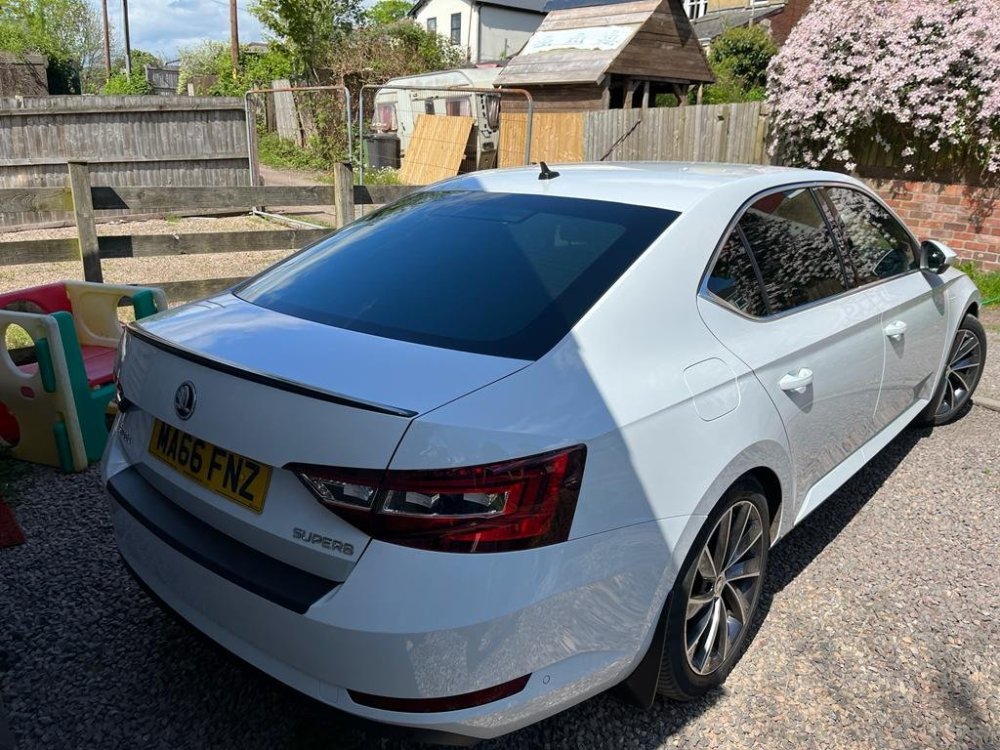
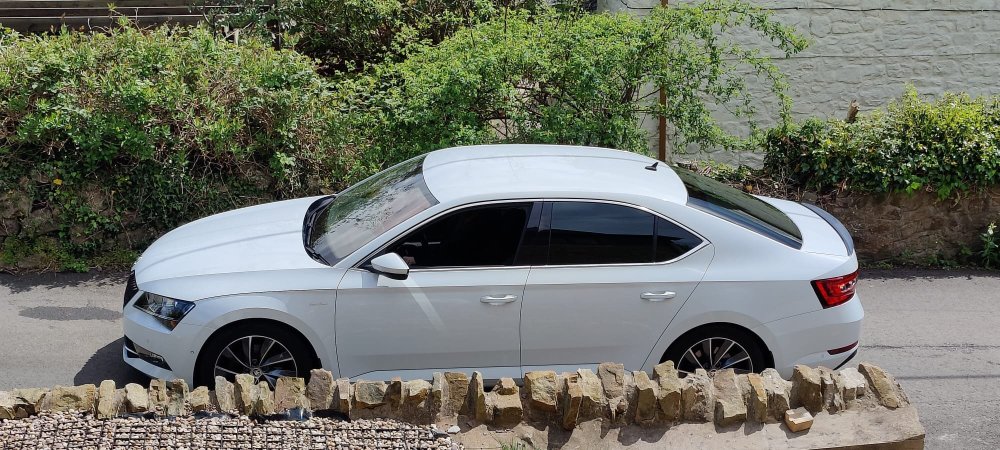
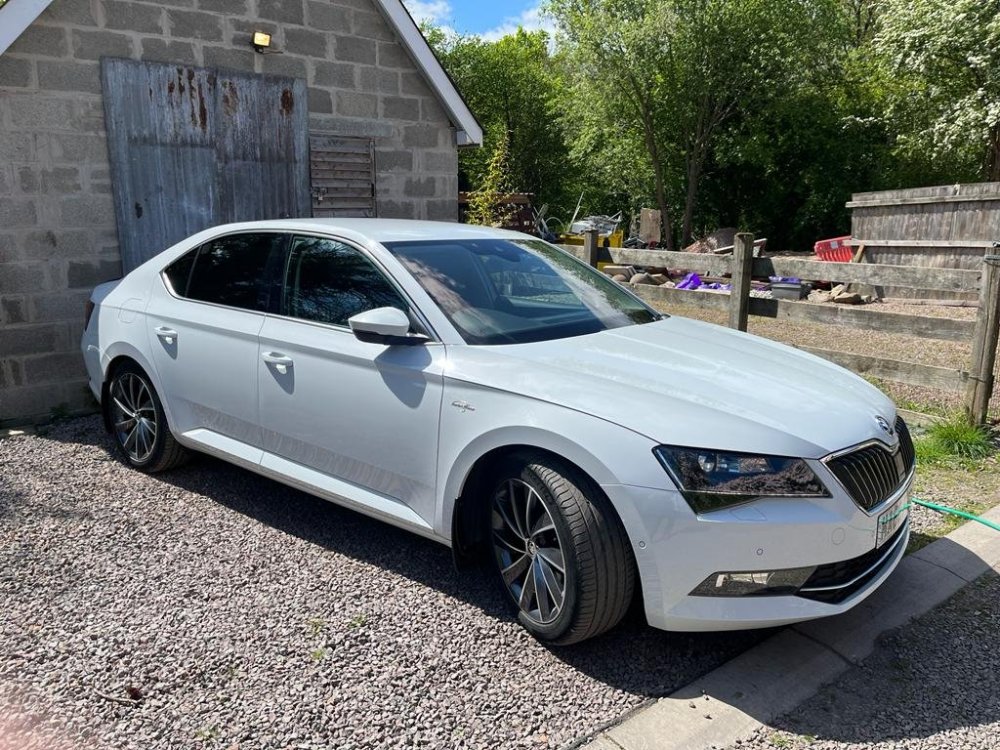
Nothing to mine but gave a friend's a deep clean and fitted a Maxton spoiler.
-
What colour is that? It looks stunning!!
-
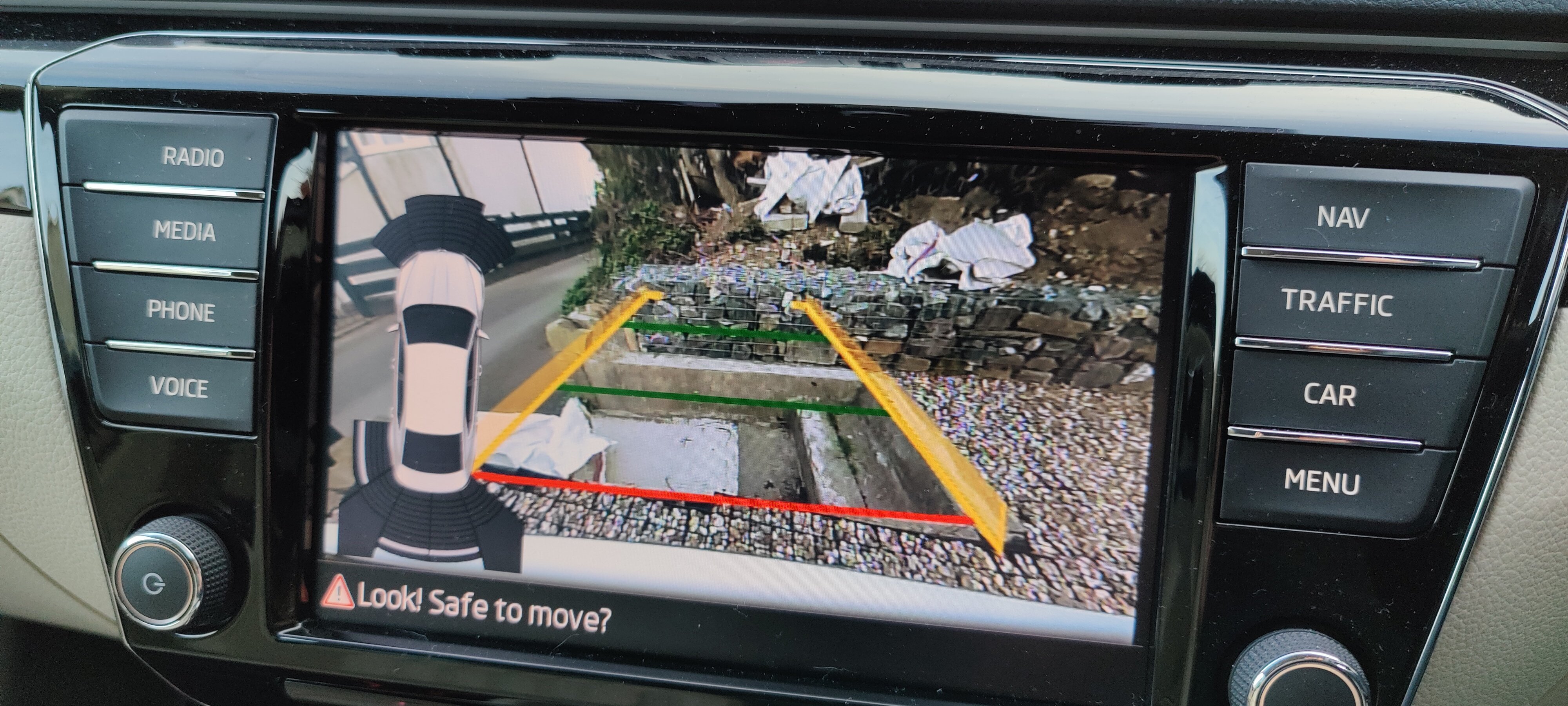
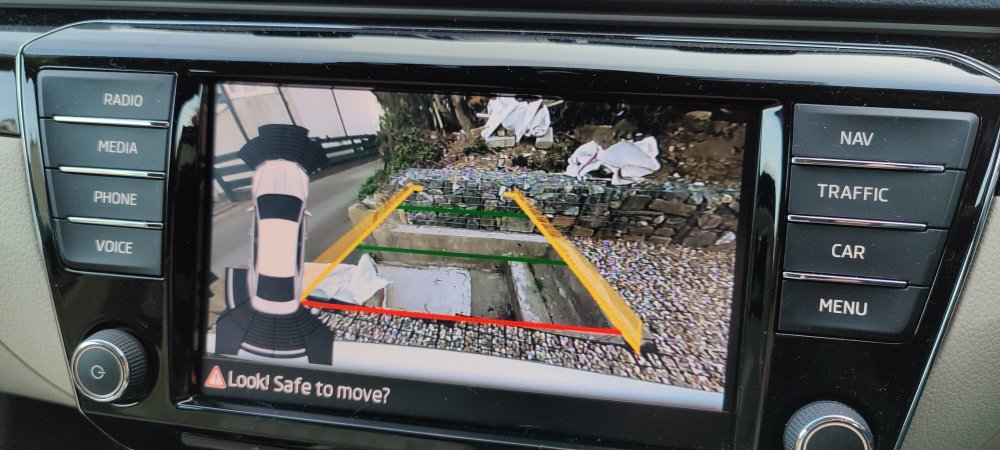
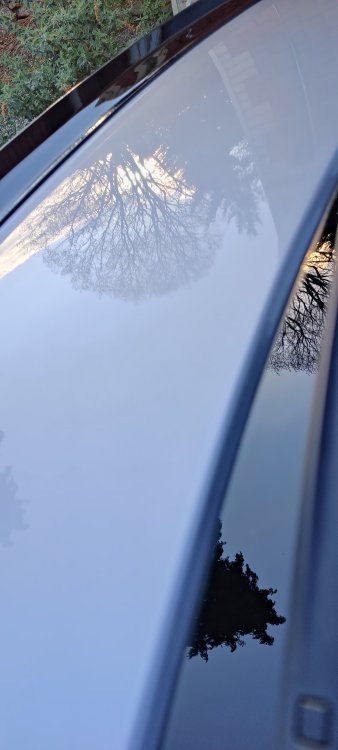
Yesterday I gave the old girl a good wash, applied some paint sealer. This morning I left the house at 5.45am to head to Potters Bar to have a reversing camera fitted and also the traffic sign recognition enabled. Great job by @ApertureS very fast and efficient. Tomorrow I'll be getting all the bugs off the car 🤣🤣
-
Are the rear indicators now brighter?? The standard ones seem very poor to me. Any pictures?