PITBULL4X4
Members
-
Joined
-
Last visited
Everything posted by PITBULL4X4
-
I feel like an idiot now, yes it is the dash cam 🤦♂️ got knows why that’s just started bleeping after about a year
-
Any ideas what this beep is that’s all of a sudden started when turning the car off?IMG_0660.mov
-
Software version 1941 tried the reboot work even done a factory reset that didn’t work ended up turning it off for a hour and all working again now
-
Just randomly lost smart link and since I’ve noticed the onboard maps are not available neither is ACC only speed limiter… Anyone got any ideas why this would happen?
-
Can someone please send me the link also. Thanks
-
Anyone know the part number for the top strut mounts for the mk4?
-
I never use it so not overly bothered about that but it just adds to the things that’s wrong with it. Wish I never got it updated, could have lived with the issues I was having before 😂
-
Taking it in on the weekend and leaving it with them as I’m away for a few days. Playing around with it and I’ve noticed Laura no longer speaks to me 🤷♂️ I give instruction and it either dose it or not. No sound at all other then turning the radio down. 🤦♂️
-
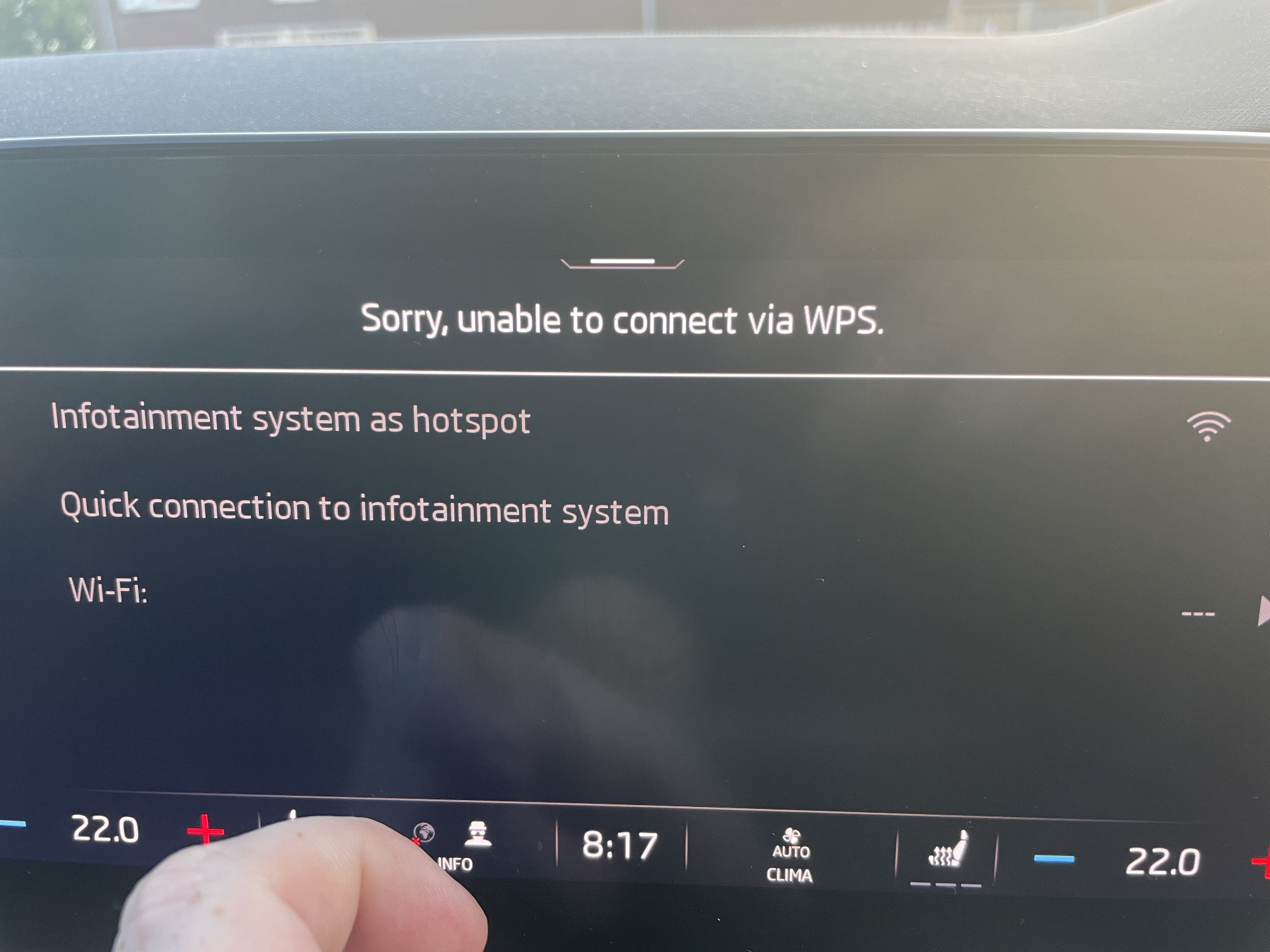
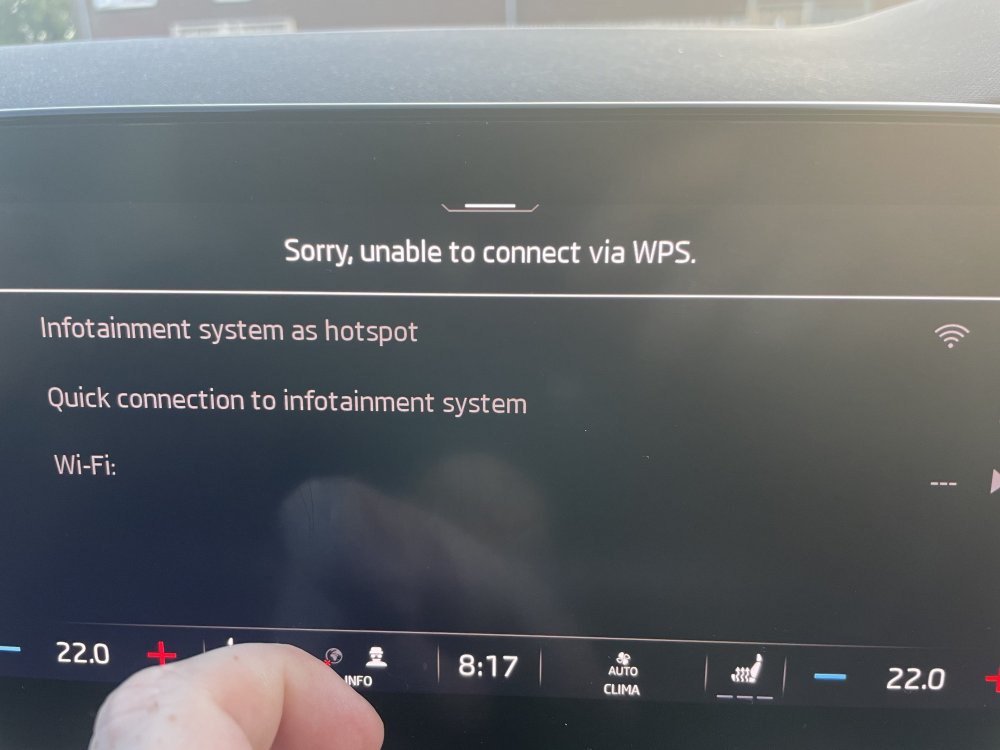
To add to this it also looks like my Wi-Fi potential isn’t working in the car (could be why CarPlay won’t work, but would it stop it working with a cable?). Can’t find the car as a hotspot and when I try quick connection it says “Sorry, unable to connect via WPS.” Also can’t find my phone’s hotspot on the car and can’t make myself the primary user as it just keeps saying please wait. 🤦♂️
-
Also tried my wife’s iPhone with the same result.
-
Updated my phone the other day and was working this morning on the drive in this morning.
-
Thanks for looking that up for me. It seems a different issue as android auto works fine and Bluetooth just not CarPlay. Looks like I’m going to have to phone them tomorrow and see what they say
-
Yeah, that’s the issue. I use CarPlay everyday 🤦♂️ Thanks for your help. I’ve tried what was suggested in the other post including using a cable with no joy.
-
Thanks for the info, apparently the info is posted in this thread and that’s why mines been locked but I’ve read through it a few times now and can’t find the info 🤷♂️
-
Was dealership. Just checked android auto and that works.
-
Anyone got any ideas? Just picked up my car from Skoda and I cannot connect it to Apple CarPlay. Tried forgetting the phone and reconnecting and rebooting the system with no joy. Just says “sorry, unable to connect your mobile device”
-
Anyone else’s appleplay stopped working after update 🤦♂️
-
It dose say in the manual that the engine should be warm.
-
No, I haven’t checked it since having it. Clearly haven’t read a manual either 😳
-
Just had a warning to add max 0.25gal of oil and looking at the manual it looks like it’s normal? I’ve never had to add oil between services in my Passat! And one know what oil for 2l diesel?
-
Yeah sorry, I quoted the wrong post. It was meant for @timster
-
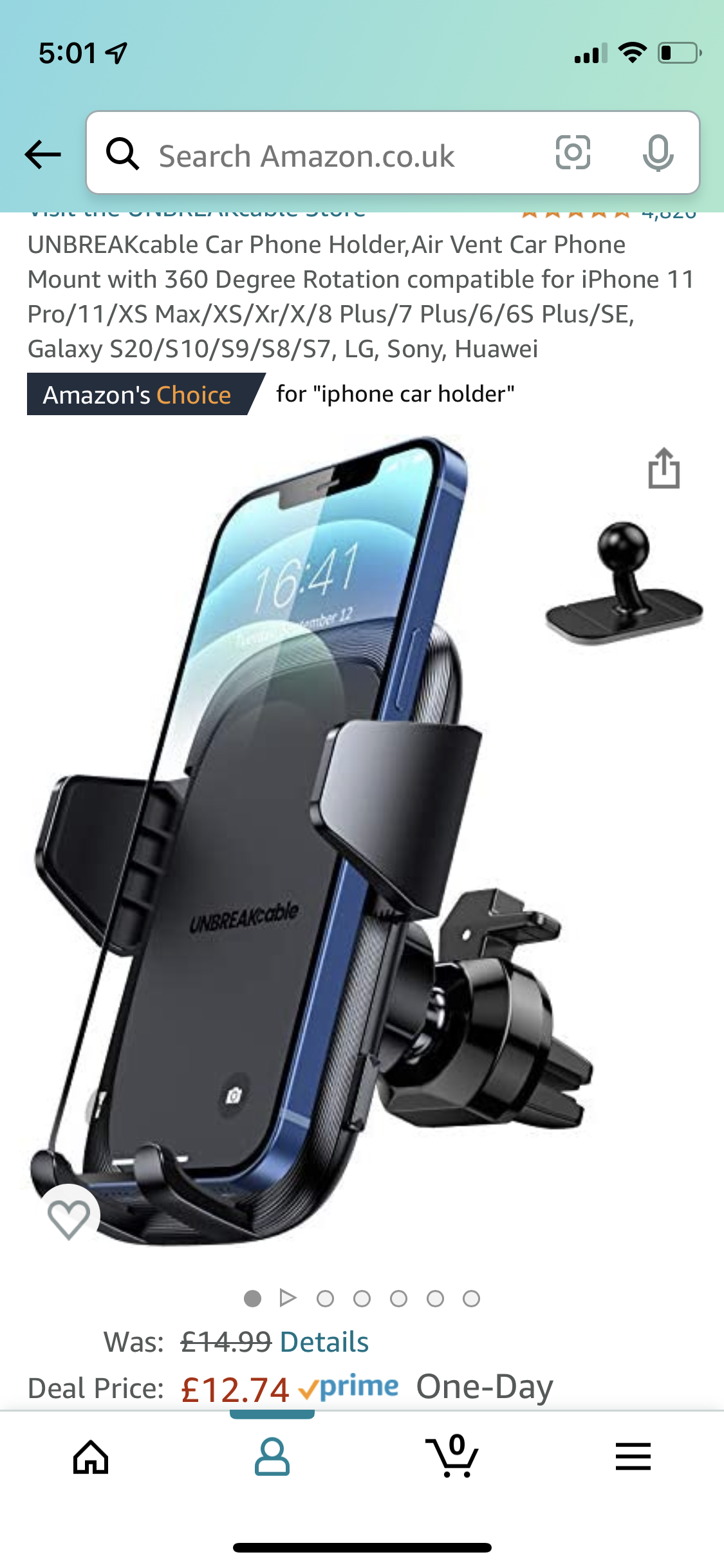
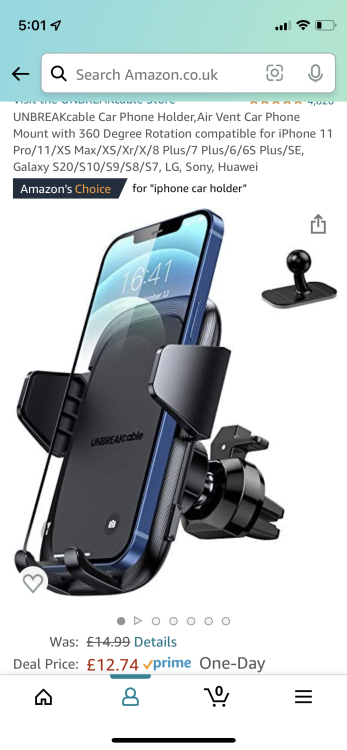
Then a brought a holder with a mount like this for a few pound again they don’t seem to sell what I brought anymore
-
Possibly this one https://www.ebay.co.uk/itm/185155954971?mkcid=16&mkevt=1&mkrid=711-127632-2357-0&ssspo=hT4_B4OfQ9-&sssrc=2349624&ssuid=KsiAVW9rRne&var=692914448174&widget_ver=artemis&media=COPY
-
I brought it a few years ago off Amazon and they don’t seem to sell it anymore but there’s a few that look similar on there if you search MagSafe car charger. It’s stuck on with 3m sticky tape that I used to fit it in my old Passat and removed with no issues
-
I had it in my old Passat for years and removed with no issues