Unecc
Finding my way
-
Joined
-
Last visited
Everything posted by Unecc
-
You have to connect to J387?
-
Hi, also mine works but some problem for After turning the steering wheel fully, the front side sensor of PLA 3.0 goes off (beeps). Can you tell me which front sensors you are using? Mine is a 2019.
-
Please wich is positive 12v pin for ambient light in the door?
-
Yeah i' m installing aftermarket ambient lighting. Please can u tell me pin for dc 12v that you use? I m going crazy
-
I have to mount the LED strips on the door without changing the molding. Do I still have to break the seals?
-
thanks alot.
-
I've 5Q0937084DK is good FOR AMBIENT LIGHTING?
-
No plug or wire dedicated?
-
No one can help me? 😞 Can someone tell wich pin to use for give power?
-
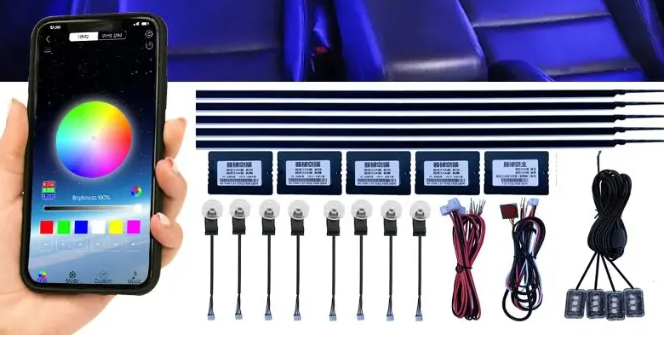
Hi to all, octavia 2019 i want to add ambient ligth kit I have tested them on the bench and they work very well. I convinced myself to install them. I need to understand which wires to connect the various control units to to prevent the battery from running down. The main one must be connected to a fuse under the steering wheel. Advice? Which wire in the doors?
-
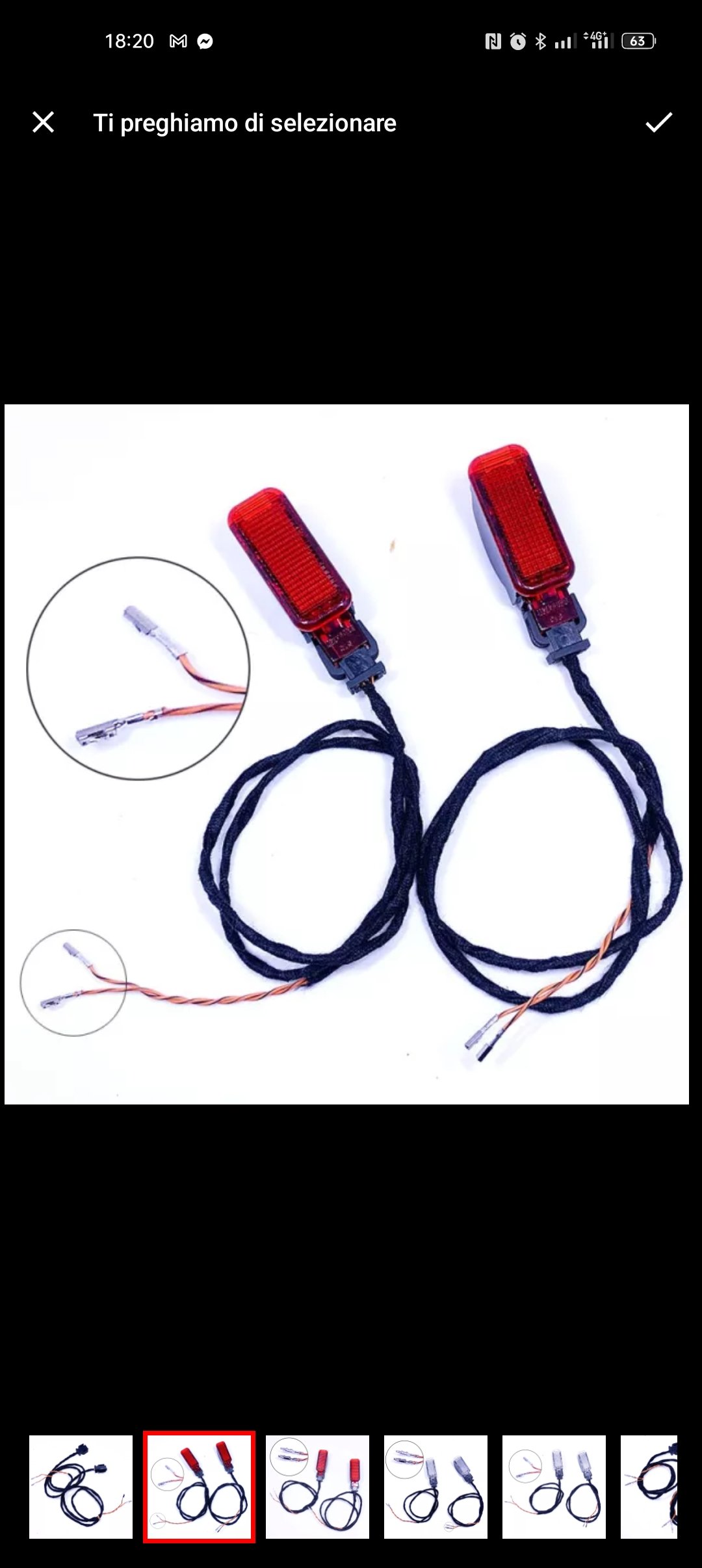
Hi to all, same here. Octavia 2019, full optionals, NO PUDDLE LIGHTS, no slot and no cutted plastic for it. my passenger door 5Q4959592K my driver door 5Q4959593K Please useres that do this job can tell me if cables are inside? Thanks!
-
hi, in my octavia mk3 style have not hot steering wheel. How can activate it? it will works plug and play? so all will works but not esc/cancel? Where can biu this solutions?
-
Ahaha ok. Thanks
-
Many thanks but cable of this website are not +12v and gnd but appear Canbus + and - color However i llntry itmany thanks
-
hello everyone, I have a skoda mk3 FL 2019 and I would like to mount the Lights under the door and I would like to buy them from china. can anyone help me on how to do?