trinajstich
Finding my way
-
Joined
-
Last visited
Everything posted by trinajstich
-
Hi djmartizan, I choose to keep option 16 as my default sound dataset. It seemed much better thank stock option... I haven't managed to restore stock option. Yes, I made a backup of all Control Units before starting anything, but on free VCtool I think is impossible to restore.
-
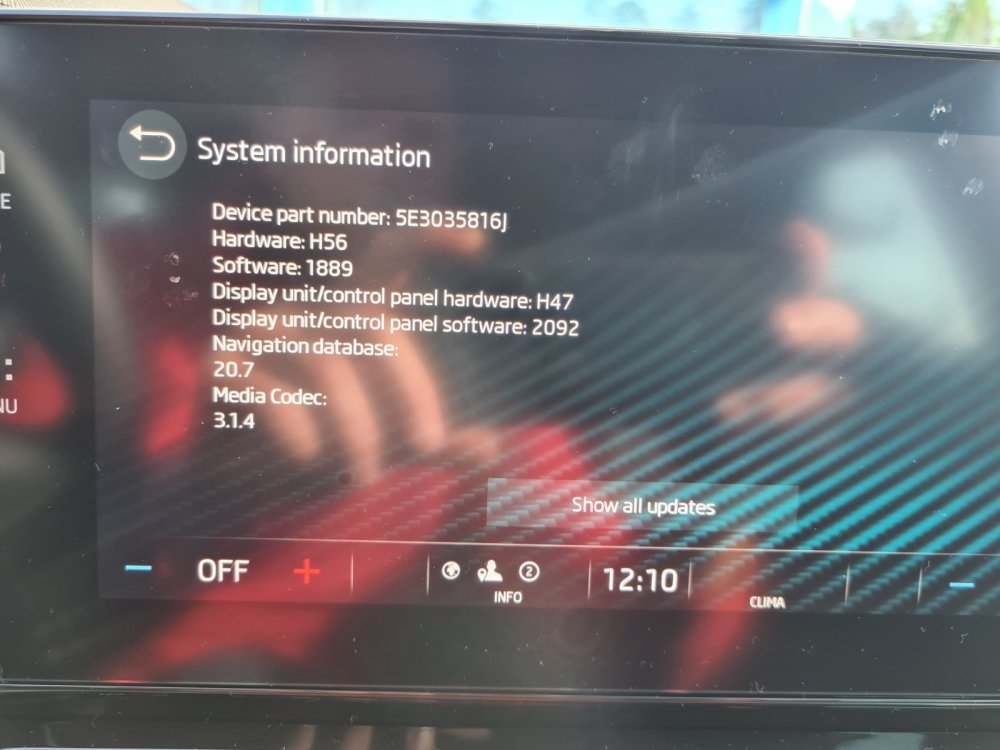
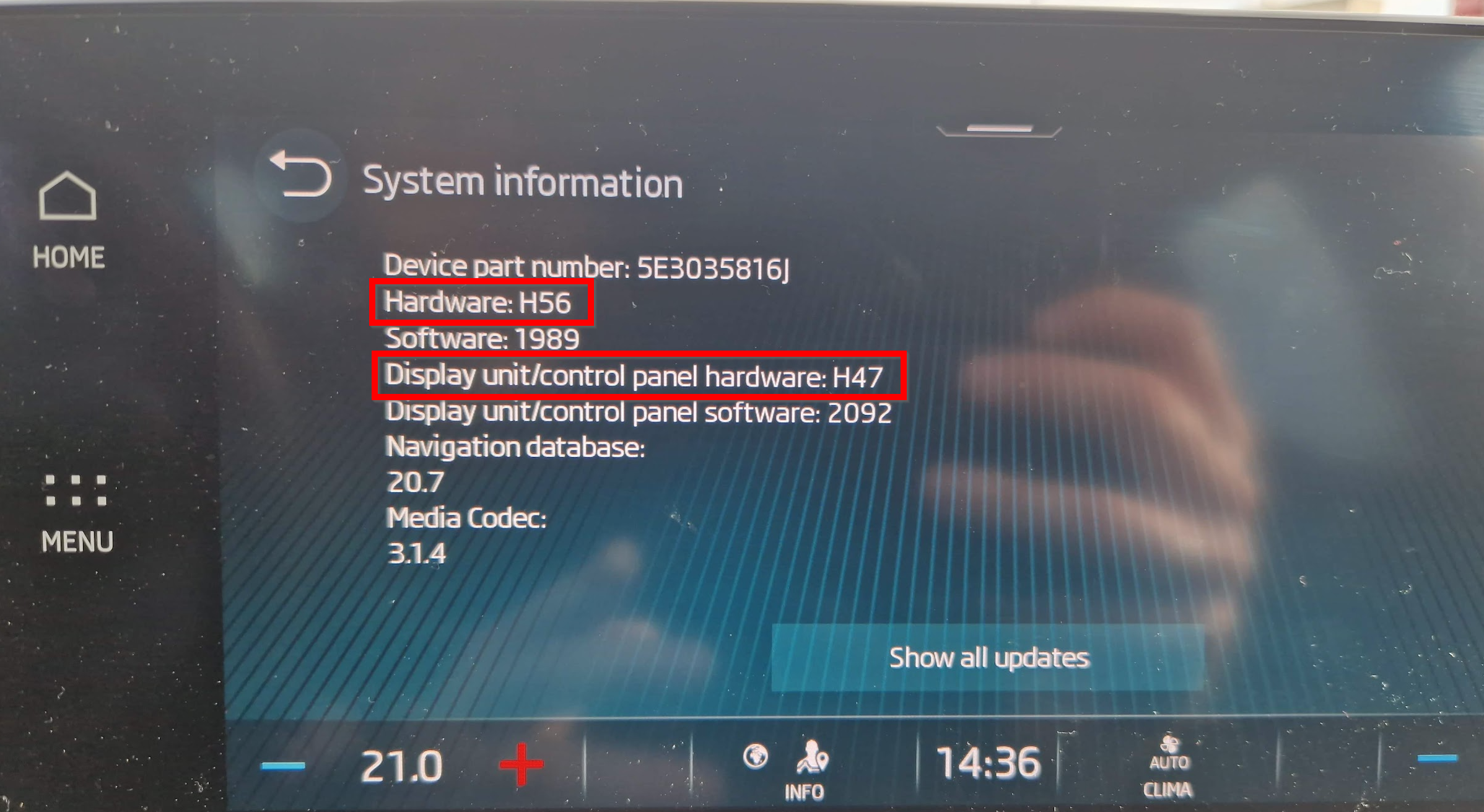
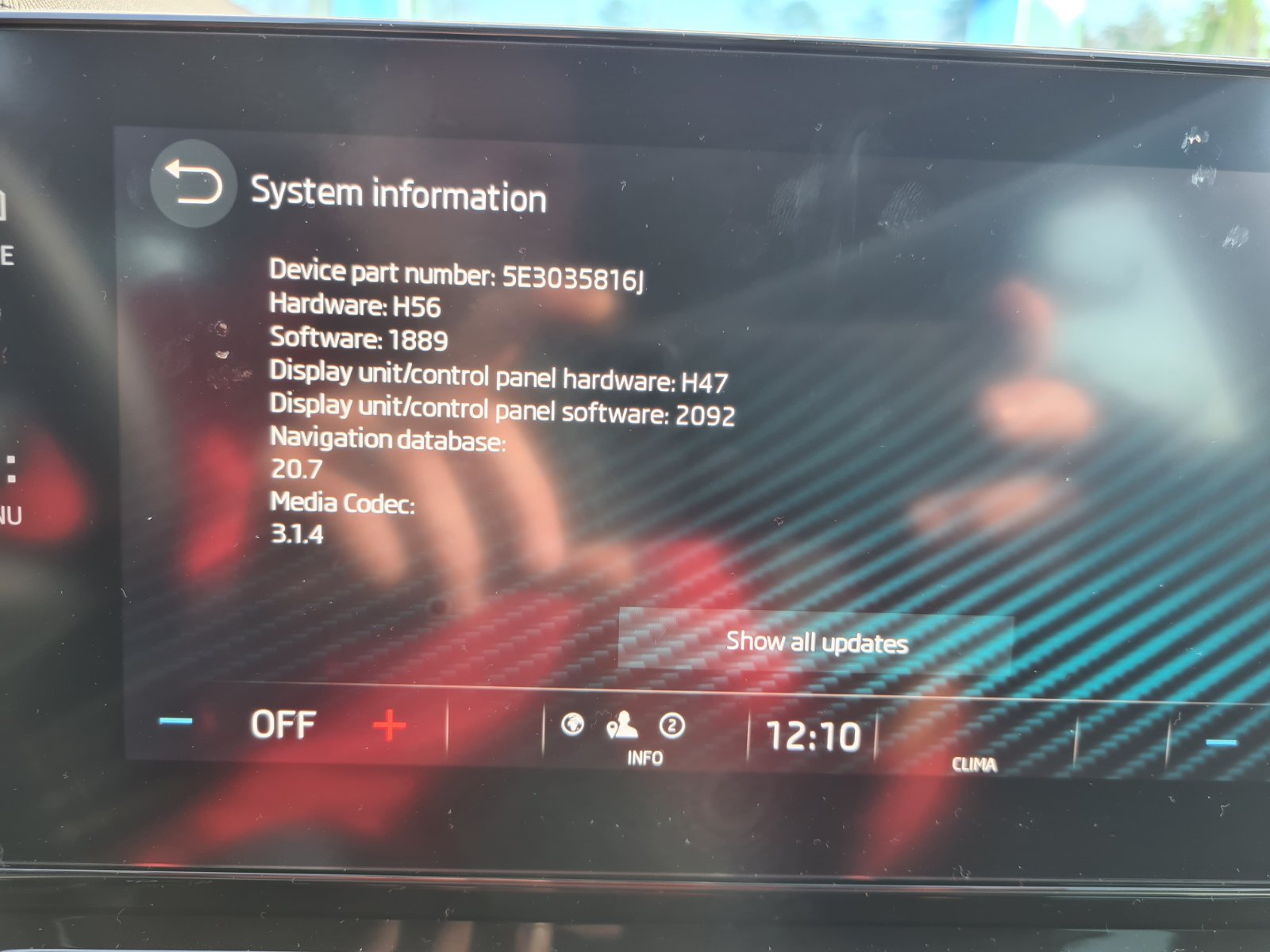
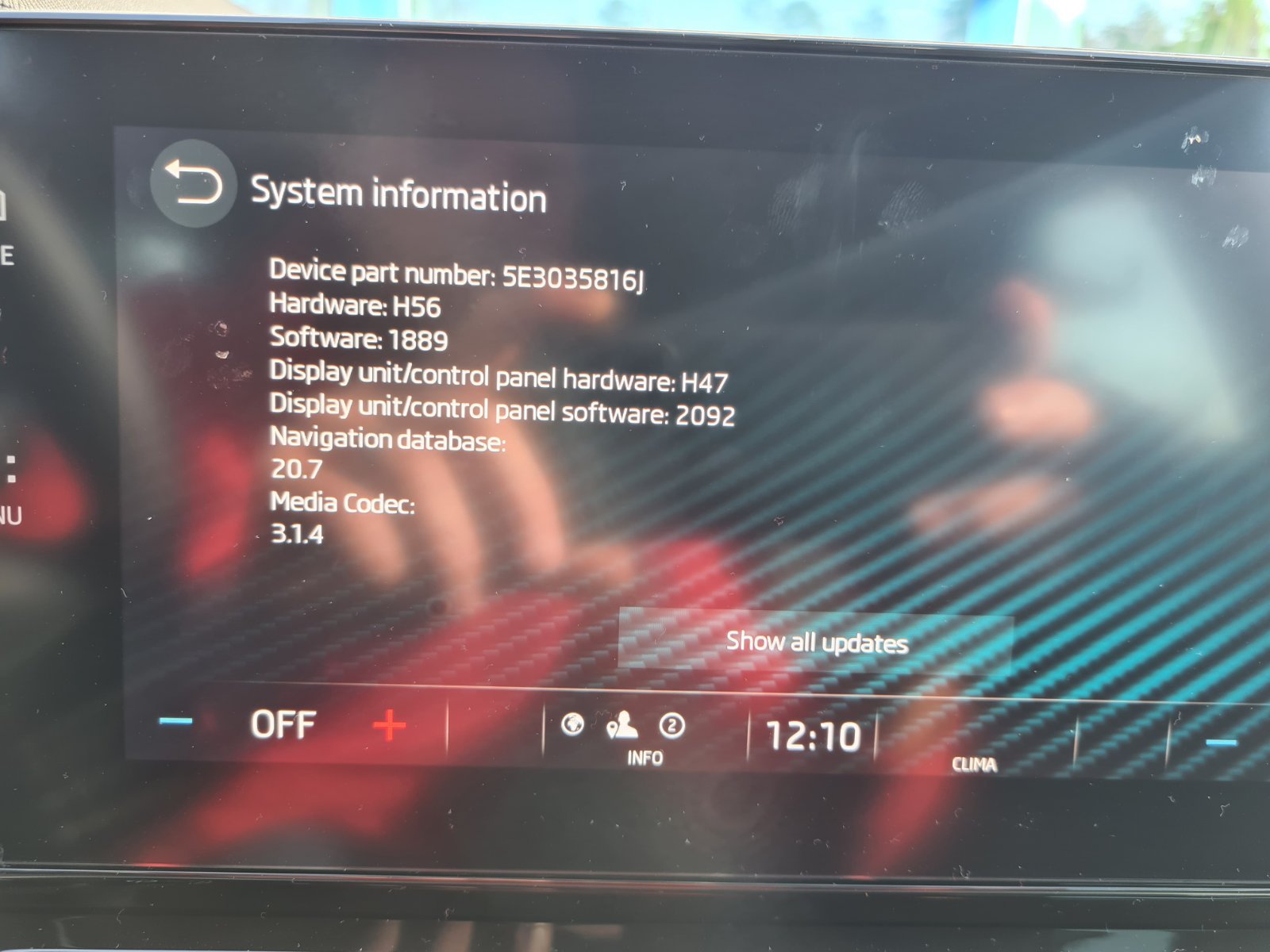
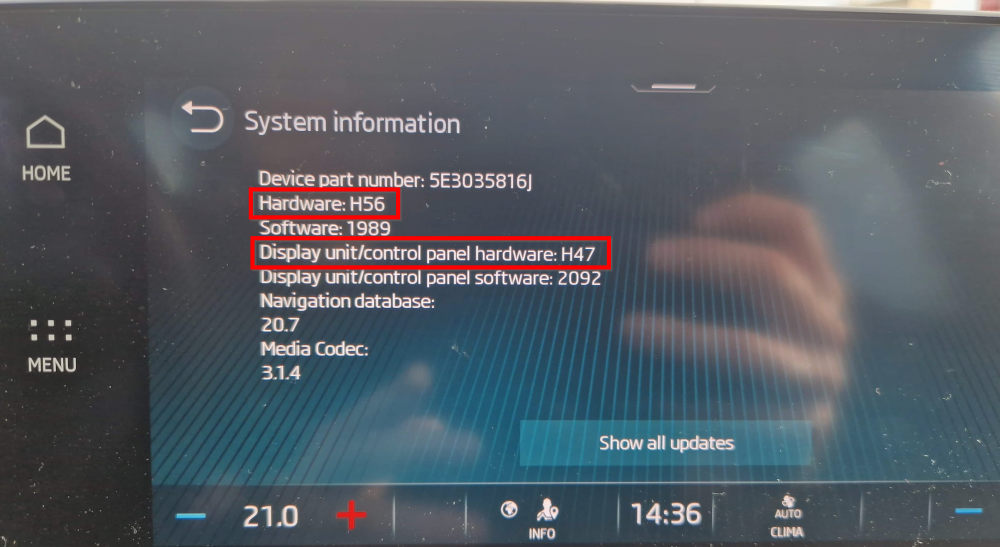
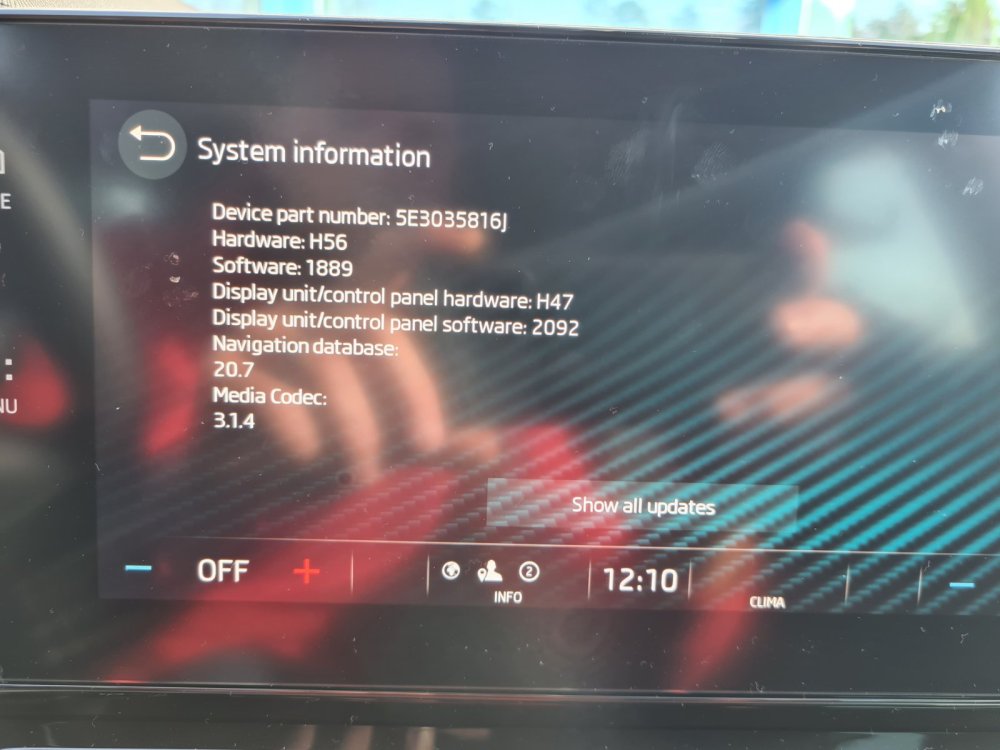
for problematic H44 and H47 you mean "Hardware", or "Display unit/control panel hardware"?
-
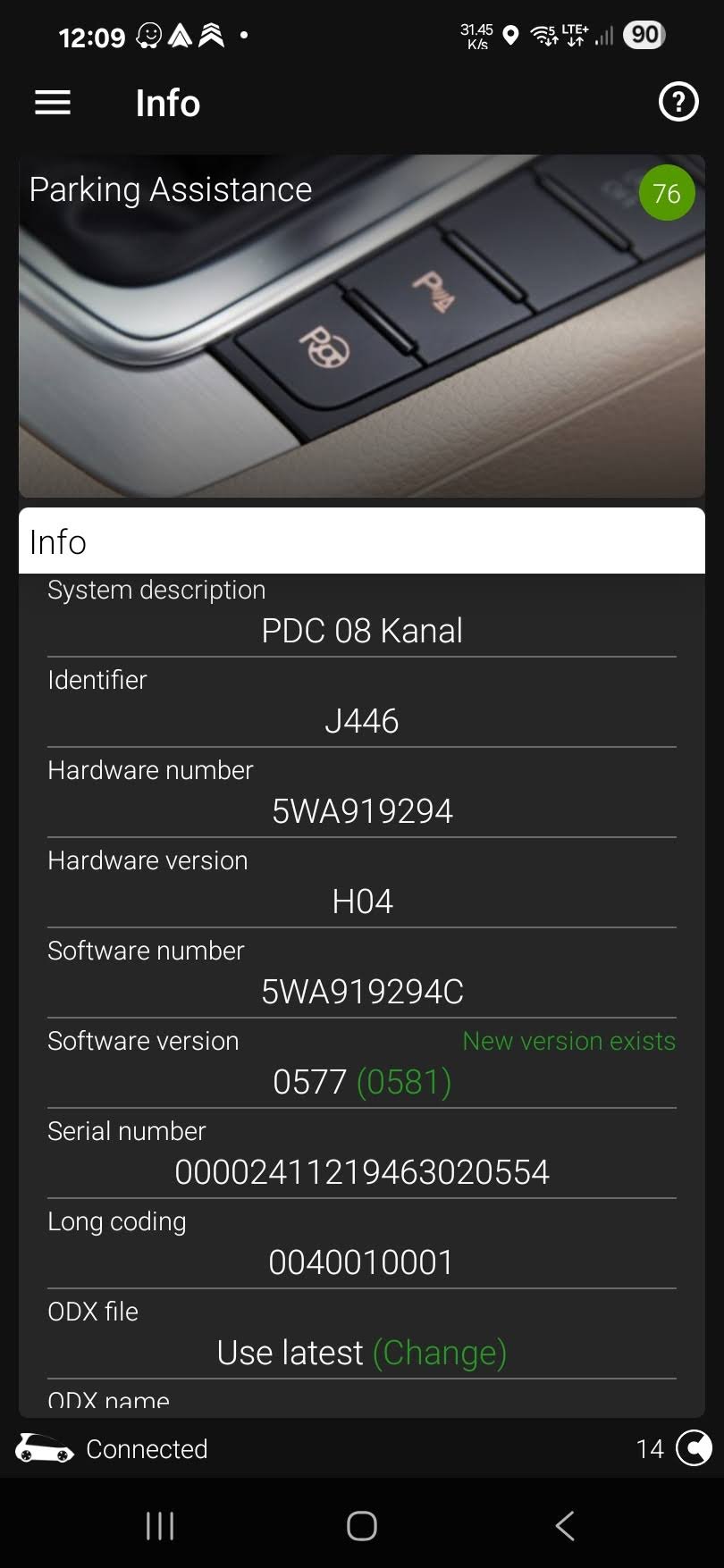
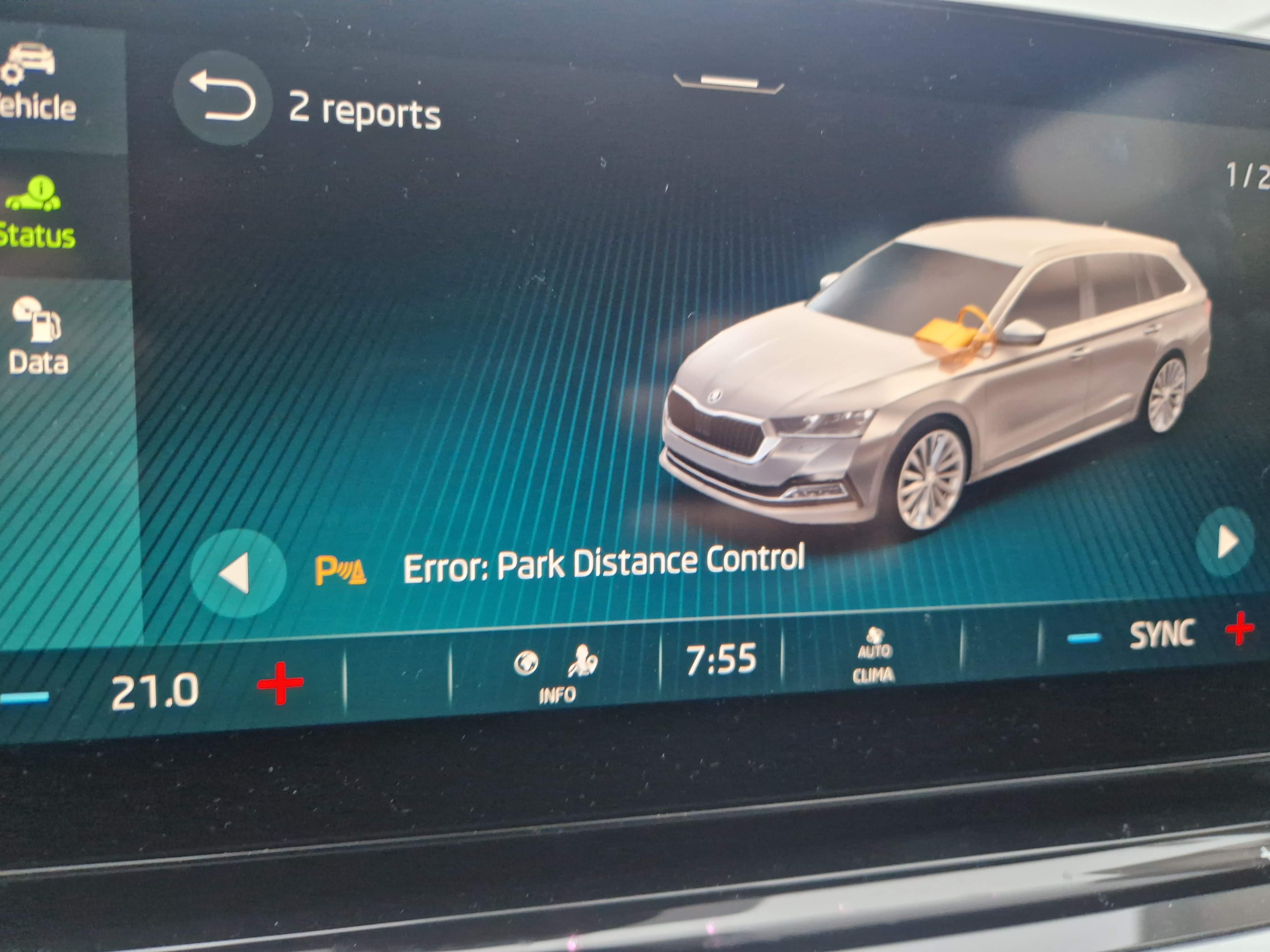
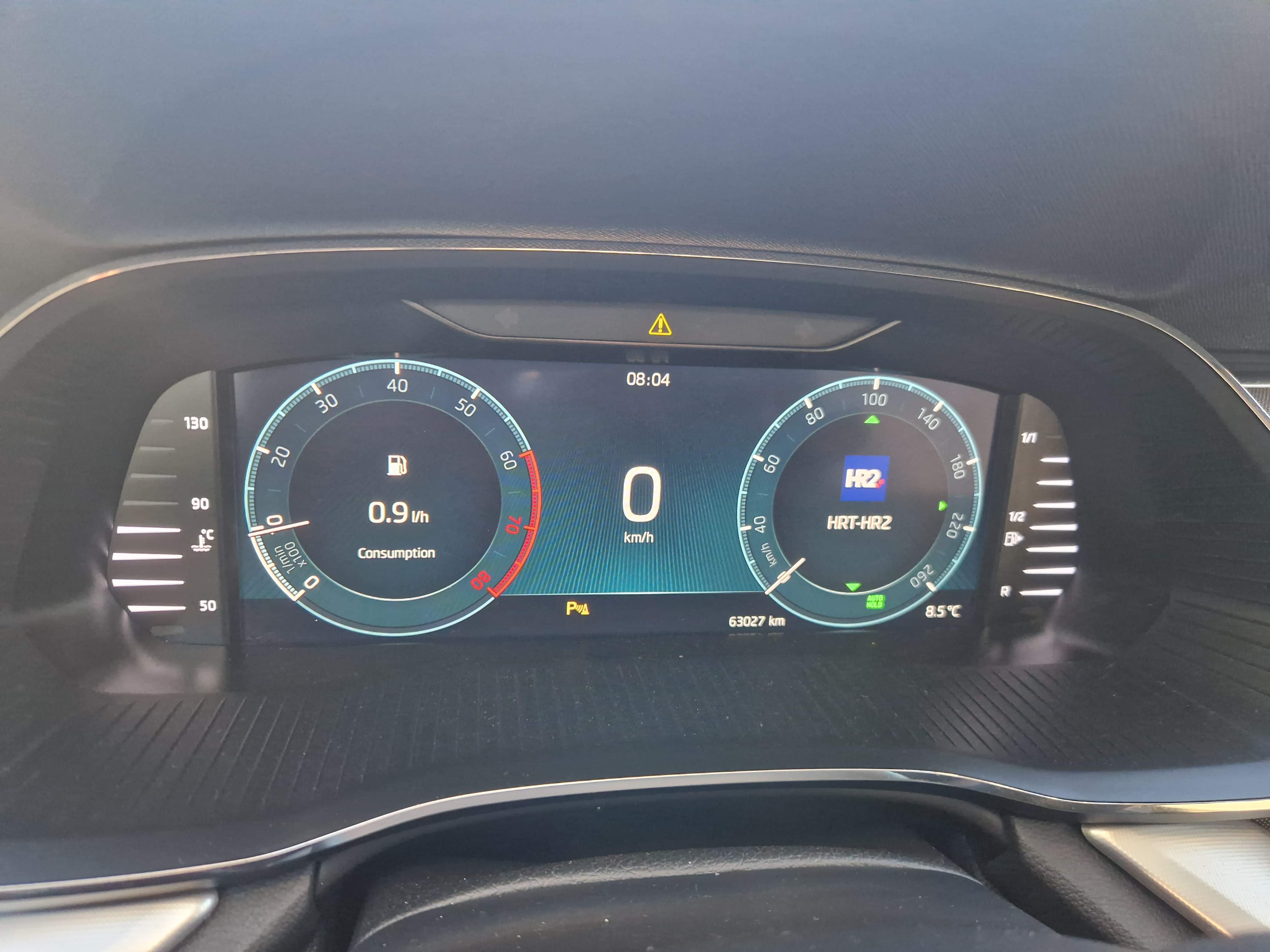
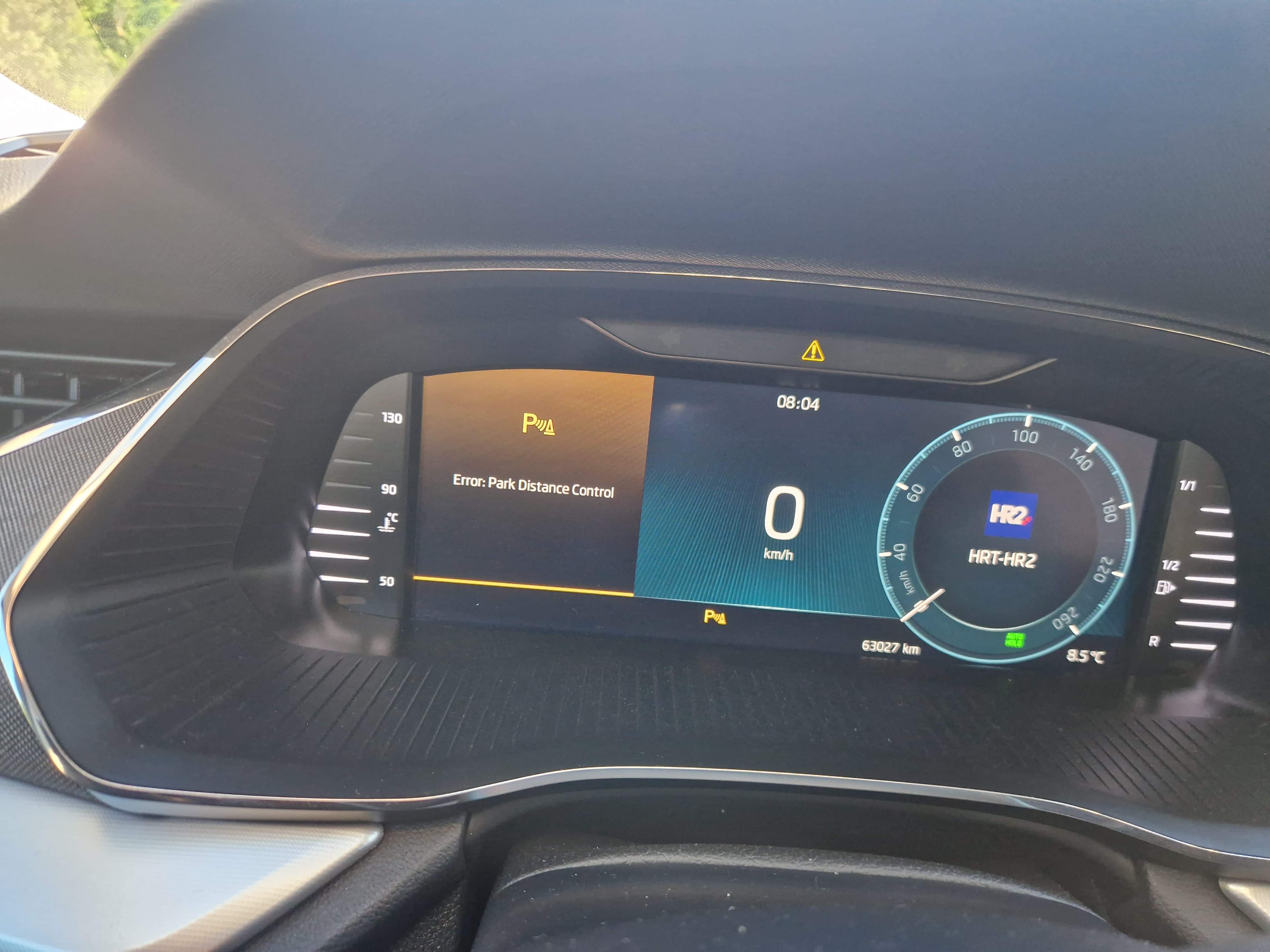
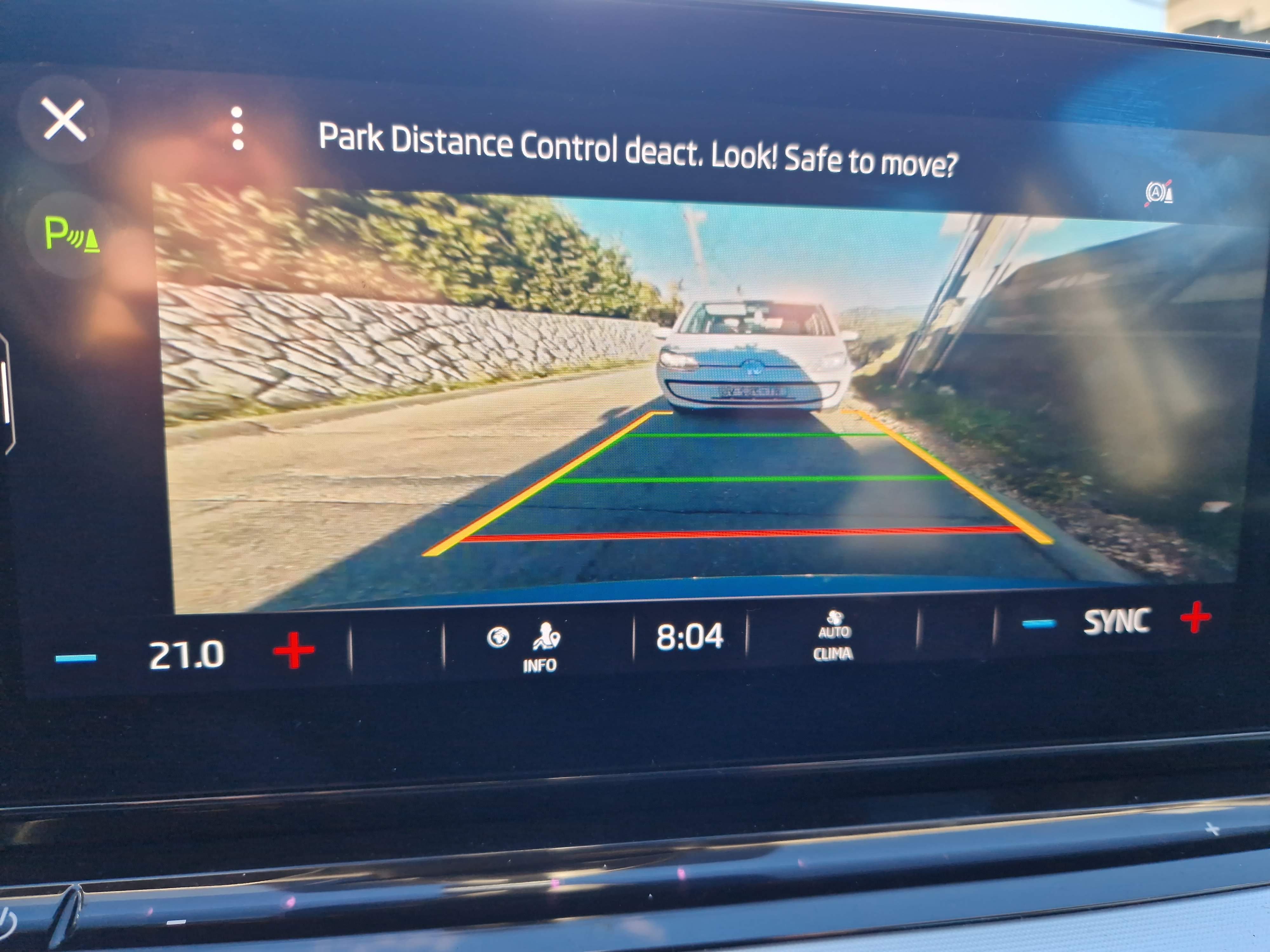
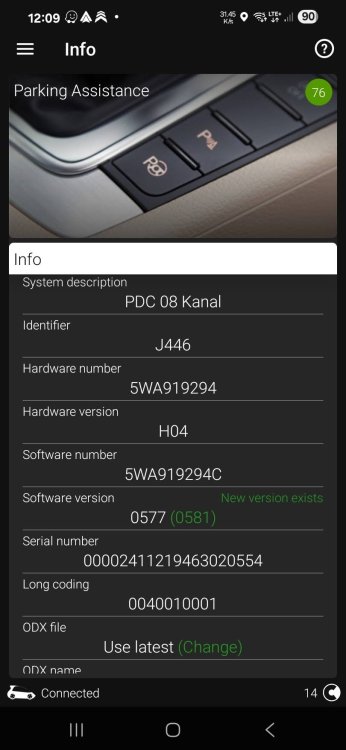
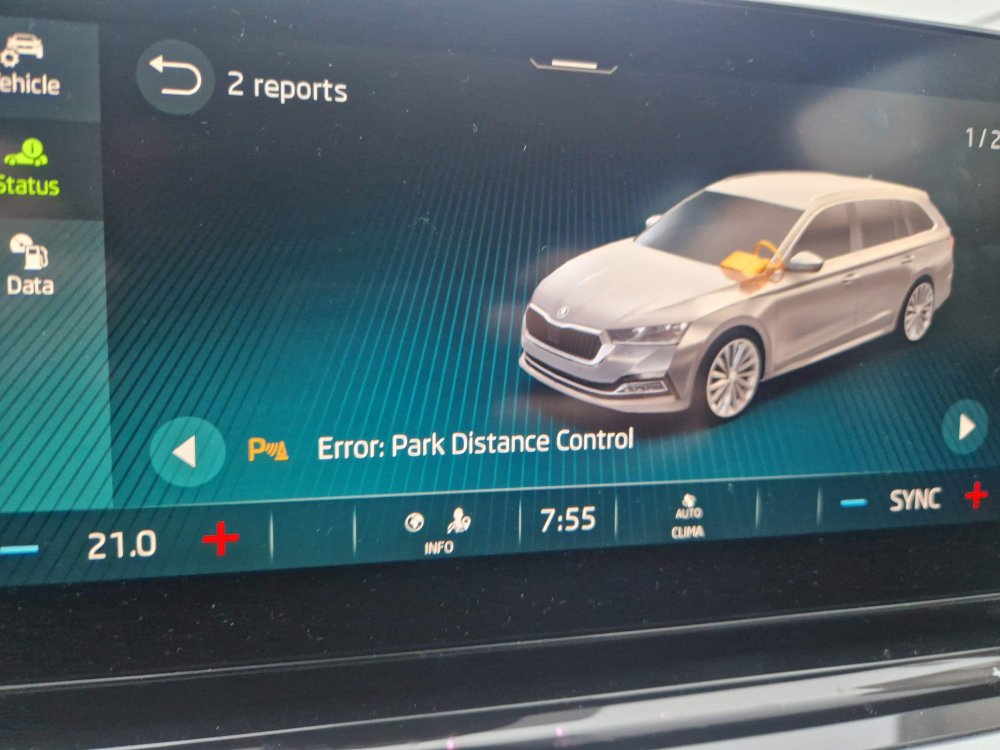
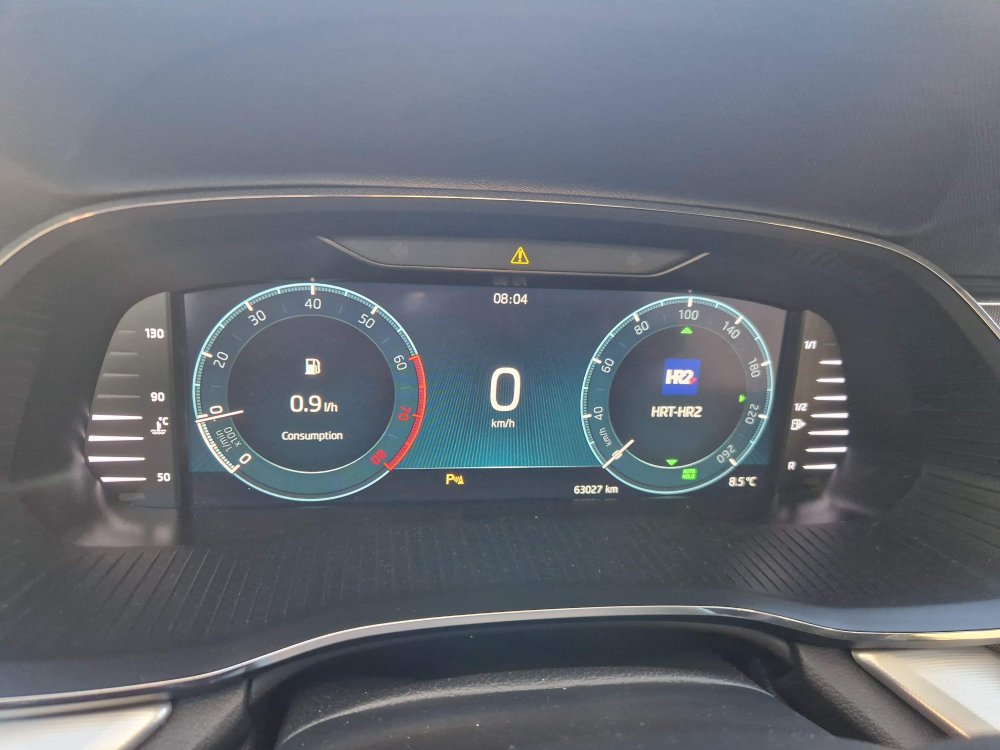
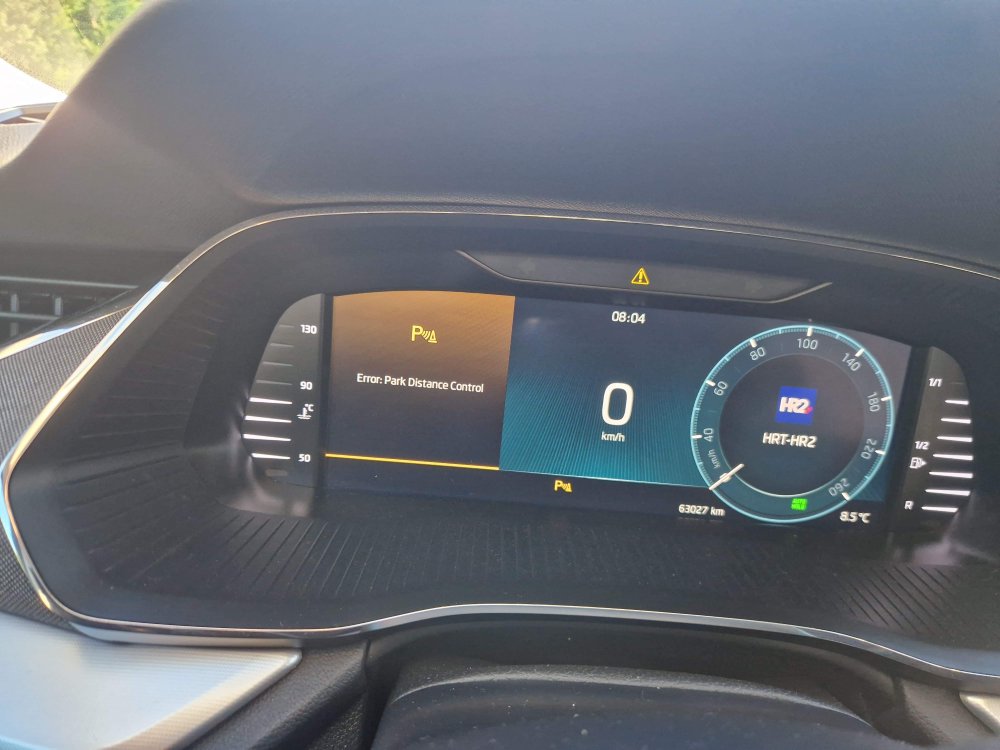
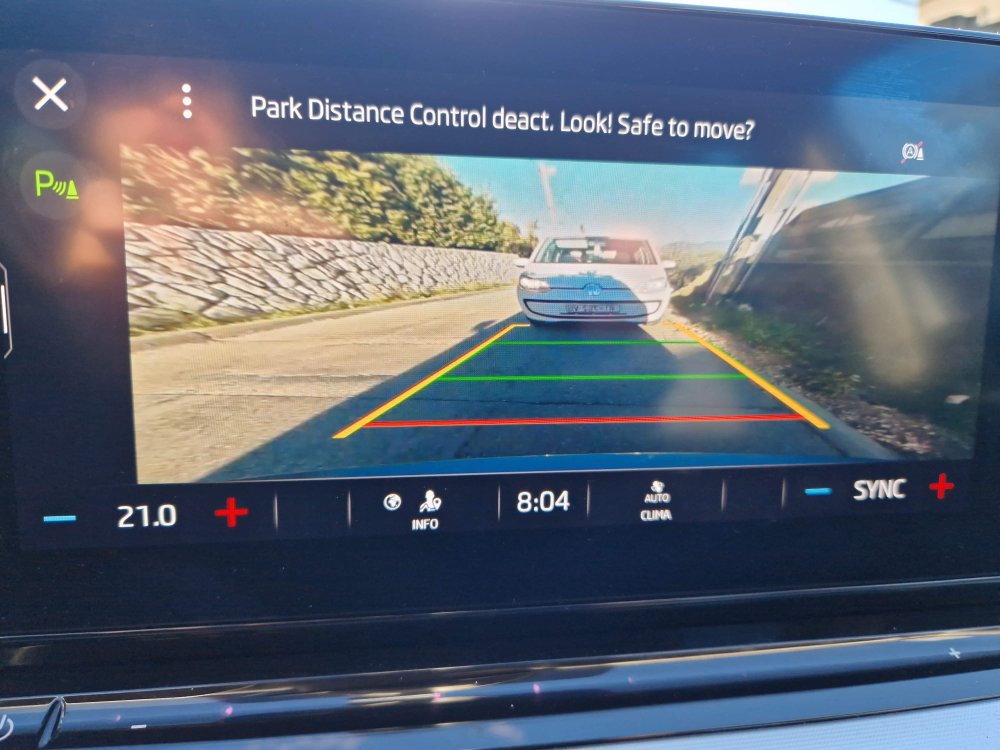
Hello, as many of you in this thread I also have problem with parking sensors (PDC unit) on my Octavia A8 (2022), since 2 years. Usually on cold mornings, on start, PDC unit does not boot on time and I got an PDC unit errors, sensors are not working. I believe this happens due to voltage drop when cranking. After turning engine off -> on, everything is working. I can bypass this problem by first turning ignition, and then start the engine after second or two, in 100% cases I don't have PDC problem. My software version of PDC is 0577 but I see that there new software 0581 is available for this PCD unit. Will software update of PDC unit solve this issue? I would like to buy VCTool ECU flashing module, but I want to be sure that this newer software is available on their server. Can somebody with paid VCTool check this by entering PCD ECU data? Thank you in advance. 20250113_105812.mp4
-
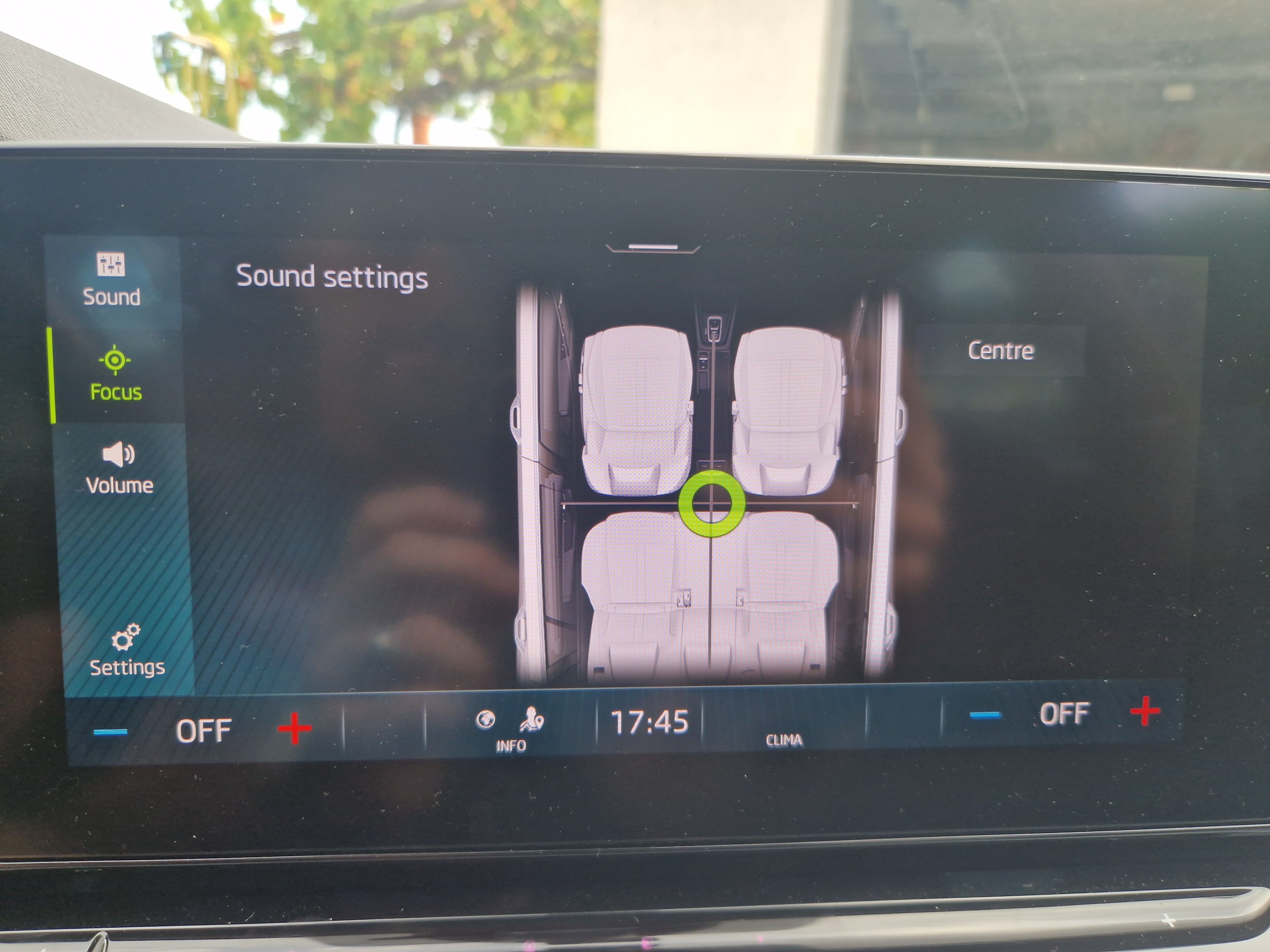
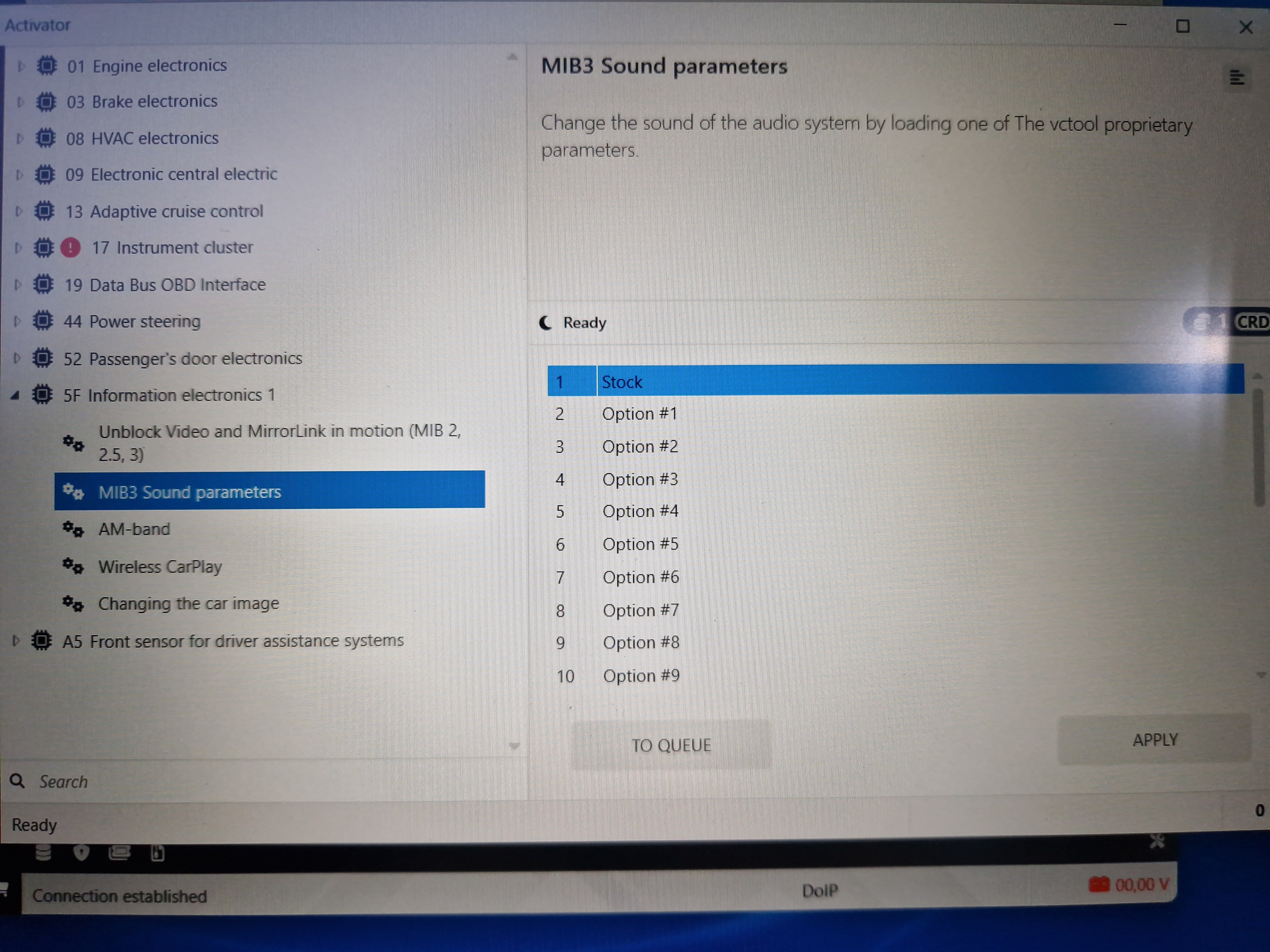
Maybe I panicked a little too quickly. Later I sat in the car in peace and decided to try the other options, starting from the last (Option 22) to the first. Most of these options seem really better than the other. You can definitely hear the difference from one to the other. Most of these options have much better rear speakers than the factory setting . I tried options from 22 to 12 and I would say that only options 14, 20 and 21 are worse than the factory. None of these settings in VCtool give back the "Sound focus" setting option, but since I am satisfied with the sound of certain options, I don't really miss it. As far as I understand, "Sound focus" only gives a different "delay" to the speakers depending on setting but so far I have been most satisfied with the "All" option even on the stock option. My plan is to try all the remaining options, but the problem now is how to decide which one to stick with?
-
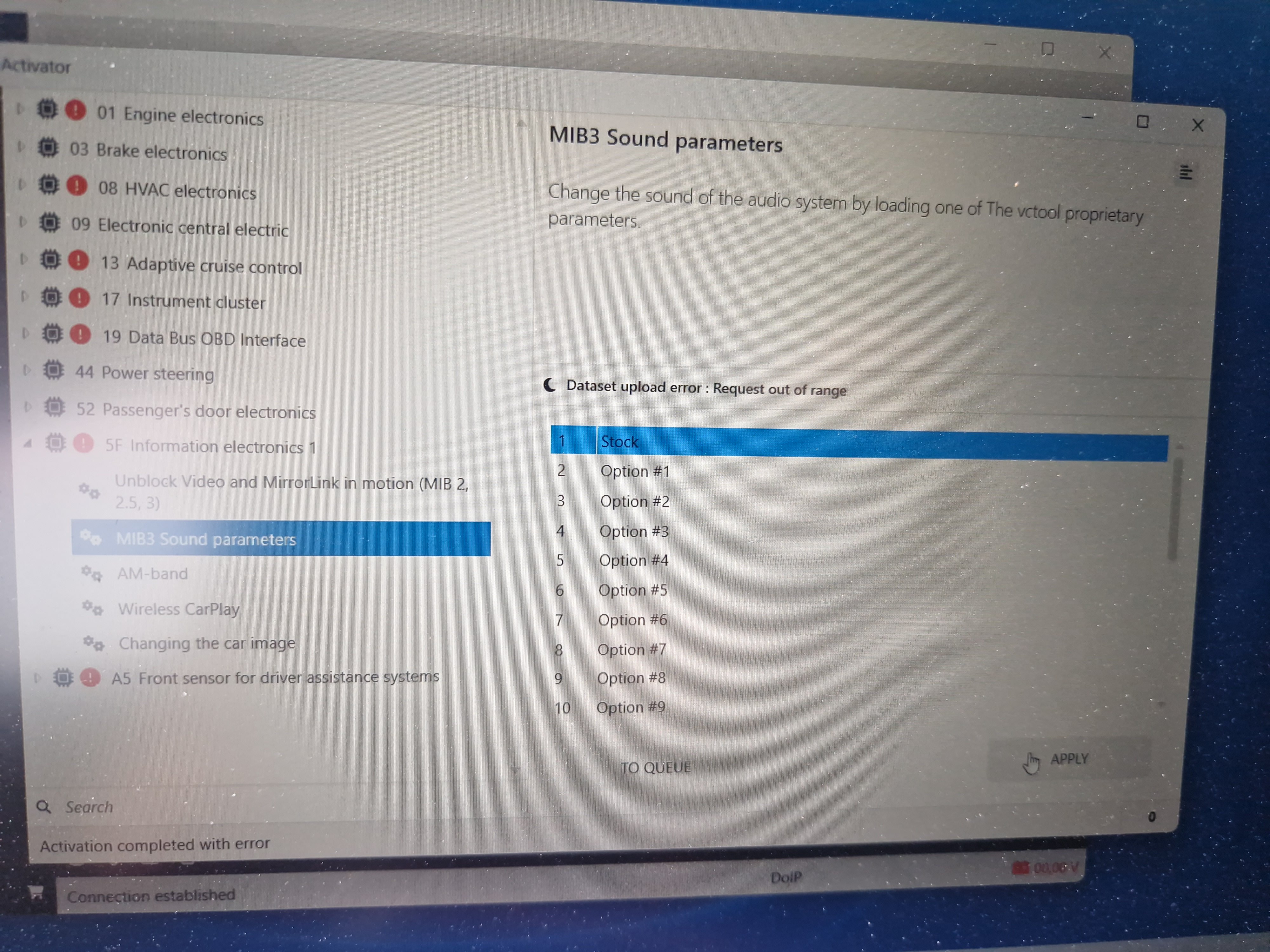
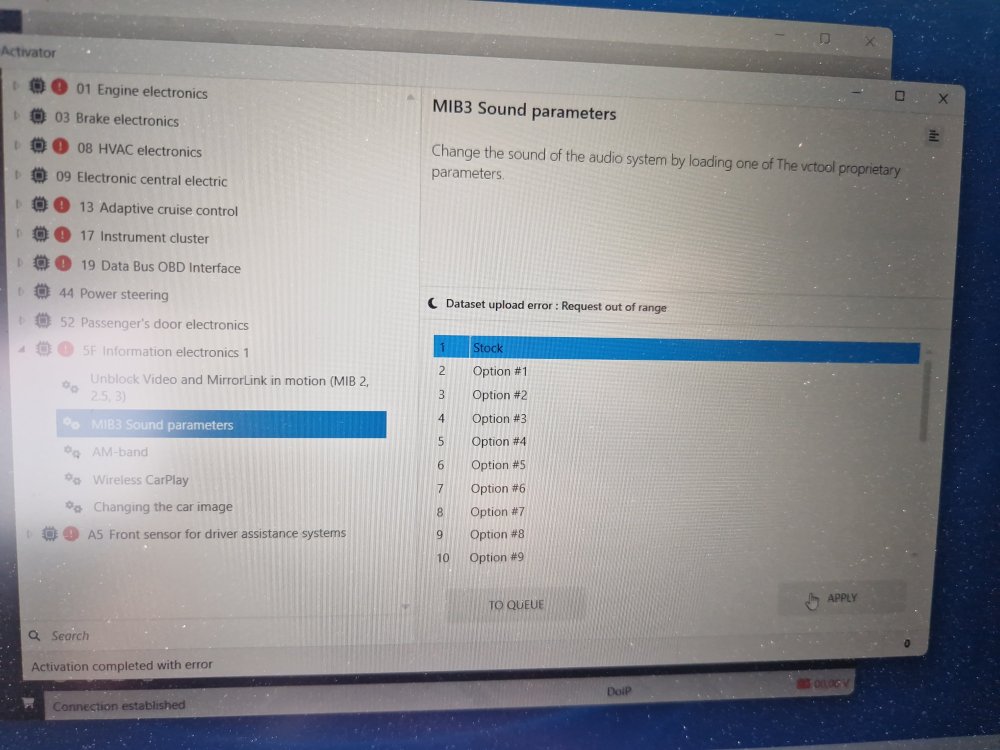
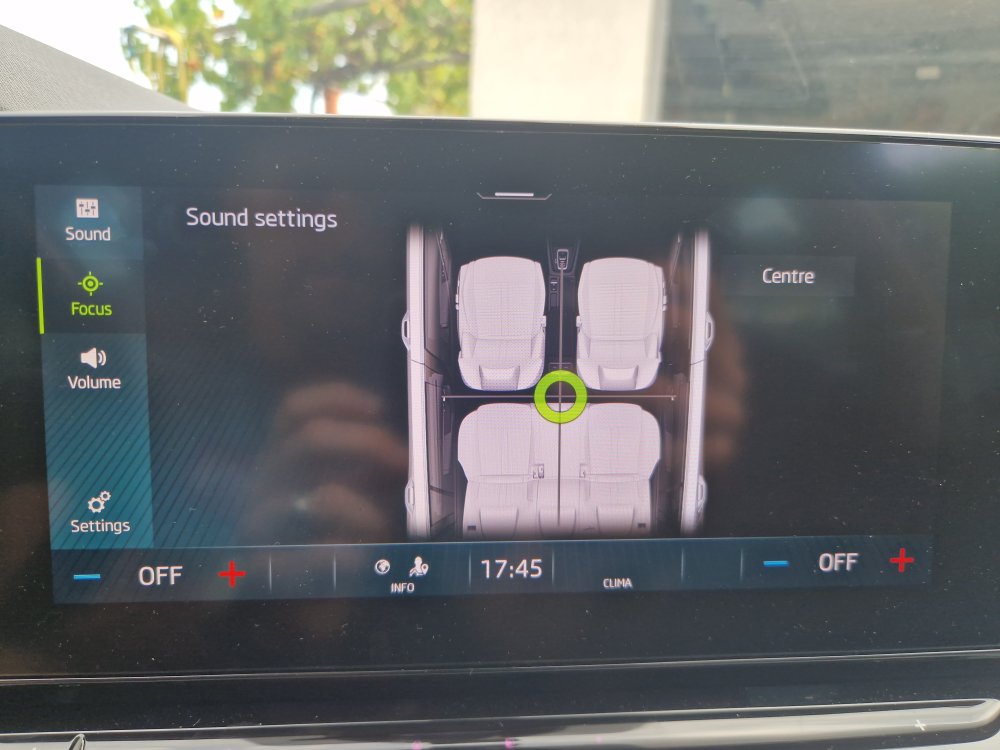
Hi, just a short update. I decided and tried some of the pressets (options) in VCtool. I first tried option 14 like @petrbazant suggested: back speakers started working, signal is same or similar to front speakers, there is no obvious low and high cut frequency but complete sound is much worse than stock option, there is a lot of cancelling frequencies from driver point of hearing. Also I lost option of sound focus (driver seat, front seats or all) in sound settings, I just have fade (front right) and balance. When tryed to apply stock option it says: Dataset upload error: Request out of range.... I will try and play with some other options, hoping they will sound better. If someone know how to restore Octavia 4 stock settings please let me know
-
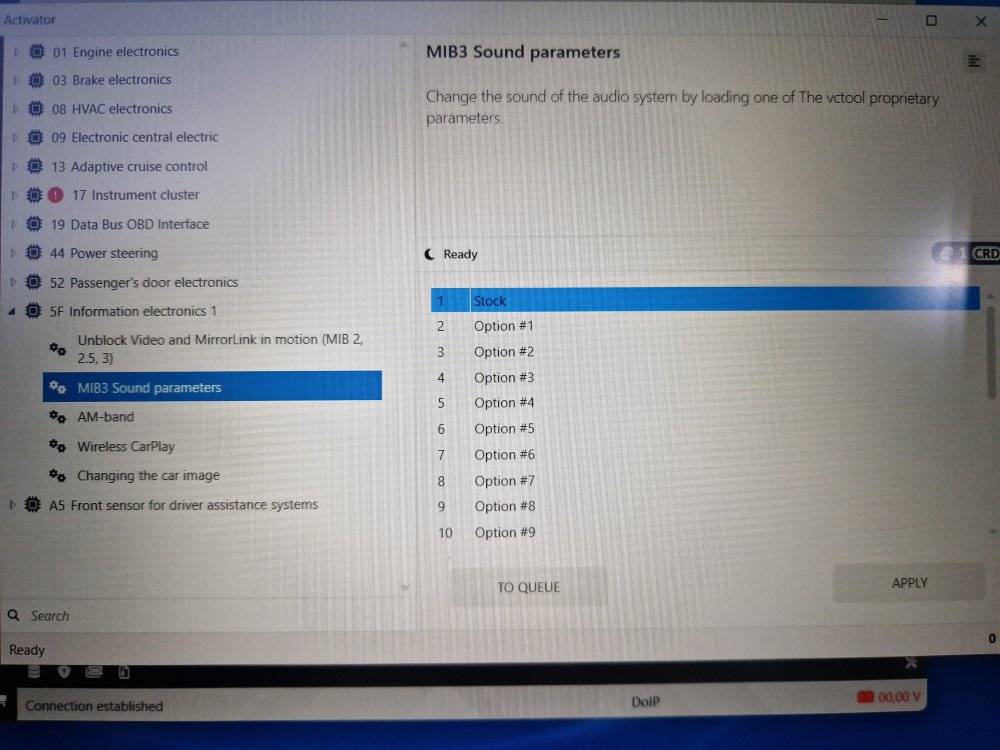
Helo, I got reply from VCtools support about "stock" setting: " The “Stock” option attempts to find backups of your vehicle in the database and, if they contain a saved sound dataset, restores it from the selected backup. If no backup is found or the dataset is missing, it will load the standard default dataset for your vehicle (which may differ from the one originally installed). On the MQBevo platform, datasets cannot always be read, so their presence in a backup is not guaranteed. In any case, to restore any factory parameters, you can use the Stock Service — this service allows you to request factory datasets and calibrations for a specific vehicle directly from the VAG factory server. The service is paid and not included in any subscription. Please make sure to review the service terms before using it. "
-
I can confirm that VCtool works well with Octavia NX and DOIP cable (aliexpress 10€). VCTool seems very powerful if you pay for subscription, but even without that you can scan and clear DTC error codes, you can make backup (I don't know if you can restore backup if you mess something without subscription), and you have 1click apps. Maybe you can do also some another things. I haven't tried yet changing sound parameters. 1st option is "stock", can somebody confirm this option works?
-
@petrbazant or someone else, any progression on this topic?
-
I will order this DoIP cable and try with VcTool. Will report in few weeks.
-
Can you please try to connect to your Škoda with ELM327 + VCTool and confirm this combination works for changing MIB3 audio parameters?
-
Is there option for setting back to default dataset? How many datasets did you tried?
-
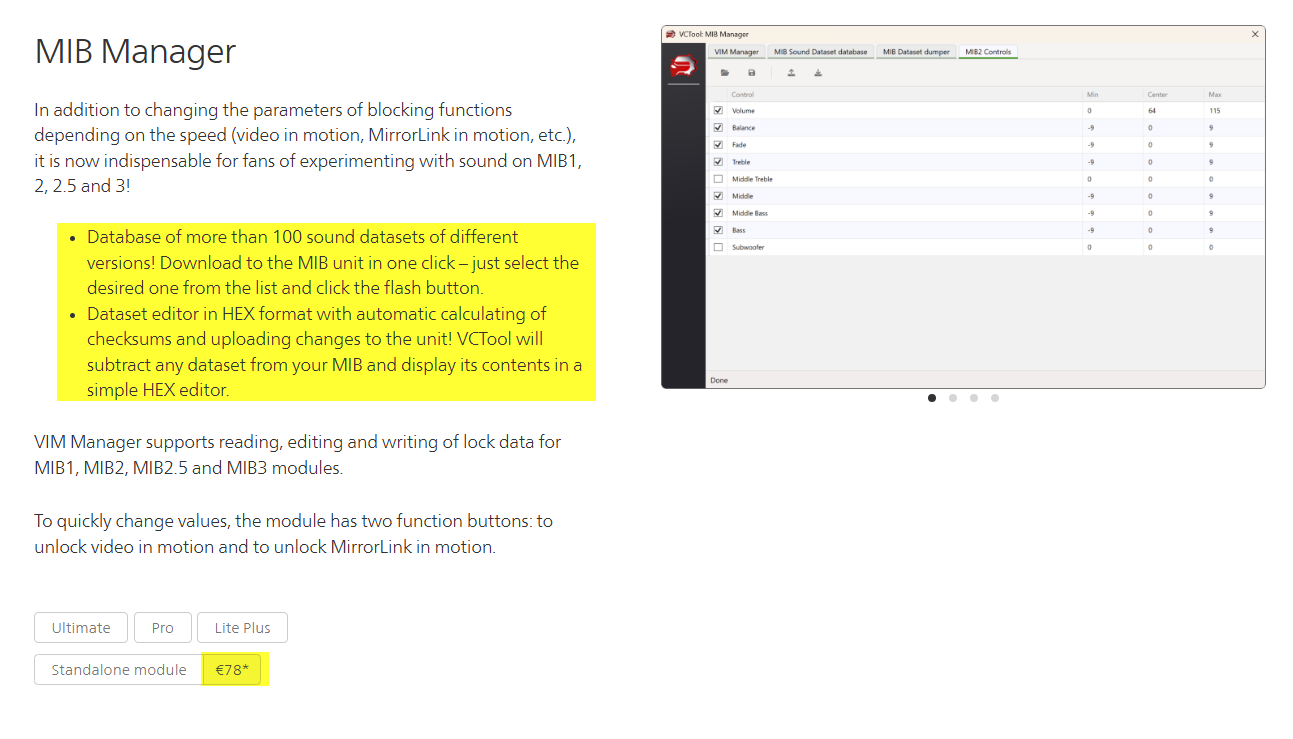
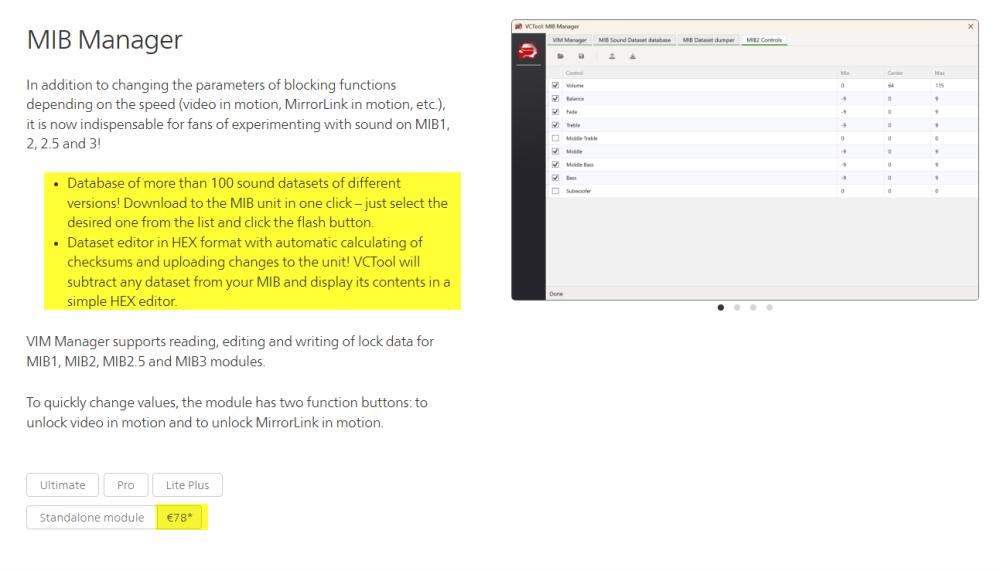
@petrbazant As I see on their webpage "MIB Manager" module costs 78€? Is this correct? Also, The generation of SFD tokens, requests to the Stock Service and FoD Tweaker module are not included in any subscription and are provided for an additional fee! Can you please explain what did you done with VCTool?
-
I started researching this topic about sound settings, datasets, after installing Focal IS WV 165 speakers at all 4 doors and realizing that rear speakers setup is like they are not existing. I ended by buying Focal Impulse Amp and Focal SUB 10". Currently in process of making custom fiberglass enclosure in side of trunk. With this experience, I would just buy front Focal 165mm speakers, deaden only front doors, boot and below rear seats and be happy with additional 1.000€ in my pocket..
-
I have done many other coding with no additional charger or battery above 12,5V. So I don't believe this is request just for EEPROM or Dataset Dump section... I can enter this page https://mqb-blog.com/sound/ , so it is working, but as I read some comments on his blog it seems Alex is not so active. I will not pay or contact him directly before I succeed to export dataset and play with it...
-
It theory, yes, you should able to do that, but I don't know how.
-
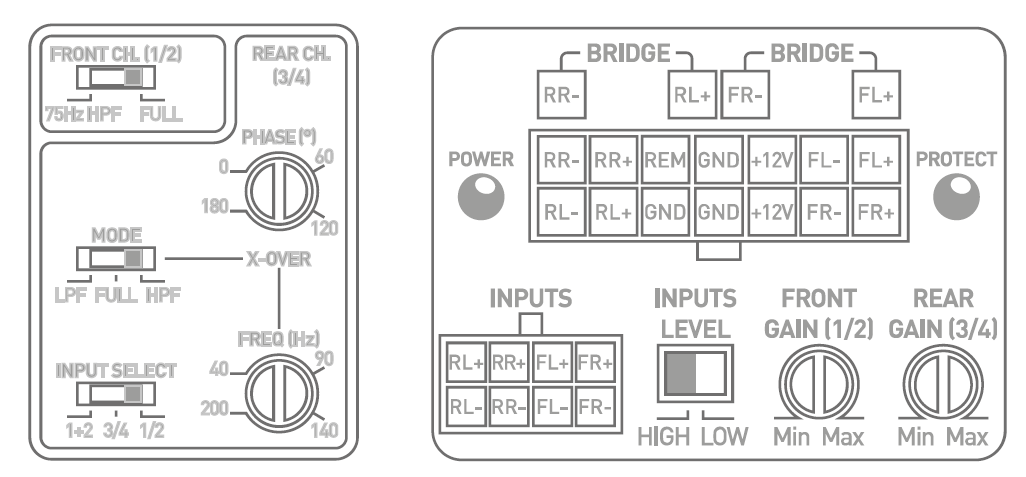
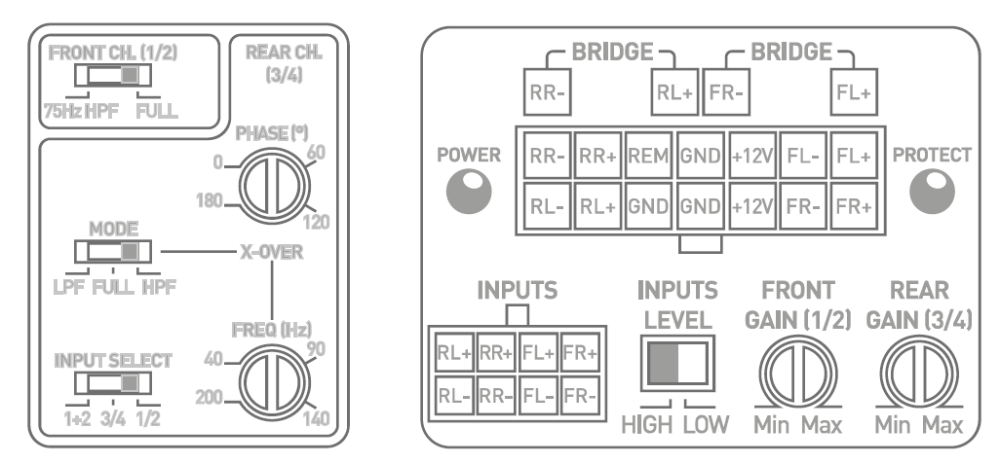
Hi @Mario_Delgado no update since my first post. One of few possible solutions (workarounds) is to install AMP, for example Focal IMPULSE 4.320, which has ability to play signal from front speakers to rear speakers. With that you can bypass "bad" signal for rear speaker and have amplified all 4 speakers (FRONT L+R and REAR L+R) with "good" VW (Škoda) signal for front speakers. You will obviously lose "fader" ability on your head unit, but you can set it on Focal IMPULSE amp via front and rear "GAIN" knob. Probably you will have front sensors sound on both front and rear speakers, and you will loose rear sensors sound. Other option is to try to modify multimedia dataset (0x007201 and 0x007204 for MIB3 units) like explained on this blog: https://mqb-blog.com/ Trying to find someone who succeeded this on Octavia 4 2020-2024 (pre-facelift). On facelift 2024+ I believe for sure this is not possible.

-
After reading this and similar forums about my Octavia 4 (2022. 1.5TSI), and thanks to some enthusiasts here I decided to do deadening doors, trunk, hood, wheel arches, pillars... and speaker upgrade (Focal IS VW 165 front + rear). I will post some pictures after about this. I'm super satisfied with results, but now realizing even more possible improvements. Sound of front and rear speakers is completely different. Rears are - just bad, completely lacking power and low and high frequencies. This is especially not good at all if you want to install an DSP amplifier, you want to have "flat" outputs from head unit. After hours of searching I found some interesting web links related to described "problem". The possible solution is to "play" and edit sound settings of MIB unit (see attached links). In short: via diagnostics "extract" sound dataset from 5F Multimedia Control Unit (HEX code), edit hex code or import to Sound Settings Editor (Alex Strelets, MQB-BLOG), and write back to car. This was confirmed working with MIB1,2,3 units but I didn't find anyone that succeeded with MIB3 and Octavia IV (NX). I tried with OBDeleven (EEPROM) and Car Scanner Pro (DATASET DUMP) without success. Some posts on Facebook without answer: I hope that discussion can lead us to some solution.... Some useful links: https://mqb-blog.com/ https://github.com/NumberOneBot/mqb-mib-sound-datasets https://www-drive2-ru.translate.goog/l/634729646969064789/?_x_tr_sl=auto&_x_tr_tl=en&_x_tr_hl=en&_x_tr_pto=wapp https://www-drive2-ru.translate.goog/l/611148421088161236/?_x_tr_sl=auto&_x_tr_tl=en&_x_tr_hl=en&_x_tr_pto=wapp https://www.youtube.com/watch?v=jsi80Yr3aoY&t=145s



-
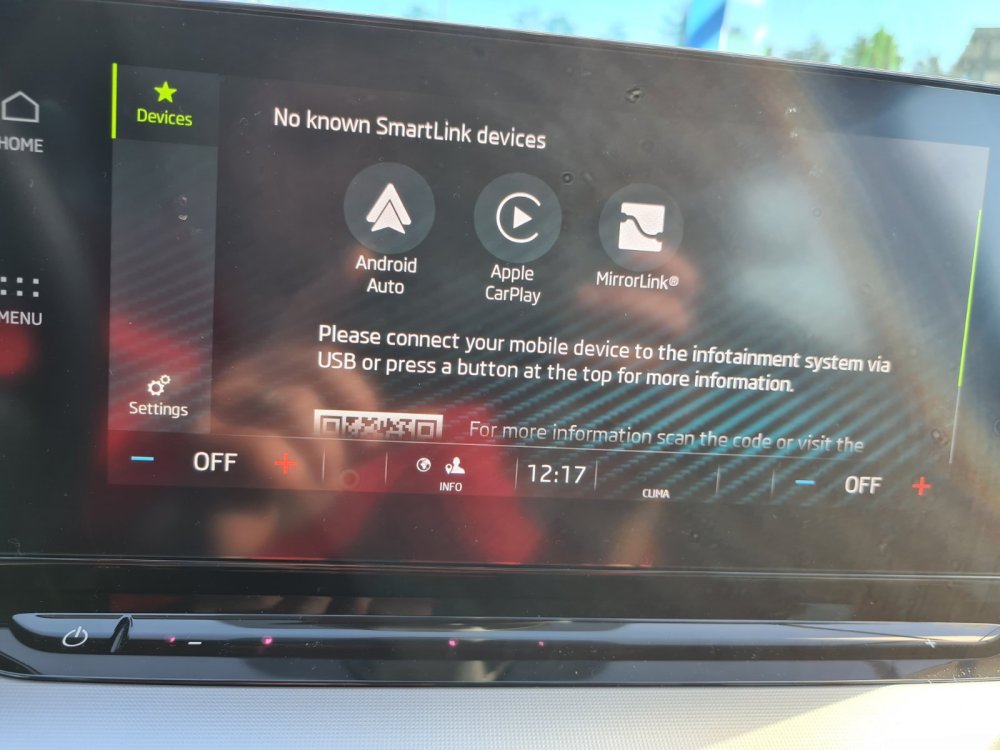
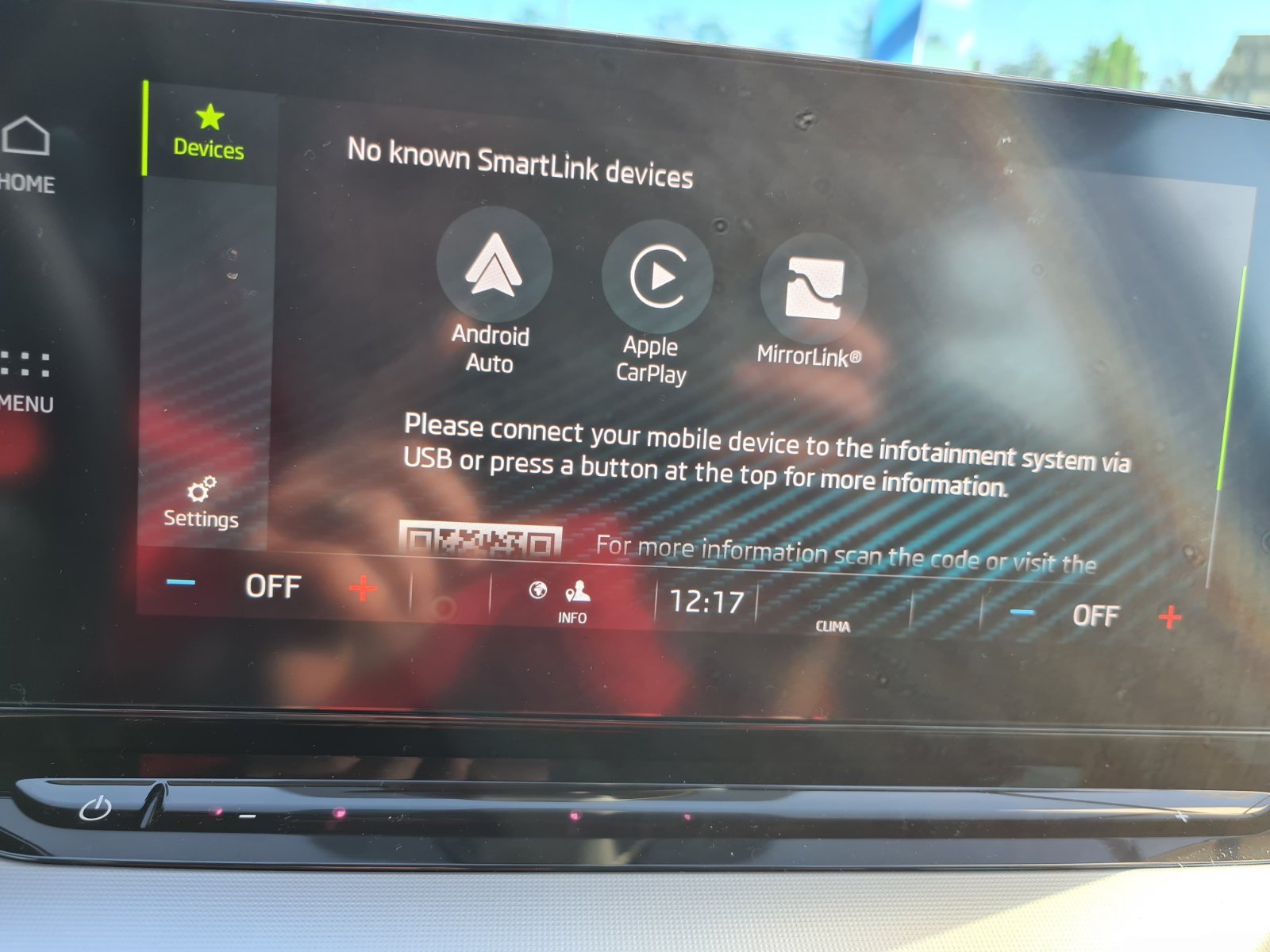
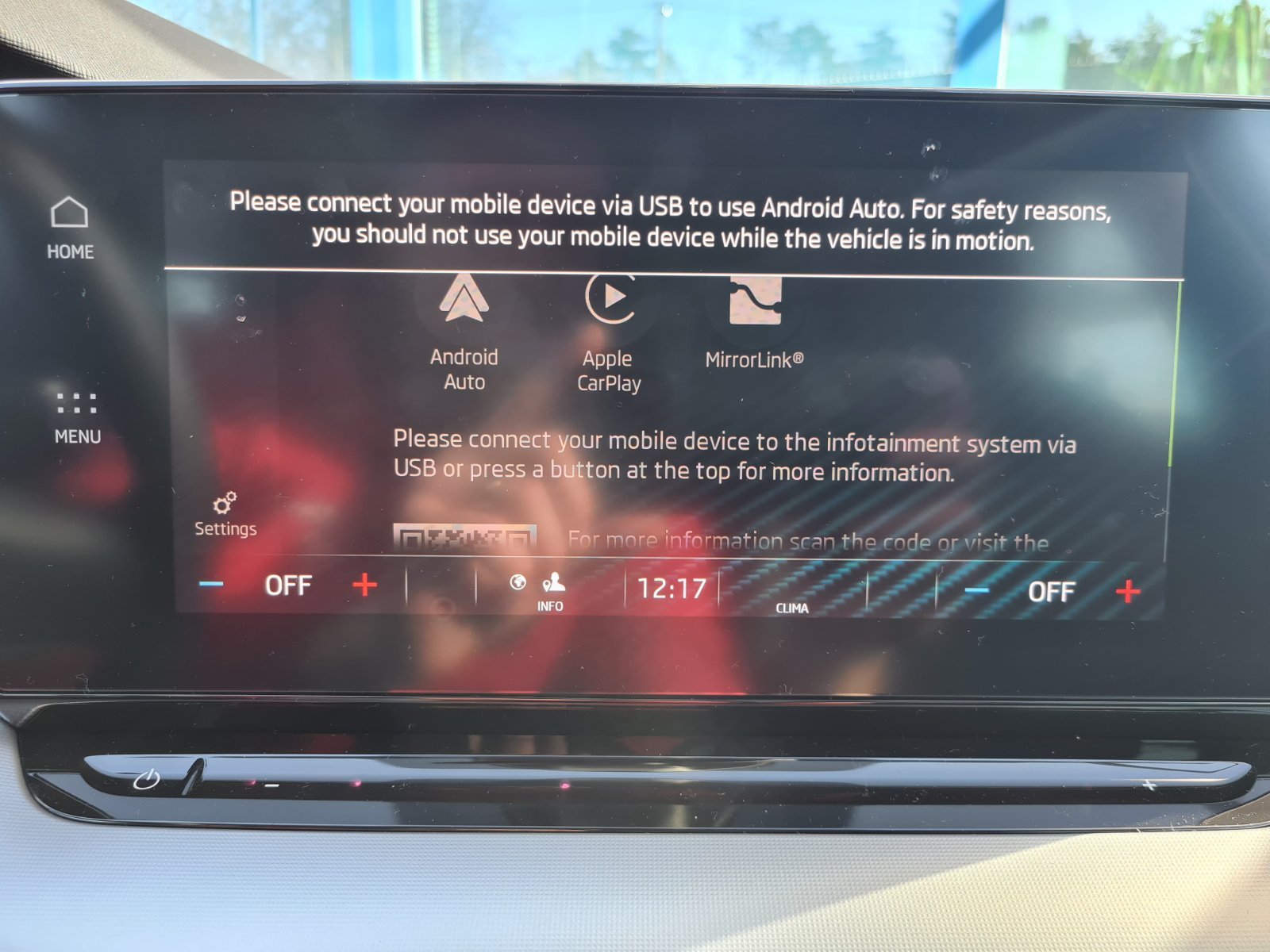
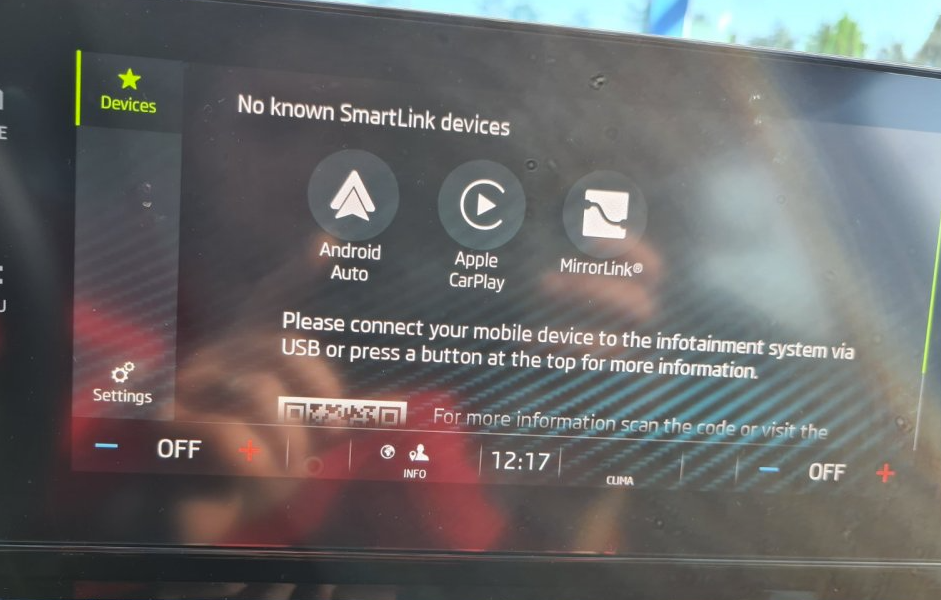
This QR on SmartLink screen on my pictures is just a link to Skoda website (http://go.skoda.eu/connectivity-smartlink) Yes, I tried again. Bluetooth and WiFi are both ON. I don't see any wi-fi network on my phone when I'm sitting in my Škoda and messing with infotainment. I tried turning on wi-fi hotspot on my mobile and other stuff but nothing. I couldn't find any word in infotainment menues about Wi-Fi or "Wireless Android Auto"... 😞
-
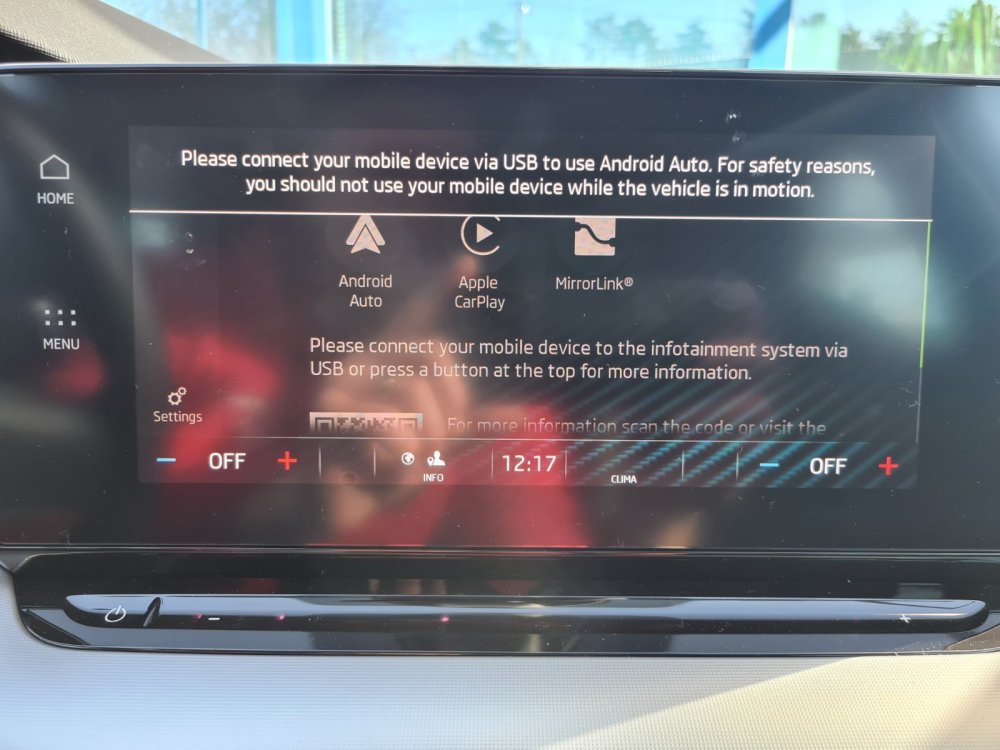
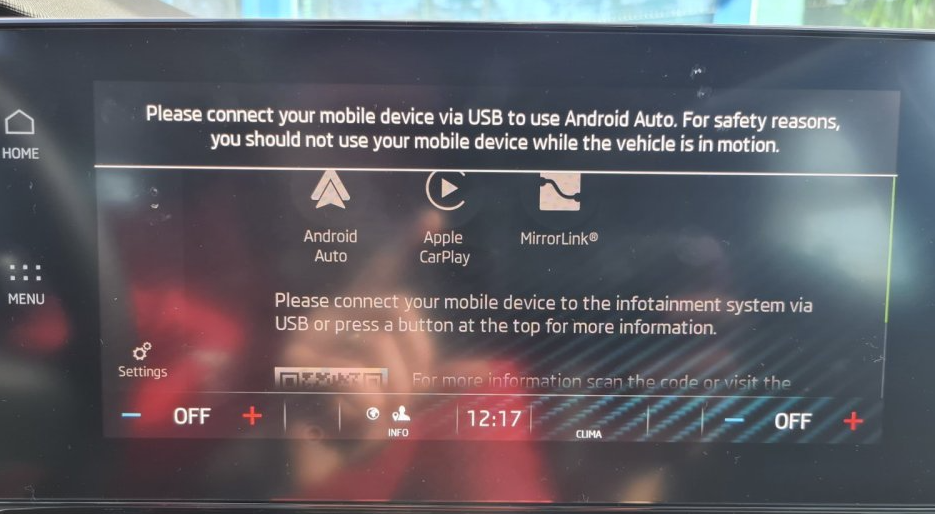
Yes, of course, this is the screen when I click on SmartLink: and this is the screen when I click on "Android Auto" : If I connect via USB like it suggests, everything works.. But that is not the question. The question is why it can't work with "Wireless Android Auto" (using wi-fi or bluetooth, not usb) ?
-
Yes, but on my Android mobile I don't see any Wi-Fi signal from Škoda, or vice versa. On infotainment in my Škoda I can manually turn on/off bluetooth, but I don't have any setting or any mention of wi-fi.
-
I just updated Android Auto app on my Samsung S20+ to version 7.3.120244, but still cannot connect wirelessly. Next I will try updating to Android 12 and see if that will work.
-
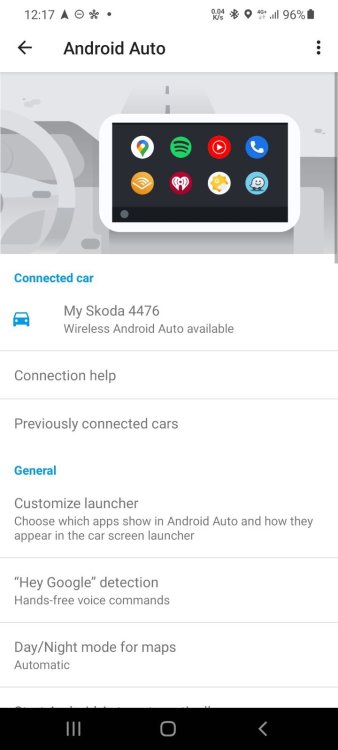
I picked up my car yesterday.. For now everything is working OK, except I cannot set up Wireless Android Auto.
-
I'm pretty sure that Wireless Android Auto CAN work with Bolero infotainment, as Columbus "System" you have additional voice functions, GPS with integrated Škoda Maps and Traffic signs recognition... Can someone confirm this?
-
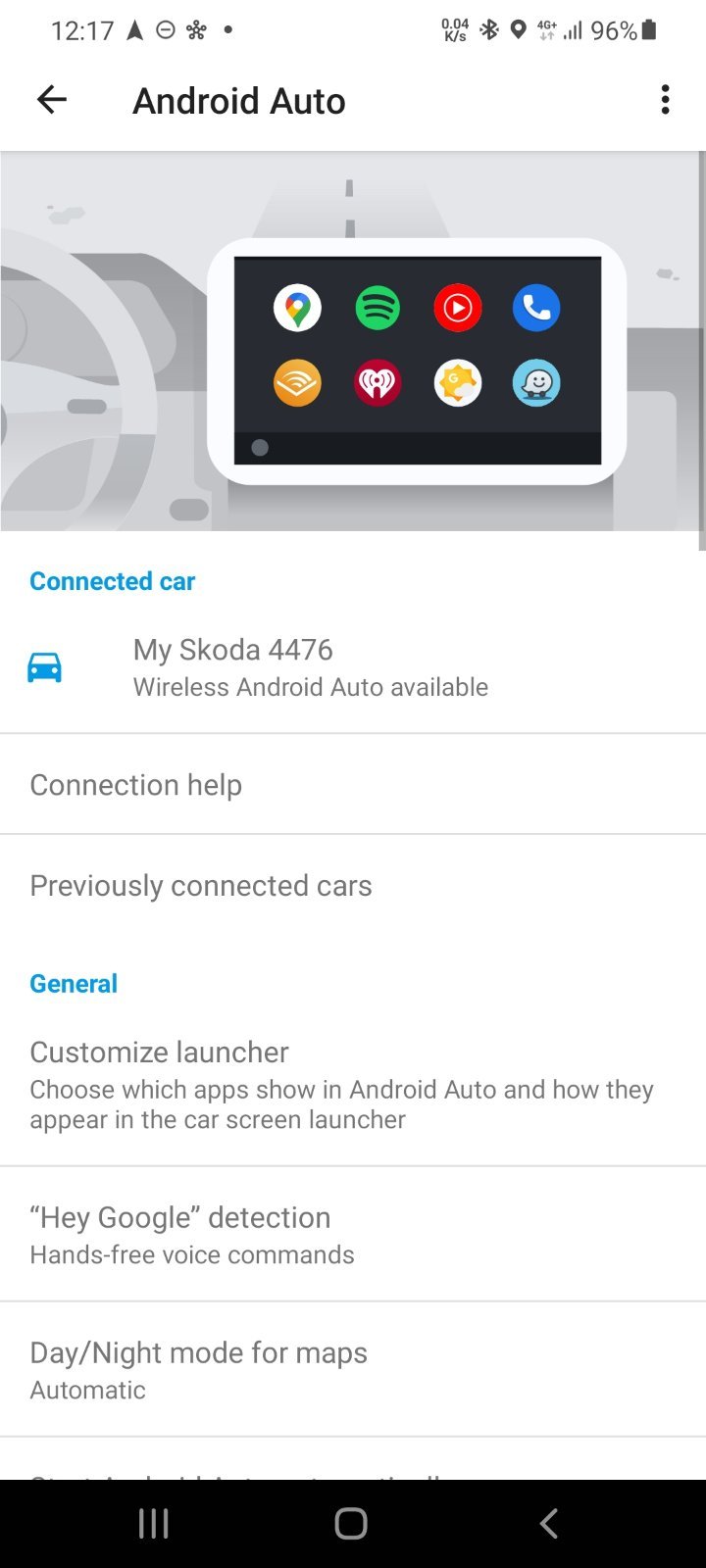
Hello all, I just picked up my new 1.5 TSI Octavia Style 4th gen yesterday. I have 10" Bolero infotainment system and for now everything is snappy and good working except when trying to connect Android Auto via wireless. I have Samsung S20 with Android 11, and Android Auto installed and Wireless Android Auto enabled. On infotainment always asks me to connect via USB cable (it works via USB!), but I want to connect is wirelessly as some people with their new Octavia's are able. On my mobile Android Auto shows that Wireless Android Auto on Skoda is available. I don't see any options to turn on Wi-FI in my Octavia, just Bluetooth. Please see pictures and give me your thoughts. Thank you! ,