GrumpyUlsterMan
New here
-
Joined
-
Last visited
-
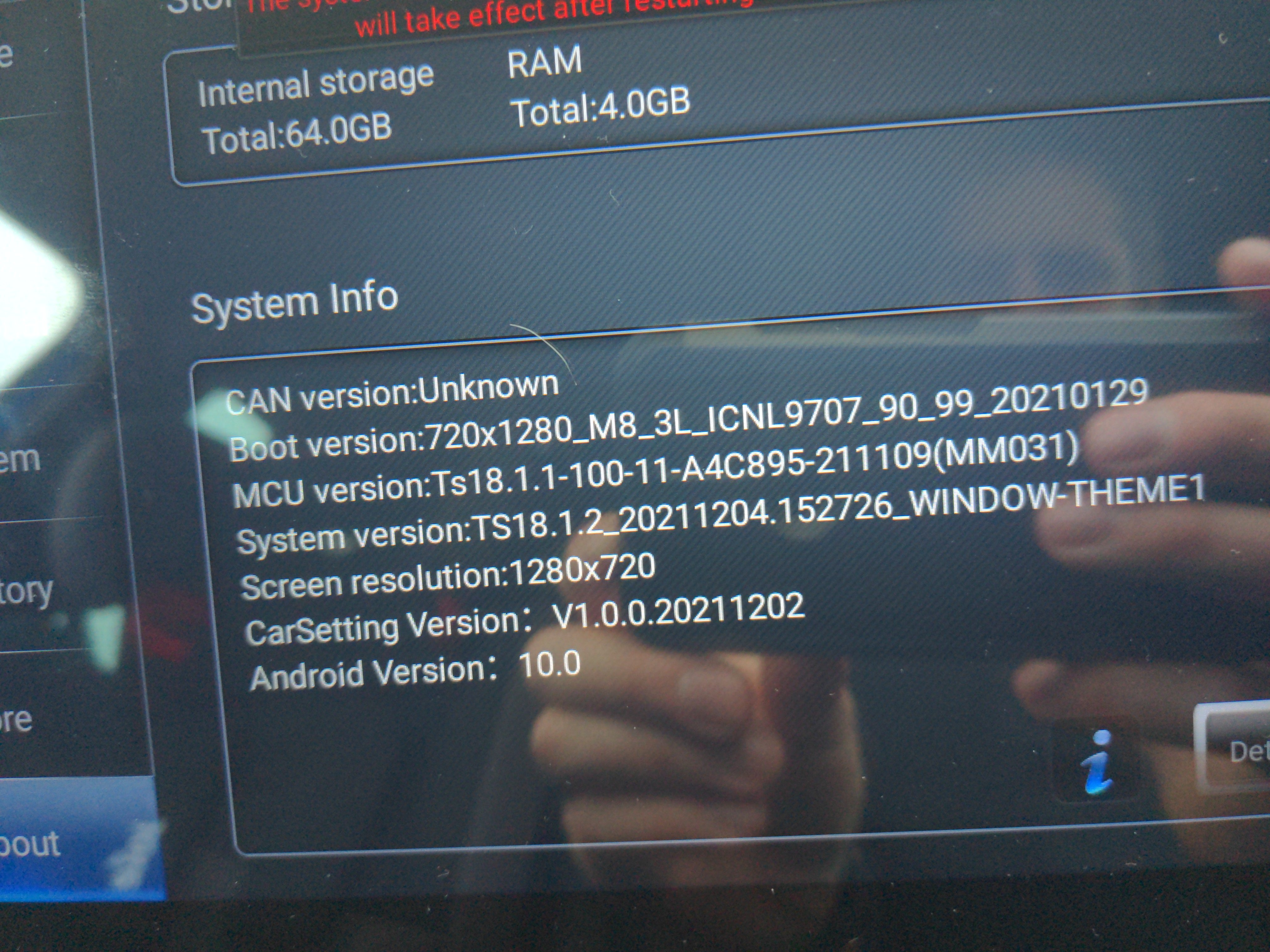
Cheers Wagster. Think I might have fixed the problem. I'm in a hospital car park waiting for the missus. Got some funny looks ripping the stereo out 😂. Think it's the connector to the canbus decoder. I've managed to get everything working by selecting the canbus option golf7, unplugging and reconnecting the decoder, then doing a hard reset. Took about 5 goes but everything seems to have stuck. The can version kept showing up then disappearing after reconnecting, which is why I persevered
-
-
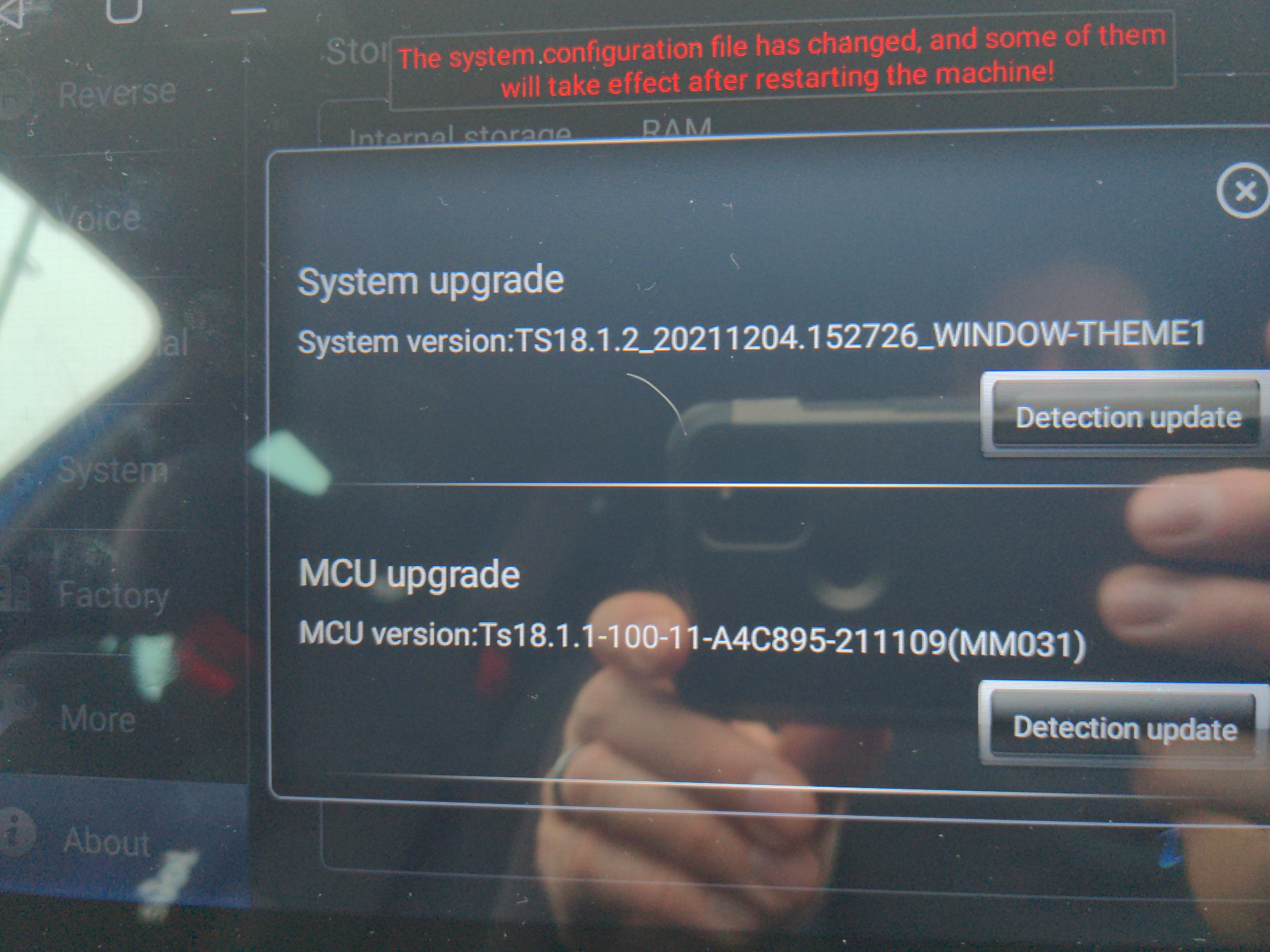
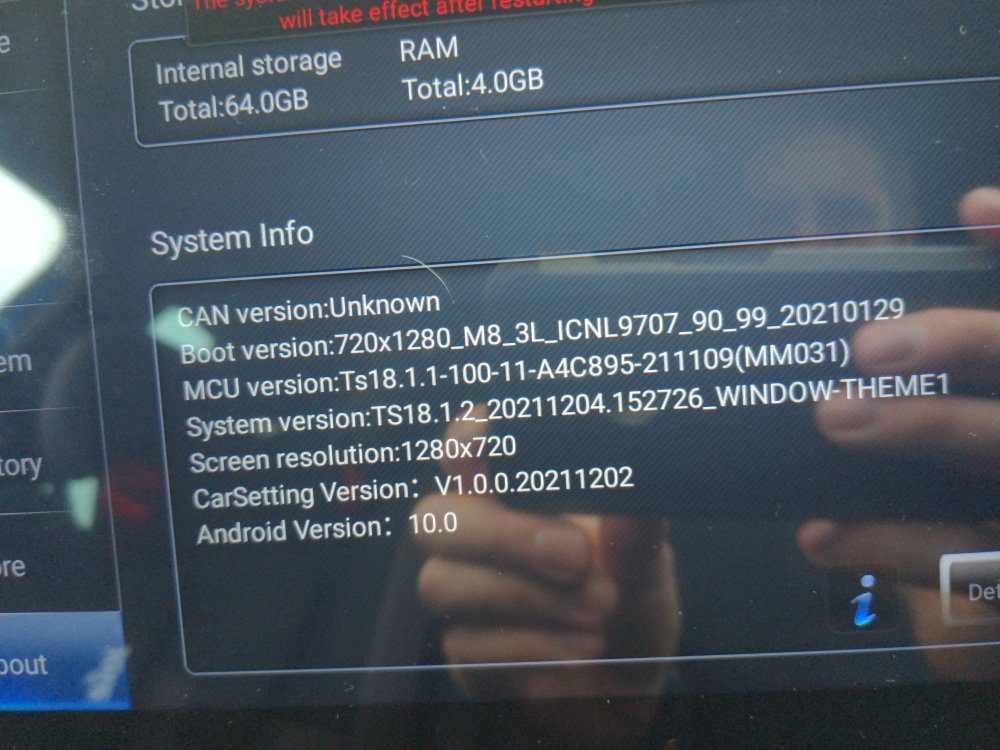
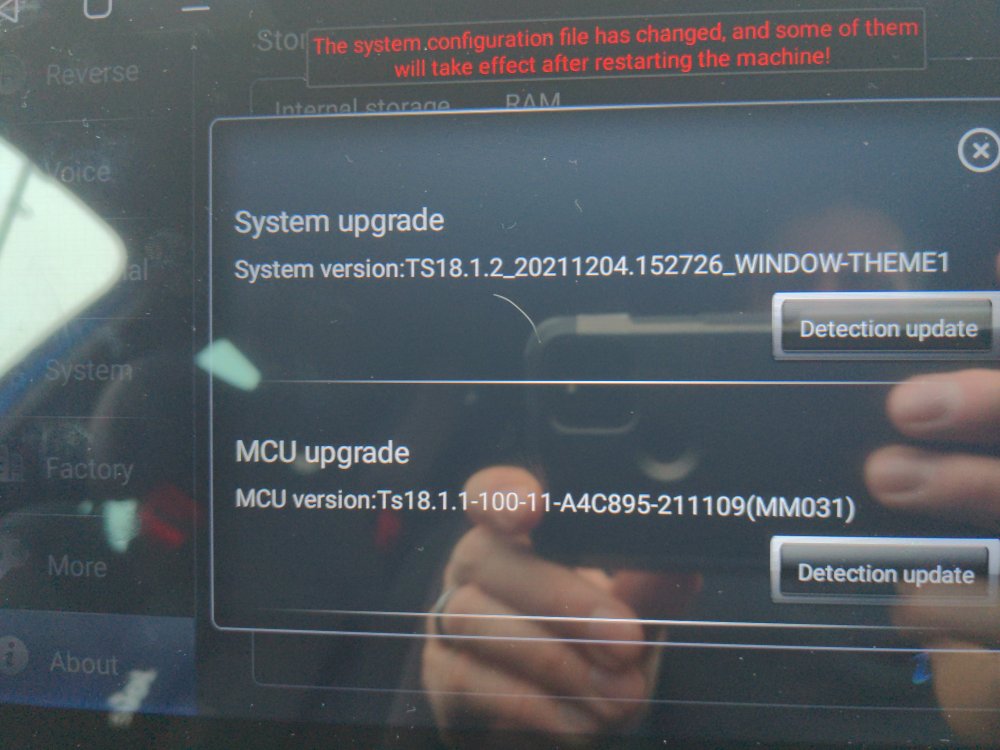
Sorry, I've limited time to sit and play in the car lately. I've got all the necessary apps, it just seems that the car and radio refuse to talk to each other. Steering wheel radio controls work fine, but there's no link between radio and car. I have used the car settings app, but had no affect on the car. And I have been using all the correct ways to select the canbus. I select to change language and died noting. Car info, such as trip, TMPS and maintenance don't show anything either. When I press driving mode button by the gear knob, it brings up the factory screen, but again, no affect. Same with changing options in car settings Have upgraded both options, but in the info screen where everyone seems to have a different version number, I just have CAN version:Unknown, suspect that's probably the issue, antibody have any ideas. I'm a novice when it comes to CANBUS black magic Car is a 2014 octy VRS TDI
-
I know this topic is old, and there’s a few but I’m hoping this will help the next person, as I could never get a definitive answer to the problem. Problem: I had a 2008 Skoda Scout 2.0 TDI. Randomly it would fail to start, I would have to churn the engine over, oil warning blaring until it finally fired to life. Almost like an old air locked diesel that needed bleeding. At first it would do this once, maybe every 6 months, and then be totally fine for another 6 months. Eventually though it was constant. Weirdly though, like other people found, it wouldn’t happen if car was parked slightly downhill. tried everything fuel filters changed tandem fuel pump changed even fitted NRV’s everywhere Still the same. eventually pulled the injectors, one injected had a slight Nick on one of the seals, so my thinking this was enough for fuel to slowly seep through, creating an airlock. Rebuilt, and problem solved, no more starting problems. Hope this helps, not saying everyone’s will be the same, but this eventually solved the issue.
-
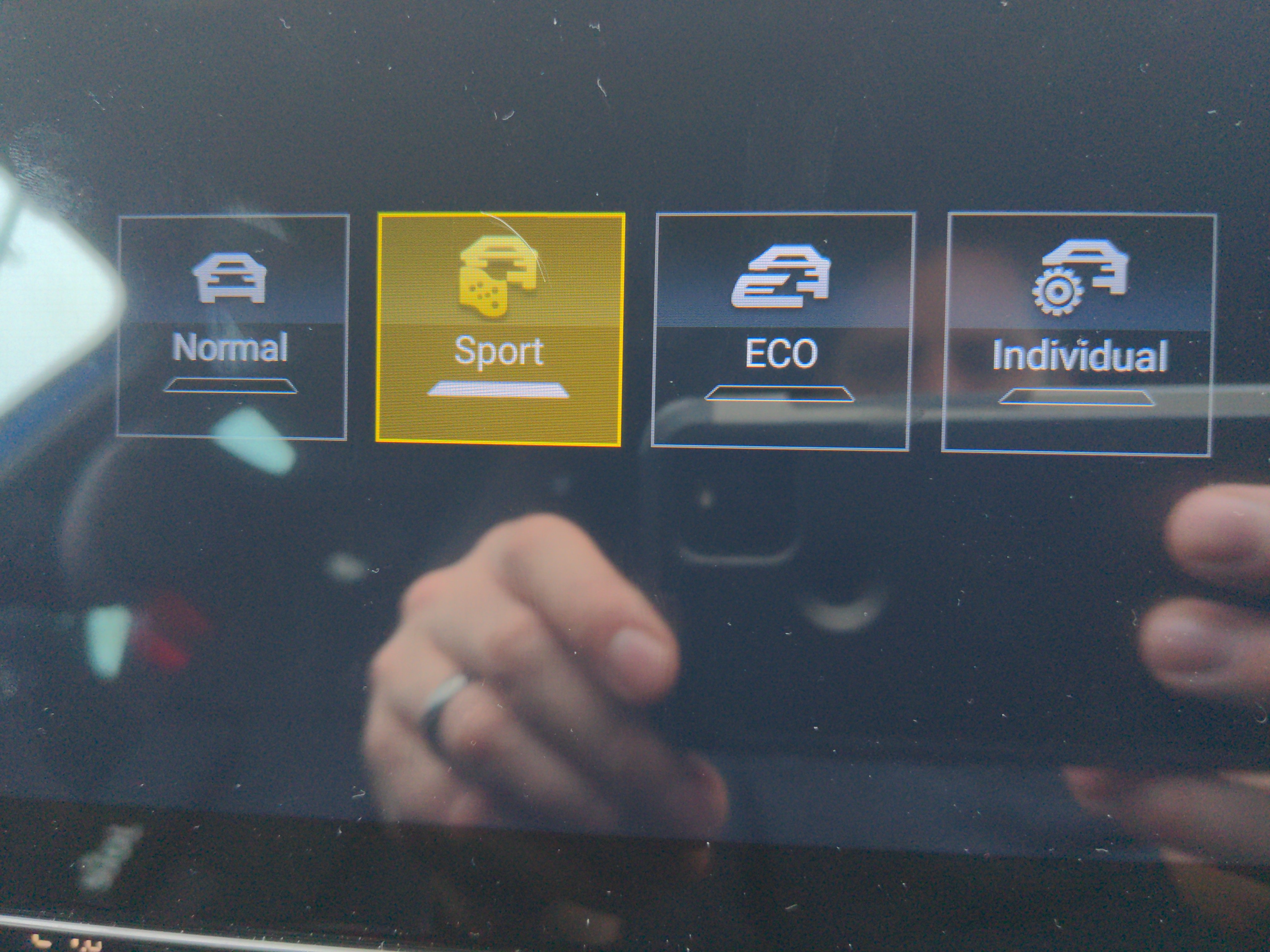
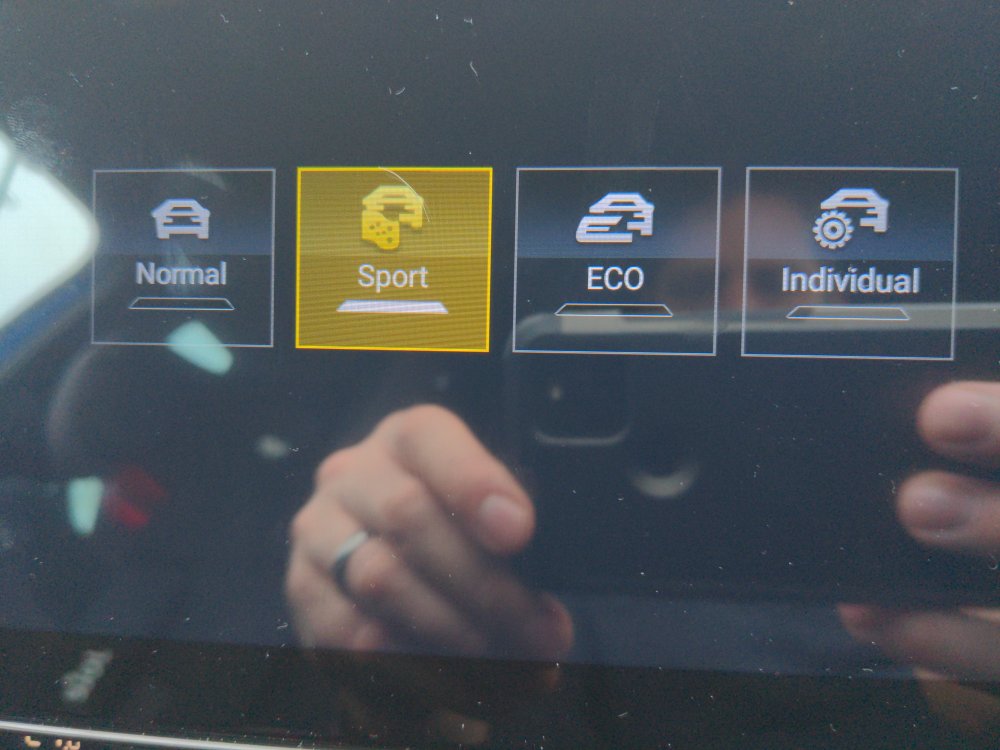
Hi, have read the whole thread and installed a 4+64gb version a few days ago. Bar the factory usb problem everyone’s had, it seemed to have gone fine. But I’m having problems with selecting the correct canbus options. steering wheel controls work fine, but experiencing a few issues. MFD is now in German, and no matter what I select in the car setting menu on the radio, nothing changes, in fact nothing a do on the rcar settings option on the radio have any affect on the car. when I press driving mode, the screen does pop up, it allows me to select a different mode, but after 5 seconds always seems to default back to sport (with the constant annoying engine noise amplifier) even just pressing the mode button by the gearstick doesn’t seem to do anything, it just seems to go back to sport. head unit has been updated to the latest version, have changed the canbus whilst having a good WiFi signal, so the MCB has always fully updated. Tried all that’s been suggested on here, Golf 7, VW MQB, Octavia 13, 15, 17. Any ideas, I like the head unit but the German thing, engine drone, and not being able to change any of the settings is a deal breaker so far for me.